Inspiration
Short motion-graphics videos usually require separate tools for creative direction, storyboarding, visuals, video, voice-over, and editing. We explored whether an AI showrunner could orchestrate that production workflow from one brief.
What it does
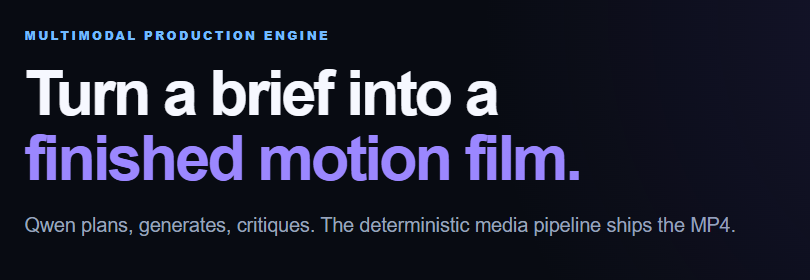
Q Motion Studio turns a creative brief into a short-form motion-graphics video. It explores creative directions, builds a three-scene narrative, generates cinematic scenes with Qwen Image, creates a HappyHorse video insert, produces a Qwen TTS voice-over, and composes a final MP4.
Each scene is a complete cinematic background with its subject integrated into the environment. Typography remains a separate animated layer for clean motion and readability.
How we built it
The application uses Node.js, Qwen Cloud models, HappyHorse, Python, Pillow, and FFmpeg. Qwen handles creative direction, image generation, and voice-over; HappyHorse generates video; FFmpeg composes the final MP4.
Challenges we ran into
The main challenges were keeping scenes visually coherent and handling temporary image-generation rate limits. We reduced the cloud image workload to three full scene backgrounds, then added serialized requests with retry and backoff.
Accomplishments that we're proud of
We built an inspectable multimodal workflow: from brief to creative directions, narrative, scene prompts, generated media, critique artifacts, and final MP4.
What we learned
An AI showrunner needs reliable orchestration and clear production constraints, not only model calls. Reducing unnecessary generation also improves consistency and reliability.
What's next
We plan to add stronger scene-continuity checks, editable storyboard checkpoints, and a hosted collaborative workflow.

Log in or sign up for Devpost to join the conversation.