-
-
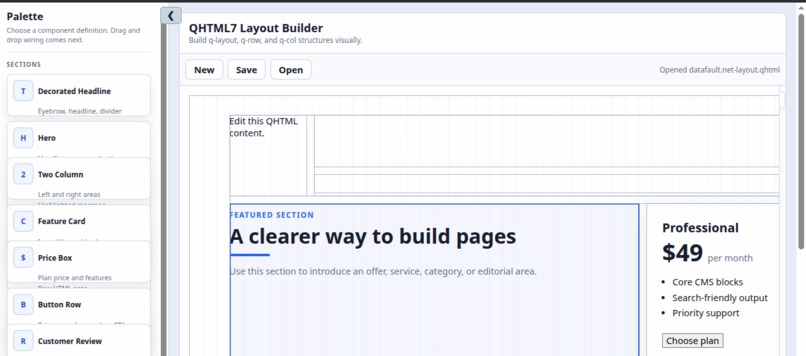
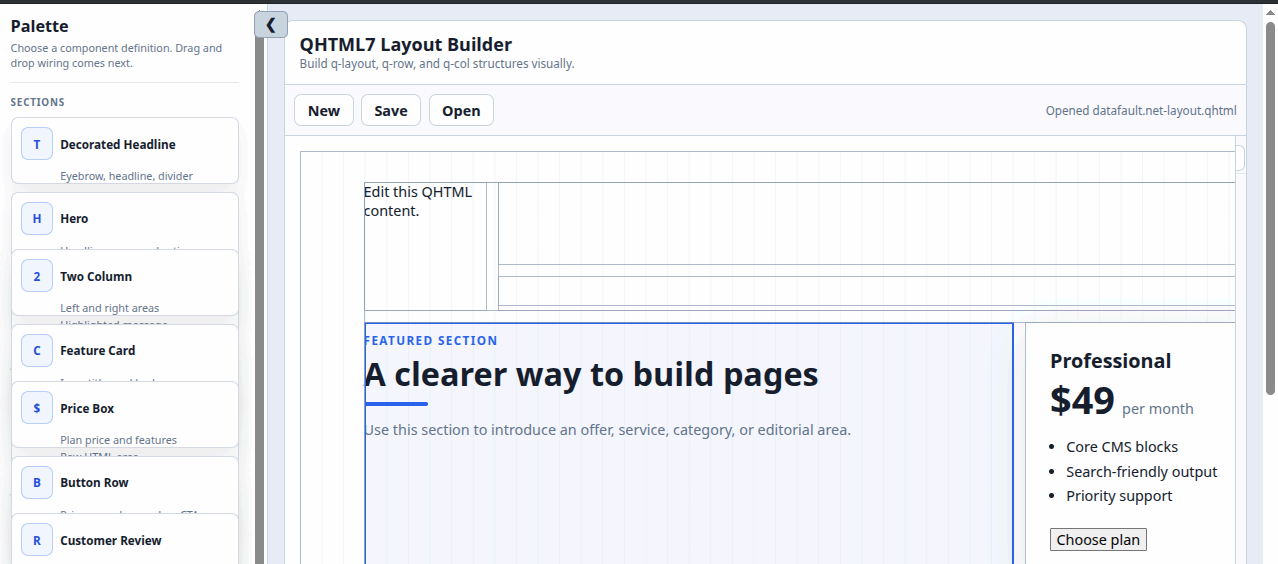
creating awesome web pages in the page-builder
-
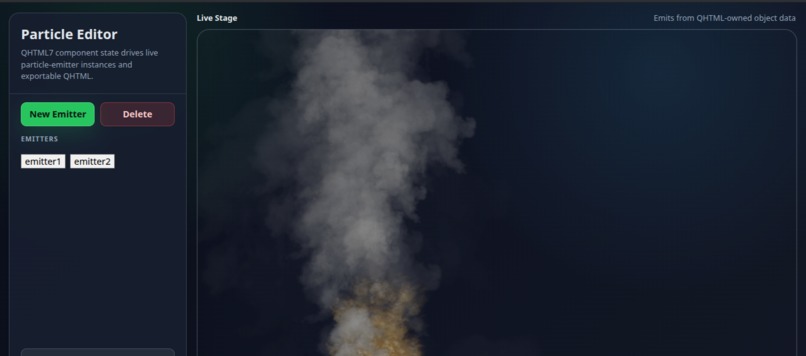
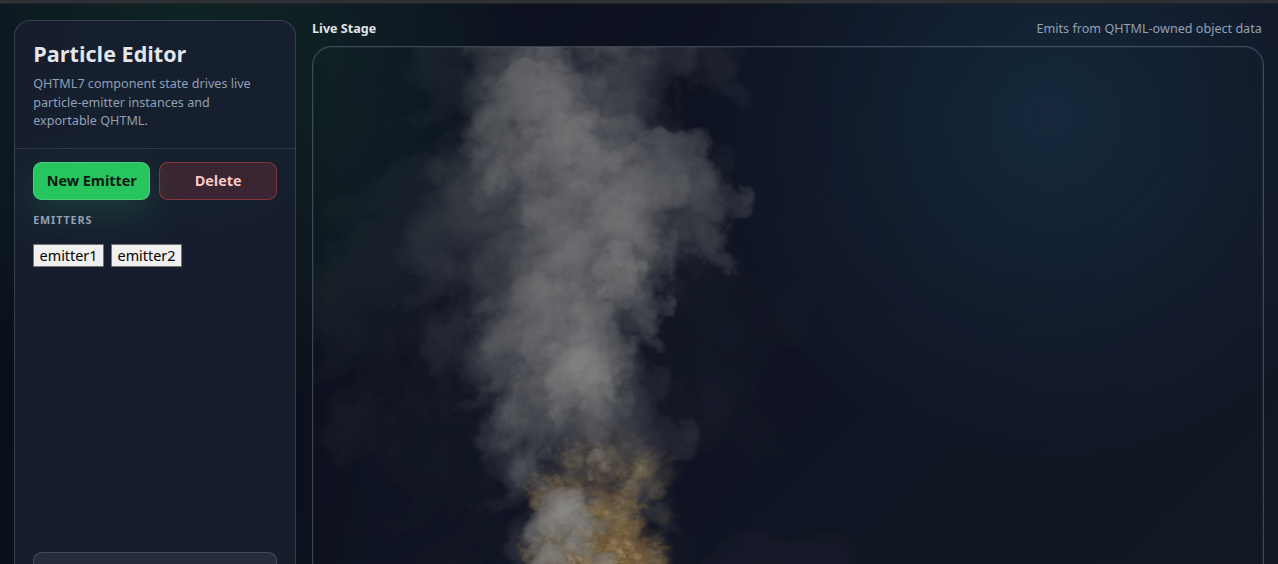
Rendering realistic particles in the particle editor
-

Website built with QHTML
-
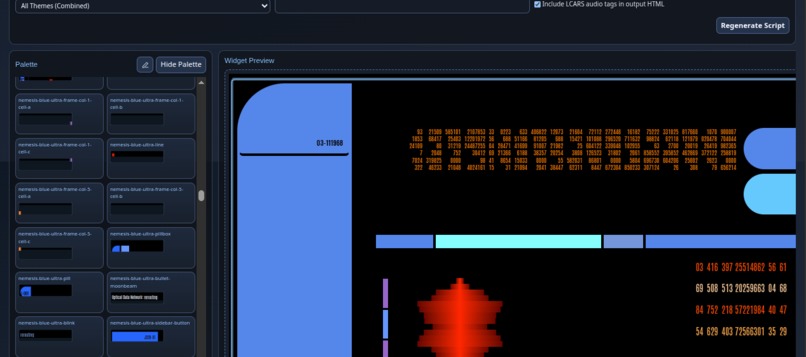
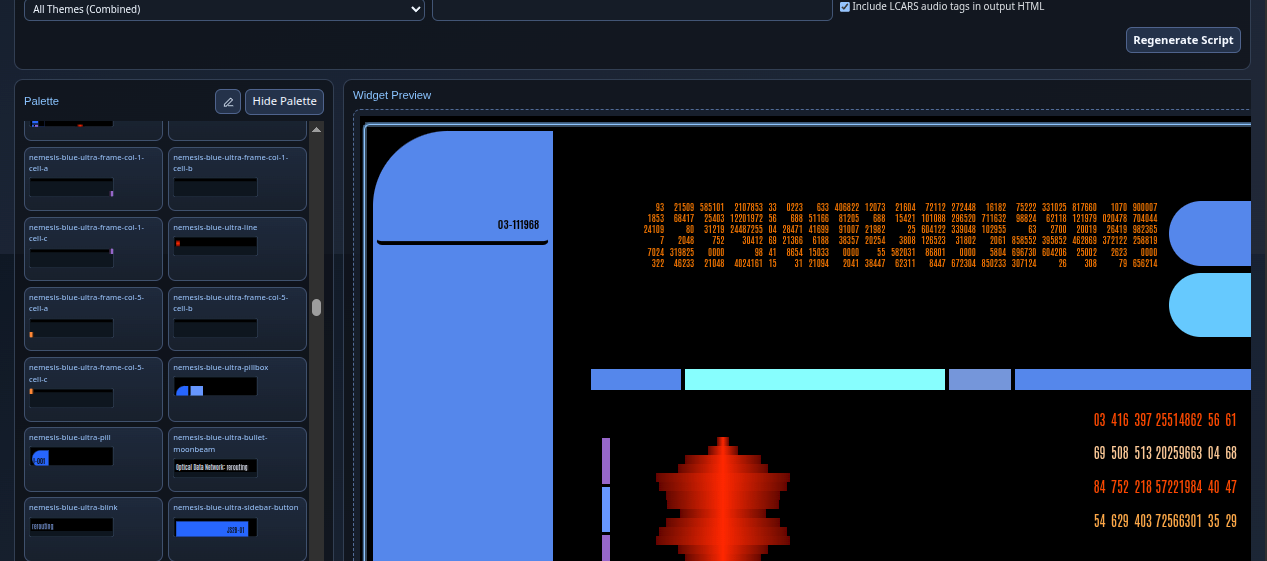
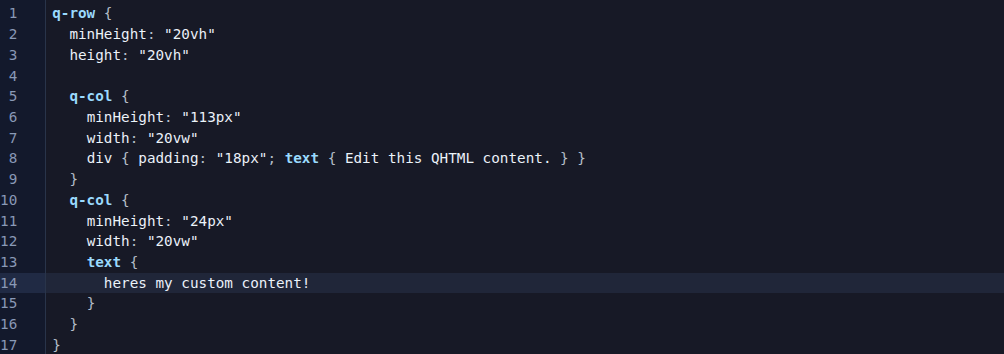
QHTML-Powered Editor
-
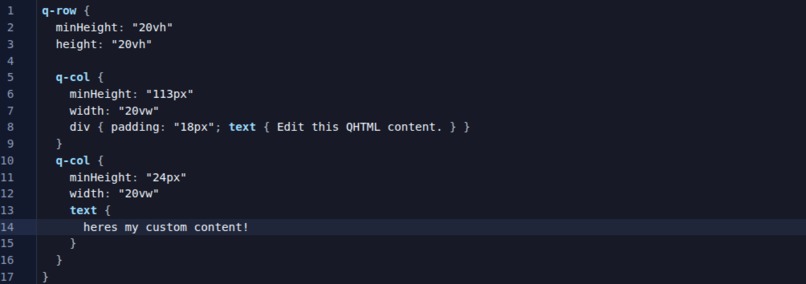

Inspiration
HTML, Javascript, and CSS were all designed during a time when CPU resources mattered more than functionality, and so they were all designed with the intention of being as lightweight as possible to transfer between computers and to render with minimal RAM, minimal CPU, and minimal size.
This is no longer a problem. We have gigabit Internet, gigahertz processors, and gigabytes of memory, and terabytes of storage. So, its about time that HTML, Javascript, and CSS got an upgrade.
Introducing the programming language of the future for web-based content... QHTML.
What it does
A simple declarative language for building live, responsive, reactive, powerful, and compartmentalized web content. QHTML changes the language that the web is written in, transferred, and how runtime interactions happen. It also provides a modular replacement for CSS that uses named CSS-style blocks with scoped theming capabilities and integrated named reference pointer assignments supported everywhere.
Everything is rendered into plain HTML, CSS ,and Javascript behind the scenes, so you can use simple syntax to create your web content and then easily output it into pure HTML for SEO, search engines, and other system to easily index your site.
QHTML is compatible with all other javascript libraries, existing languages, CSS frameworks, and even PHP. All with no boilerplate, or any additional coding required to make it work.
Simple usage:
<script src="dist/qhtml.js">
<q-html>
   /* create basic HTML */
  div,h3,text { hello world }
  div {
     color: green
     span,h4 { subtitle }
  }

  /* make reusable components */
  q-component component1 {
     div,span,text { component 1 }
      function executeFunction() { alert("hello world"); }

  }
  component1 mycomponent { }

  /* integrate both together */
  button {
     onclick {
        mycomponent.executeFunction()
     }
     text { Click here }
  }
</q-html>
Resulting output
  <div>
    <h3>hello world</h3>
  </div>
  <div style="color:green" >
    <span>
      <h4 >subtitle</h4>
    </span>
  </div>
  <component1 >
    <div>
      <span>component 1</span>
    </div>
  </component1>
  <button>Click here</button>
And clicking on the button shows an alert as well
There are quite literally hundreds of additional features that QHTML does - everything from a modern theme-based approach to CSS to properties, signals (custom events), content injection into q-components (slots), dynamic object creation, serialization, manipulation, and bound properties to name just a few. The list is so extensive, that this falls under the category of "operating system" where it can be used to create an entire operating system within its ecosystem, and there are numerous examples of just that online. Check out the github repo README.md for more information.
Javascript-powered library: https://github.com/qhtml/qhtml6
WebAssembly-Powere library: https://github.com/qhtml/qhtml7
How we built it
The original inspiration comes from QML, a C++ Qt language for creating frontend UI components quickly and easily. After seeing how well it integrated with Javascript, I decided it would be a worthwhile adventure to create a whole new language designed specifically for the web. One that addresses all of the limitations, annoying features, and shortfalls of traditional HTML, Javascript and CSS.
It was built by attempting to build a large and complex system using the language, and each time a limitation was run into where the language could not create some component or feature of the complex system (in this case we created a full-featured page builder like Dreamweaver or siteorigin pagebuilder for wordpress, only entirely in the browser and made entirely in QHTML.
One by one, features were added to QHTML as it increased in complexity, I adjusted the framework to optimize it.
Once the page builder is finished, I proceeded to implement every feature from modern languages like ReactJS until QHTML was every bit as capable as ReactJS and more.
Challenges we ran into
The list is so huge of challenges, I don't know how to start. Everything from parser issues to runtime errors to elusive bugs that cause errors throughout the framework with no trace as to where they happened, to issues with the AI generative models constantly evolving and changing their coding style halfway through the project. One of the hardest issues to handle was tracking DOM manipulation changes to properties after the runtime rendering step has completed -- things like onClick event handlers, and then being able to convert the HTML elements back into QHTML complete with any custom event handlers in a way that wont be lost.. this is still a problem that is currently requiring a solution.
Accomplishments that we're proud of
QHTML is now a fully working, production-ready package that anyone can use. If your not interested in trying out the experimental QHTML7 WebAssembly version, you can always go with the simpler QHTML6 Javascript-only version which runs from a single javascript file.
What we learned
Javascript, while extremely useful, is also one of the main limiting factors that stopped progress. The way it parses and handles things in a non-procedural way caused countless issues. So many, that QHTML7 is written mostly in webassembly for its core framework rather than trying to fight with Javascript to maintain permenance and reliable deterministic ordering.
What's next for Q-HTML
Adding more features and optimization, there are a number of areas where lag can become a problem, like running multiple q-timers and such, as well as some issues with the serialization not being 100% perfect, so those things will be fixed next. I am also planning on adding more tools to the page builder to make animations and graphical WebGL-style integrations able to be done visually.
Built With
- c++
- codex
- emscripten
- es6
- html5
- javascript
- qt
- webassembly

Log in or sign up for Devpost to join the conversation.