
Inspiration
On a recent family trip to Europe, we were using multiple apps to bookmark and save locations we wanted to visit. Some of our notes were in the Notes app, some of them were in the Bear app, plenty of screenshots of places were in the Photos app, a few locations were marked in Apple Maps as well as Google Maps, and we also bookmarked travel guides in Safari. All of that to say, the trip planning was quite chaotic, especially when location information was split between each of our devices.
We wished for an app that would use the map as a center stage where locations could be pinned and referred to later. Additionally, we thought it would be really helpful for these pins to also contain notes with photos that could be organized using tags. We wanted to be able to open up the pinned locations in Apple Maps and Google Maps then also be able to search for local places nearby.
Apps like Things 3, Bear Notes, Apple Maps, Up Ahead, Mindlist, Structured, and Flighty were inspirational to look at and use.
What it does
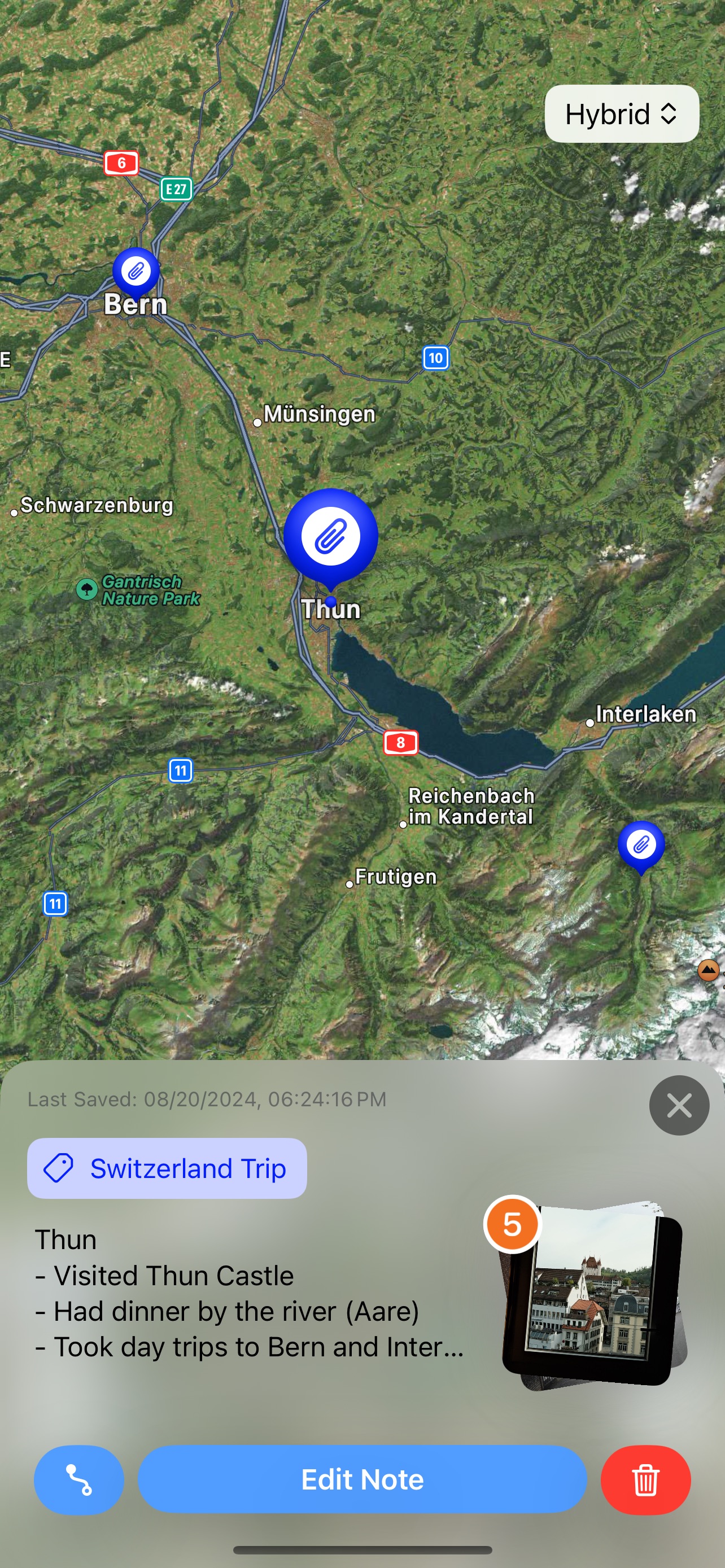
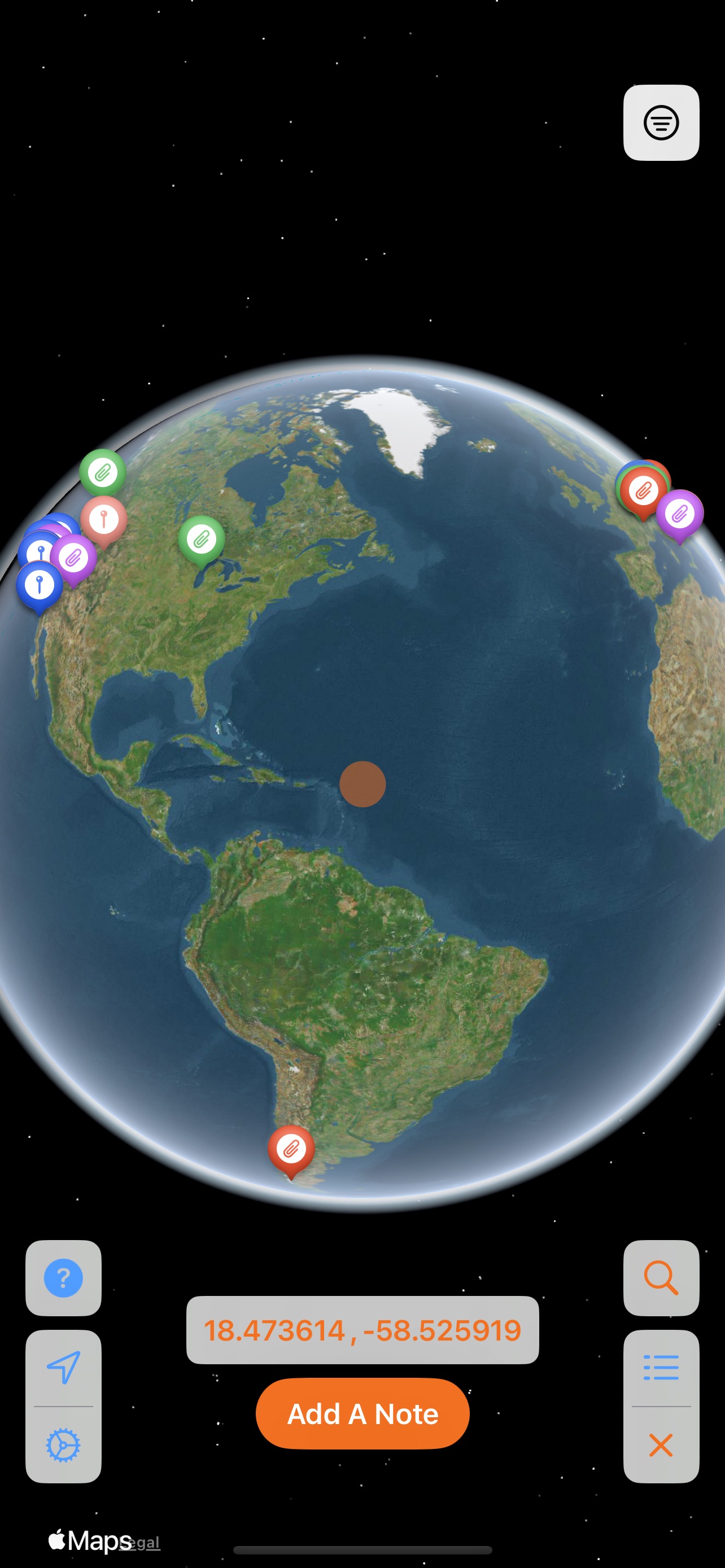
With the map as the primary view, the app allows a user to add location pins to their collection.
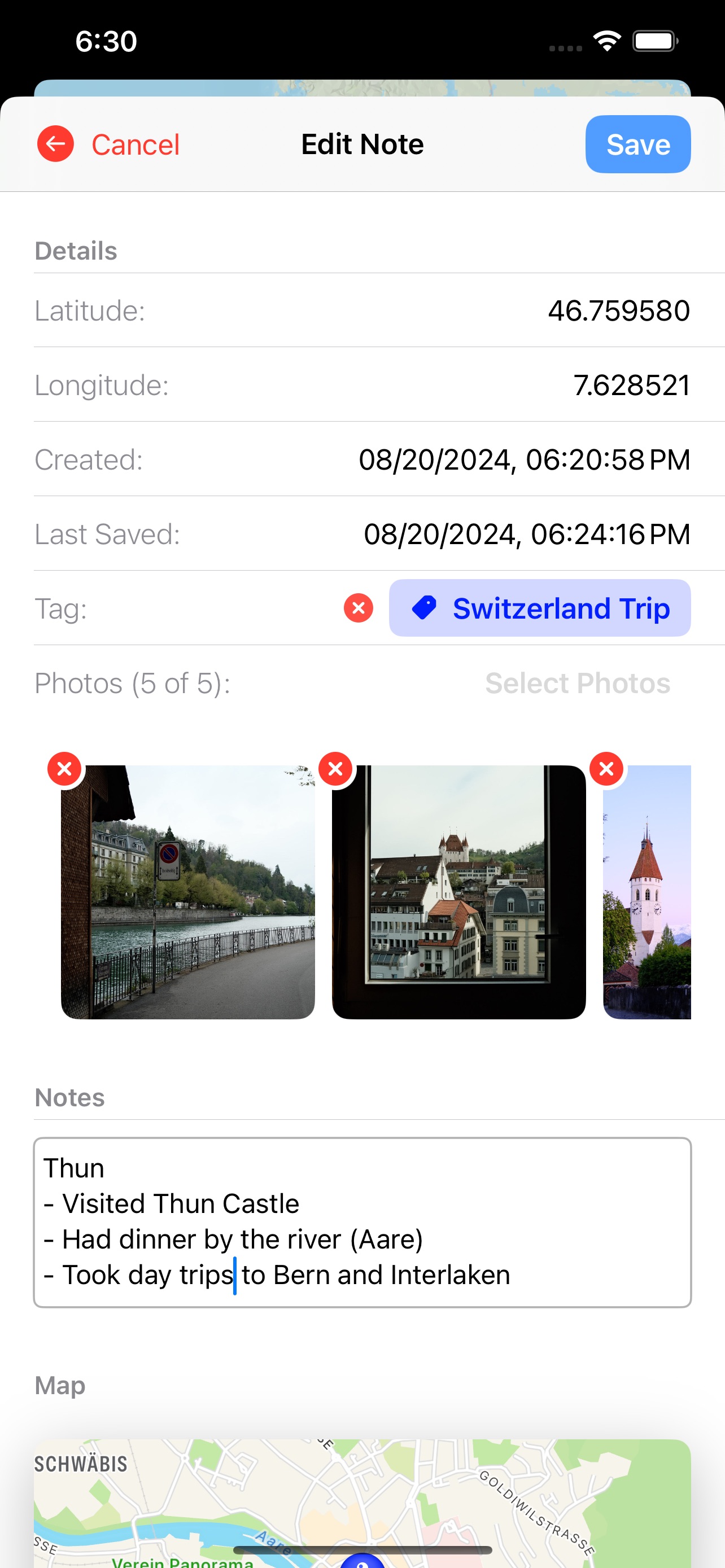
- The pins allow the user to add notes for better context and notate key pieces of information about the location.
- You can add photos to a note from your photo library.
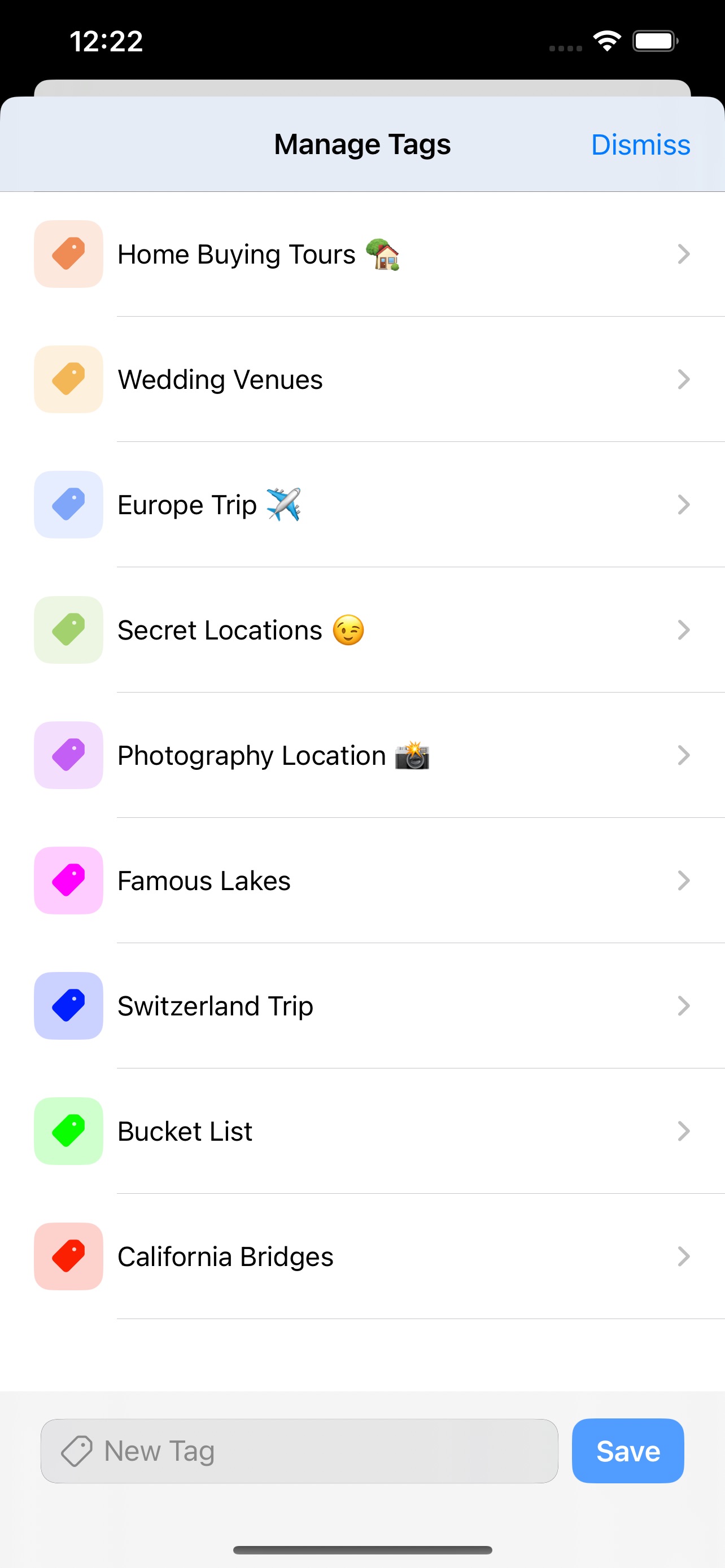
- The notes can also be categorized using Tags.
- These tags can be customized using colors.
- The tags also help with filtering locations on the map.
- Tags can be anything: trip planning, bucket list places, restaurants, memories, field notes, photography locations, a travel diary, coffee places, etc.
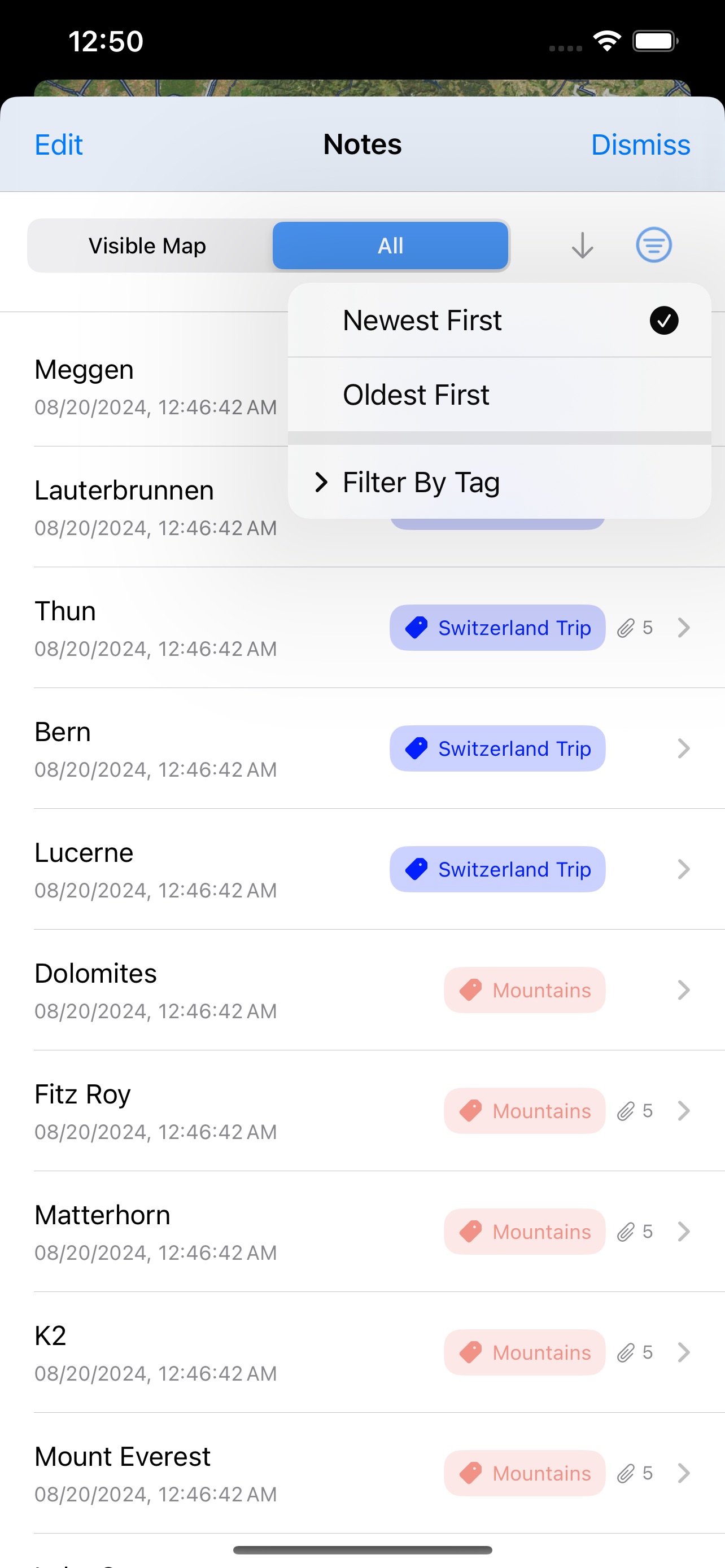
- All the notes can also be viewed using a list that can be sorted and filtered based on tags and dates.
- Each note can be opened up in Apple Maps or Google Maps. To get street level information, the app integrates Apple Look Around and also gives an option to open the note in Google Street View.
- The notes (including photos and associated tags) are synced between all devices using the same iCloud account.
The app doesn’t require a user’s location to function. Although, it can be optionally provided to facilitate exploration and search of nearby locations so they can be added to a user’s collection.
How we built it
To build a compelling product, it was important to first identify and understand the problem. Not having a computer science degree was discouraging in the beginning, but understanding which problems to solve, allowed me to prioritize which frameworks to learn first. Even though the app has taken about a year to build, it’s required close to 5-6 years of learning to get to this point.
Some of the most impactful resources have been books by Paul Hudson (Hacking with Swift), Mark Moeykens, and Donny Wals, videos by Nick Sarno (Swiftful Thinking), Sean Allen, and Stewart Lynch.
Learning the MapKit framework was key in allowing the user experience to take shape. Little tools and tricks like learning location services and using the PhotosUI helped take the app to the next level in providing a good user experience.
Challenges we ran into
Not having a background in programming was a big challenge in trying to solve any code related issues. Stackoverflow and google were only helpful when I knew the surface level information of the issue at hand. To get my head around concepts and frameworks, I read through Paul Hudson, Mark Moyekens, and Donny Wals books over and over. I think understanding the foundation of each of the frameworks from these books made me confident in knowing that most of the problems I ran into could be solved with enough context.
Accomplishments that we're proud of
- Keeping the app as close as possible to looking like a native iOS app is something I am proud of. At first, it was easy because design is hard. But as I learned more and more about user experience, it was important to hold myself back from adding noise to the app.
- The app really allowed me to do a deep dive into CloudKit and the MapKit framework. I came out having learned way more than I anticipated I would before I started working on the app.
- How fast the app introduces itself gives the user a chance to add some example notes with photos that are pre-tagged, but also quickly moves out of the way to let the user experience the app without asking for any emails, notifications, or permissions.
What we learned
- It is difficult to stick with a vision and not allow yourself to add noise to the user experience.
- Getting outside of your comfort zone and learning something completely new can be incredibly challenging but also very rewarding.
What's next for Pyxis: Notes
There are three things on the list that I will focus on next:
- Improvements to the iPad experience
- Add an option to backup/export user data
- Start working on the VisionOS version

Log in or sign up for Devpost to join the conversation.