-
-
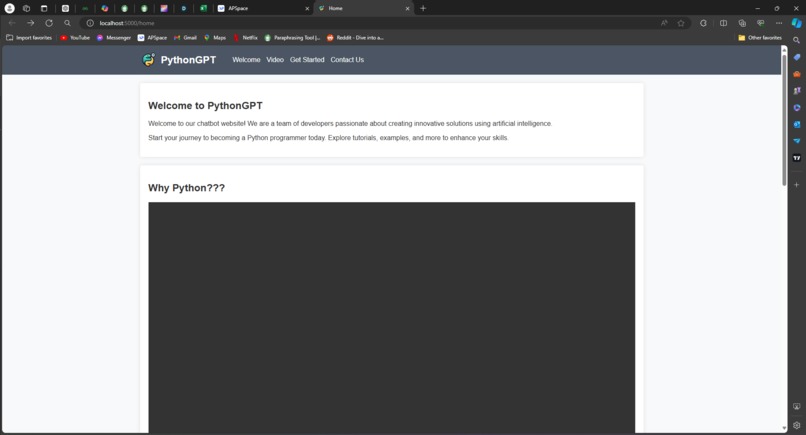
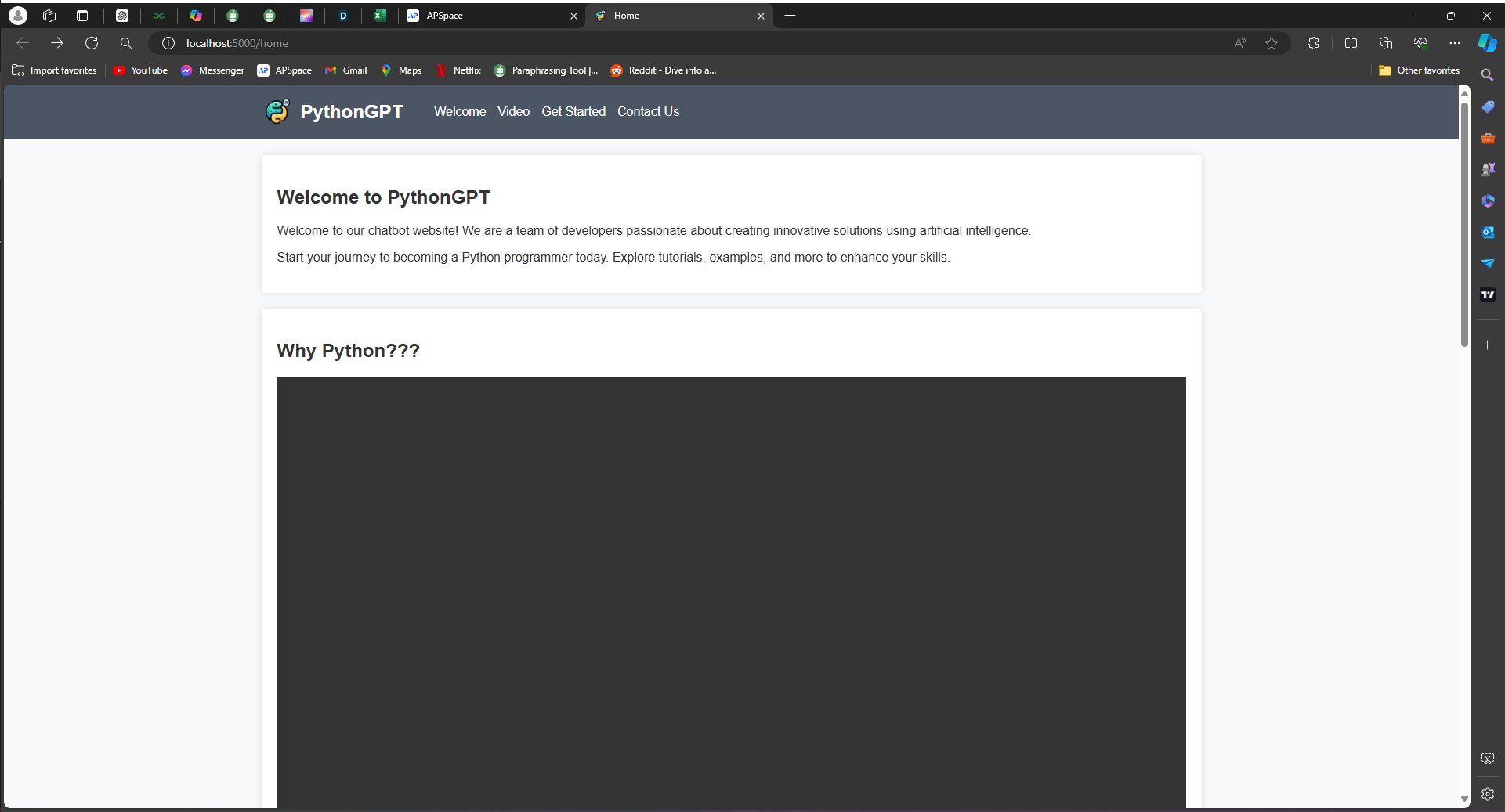
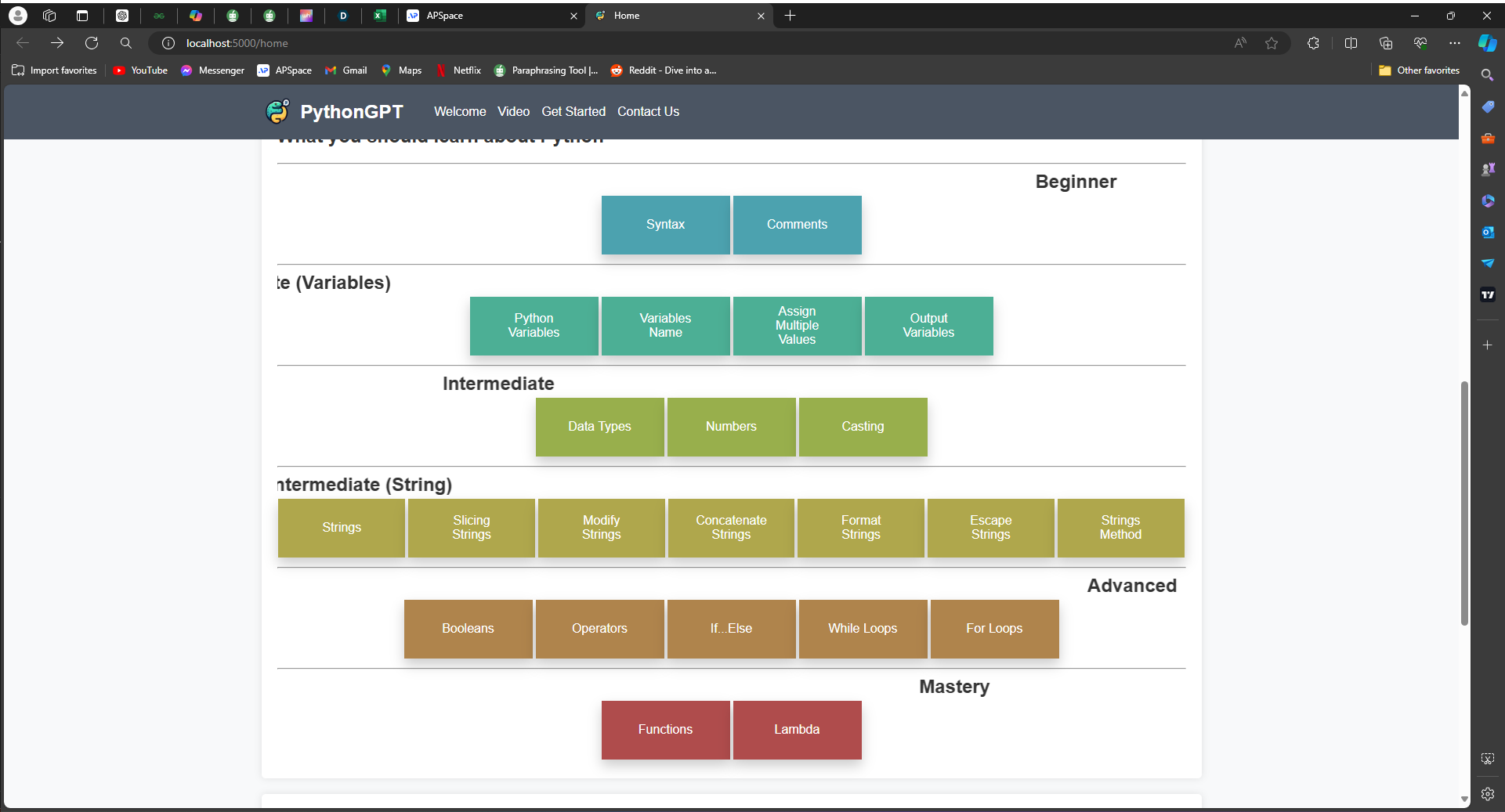
Home page with video introduction to Python
-
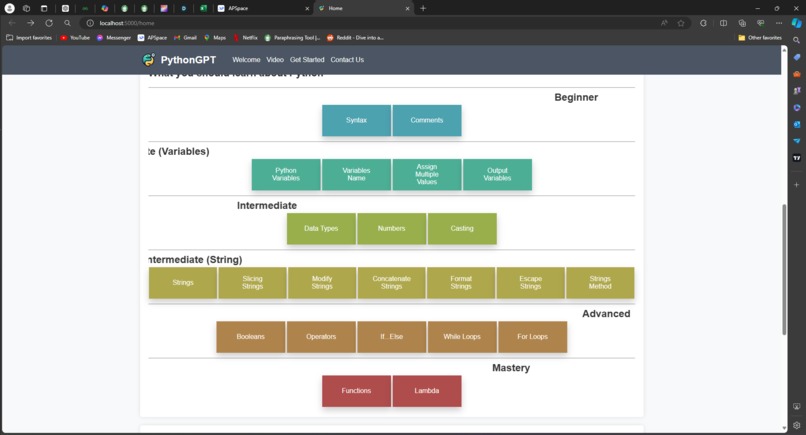
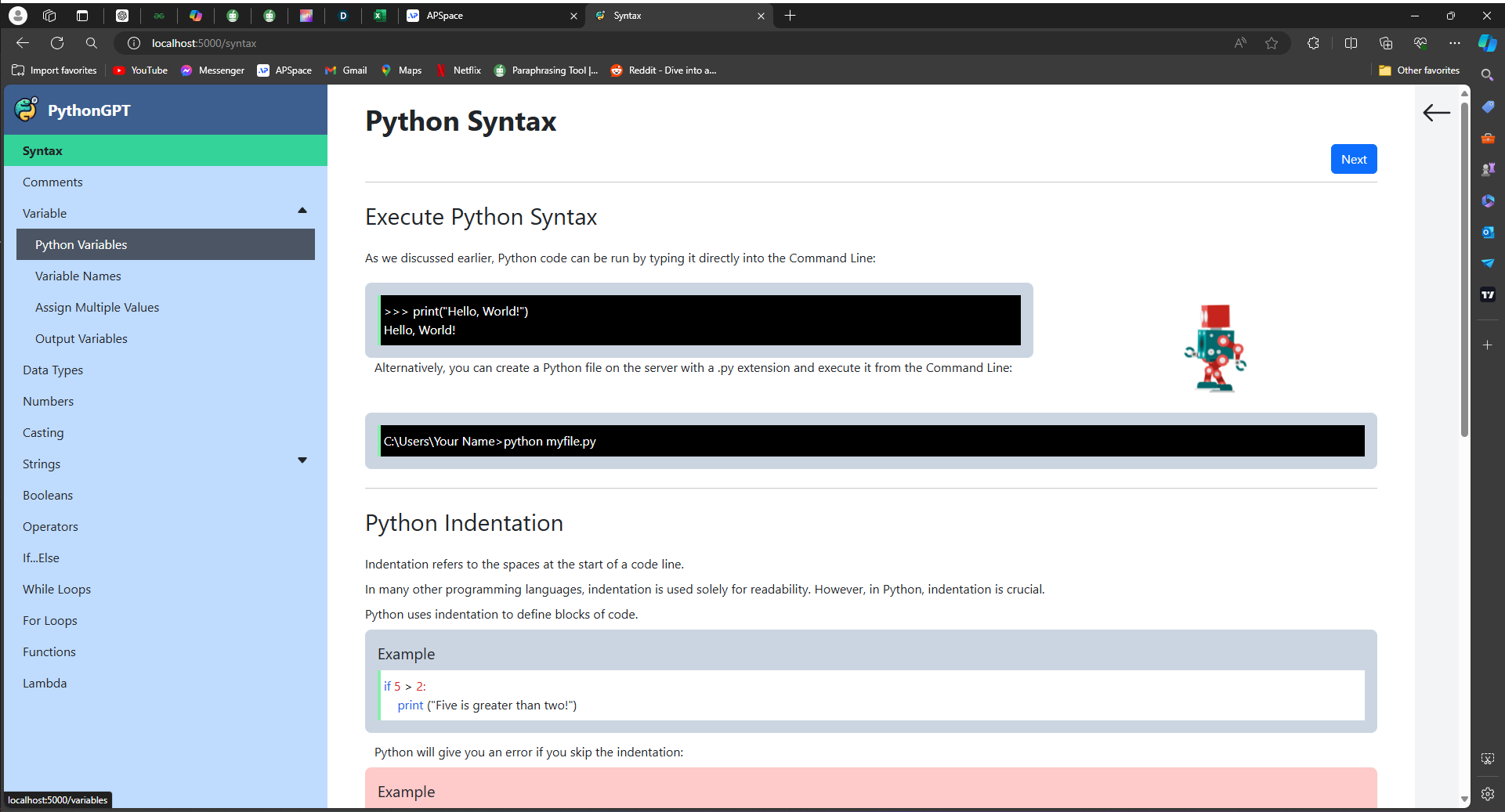
Navigation for different web pages of Python related topics
-
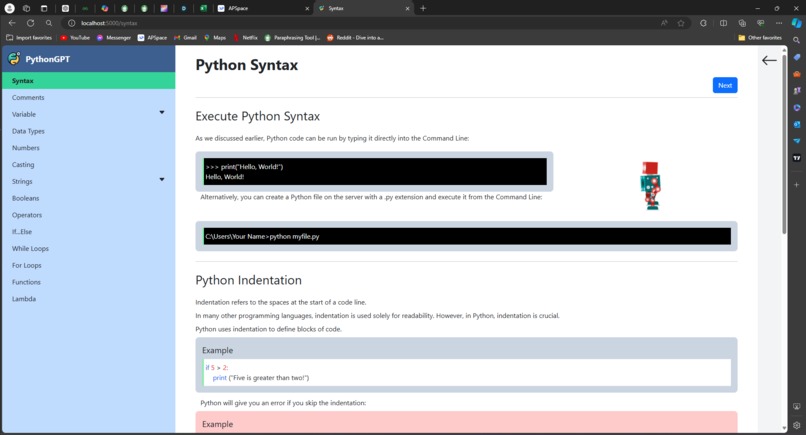
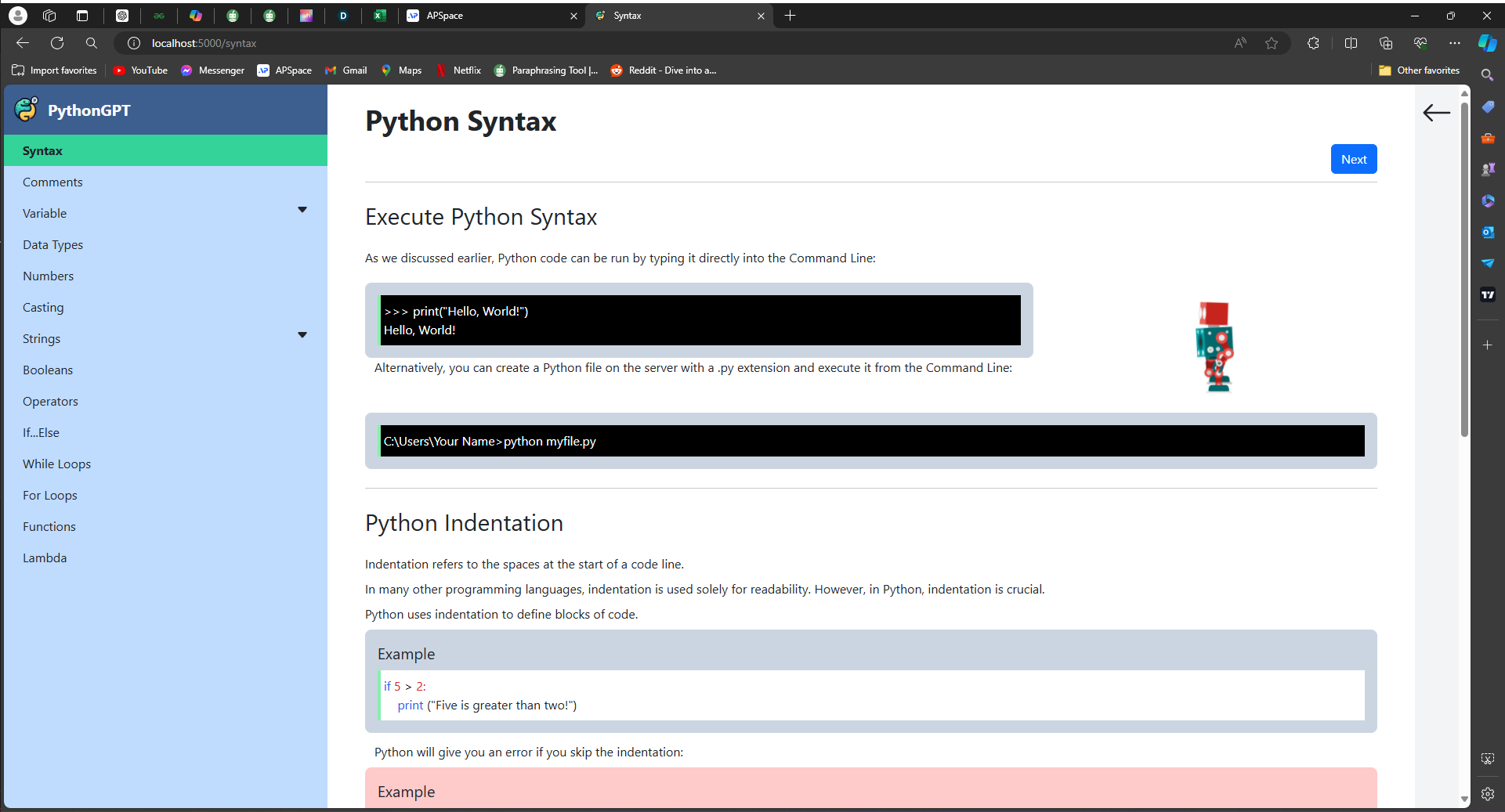
Sample: Syntax page
-
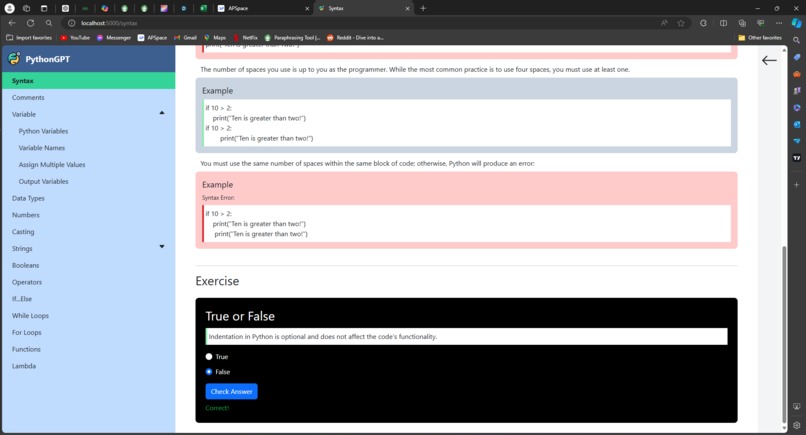
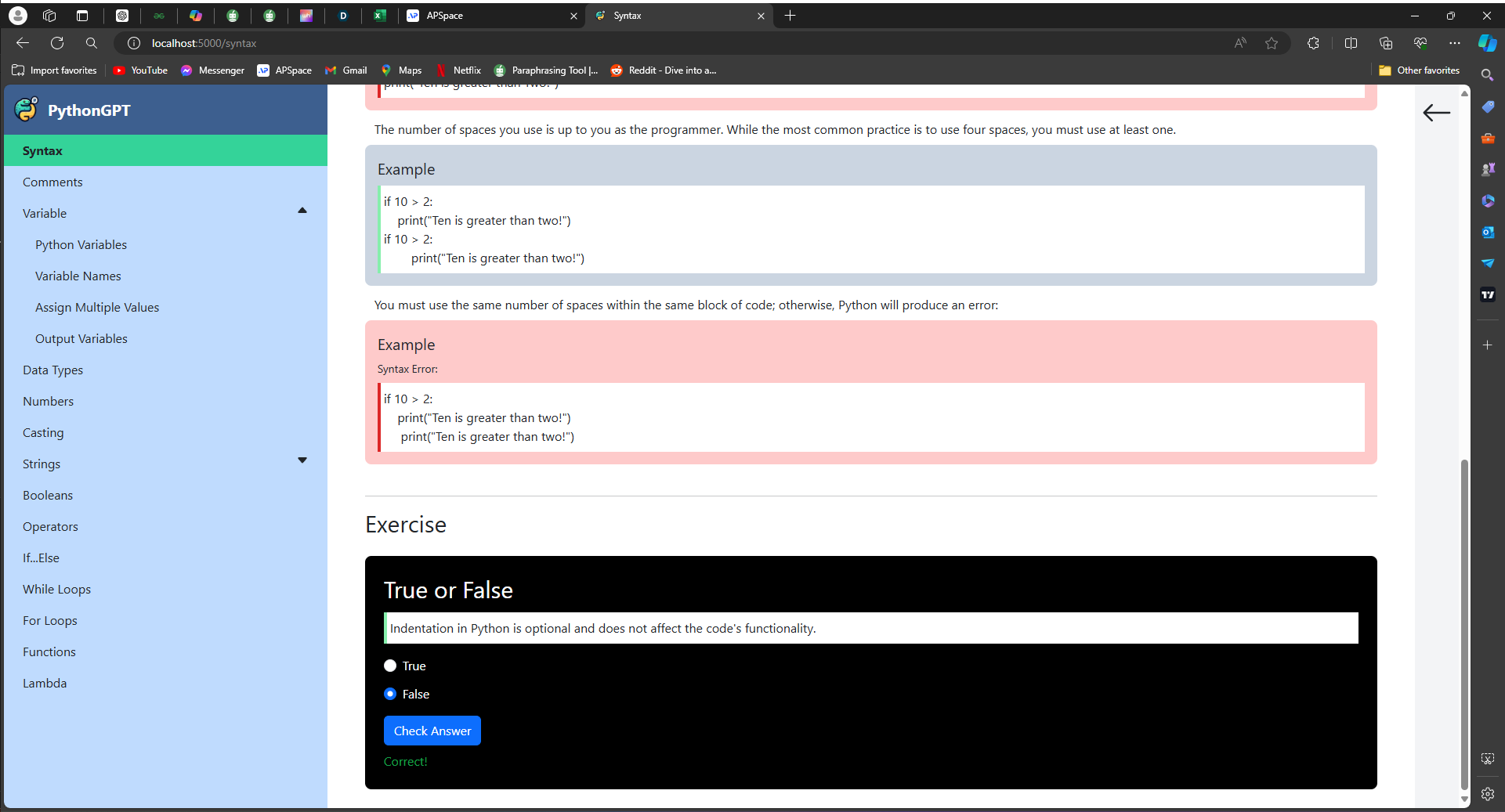
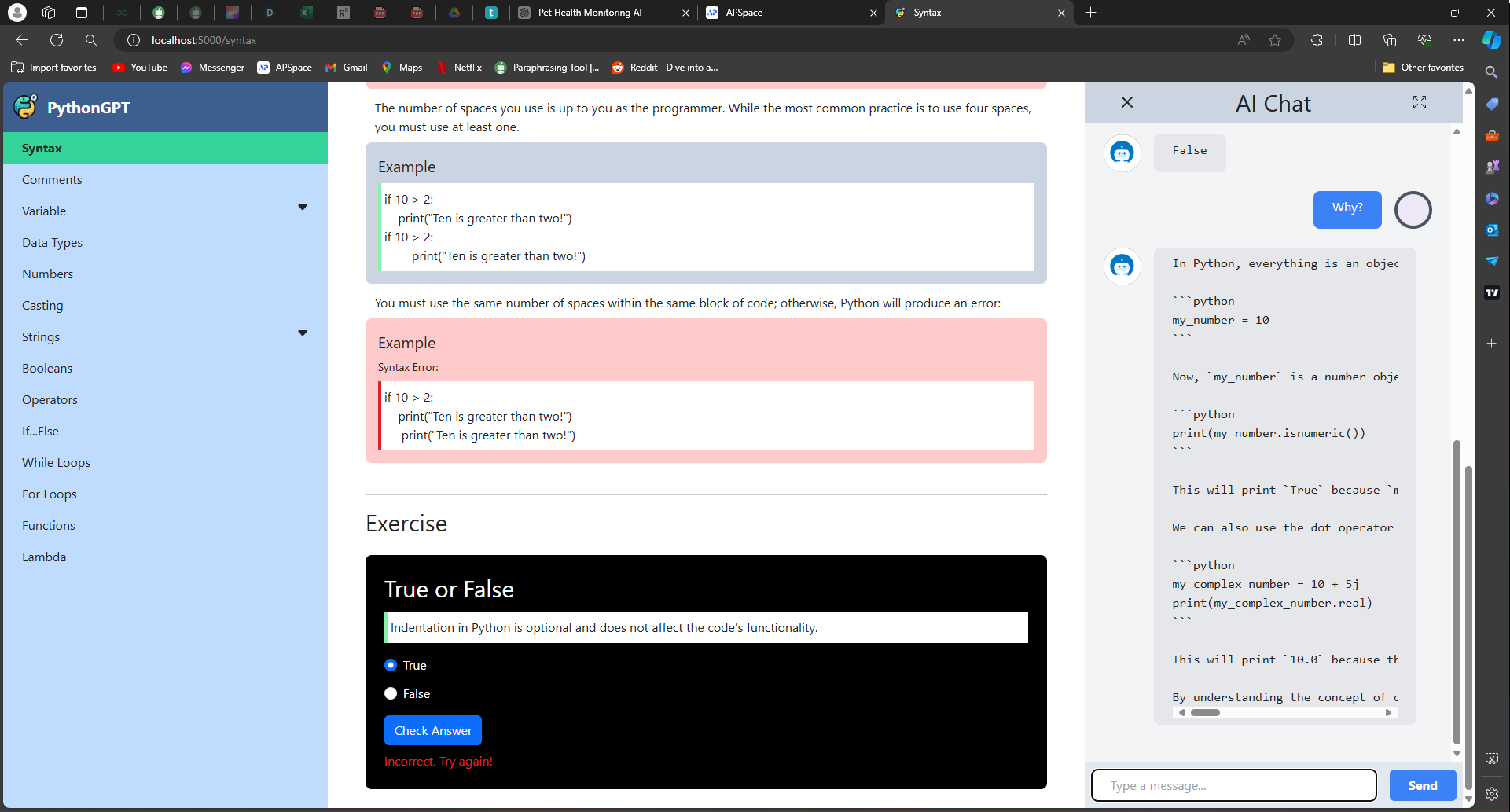
Interactive exercises for some pages. (Example: Syntax, comments)
-
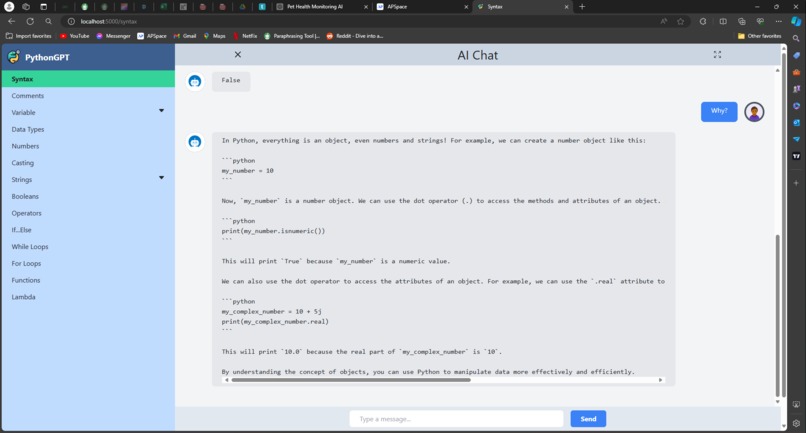
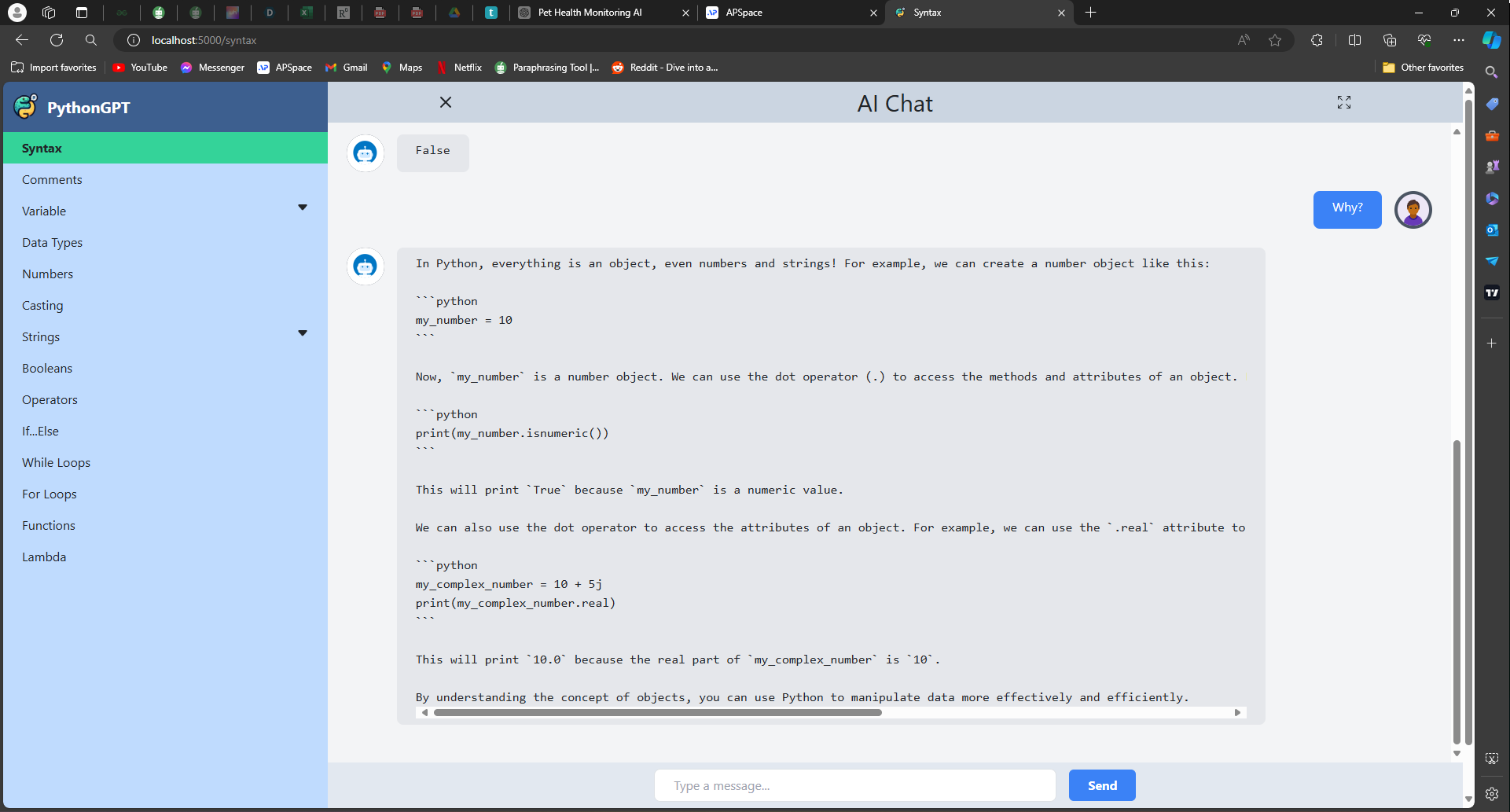
Chatbot full screen function, with top right icon, for better view of the bot replies.
-
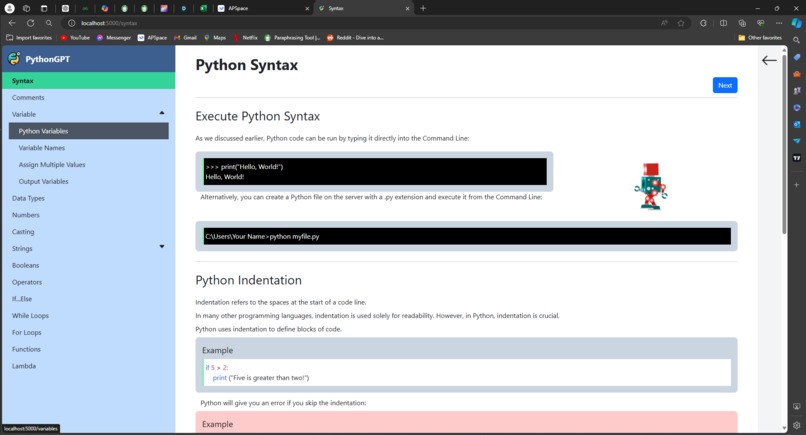
Dropdown navigation design
-
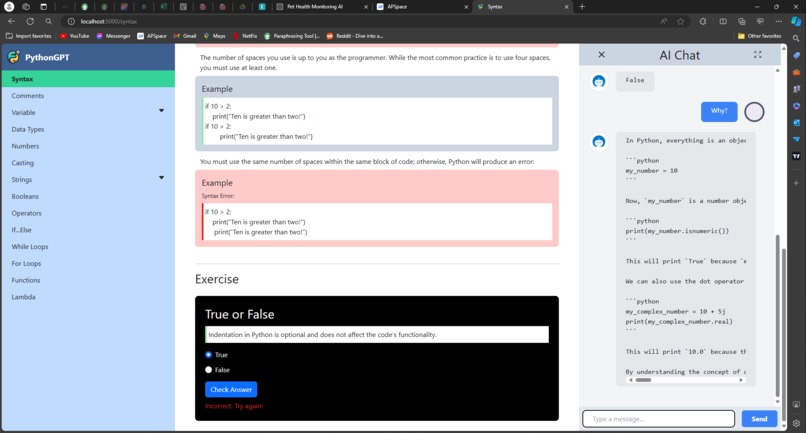
PythonGPT chatbot explains the interactive question with accurate answer, when user answers wrongly
Inspiration
Our inspiration for PythonGPT came from the growing need to make coding accessible and engaging for the next generation. We recognised that traditional methods of teaching programming might not captivate young learners. By integrating an AI chatbot, we aim to provide a responsive, fun, and interactive learning experience that keeps learners motivated in learning programming.
What it does
PythonGPT is a dynamic website designed to teach beginners how to code in Python. It offers:
- Python documentation
- Python code implementation examples
- Python exercises
- AI Chatbot Assistance
How we built it
PythonGPT was built using the following technologies:
- Frontend: HTML, CSS, JavaScript
- Backend: Python, Flask, EC2, Google Cloud SDK for Python, Google Cloud IAM Service Account
- AI Chatbot: Vertex AI API, Gemini-1.0-Pro-Version-001 Model
Challenges we ran into
In building PythonGPT, we faced the following challenges:
- User Experience: Designing an interface that is both intuitive and appealing
- Content Creation: Developing appropriate and engaging lesson content that covers Python concepts
- Integrating AI Chatbot: Ensuring chatbot could reply with helpful responses
Accomplishments that we're proud of
- Seamless AI Integration: Successfully embedding a responsive and helpful AI chatbot within the website
What we learned
- AI Capabilities: The strengths and limitations of using AI for real-time educational assistance
- User-Centered Design: The importance of designing with the end-user in mind, particularly when the users are children
What's next for PythonGPT
- Mobile App: Developing a mobile application to make learning accessible on various devices
- Enhanced AI Features: Improving the chatbot's capabilities to handle more complex queries and provide more detailed explanations
Built With
- amazon-ec2
- amazon-linux
- amazon-web-services
- bing
- bootstrap
- chatgpt
- copilot
- css3
- flask
- google-bard
- google-cloud
- google-gemini
- google-vertax-ai
- html5
- javascript
- linux
- microsoft-visual-studio
- python
- tailwind
- visual-studio-code
- w3-school


Log in or sign up for Devpost to join the conversation.