Inspiration
TikTok's infinite scroll mechanic, but for learning Python. We wanted to flip the doomscrolling habit into something productive -- short, digestible Python tips served in a vertical feed you can swipe through between classes or during a commute. The name "PyScroll" is exactly that: Python + Scroll.
What it does
PyScroll is a full-stack Python learning app with five core screens:
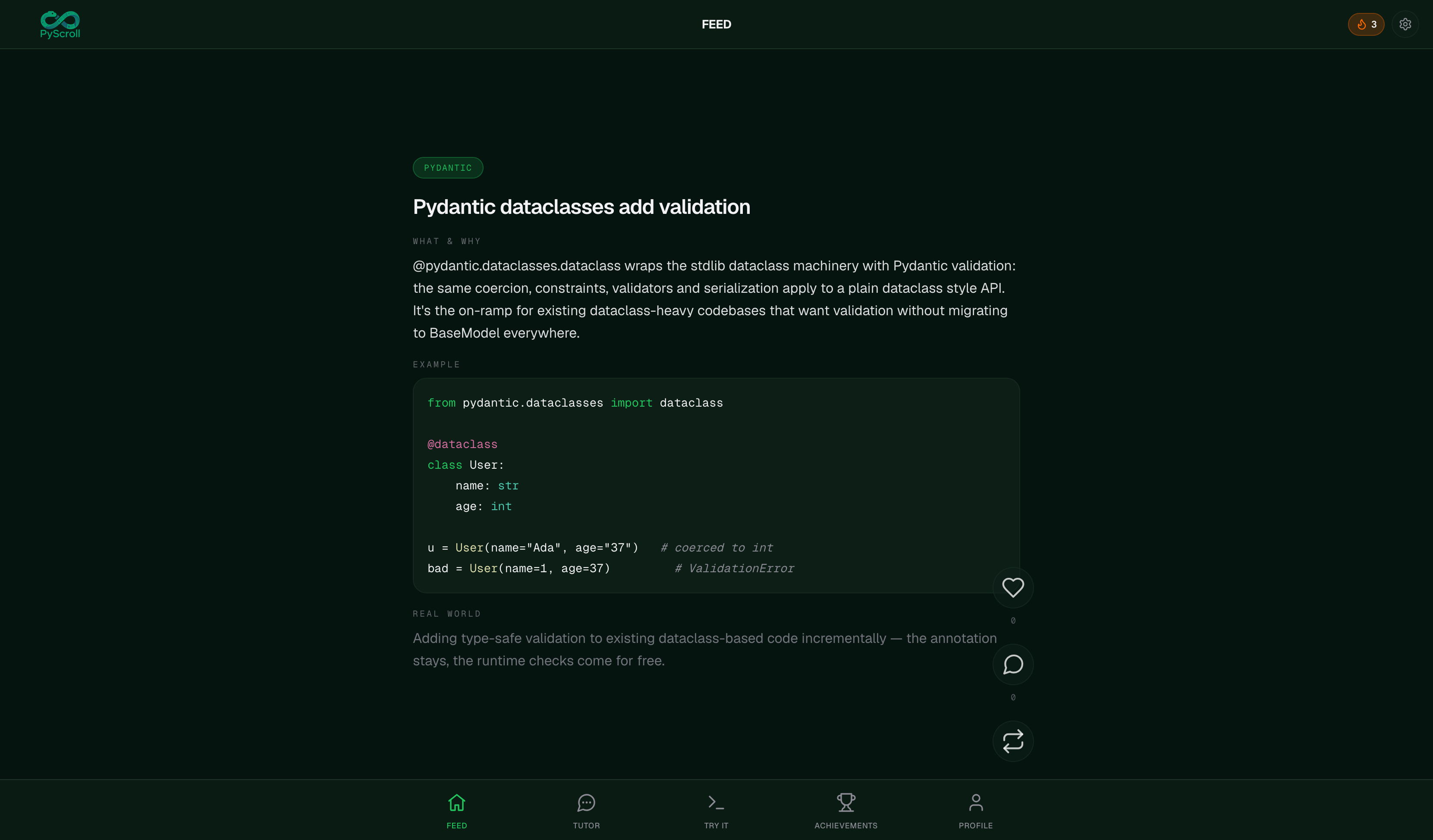
- Feed — An infinite vertical feed of Python tips (decorators, comprehensions, async/await, etc.) that loads in random batches, auto-refreshes, and persists your scroll position per category. You can like, repost, and comment on tips.
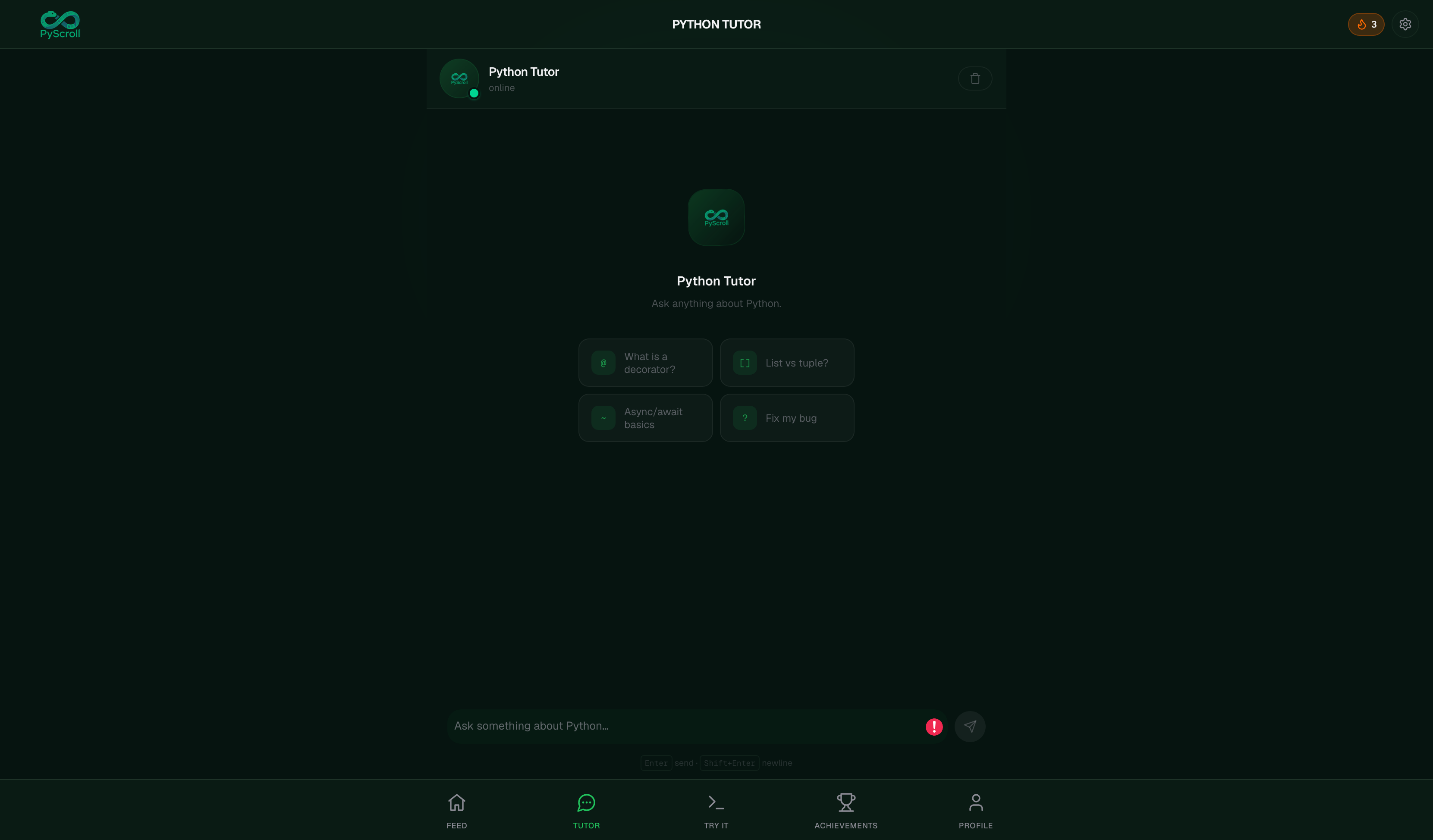
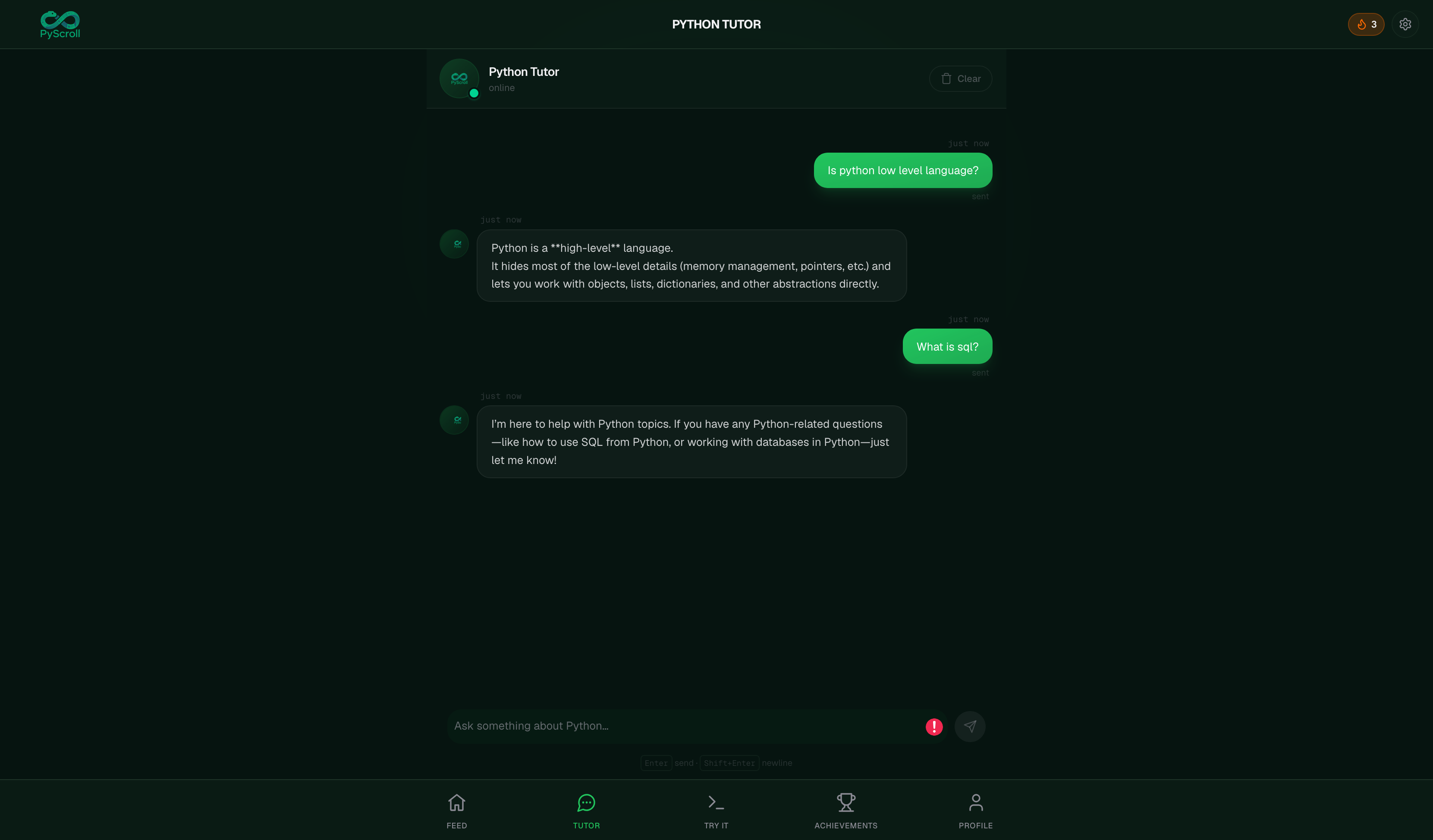
- AI Tutor — A real-time streaming chat interface powered by Groq's LLM. Ask any Python question and get syntax-highlighted answers with copyable code blocks, grouped messages, and a typing indicator.
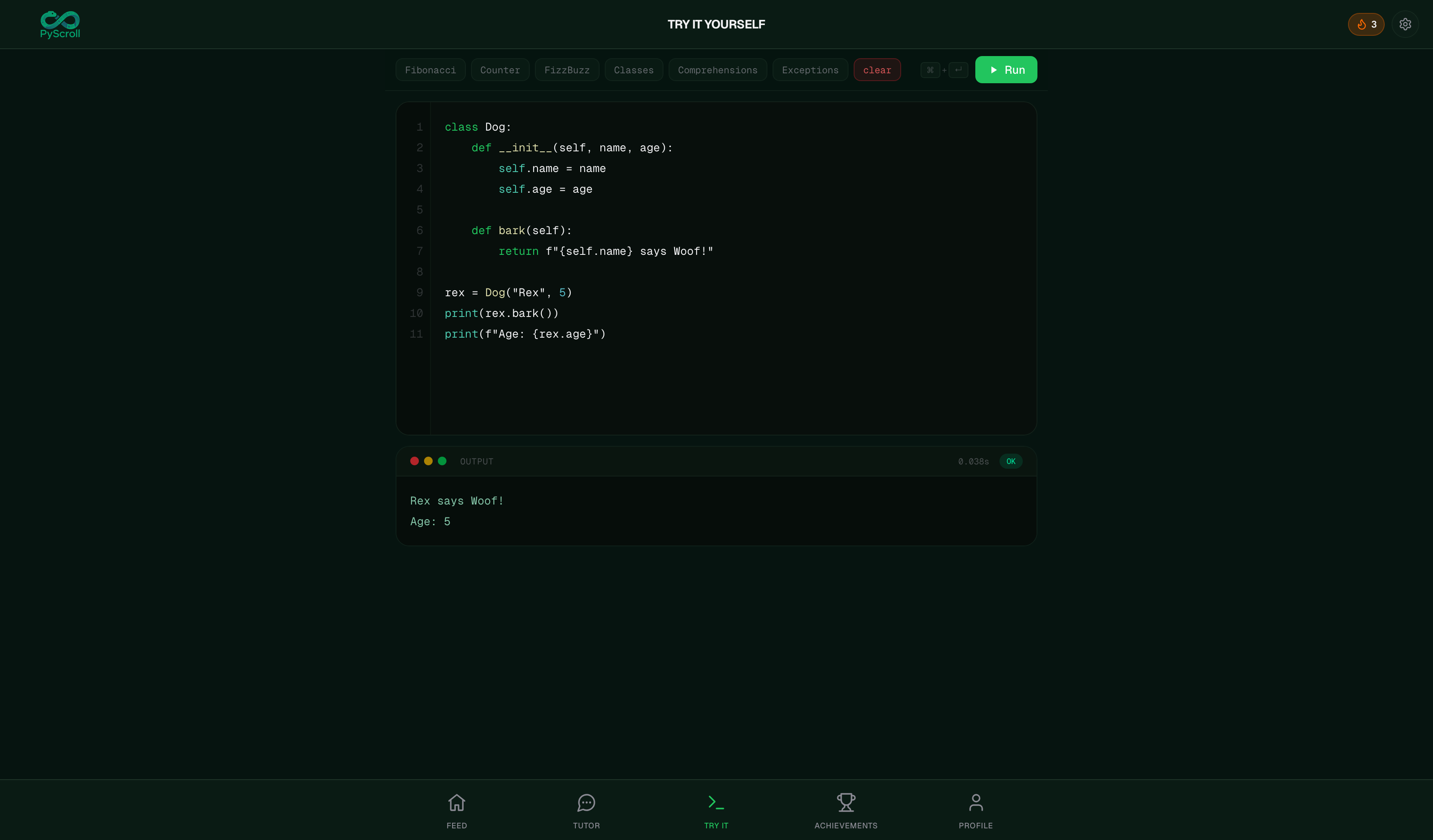
- Playground — A browser-based Python editor with live syntax highlighting, line numbers, auto-indent, Tab support, and a
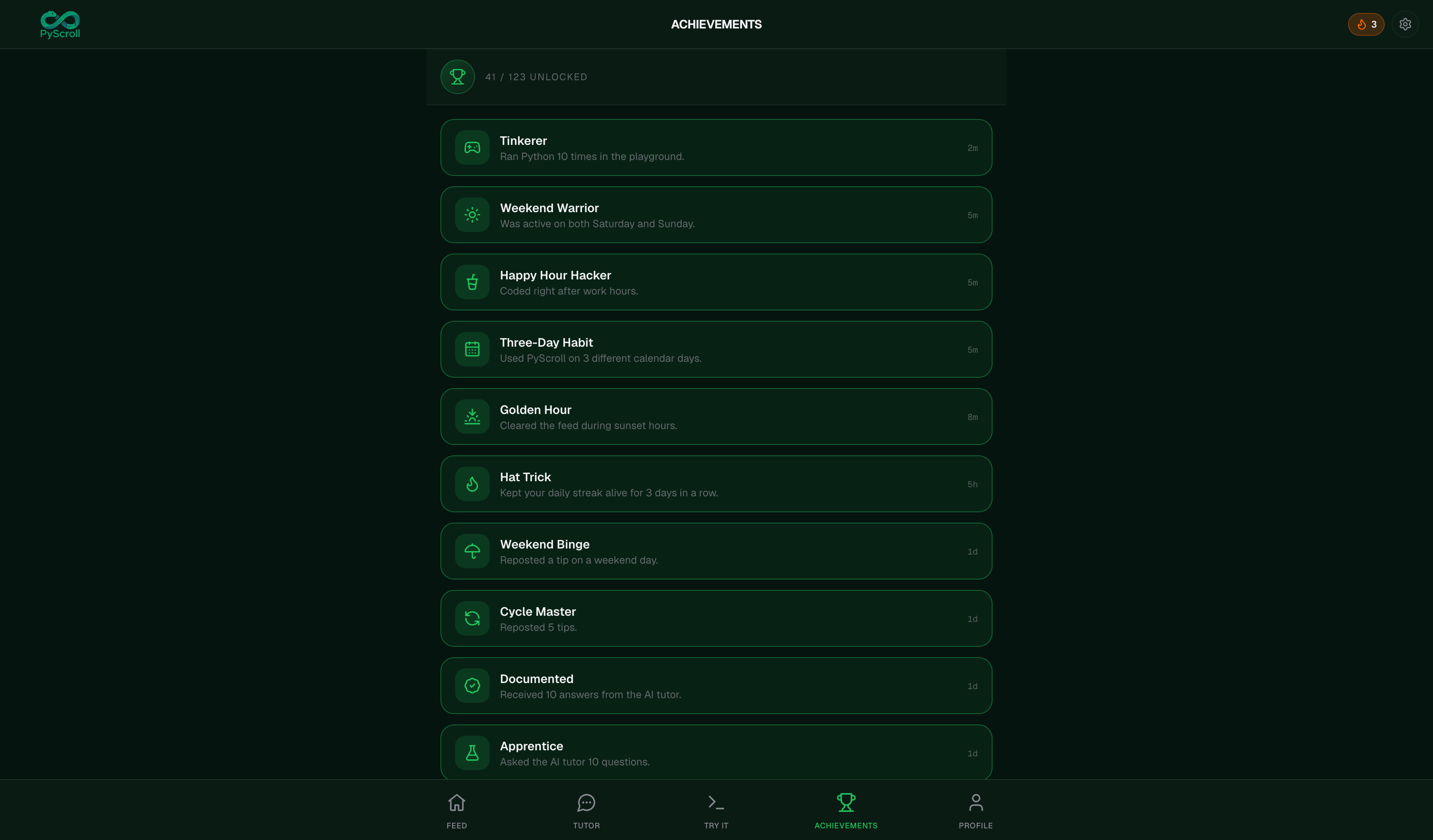
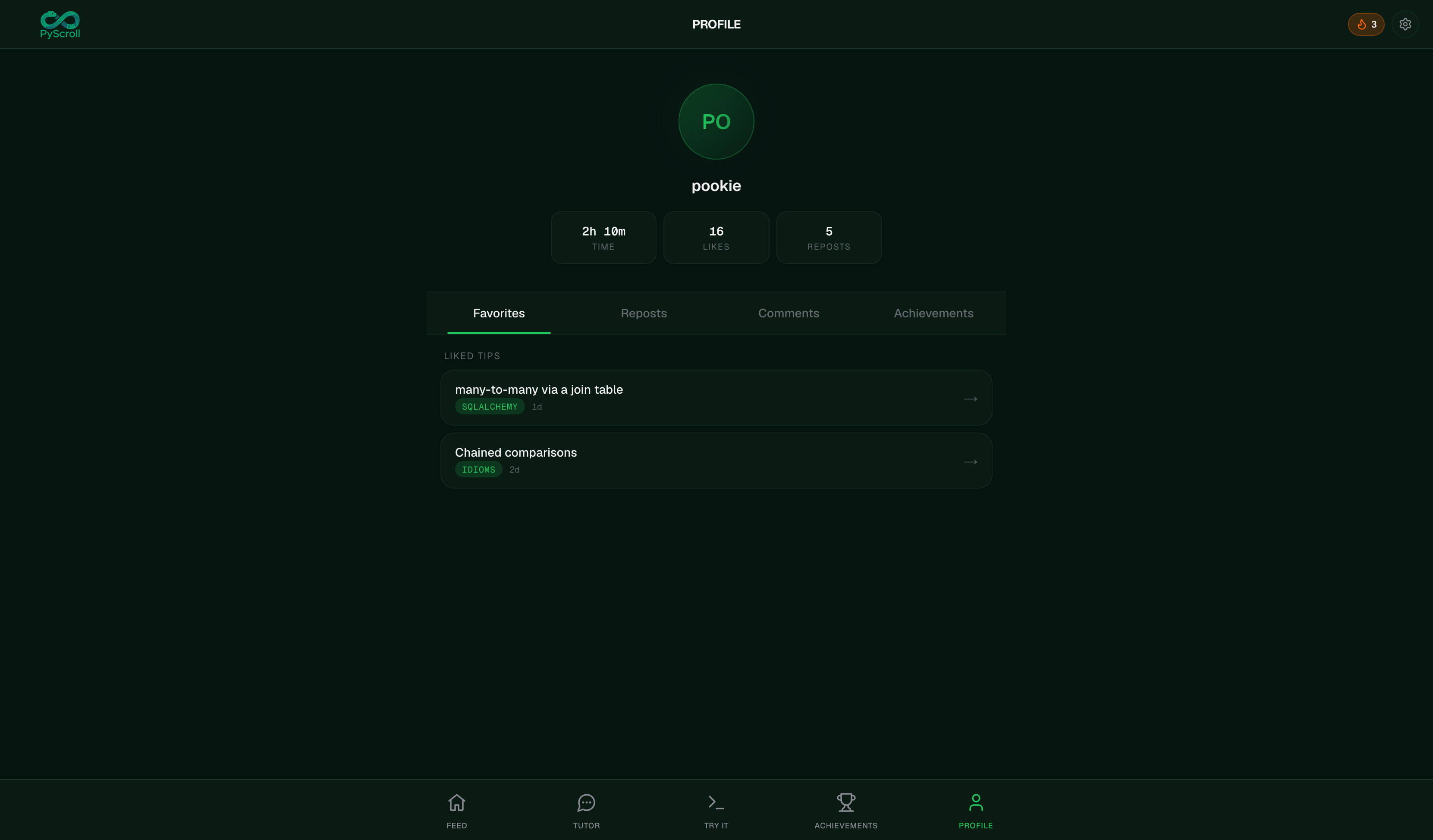
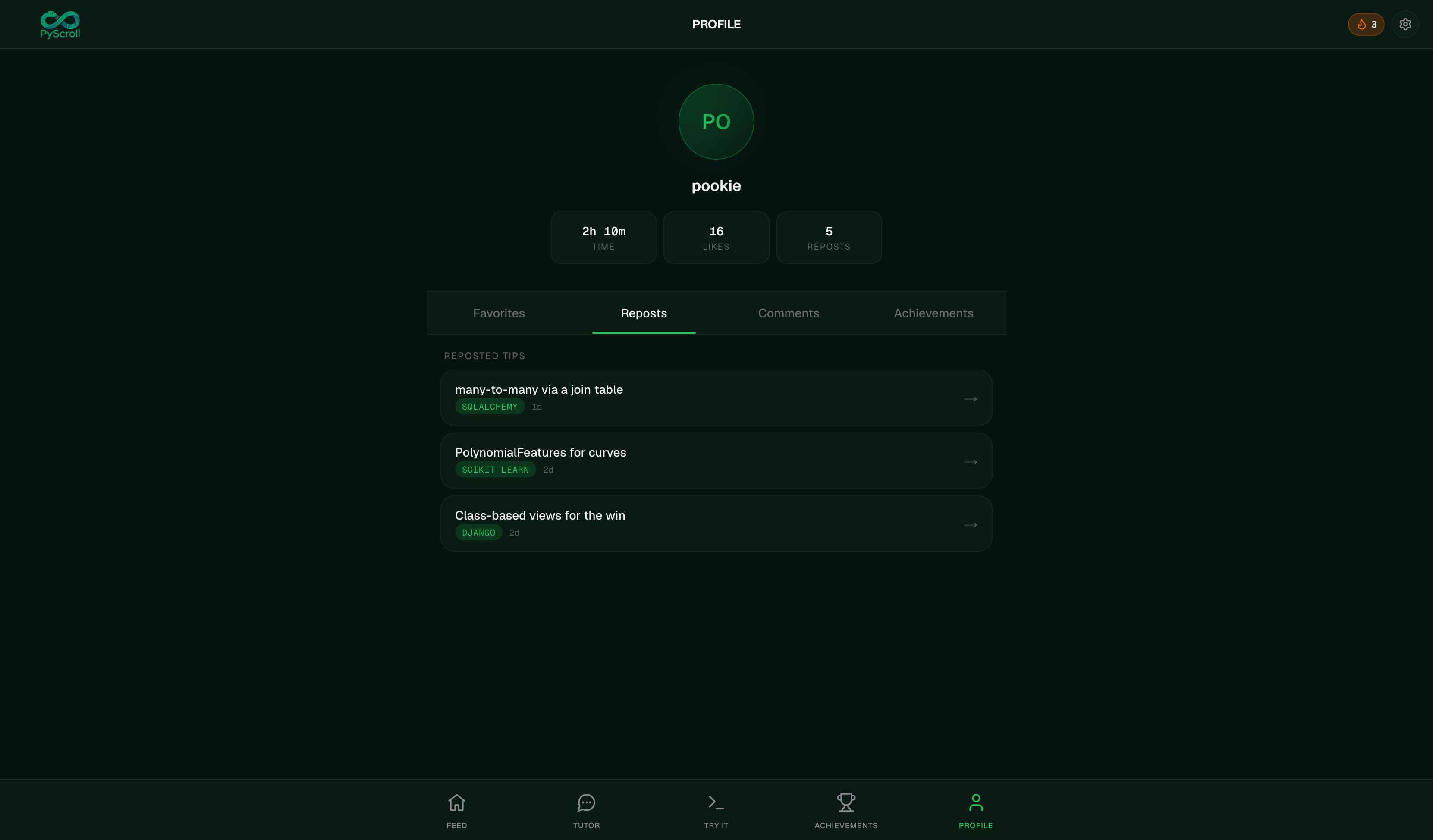
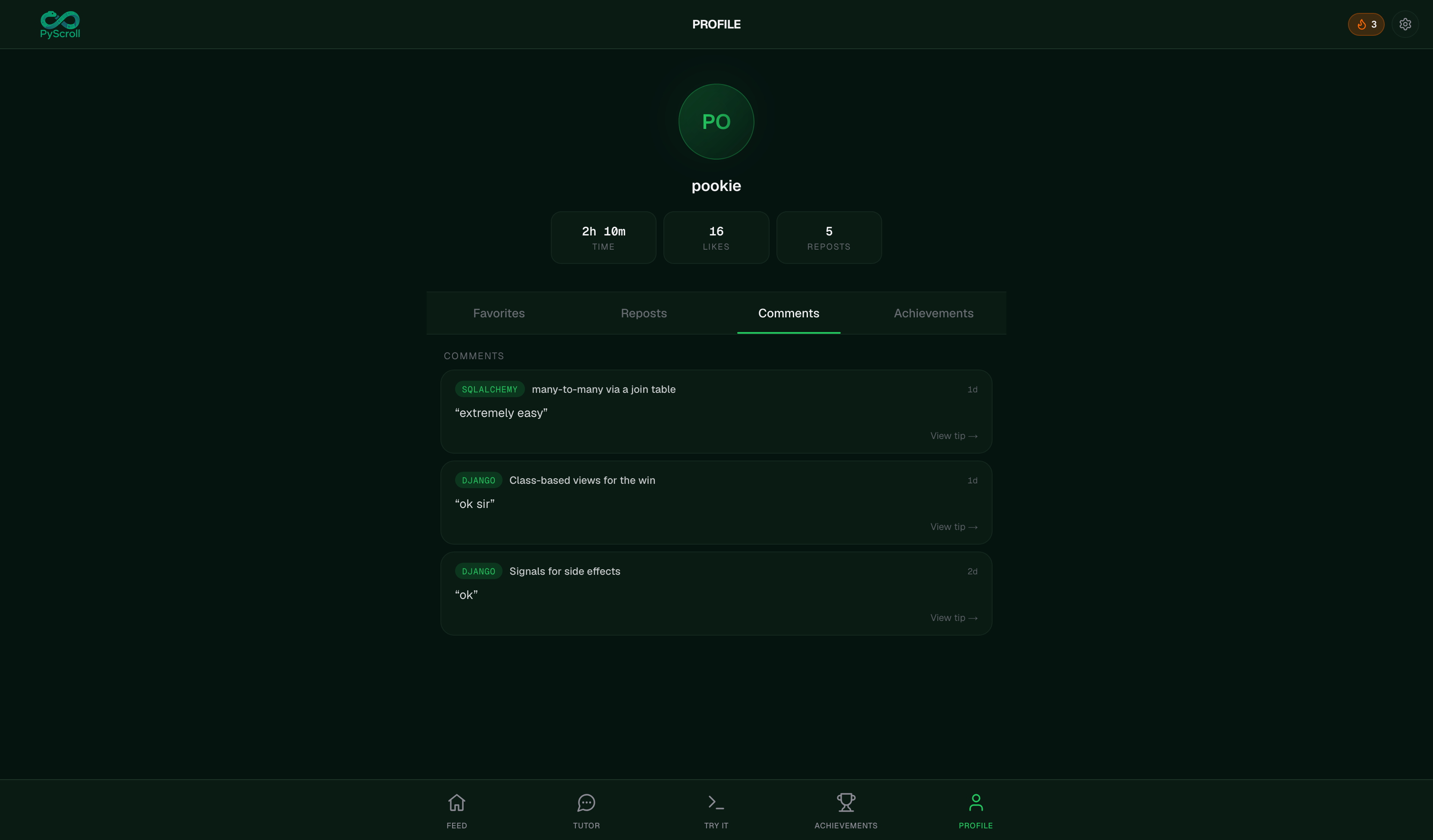
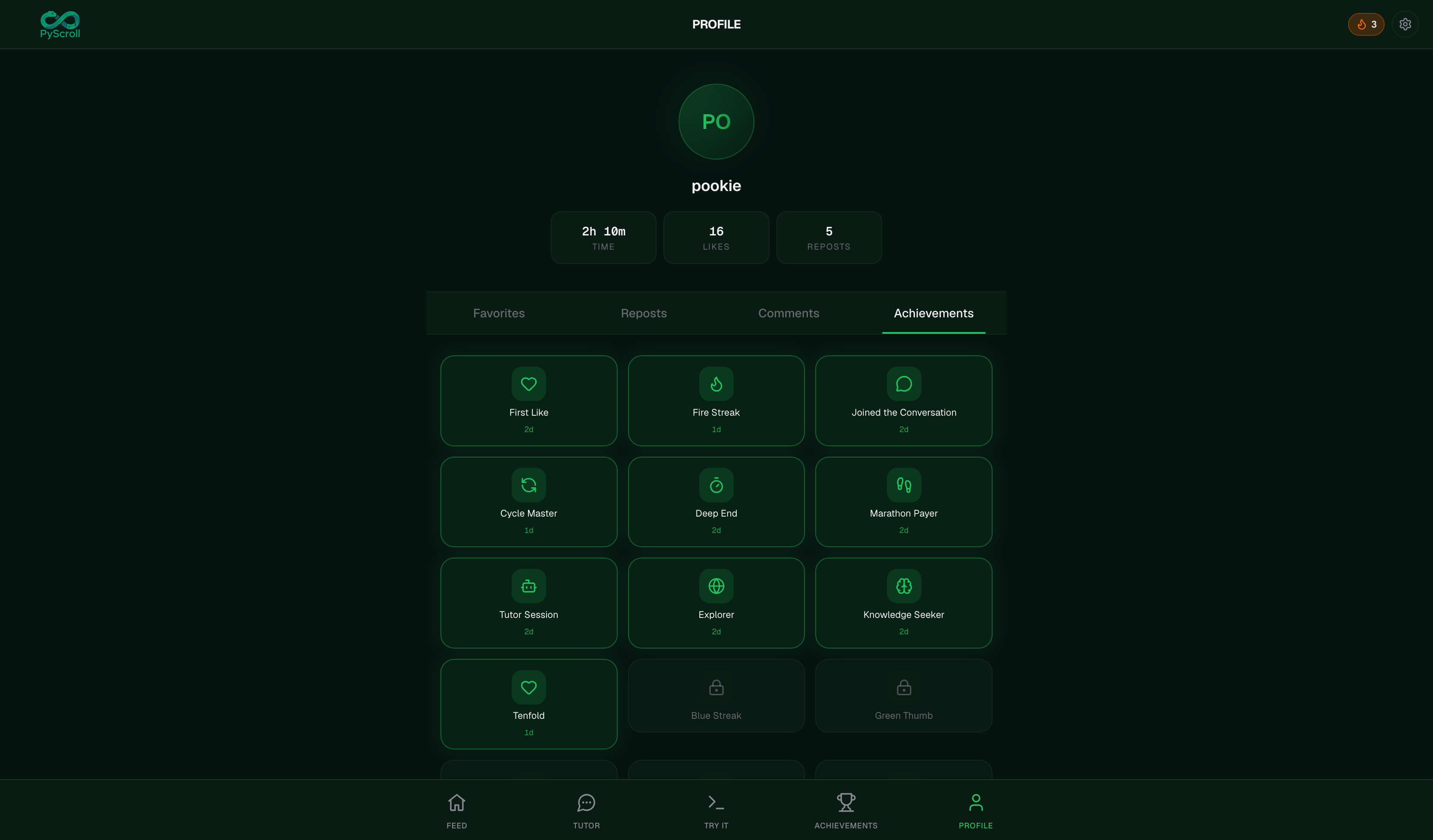
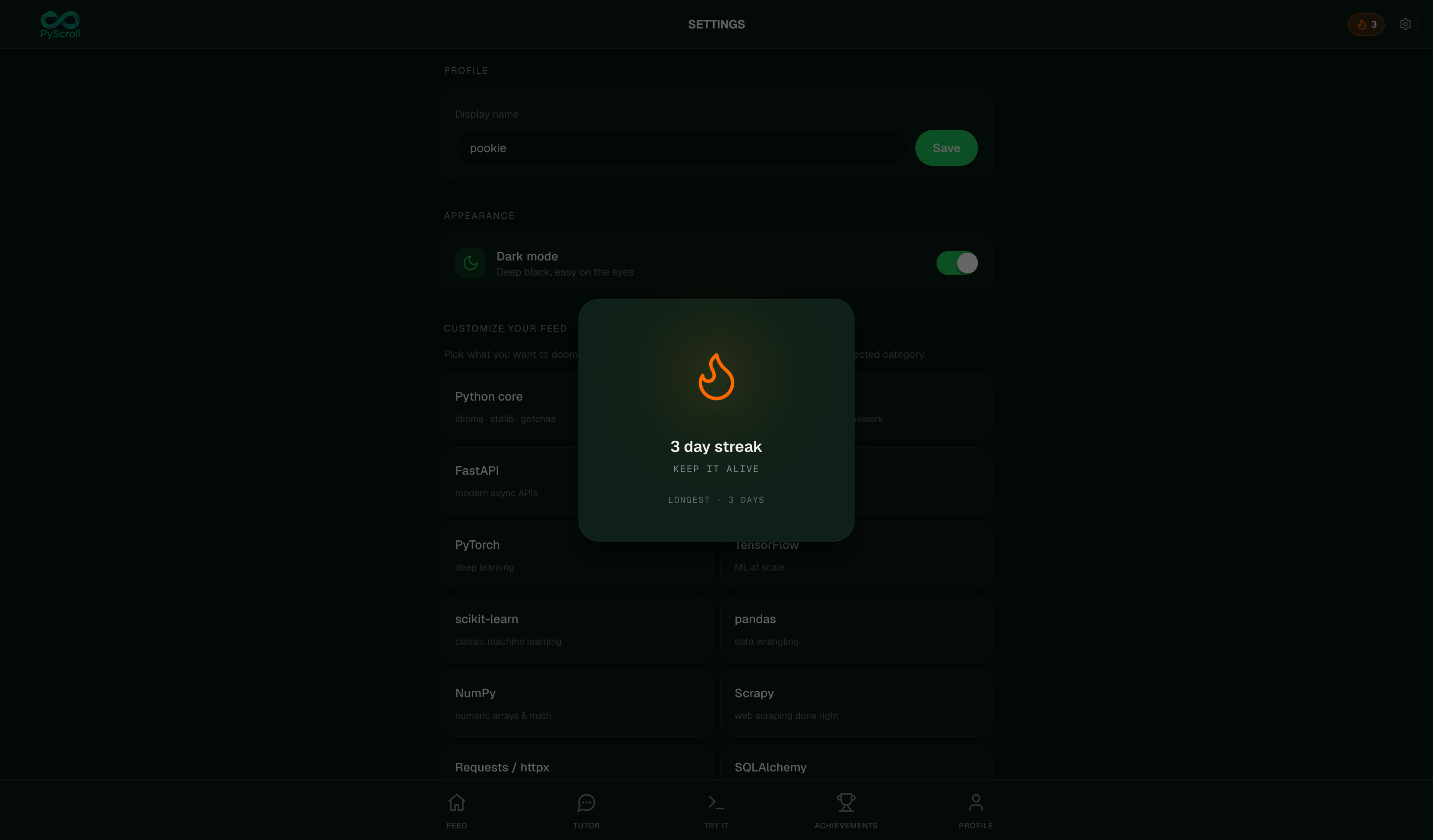
⌘+Entershortcut. Code executes on the backend viasubprocesswith an 8-second timeout. Results show in a terminal-style output panel. - Achievements & Streaks — 100+ achievements across categories (Feed, Chat, Playground, Social, Streak). Daily streaks tracked with rollover logic. Achievement toasts pop on first unlock. Profile page shows favorites, reposts, comments, and a paginated achievement gallery.
- Settings — Display name, dark/light theme toggle, feed category picker, and a full data wipe option.
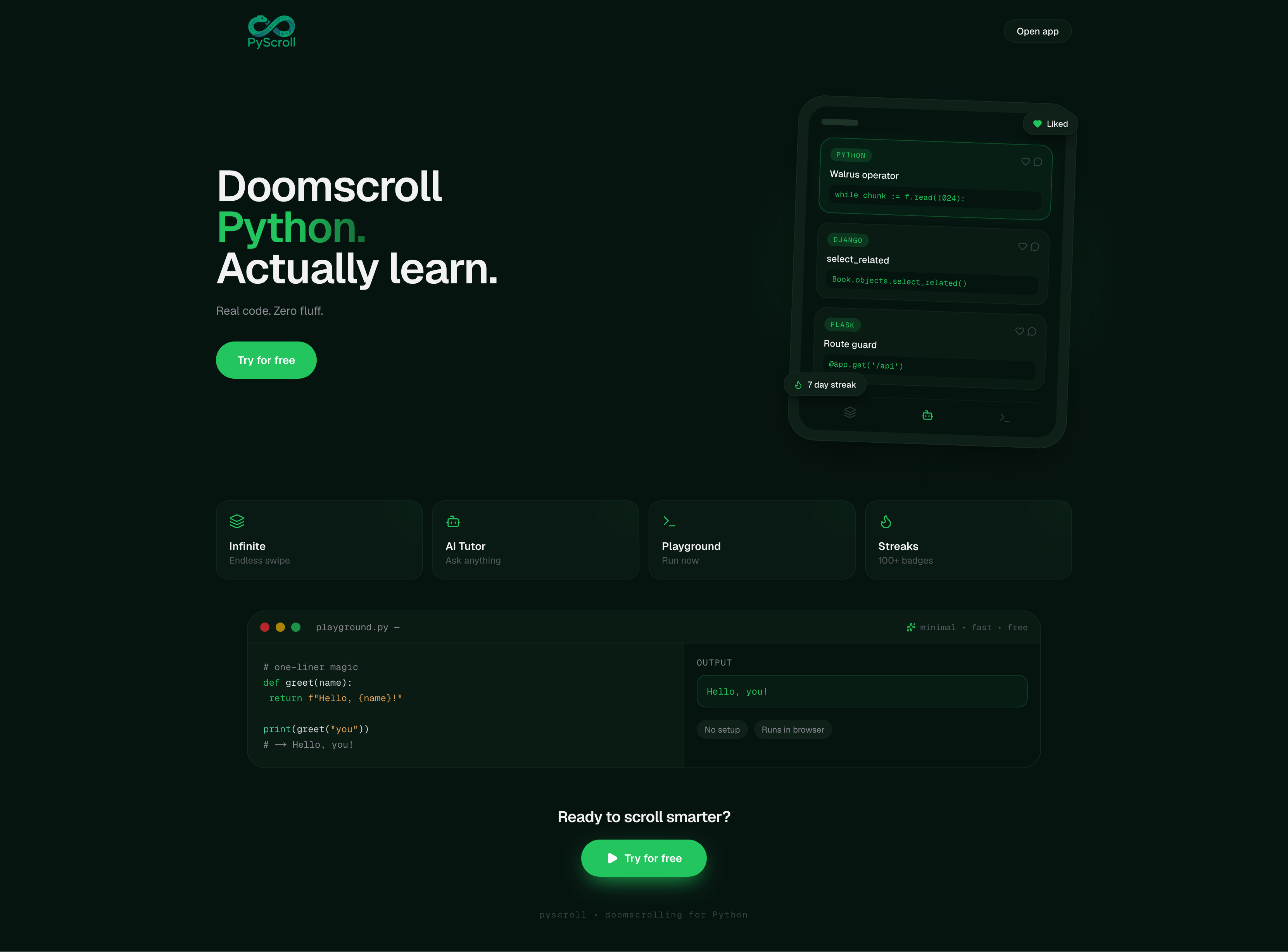
The landing page features a minimal dark-green design with a phone mock showing the feed, floating achievement badges, and a live code preview.
How we built it
Frontend: Next.js, React 19, Tailwind, Framer Motion. All state is client-side, IndexedDB (via idb) for likes/reposts/comments/chats/achievements, localStorage for theme and code persistence, sessionStorage for feed scroll restore and caching.
Backend: FastAPI (Python) with a single /api/run endpoint that shells out to python3 via subprocess, and a /api/chat endpoint that streams responses from Groq's API using Server-Sent Events.
Key architecture decisions:
- Custom Python syntax highlighter (
lib/highlight.tsx) using a single monolithic regex with named capture groups — no external dependencies, runs per-row with a module-levelRegExpsingleton - Code editor built as a hidden
<textarea>overlaid with a highlighted<pre>layer — gives real-time syntax highlighting without pulling in CodeMirror or Monaco - Feed uses a
Map<id, Tip>cache with deduplication via${tipId}#instanceSeqkeys, capped at 200 cards, with per-category scroll restore - All data is local-first — the app works offline with built-in tips, and the backend is only needed for AI chat and code execution
Challenges we ran into
- Hydration mismatches — Server-rendered components with client-only state (theme, sessionStorage) caused React hydration errors. Solved with
requestAnimationFrame-deferredsetMounted(true)guards and safe server-side defaults. - Theme toggle layout conflict — The spring animation on the toggle switch was causing layout shifts. Fixed by decoupling the animation from the layout flow.
- Feed scroll restore — Getting infinite scroll to resume at the right position after navigating away and back required syncing
scrollTopwithscrollHeightafter hydrating fromsessionStorage, plus bumping aninstanceSeqcounter to avoid key collisions. - Syntax highlighter performance — The
RegExp.exec()loop in the highlighter neededlastIndex = 0resets per row to avoid skipping tokens. WrappingTipCardinReact.memoand capping the feed at 200 items prevented jank.
Accomplishments that we're proud of
- Zero-dependency syntax highlighter — Our custom highlighter handles Python keywords, strings, f-strings, decorators, builtins, and function calls with accurate color coding, all in ~50 lines of code.
- Playground that feels native — The code editor with syntax highlighting overlay, line numbers, auto-indent, Tab handling, and keyboard shortcuts rivals lightweight online IDEs.
- 100+ achievements — A comprehensive progression system with streak tracking, daily rollover logic, and tiered streak achievements (2-day through 100-day).
- Polished chat UI — Glassmorphism header with online indicator, grouped message bubbles with adaptive corners, syntax-highlighted code blocks with copy buttons, and a floating orb empty state.
What we learned
- How to build a custom syntax highlighter from scratch using regex named groups
- The
textarea+ overlaid<pre>pattern for building a lightweight code editor without heavy dependencies - Managing infinite scroll state with
sessionStoragehydration across navigation - IndexedDB patterns for complex relational data (tips, chats, achievements) with the
idbwrapper
What's next for PyScroll
- User accounts — Backend auth so streaks, achievements, and favorites sync across devices
- More tip categories — Data science, web scraping, testing, DevOps
- Social features — Follow other Pythonistas, see their liked tips, public profiles
- Code execution improvements — Support for pip packages, multi-file projects, and output visualization (charts, images)
- Tip creation — Let users submit their own Python tips for moderation and publishing
- PWA — Installable on mobile with push notifications for daily streak reminders


