-
-
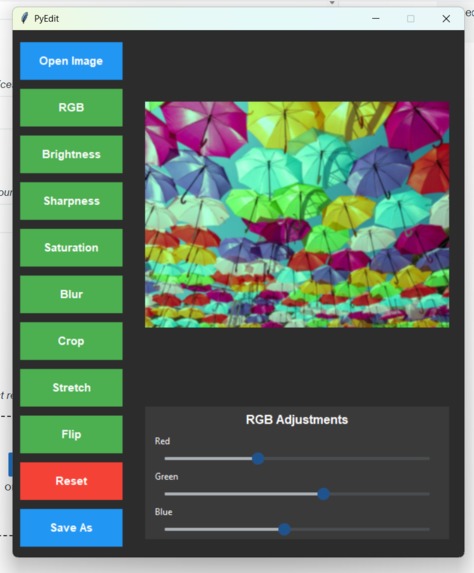
PyEdit UI
Inspiration
I’ve always been interested in creative tools that make editing simple and accessible. Many image editors felt too complex for quick adjustments, so I wanted to build a lightweight, Python-based editor that could crop, adjust colors, and apply enhancements with ease
What it does
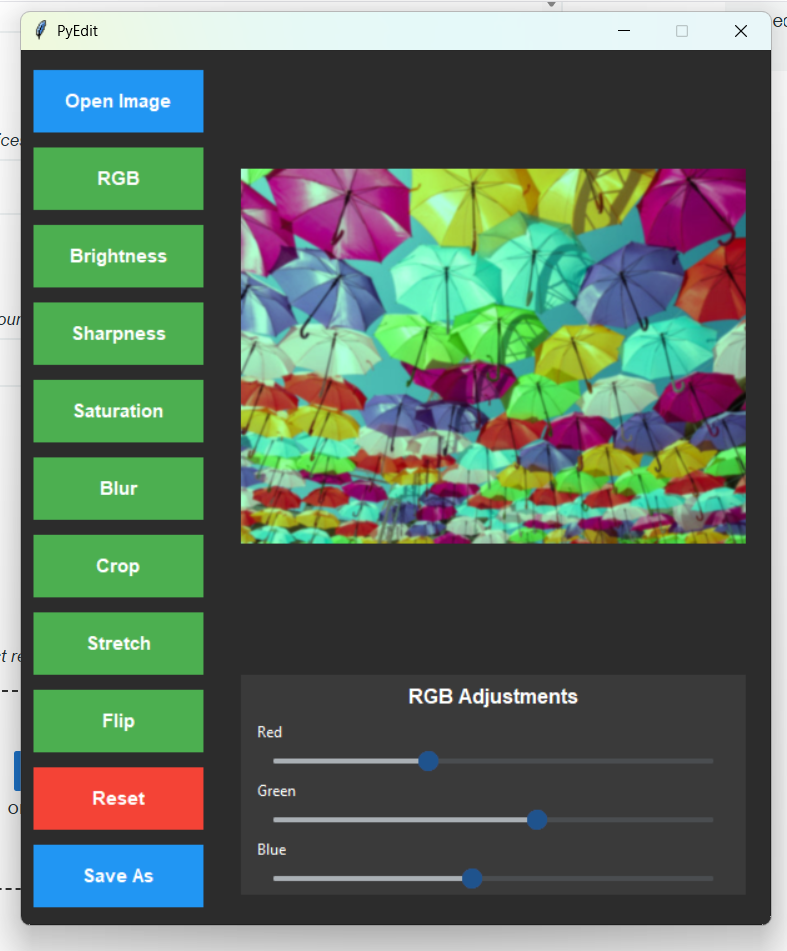
PyEdit allows users to open images, crop them interactively, adjust brightness, sharpness, RGB levels and more while saving the final edited image. It’s designed to be clean, lightweight, and easy to use for quick edits.
How we built it
We built PyEdit using Python, Tkinter for the user interface, and Pillow for image processing. The app was structured to let the canvas display update in real time whenever sliders or tools are used. Git was used for collaboration and version control throughout development.
Challenges we ran into
We faced challenges collaborating with Git, such as resolving merge conflicts, and handling Python libraries like Tkinter and Pillow. Getting the image to scale properly, display centered, and update dynamically without breaking previous edits required debugging and iteration.
Accomplishments that we're proud of
We’re proud of creating a functioning image editor with a smooth, simple interface. Implementing reversible slider adjustments and interactive cropping were major wins that made the tool feel intuitive and polished.
What we learned
We learned how to integrate Tkinter and Pillow effectively, connect GUI components to live image updates, and handle challenges in scaling, cropping, and transformations. We also strengthened our skills in debugging, Git version control, and collaborative coding.
What's next for PyEdit
Further increasing functionality by giving users the ability to draw and add text to the image. We also would like to add a more modern UI for a smoother experience.


Log in or sign up for Devpost to join the conversation.