-
-
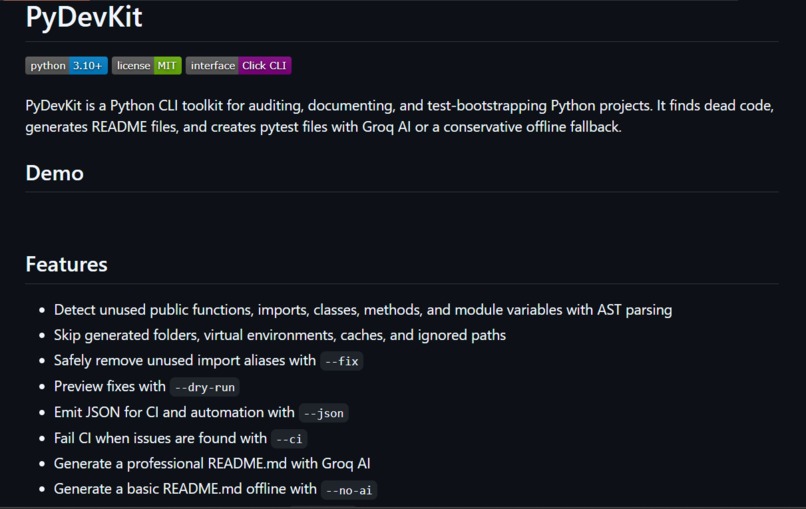
pydevkit image with some basic features
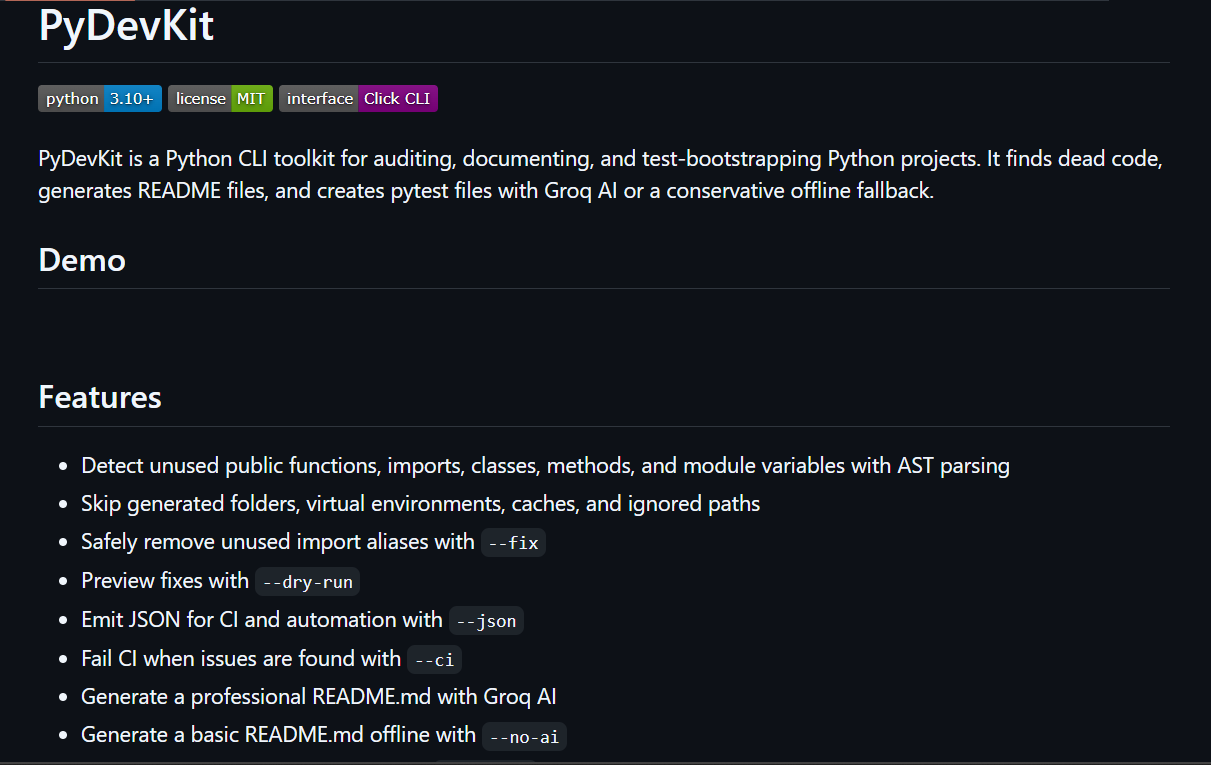
Inspiration
Every Python developer knows the drill before pushing code or sharing a project: Did I leave unused imports lying around? Does this even have tests? Is the README up to date? These checks are tedious, repetitive, and easy to skip — especially for beginners who don't yet have a toolbox of linters, formatters, and generators set up. We wanted one simple command-line tool that could do the basic "health checkup" of a Python project without forcing anyone to learn five different libraries first.
What it does
PyDevKit is a CLI toolkit that gives you instant visibility into any Python project:
->inspect — overview of files, functions, classes, imports, syntax errors, and lines of code ->doctor — a health report flagging missing README/license/tests, broken imports, unused ->dependencies, and overly complex functions ->deadcode — finds (and can safely remove) unused imports, variables, functions, classes, and methods ->testgen — generates starter pytest smoke tests, offline or AI-assisted ->readme — auto-generates a project README, offline or AI-assisted
Everything supports --json output and CI exit codes, so it drops into automated pipelines as easily as a terminal.
How we built it
We built PyDevKit in Python 3.10+, using Python's own ast module to statically parse and analyze source files (no need to execute the target project). The CLI is structured as modular packages — analysis/, deadcode/, readme/, testgen/, and utils/ — wired together through a single cli.py entry point. For AI-assisted README and test generation, we integrated the Groq API, kept fully optional behind --offline/--no-ai flags so the tool works completely free and offline by default. Project-specific behavior (ignored files, thresholds, defaults) is configurable via a .pydevkit.toml file.
Challenges we ran into
Reliably detecting "unused" code without false positives across imports, variables, functions, classes, and methods required careful confidence-level tiering (low/medium/high). Making the --fix feature for dead imports safe enough to trust — we added a mandatory --dry-run preview path to avoid surprising users by rewriting their files. Keeping AI prompts compact enough to avoid Groq's request-size and rate limits while still generating useful tests/READMEs. Cross-platform pytest quirks, like a Windows temp-folder permission issue, needed a custom --basetemp workaround in pytest.ini.
Accomplishments that we're proud of
->A genuinely useful five-command CLI that works end-to-end with zero API keys required. ->Clean, modular architecture that's easy to extend with new checks or generators. ->CI-ready output (--json, --ci) from day one, not bolted on later. ->A real test suite and sample project so the tool's own claims are verifiable.
What we learned
->Static analysis with Python's ast module is powerful but requires careful handling of edge cases (dynamic imports, all, decorators) to avoid false positives in dead-code detection. ->Designing for "offline-first, AI-optional" makes a tool far more trustworthy and accessible than AI-required tools. ->Good CLI UX (clear flags, JSON mode, dry-run previews) matters as much as the underlying analysis logic.
What's next for PyDevKit
->Broader dead-code detection (decorators, conditional imports, all-aware exports) ->Plugin/extension system so other developers can add custom checks ->Support for additional AI providers beyond Groq ->Editor/IDE integration (VS Code extension) for inline health checks ->Publishing to PyPI for pip install pydevkit without cloning the repo

Log in or sign up for Devpost to join the conversation.