-
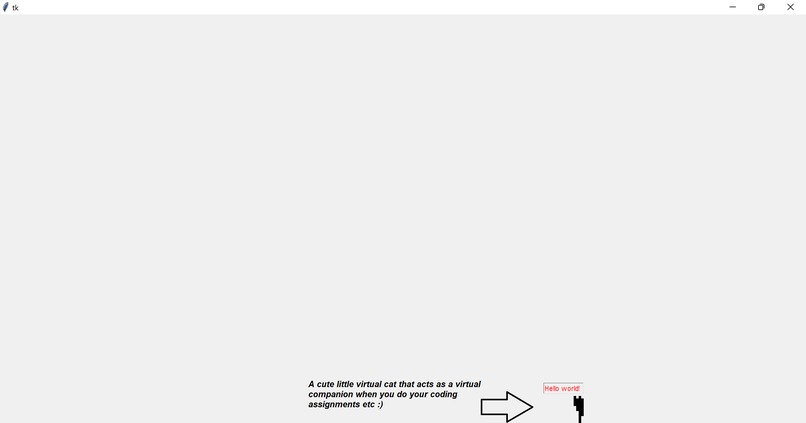
Demo screenshot 1
-
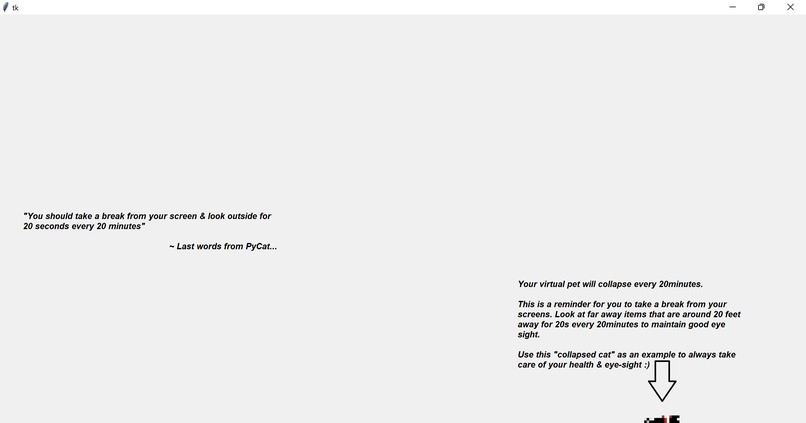
Demo screenshot 2

Inspiration:
Inspired by the fellow hackathon members/programmers who were glued to their screens & programming (including myself), I wanted to create an application that can help them a) have a virtual companion, and b) more importantly - to maintain their eye-health & prevent eye-related diseases (hopefully).
What it does:
Open the pyCat.exe file that can be found in the GitHub repository.
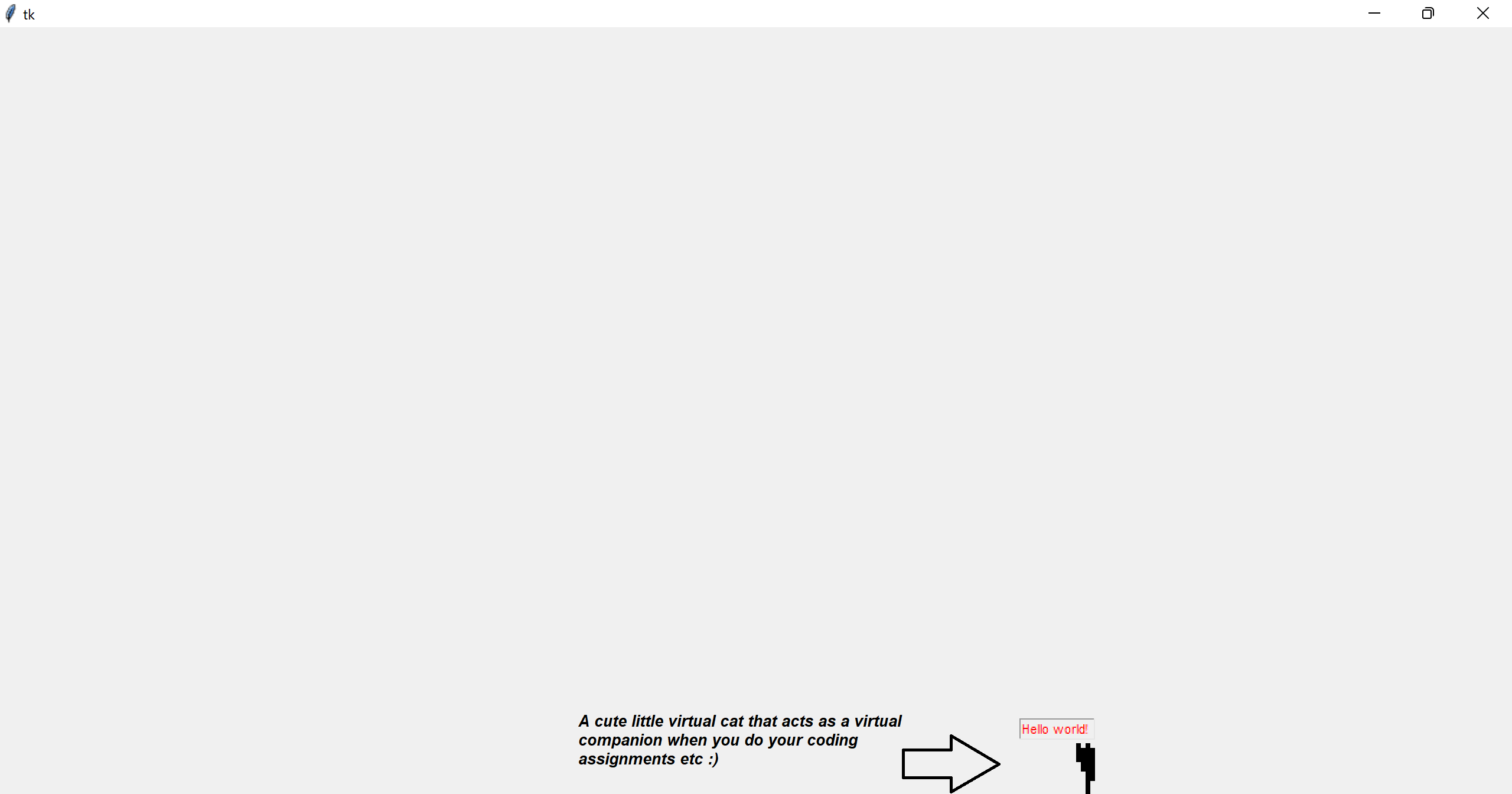
Initially, it generates a cute little virtual cat on the bottom of your screen. It will then move around the bottom of your screen & do its own thing (enjoy the cute little animations).
Every 20 minutes, you will start to notice your cat no longer being energetic & in fact, it will become deceased. This is an indicator for you to take a break from your screen. This subtle act of the cat "dying" is to remind you to take a break & to look away from the screen for a while, for we only have one pair of eyes, and ultimately one life only which we should all treasure.
This approach/solution used in this desktop app is actually inspired by actual recommendations/guidance by the American Academy of Ophthalmology. They recommend that you take a break every 20 minutes & look away from the screen for 20 seconds at things that are at least 20 feet away.
How I've built it:
- Python (Core programming language)
- Tkinter (Python GUI library)
- Ezgif.com (gif maker)
- Open source art assets by Bow.Pixel
- Pyinstaller (to package everything up & create the executable/.exe file)
Challenges I've ran into:
- Trying to fight against & resist the Zzz monster (the temptation to sleep)
- A lot of python debugging had to be done...fixed whatever issues I could
- Having too many ideas (that were either too complex to be done in a 1 day hackathon or would be better to do as personal projects instead). Nonetheless, with some filtering, managed to come out up with PyCat.exe :)
Accomplishments that I'm proud of
- Being able to finish the project on time, and having sufficient time to do a wonderful README.md on GitHub (with healthcare references) and this post as well.
- Being able to learn new skills/libraries & improve existing knowledge of Python!
- Being able to present a working demo/product to the wonderful judges!
What I learned:
- Good ideas take time.
- Persistence is key.
- You can DO IT!
What's next for PyCat.exe (if there's time):
- Add new cats of different colour schemes
- Port over .py script into a Chrome extension (for cross-OS compatibility)
- Consider usage of various AI/ML libraries like ScikitLearn? (that may have pre-trained model to track eye movements?)
Additional
For more information on why this project was created, please refer to this GitHub Link
Done by:
- Melvin Ng (Tag Number: T430, Participant ID: #609)
- Created as part of the NUS Hack&Roll 2023 Hackathon event (14/01/2023 - 15/01/2023)
- GitHub Profile
Built With
- ezgif.com
- freeart
- pyinstaller
- python
- tkinter


Log in or sign up for Devpost to join the conversation.