PyAnimation
A python library for creating 2D animation Video
Strategy in Brief
- To produce 2D animation Video we have to first create sequence of images(or frame) that leads to animation
- Then we will merge these frames into a video(.mp4)
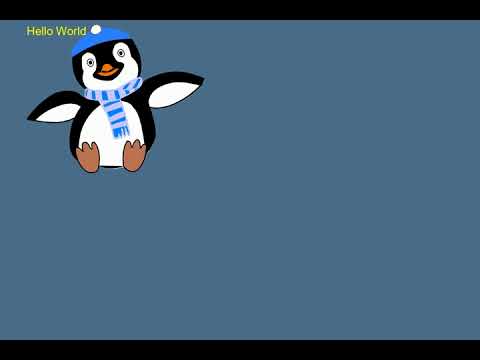
mvp video
[ ]
]
(https://www.youtube.com/watch?v=1b3N-sQrQ7Y)
Tasks
- Create 2D image generation Class
- Create 2D animation Class
- Create a image to video (.mp4) converter Class
- Create a class to add music track to the video
- Abstract API for Developers
- Documentation
Development Rules
- Only use Python 3 (not python 2)
- Write clear code with comments
- Use IDE Pycharm
- Use less third party libs as possible
- Use virtual environment
- Follow Object orientation Programming approach only
Get Started with MVP
To run MVP(Minimum Viable Product)
- First clone this repo
git clone https://github.com/shubham-chhimpa/PyAnimation.git - Then move to /PyAnimation directory in terminal
- Then create a Virtual Environment using the following command
bash
python -m venv venv
Then activate the virtual environment
Then run following command
pip install -r requirements.txtNow run
python mvp.py

Log in or sign up for Devpost to join the conversation.