-
-
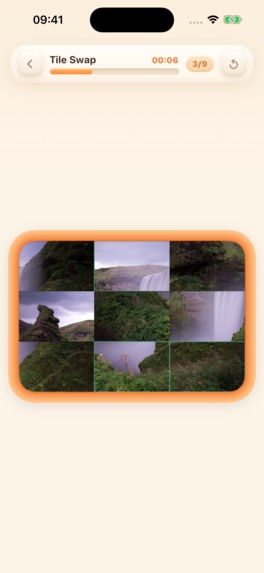
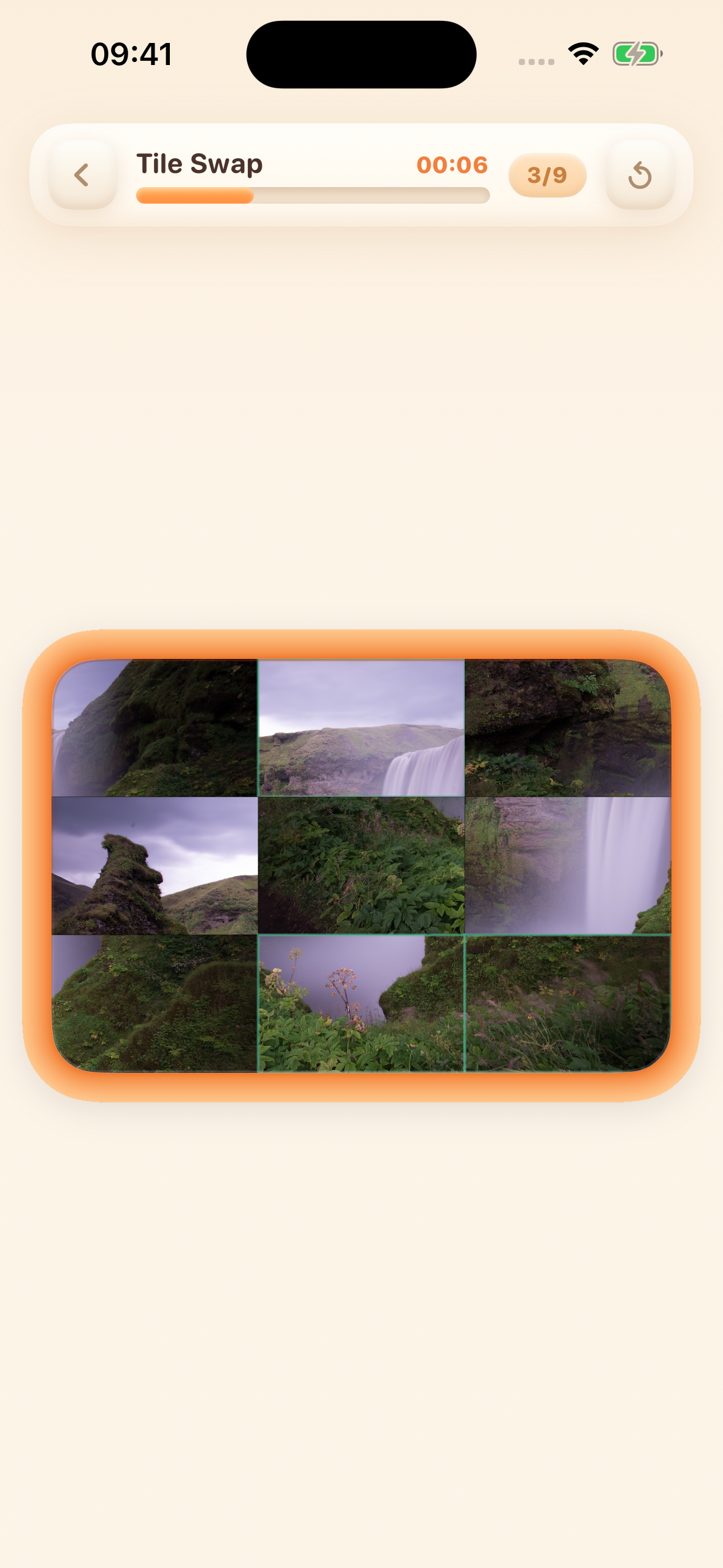
Tile Swap in action: restore your own photo, one exchange at a time.
-
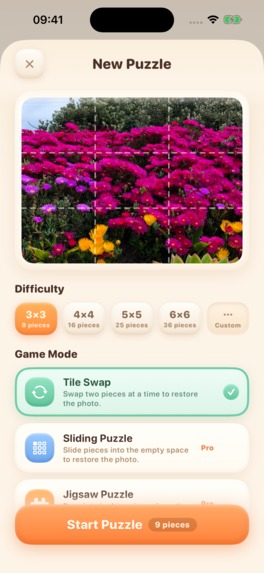
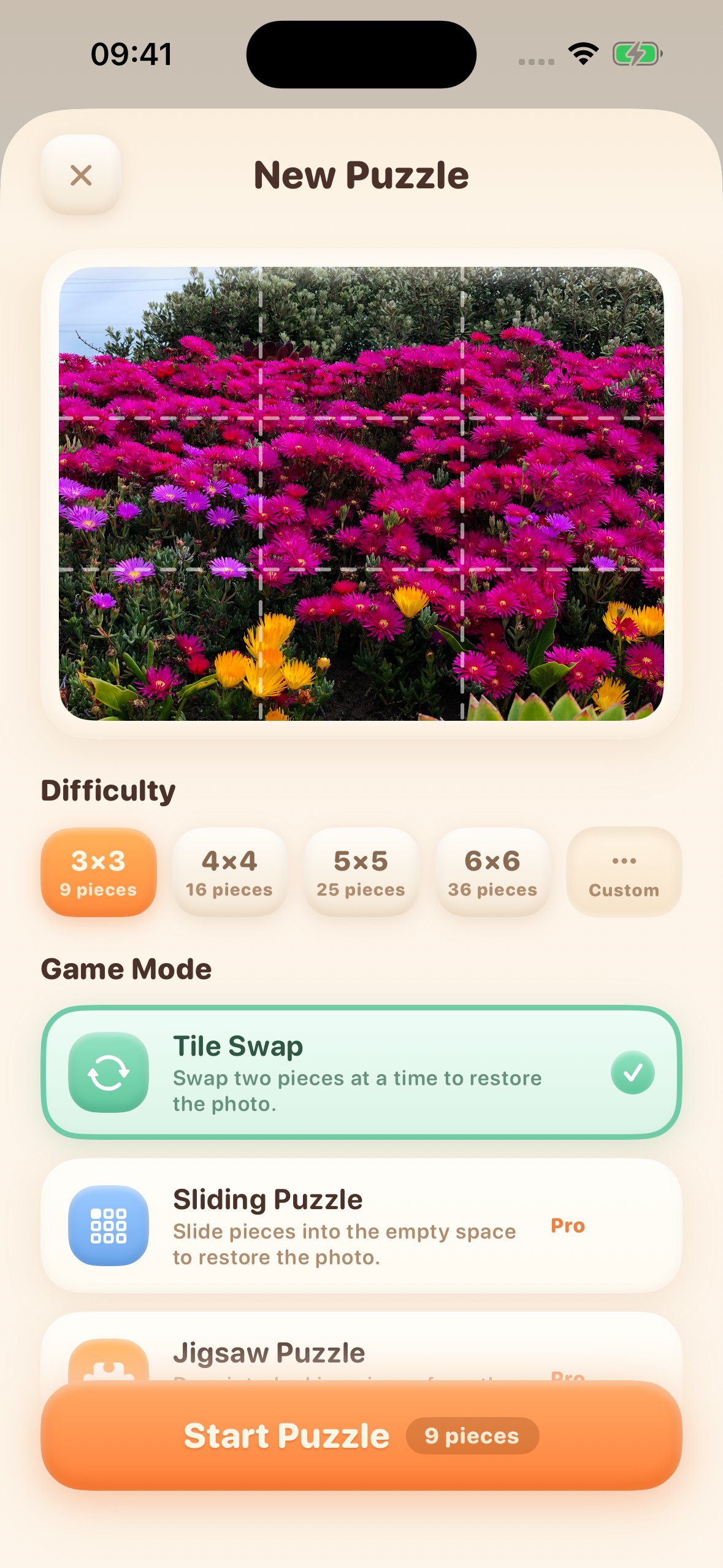
Choose a photo and difficulty to create your next puzzle.
-
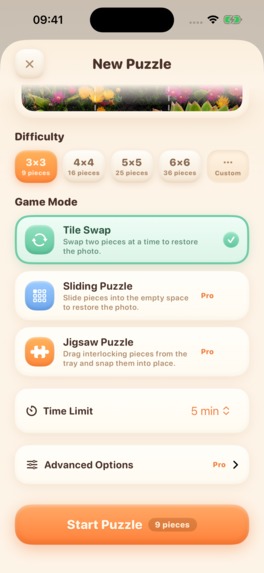
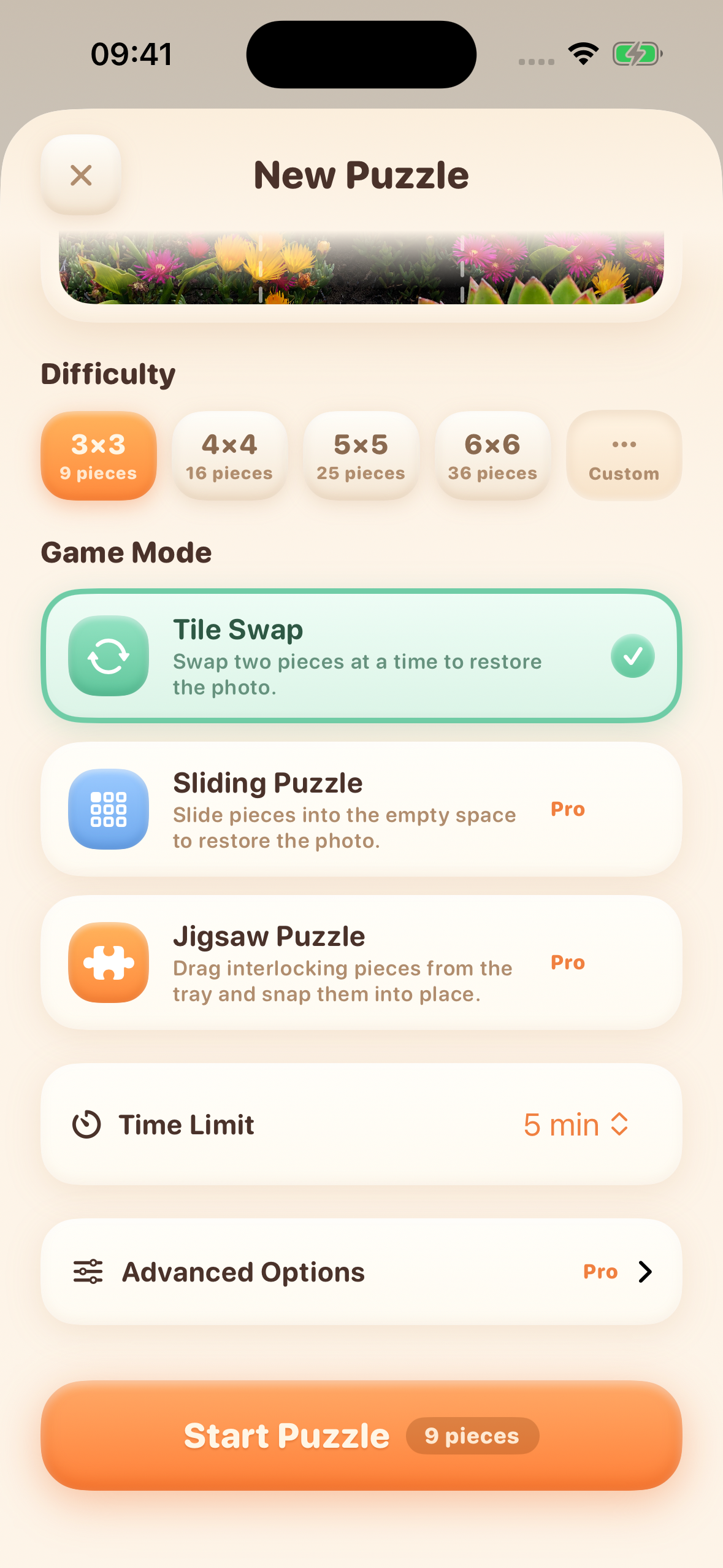
Pick one of three game modes and add an optional time limit.
-
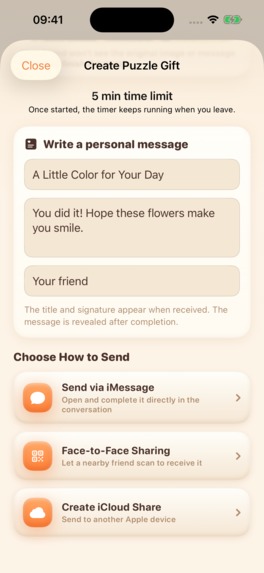
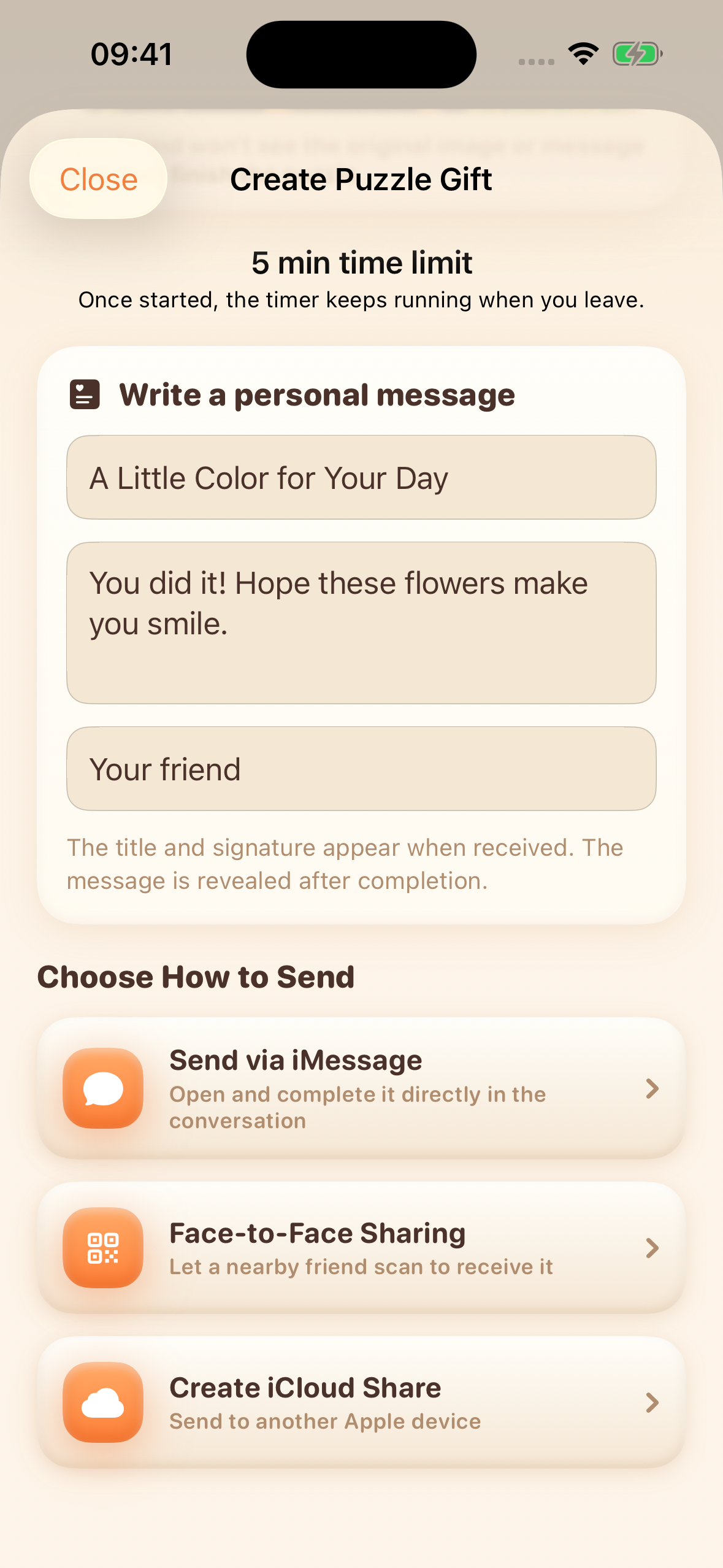
Create a personal puzzle gift and choose how to share it.
Inspiration
A favorite photo can be more than something to scroll past. PuzzleWall turns a pet, a trip, or a shared memory into a puzzle you can solve yourself or send to someone you care about. The photo gives each game a personal reason to finish.
What it does
Choose a photo, pick a board, and play in one of three ways:
- Tile Swap: exchange two tiles to restore the image.
- Sliding Puzzle: move tiles through an empty space and plan your next move.
- Jigsaw Puzzle: drag shaped pieces from the tray and snap them into place.
Start with a quick preset or create a custom board up to 10×10. Play at your own pace, or add a 1–60 minute time limit for a beat-the-clock challenge. Saved progress, completion times, move counts, personal bests, and solve history give each photo replay value.
Send a playable puzzle through Messages: friends with PuzzleWall installed can open it and play inside the conversation. Share result cards or use optional iCloud sharing when you choose. Your puzzle library and progress are stored locally by default, and there are no ads or required accounts.
PuzzleWall is available on the App Store for iPhone and iPad, includes an iMessage extension, and supports nine languages.
How I built it
The app is built natively with Swift and SwiftUI. SwiftData stores puzzle metadata, progress, and completion history; image files are stored separately. The three modes share a puzzle model and completion flow while keeping their own movement rules and interactions.
A native iMessage extension uses App Group storage to exchange puzzle data with the main app. CloudKit supports optional iCloud sharing. A shared timing component keeps timed challenges consistent across the app and Messages, including when a player backgrounds or reopens a game.
RevenueCat powers PuzzleWall Pro. The iOS SDK loads offerings, processes purchases, tracks entitlements, and restores access behind a custom SwiftUI paywall. Free players can play 3×3–6×6 Tile Swap. Pro adds Sliding Puzzle, Jigsaw Puzzle, custom grids, and advanced options, with monthly and annual subscriptions or a lifetime purchase. The time-limit option itself does not add a Pro requirement.
Challenges I ran into
The main challenge was making three different games feel like one product. Sliding boards must remain solvable; jigsaw pieces need precise shapes and predictable snapping; every mode must save and record completion consistently.
Sharing adds another boundary: the main app and Messages must agree on the photo, board configuration, and progress. Timed play adds a further constraint: leaving the screen must not pause the countdown, and an expired game must not record a successful solve. I used shared rules and targeted tests for timing, persistence, and challenge transport.
Purchases also need to work beyond the happy path. I implemented loading, cancellation, pending-purchase, and restoration states, with Pro access kept in sync with the Messages extension.
Accomplishments I'm proud of
- A personal photo becomes three distinct games and a challenge you can send to a friend.
- Players can choose relaxed play or a timed attempt, then revisit their own results.
- The app supports iPhone, iPad, Messages, and nine languages.
- RevenueCat supports both subscriptions and a lifetime option without advertising in the game.
What I learned
Shared rules matter more than shared screens. Keeping puzzle logic, timing, and entitlement state separate from presentation made it easier to keep the main app and Messages consistent. I also learned to treat image files and their metadata as one unit when saving or sharing a puzzle.
What's next
I want to make shared challenges easier to discover, refine the tactile feel of Jigsaw mode, and improve onboarding and accessibility. The goal is to make the first photo-to-puzzle experience as satisfying as returning to beat a personal best.

Log in or sign up for Devpost to join the conversation.