-
-
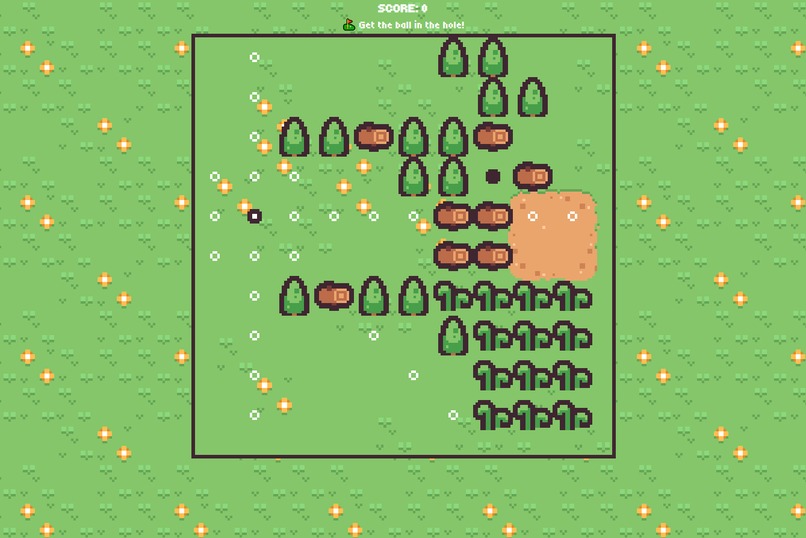
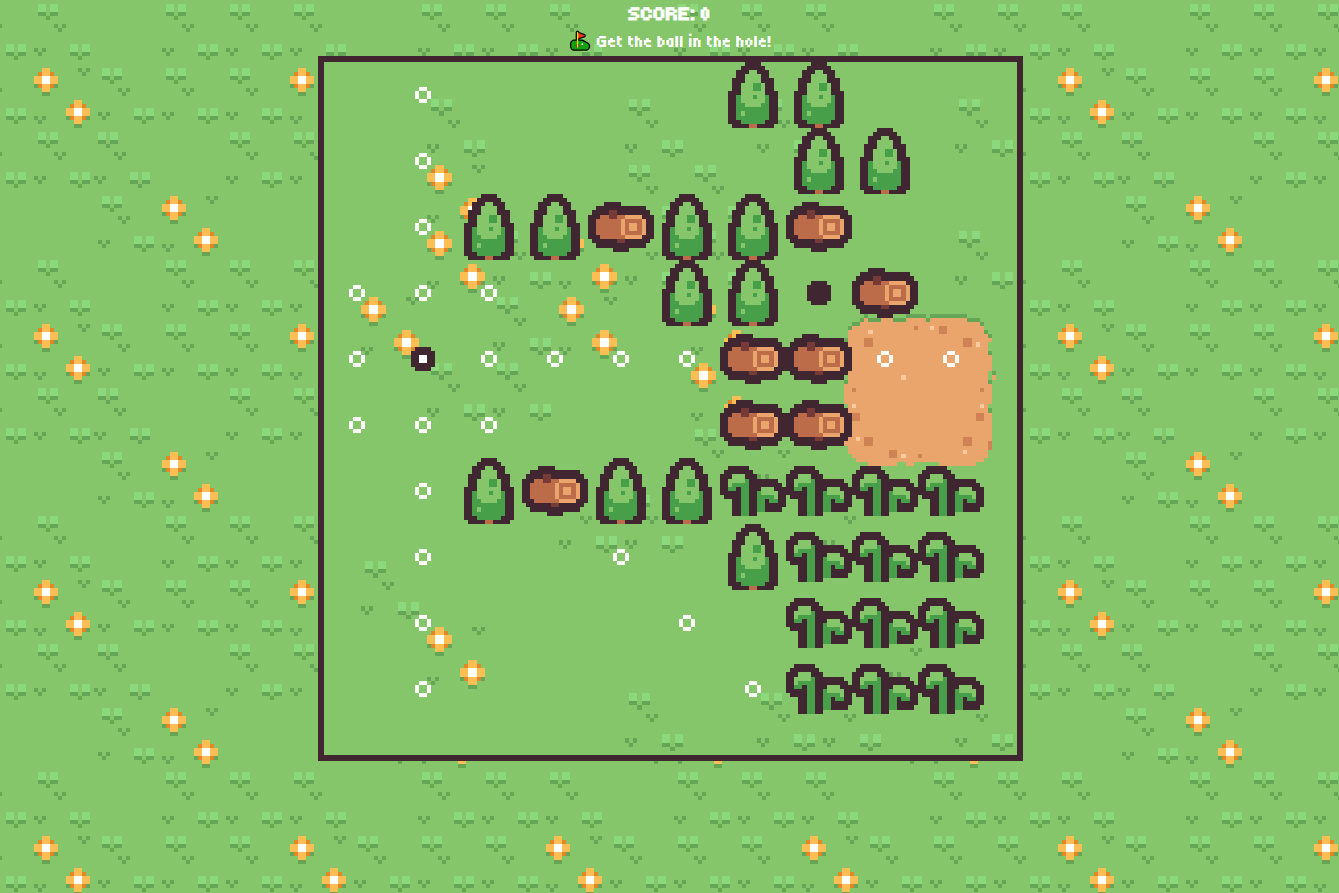
Sandy Approach
-
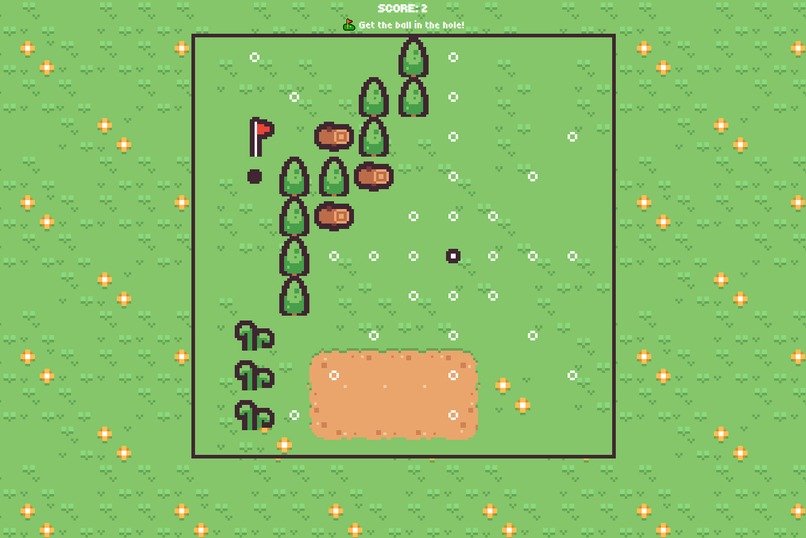
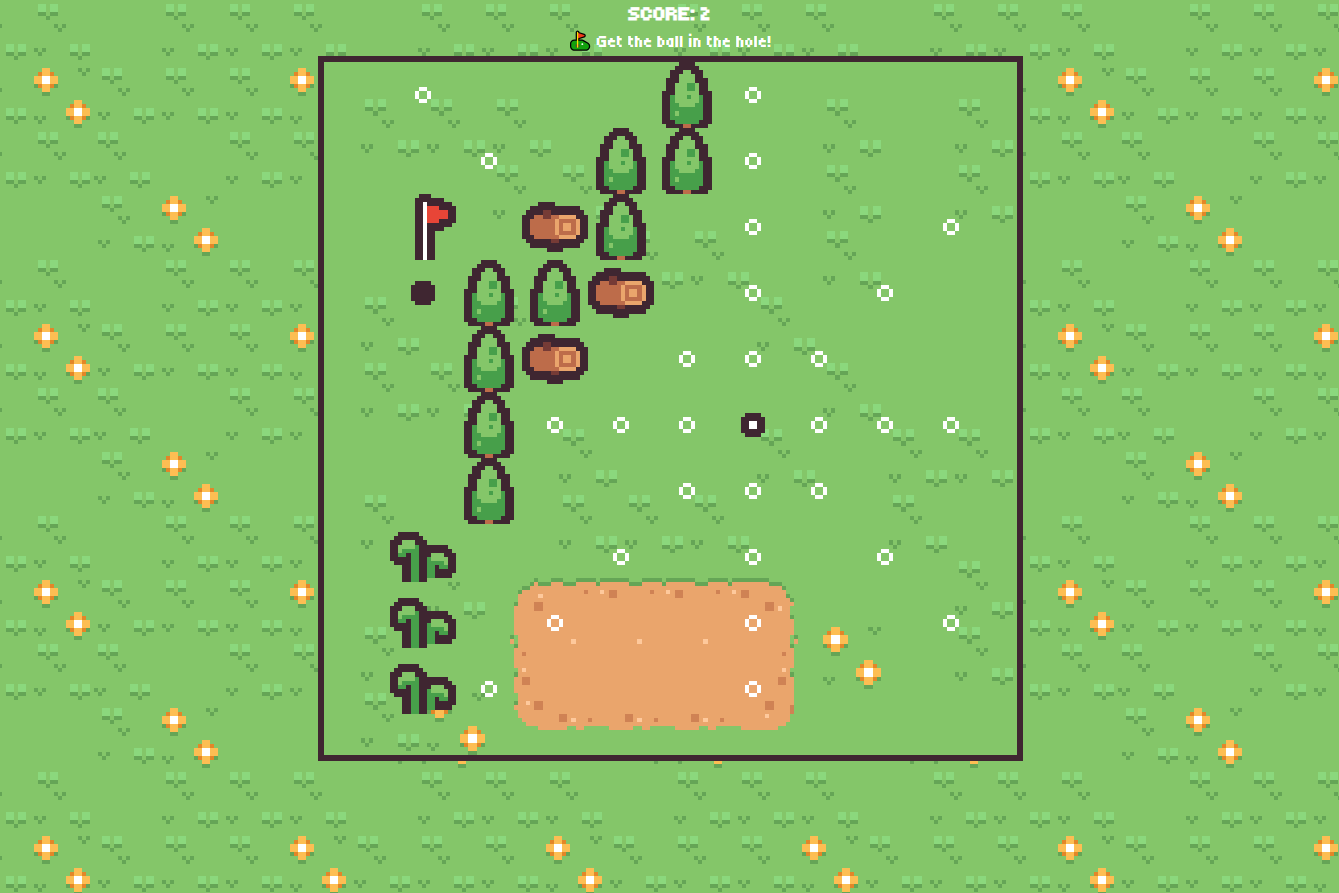
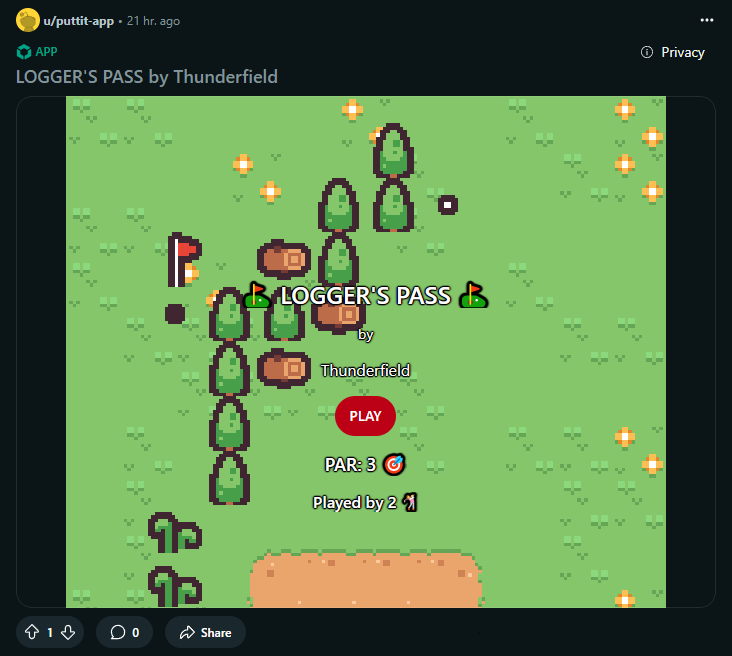
Logger's Pass
-
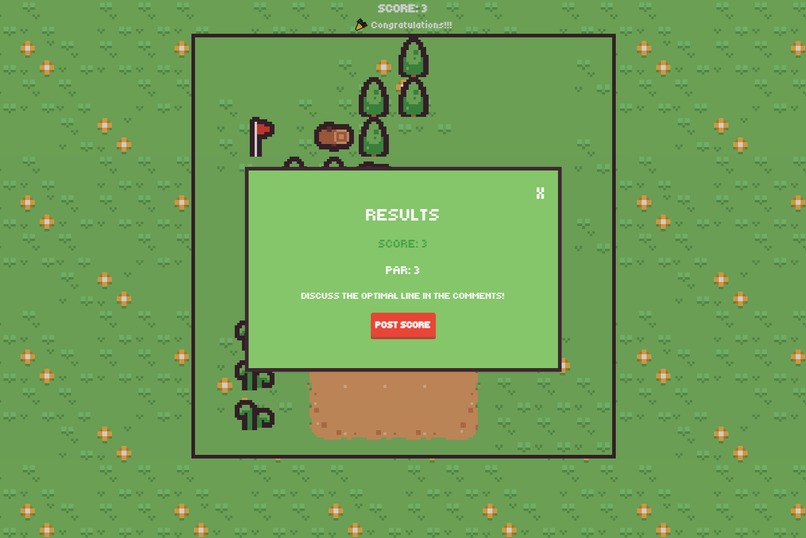
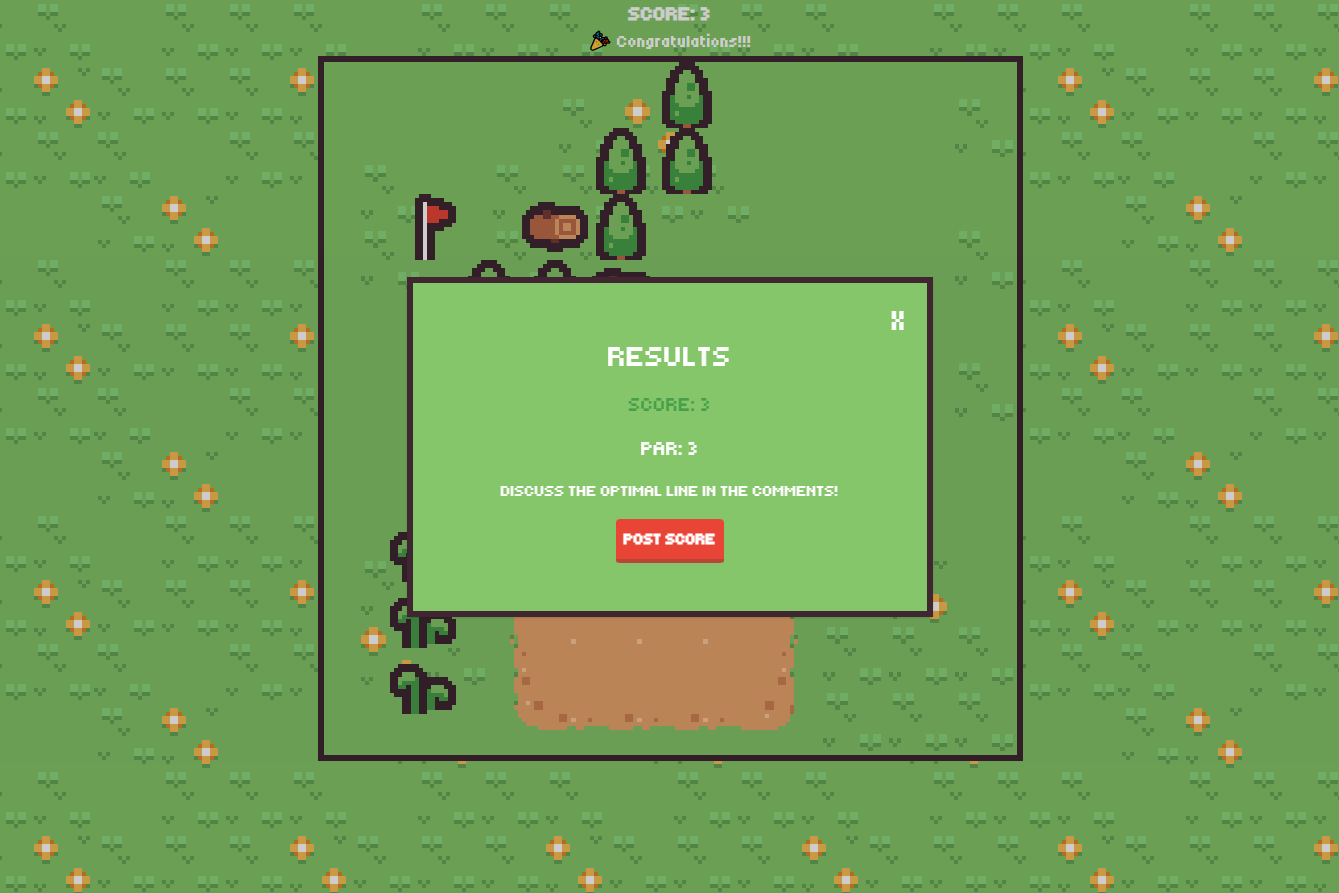
Level Complete Screen
-
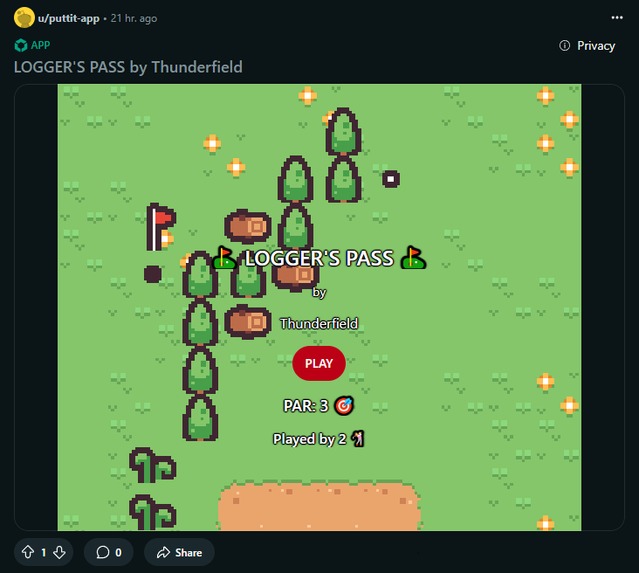
Level Preview
-
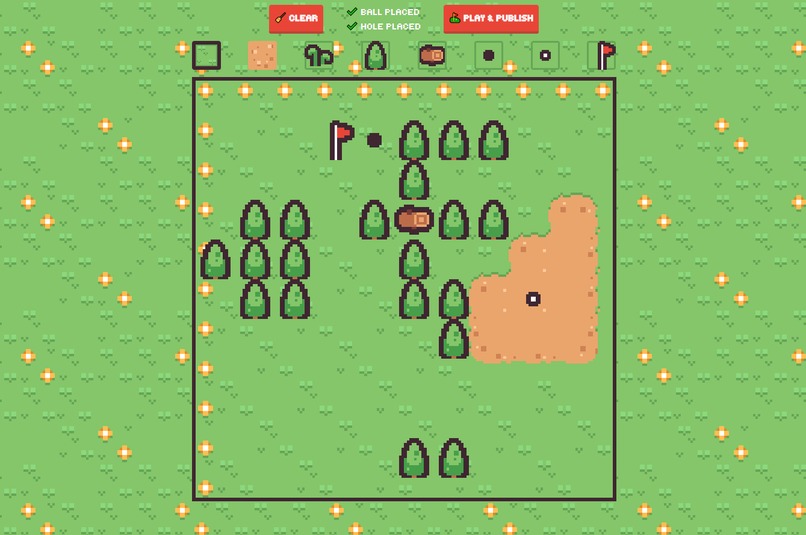
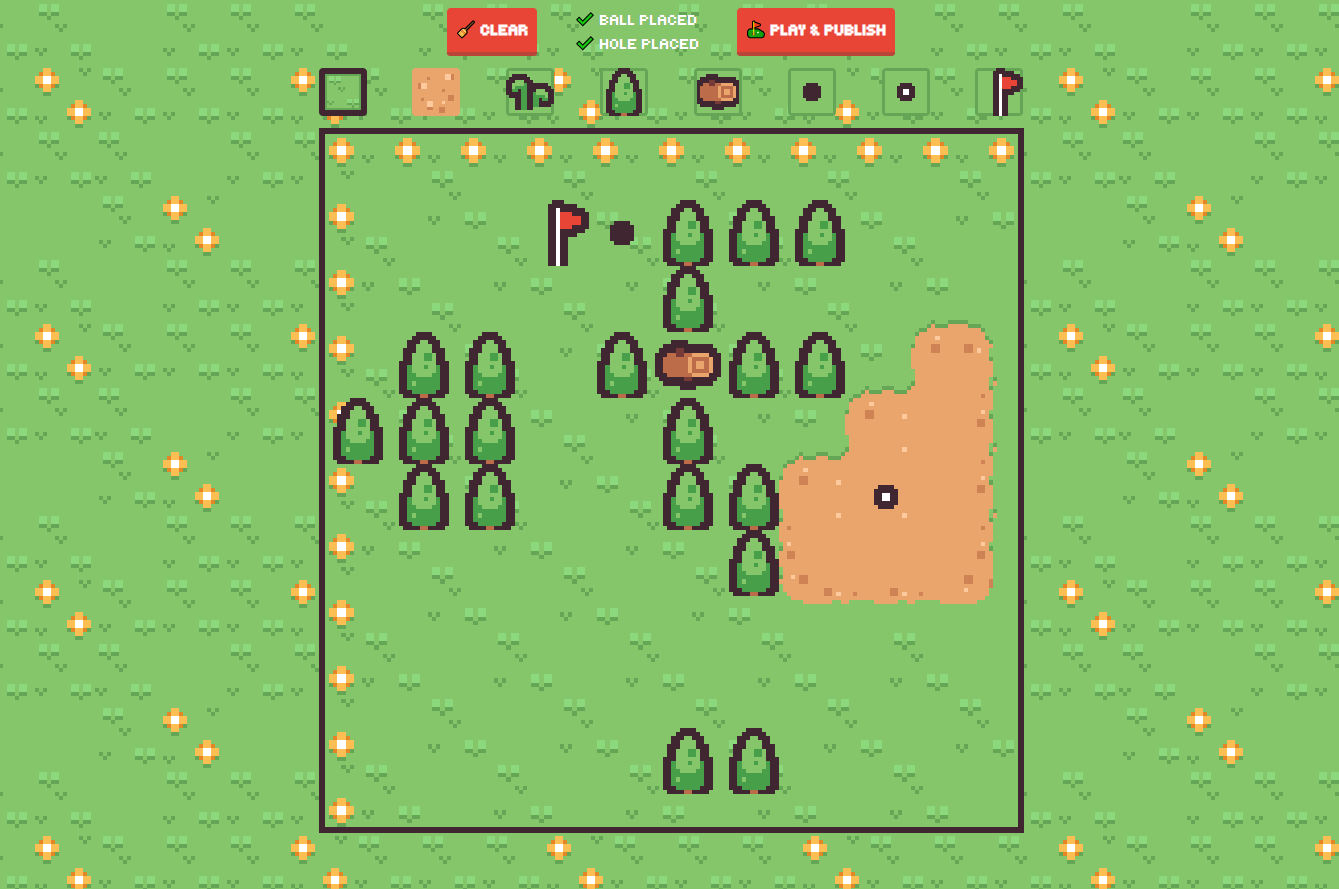
Course Editor
Inspiration
I wanted to build something that is easy to learn, can be played quickly, poses a challenge and promotes community engagement. I was inspired by r/chessquiz and r/pixelary and decided to build a puzzle golf game where players can design their own puzzles for others to solve.
The Game
Puttit is a golf puzzle game built for Reddit. Your goal is to sink the ball in as few moves as possible, aiming to match or beat par. Each course is a user-designed map where every tile has a unique effect:
- ⛱️ Sand – Your next shot will be inaccurate.
- 🌿 Rough – Your next shot has limited range.
- 🌲 Tree – Blocks the ball completely; you can't shoot through it.
- 🪵 Log – You can roll across it, but you can't stop on it.
The white markers indicate the tiles that can be reached from the current ball position. Click on a marker to choose your next shot. Land in the hole to beat the level!
After beating the level, you have the opportunity to post your score in the comments and see what percentage of players you beat. If you have trouble making the par, I encourage you to head over to the comments of the post to discuss the optimal lines of the course and ask for help.
The Course Editor
Puttit features an easy to use level editor designed to allow users to build their own levels quickly. Players build their golf puzzles on a 10x10 grid using a variety of effect tiles. Here is a basic rundown on building courses:
- For a course to be valid, both the ball and hole need to be placed somewhere in the map.
- Placing the flag is not necessary, but recommended. Use the flag to indicate the location of the hole or to hint towards a potential optimal line.
- After designing your course, you need to play and beat the level before publishing. This ensures that the level is solvable and sets the par for the level.
I highly recommend designing one or more "conventional", easy to spot lines that can achieve par, and a more obscure optimal line. This will serve to provide players with a challenge.
How we built it
Puttit was built using Devvit with Webviews. The post preview is built with native devvit blocks while the webview content itself is built using React, Tailwind and Pixi.js for the actual game. The level data along with the leaderboards and player rankings is saved in Redis.
I used a set of free game assets from Kenney which I modified in Aseprite to fit the needs of the game. The audio effects are also from Kenney.
Challenges we ran into
There were a number of issues related to integrating Pixi with webviews, such as calculating the size of the available display area correctly inside the webview and detecting user inputs. Thankfully these are mostly solved now.
I also ran into some issues when reading my tileset initially as Pixi's resource loader was reading more pixels than indicated in the tile atlas' JSON file (turns out to be a common precision issue), but I managed to fix that by adding some offset between sprites.
An interesting challenge I had to deal with was finding a way to put the course thumbnail in the post using Devvit. After checking out Pixelary's source code and seeing how they do it, I figured out that I could solve it by rendering the course in a texture, then converting it to base64 and constructing an svg string with it to be placed inside an image component.
Accomplishments that we're proud of
I am very happy that I managed to bring my idea to life and complete the project. Following the core design principles of community games for Reddit helped me avoid scope creep and focus on the interplay of a small set of mechanics.
What we learned
I learned a number of things in this hackathon. First and foremost, I learned to use the Devvit platform and its block components. While I find the Blocks layout system pretty minimal, it definitely provided enough functionality to bring my vision to life. However I would like to see some more customizability added (e.g. text font, corner radius for buttons)
I also learned Redis. Having never used a memory database before, I found it extremely easy to use. It maps very well to my preexisting knowledge of dictionaries while also offering some really handy functionality for executing some common processes (like getting the rank of a player from a leaderboard).
Another thing I learned was the PixiJS framework. While the experience was not painless, I quickly understood how to integrate it with React and display graphics on screen. Picking Pixi was a matter of maintaining a small bundle size - if that was not an issue, I would have probably picked something else.
On the more fun side, I learned how to do dual grid autotiling. I originally used a 1 byte bitmask to select the correct texture for my sand tiles out of a subset of 47 (reduced from 256 due to reflections, rotations and symmetries) but I had trouble getting the visuals to line up. I switched to a 16 sprite solution for my Sand/Grass tiles and offset the map by half a sprite on both axes, which provided the intended visual result. There is a drawback to using this method though: I have to add half a sprite on the beginning row and column to make up for my offset (more obvious in the level editor), which is actually not part of the logical game grid but there for visual purposes.
What's next for Puttit
I think it would be really nice if people played and enjoyed the game. I would also like to check out some user generated levels, I am curious to see what the community can come up with.
Behind the scenes, the project is in dire need of a thorough refactor. I had to iterate quite quickly in order to make Puttit feature complete, so now I would like to go back and clean up my codebase. On that note, I am confident I can reduce the build size by replacing some packages I added with my own code.
Finally there are a number of small things I want to do in the short term. I want to sort out an elusive resizing bug that happens occasionally on some screen ratios. Additionally, I want to do some more mobile testing.
⛳ See you on the golf course ⛳
Built With
- devvit
- pixi.js
- react
- redis
- tailwind.css
- typescript
- vite


Log in or sign up for Devpost to join the conversation.