-
-

Blocked website
-
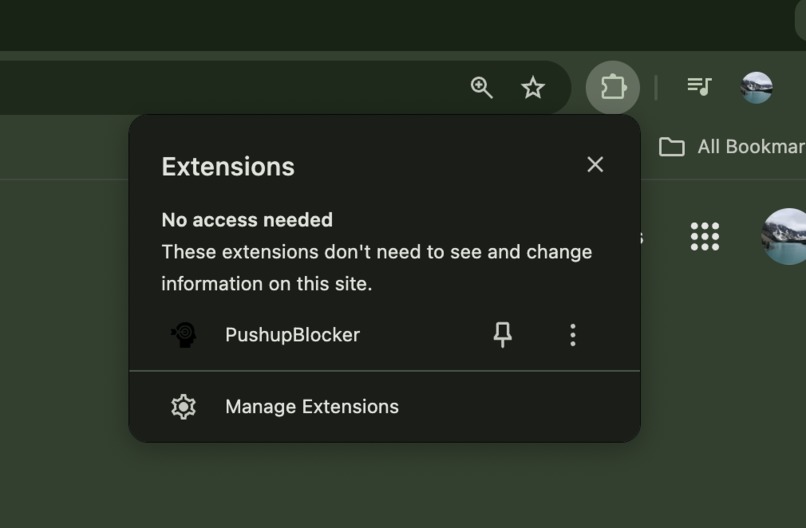
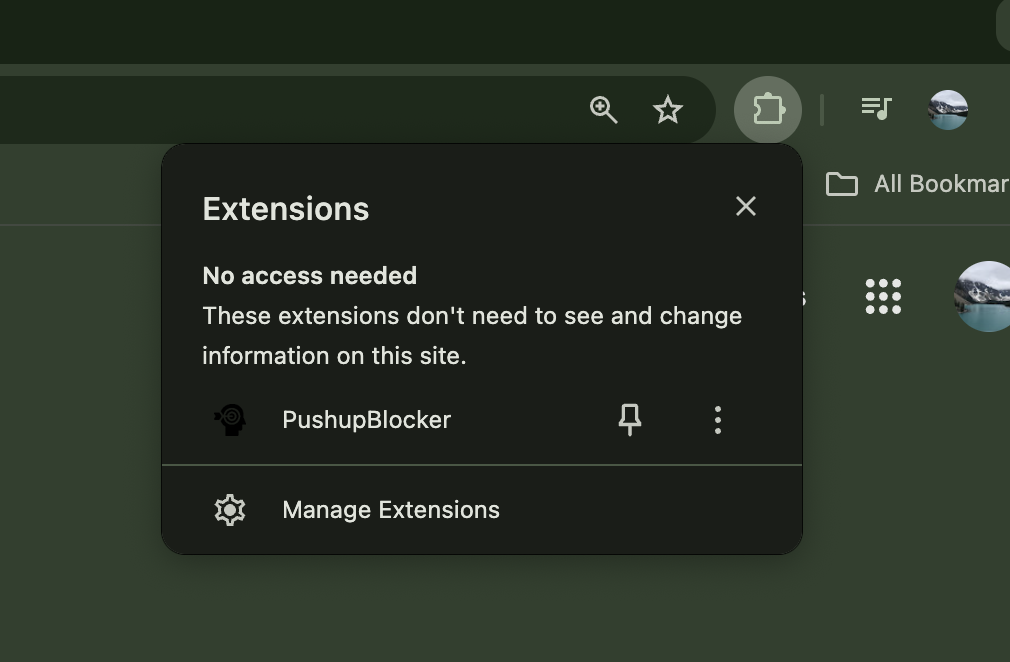
Chrome extension
-
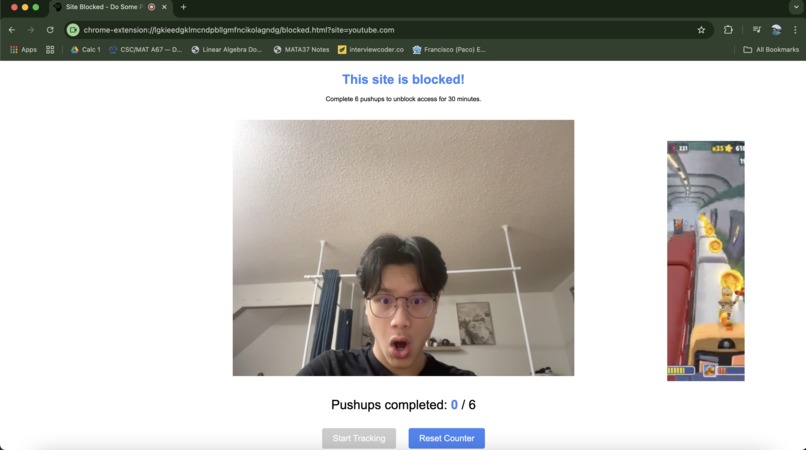
Accessing the camera
Inspiration
Focus and motivation. These were the two biggest problems our team was facing throughout our time in university when it came to having plans to study and working out. As bad as it sounds, we often found ourselves finally throwing away our phones to study, only to get distracted and scroll on web applications namely youtube or reddit. These huge problems were our main reasons in creating PushBlock.
What it does
PushupBlocker is a web browser extension designed to encourage physical activity by requiring users to complete pushups before accessing distracting websites like YouTube, Reddit, TikTok, and Instagram. As the name suggests, it helps block distractions — but only after a workout.
The extension is highly customizable: users can set the number of pushups they need to complete and add or remove websites from the blocked list.
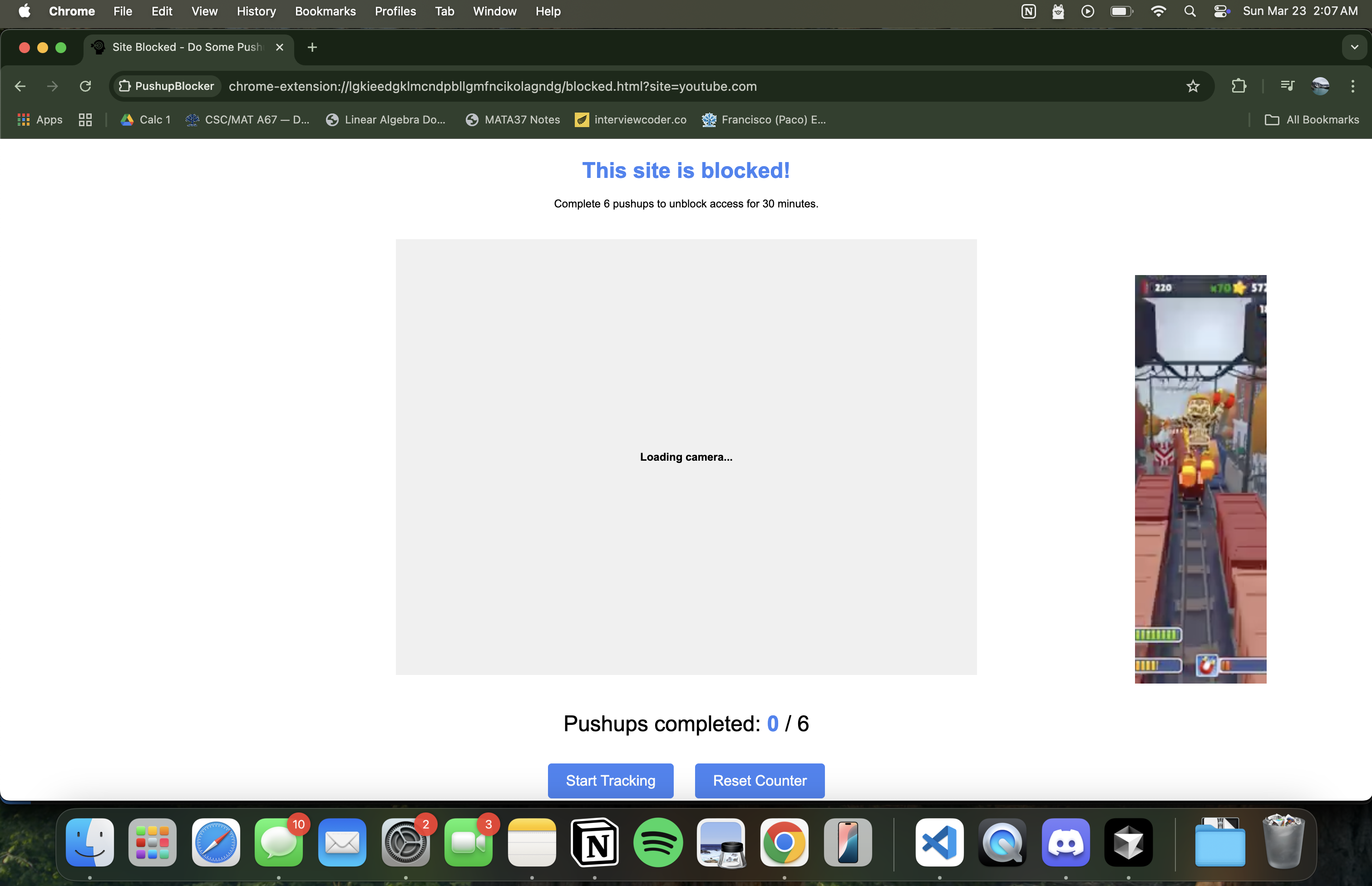
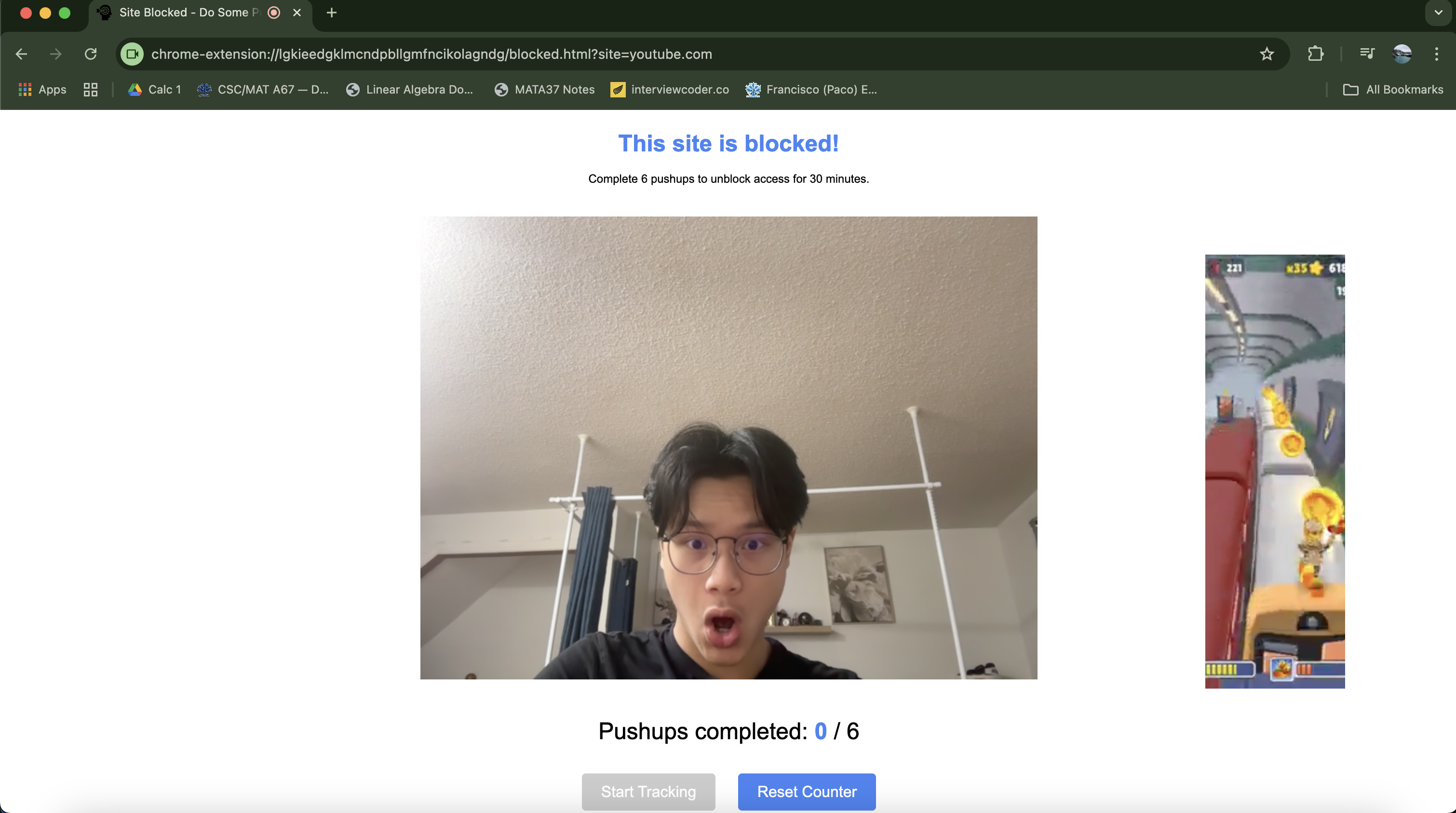
When a user tries to visit a blocked site (e.g., "instagram.com"), they’re met with a blocking screen featuring two buttons: "Start Tracking" and "Reset Count."
Start Tracking: Activates the user’s camera to count pushups in real time.
Reset Count: Resets the current pushup count to zero.
Once the user completes the required number of pushups, they gain access to the website — but only for 30 minutes. After that, the blocking screen reappears, encouraging another round of pushups before continued access.
Our project also features an infinite looped subway surfer clip in order to give the user a more in depth, focused experience.
How we built it
PushBlock's frontend was built using HTML, CSS, and JavaScript which leverages Chrome Extension APIs (chrome.storage, chrome.webNavigation, chrome.runtime, chrome.tabs) to handle site blocking, user settings, and browser interactions. The main functionality, the pushup detector, relies in a Flask backend server that uses OpenCV and MediaPipe for real-time pose detection through the user's webcam, accurately counting completed pushups. The JavaScript and Flask server communicate through a straightforward client-server communication system. The JavaScript code establishes a connection to the Flask server running on localhost:5001 and handles the webcam interaction in the browser.
Challenges we ran into
One of the biggest challenges our team faced while developing PushupBlocker was ensuring accurate pushup detection. Using OpenCV and MediaPipe, we carefully tuned joint angle thresholds to distinguish between proper pushups and partial or incorrect movements. Real-time performance was another hurdle — balancing live video processing between the Flask backend and the browser’s frontend required optimization to maintain smooth, low-latency feedback. Chrome’s extension APIs also presented limitations, particularly around navigation redirection and persistent data storage, which we managed using storage and webNavigation APIs to track user progress seamlessly. Beyond the technical side, keeping users engaged was crucial; we added customization options for pushup counts and blocked sites, along with a Subway Surfers video to make the experience more entertaining and less discouraging. Lastly, ensuring cross-device consistency proved tricky — varied webcam qualities and browser environments impacted performance, so we ran extensive testing and implemented error handling to ensure reliable detection across different setups.
Accomplishments that we're proud of
Our proudest accomplishment is undoubtedly the pushup detection system. After countless hours of debugging and troubleshooting, finally seeing it work was an unforgettable moment — and we celebrated big.
What we learned
The PushupBlocker project gave us valuable experience in web development and software engineering. We worked with amazing technologies such as real-time video processing, client-server communication, integrating OpenCV and MediaPipe for pose detection while ensuring smooth performance. It taught us the importance of error handling, intuitive UI design, and balancing functionality with user convenience. Most importantly, it showed how technology can creatively promote healthy habits by combining productivity with physical activity.
What's next for PushBlock
Our team plans to turn PushupBlocker into a fully functional Chrome extension and release it to the market. We also aim to expand its capabilities by detecting more exercises, such as sit-ups and squats, in addition to pushups, to offer a more comprehensive fitness experience.


Log in or sign up for Devpost to join the conversation.