-
-
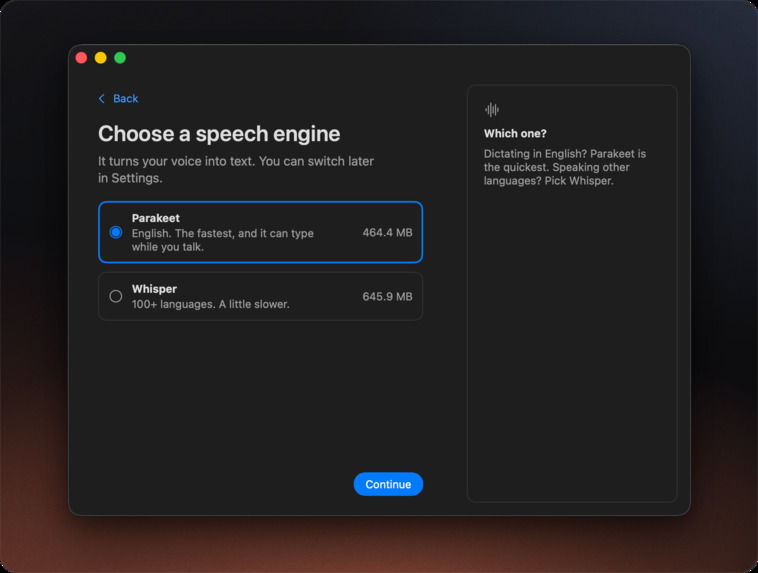
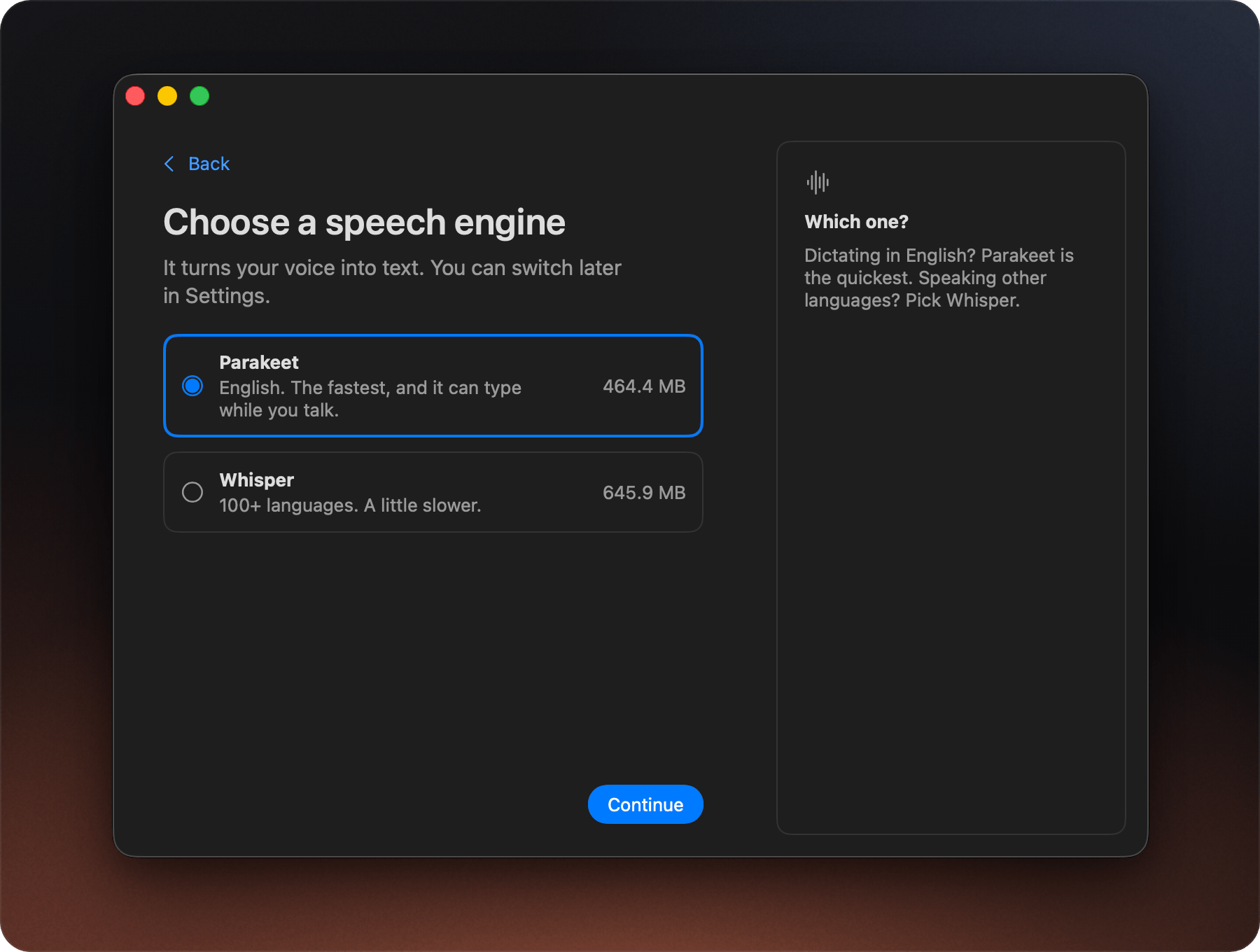
Setup lets you pick Parakeet or Whisper
-
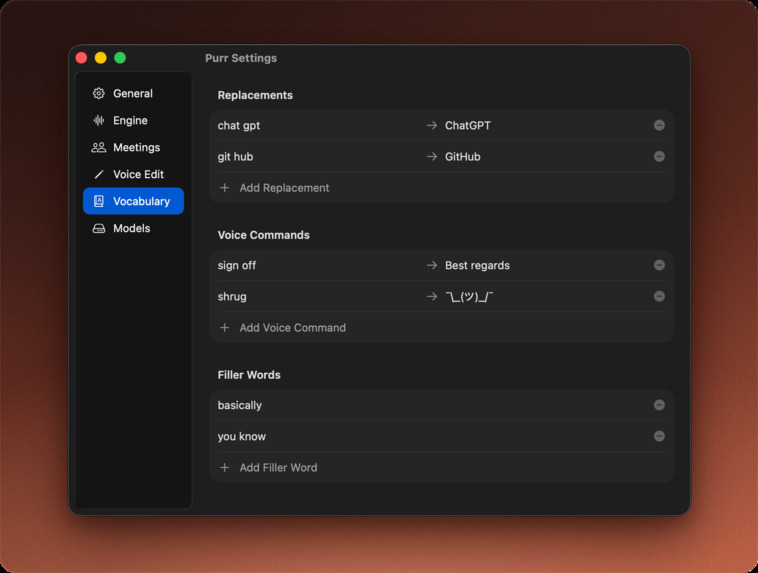
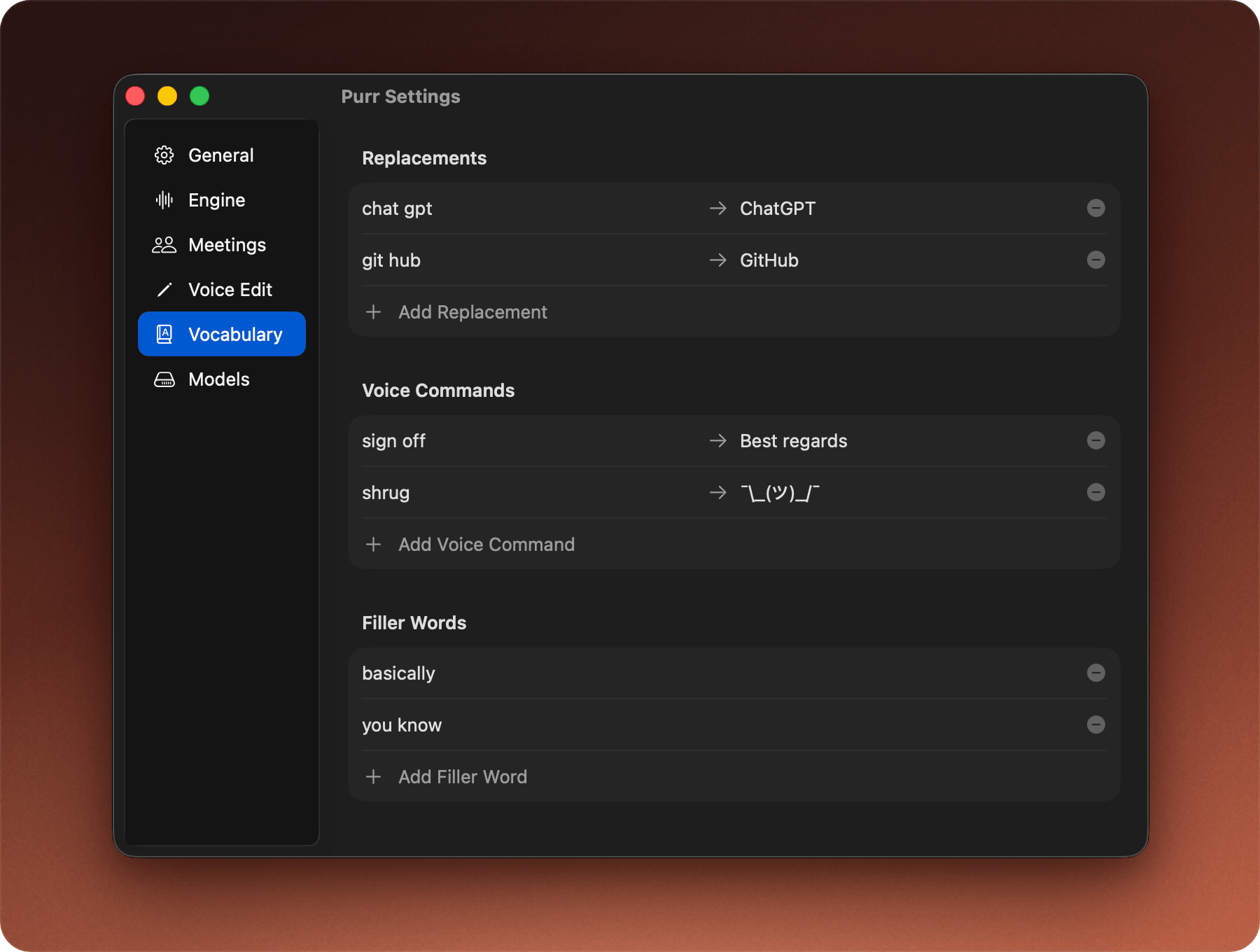
Vocabulary settings for your own names and terms
-
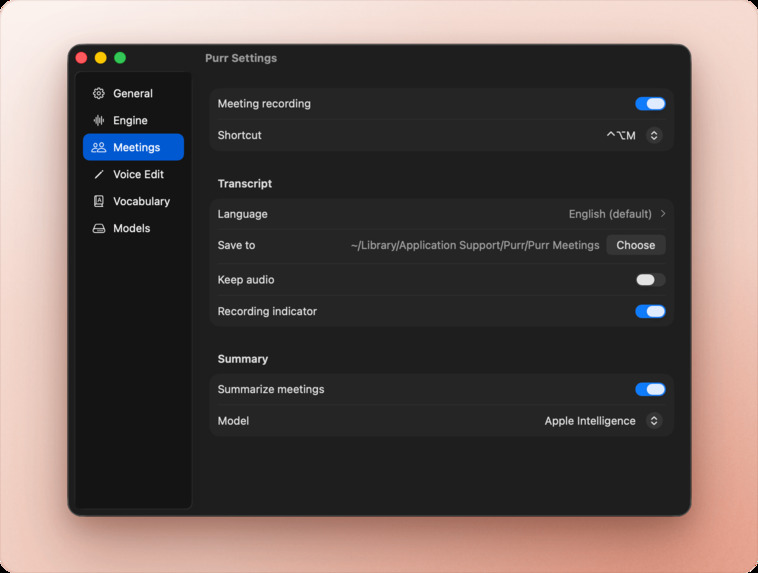
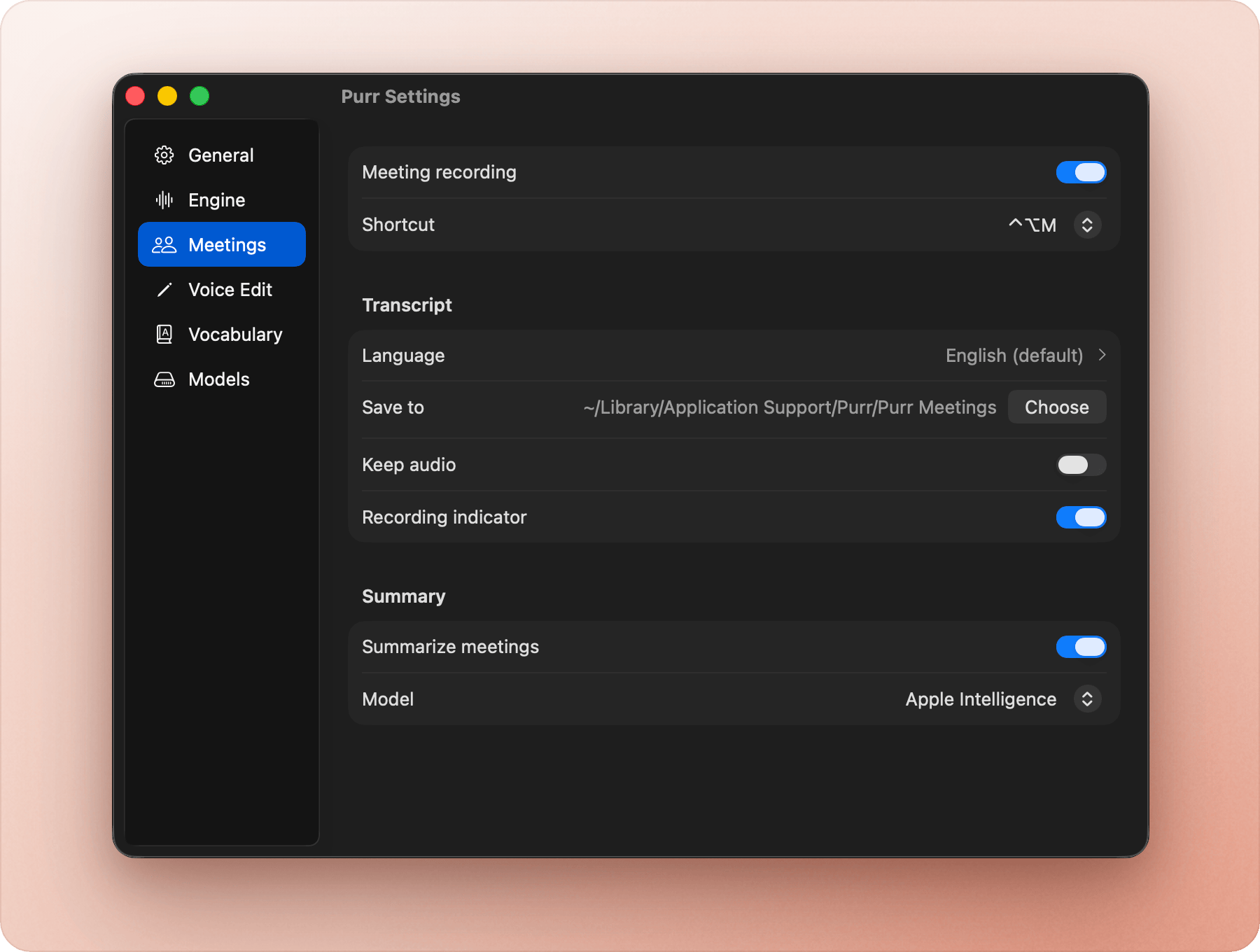
Meetings settings
-
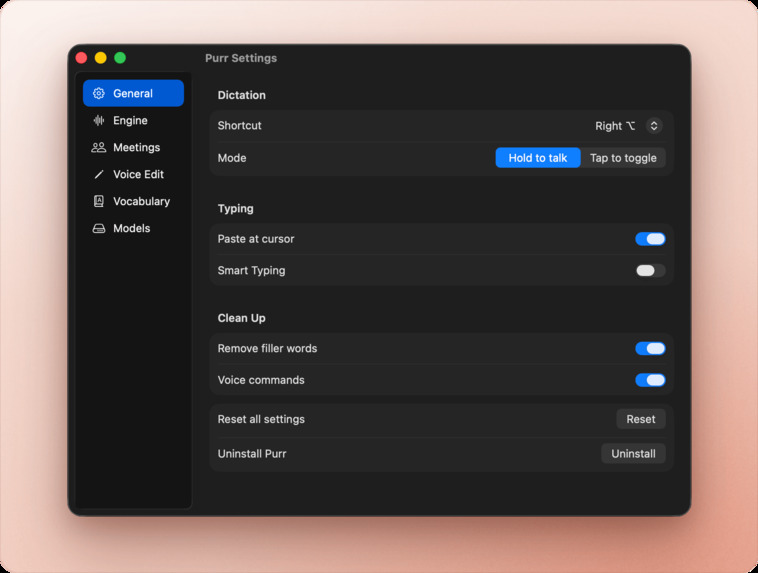
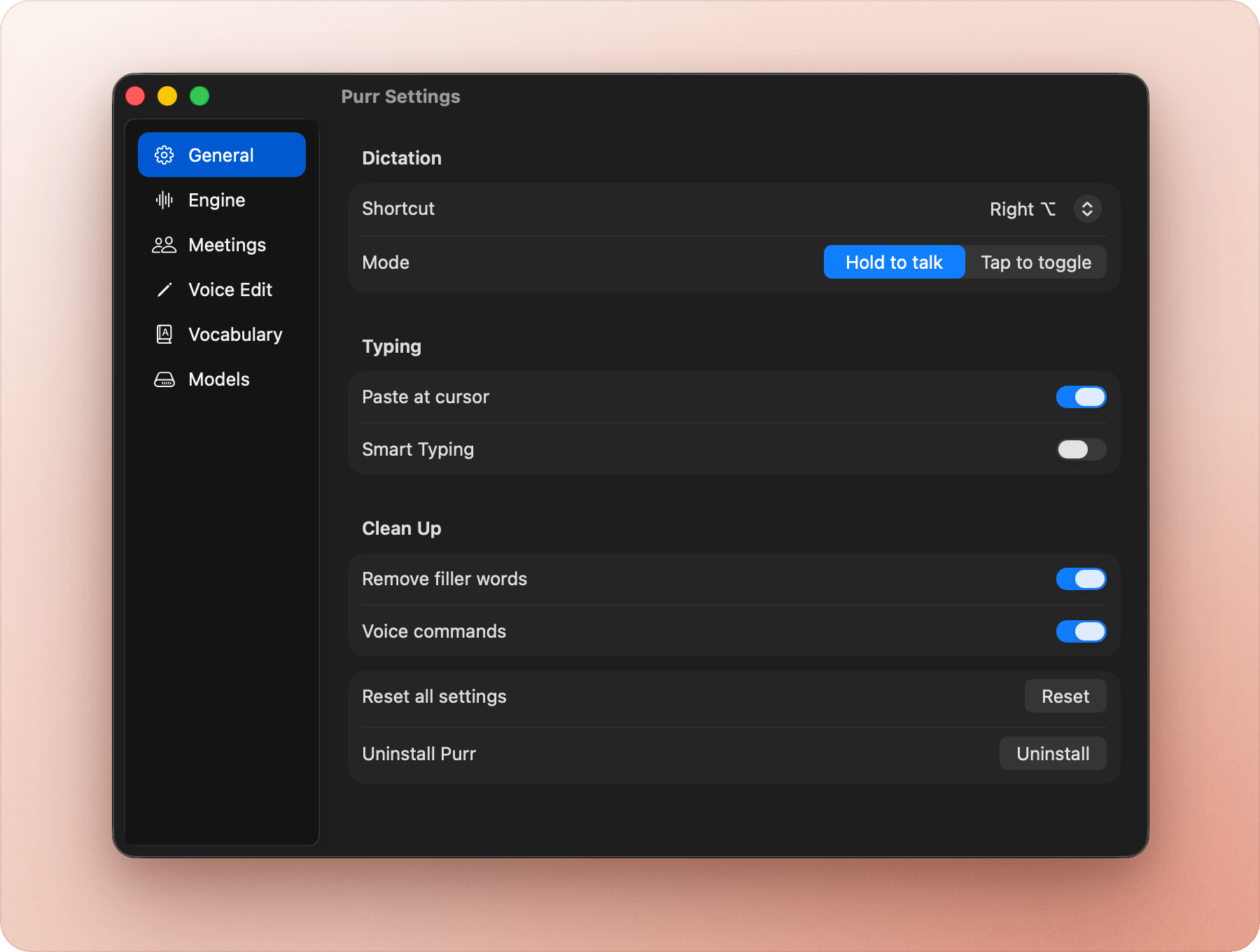
General settings
-
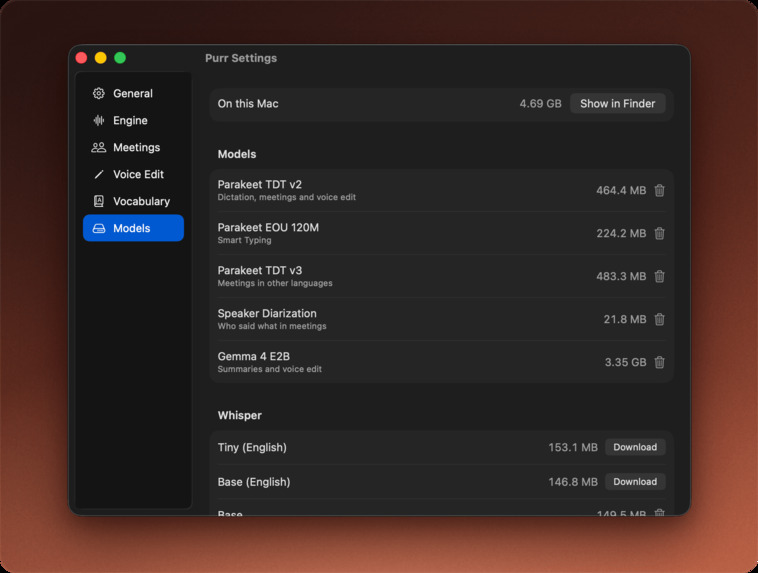
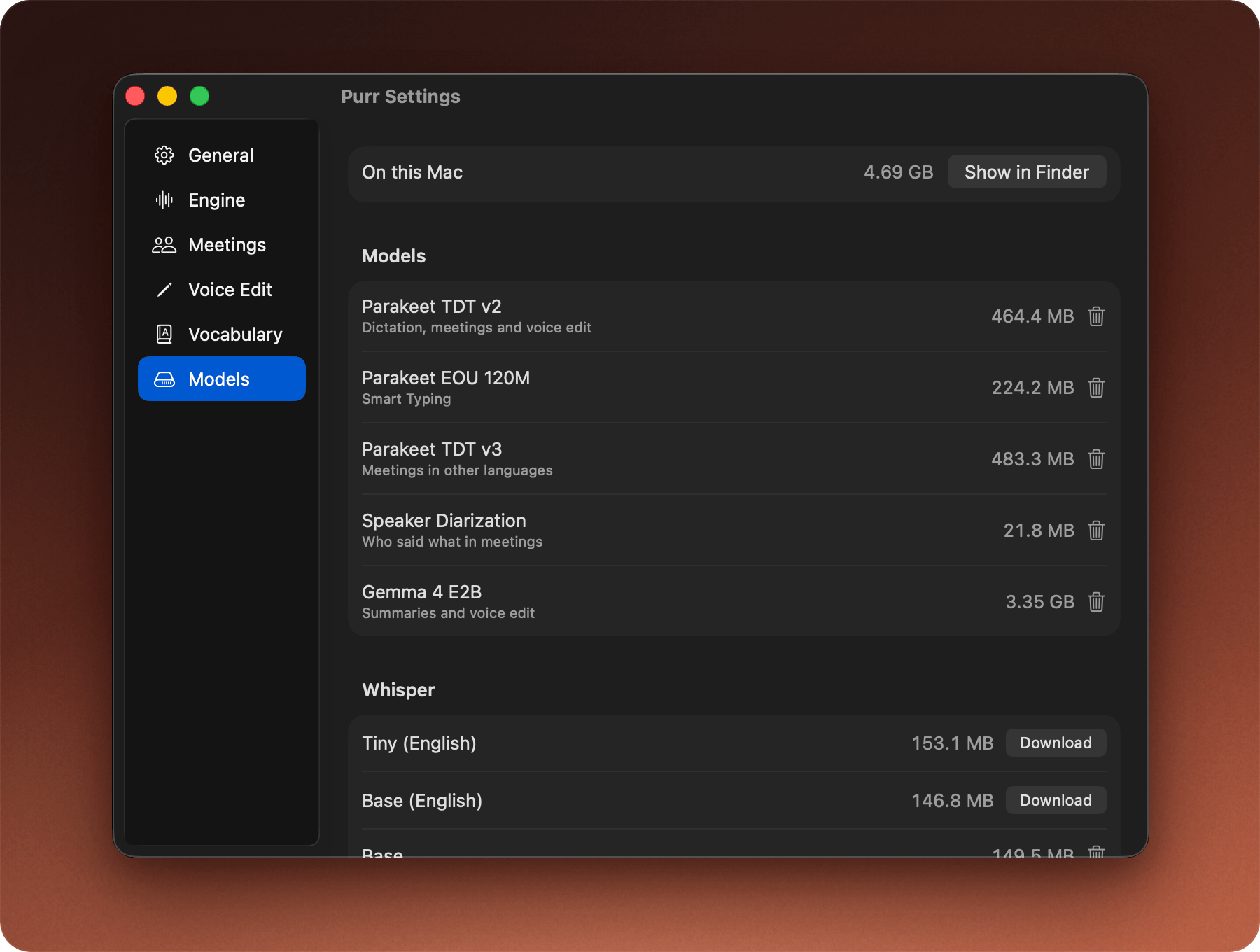
Models settings
-
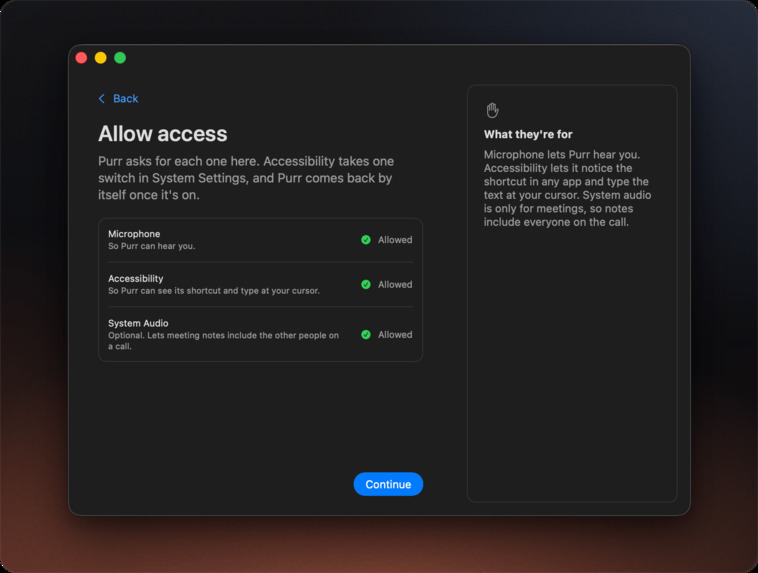
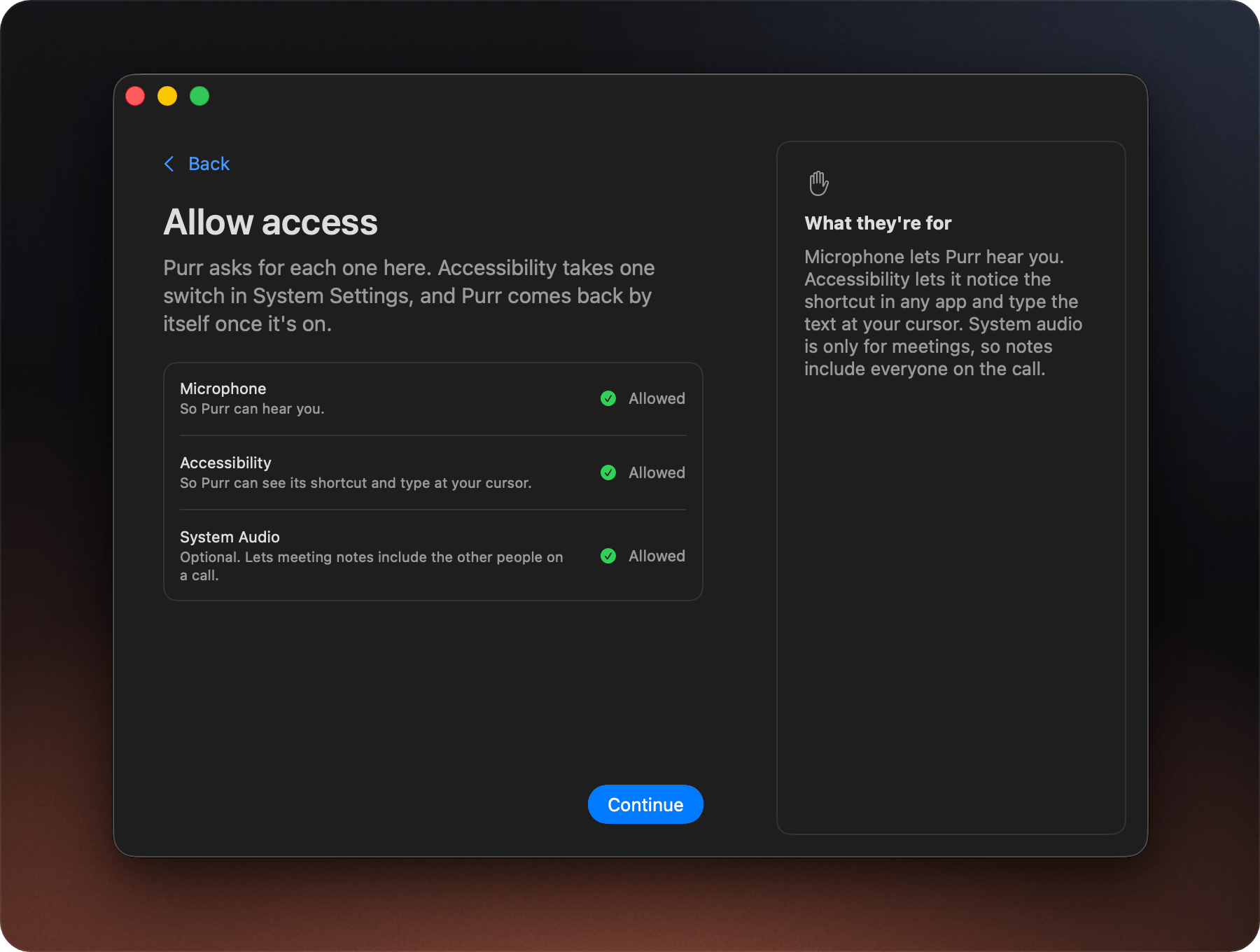
Setup asks for Microphone, Accessibility and System Audio access
Inspiration
Dictation and meeting notes have mostly become cloud services. To use them you send your voice, and often a whole meeting, to someone else's servers, and usually pay a monthly fee. I wanted to know whether small open models, picked carefully and fitted together, could do both jobs on a laptop people already own.
What it does
- Dictate into any text field. Hold a key, talk, let go.
- Smart Typing types as you speak instead of waiting for you to let go.
- Meetings records your mic and your Mac's audio with no bot joining the call, labels who said what, and saves Markdown notes with an optional summary.
- Voice Edit rewrites selected text when you say what to change.
- Vocabulary listens for the names and terms you add, fixes words it keeps mishearing, and drops "um" and "uh".
- Languages go beyond English, with about 100 for dictation through Whisper and 28 for meetings.
Everything runs on your Mac. There's no account, no cloud and no telemetry, and it works offline once the models are downloaded.
How I built it
Purr is a native Swift and SwiftUI menu-bar app. Speech runs on NVIDIA's Parakeet models through FluidAudio and on Whisper through WhisperKit, both with Core ML on Apple Silicon. A small CTC model rescores what you said against your word list, so names and jargon come out right more often. Meetings use a pyannote speaker diarizer converted to Core ML, and summaries and Voice Edit run on Apple's on-device Foundation Models or on Gemma through llama.cpp.
Challenges I ran into
In meetings, sound from your speakers leaks back into the mic, so the other person's words showed up as yours. A plain loudness cut fixed that but also threw away my own quieter words. Purr now measures how much call audio the echo canceller removes from each word and compares what's left with your own voice level, so echo is dropped and your quiet words stay.
Voice Edit had its own trap. When a small model rewrites a whole paragraph, it tends to change things you never asked for. So the model never rewrites the text. It only says which words to change, and Purr makes those changes itself, so nothing else moves.
Accomplishments that I'm proud of
Purr runs fully offline on an ordinary Mac, it's free and MIT-licensed, and requests from users on GitHub and Reddit led to meeting support for 27 more languages.
What I learned
Small local models become trustworthy through the engineering around them more than through their size. Most of the work was in the audio pipeline, the timing and the checks, not in the models.
What's next for Purr
I want to train Purr's own speech model on consented data like Mozilla's Common Voice and release it with open weights, and let Purr learn from your corrections without anything leaving your Mac. After that, Windows, Linux and phones.
Built With
- core-ml
- fluidaudio
- gemma
- llama.cpp
- macos
- parakeet
- swift
- swiftui
- whisper
- whisperkit
