-
-

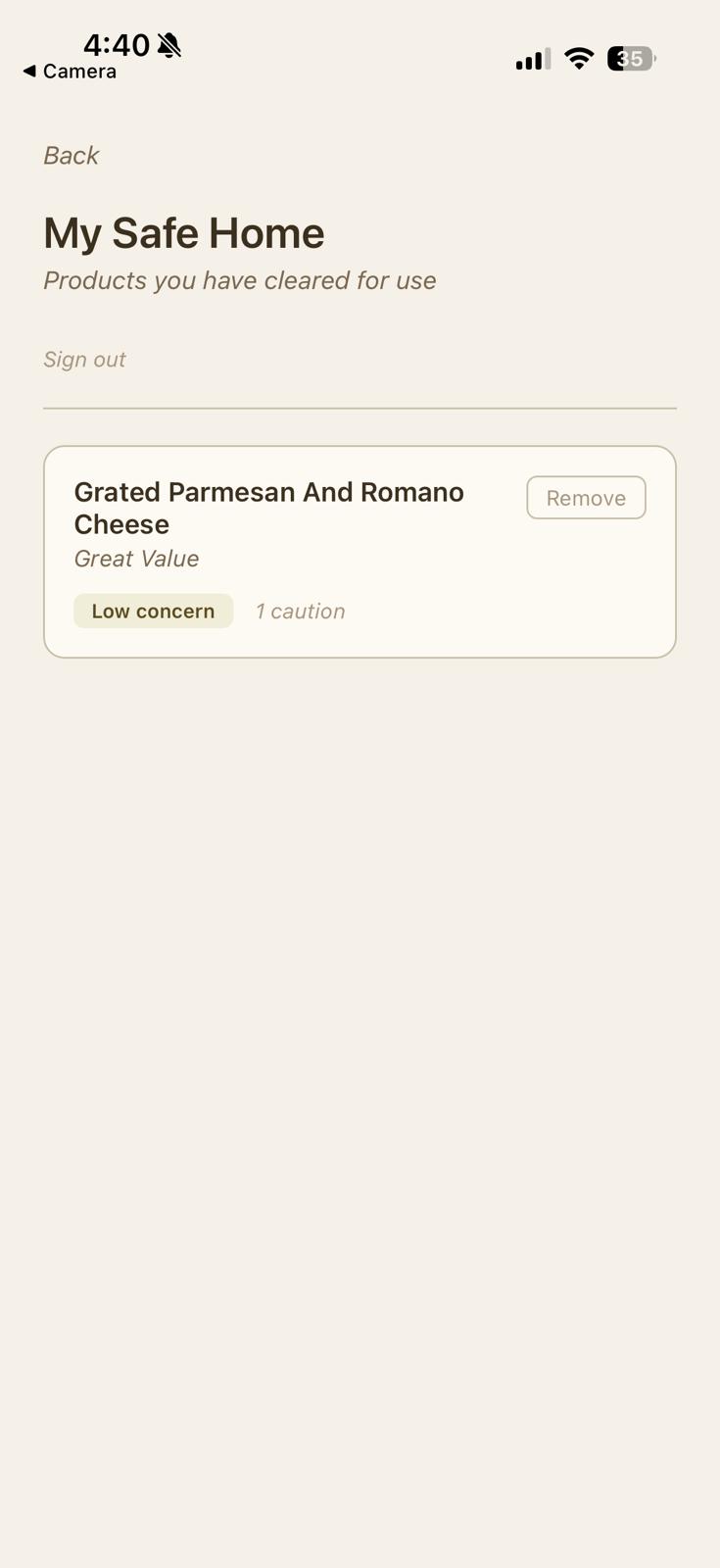
Saved Products Page
-
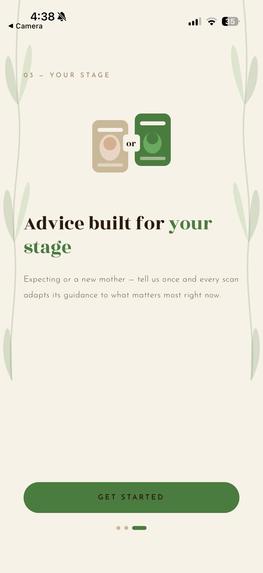
Onboarding Page 3
-
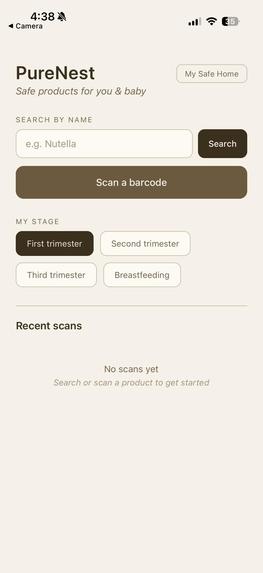
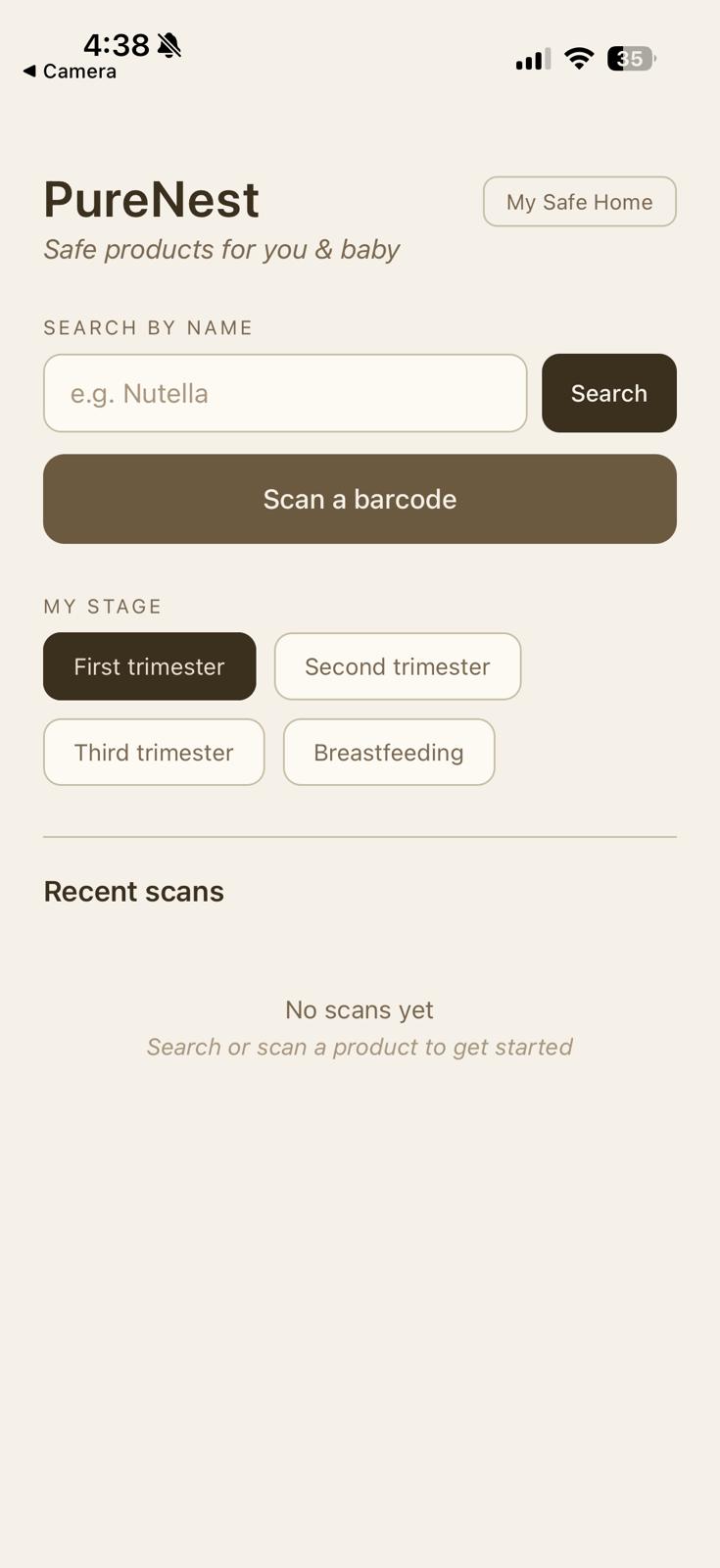
Homescreen
-
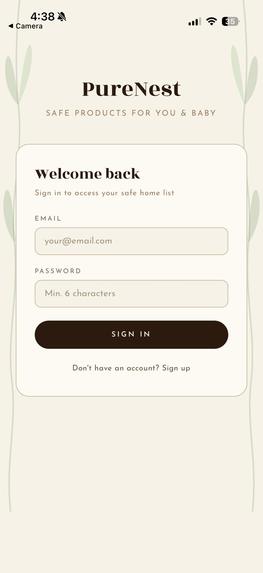
SignUp Page
-
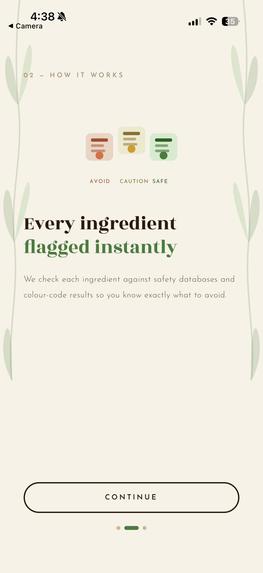
Onboarding Page 2
-

Onboarding Page 1
-
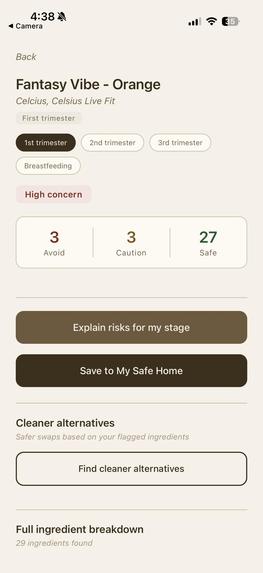
High Concern Product First Trimester
-
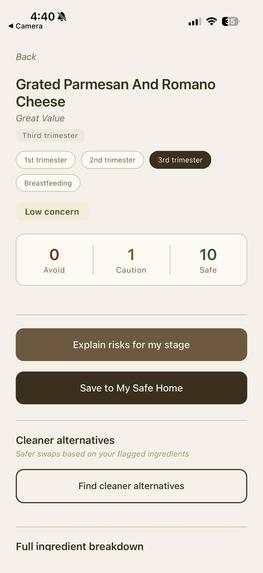
Low concern product
-
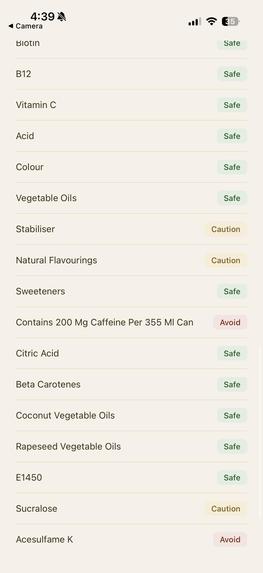
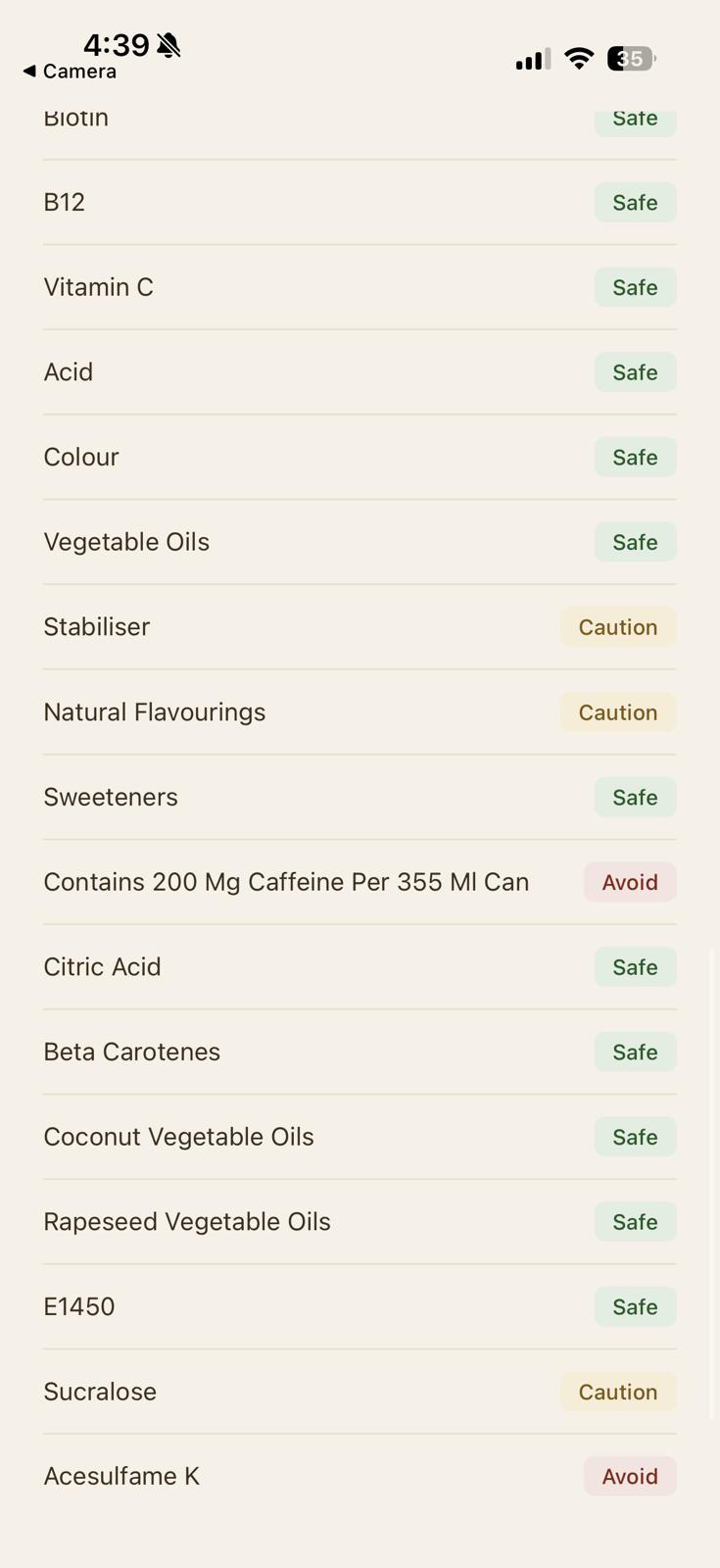
Flagged Ingredients
-
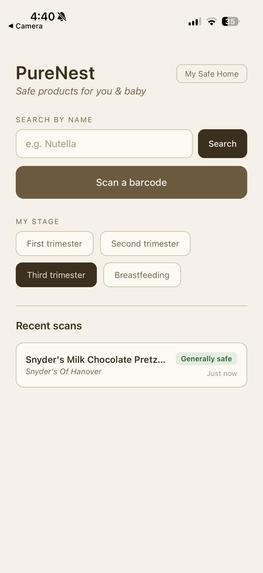
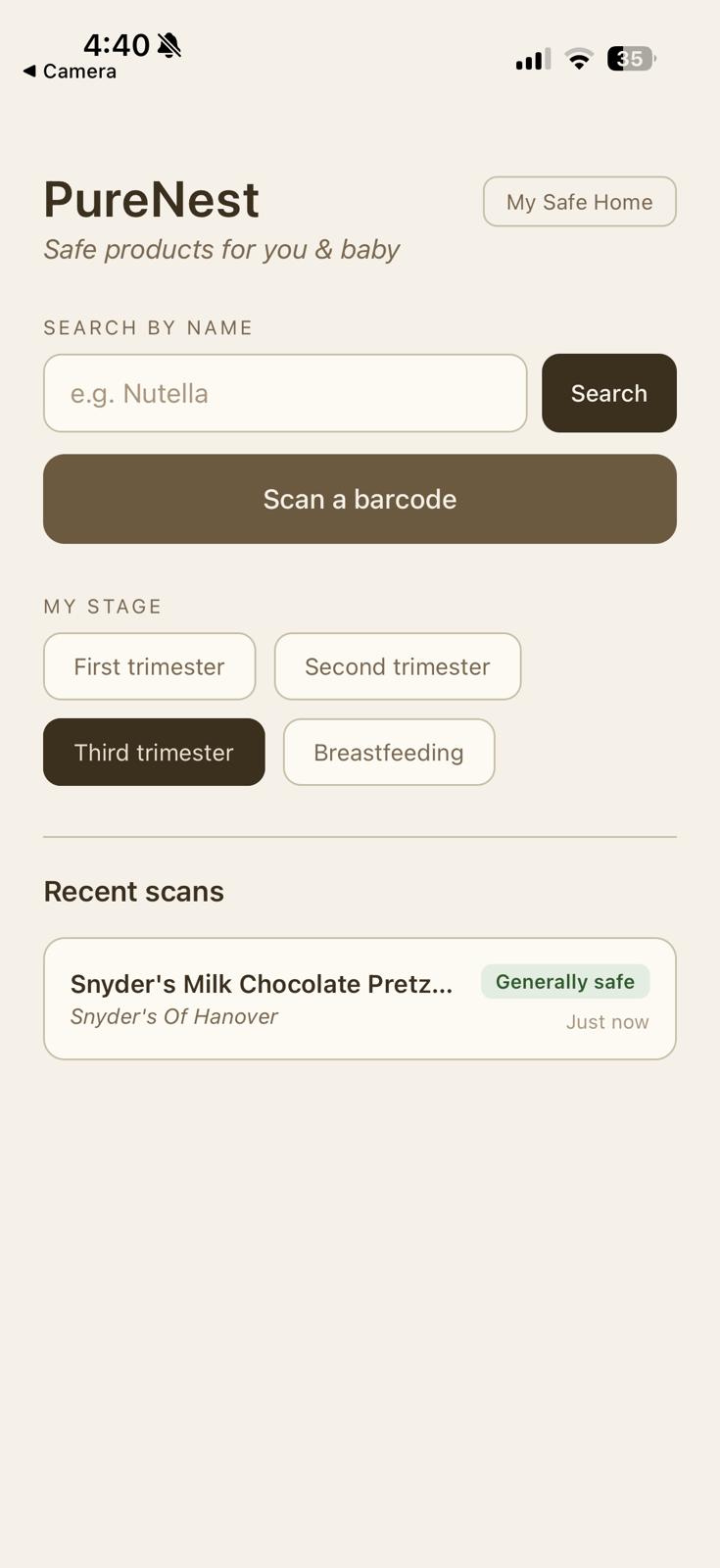
Recent Scans
-
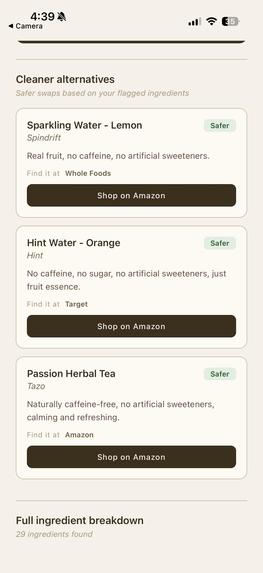
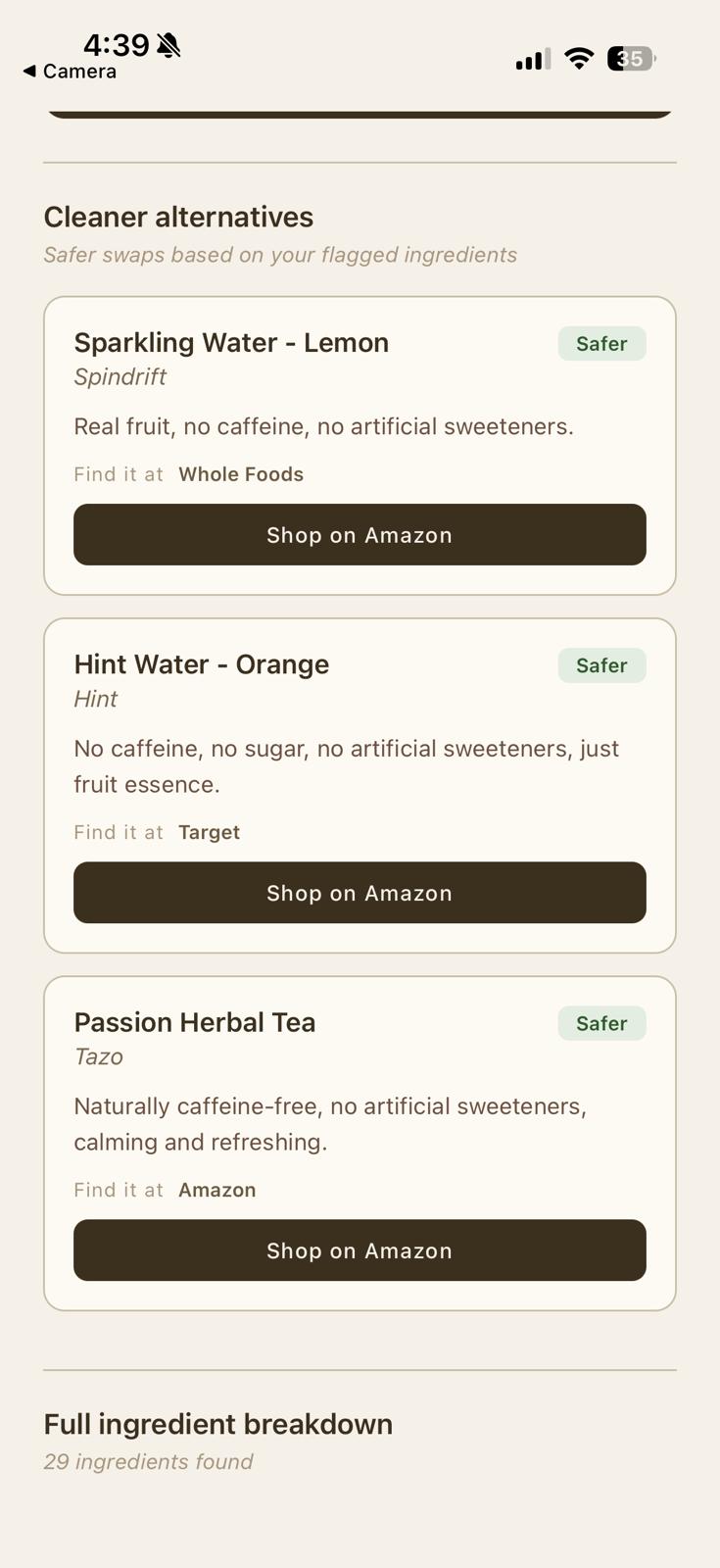
Cleaner Altrenatives
-
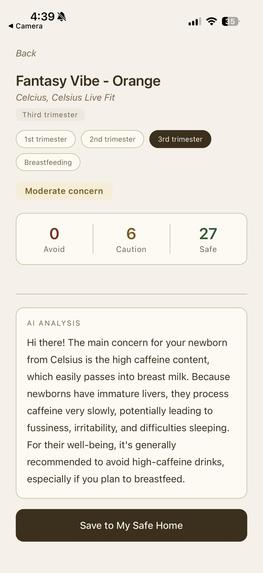
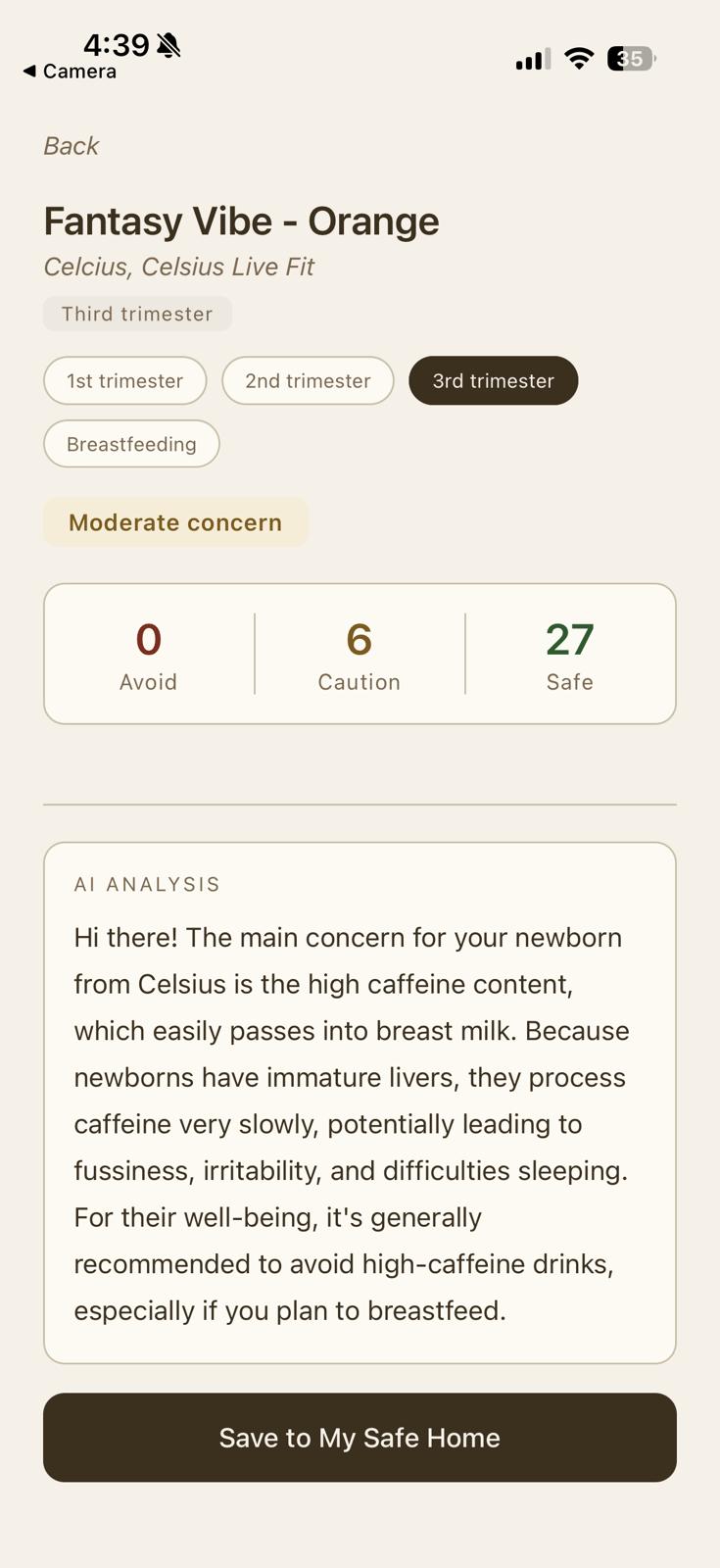
AI Explanation and High Risk Product Third Trimester


Inspiration
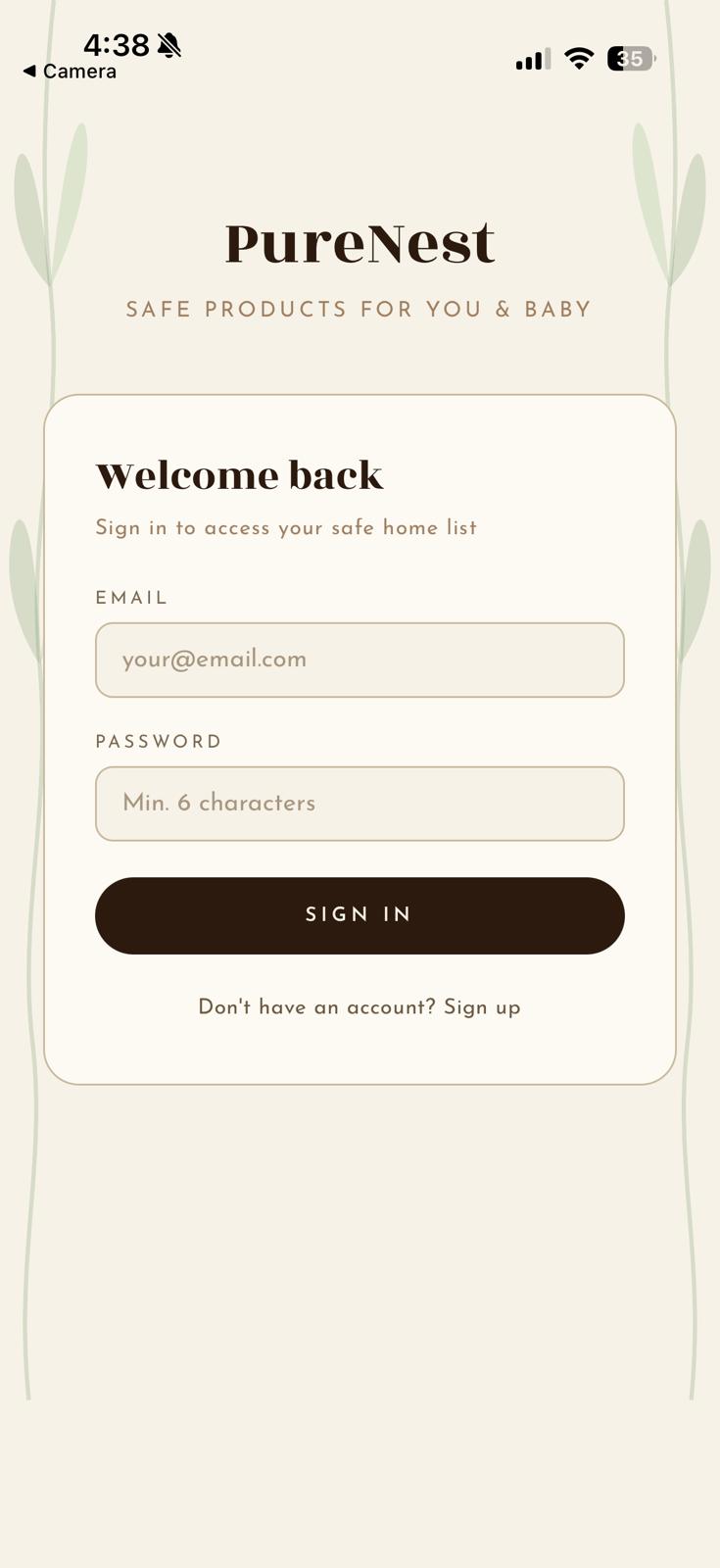
The idea for PureNest came from thinking about how much mental load goes into pregnancy and new motherhood that has nothing to do with the baby directly. It's reading ingredient labels, second-guessing a skincare product, and wondering if a snack is actually fine. Most ingredient safety apps treat pregnancy as one static state, but a first-trimester mother and a breastfeeding mother face completely different risks from the exact same ingredient. We wanted to build something that reflected that reality instead of flattening it into a single generic "pregnancy safe" label.
What it does
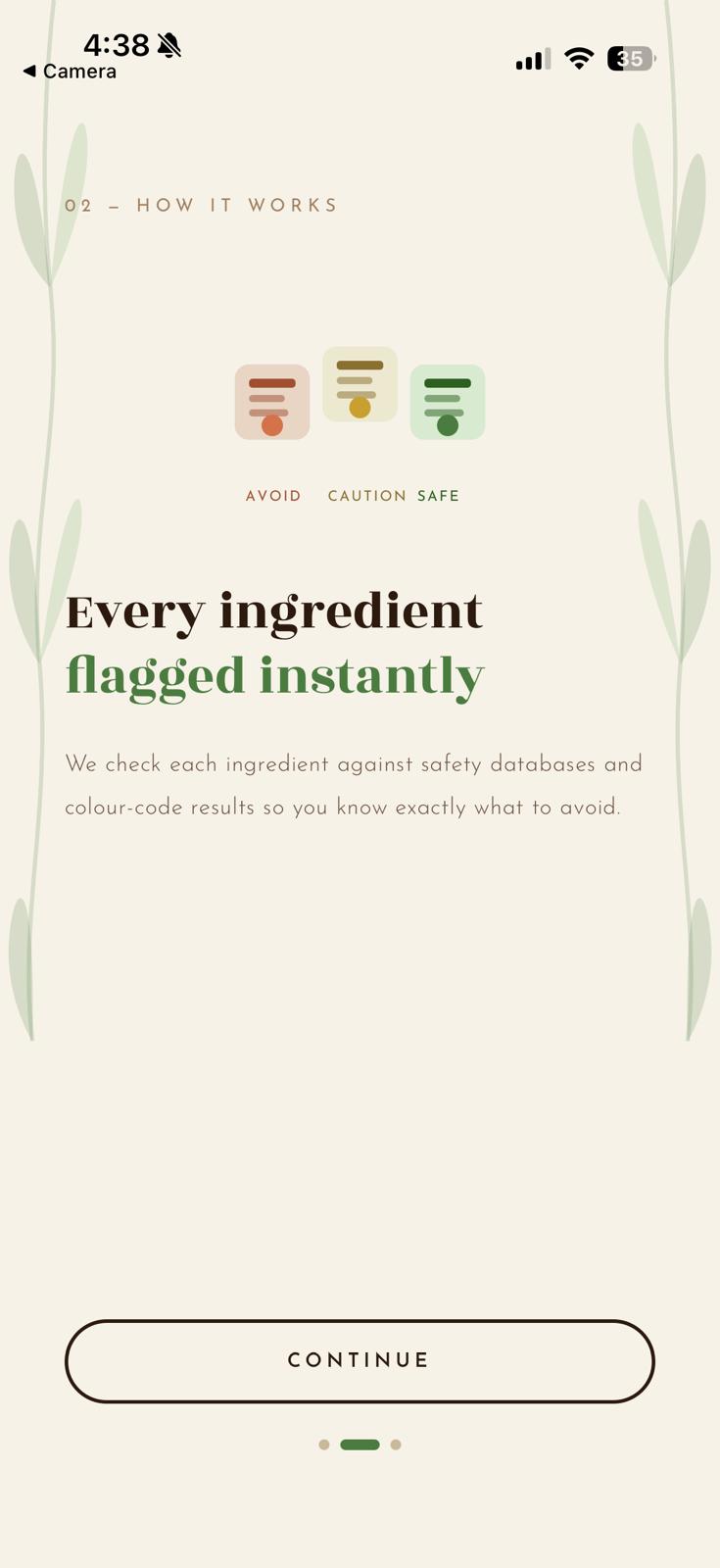
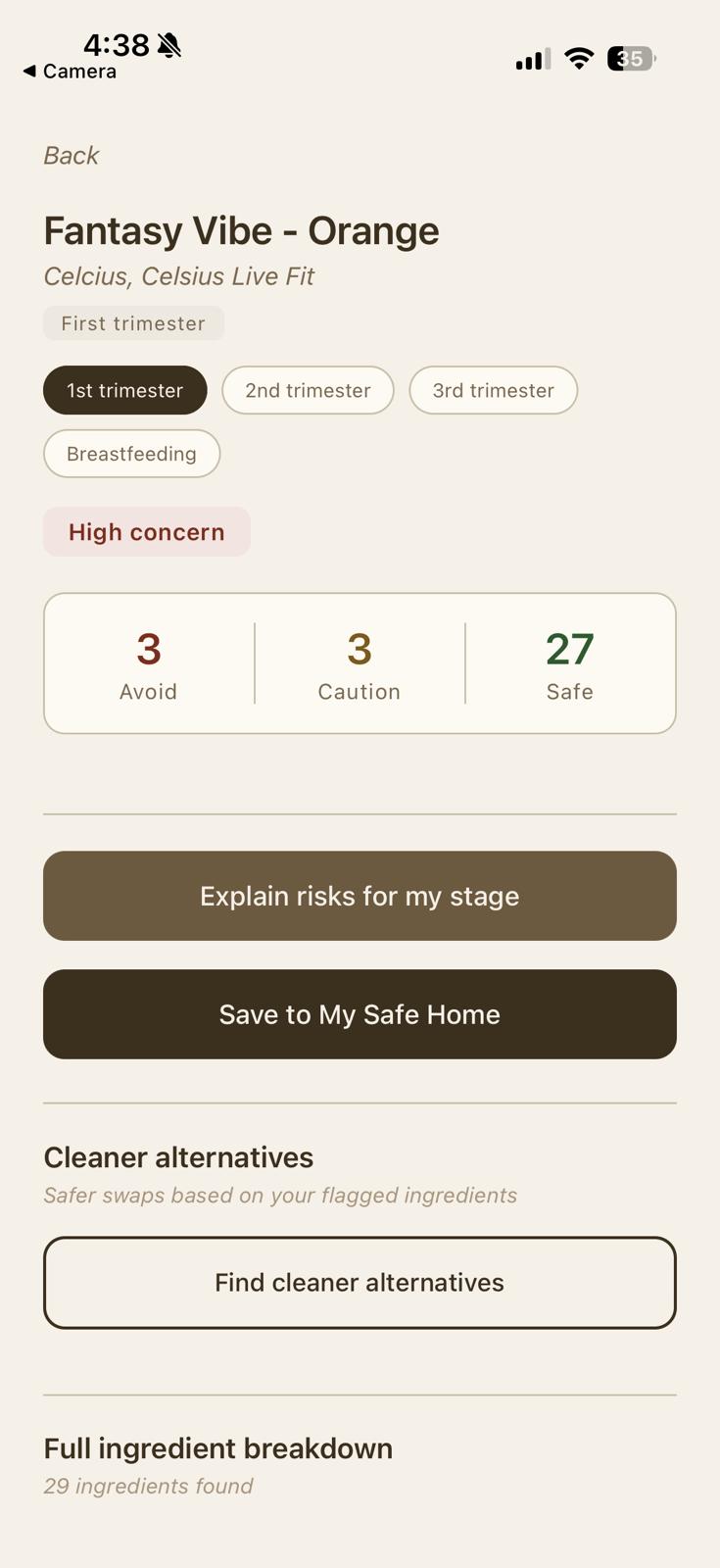
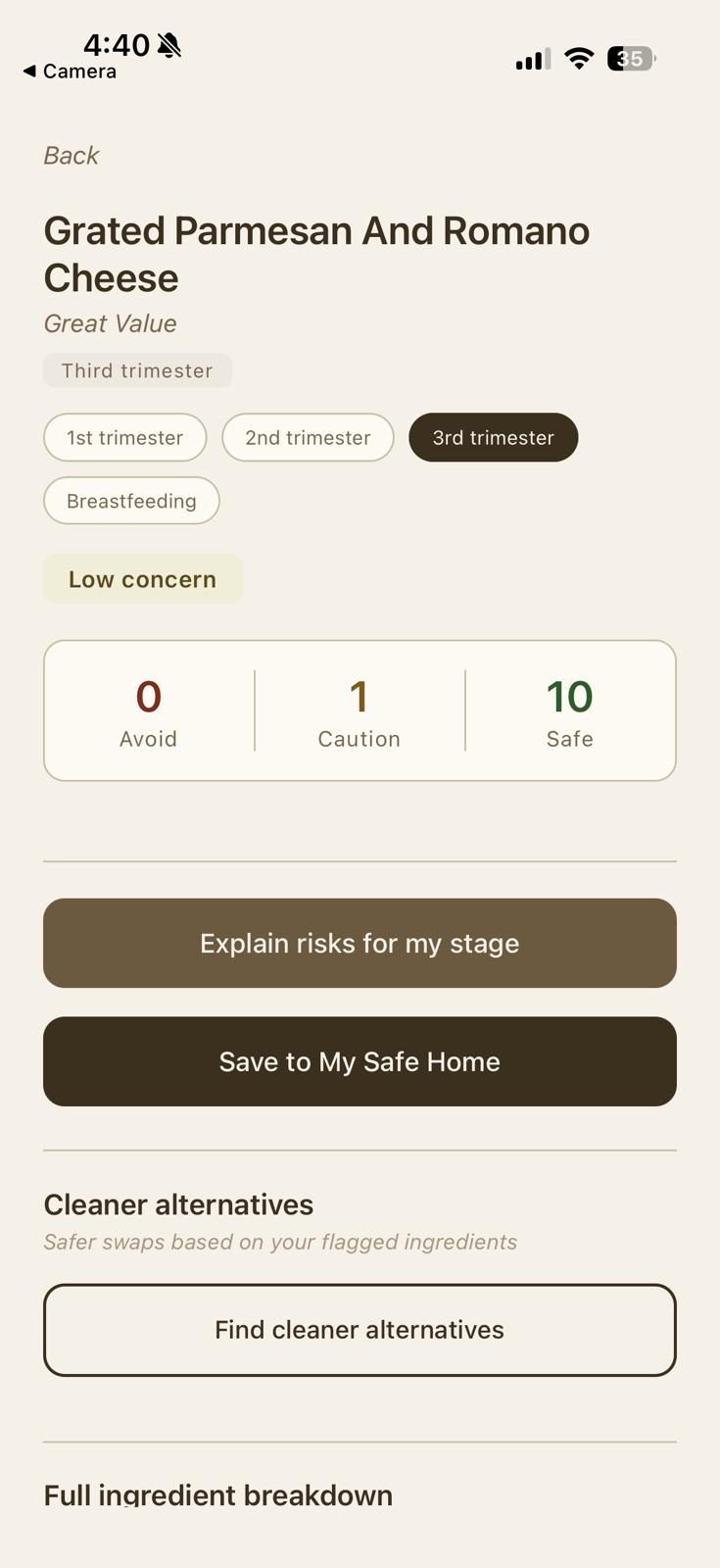
PureNest lets users scan a product barcode or search by name and instantly get a personalized ingredient safety report. The user selects their exact stage (first trimester, second trimester, third trimester, or breastfeeding) and every ingredient is flagged red, yellow, or green based on what's actually relevant to that stage. An AI-generated explanation translates the science into plain, warm language, and the app suggests cleaner alternative products with direct shopping links. Users can save products to a personal "My Safe Home" list and reference their scan history, all tied to their account through authentication.
How we built it
We built PureNest as a React Native app using Expo, which let us move fast on a cross-platform mobile experience without needing native iOS or Android tooling. Product lookups run through the Open Food Facts API, which we cross-reference against a custom-built ingredient flagging engine — a hand-curated dataset where each flagged ingredient is tagged with which stages of pregnancy or postpartum it's actually risky for, rather than a flat "good" or "bad" label. Google's Gemini API powers both the plain-English safety explanations and the cleaner alternative suggestions, with response caching built in to control API usage. Supabase handles authentication and stores saved products tied to each user's account with row-level security so data stays private. We designed the entire interface around an earthy, non-clinical visual language using custom typography and hand-drawn SVG illustrations, because we wanted the app to feel calming rather than alarmist.
Challenges I ran into
Getting the trimester-aware flagging to actually update in real time on the result screen was one of the trickiest parts of the build. Our first few approaches relied on useEffect and refs to sync ingredient data with the selected stage, but React's render timing kept causing stale results. We ended up restructuring the logic to compute ingredient flags live inside the result screen itself based on raw ingredient data, which finally made mode switching instant and reliable. We also ran into inconsistent ingredient data from Open Food Facts. The same product type sometimes returned generic European terms like "colors" or "emulsifier" instead of specific ingredient names, which meant our flagging logic needed to match against both ingredient names and Open Food Facts' internal taxonomy IDs to reliably capture real-world data.
What I learned
We learned that personalization is often more about constraint logic than UI. The hardest part of "tailoring guidance to a user's stage" wasn't the interface; it was correctly modeling which ingredients are stage-specific versus universally risky, and ensuring that the logic was both accurate and fast enough to feel instant. We also learned a lot about working with real-world, inconsistent open data sources and how much defensive coding is required to gracefully handle a community-maintained database like Open Food Facts.
Built With
- expo-camera
- expo.io
- google-gemini-api
- javascript
- open-food-facts-api
- postgresql
- react-native
- react-native-svg
- supabase

Log in or sign up for Devpost to join the conversation.