-
-
-
-
-
behind the scenes
Inspiration
Almost everything today runs through a computer, but using one still often assumes you can work a mouse and keyboard. Much of the time, people with ALS, spinal cord injuries, cerebral palsy, tremors or repetitive strain injuries can't. The tools that help them, like eye-tracking hardware, are expensive and only do the basics. Furthermore, software like Photoshop and Blender can include years of learning menus and shortcuts for mouse and keyboard users, adding a second accessibility barrier.
We wanted to lower the barrier of entry to the computer and to the tools on it. If one can look and speak, then they should be able to do anything a mouse and keyboard user can.
What it does
Pupil turns your webcam into an eye tracker and your voice into the keyboard, using Cartesia for speech-to-text, and pairs them with an AI agent and Apify. You look at something and say what you want. Simple commands like "click that" or "scroll down" run instantly. Bigger tasks go to an AI agent that clicks and types through apps for you. Research goes to Apify, which reads the web in the background so you don't have to.
- Voice with Cartesia: everything you say goes through Cartesia's streaming speech-to-text, from commands to dictating whole messages. Cartesia is fast and accurate enough that talking to your computer feels like a conversation.
- Researching alternatives with Apify: reading dozens of similar pages to compare products is slow and tiring by eye and voice. To research alternatives based on the current context, say "compare this with three alternatives", and a custom Apify Actor (https://console.apify.com/actors/5ow2gDUZLPUMBPV5t (ID: 5ow2gDUZLPUMBPV5t)) reads public web sources and returns a short answer with its sources. The answer appears in the Mac notch while you keep working. The custom actor dedupes by host and path, picks supporting quotes, flags contradictions (positive vs. negative language), marks uncertainty, and then writes structured Evidence rows + a SUMMARY key.
- Broader web scraping with Apify MCP: say something that hints at performing online research, then watch the broader Apify integration perform research for you.
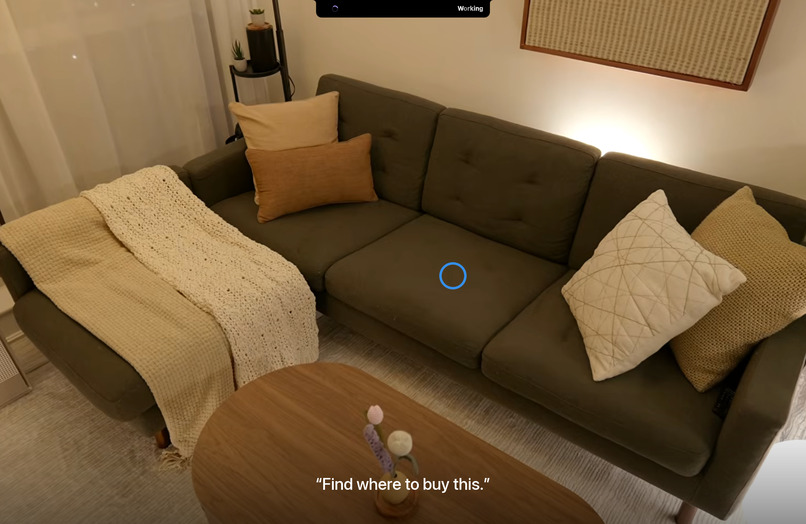
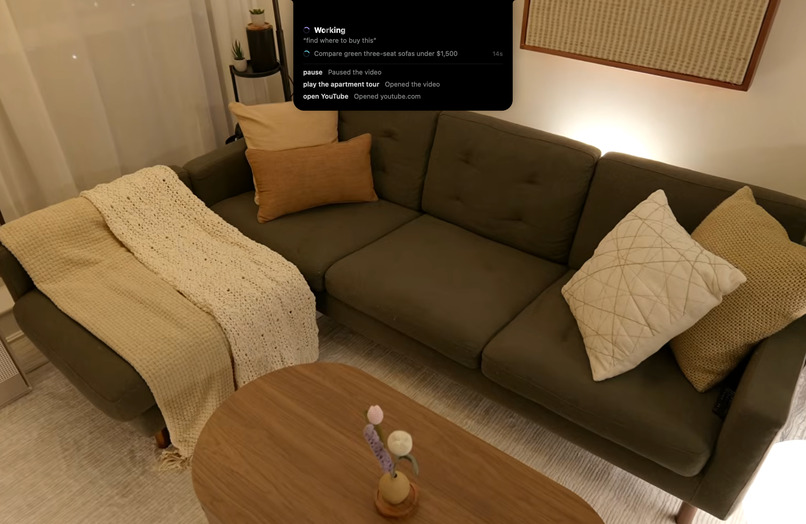
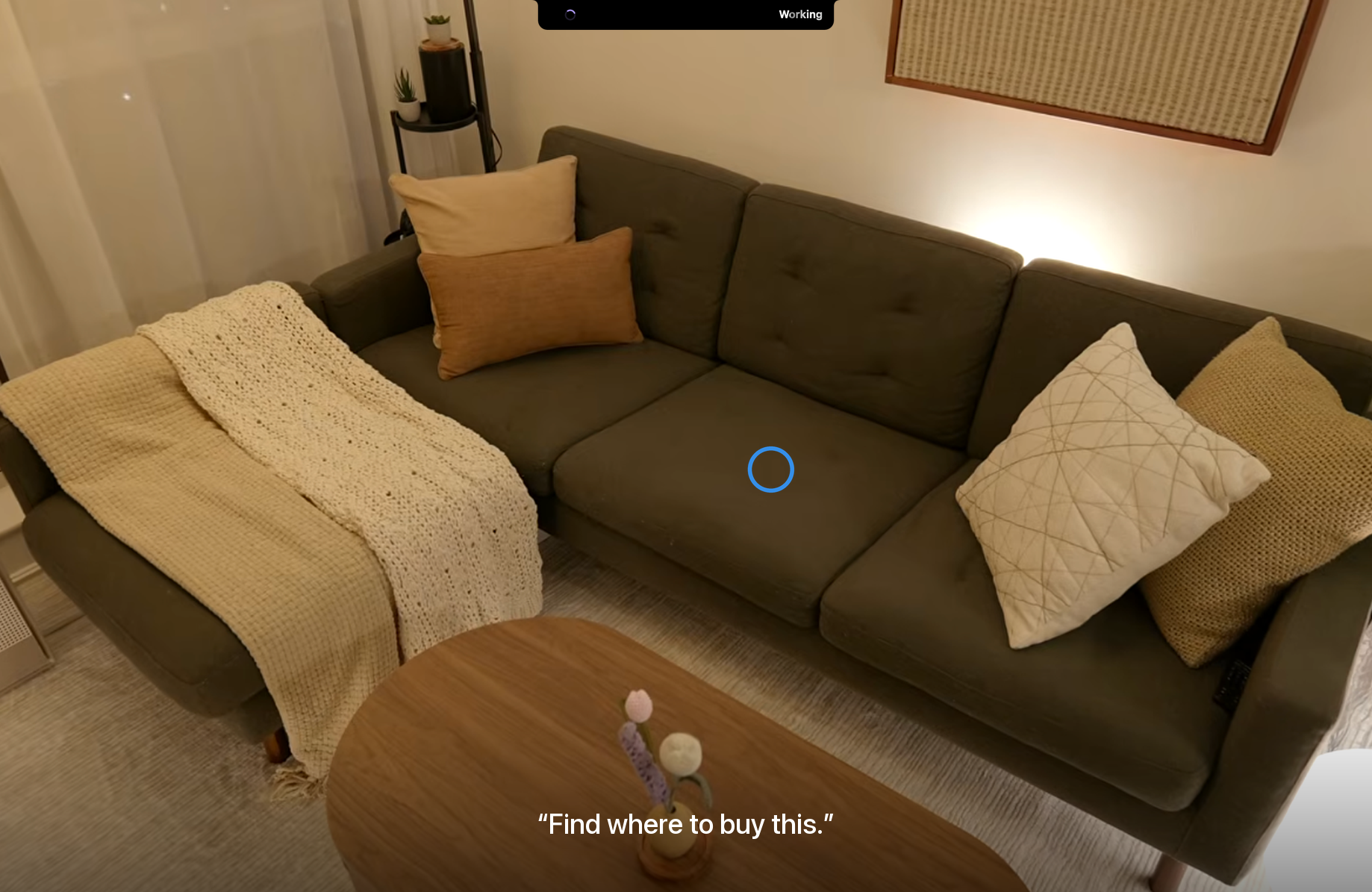
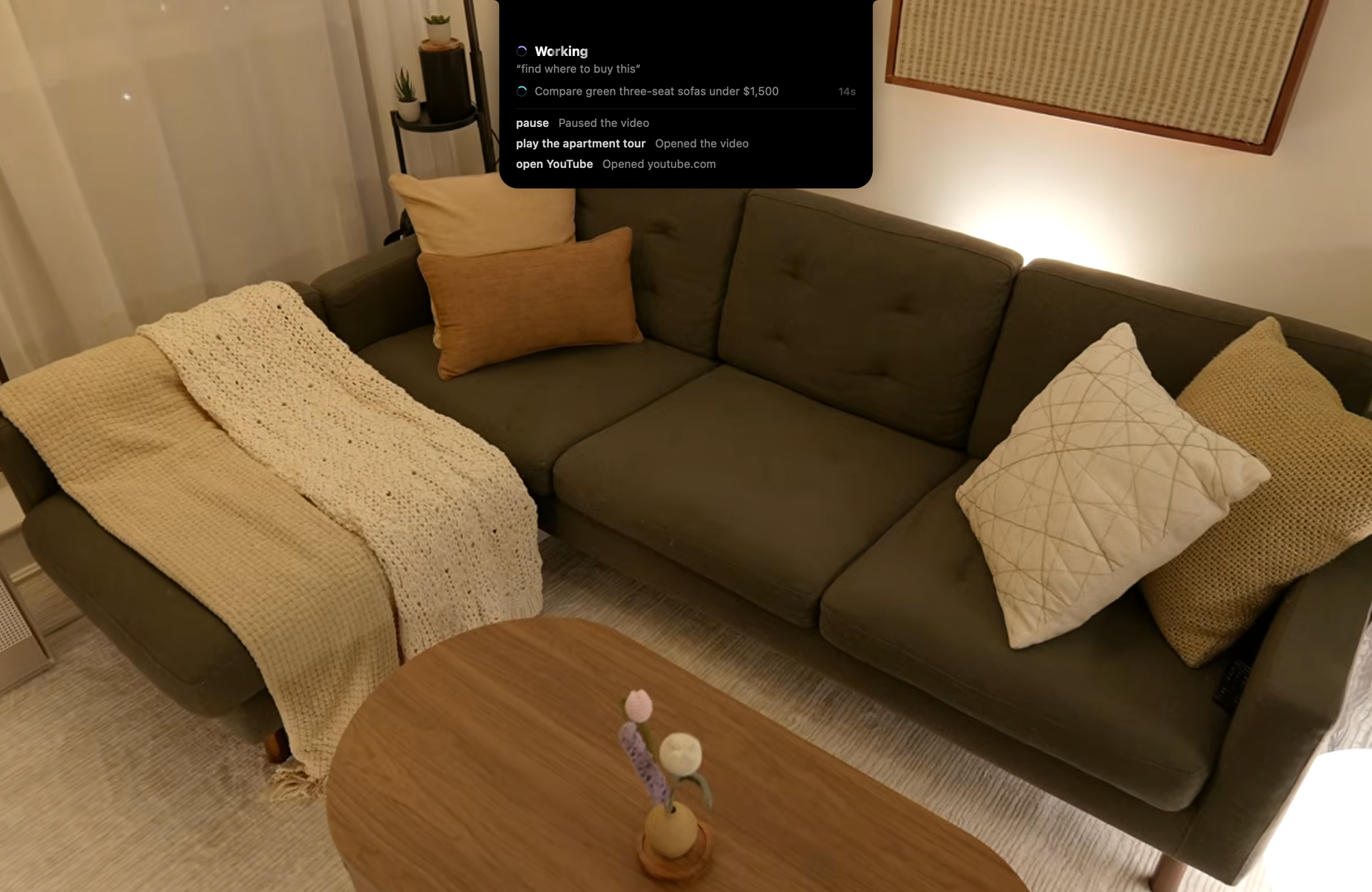
- Shopping: pause a video, look at a chair in the background, and say "find where to buy this". The agent searches for it and opens the listing.
- Easier tools: open a photo, look at something you don't like, and say "remove this". You don't need to know any editing tools, only what you want changed. The same idea extends to complex software like Blender.
Because Pupil knows where you were looking while you spoke, "this" and "that" point at the right thing.
How we built it
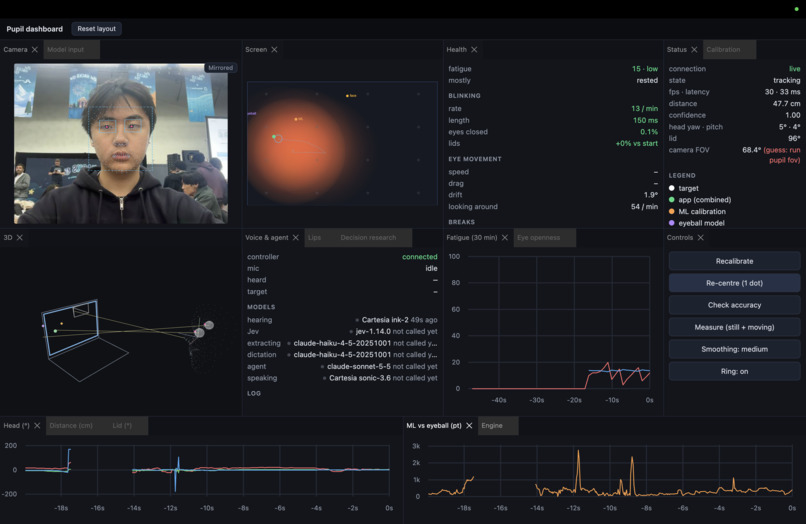
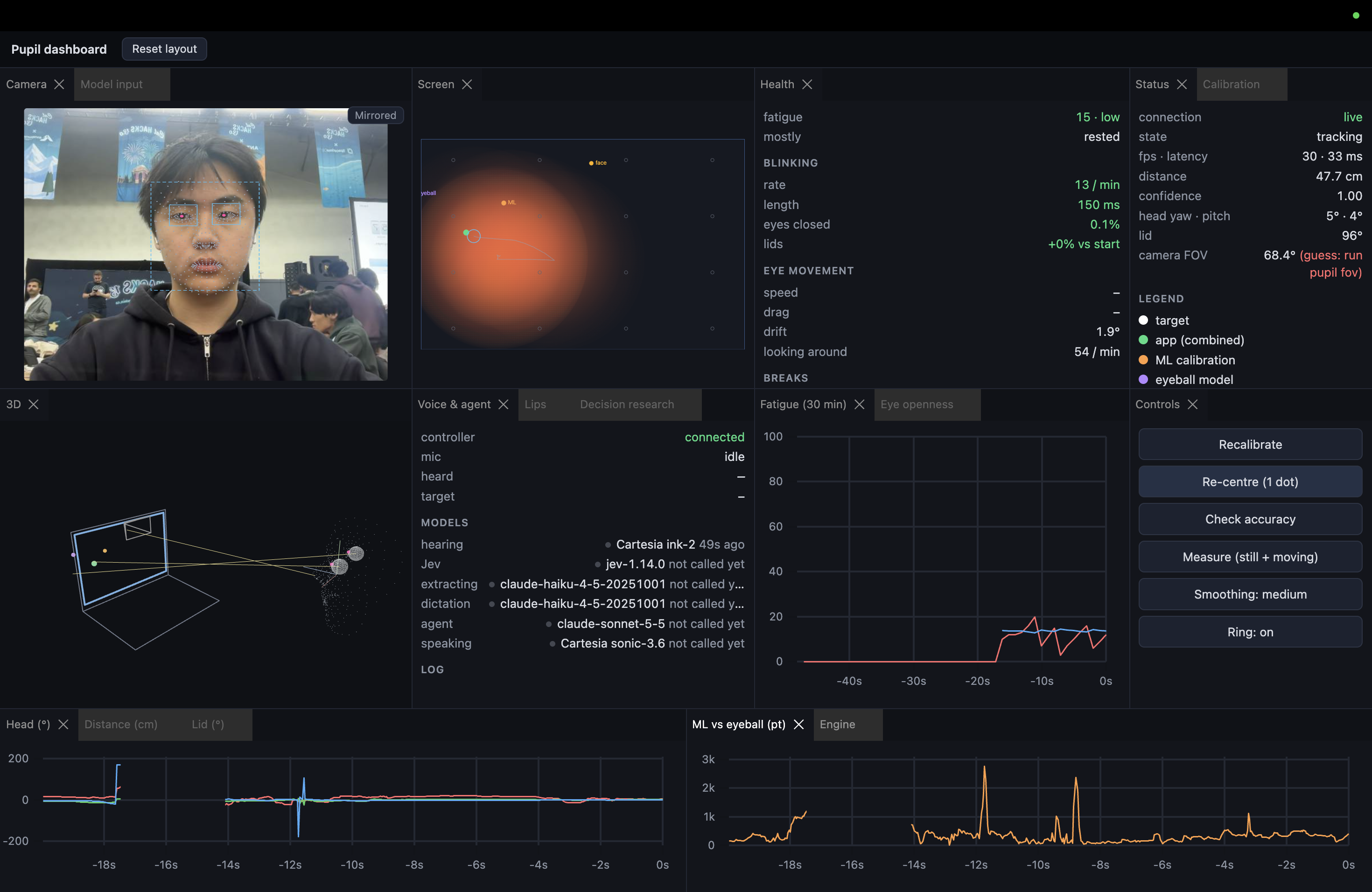
- Eye tracking: we built our own webcam eye tracker. A neural gaze model estimates where you're looking from each frame. A per-user calibration maps that to your screen, and filtering keeps it steady. It reaches about 3–4° of accuracy with no special hardware.
- Cartesia: we stream microphone audio to Cartesia's Ink speech-to-text over a websocket. Words arrive while you're still talking, so Pupil can start working out the command and capture what's on screen before you finish. Voice is the only input besides gaze, so speed and accuracy here decide how responsive the whole app feels.
- Apify: the agent starts background research runs on a custom Apify Actor (Apify ID = anthonylu/accessible-decision-researcher) and fetches public pages through Apify, with hard caps on time and cost. Only the research question is sent, never your screen.
- Jev (TypeSafe): decides in a fraction of a second what each command means, so simple ones skip the agent.
- Claude: a computer-use agent for multi-step tasks. It sees the screen as it was while you were speaking, plus a close-up of where you were looking.
Challenges
- Getting accurate gaze from a plain webcam, where small head movements throw off the estimate.
- Keeping the whole chain fast, from Cartesia to routing to the agent. Many simple commands were going to the slow agent, so we rebuilt routing and tested it against real misroutes.
- Making "this" mean what the user was looking at while speaking, not after. We keep screen frames from while the user talks and match the frames to the user's gaze.
Accomplishments
- You can research, shop and edit photos with no hands, using only a built-in webcam and your voice.
- It works across a user's whole computer and not just inside one app.
What's next
- More testing with various individuals who rely on assistive technology.
- Better accuracy, faster calibration, and more apps.
Additional Info
- Apify Actor: https://console.apify.com/actors/5ow2gDUZLPUMBPV5t (ID: 5ow2gDUZLPUMBPV5t)
Built With
- apify
- claude
- mcp
- mediapipe
- python
- react
- three.js
- typescript
- websocket


Log in or sign up for Devpost to join the conversation.