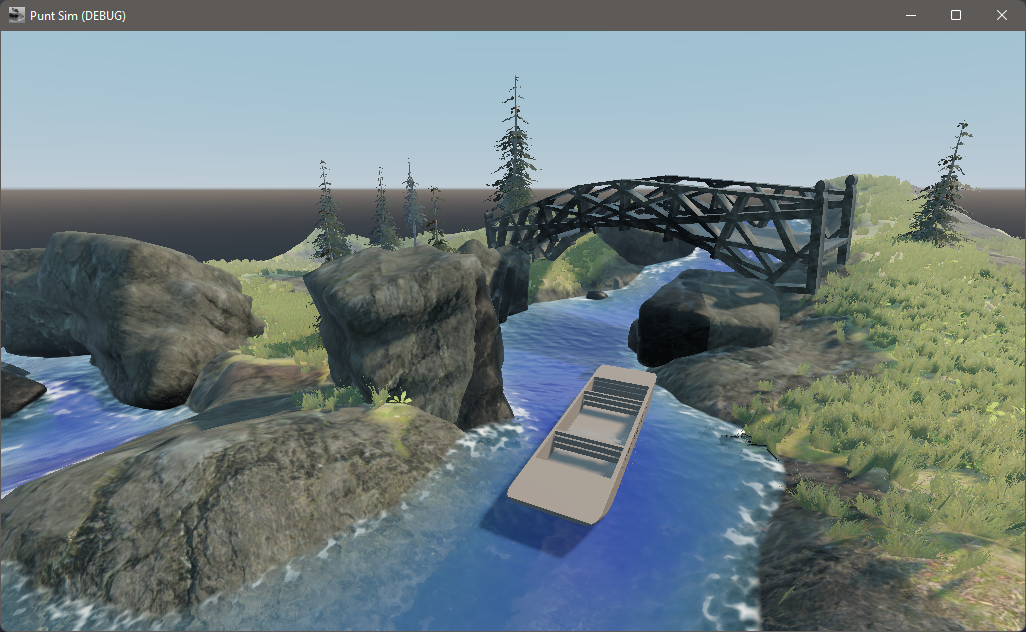
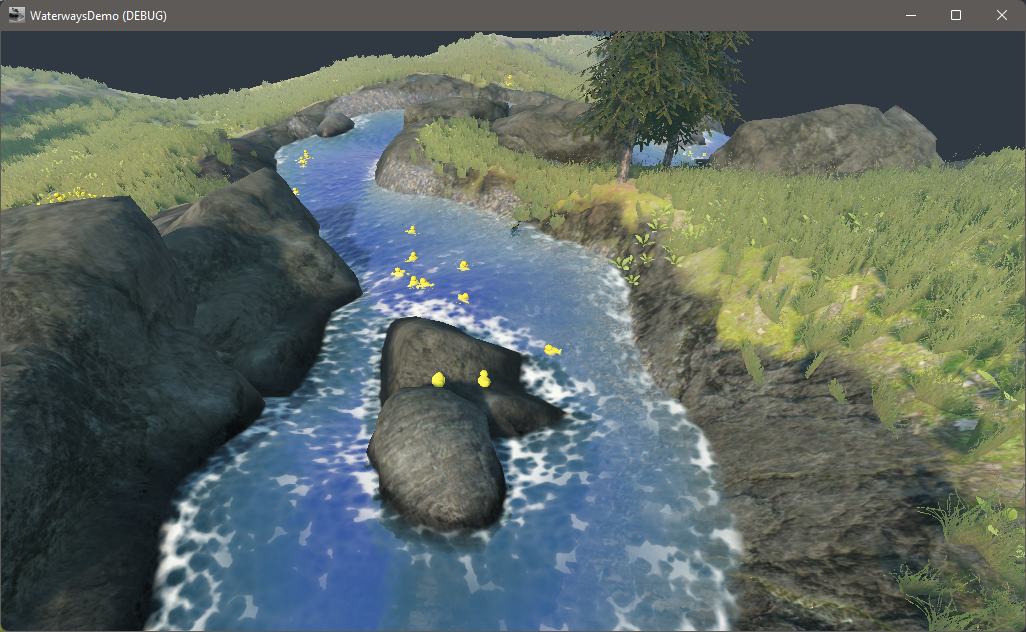
Inspiration
Cambridge
What it does
Not much.
How we built it
Godot engine, SolidWorks, Raspberry Pi Pico with Thonny, Ctrl+C and Ctrl+V
Challenges we ran into
Not entirely sure how to make the custom console be detected in the game engine yet.
Accomplishments that we're proud of
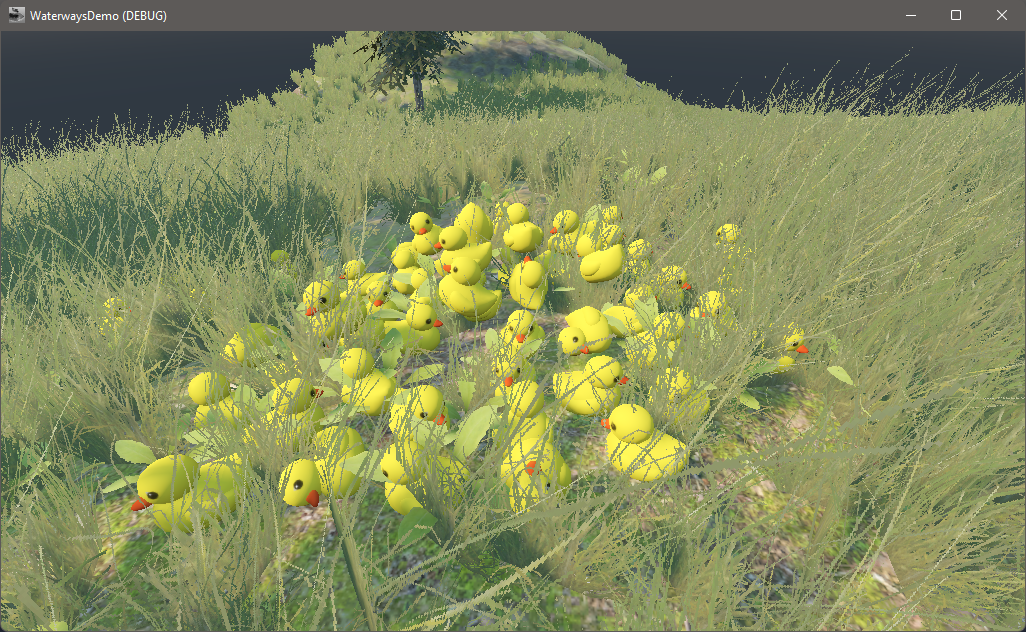
DUCKS
LIGHTS
What we learned
- 3D Godot water and terrain creation
- Making cool electronic things
- Blender!! ## What's next for Punting Simulator
- Getting the console working with the game
- Programming the punt pole
Code
from machine import Pin, ADC, I2C
import neopixel
import utime
import math
from time import sleep
from ssd1306 import SSD1306_I2C

a = Pin(22, Pin.IN)
b = Pin(1, Pin.IN)
x = ADC(Pin(26, Pin.IN))
y = ADC(Pin(27, Pin.IN))
xinit, yinit = x.read_u16(), y.read_u16()
np = neopixel.NeoPixel(Pin(0), 12)
i2c = I2C(0, sda=Pin(4), scl=Pin(5), freq=400000)
oled = SSD1306_I2C(128, 32, i2c)

for i in range(12):
    np[i] = (0, 0, 0)

utime.sleep(1)

#np[0] = (255, 0, 0)
#np[1] = (0, 128, 0)
#np[2] = (0, 0, 64)
#np.write()

arr = list(range(12))
k = 0
l = 0
m = False
while True:
    xval, yval, aval, bval = x.read_u16()-xinit, y.read_u16()-yinit, not a.value(), b.value()
    if bval:
        k += 1
    else:
        oled.fill(0)
        if k > 5:
            k -= 5
        else:
            k = 0
    oled.fill_rect(0, 0, k, 32, 1)
    oled.show()

    if l % 8 == 0:
        nc = -6/math.pi * math.atan2(yval, xval)
        #print(f"x: {xval} y: {yval} a: {aval} bval: {bval} nc: {nc:.3f}")
        for i in range(len(arr)):
            dist = min(((arr[i]-nc)%12, (nc-arr[i])%12))
            if aval:
                np[i] = (63, 63, 63)
            elif abs(xval) > 300 and abs(yval) > 300:
                np[i] = (0, 0, round(0.25*255*math.exp(-dist**2)))
                #print(round(0.25*255*math.exp(-dist**2)))
            else:
                np[i] = (0,0,0)
            np.write()
    l += 1
    #utime.sleep(0.05)
Built With
- blender
- godot
- hardware
- micropython
- raspberry-pi
- solidworks


Log in or sign up for Devpost to join the conversation.