-
-

-
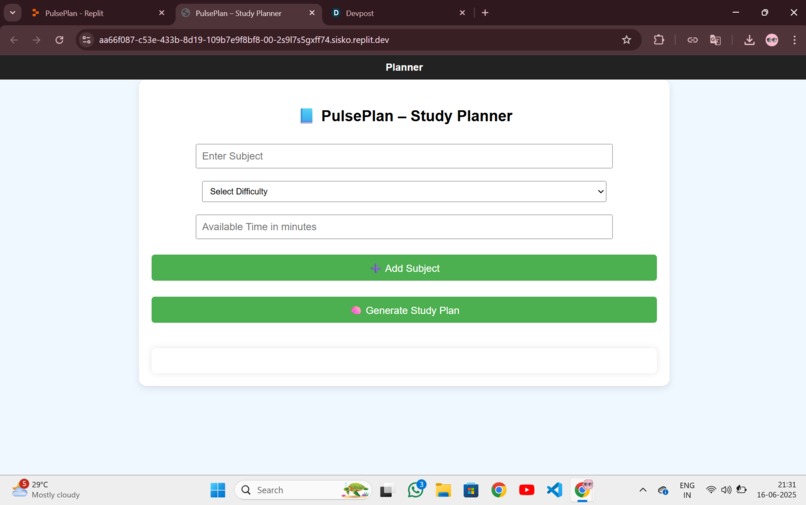
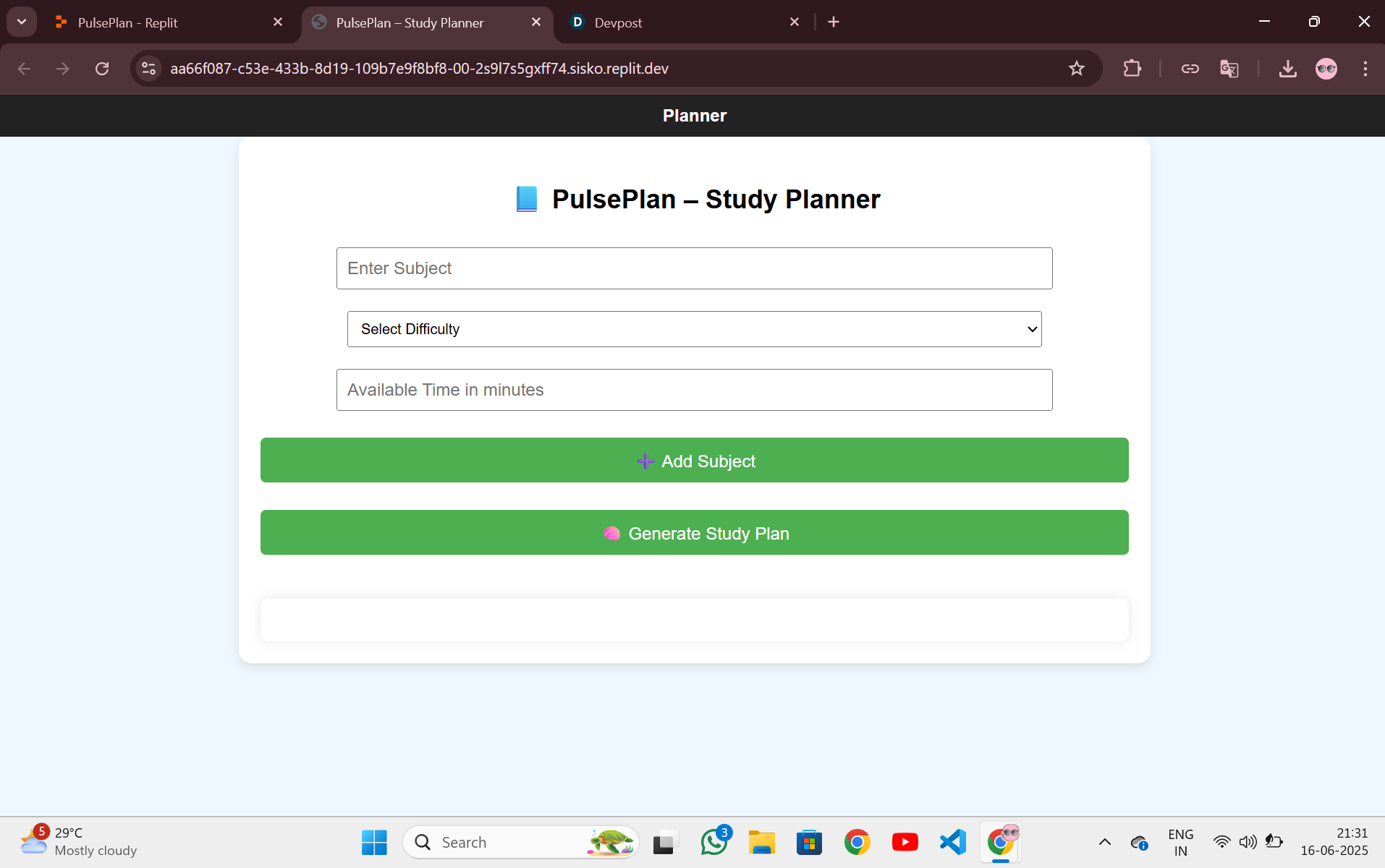
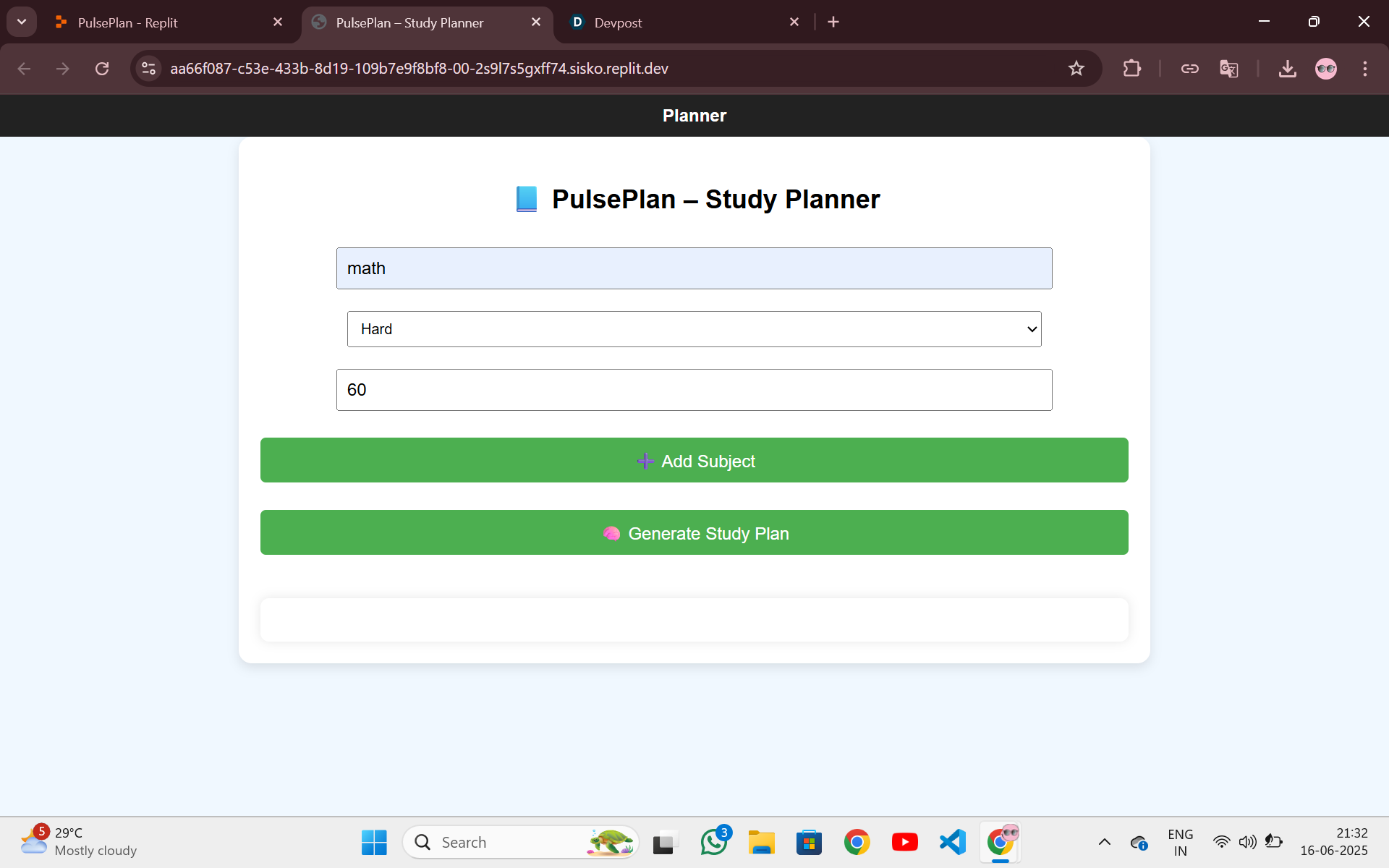
Home page of PulsePlan
-
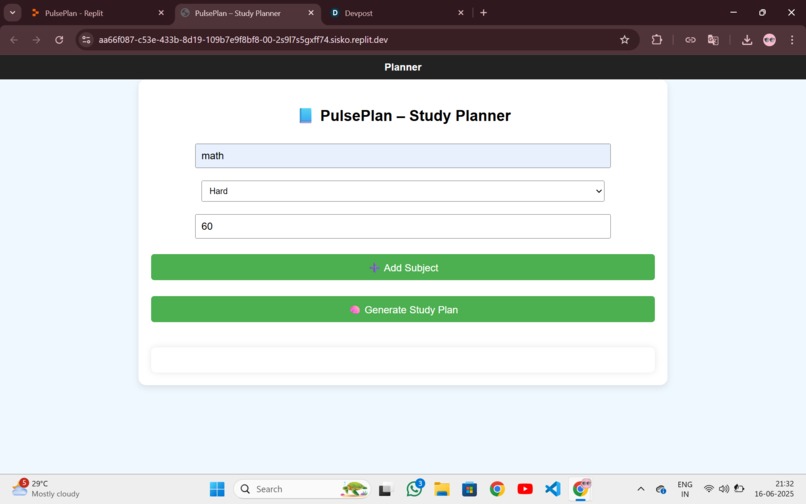
Add new subjects by entering their duration and difficulty level
-
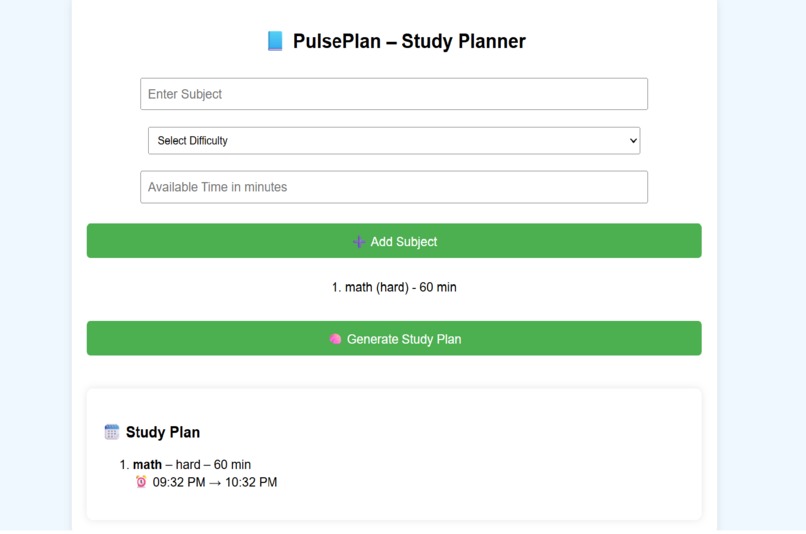
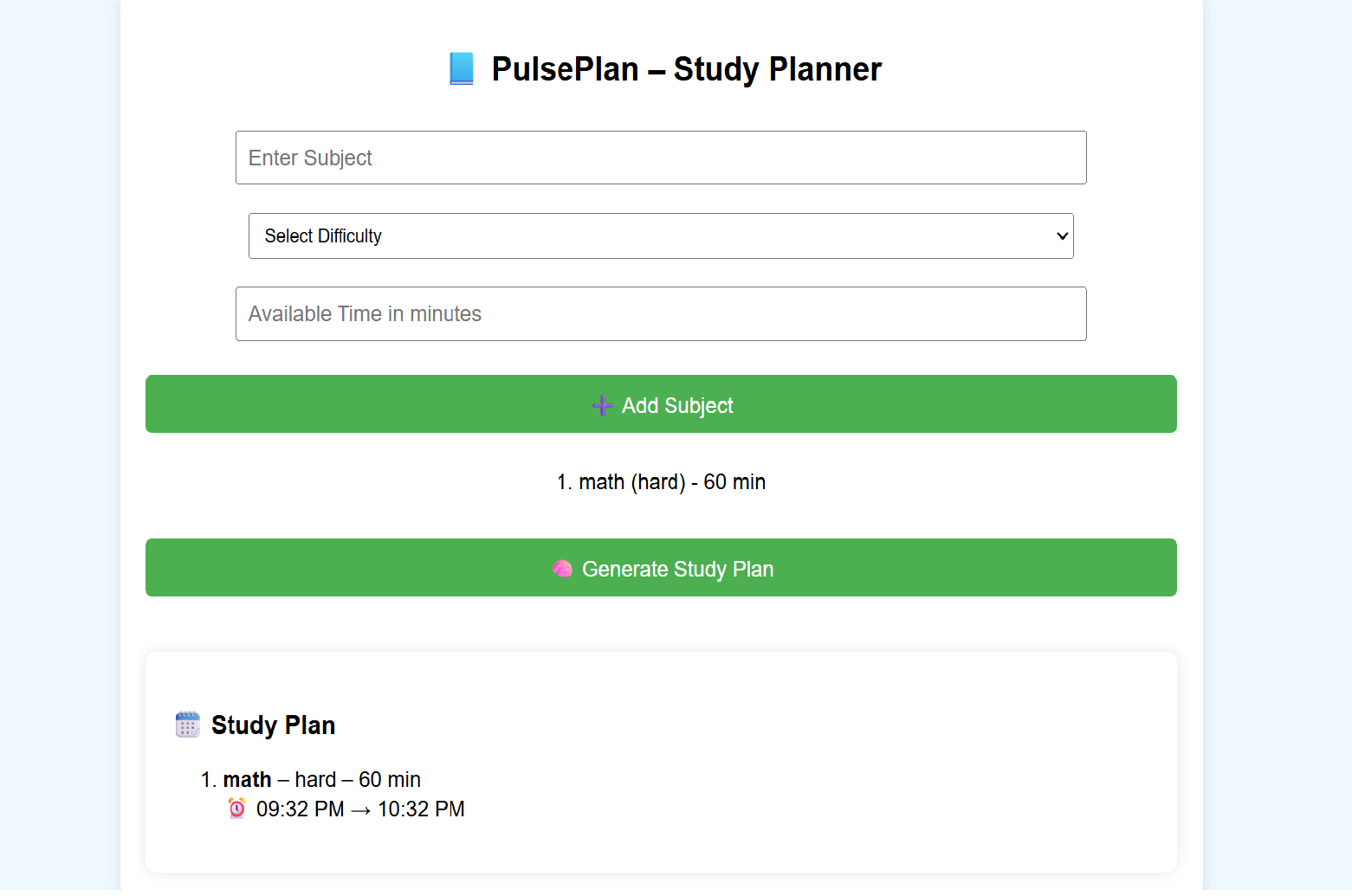
Generated study plan showing subjects and their duration

Inspiration
As a first-year B.Tech student, managing multiple subjects and study time was overwhelming. I often found myself confused about what to study, how long to study, and how to stay consistent. I wanted to build something that could help students like me — especially beginners — to plan their studies easily without any complex setup. That’s when I thought: "What if I could make a simple tool to plan study sessions with just a few clicks?" And that’s how PulsePlan was born.
What it does
PulsePlan is a web-based tool that helps students: Add subjects and durations. View a clean planner for the day. Track multiple subjects. Get an estimated end time for their sessions. Use built-in timers for focus. Save and manage their daily plans with ease. It’s a simple, no-login, minimal app — perfect for students who want quick access to planning without distractions.
How i built it
As a beginner, I used: HTML for the structure CSS for styling JavaScript for interactivity (like timers, saving plans, etc.) I used Replit as my coding platform because it’s beginner-friendly. I didn’t use advanced frameworks or tools — just learned and built everything step-by-step with guidance.
Challenges i ran into
I didn’t know how to start at first. I had never written JavaScript before. I was confused about APIs and styling. But with patience, learning, and support, I slowly understood how everything connects — and I’m proud of not giving up.
What i learned
How websites are structured using HTML/CSS/JS? How to work on a project from scratch? How to add interactive features like timers and saving data? How to participate in a hackathon even with zero initial experience?
What's next for Pulseplan
I want to: Add motivational quotes Let users download their plans Create reminders Improve the design with feedback from other students


Log in or sign up for Devpost to join the conversation.