-
-
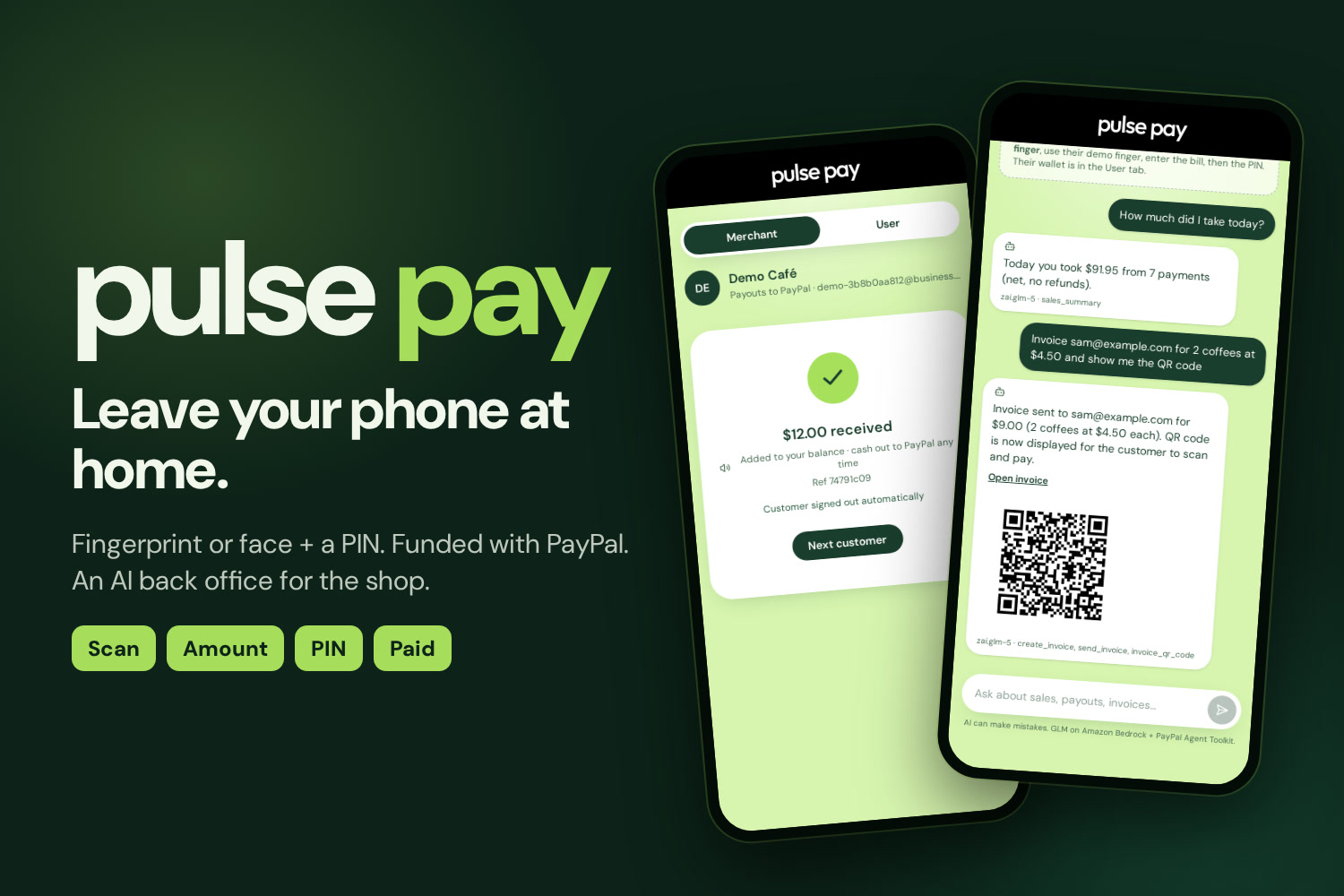
A small wallet funded with PayPal. The shop's phone is the terminal; an AI back office runs the books.
-
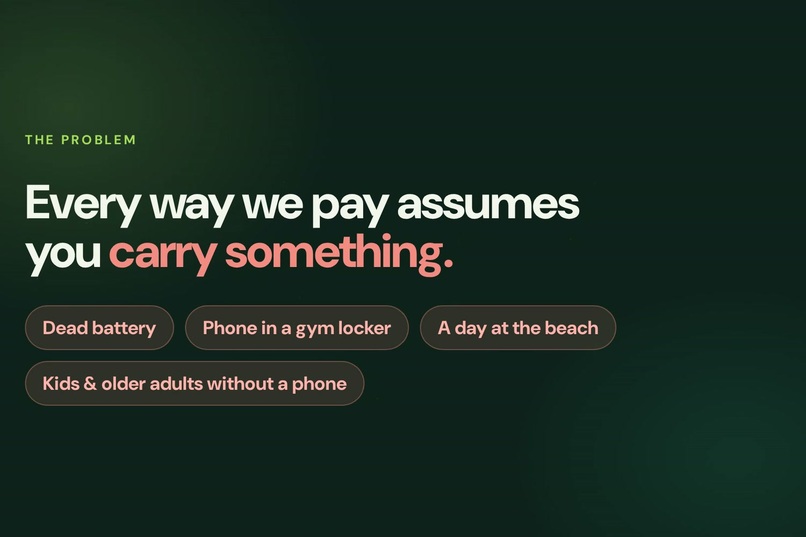
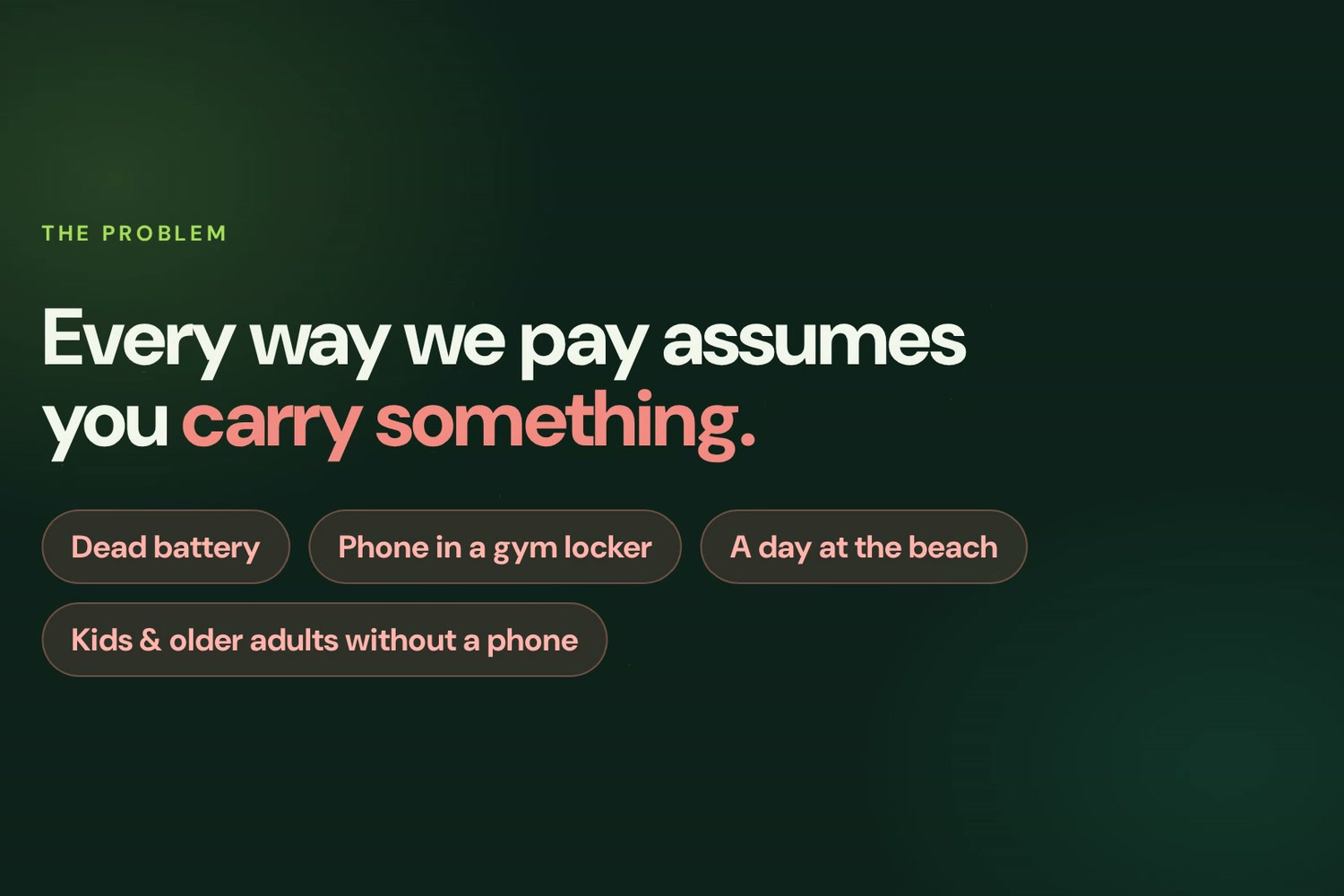
Every way we pay assumes you carry something. A dead battery or a phone in a locker means you can't pay.
-
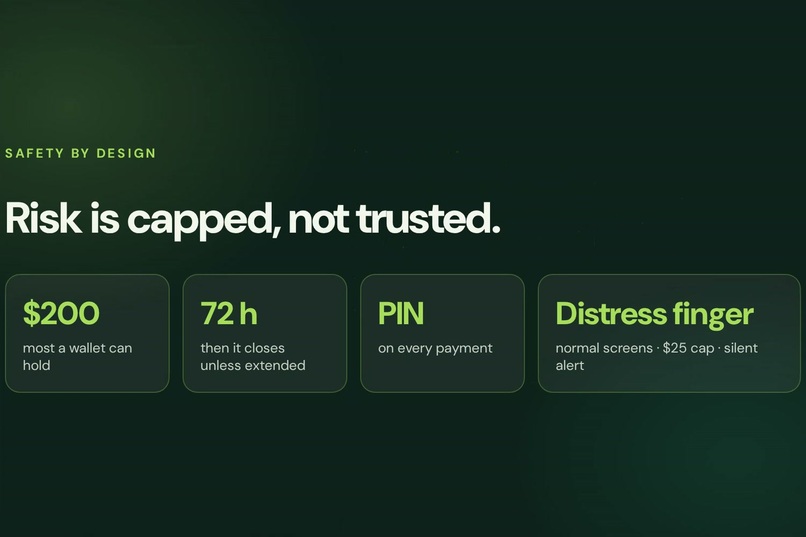
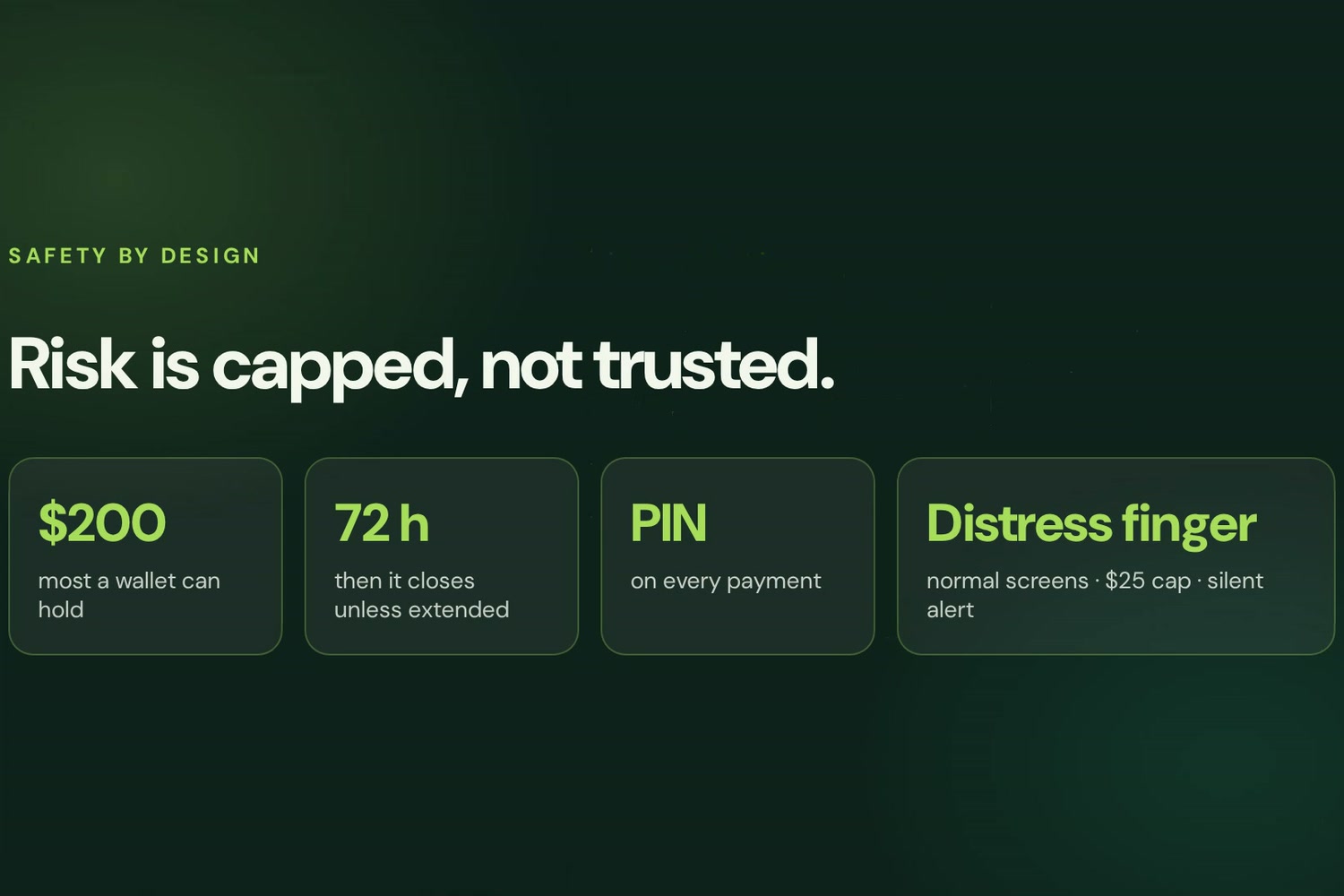
Risk capped by design: $200 max, 72 hours, PIN every time, and a distress finger that caps at $25 with a silent alert.
-
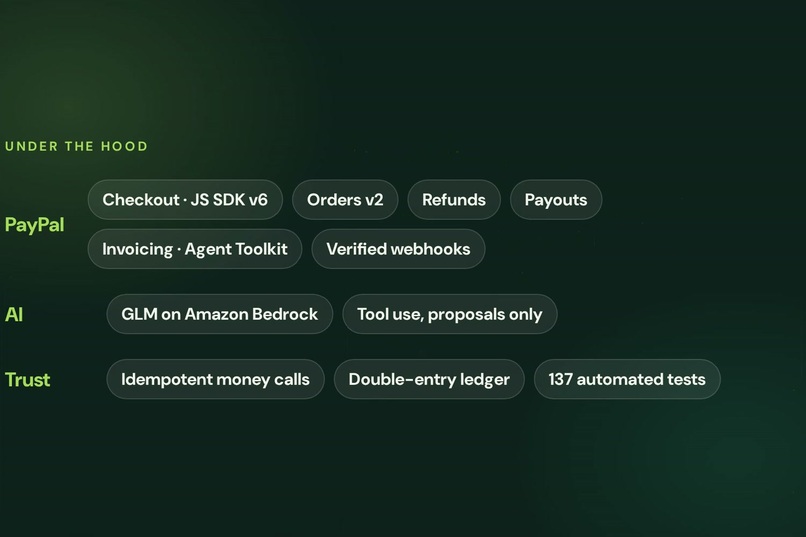
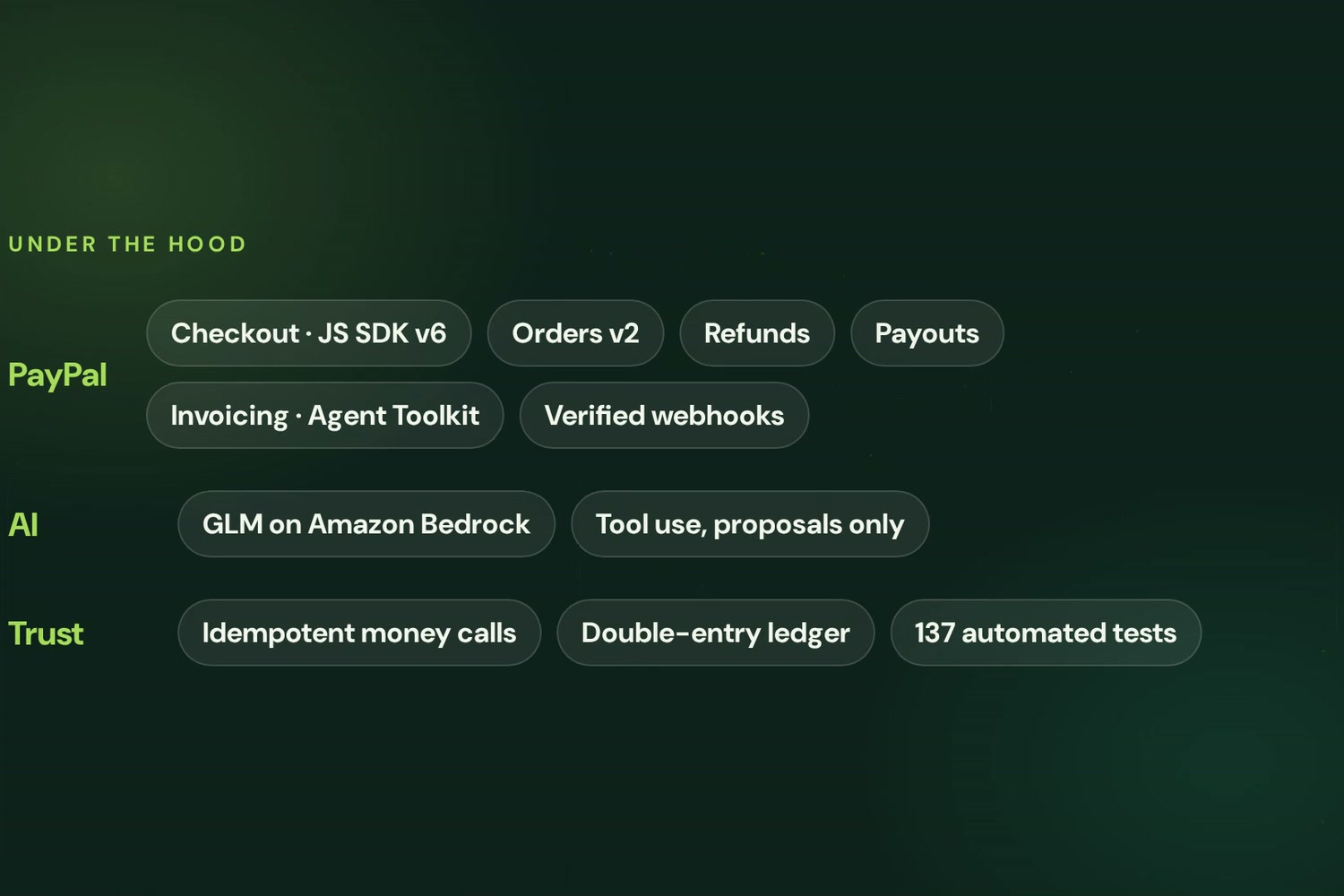
PayPal Checkout, Orders, Refunds, Payouts, Invoicing, verified webhooks. Idempotent money calls, a double-entry ledger, 137 tests.
-
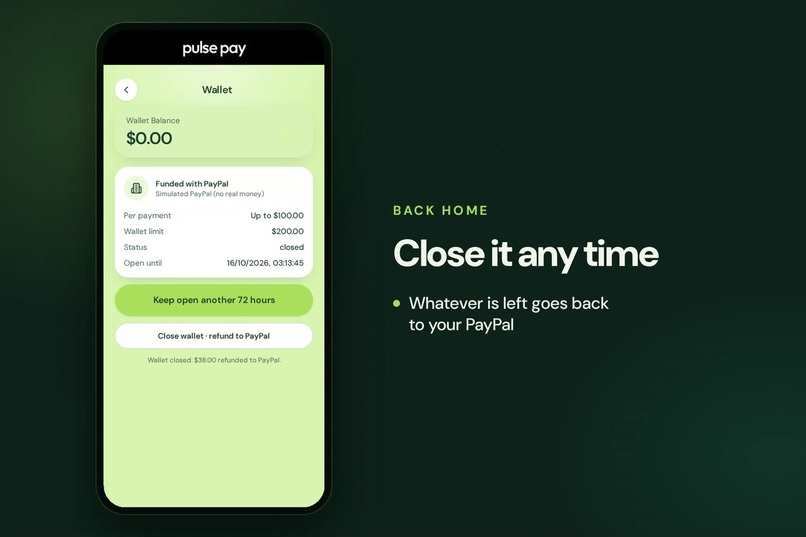
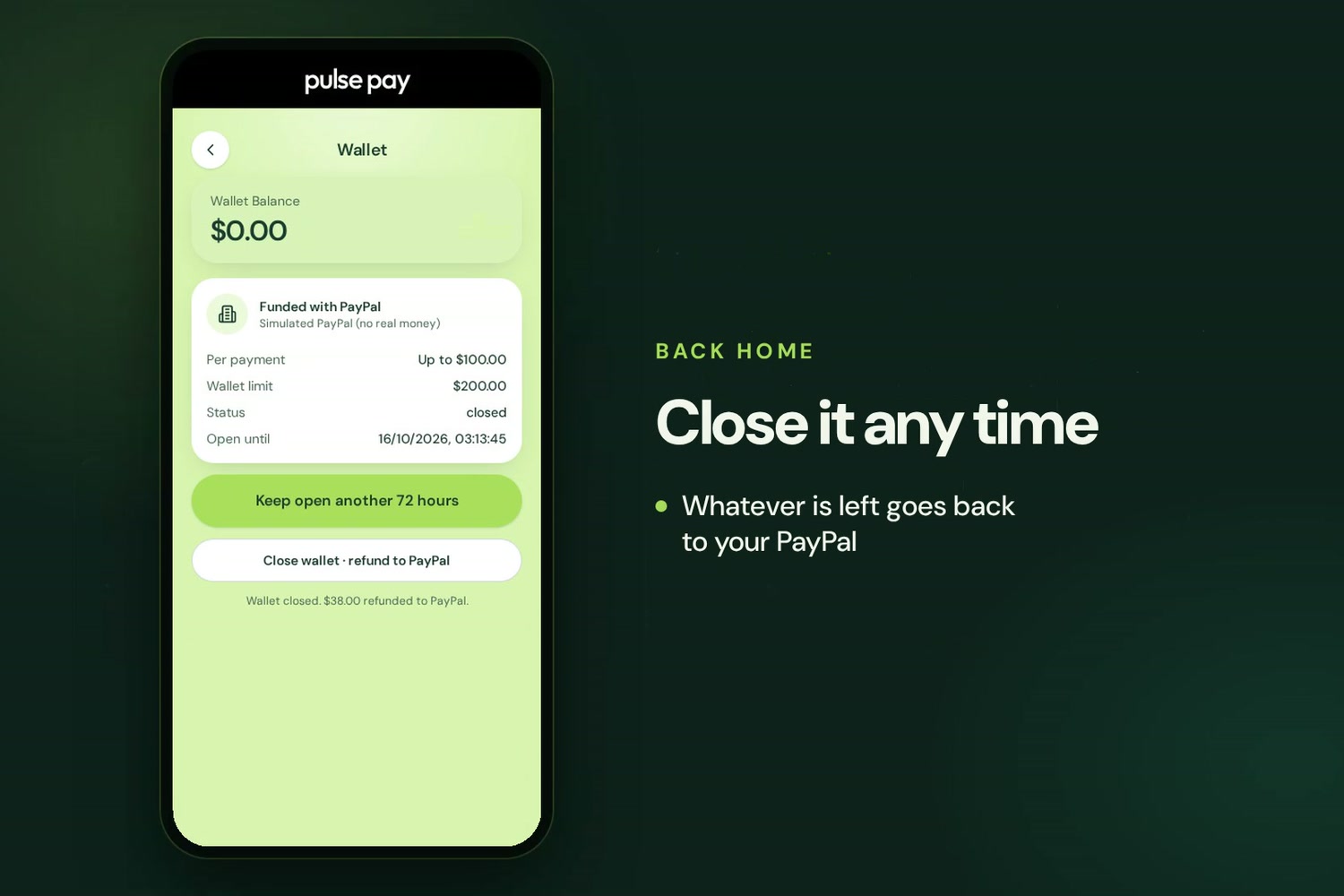
Close the wallet from your own phone any time. Whatever is left is refunded to your PayPal.
-
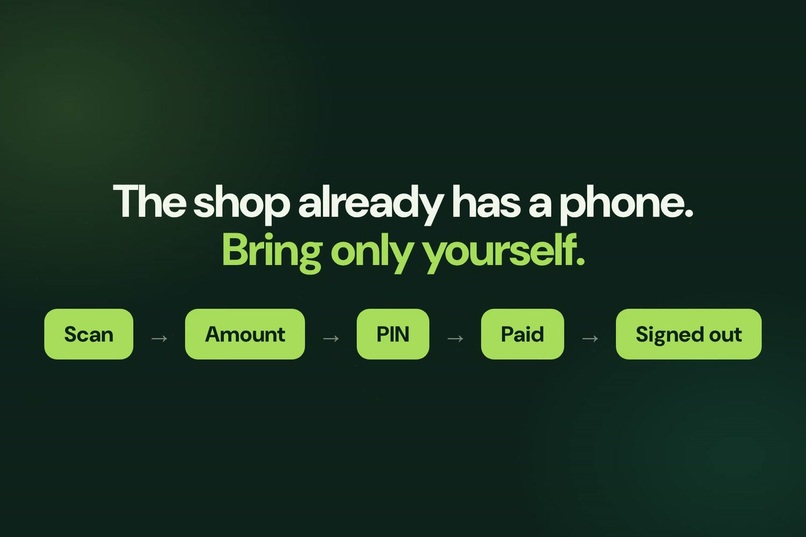
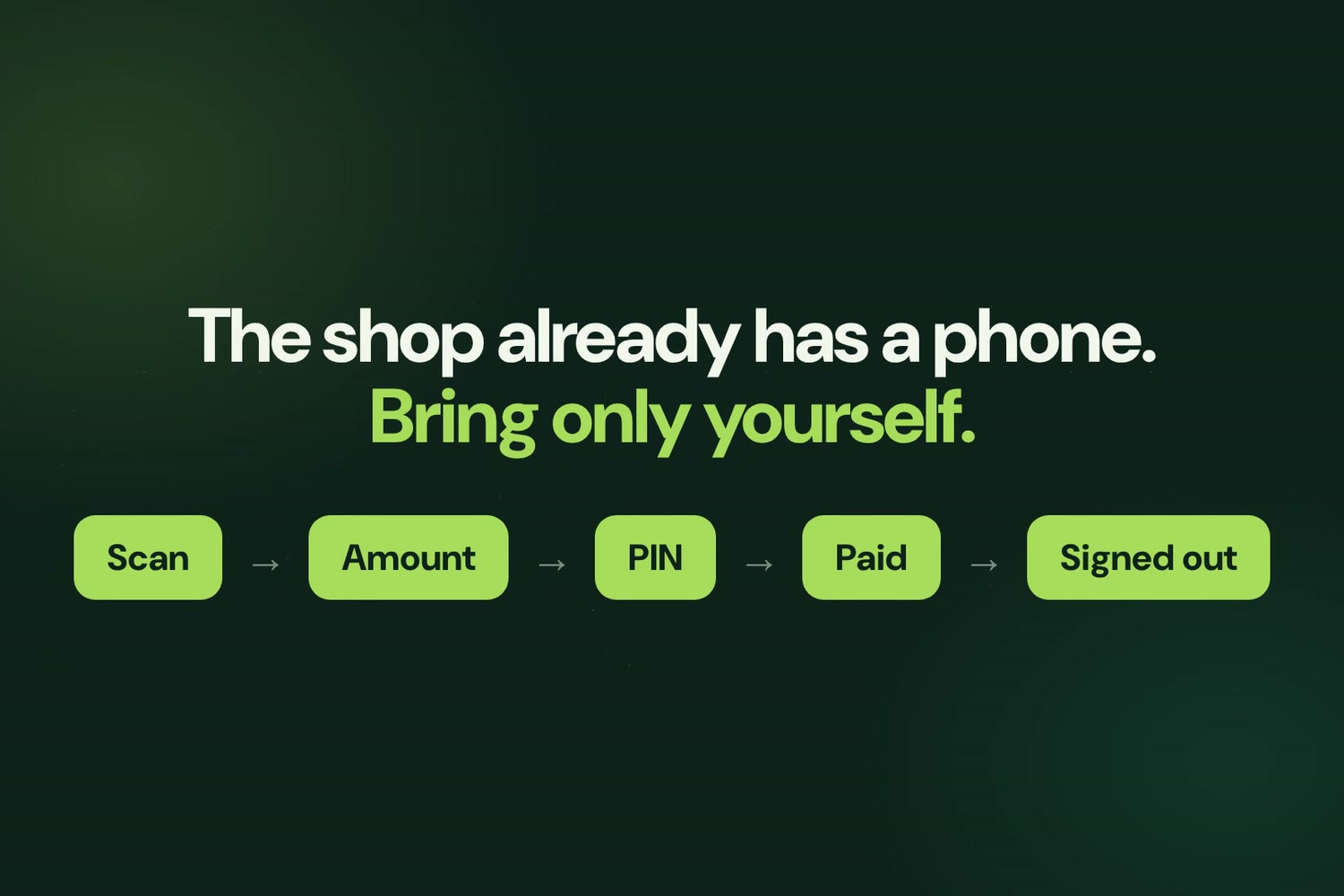
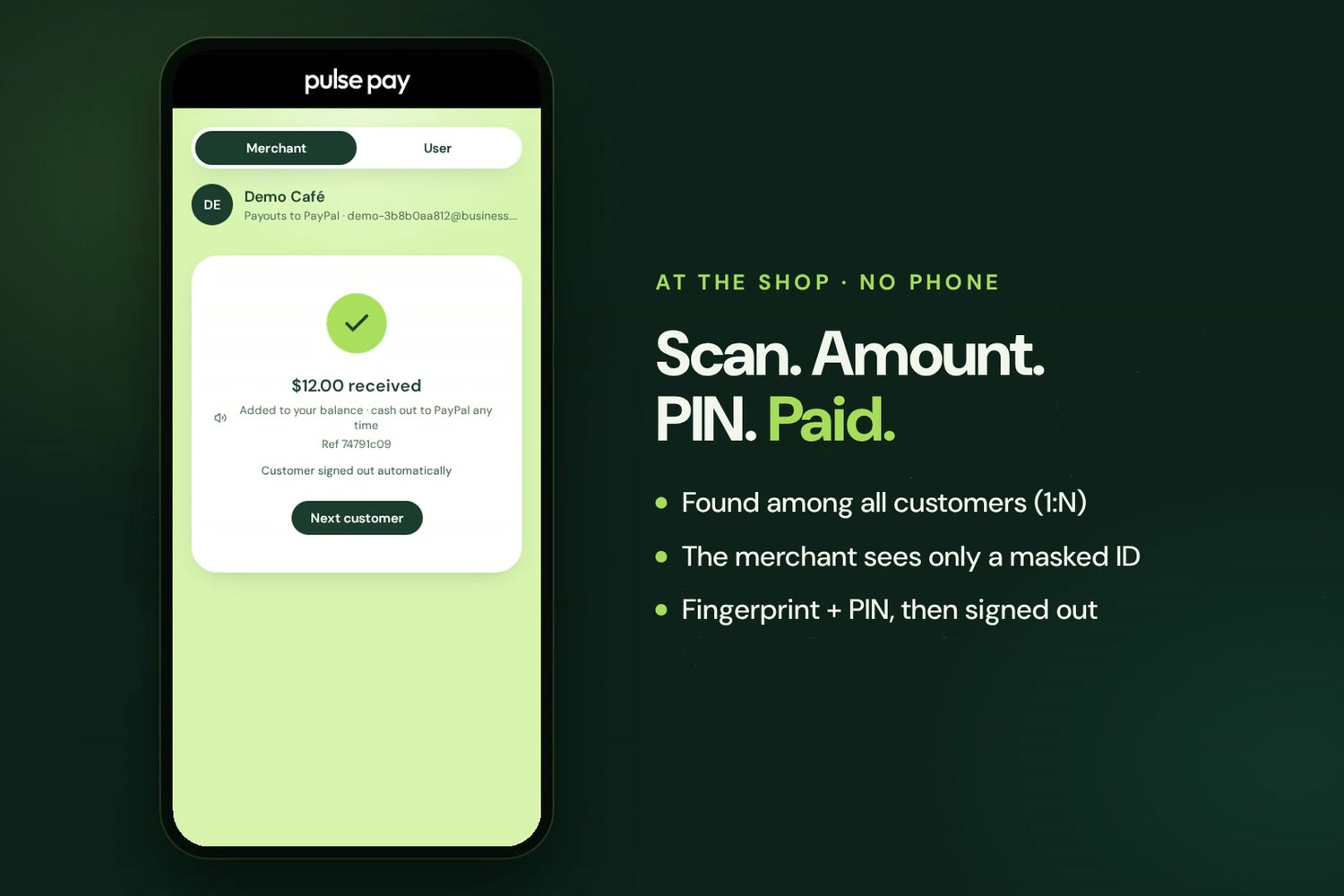
The shop already has a phone, so the customer brings only themselves: scan, amount, PIN, paid, signed out.
-
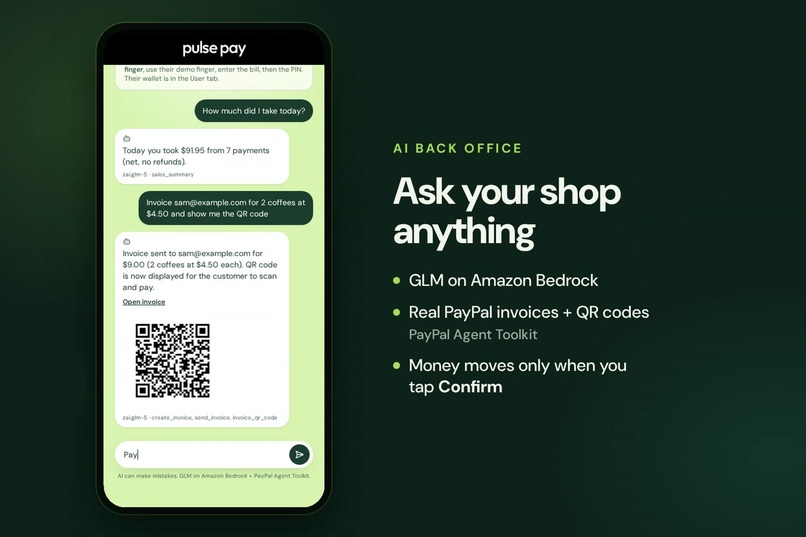
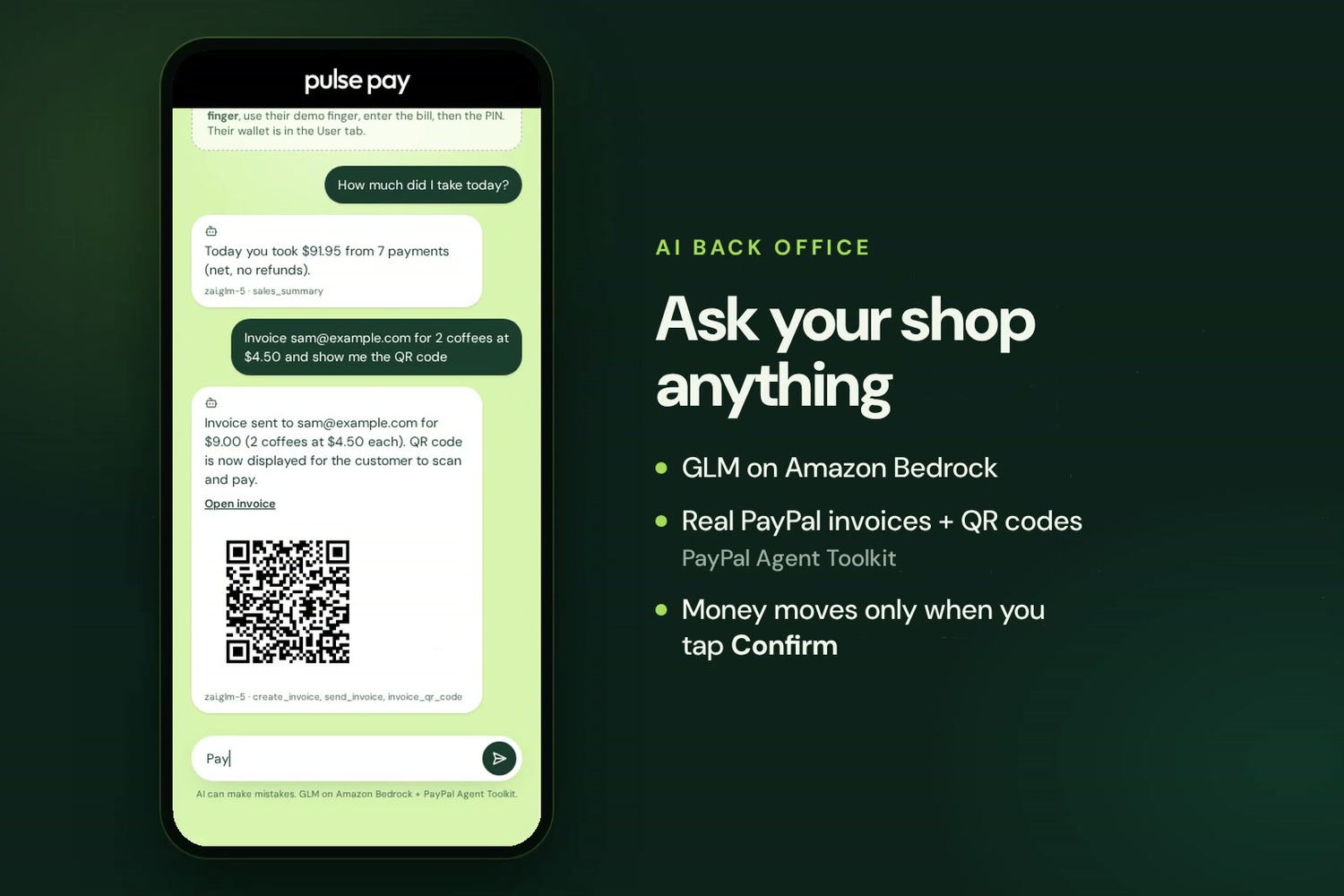
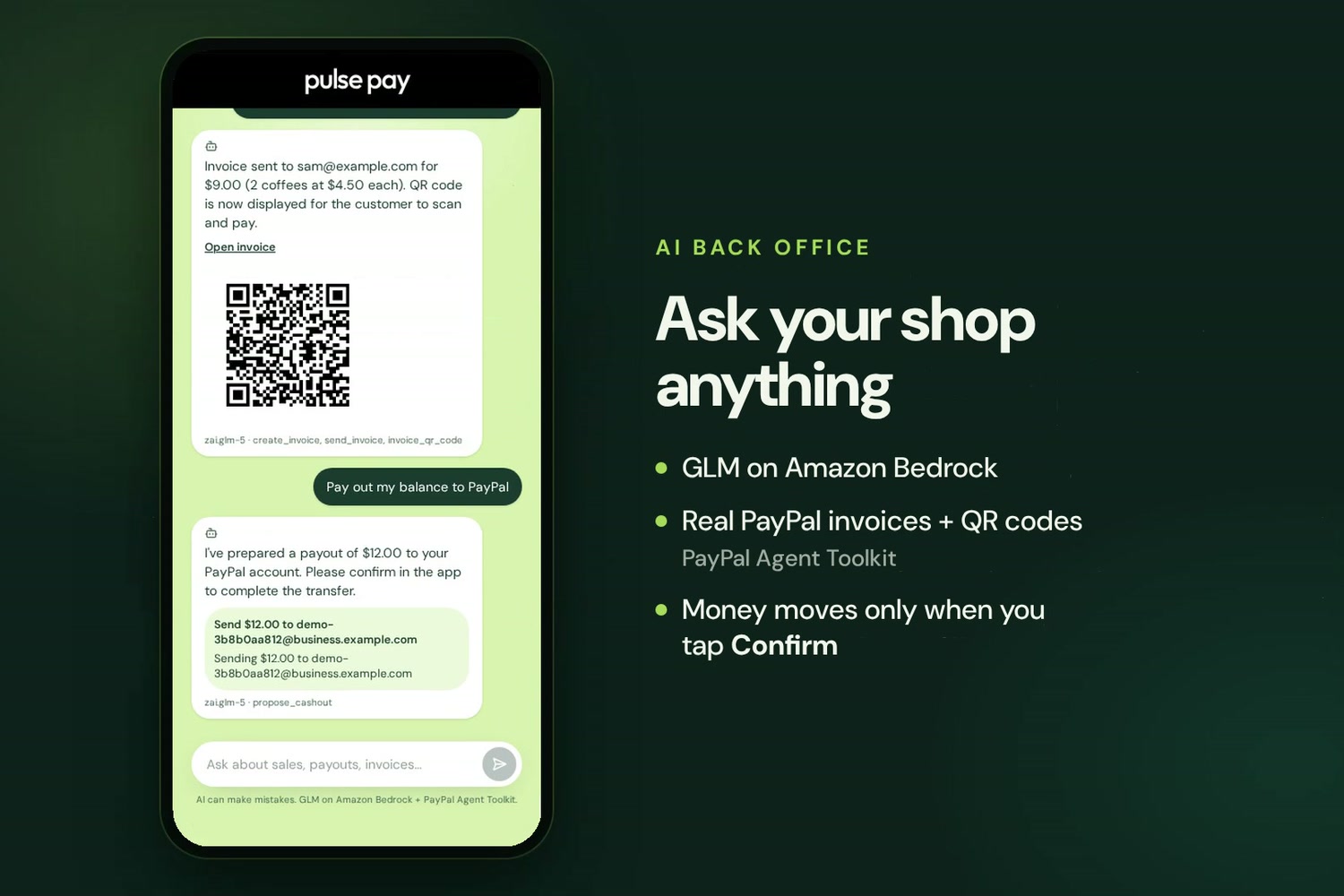
The AI assistant (GLM on Amazon Bedrock) creates a real PayPal invoice and QR code through the PayPal Agent Toolkit.
-
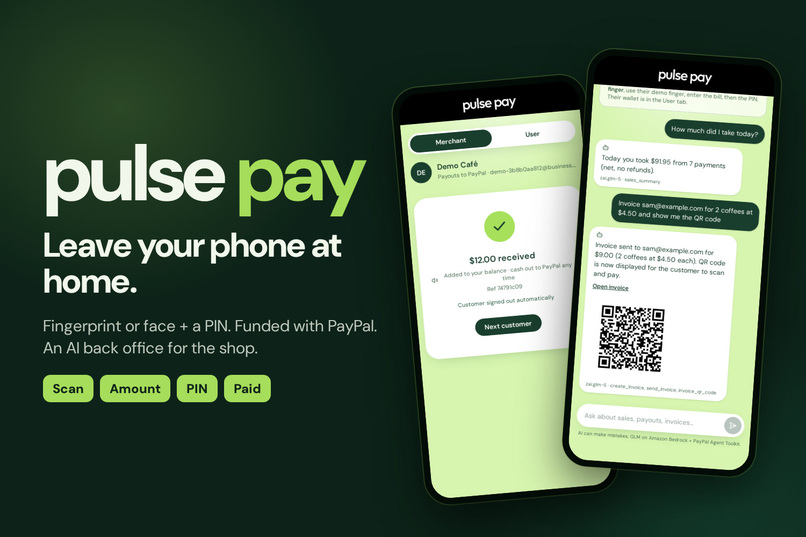
PulsePay: pay at any shop with your fingerprint or face + a PIN. Leave your phone at home.
-
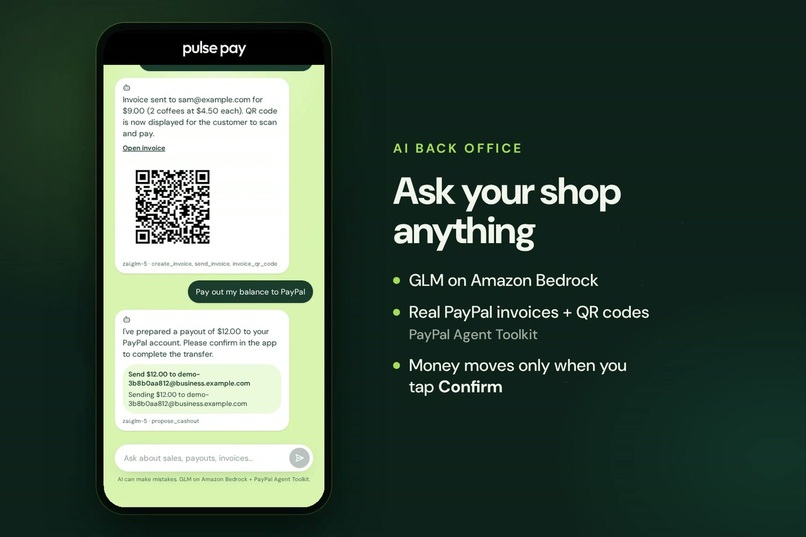
The assistant only proposes money moves. The cash-out runs through PayPal Payouts after a person taps Confirm.
-
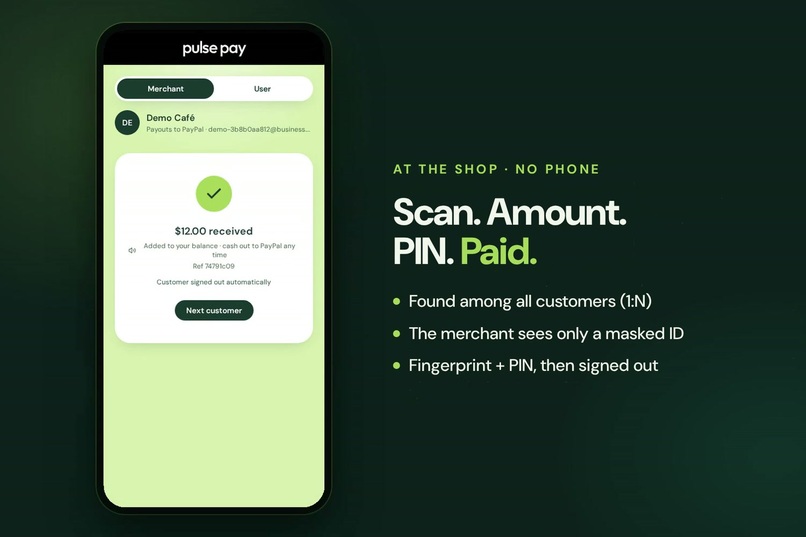
At the shop: found among all customers (1:N), shown only as a masked ID, paid with finger + PIN, then signed out.
-
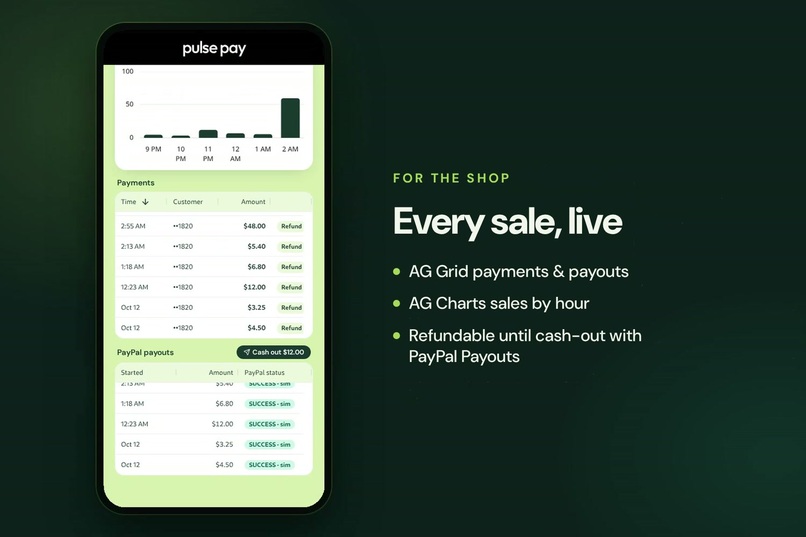
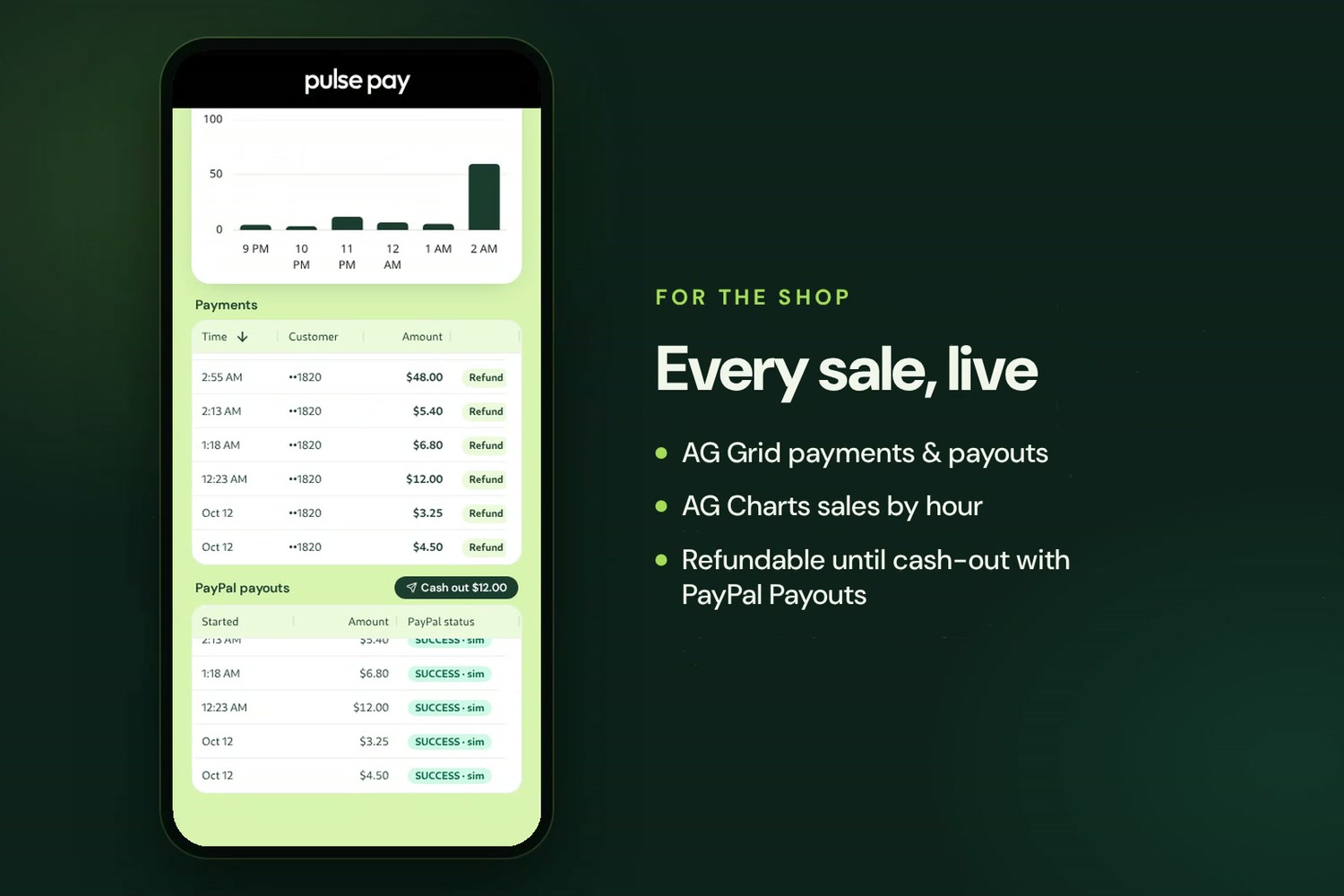
The merchant dashboard: AG Grid payments and PayPal payouts, AG Charts sales by hour. Refundable until cash-out.
-
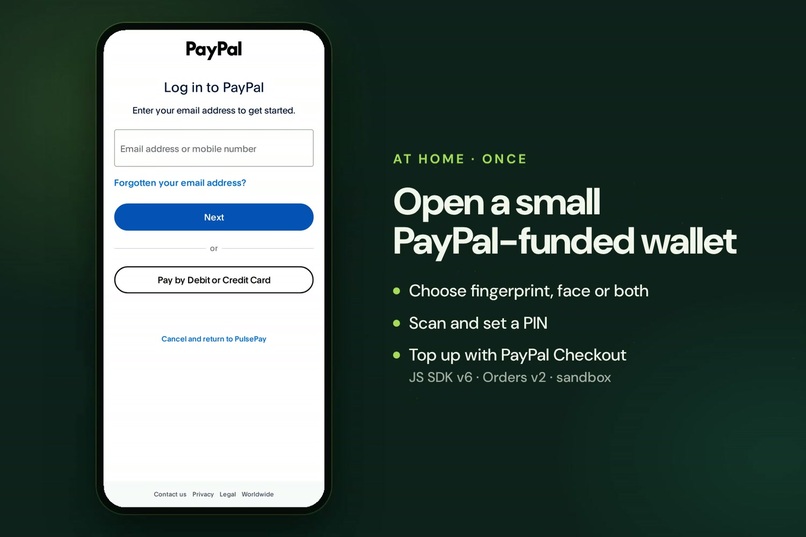
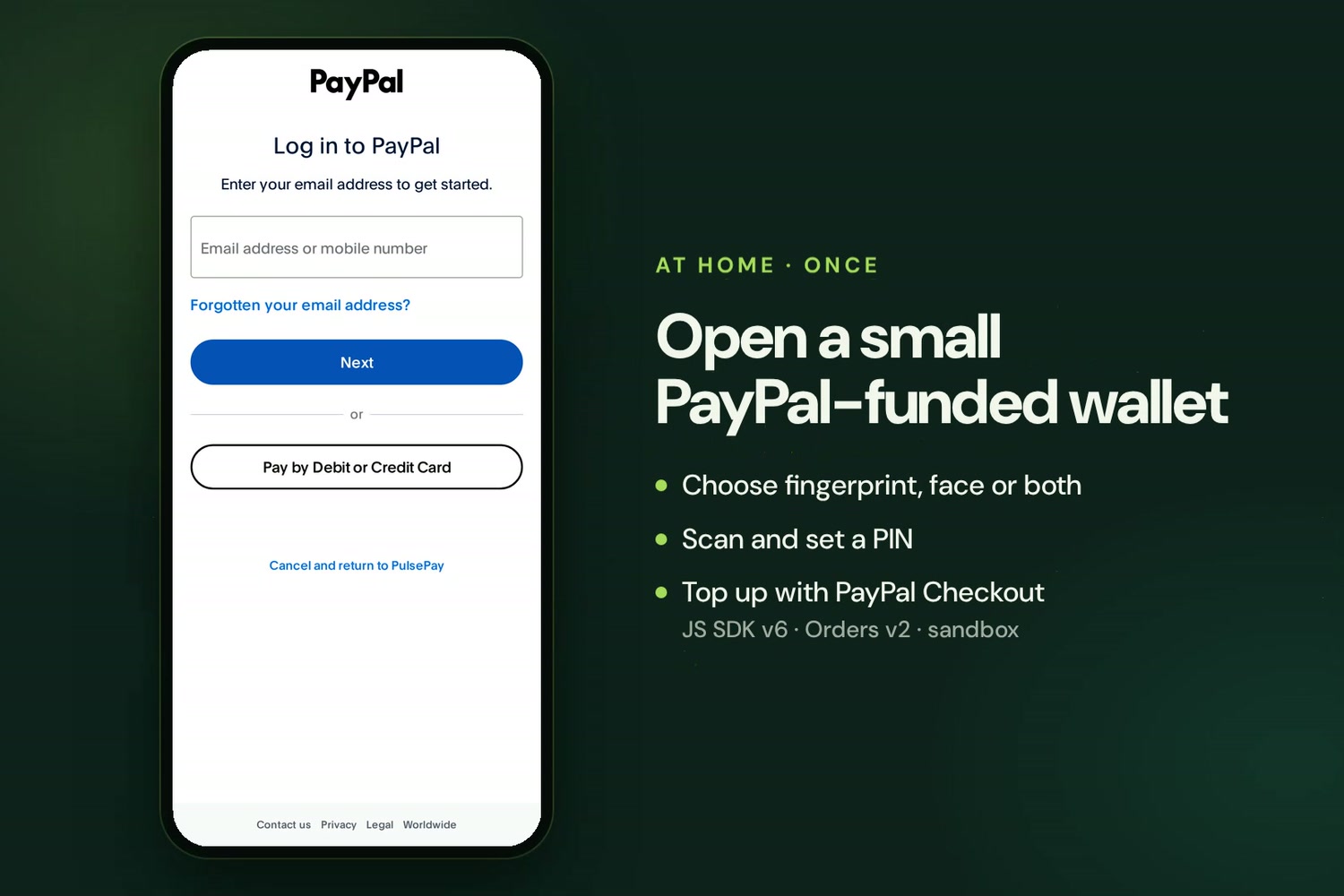
Top up the wallet with real PayPal Checkout (JS SDK v6 + Orders v2, sandbox). Captured only after every check passes.
Inspiration
Every way we pay in a shop assumes the customer carries something: a card, a phone, a watch. A dead battery, a phone left in a gym locker or a day at the beach, and you can't buy a coffee. Children, many older adults and people without a smartphone are left out entirely.
Shops already have phones. So we asked: what if the customer brings only themselves?
What it does
Before leaving home (once). On your own phone you choose how shops should recognise you (fingerprint, face or both), scan, set a PIN and an emergency contact, and top up a small prepaid wallet with PayPal Checkout.
At the shop (no phone).
- The merchant opens PulsePay in merchant mode and scans you.
- PulsePay finds you among all customers and shows only "Customer ••1234".
- The merchant types the bill; you type your PIN on their phone.
- Paid. You're signed out automatically, like a card leaving the reader.
The merchant sees every sale on a dashboard and taps Cash out to receive the money with PayPal Payouts. Until then a sale can still be refunded to the customer's wallet. An AI assistant answers "How much did I take today?" and "Anything unusual?", drafts refunds and cash-outs for the merchant to confirm, and creates and sends PayPal invoices.
Close the wallet any time from your phone. The balance is refunded to the PayPal payments that funded it.
Risk is capped by design, not by trust:
- at most $200 in the wallet;
- the wallet expires after 72 hours unless extended;
- at most $100 per payment;
- a PIN on every payment, with a 30-minute lock after three wrong tries.
A distress finger: if someone forces you to pay, use the finger you registered for that. The screens look identical, but at most $25 moves and your emergency contact gets a silent alert naming the shop.
How we built it
PayPal is the money layer end to end:
- JavaScript SDK v6 + Orders v2. Wallet top-ups. The server creates the order and captures it only after every check passes. If the wallet can't be credited, the capture is refunded.
- Payments v2 refunds. Closing a wallet refunds the balance to the captures that funded it, newest first.
- Payouts. Merchant cash-out (or a payout after every sale in instant mode), and sending money to any PayPal email.
- Webhooks with signature verification. Payout status updates, disputes (a disputed top-up freezes its wallet) and paid invoices.
- Invoicing through the PayPal Agent Toolkit. The AI assistant creates, sends and tracks invoices and QR codes.
- Idempotency everywhere. Retries after a timeout reuse the same
PayPal-Request-Idorsender_batch_id, so nothing is captured, refunded or paid out twice. A lost capture response is reconciled, and refunded if it can't be confirmed.
The AI is GLM 5 (Z.ai) on Amazon Bedrock, using the Converse API with tool use. More detail is in the AI tools section below.
Money is kept in a double-entry ledger:
- A top-up moves money from PulsePay's PayPal pool into the customer's wallet.
- A sale moves it from the wallet to what PulsePay owes the merchant.
- A successful payout settles that.
The tests check that every entry balances and that the pool always equals what PulsePay owes. Refunds can only come from money PulsePay still holds for the merchant, and a payout can never exceed what is owed. This closes a refund-after-payout exploit that we found and fixed with a test first.
Biometrics:
- A FastAPI + OpenCV service turns a camera frame into a vector and keeps no image.
- The backend matches 1:N by cosine similarity. A match must clearly beat the runner-up, or the scan is retaken.
- Templates are scrambled with a per-record secret and encrypted with AES-256-GCM, and duplicate identities are refused at sign-up.
Stack: Node.js + Express, PostgreSQL, React + Vite + Tailwind, FastAPI + OpenCV. The merchant dashboard uses AG Grid (payments with refunds, payouts with PayPal status) and AG Charts (sales by hour).
Hosting: one docker compose up runs everything locally. For a hosted demo, a single container serves the API and the web app and forwards camera frames to the CV service inside it, described in a Render Blueprint.
Quality:
- 137 automated tests run against a real Postgres. The PayPal tests use the real client against a local PayPal stand-in that reproduces lost responses, duplicate requests, declines and 5xx errors. Each test was checked by breaking the code it protects and confirming it fails.
- A Postman collection runs the whole flow, from sign-ups and a PayPal-funded wallet to a payment, a cash-out, a refused late refund and closing the wallet: 15 requests, 19 checks.
Challenges we ran into
- Money under failure. The hardest bug was a payout whose response was lost. The retry used the same
sender_batch_id, PayPal rejected it as a duplicate, and our code marked it failed and paid again. A local PayPal stand-in that drops responses on purpose reproduced it, and sending the batch id as thePayPal-Request-Idfixed it. - Refunds vs payouts. Instant payouts left nothing to refund from. We made cash-out the default, so sales stay refundable until the merchant takes the money, and locked refunds and payouts on the same row so they can't both spend one balance.
- Testing against the real sandbox, not just our stand-ins. The first live run showed that the PayPal Agent Toolkit returns invoice data encoded twice, so the assistant could never see that an invoice was paid. We fixed it test-first, and made sure only invoices PayPal actually collected are credited to the shop, not ones marked paid by hand.
- Letting an AI near money safely. The assistant can propose a refund or a cash-out, but a person confirms every one in the app. Tool results are treated as data, never as instructions.
- A demo judges can actually try. Biometric sign-up needs a camera and PayPal needs a buyer account, so we built "Try the demo": one tap gives each visitor their own shop and customer, with simulated money and a "demo finger" for devices without a camera.
Accomplishments that we're proud of
- A complete, coherent loop: sign up, fund with PayPal, pay with no phone, cash out to PayPal, refund, close and get the rest back on PayPal.
- Payments that stay correct when networks fail, proven by tests rather than claimed.
- A distress finger: a safety feature cards can't offer.
What we learned
PayPal's idempotency headers turn "did that request go through?" from a guess into a guarantee. That works only if every retry path reuses the right id: same id after a timeout, a new id after a decline. Writing the failing test first found bugs that reading the code had missed.
What's next for PulsePay
- A certified fingerprint scanner and face model with liveness detection (the webcam and OpenCV here are stand-ins).
- Pilots where carrying a phone is awkward: gyms, pools, festivals, theme parks, campuses, care homes.
- Family wallets: give a child or an older parent a capped way to pay.
- PayPal approval for holding balances and Payouts at scale.
Built during this hackathon
PulsePay began earlier in 2026 as a prototype of phone-less biometric payments for India's bank-agent network, built for previous hackathons. It used UPI rails, had no real payment provider, no AI assistant and no automated tests, and had no repository activity between June 16 and Oct 1, 2026 (see the commit history).
Since Oct 1, 2026, we rebuilt it around PayPal:
- moved to USD and global use;
- the full PayPal integration: Checkout top-ups, capture refunds, Payouts cash-out, verified webhooks, and invoicing through the Agent Toolkit;
- the double-entry ledger, merchant sign-in, dashboard (AG Grid) and cash-out;
- the AI merchant assistant on Amazon Bedrock (GLM);
- "Try the demo" for judges;
- a one-container build and Render Blueprint for hosting;
- all 137 tests and the Postman flow.
Since Oct 1, 175 files changed, with about 13,400 lines added and 12,300 removed. The original design is kept in docs/archive/ for history.
AI tools and models used
- GLM 5 by Z.ai on Amazon Bedrock (
zai.glm-5; the app trieszai.glm-5.3first and falls back automatically). It powers the merchant assistant through the Bedrock Converse API with tool use. Each request runs at most 6 tool steps and keeps a short history. - Assistant tools. Each tool is scoped to the signed-in merchant:
- Data:
sales_summary,recent_payments,payout_status,anomaly_report, plussearch_activitywhen Elastic is configured. - Proposals:
propose_refundandpropose_cashout. These only draft the action; money moves when the merchant taps Confirm.
- Data:
- PayPal Agent Toolkit (
@paypal/agent-toolkit, Bedrock adapter). It supplies the toolscreate_invoice,send_invoice,invoice_statusandinvoice_qr_code, which run against the merchant's own invoices. - Safety rules:
- Customers appear only masked ("Customer ••1234").
- The distress flag is never visible to the model.
- Tool output is data, never instructions.
- Demo shops are capped at 10 questions each.
Try it
Code, setup (three commands, no keys needed) and diagrams: https://github.com/Ritesh-Root/pulsepay-paypal
Built With
- ag-charts
- ag-grid
- amazon-bedrock
- docker
- express.js
- fastapi
- glm
- javascript
- node.js
- opencv
- paypal
- paypal-agent-toolkit
- paypal-checkout
- paypal-payouts
- postgresql
- python
- react
- tailwindcss
- typescript
- vite


