Inspiration
In today’s fast-paced world, stress and mental fatigue are common challenges. Inspired by the growing awareness of the need for mindfulness and the potential of technologies that leverage computer vision and machine learning, I created PulsePause. My goal was to provide a simple, engaging, and portable way for users to check in with their mental well-being through heart rate tracking and guided mindfulness prompts. The idea grew from the belief that small, intentional pauses can make a big difference in managing daily stress, especially when we let our stress influence our physical health. Long-term stress can be indicated by high heart rates, and can cause health problems. Many people may not even realize in the middle of their workday that their heart is working overtime, and PulsePause provides a mindful break with a contactless heart rate measurement right from your desktop.
What it does
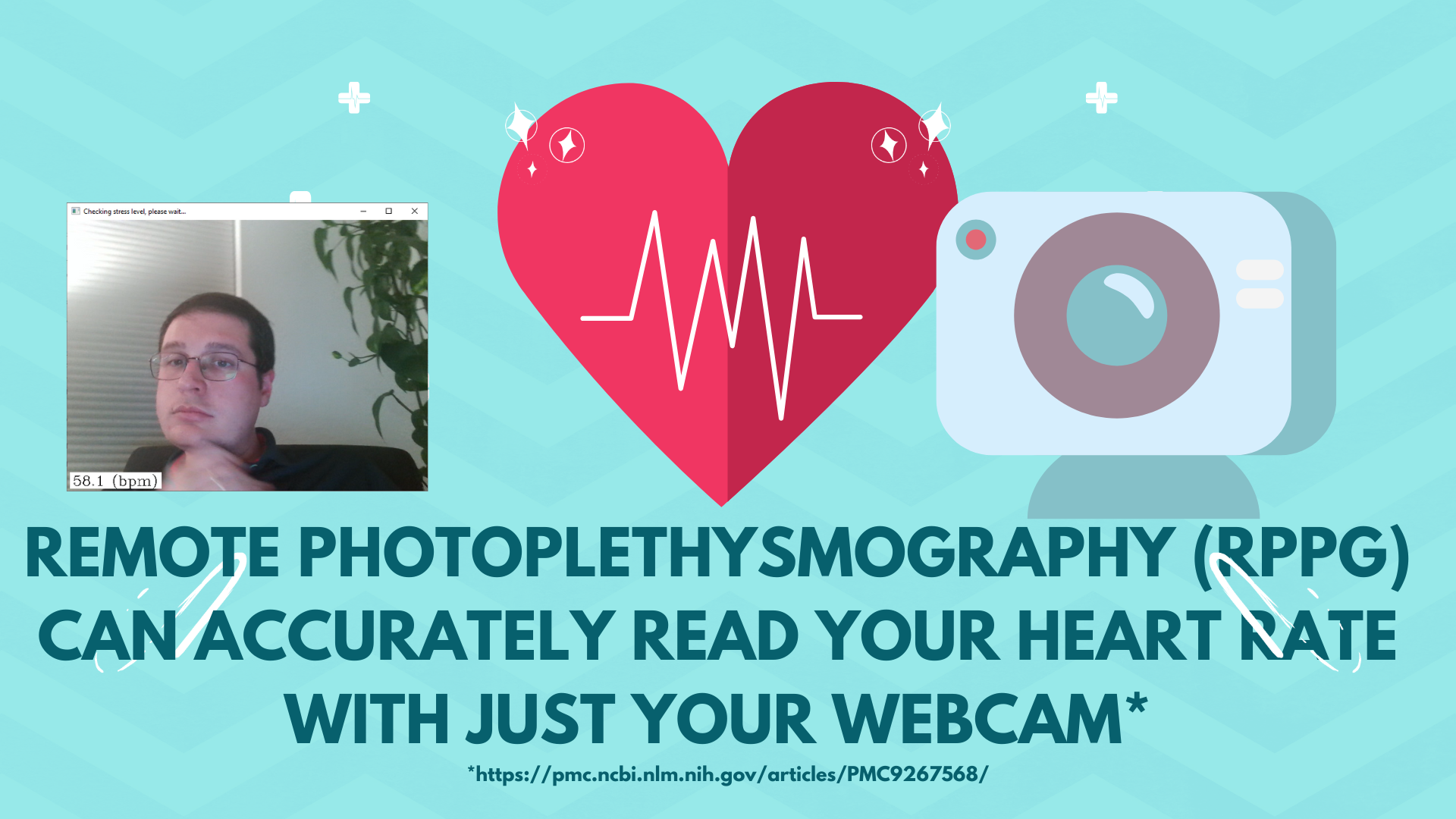
PulsePause is a lightweight application that uses your computer's camera to measure your heart rate using remote photoplethysmography (rPPG) technology. When your heart beats, it pushes blood through your body, which makes tiny changes in the color of your skin. These changes are so small that you can't notice them with your eyes, but the camera on your laptop can! PulsePause uses this technology to help users identify moments of stress and guides them to take mindful pauses through:
-Heart rate monitoring with visual feedback.
-Mindfulness exercises and reminders.
-Alerts for elevated heart rates, encouraging users to reflect and relax.

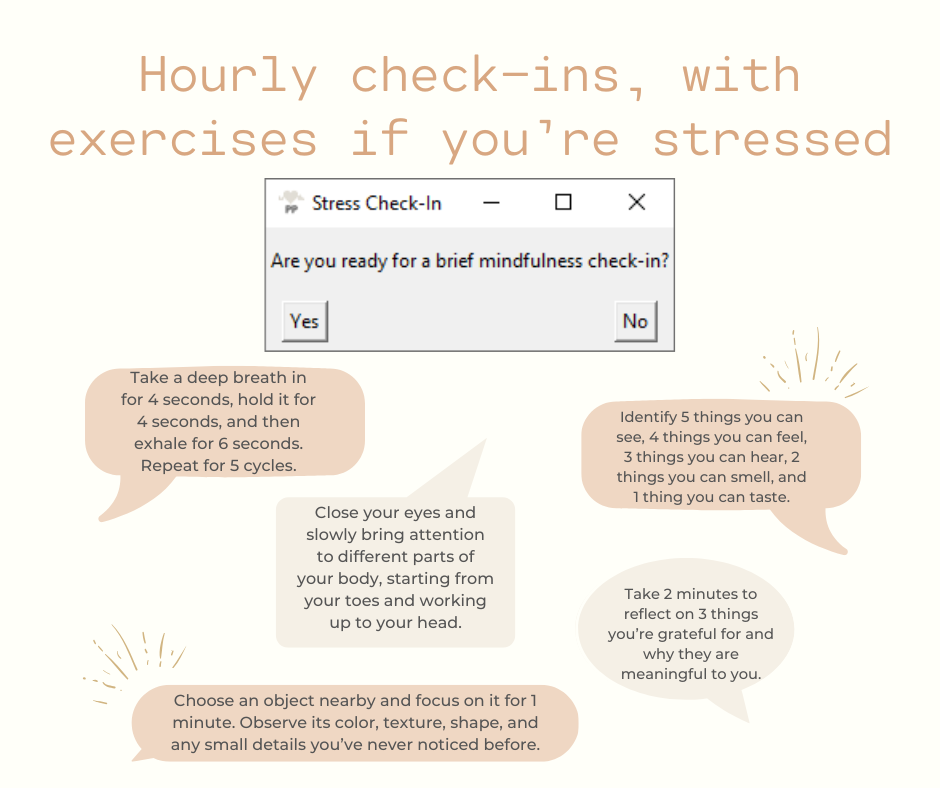
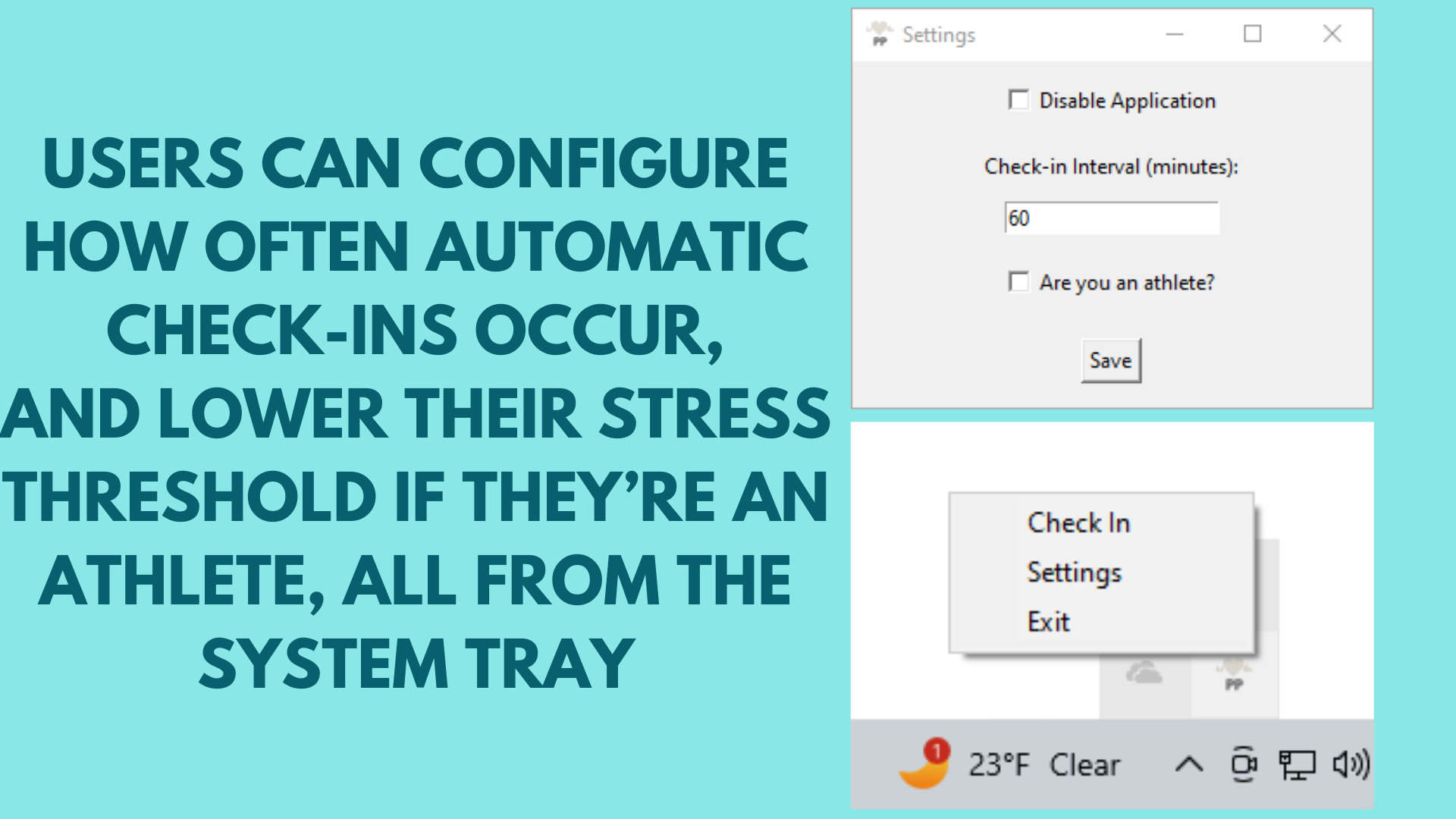
Once an hour (or however often the user chooses to configure PulsePause to run) users are prompted to take a brief break.

Their web cam will turn on for about 20 seconds to measure their heart rate using rPPG.

Users self-identify as athletes or non-athletes to set thresholds for elevated heart rates. If their heart rate is elevated, PulsePause will guide them through a mindfulness exercise. At any time users can choose to skip a check-in or disable the application if it becomes distracting. I feel that taking a few seconds every hour and being made aware of how stress is impacting you physically leads to more mindfulness and physical awareness during the work day.

PulsePause runs in your system tray, letting you quickly adjust settings (such as the check-in interval) and trigger manual check-ins.
How we built it
PulsePause was developed with Python, leveraging:
-yarppg (Yet Another implementation of Remote PhotoPlethysmoGraphy)
-OpenCV for real-time camera-based PPG measurement.
-PyStray puts PulsePause in your system tray for easy access and for manual check-ins.
-Tkinter for the user interface.
-cx_Freeze to package the application into an executable format for easy distribution.
I used Poetry to manage dependencies and streamline the development process.
Challenges we ran into
-User Interface Design: Designing a minimalist yet engaging interface that promotes mindfulness without overwhelming the user required iterative feedback.
-Packaging: Python is a great way to prototype a solution quickly, but building a way to package PulsePause into a simple executable for non-technical users was a challenge. Fortunately, cx_Freeze has excellent documentation and has gotten really good at automatically finding project dependencies.
-Testing: rPPG is a technique highly dependent on lighting, and the actual heart rate determination can be computationally expensive. Making it clear from the GUI what is happening while getting an accurate result required trying a few different UI options and measurement durations.
Accomplishments that we're proud of
-Successfully implementing a contactless method to measure heart rate using only a standard camera in a packaged Python app.
-Creating a polished application that blends technology and mindfulness seamlessly.
-Combining rPPG with mindfulness for the first time to help users be more aware of the impact of stress on their bodies and help them reduce it.
What we learned
-How remote photoplethysmography works and its practical applications.
-How to automate packaging of a complex desktop application written in Python with GitHub Actions.
-The importance of balancing technical complexity with user simplicity to ensure an accessible product.
-How mindfulness techniques can be combined with tech solutions to promote mental well-being effectively.
What's next for PulsePause - Track Stress with Photoplethysmography
PulsePause is written in cross-platform Python. The dependencies were carefully selected so it is possible to port the application to macOS and Linux. The application works on Linux but I have not packaged it yet for this platform for distribution, and I would like to test the application on a Mac in the near future. Frameworks like Kivy may also make mobile ports of this capability possible. Providing a way for users to keep track of their heart rate over time in a local, privacy-preserving way is also a valuable feature I believe users would enjoy. It would also help them identify stress triggers and patterns.

Log in or sign up for Devpost to join the conversation.