-
-
Home
-
Analysis
-
Notes
-
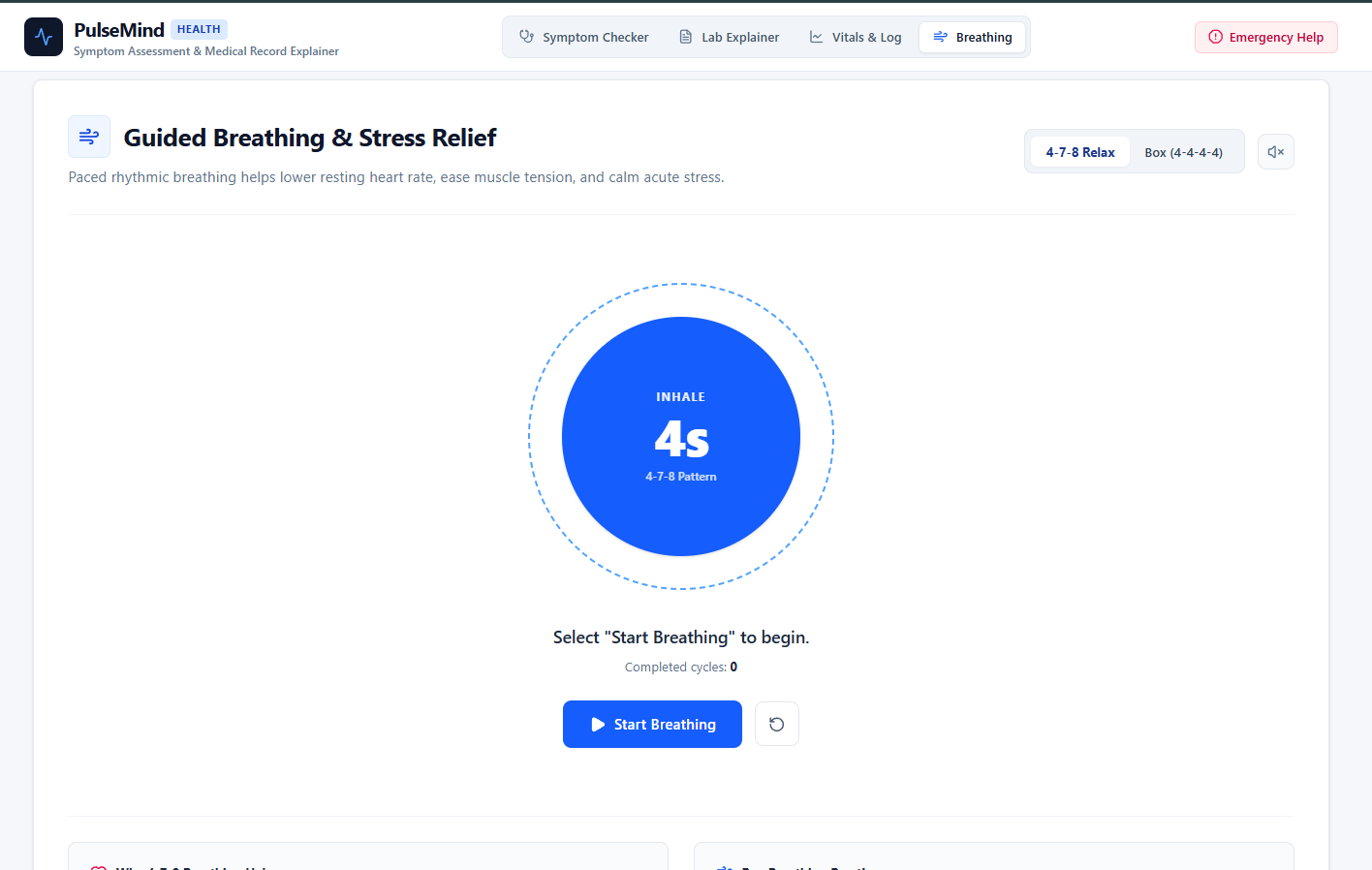
Breathing Exercises
Inspiration
Healthcare can be confusing and intimidating. Whenever someone in my family or group of friends felt unwell, or when we received complicated lab results back from a doctor, the immediate reaction was usually to look up symptoms online. Unfortunately, search engine results often lead to unnecessary panic or misleading advice. On the flip side, subtle symptoms that actually require prompt medical attention are frequently ignored until they become severe.
I wanted to build a practical tool that serves as a calm, intelligent first stop for health concerns—something that helps people make sense of what they are experiencing, translates complex medical terms into plain language, and gives them actionable guidance before stepping into a doctor's office.
What it does
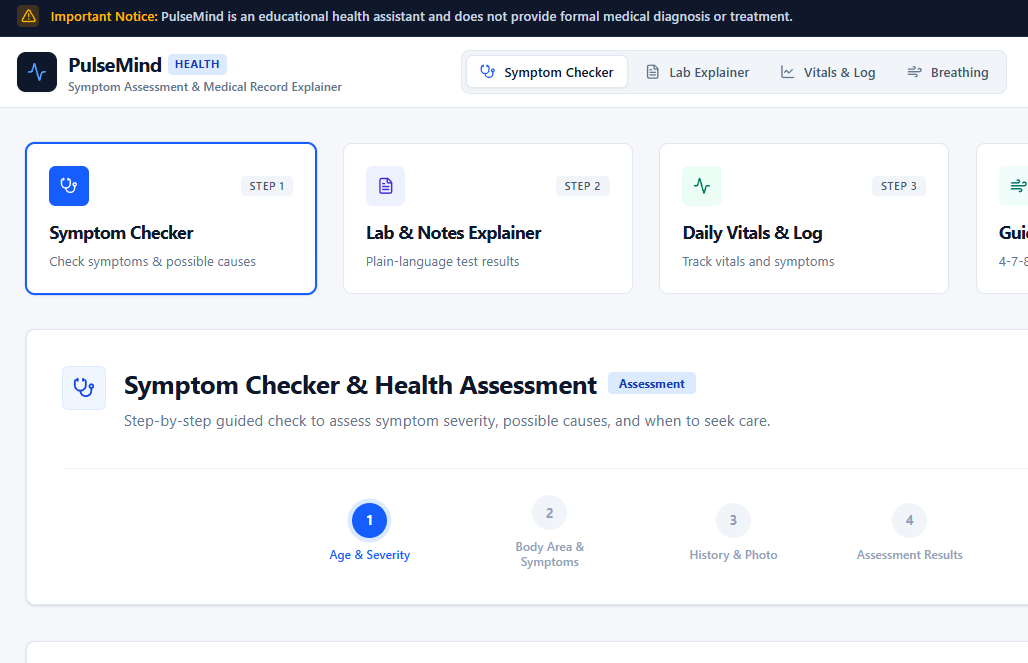
Symptom Assistant is an AI-powered web application designed to help everyday people better understand, track, and evaluate their personal health.
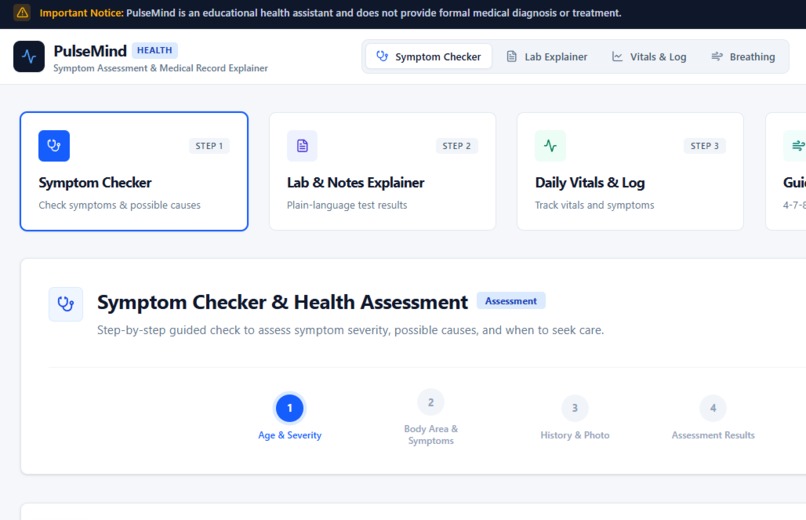
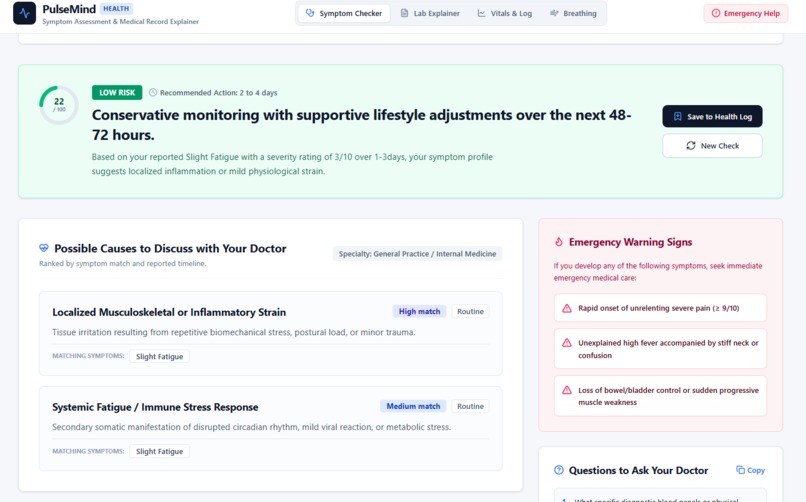
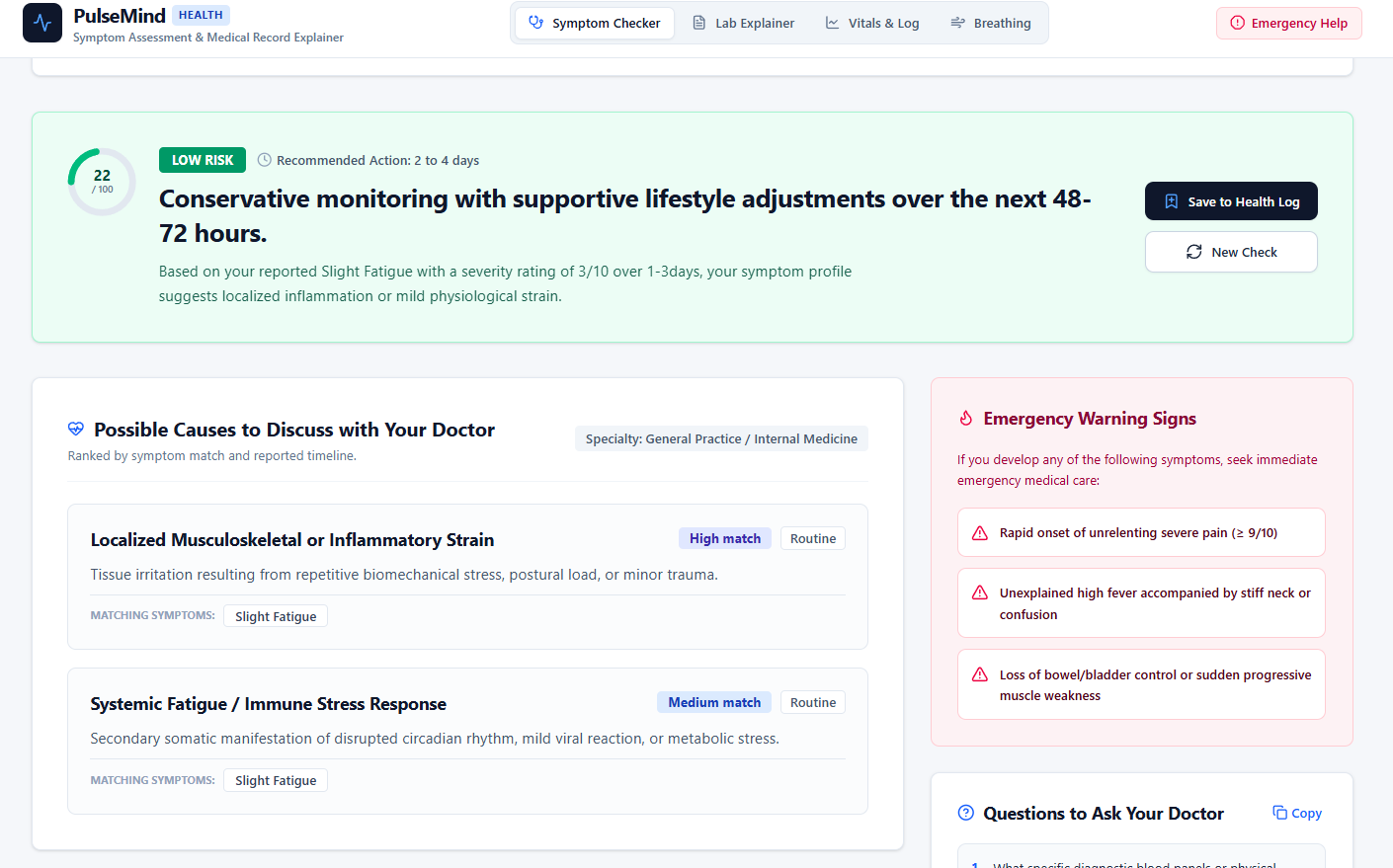
- Smart Symptom & Urgency Checker: Users answer a few quick questions about their symptoms, duration, and severity. The app evaluates the inputs and highlights potential urgency levels (Low, Moderate, High) along with recommended next steps (such as home monitoring, scheduling a clinic visit, or seeking immediate emergency care).
- Medical Report Translator: Users can paste dense doctor's notes, lab reports, or prescriptions, and the AI breaks them down into plain, easy-to-read bullet points at a 5th-grade reading level.
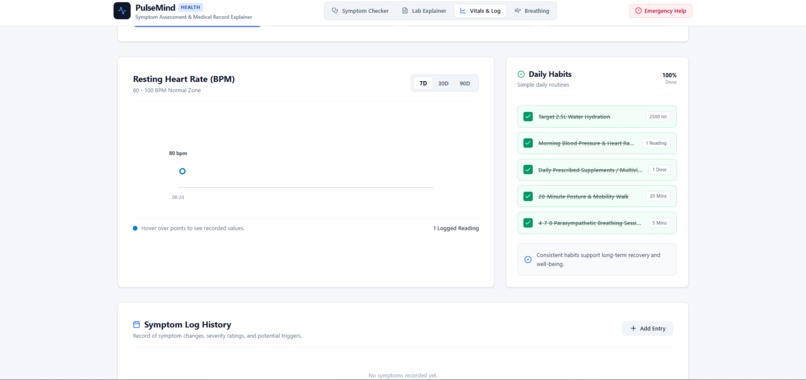
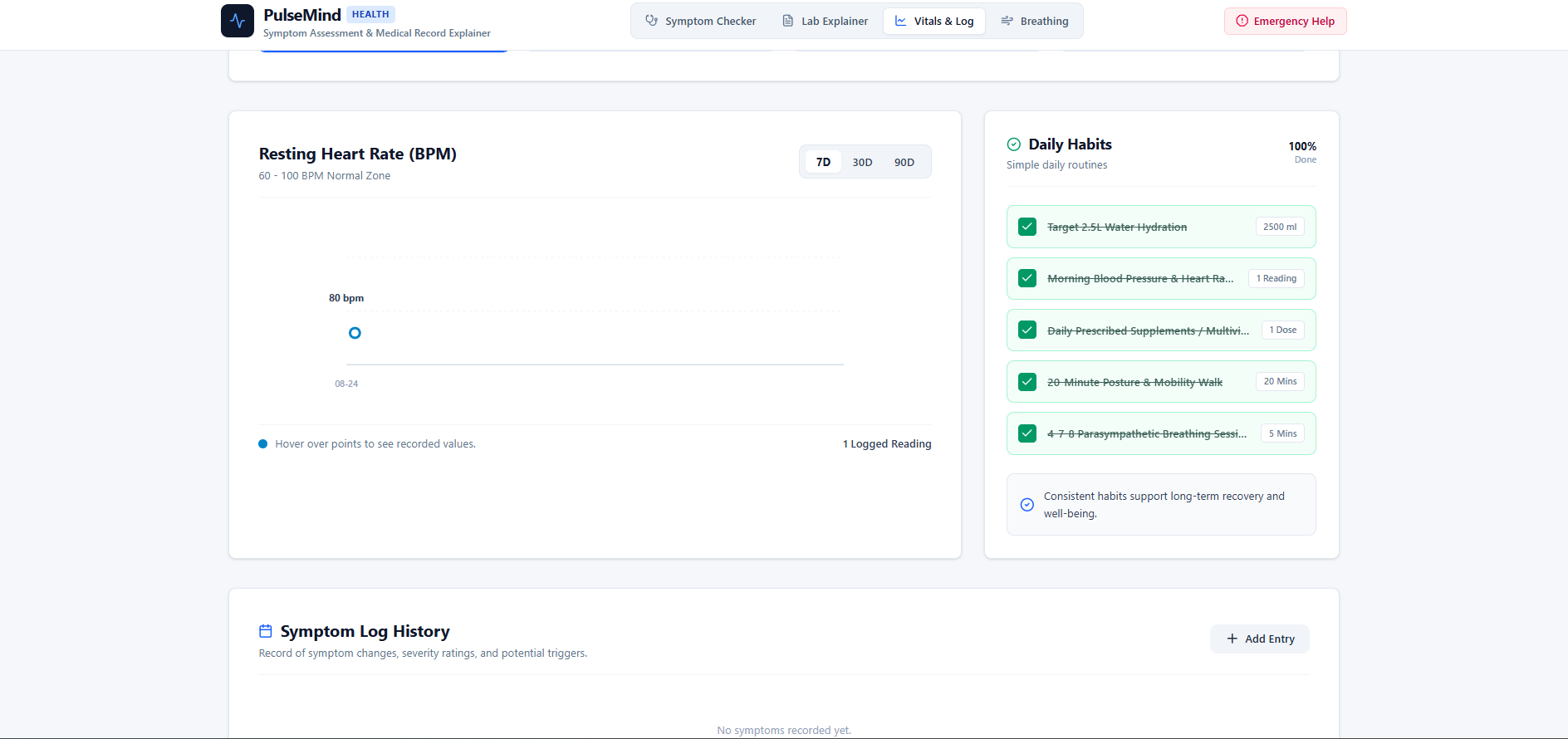
- Interactive Health & Symptom Log: An intuitive dashboard with clean visual charts that lets users track daily stats like sleep, heart rate, and symptom progression over time to spot personal health patterns.
- Emergency Red-Flag Detection: Built-in safety rules immediately scan inputs for acute warning signs (like sudden severe chest pain or breathing difficulty) and prompt users to seek immediate emergency medical care.
How we built it
The application was designed to be lightweight, responsive, and easy to run directly in the browser:
- Frontend Framework: Built with React and Next.js (App Router) for fast page loads and smooth component navigation.
- Styling & Icons: Styled using Tailwind CSS and Lucide React icons to create a clean, modern, medical-grade interface that works seamlessly on desktop and mobile.
- AI Engine: Integrated Google Gemini API to handle natural language processing, symptom reasoning, and medical text simplification.
- Data Visualization: Used Recharts to transform raw user log entries into dynamic visual trend charts.
- Deployment Pipeline: Hosted on Vercel with direct integration from a GitHub repository for continuous deployment.
Challenges we ran into
- Handling AI Variability: One major challenge was ensuring the AI delivered structured, reliable output consistently—especially when categorizing urgency levels. Prompt engineering and fallback JSON parsing were essential to keep the app interface consistent.
- Balancing Safety and Clarity: Designing an AI health tool requires strict guardrails. It was crucial to ensure the app gives helpful, empathetic information without making definitive diagnostic claims or giving dangerous medical advice.
- Ensuring Offline/Mock Reliability: To prevent the application from breaking if API keys were missing or rate limits were hit during testing, I had to build a robust fallback data system so all user flows remain fully interactive.
Accomplishments that we're proud of
- Clean, Accessible Design: Built a completely responsive UI that looks trustworthy, modern, and uncluttered, making it easy to read for users of all technical skill levels.
- Fast and Zero-Lag Responses: Successfully connected the Gemini API with structured outputs so the translation and screening results render in seconds.
- Zero Build Errors on Vercel: Managed to configure all serverless edge logic and environment variables cleanly, achieving a seamless deployment pipeline on Vercel straight from GitHub.
What we learned
- Effective Prompt Engineering: Learned how to craft precise system instructions for LLMs so they reliably output plain-language medical explanations while strictly adhering to safety guidelines.
- Modern Web Development Workflows: Deepened my understanding of Next.js App Router, Tailwind layout structures, and state management in React.
- User-Centered Product Thinking: Realized that in health technology, clarity, simplicity, and tone matter just as much as complex algorithms.
What's next for PulseMind - Symptom Assistant
- Multi-Language Support: Adding real-time translation so non-English speakers can easily input symptoms and understand medical reports in their primary language.
- Wearable Integration: Connecting with basic Apple Health / Google Fit export data to automatically populate vital signs like daily resting heart rate and sleep patterns.
- Exportable Doctor Briefs: Generating a clean 1-page PDF summary of symptom trends that patients can print or email directly to their physician before an appointment.
Built With
- css
- next.js
- vercel
- webapp

Log in or sign up for Devpost to join the conversation.