Inspiration
In emergencies, the difference between receiving help quickly and being left unnoticed can come down to a few minutes. We created PulseGuard after asking a simple question: Could the sensors already built into a smartphone help recognize that someone may have collapsed and guide a faster response?
Instead of requiring specialized hardware, PulseGuard explores how an ordinary phone could act as an accessible safety tool. Our goal was not to diagnose an overdose or replace emergency services, but to build a responsible prototype that recognizes multiple warning signals, checks on the user, and helps them contact someone they trust.
What it does
orientation sensors to detect a possible collapse.
Its detection process includes:
A short delay that gives the user time to position their phone. Monitoring for a sudden impact above a defined threshold. Checking whether the phone recovers its normal orientation. Measuring whether the phone remains still afterward. Requiring at least two warning signals before triggering an alert.
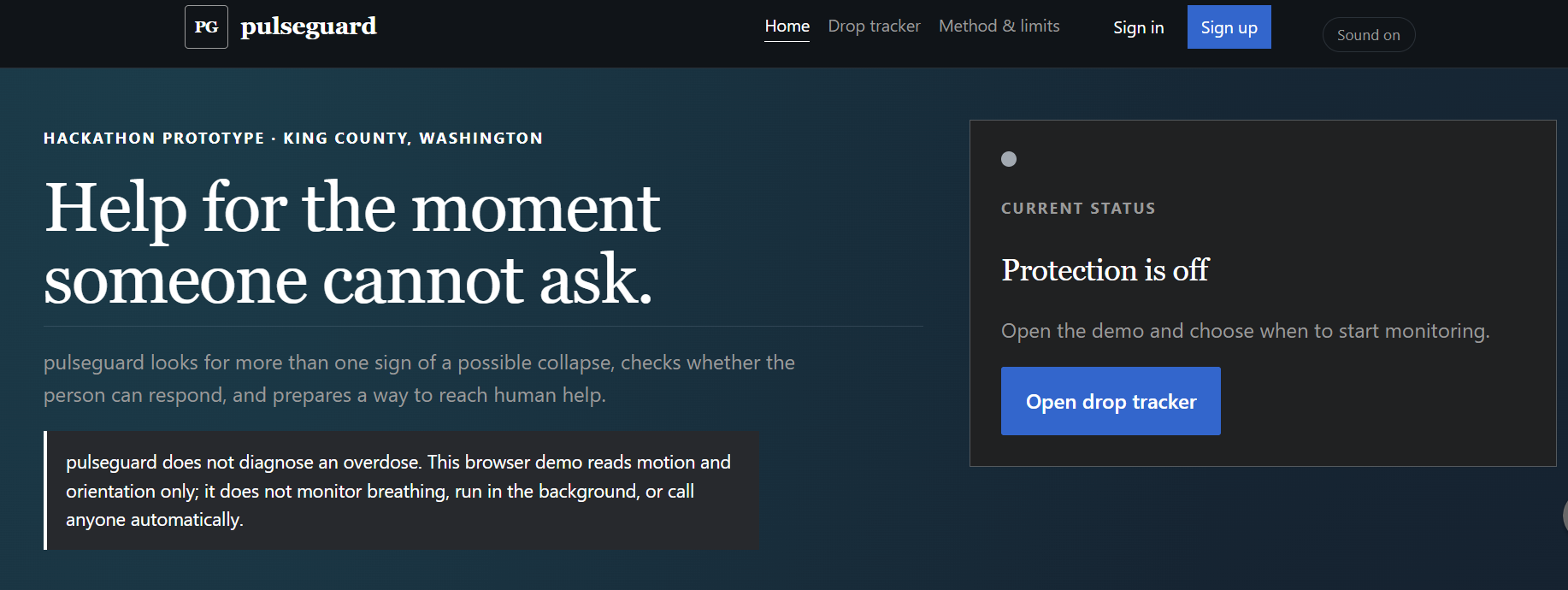
When PulseGuard detects a concerning pattern, it starts an “Are you okay?” countdown. The user can cancel the alert if they are safe. If they do not respond, PulseGuard sounds an alarm and prepares a location-aware text message for an emergency contact.
The application can also use the user’s location to search OpenStreetMap for nearby automated external defibrillators, or AEDs, within 10 kilometers. It calculates the distance to each result and displays the five closest locations.
PulseGuard does not claim to diagnose an overdose, automatically contact 911, or guarantee that an emergency has occurred. The current prototype prepares an alert, but the user must still approve and send the text message.
How we built it
We built PulseGuard as a lightweight web application using HTML, CSS, and JavaScript, allowing it to run directly in a supported mobile browser without a separate application download.
The detection system uses browser motion and orientation events to evaluate several signals instead of relying on a single movement. This helps reduce the chance that an ordinary phone drop will immediately trigger an emergency sequence.
Challenges we ran into
One of our biggest challenges was distinguishing a possible collapse from normal phone movement. A single accelerometer spike is not enough because a phone could simply be dropped, placed on a table, or moved quickly. We addressed this by combining impact, orientation, recovery, and stillness signals before starting an alert.
Mobile browser permissions were another challenge. Motion sensors and location access behave differently across devices, and some browsers require HTTPS or an explicit user interaction before granting access. We therefore added permission handling and clear status messages.
We also had to think carefully about responsible emergency design. Automatically claiming that a user experienced an overdose—or automatically contacting emergency services—would go beyond what our prototype can safely verify. We designed PulseGuard as a decision-support and communication tool rather than a medical device.
Finally, working within a hackathon deadline forced us to prioritize the most important workflow: detect multiple warning signs, confirm whether the user is okay, and prepare useful emergency information.
Accomplishments that we're proud of
Built a functioning mobile-browser prototype with no specialized wearable required. Combined multiple sensor signals instead of relying on one motion threshold. Added a user-confirmation period to reduce unnecessary alerts. Created location-aware emergency messages. Integrated a live search for nearby AEDs using open map data. Designed the project with clear limitations instead of presenting it as a medical diagnosis system. Received the Most Innovative Project Award at our first hackathon.
What we learned
We learned that developing a safety-focused project requires more than creating a working interface. It requires thinking about false alarms, permissions, privacy, accessibility, and the consequences of every automated action.
Technically, we gained experience working with real-time browser sensor events, geolocation, external map data, local storage, countdown states, and mobile-browser compatibility. We also learned how breaking one large problem into smaller stages made the detection process easier to build and explain.
Most importantly, we learned that innovation does not always mean adding more technology. Sometimes it means combining technology people already carry in a more thoughtful and accessible way.
What's next for PulseGuard
Our next step is to test the detection logic using a larger collection of safe, simulated motion patterns so that we can measure false positives and false negatives. We would also like to:
Allow users to adjust sensitivity based on where the phone is carried. Improve accessibility through vibration, audio, and larger controls. Add more detailed AED directions and availability information. Explore wearable-device integration. Add secure opt-in cloud contact features. Consult emergency-response and healthcare professionals. Conduct privacy and reliability testing before any real-world use.
PulseGuard is currently a hackathon prototype, but it demonstrates how everyday devices could support faster and more accessible emergency-response systems.
