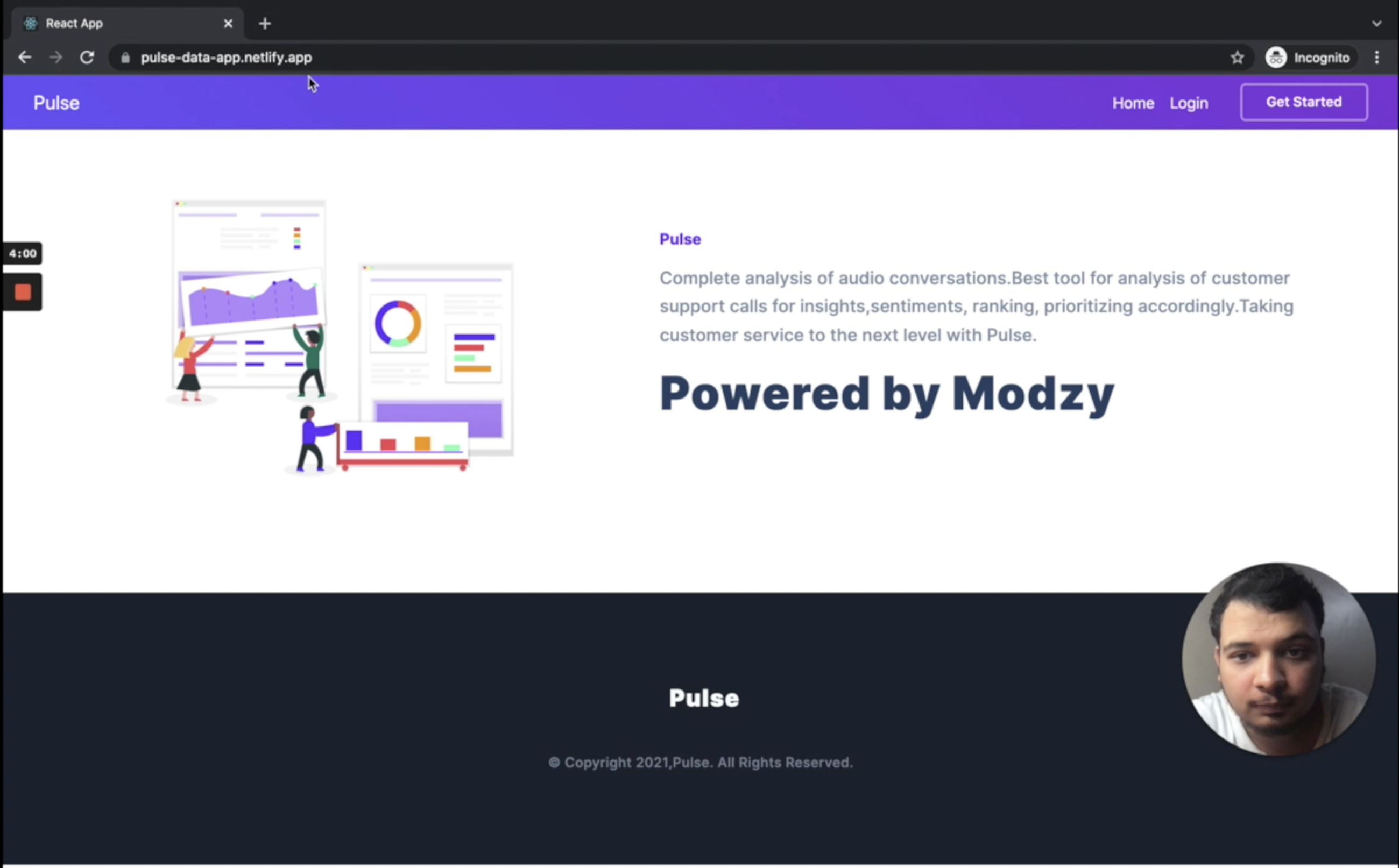

Pulse
Complete analysis of audio conversations.Best tool for analysis of customer support calls for insights,sentiments, ranking, prioritizing accordingly.Taking customer service to the next level with Pulse.
Live URL : https://pulse-data-app.netlify.app/ For testing please upload audio files less than 1 min in wav format.Currently our server is not able to handle large files.(Please make sure your audio file is in wav format and is less than 1 min in duration)
Features
- Upload Audio conversations
- Get topics, key words and ideas related to the conversation
- Get sentiment analysis of the conversation
- Get Summary of the conversation
Applications
- Customer care can use this data to prioritize customers
- Improve customer service
- Gain insights
- Easy analysis
How we built it
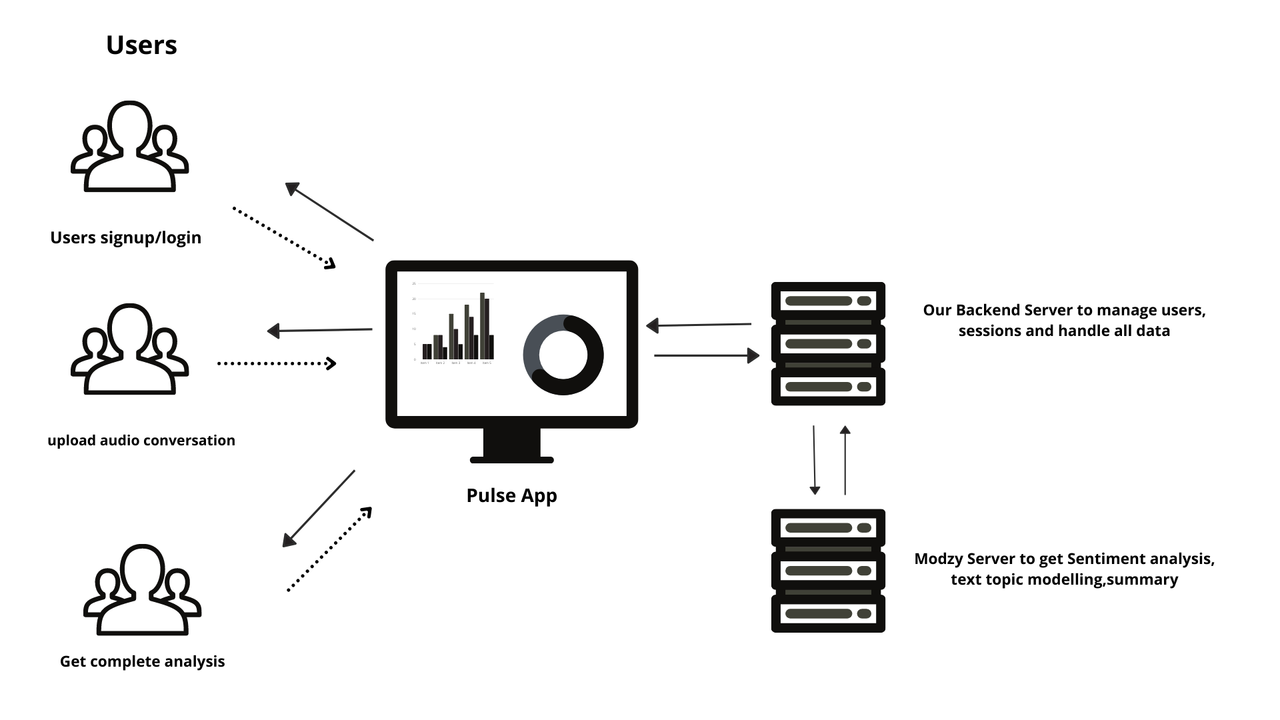
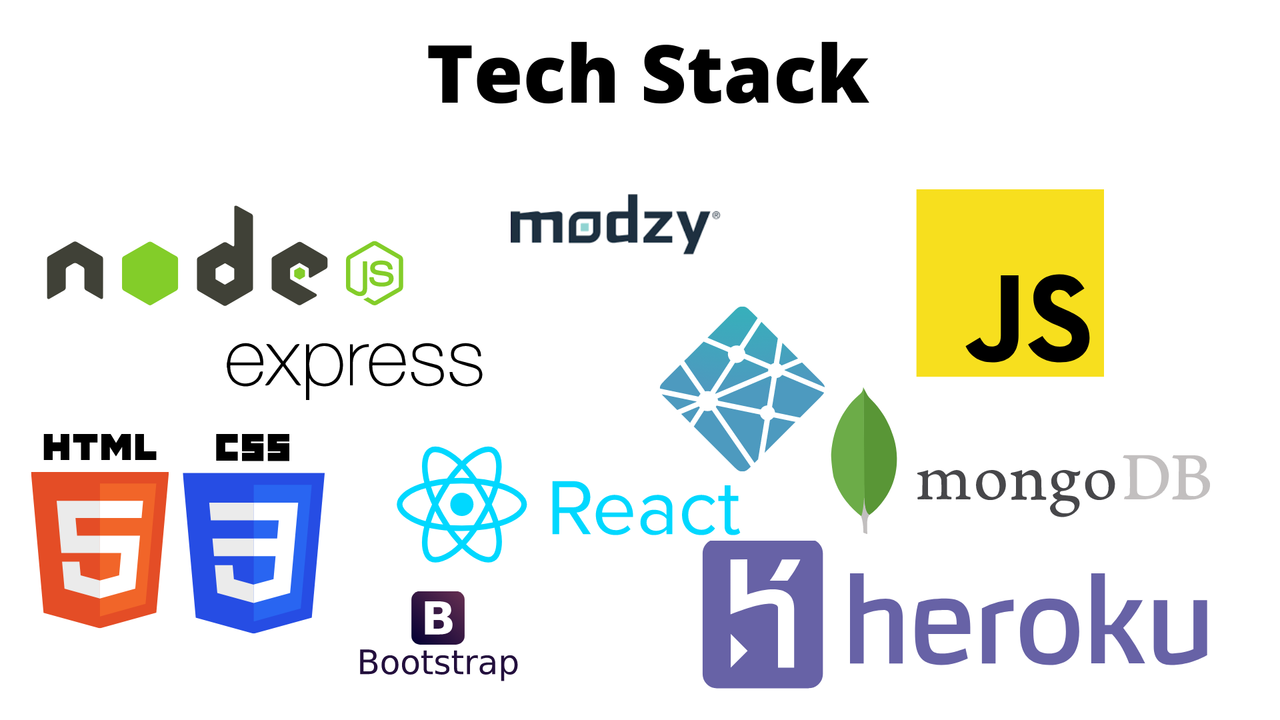
- Backend - Node.js,express.js
- Frontend - React.js
- Cloud - Heroku and Netlify
- Modzy AI Models
List of Modzy AI Models used
- Text Summarization (https://app.modzy.com/models/rs2qqwbjwb/0.0.2)
- Sentiment Analysis (https://app.modzy.com/models/ed542963de/1.0.1)
- Text topic modelling (https://app.modzy.com/models/m8z2mwe3pt/0.0.1)
Workflow
Tech Stack
How to use it
- Use it on the Live website
- Go to https://pulse-data-app.netlify.app/
- Signup/Login and upload a sample audio conversation to get insights and more.(Sample audio -- Link)
- upload the audio on our website and wait to get the results. Voila that's it.
- To run it locally
- Download the source code from the GitHub link provided
- In the root folder
npm startto run the backend server - In the client folder
npm startto run the frontend. - Now you can view the Application running on localhost:3000.
- You will need to provide your own MongoDB and Modzy API keys and credentials to make it run locally
Next steps for Pulse
- Process large audio files
- improve efficiency and accuracy

Log in or sign up for Devpost to join the conversation.