-
-
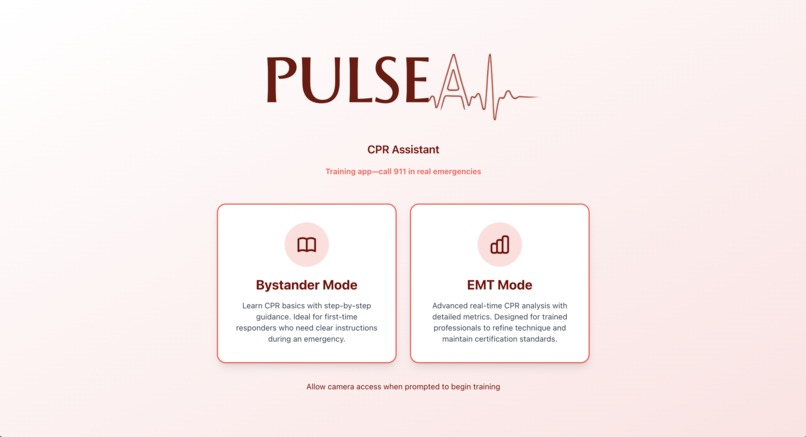
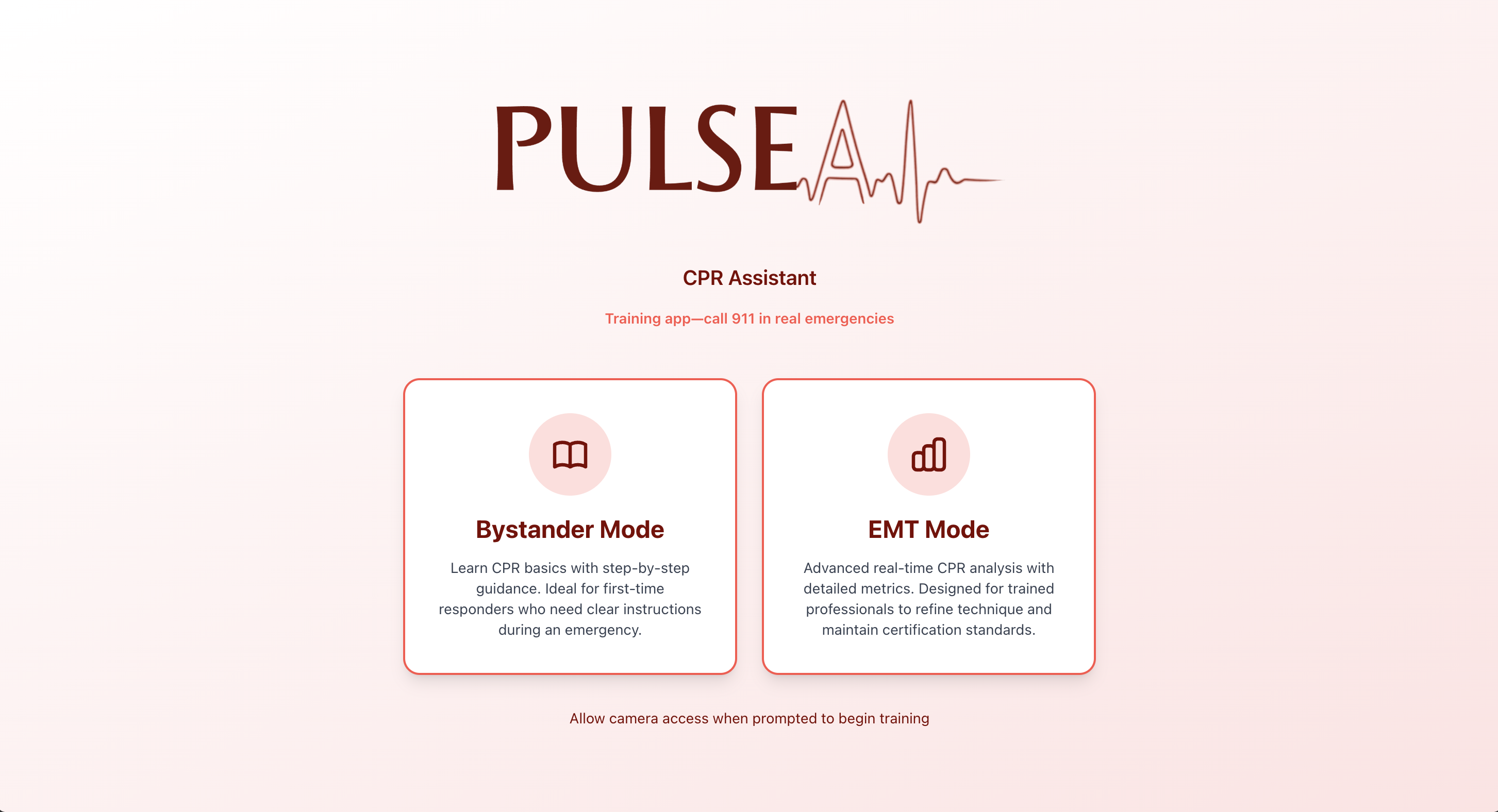
Landing Page (Computer)
-
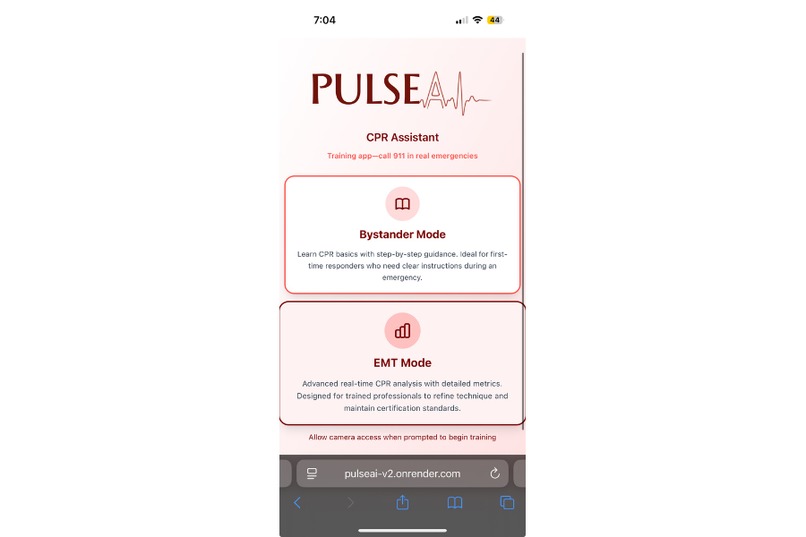
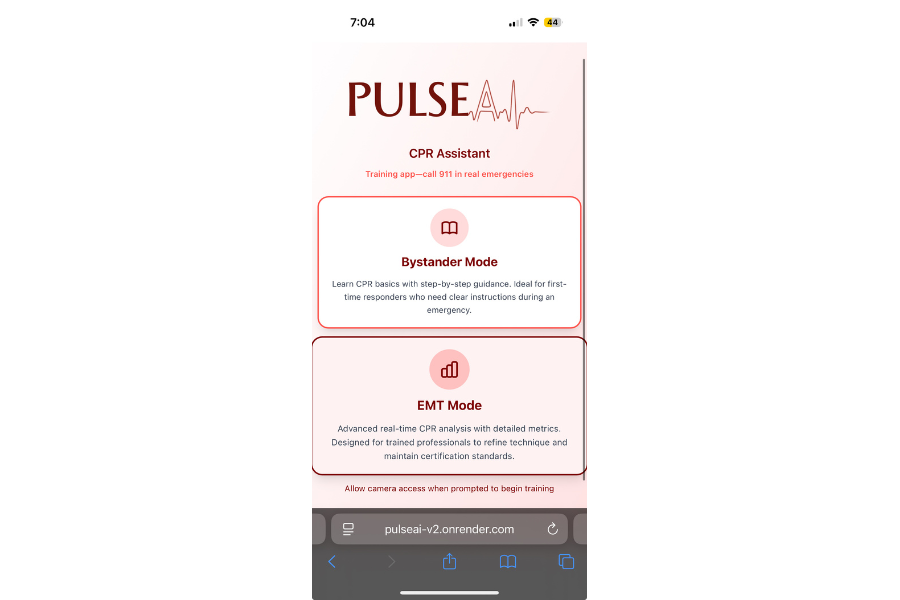
Landing Page (Mobile)
-
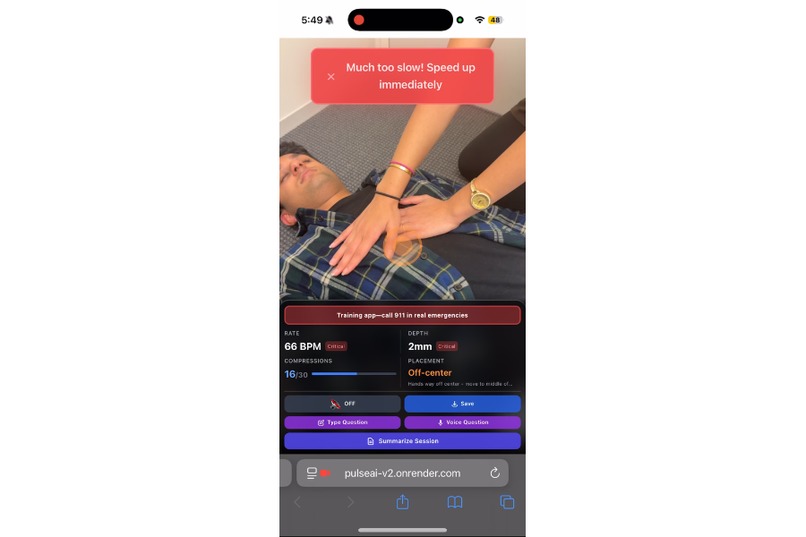
Dashboard, with Warnings (Mobile)
-
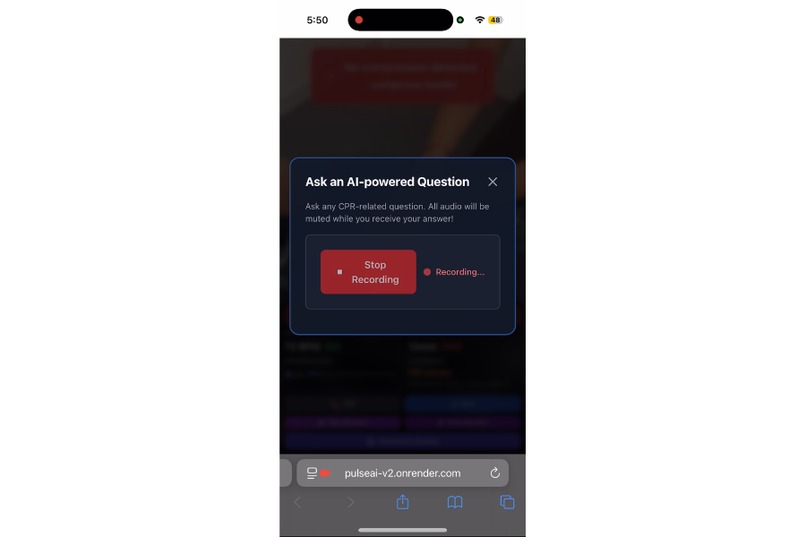
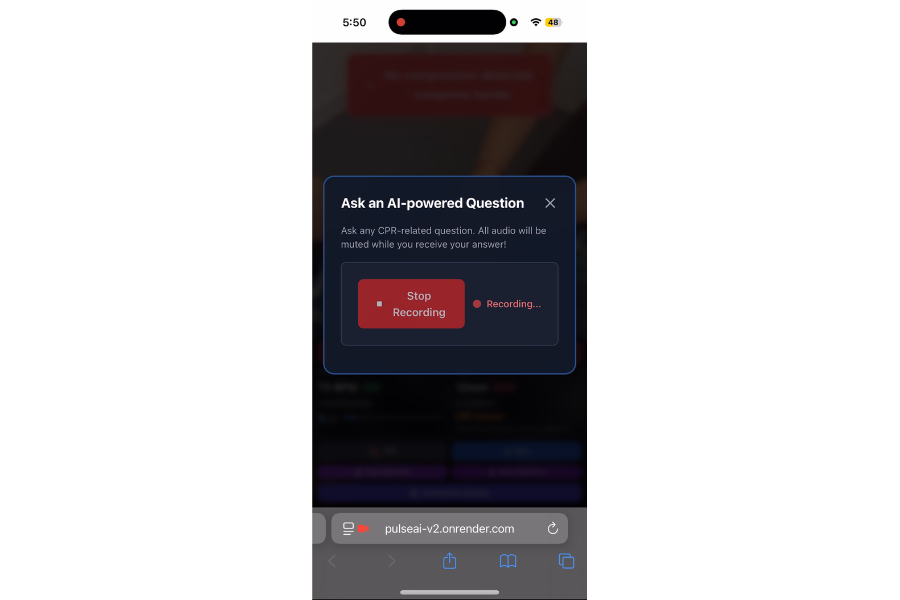
Voice Query Process (Mobile)
-
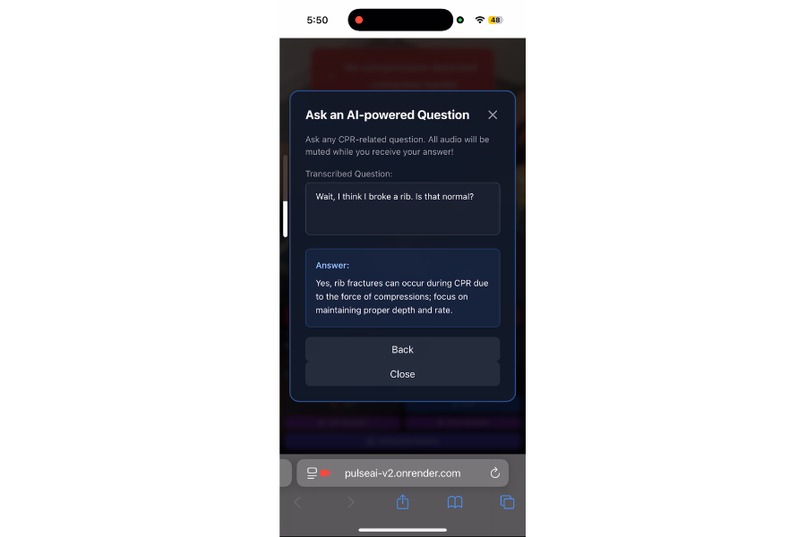
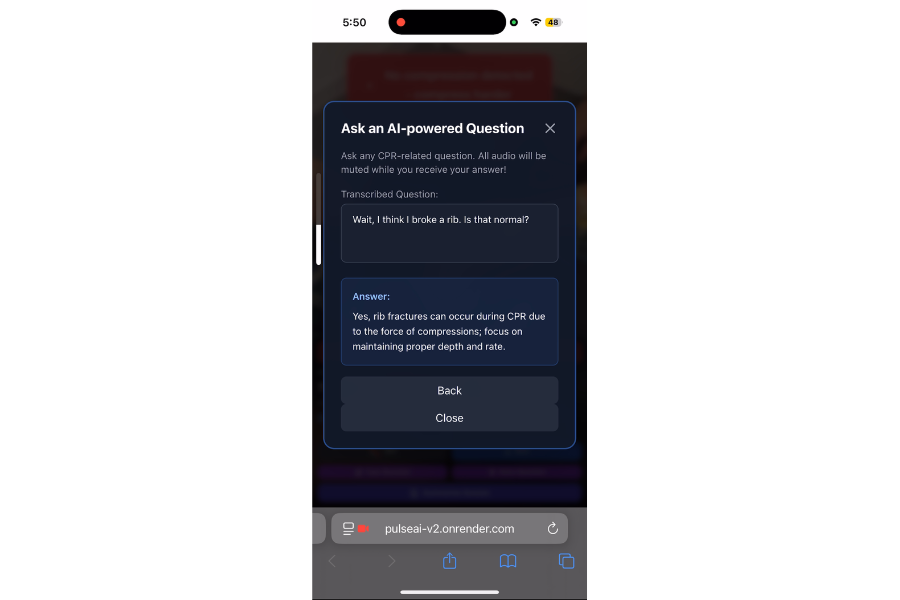
Voice Query Success (Mobile)
-
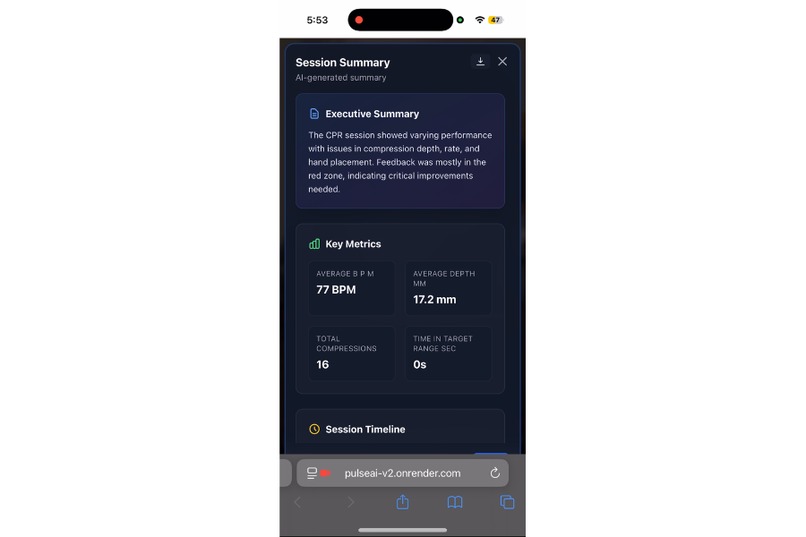
Summary Report (JSON-Based, with Gemini/OpenAI) (Mobile)


Inspiration
Every year, 350,000 people die from cardiac arrest in the US outside hospitals. The difference between life and death often comes down to the quality of CPR performed in those first minutes. Unfortunately, of these hundreds of thousands, only 40% get CPR, and only 11% do it right.
We — Lynn, Eshaan, Hriday, and Samiksha — have been CPR certified for many years, and Samiksha recently worked at Red Cross HQ in Geneva, where she learned that effective CPR can double or triple survival rates. However, there are countless barriers to democratizing knowledge and access, both on an individual and systemic level:
- Cost Prohibitive: Traditional and supplementary training can be expensive and inaccessible.
- Lack of Feedback: Without real-time guidance, it's difficult to know if you're doing it right.
- No Record Keeping: It's hard to keep track or evaluate an incident post-CPR, which can be detrimental for legal, educational, and health purposes.
- Confidence Gap: Many trained individuals hesitate when faced with real emergencies.
From that came our hack, PulseAI: a real-time CPR feedback system designed to be there when it matters most, with features for both trained professionals or concerned bystanders.
How We Built It
Our system is a full-stack application designed for real-time performance and accessibility, running on both laptops and mobile devices. It consists of a React frontend that handles all computer vision locally and a Node.js backend that serves as a secure API gateway.
Built with a Tailored, Dual-Mode Experience
A bystander and a first responder have different needs, so we built two distinct modes:
- Bystanders Mode: This mode guides a user with no prior training through the full, step-by-step CPR process. It provides a higher level of audio and visual feedback to build confidence and muscle memory, allowing anyone to act.
- EMT Mode: This mode skips all introductions and goes straight to the live-feedback dashboard. The feedback is less intrusive, validating technique and only intervening for critical corrections. We envision this system being used by first responders or integrated into ambulances, using a camera to automatically log performance.
Deployed with Real-Time Vision & CPR Logic
The core of our feedback loop runs entirely in the browser for minimal latency.
- Pose Detection: We use TensorFlow.js with the MoveNet model to perform efficient pose estimation on the live webcam feed. This gives us a stream of body keypoints (shoulders, wrists, etc.) several times per second.
- Rules-Based Metric Engine: Instead of a heavy CV model for analysis, we apply a rules-based mathematical engine to the keypoint data. We found this to be faster and more accurate.
- Rate (BPM): We apply a weighted smoothing algorithm to the compression timestamps. This prevents the BPM value from jumping erratically and provides a stable, responsive rate.
- Depth (mm): We developed a dynamic calibration algorithm that uses the user's shoulder width as a real-time proxy for their body size. This allows us to convert the 2D pixel distance between hands and shoulders into a meaningful millimeter depth estimate.
- Placement: Our logic confirms that hands are correctly centered on the chest, flagging any deviation outside a 15% tolerance.
Features Intelligent Audio-First Feedback
In an emergency, a user cannot be looking at a screen. Our system is built to be used hands-free by a fellow bystander. This includes features like:
- Toggleable Metronome: The user can toggle an audio/visual metronome at any time, providing a clear, rhythmic beat to keep their compressions locked in the 100-120 BPM target zone.
- Prioritized Voice Feedback (ft. ElevenLabs): Our system prioritizes feedback, identifying the single most critical correction (e.g., "Compress deeper!"). This message is sent to an intelligent notification queue that enforces spacing between all audio alerts. This prevents overwhelming the user. The backend then securely calls the ElevenLabs API to generate realistic, low-latency audio, allowing a user to perform CPR perfectly guided only by voice.
Supported by an AI Instructor-on-Demand (ft. Google Gemini & OpenAI)
We built an AI instructor to answer questions in real-time.
- Conversational UI: A user can voice a question or type it out with our 2 Question Buttons at any time.
- Contextual AI Response: The user's question (e.g., "What if I hear a rib crack?") is sent to our backend. We query the Gemini API (and as a backup the OpenAI API) with a prompt instructing it to act as a professional CPR instructor and provide a concise, instructional response.
- Full Audio Loop: The text answer from Gemini is then spoken by the same ElevenLabs voice, creating a seamless, conversational experience that ensures that the CPR performer remains hands-on and focused.
All While Logging with a CPR "Black Box"
We solved the "No Record Keeping" problem in a privacy-first, low-bandwidth way.
- High-Frequency Metrics Sampling: Instead of recording a massive video file, our application samples the user's complete metrics profile (BPM, depth, placement) once per second.
Lightweight JSON Export: At the end of the session, the user can save this entire time-series history as a lightweight JSON file. This "black box" data log serves three critical purposes:
- Educational: Allows a trainee to review their performance and track improvement.
- Medical/Legal: Creates an objective, timestamped record of the care provided, which could be attached to a patient's medical record.
- Machine Learning: This data creates a powerful dataset for training next-generation models. We envision a future where users can ethically opt-in to share this anonymous data to help perfect CPR algorithms for everyone.
Challenges We Faced & What We Learned
We iterated quickly to solve three core usability problems.
Challenge: Feedback Overload.
Problem: Our first prototype featured an extremely high latency while providing corrections on every frame, overwhelming the user with a constant stream of "Too slow! Too fast! Deeper!" It was unusable.
What We Learned & Our Solution: We learned that an "audio-first" UX is critical for a hands-on task. We built an intelligent audio queue that prioritizes the single most critical feedback and enforces a time-based throttle, while showing only essential datapoints—and none of the backend analysis—to reduce latency.
Challenge: The ML Accuracy Problem.
Problem: The raw keypoints from TensorFlow.js were too noisy, causing BPM and depth values to spike and drop randomly. We initially explored a complex ML-CV model to judge form, but it was inaccurate and slow.
What We Learned & Our Solution: We learned that, due to the predefined nature of the task, a rules-based engine was outperforming a complex judgment model. We pivoted our approach: we use CV only for measurement (getting keypoints) and then apply our rules-based math (smoothing, calibration) to that data. This was faster, more accurate, and more reliable.
Challenge: The Data Logging & Privacy Problem.
Problem: We needed to log performance, but video recording was a non-starter. It’s a huge privacy risk, processor-intensive, and creates massive files.
What We Learned & Our Solution: We learned that a time-series log of the metrics is far more valuable than a video. We pivoted to a time-series data logging model. Our app samples the core metrics (BPM, depth, placement) every second. The final "Save" button exports this entire history as a lightweight, secure JSON file, which is more useful for medical/legal review and protects user privacy.
Conclusion
Overall, we're incredibly excited about PulseAI’s potential to save lives. We envision it becoming a default, native feature within iOS Health, Google Fit, and Samsung Health, helping close the gap in bystander CPR response and improving survival rates worldwide.
Sincerely, Hriday Unadkat (@shark66124 on Discord, [email protected], 703-991-3088), Lynn Morris III (@lynyrd925, 434-409-3218), Eshaan Govil (@EshGov16, 609-436-8199), Samiksha Gaherwar (404-980-3645)
Built With
- elevenlabs-api
- express.js
- fastapi
- flask
- framer-motion
- google-cloud
- google-gemini-api
- mediapipe
- movenet
- node.js
- openai
- opencv.js
- python
- react
- render
- tailwindcss
- tensorflow.js
- typescript
- vite
- web-audio-api
- webrtc
- websockets


Log in or sign up for Devpost to join the conversation.