-
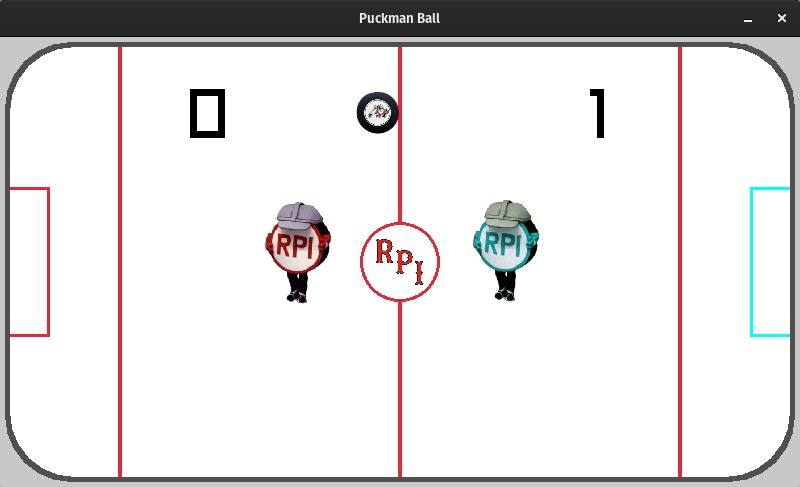
Screenshot of the game in action!
What it does
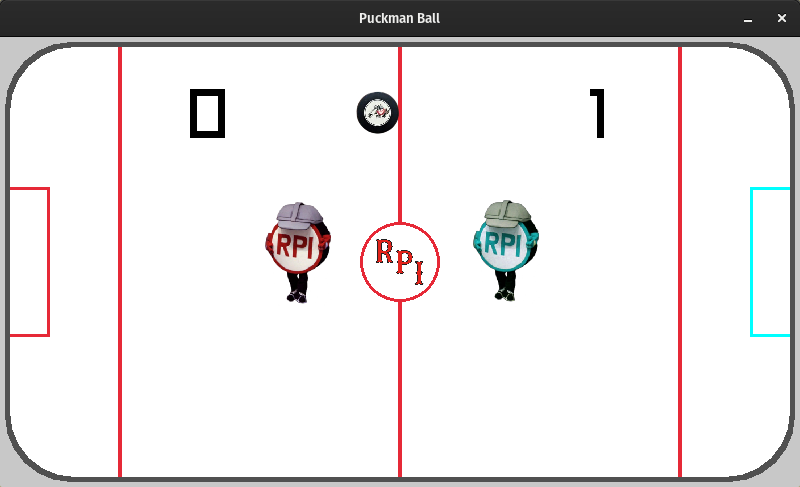
We have movement and collision, along with score calculations to make for an excellent Pucking experience. The stadium background was made by Zane and is quite fantastically manually drawn to the screen.
How we built it
We used the raylib library, specifically this Java binding. In place of Maven and Gradle or whatnot I went with linking the library from the command line when compiling and running the project.
Challenges we ran into
Java was uncooperative on James' computer for the first hour or so, and since we were working with a single Java file, generally only one of us could work on the code at a time.
Accomplishments that we're proud of
Putting a functional project out (we are all freshmen) (it still crashes Java when you close the game and I have dozens of error logs)
What we learned
This was an excellent learning experience.
What's next for Puckman Ball
If I work on Puckman Ball more, we have a gif for a goal animation along with sound effects that would be worth implementing, along with a main menu screen or pausing. Some other ideas floated during this time were gamepad support or the option to play against a CPU.
Built With
- java
- raylib
