-
-
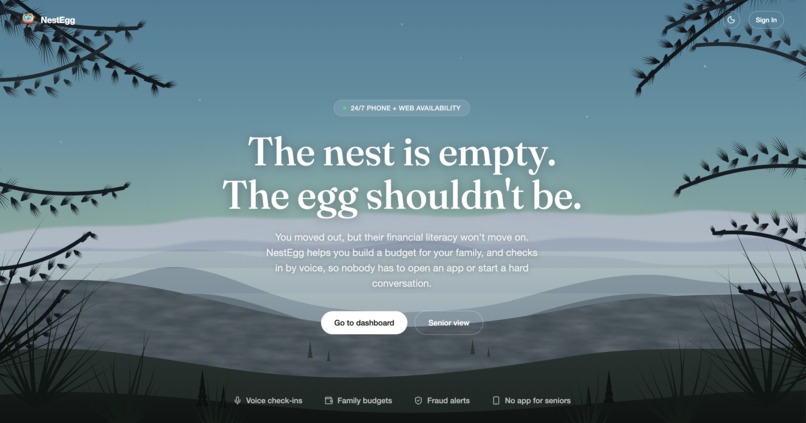
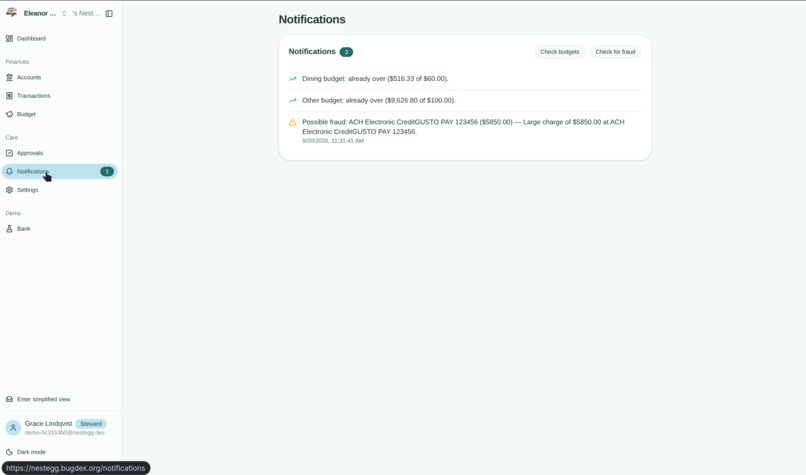
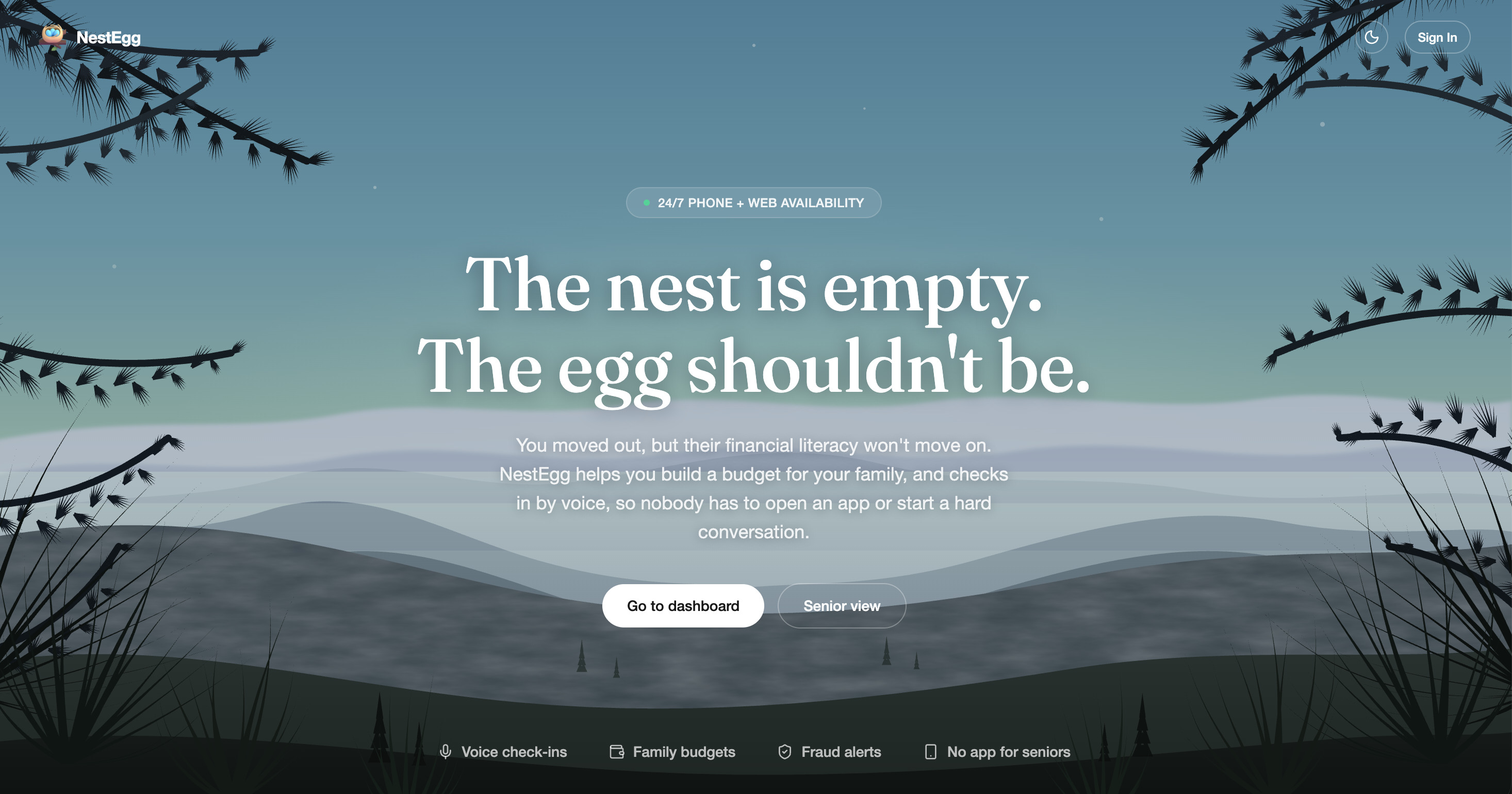
Landing page
-
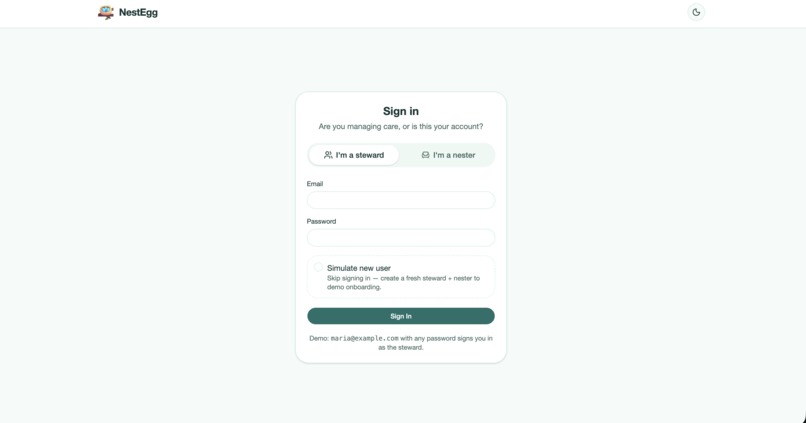
Account login
-
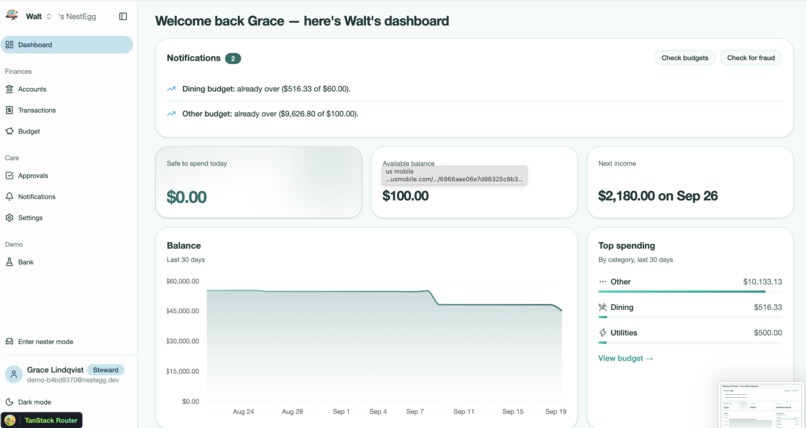
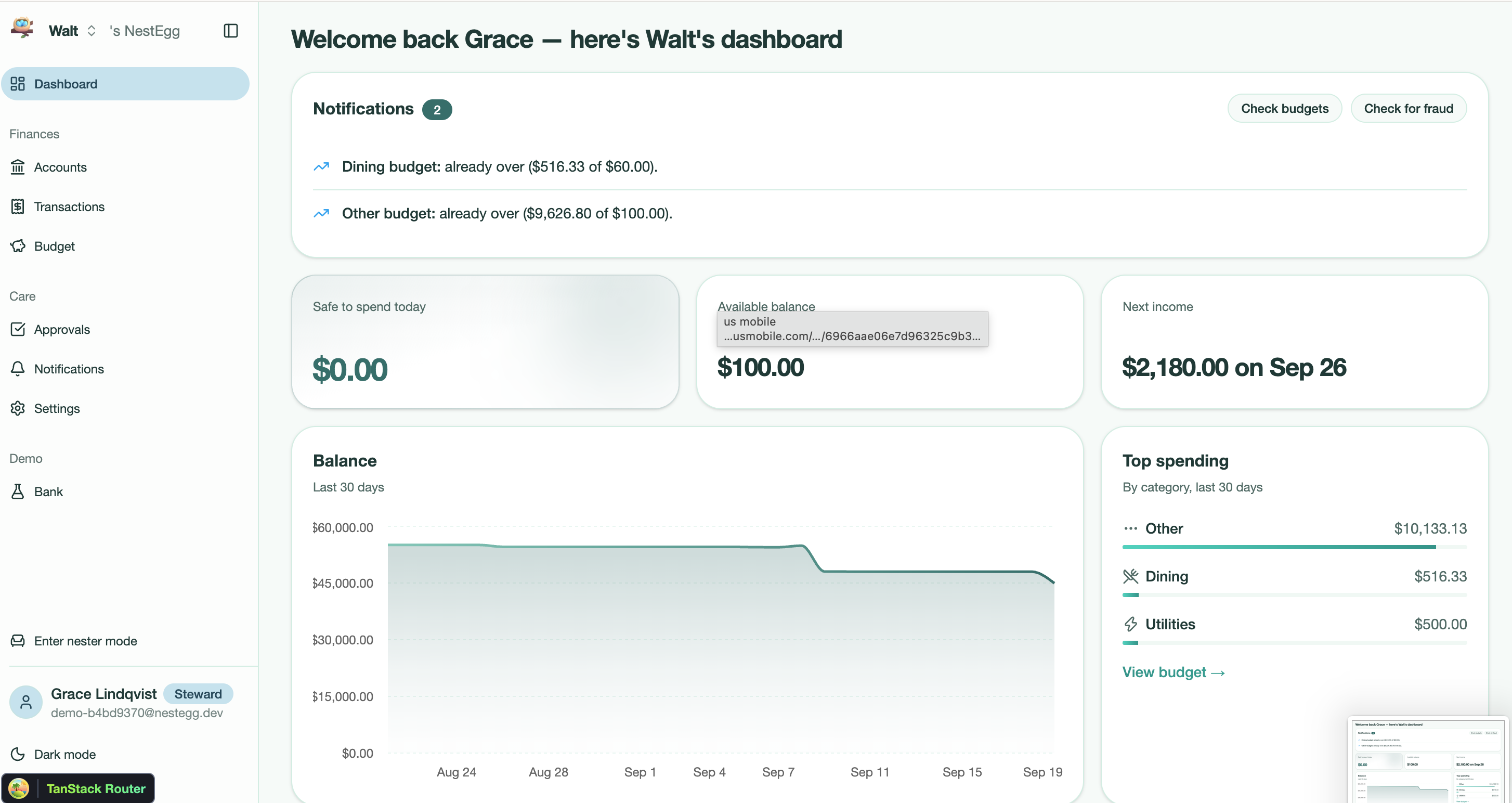
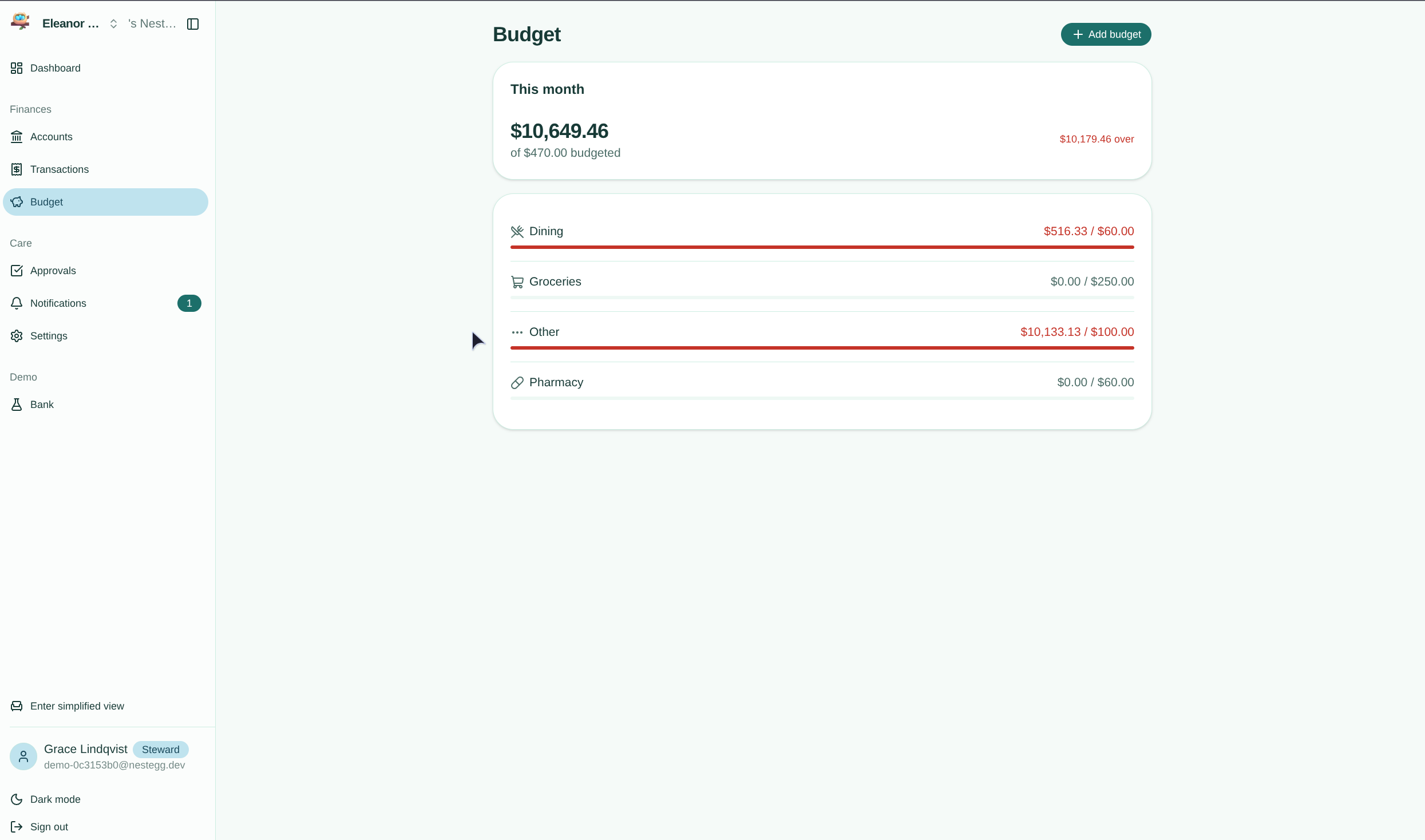
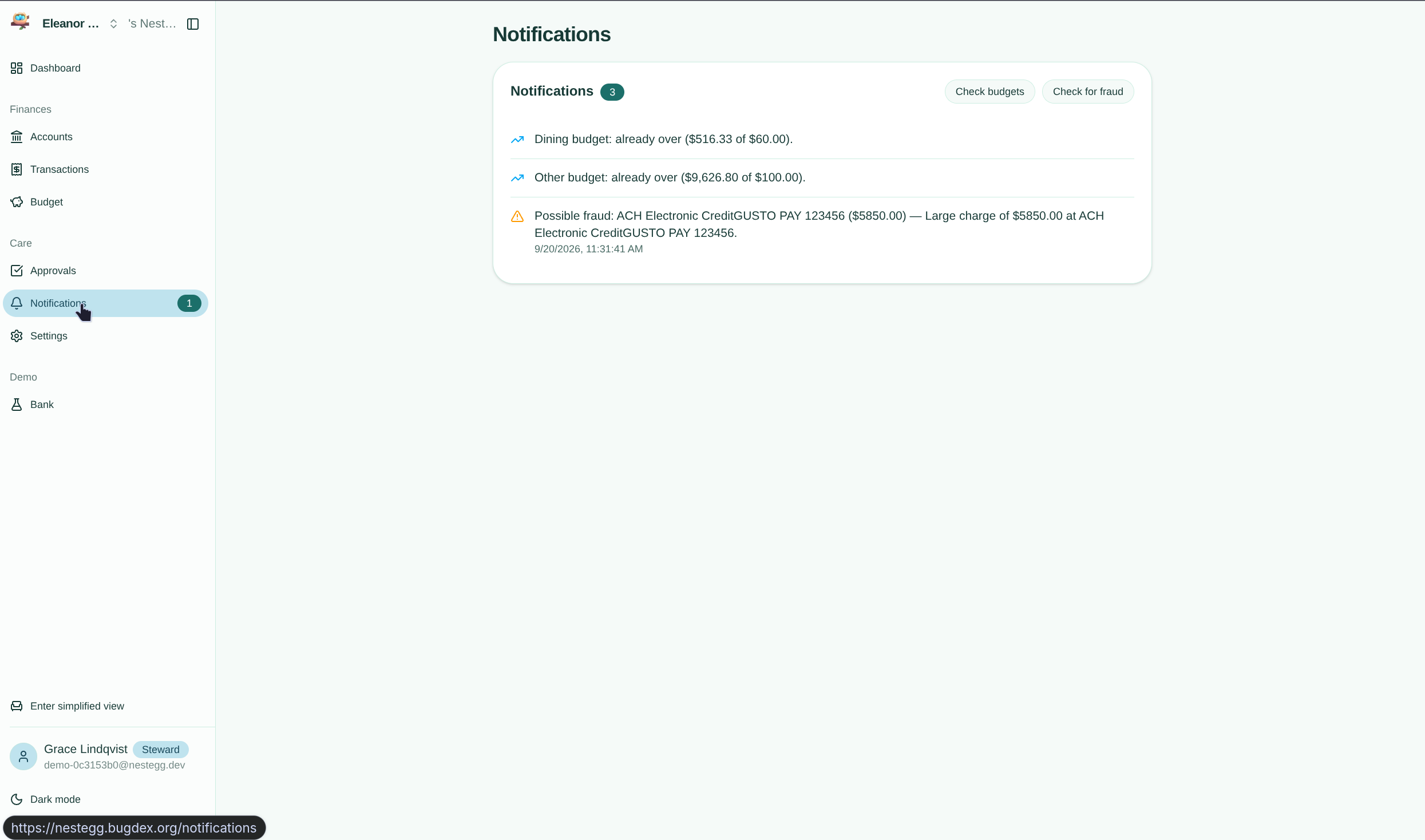
Caretaker dashboard
-
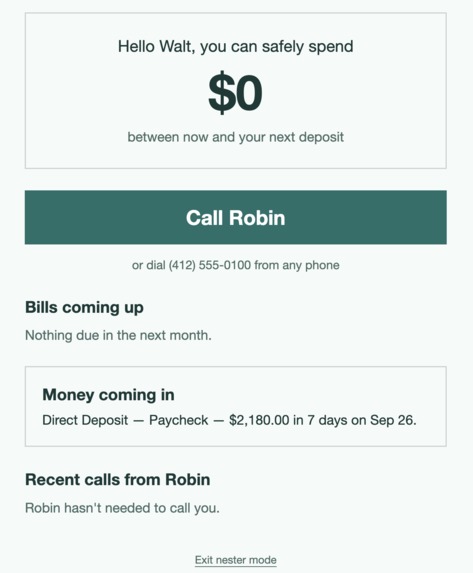
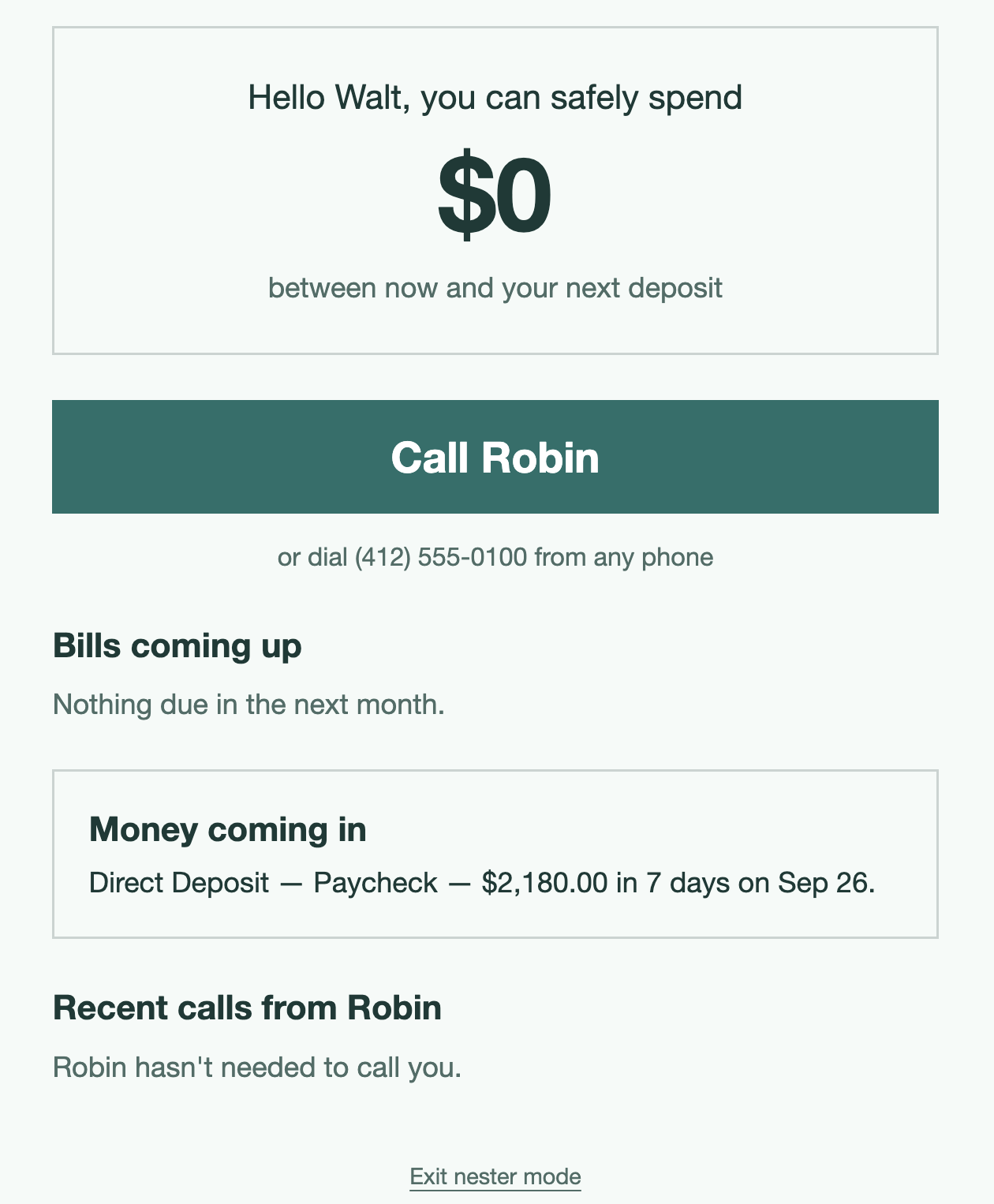
Senior-facing simplified UI
-
-

Inspiration
When Mat's grandma's bank phased out to manage, the family tried voice assistants like Alexa for advice, but gave up: they talk too fast and don't have access to the realtime insights and family-informed suggestions about responsible personal finances. Similarly, Leona's friend's mother has a banking app on her phone - she's never opened it. When she wants to know if she can afford something, she calls the bank, waits on hold, and asks a person.
That got us thinking. The people who most need help managing money, and who are most targeted by scammers, are often the people modern financial tools leave behind. They don't need another app with fancy graphs, pages, and dashboards. Instead, they need something that works the way they already do - picking up the phone and: asking before making decisions*, or **receiving regular updates on their budgeting goals*. Both of these would present interfaces to ensuring the security of their financial future while keeping loved ones in the loop on potential dangers as they emerge and budgeting effectiveness.
What it does
NestEgg is a financial assistant you can call. There's no app to download and no password to remember.
- Ask about your money out loud. Call and talk to Robin, our AI voice assistant: "What's my balance?", "What bills are coming up?", "Can I afford a $60 dinner?" Robin answers in one or two plain sentences, at a patient pace, and waits when you pause.
- Make changes by voice. "Raise my grocery budget to \$300." Robin reads the change back and only applies it after you confirm.
- Get a call before trouble hits. NestEgg calls you when your balance is projected to run short before your next deposit, when a bill is due without enough to cover it, or when an unusual charge appears. It also calls with good news, like when your Social Security deposit arrives.
- Scam protection built in. If you mention gift cards, wire transfers, or "the IRS," Robin gently flags it as a common scam and offers to connect you to a trusted family member. Robin never asks for account numbers or money, and tells you to hang up and call back if you're ever unsure.
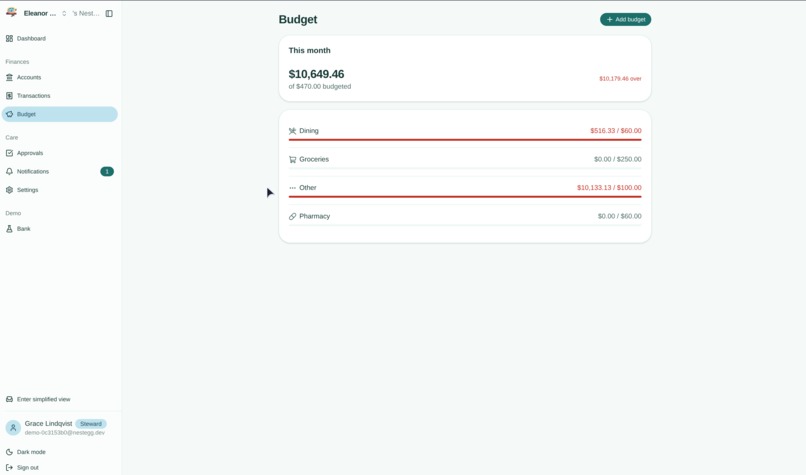
- A partner app for family. A caretaker web dashboard lets a family member link the bank account, set budgets and alert rules, see a live activity feed, and approve sensitive changes.
Example of phone use: https://youtu.be/2L24H5NEHf0?is=V2yOPr7OUCTvLocQ
The key idea is that "can I afford it?" isn't about your balance. It's about what's left after the bills that land before your next paycheck:
$$ \text{safe to spend} = B_{\text{available}} - \sum_{i \,\in\, \text{bills before next deposit}} b_i - \text{buffer} $$
Why voice? For our users, the choice isn't voice versus a screen. It's voice versus calling a family member or bank teller every time they want to know if they can afford groceries. Replace Robin with a text box and the product stops working for the people it was built for.
How we built it
- Voice: An ElevenLabs agent handles speech recognition, conversation, and a warm, natural voice, connected to a Twilio phone number for both inbound calls and proactive outbound alert calls.
- Backend: TanStack Start with oRPC for type-safe APIs, Better Auth for caretaker login, and Drizzle ORM on Neon Postgres, all in a Turborepo monorepo scaffolded with Better-T-Stack and deployed on Vercel.
- Bank data: Plaid Sandbox, using transactions sync and recurring-transaction detection to find bills and paydays automatically. We built a mock provider behind the same interface so we could develop and demo reliably.
- Apps: A caretaker web dashboard with an optional accessibility-first companion tab (large text, high contrast, one giant "Call Robin" button) styled with Uniwind.
- Fraud detection: We use Google Gemini as fraud review. It always catches the classic red flags (gift cards and charges over \$3,000), then Gemini reviews recent transactions in context for subtler patterns and returns structured JSON findings that surface on the dashboard and email the trusted contact.
Two design rules shaped everything:
- The AI never does math. Robin decides which tool to call, but every number she speaks is computed by tested TypeScript functions. An LLM guessing someone's balance is not acceptable.
- Changes are two-step and enforced by the server. Every voice change goes through
propose_change→ spoken confirmation →confirm_changewith a short-lived confirmation ID. The server then checks a permission tier set by the caretaker:- Instant: logging cash, adding reminders, turning alerts on
- Instant + notify: raising a budget
- Needs approval: turning alerts off, lowering the safety buffer, changing trusted contacts. These are held for caretaker approval or a 24-hour cooling-off period.
Scammers rely on urgency. A 24-hour pause defeats the most common script: "Go into your settings and turn off those alerts."
Challenges we ran into
- Designing for patience. Default voice agent settings are tuned for fast talkers. We had to adjust pacing, turn-taking, and pause tolerance so Robin wouldn't interrupt someone thinking mid-sentence, which was exactly what frustrated Mat's grandma about Alexa.
- Making numbers sound human. "$84.17" read aloud sounds robotic. We built a formatter that turns cents into natural speech like "about eighty-four dollars."
- Our own product could be impersonated. An app that calls older adults about their bank account looks exactly like a scam call. We designed Robin's outbound calls to never ask for information and to tell people how to verify it's really us.
- Balancing independence and protection. We didn't want a surveillance tool. Deciding which changes an older adult can make freely and which need a second look took more debate than any line of code.
Accomplishments that we're proud of
- A full phone conversation, from "Can I afford this?" to a spoken, correct answer, with every number traceable to tested code.
- The live demo moment: we inject a suspicious \$400 charge, and seconds later the phone rings with Robin explaining what happened.
- A voice-change flow that's safe by design, with server-enforced confirmation and permission tiers rather than trusting the AI to behave.
What we learned
- Voice UX is its own discipline. Pauses, pacing, and phrasing matter as much as accuracy.
- The safest AI features keep the model out of the critical path. Let the LLM handle language and let deterministic code handle money.
- Fraud prevention is as much about product design (cooling-off periods, never asking for info) as it is about detection.
What's next for NestEgg
- Pilot with real users through a local senior center, starting with the people who inspired us.
- Real bank connections via Plaid production mode.
- More languages, so Robin can help people in the language they're most comfortable with.
- Distribution through credit unions and aging-services organizations, who lose money to fraud and members to confusion, and families who want peace of mind for their parents.
Built With
- better-auth
- css
- drizzle
- elevenlabs
- gemini
- neon
- plaid
- pnpm
- postgresql
- react
- react-native
- tailwind
- tanstack
- twilio
- typescript
- vercel


Log in or sign up for Devpost to join the conversation.