-
-
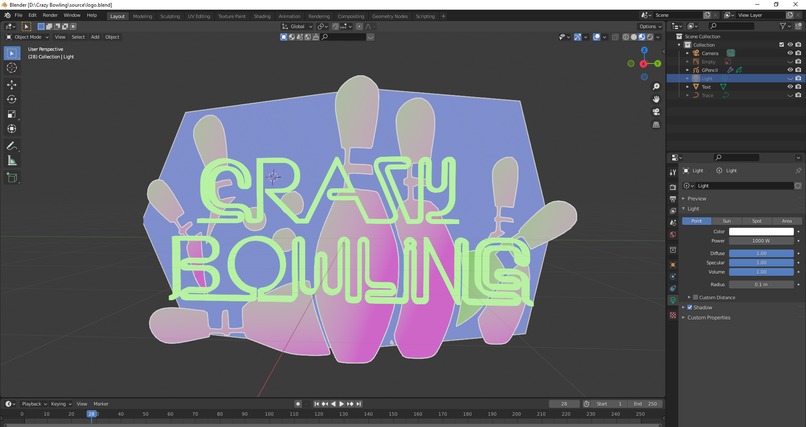
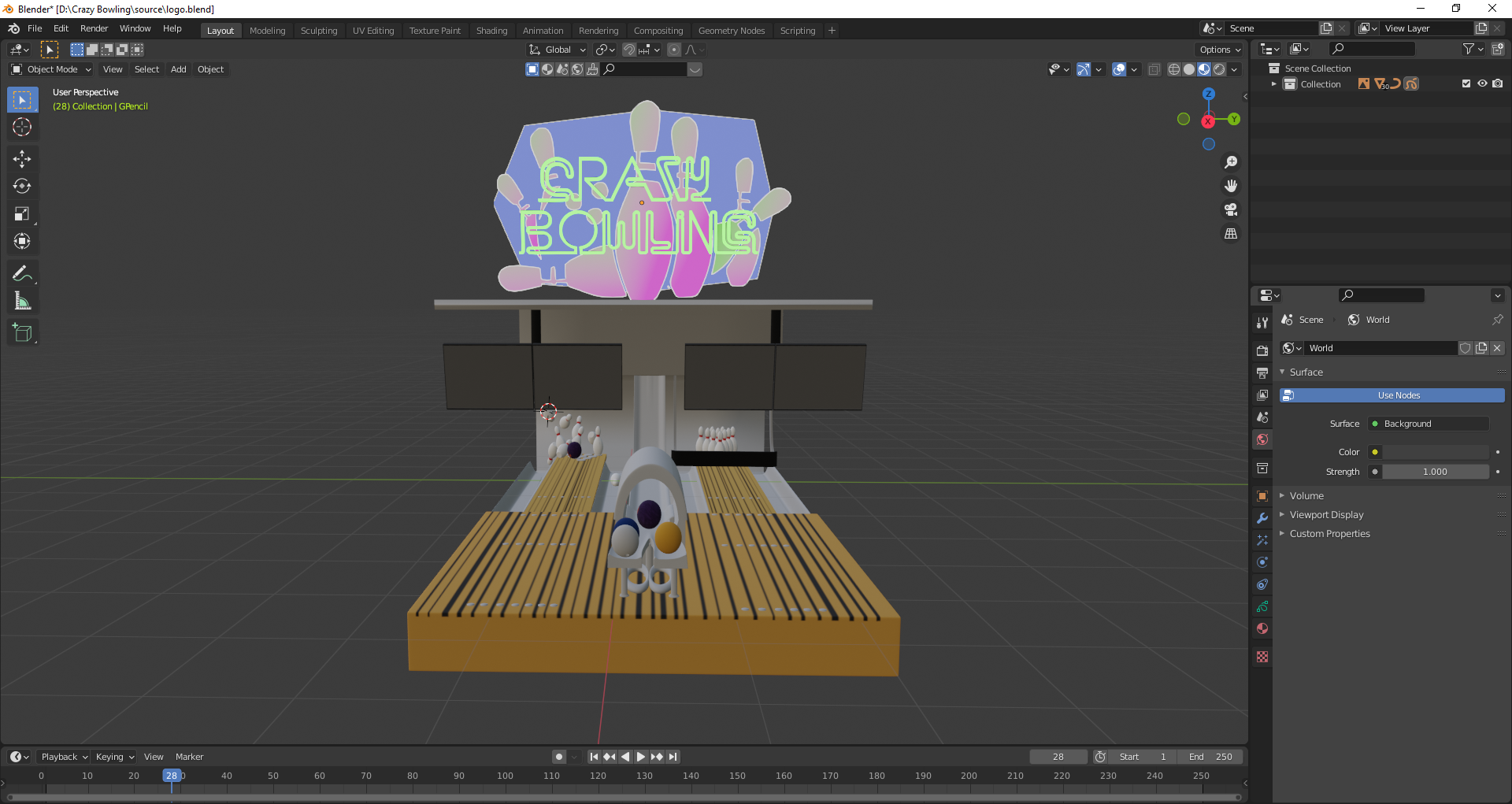
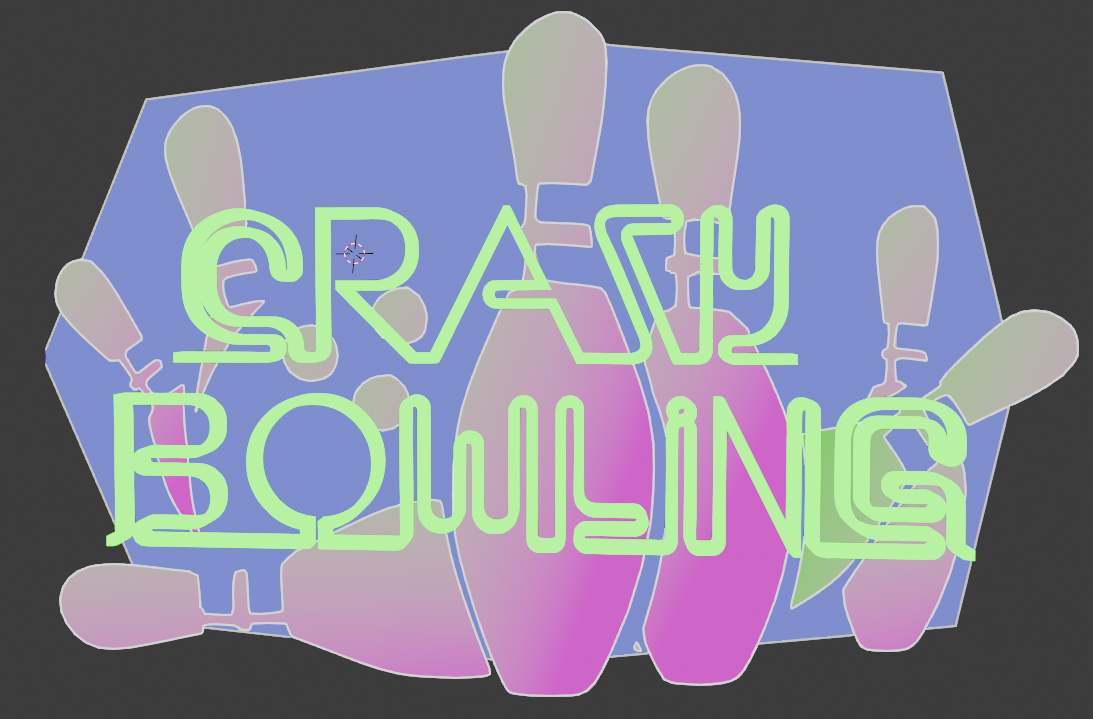
Crazy Bowling Logo
-
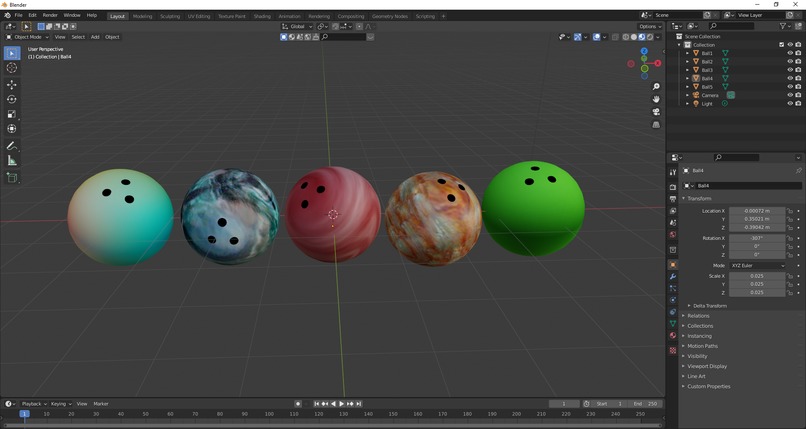
Bowling Balls
-
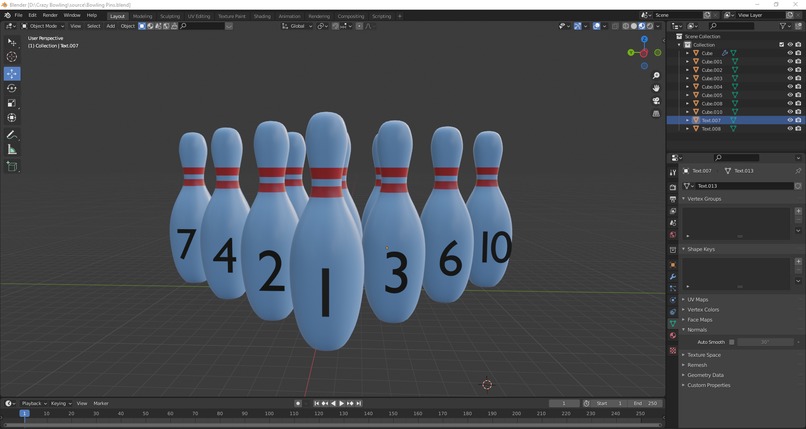
Bowling Pins
-
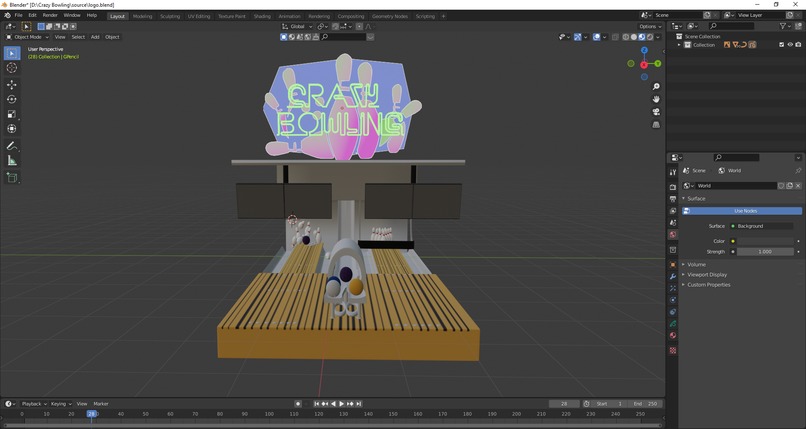
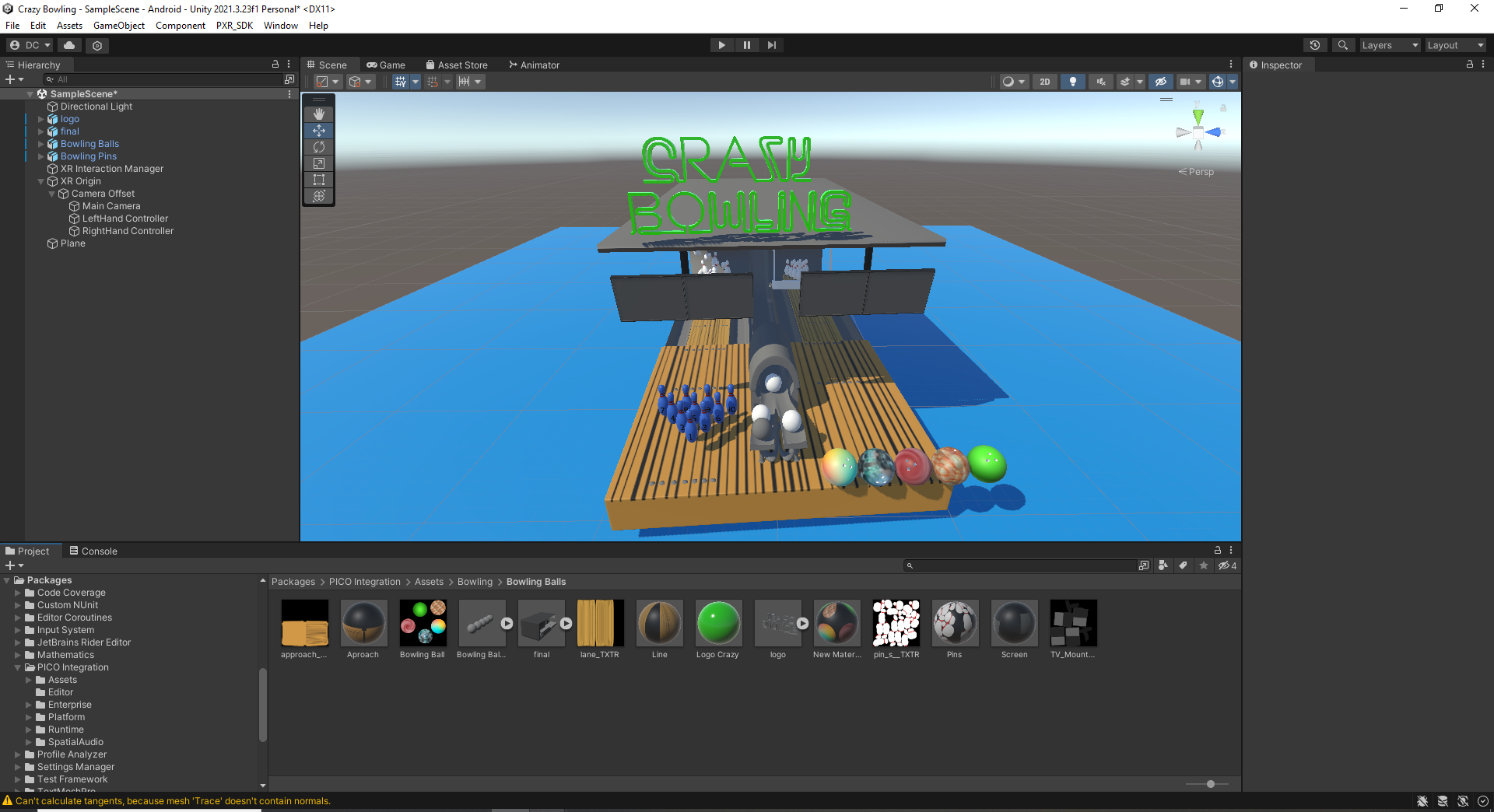
Main Scene Game
-
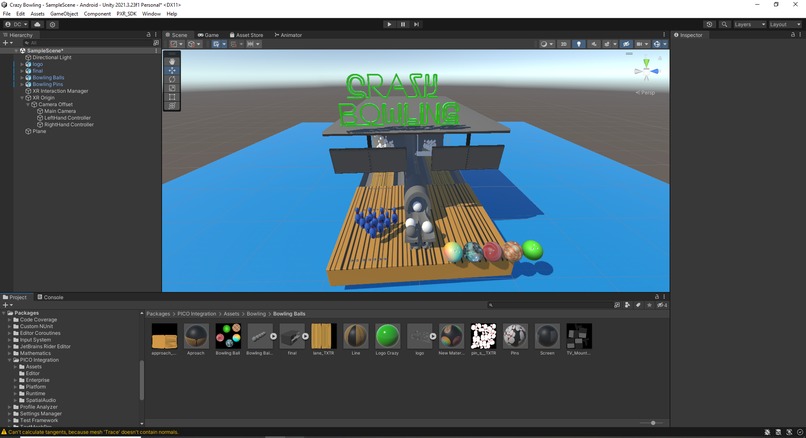
Final Scene Assembly
-

Types of Bowling Available for the Game
-
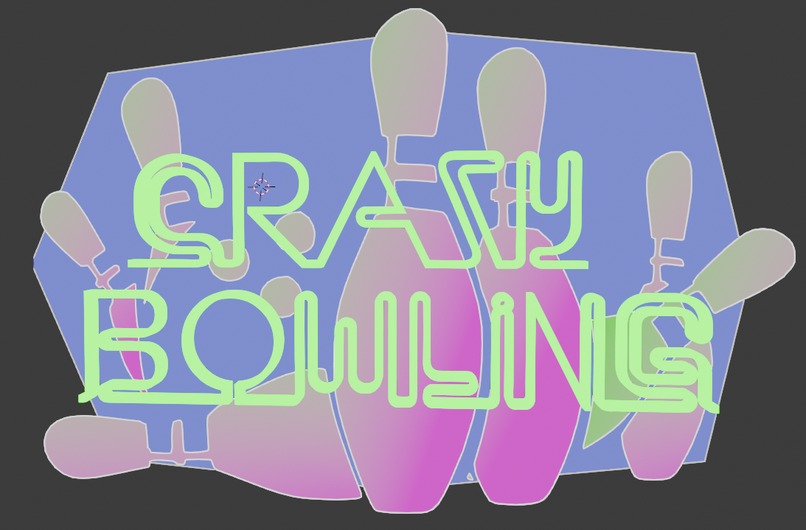
Logo Game Name
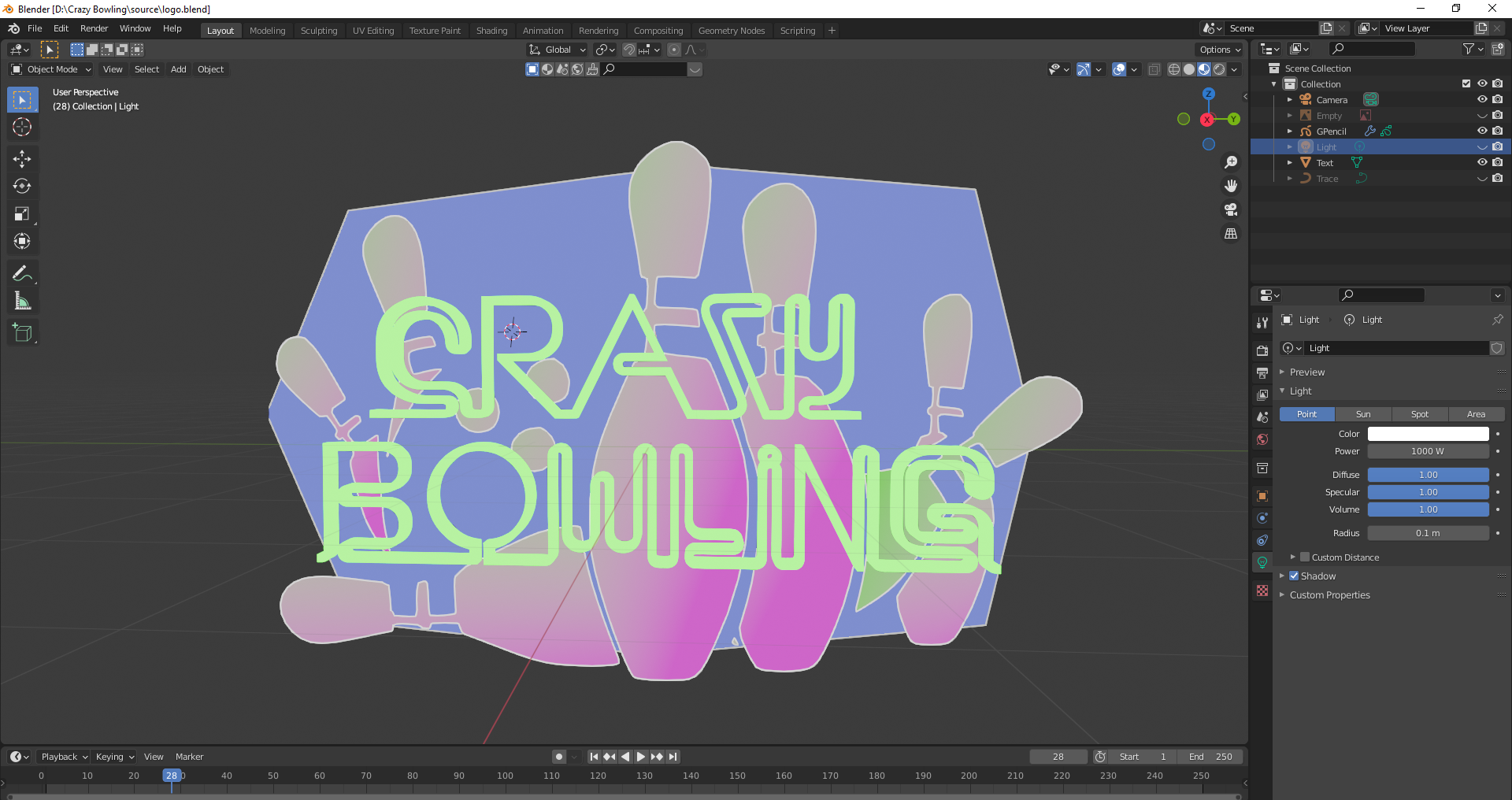

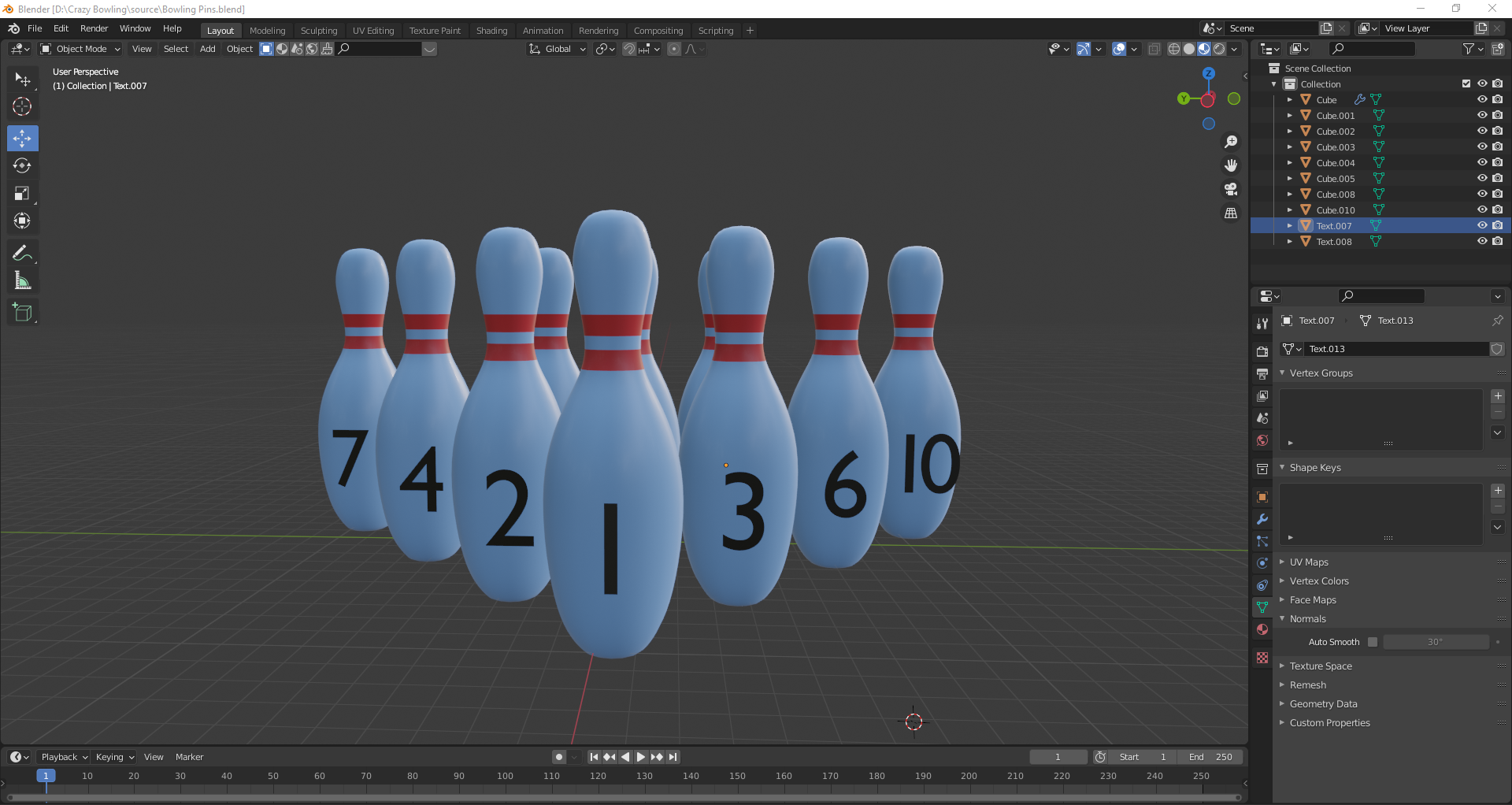

Inspiration
Bowling was invented in the time of the Egyptians and Romans. Its rules were standardized in the city of New York in 1894. Currently, more than 95 million people play bowling around the world. So, based on the fact that it is a popular game that is originally played in a room that has a special track, with a number of pins placed at the end of the track and the player has to wear a type of shoe so that he does not slip, we can now use Mixed Reality to break the paradigm on how you can play bowling without having to follow its standardized rules or necessary equipment that is needed and that is how the game we have named Crazy Bowling was born.
What it does
The player can modify the different styles:
Gloves for their hands Types of Balls to be used in bowling. Selecting the player's dominant throwing hand
The player can then select different modes of a match. Which can be as follows.
Training Mode 1 Player vs 1 Player 2 Players vs 2 Players
How we built it
The game has a graphical interface that allows the player to select a series of options:
First User Interface:
Start Credit Exit
When the player selects the Start option, a second graphical interface appears that asks about the type of game mode. So there are 6 options:
Second User Interface:
Training: the player will be able to learn to throw the bowling ball against the pins and interact with the different balls available (fire, lava, ice, bomb), the player will know the traps that he can apply during the game to beat his opponents. But be careful, these same traps will also be used by your opponents.
1 vs 1: The player enters the scene to proceed to compete. In this option, the player can compete against a random user if they wish. If you want to compete against a friend, then the player must select the “Generate Token” option. When you choose this option, a unique code will appear that will be shared via email, social network, or messaging. For this, a link will be shared so that both people can be in the room concurrently.
2 vs 2: This is a more advanced option. The player can team up with a friend or a group of friends. Ideal for parties or spending pleasant free time. In order for the 4 participants to play, they must all enter the same room using the token that was generated by the Guest player so that the hosts can enter simultaneously. You can also team up with random players. In this case, the system will assign the hosts to the room.
Settings:
General game settings such as: Audio volume. Selection of types of gloves to use to throw the ball against the pins. 3 Models available Selection of the player's dominant hand for throwing: right hand or left hand.
Cheats that can be done in the game:
Cheating involves throwing bombs onto the court so that your opponent can't get a perfect score on their throw. The types of bombs that the game allows are:
Throwing a smoke bomb on the court: this removes the visibility of the player on duty so that he does not see the court where he must travel the ball to score a score. You will lose the score on the table.
Throw a water bomb on the court: this means that when the player throws the ball if it comes into contact with the water on the court, the ball will go off the court. You will lose the score on the table.
Throw an ice bomb: This causes the ball thrown on the court to reduce the impact force with which it must hit the pins to obtain points. Therefore, you will lose the score on the table.
Throwing a mass bomb: This causes the thrown ball to decrease in size and also its speed so the pins cannot be hit with enough impact to be knocked down. Therefore, you will lose the score on the table.
Rules:
The player who scores the most points in the 10 throws wins the game.
A player may throw a bomb during the other player's turn only.
Once each player's bombs are exhausted, no more bombs can be acquired, so each player must use them wisely.
Each player will be presented with 4 types of balls at random: Fire, Ice, Lava, and Bomb, but only one ball will appear available to be taken according to the corresponding turn.
If a player throws an ice bomb on the court and his opponent uses an ice ball, the trap does not activate.
Smoke bombs can always be activated regardless of the type of ball the opponent uses.
If a player throws a water bomb and his opponent uses a fireball, the trap is activated.
If a player throws a mass bomb and his opponent uses a lava ball, the trap is activated
No player may throw bombs at themselves during their throwing turns.
In 1p vs 1p mode, each player will have a total of 8 bombs.
In 2p vs 2p mode, each player will have 4 bombs. So each team will have a total of 8 bombs.
In 2p vs 2p mode, a player cannot throw bombs at his teammate during his turn to throw.
In 2p vs 2p mode, the team that obtains the maximum points wins the game.
Exit: This button allows the player to return to the first interface.
For the synchronization of the players, we will be using the services of Normcore. The connection diagram for the consumption of services and APIs is as follows:
Normcore's Unity plugin consists of a series of layers. Each one builds on the layer below to provide an abstraction that is easier to use and lets you focus your time on building your game.
Realtime: This is the API that bridges your scene to Normcore's datastore. Most developers will work exclusively with this API.
Room + Datastore API: The Room + Datastore API manages your connection to a room server and the synchronization of the raw state in your application. It is unaware of your Unity scene or any Unity objects.
Transport: The lowest level is our transport API. It is responsible for getting messages between point A and point B
For the part of creating a cloud infrastructure, there are three components that make up a Normcore Cloud backend, the matcher, clusters, and rooms.
Connecting to a room
The best way to understand the Normcore Cloud architecture is to look at the process of connecting to a room.
Before a Normcore application can connect to a multiplayer room server, it first needs to know where the room server is hosted and how to connect to it. In order to get this information, the application first makes a request to the matcher.
Matcher
The matcher service provides an API for all applications to make requests to the Normcore Cloud backend. The most common form of request is to join a room, but it can also be used to query info about the rooms themselves.
When a client requests to connect to a room, the matcher first checks to see if a room is running in any of the available clusters. If it's not running anywhere, it determines the ideal cluster to host the server and asks the cluster to spin it up.
Clusters.
A cluster manages everything related to the room servers in a single Kubernetes cluster. It handles spinning up room servers, loading and saving persistent stores for room servers, and recording usage metrics for billing and analytics. In a typical Normcore installation, a cluster service exists in all regions where room servers are hosted.
When a request to connect to a room arrives from the matcher, the cluster creates a new room server, sends the room datastore image, and forwards the request to join the room to the room server itself.
Rooms.
A room server represents a single multiplayer Normcore room. All multiplayer traffic (audio, video, and data) is sent directly between the room server and the Normcore application in order to keep latency low.
When a request to join a room comes in from the cluster, the room server will use the Normcore application's credentials to create a new connection slot and return it to the cluster. The cluster will return this to the matcher and finally the application.
With the connection slot credentials in hand, the Normcore application can securely connect directly to the room server.
Challenges we ran into
Conceptualization of the idea to propose the prototype of the game.
Transform a classic game into a fun game with new rules.
Devise cheats that can be committed during the game.
Research the standardized rules with which bowling is played.
Develop a new system of rules that apply to be able to use traps.
Investigate using Netcode in Unity to see multiplayer functionality
Accomplishments that we're proud of
Develop a general Game Developer Document to propose a new game that can be used on the PICO platform.
Create a rapid prototype proposal that can be transformed into a scalable gaming application.
Teamwork.
What we learned
Use of Pico Sence Pack with Unity to configure the Virtual Reality environment.
Creation of a user account in the PICO portal to obtain the credentials that will be integrated into Unity.
A new way to create gaming apps for PICO hardware.
Compare the similarities and differences that the use of SDKs for PICO Hardware has with respect to other hardware available on the market.
What's next for Crazy Bowling
Add new types of bowling balls.
Add new traps that can be used in the game.
Create an online tournament to see who are the players who have the most cheating skills to win the game.
Add 5 styles of gloves.


Log in or sign up for Devpost to join the conversation.