-
-

logo
-
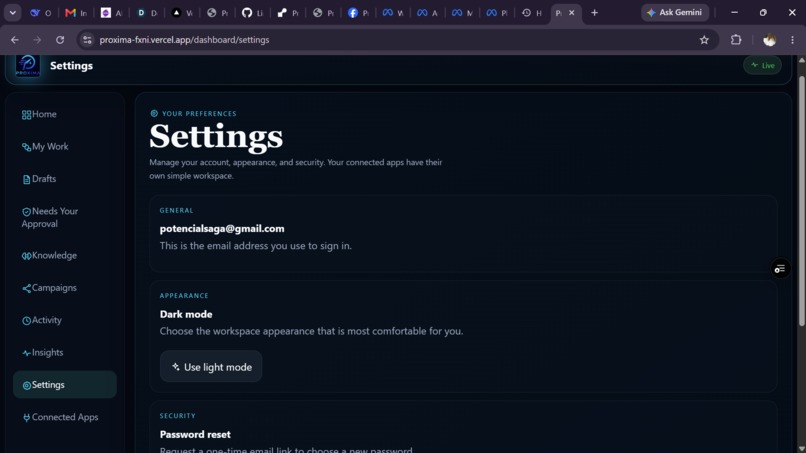
setting
-
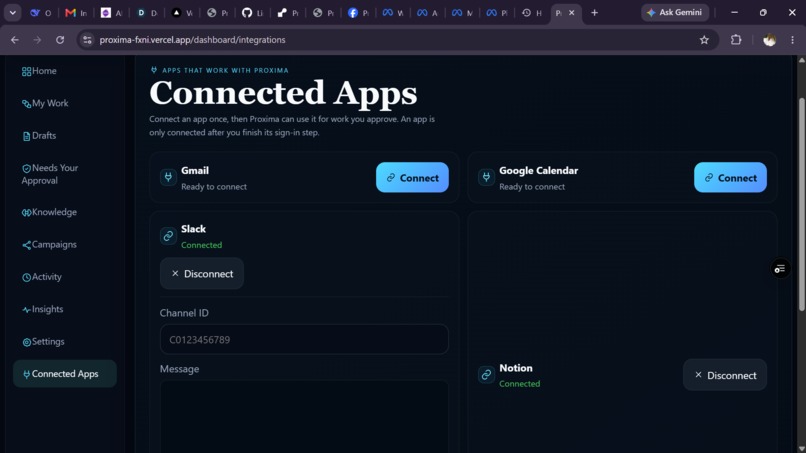
connected apps
-
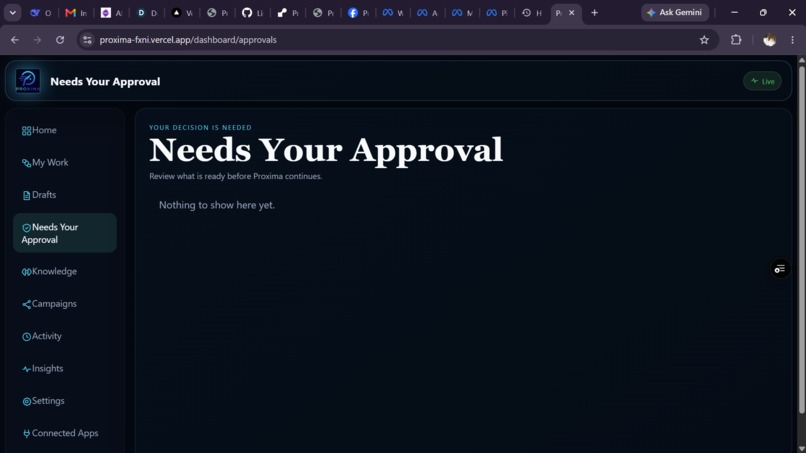
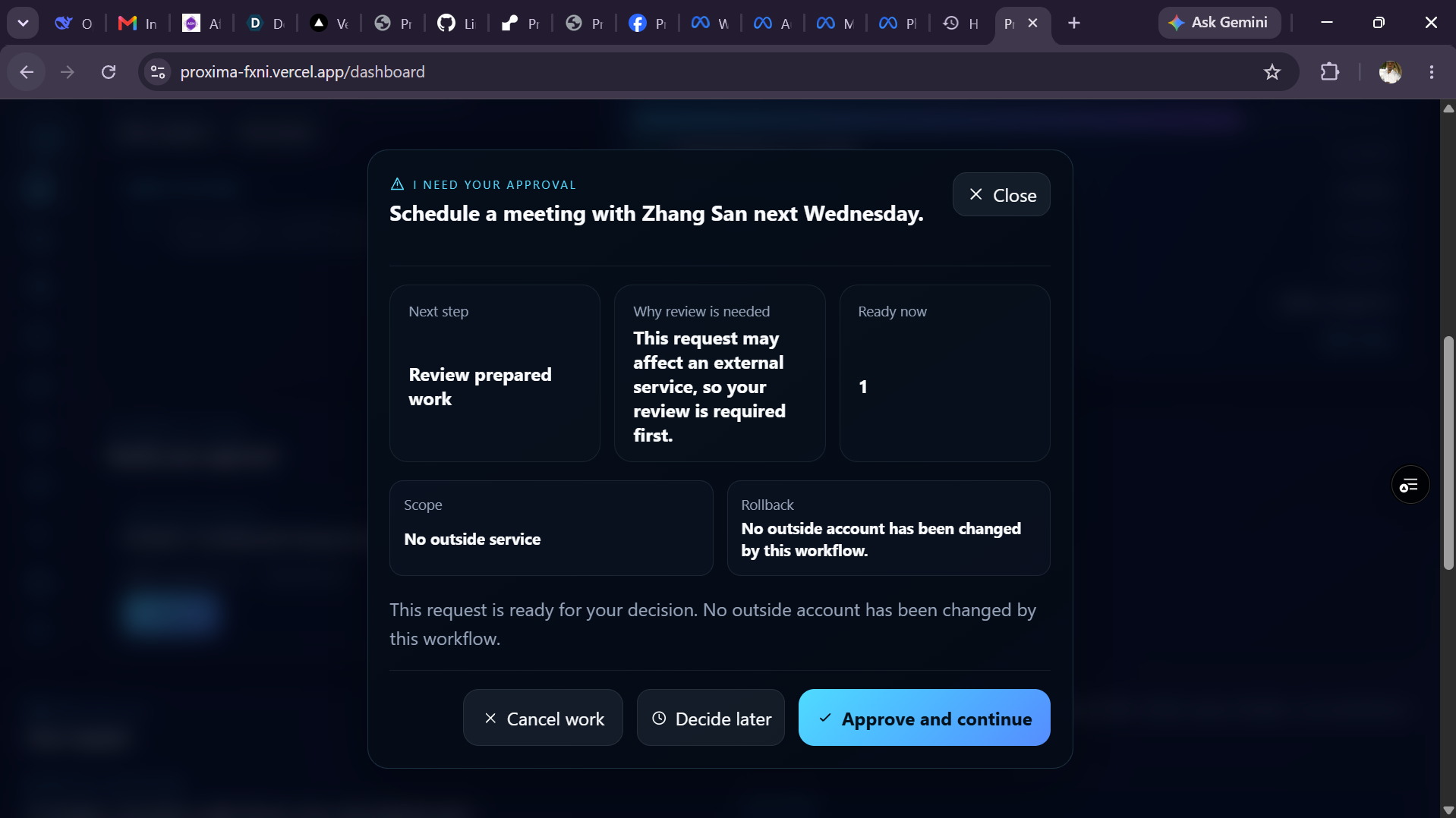
approval
-
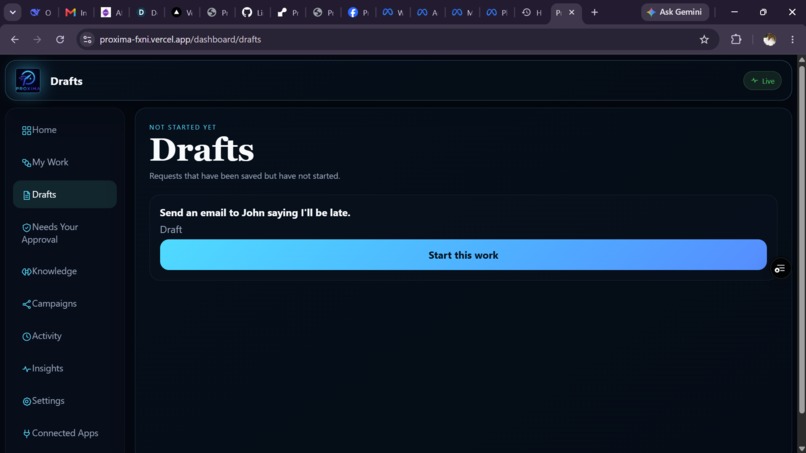
draft
-
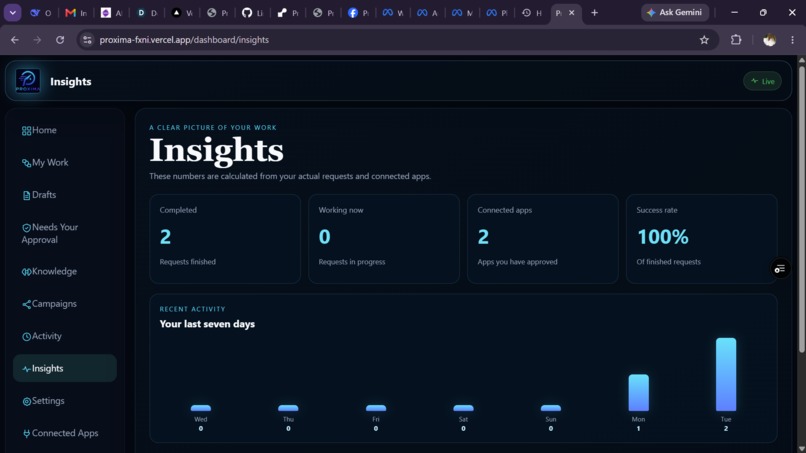
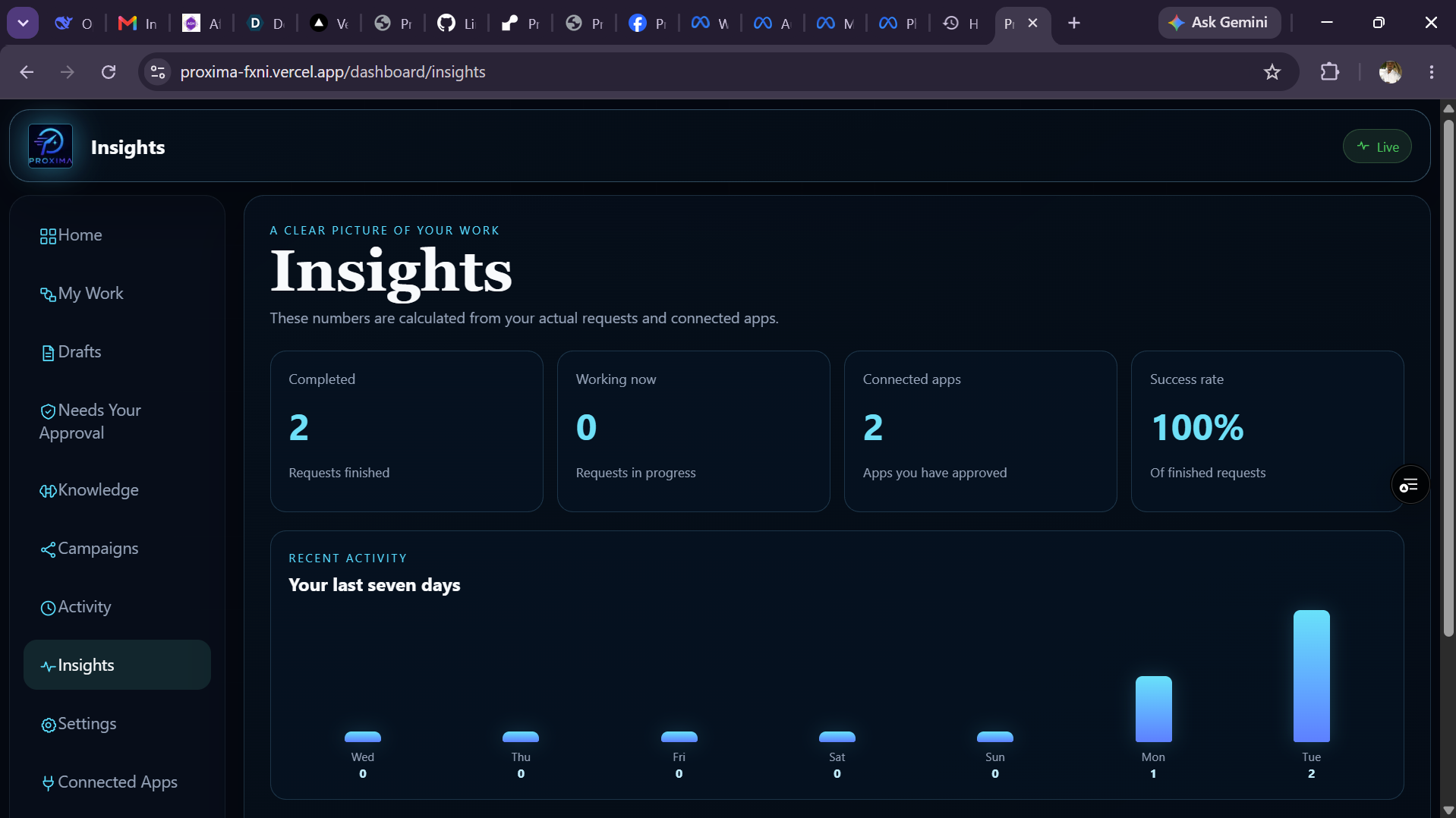
insights
-
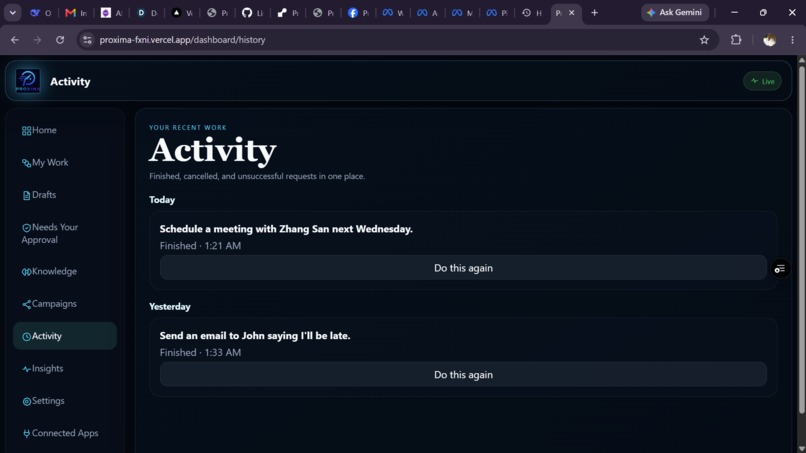
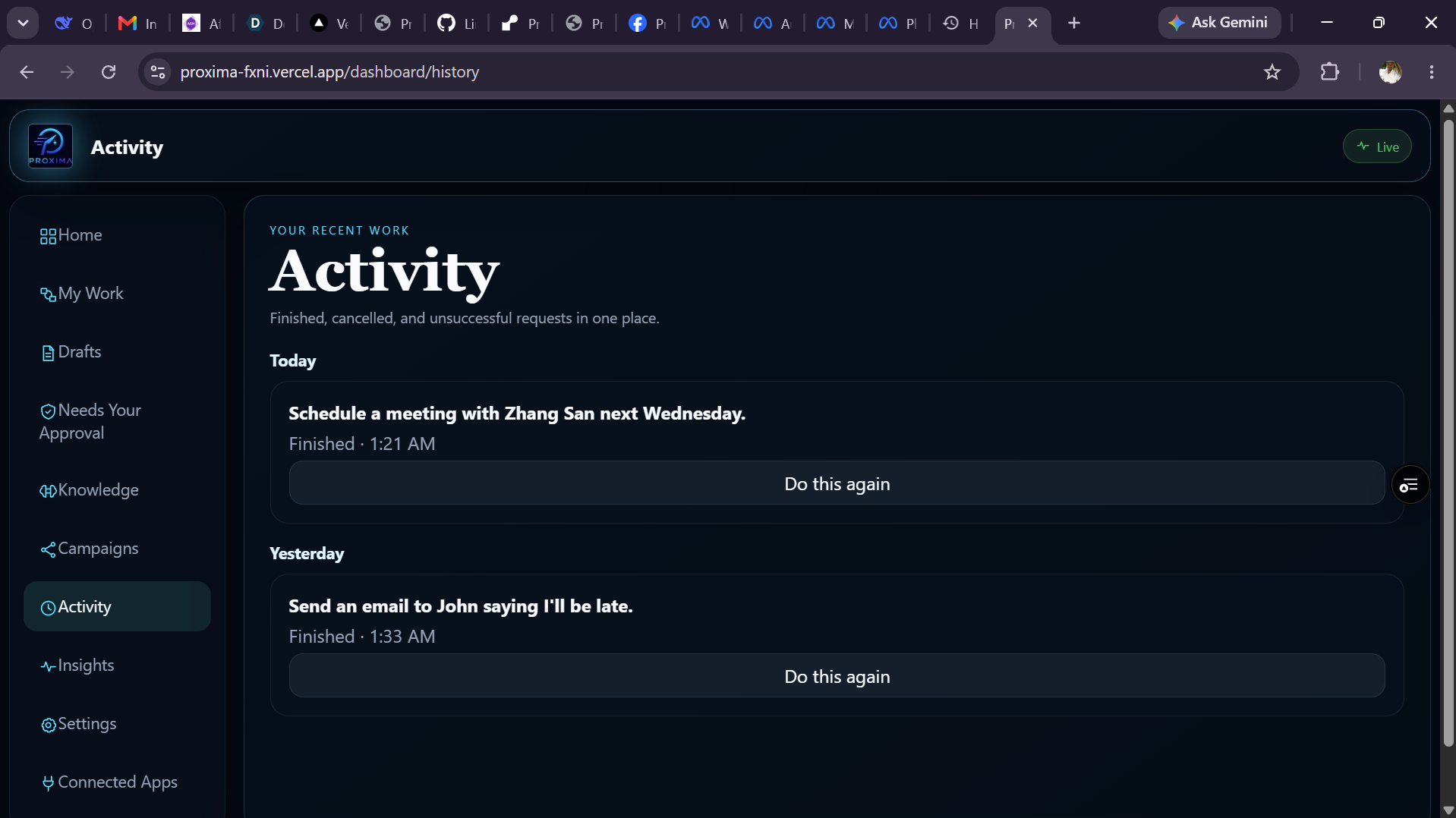
activity
-
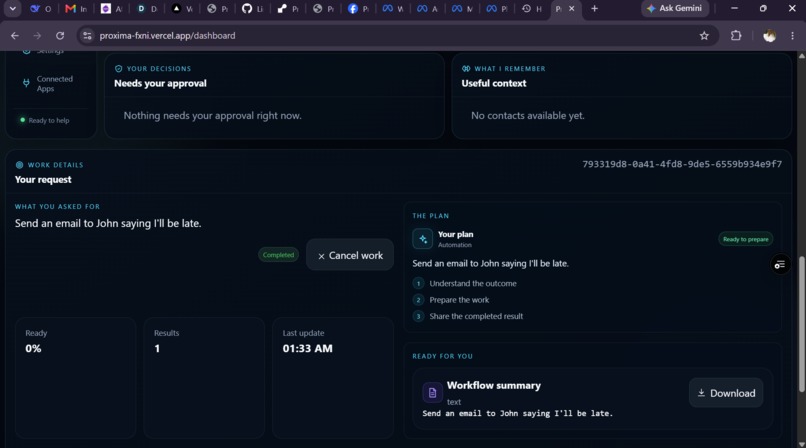
dashboard
-
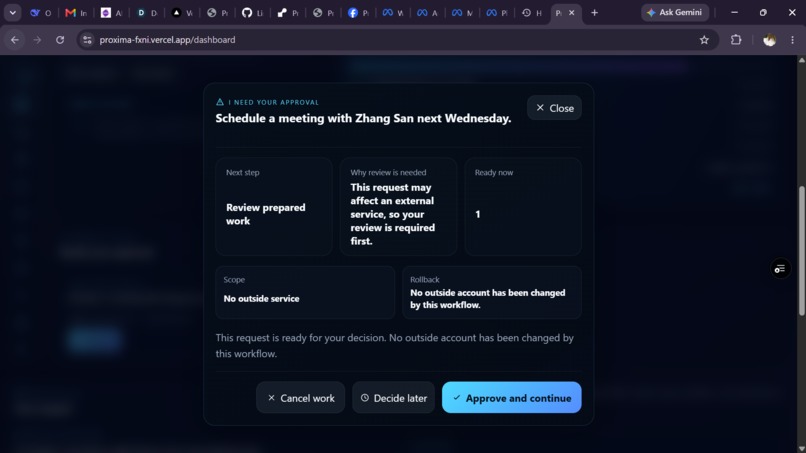
schedule approval
-
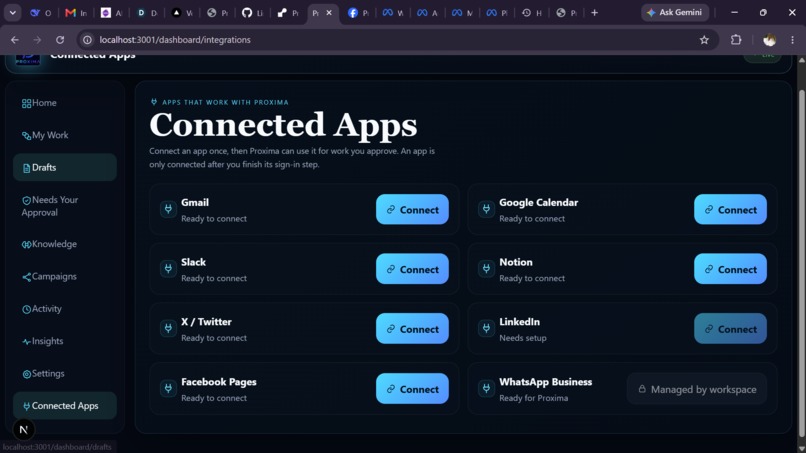
connected apps
-
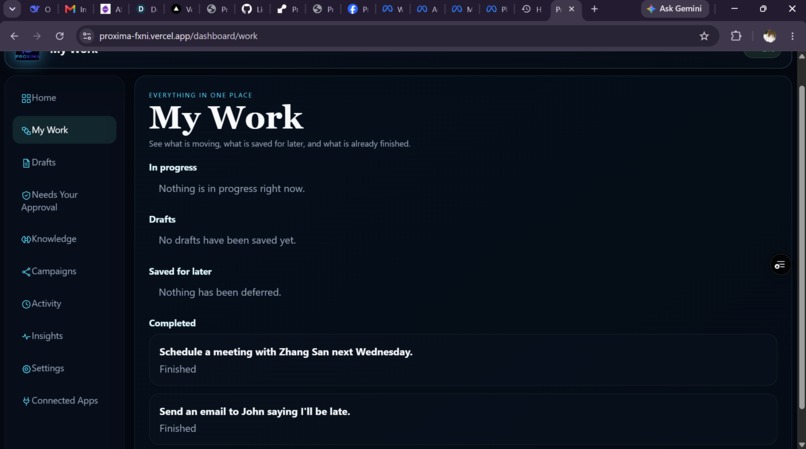
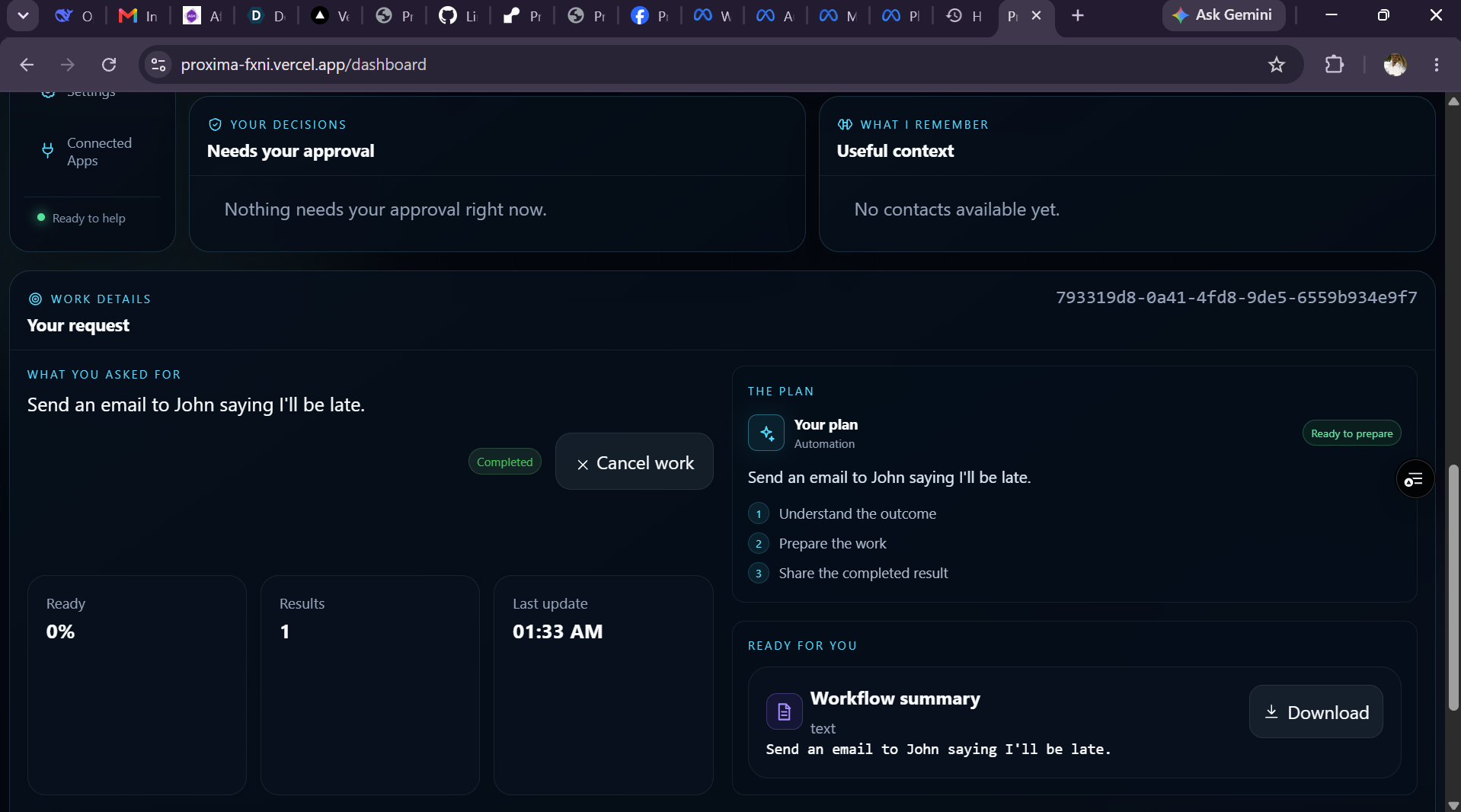
workflow
-
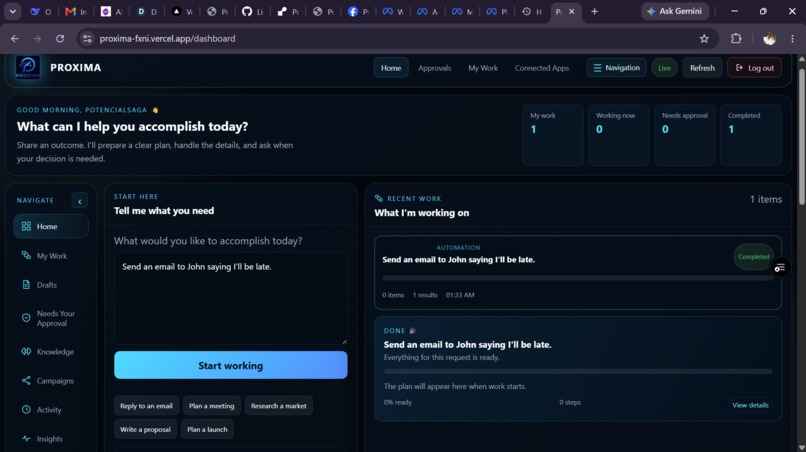
dashboard
-
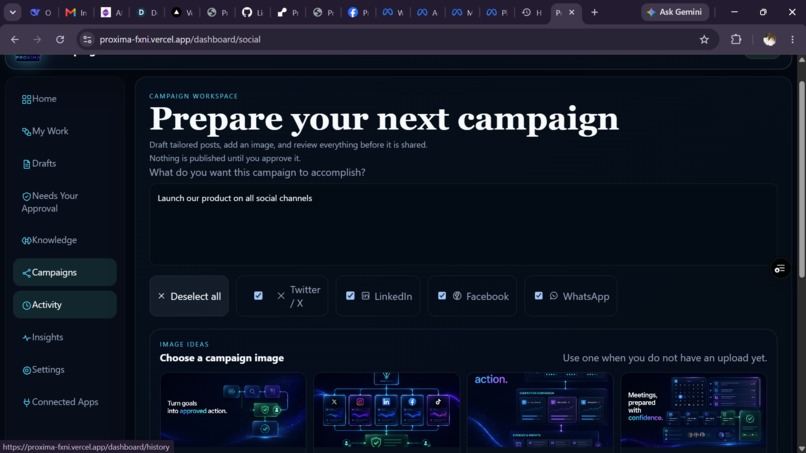
Social media

Inspiration
Work often gets stuck between an idea and the small steps needed to finish it. A simple request such as “prepare a meeting,” “research competitors,” or “share an update” can turn into several tabs, drafts, reminders, and approval messages.
We wanted to build a workspace that helps people move from a clear outcome to prepared work without losing control of what is sent, scheduled, or published.
What it does
Proxima OS helps users organise everyday work in one place.
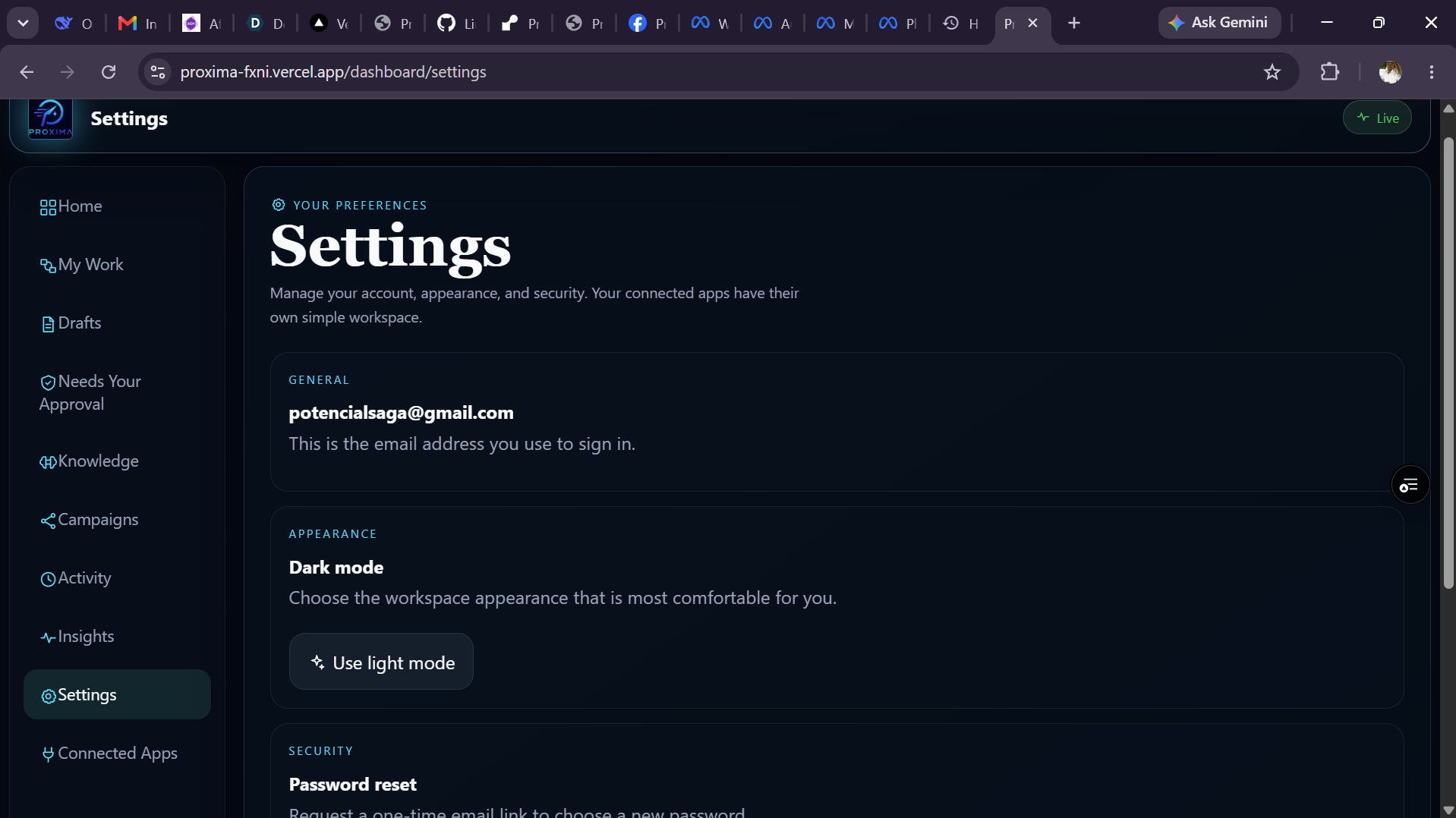
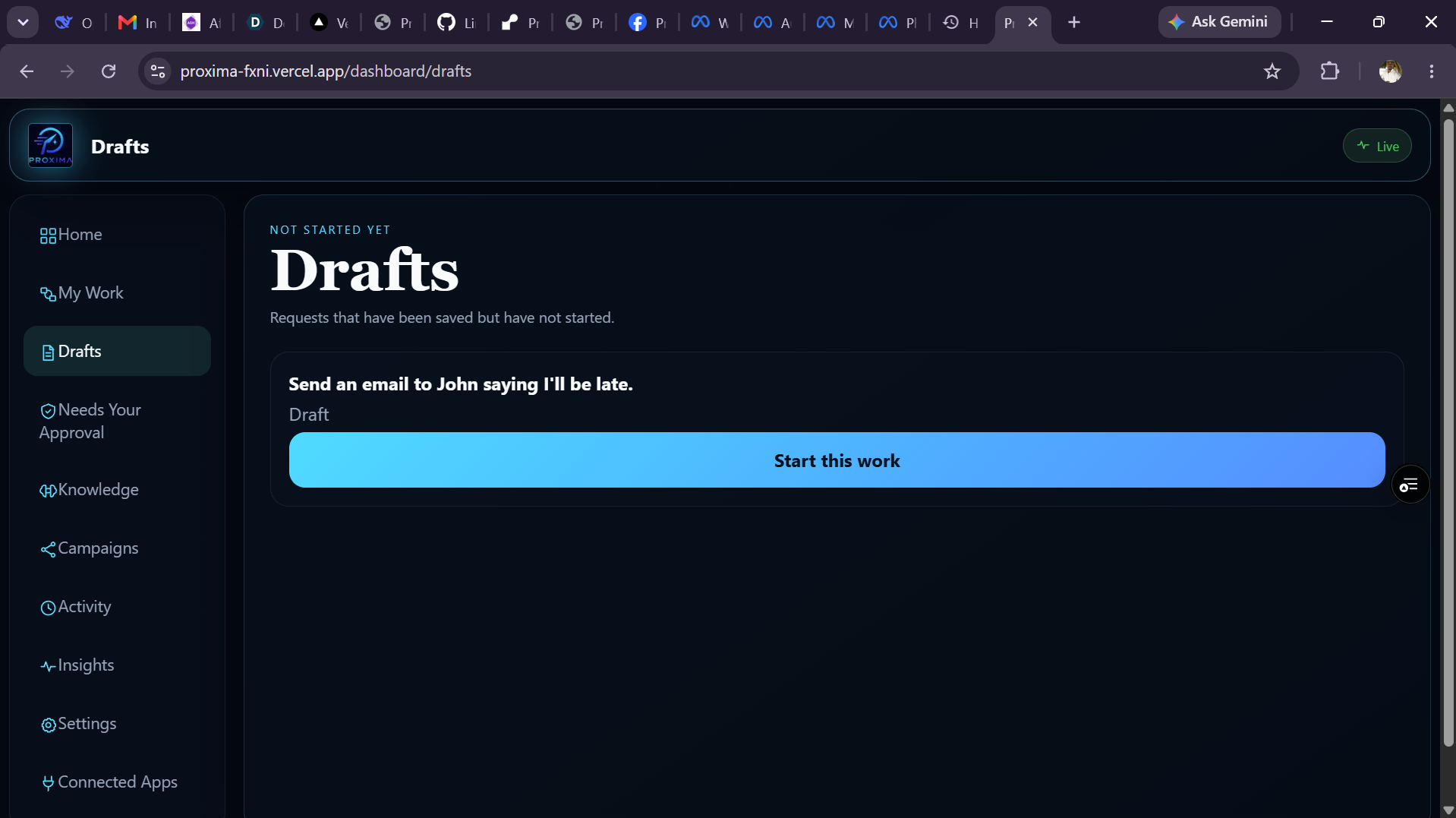
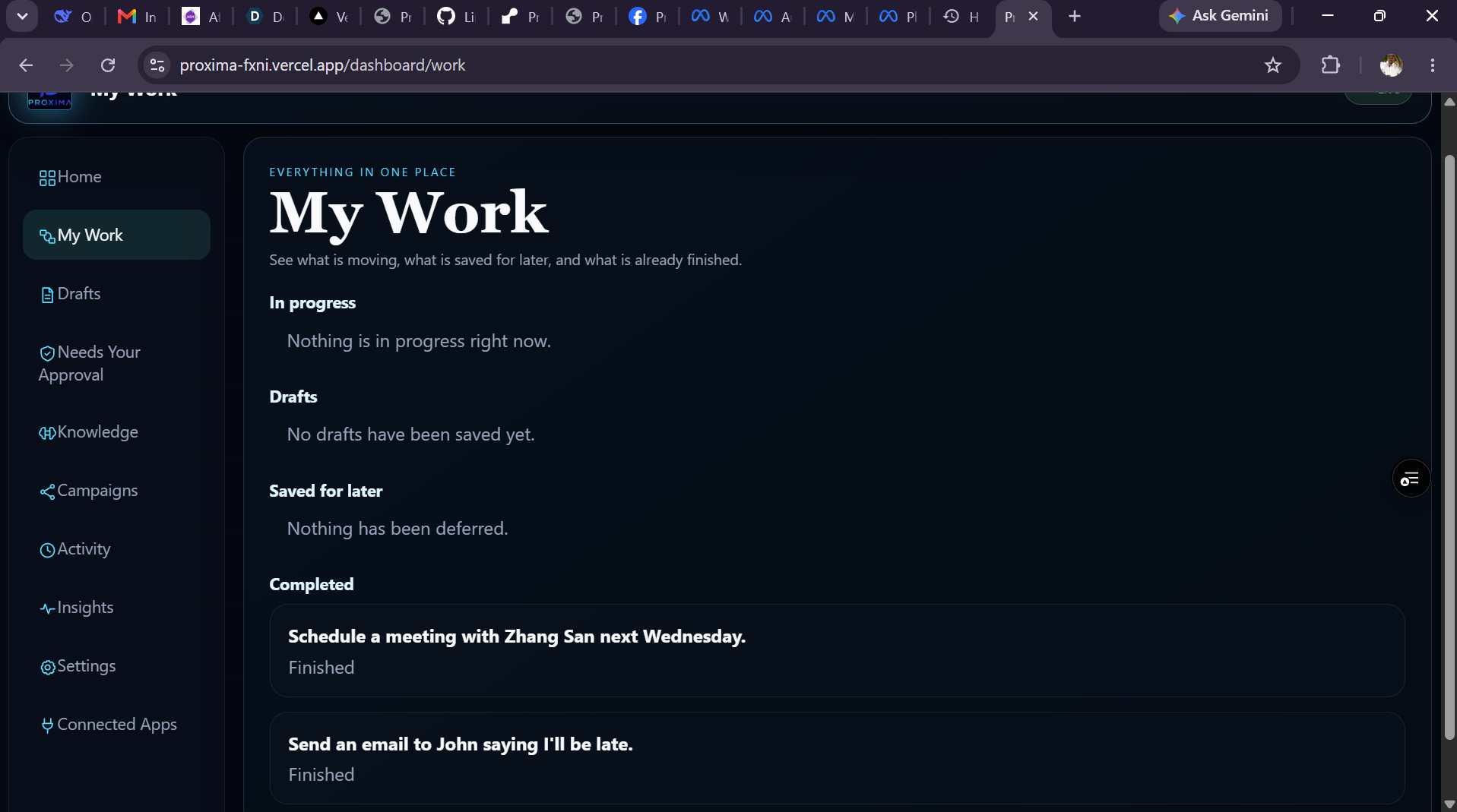
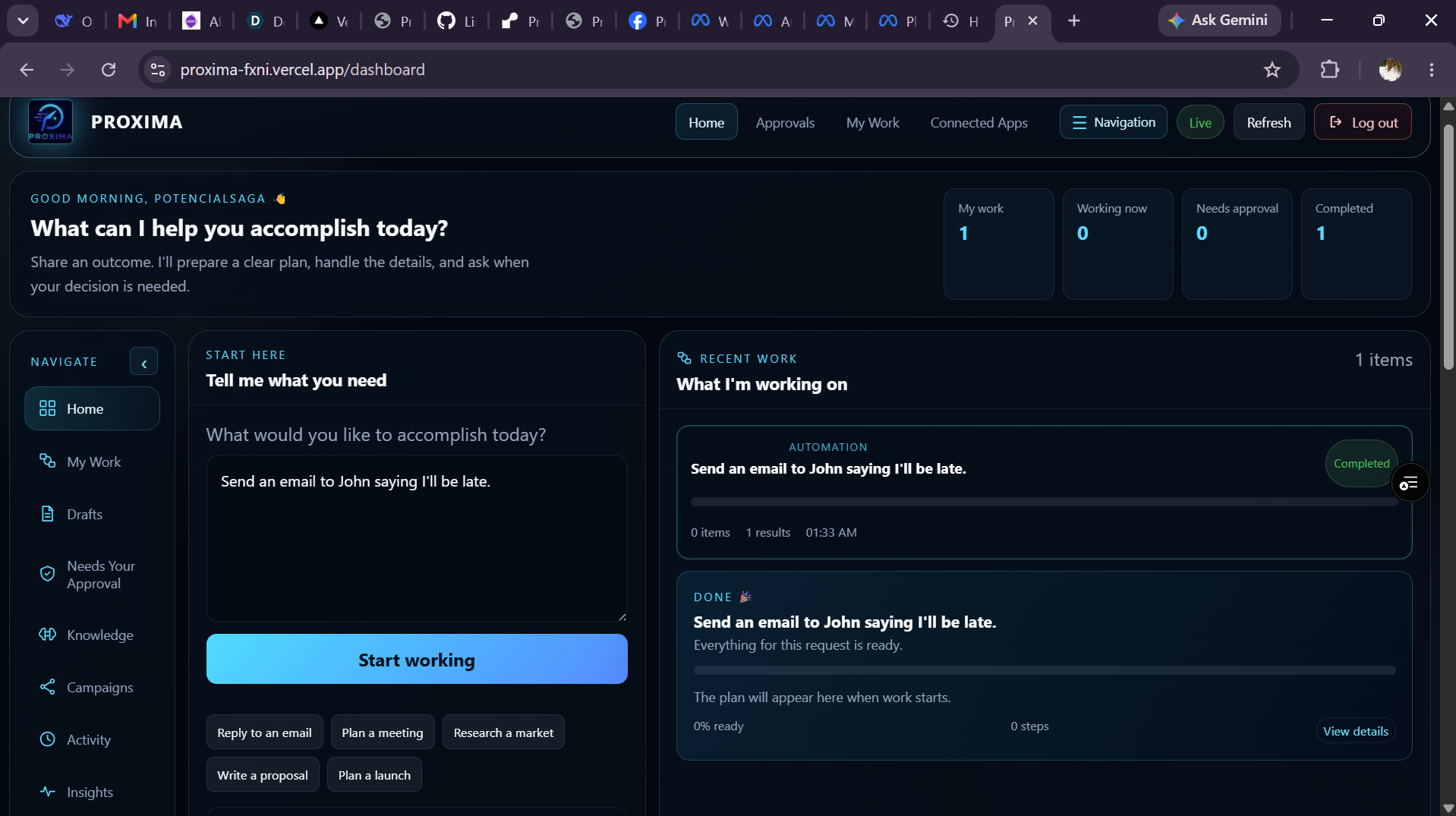
A user can describe what they need to do, review a prepared plan and draft, edit it, save it for later, or start the work. The workspace supports meeting planning, email drafts, research briefs, proposals, campaign planning, saved knowledge, approvals, and activity history.
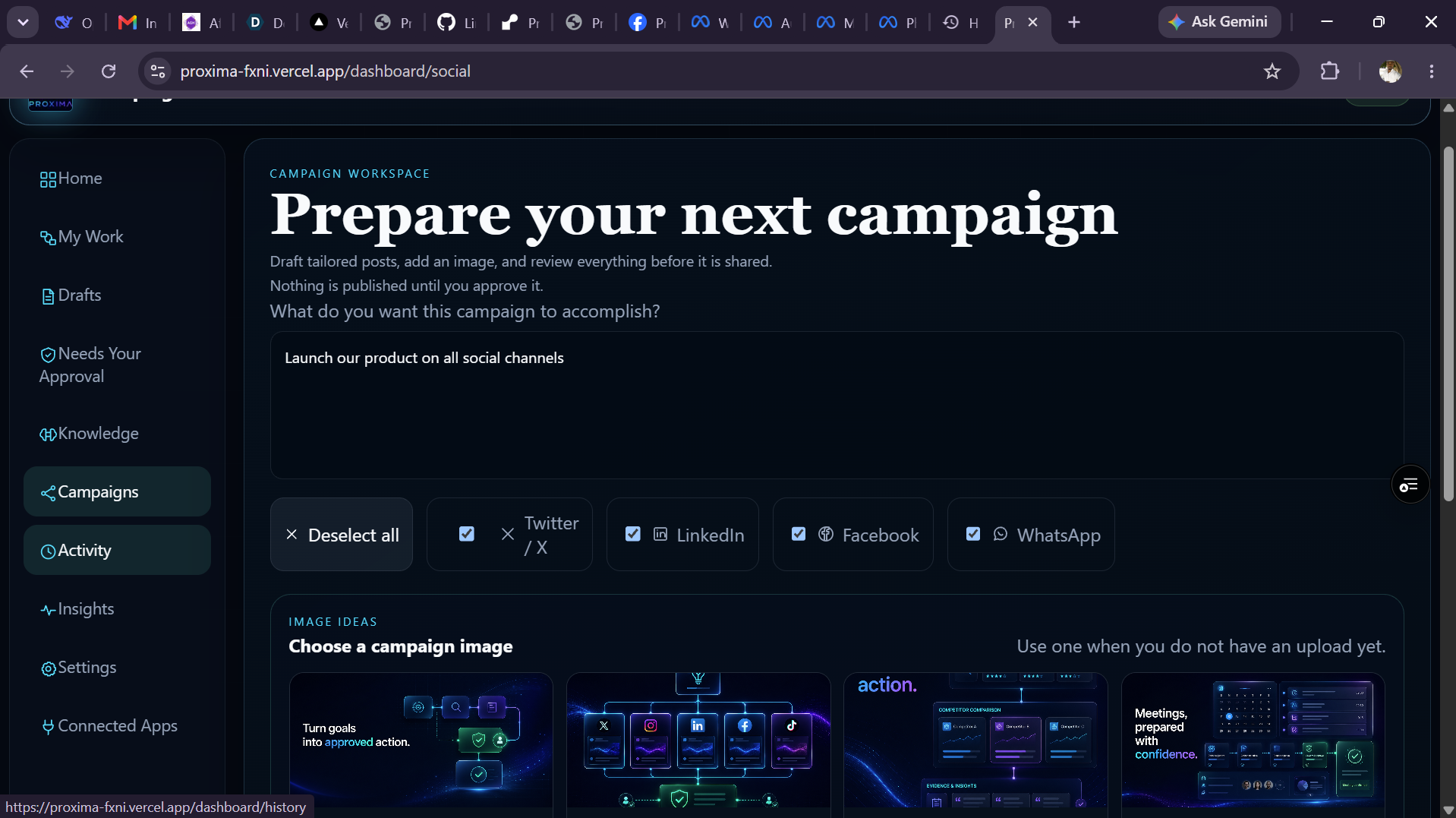
For social campaigns, users can create channel-specific drafts, choose connected accounts, approve a post immediately, schedule it for later, or create a recurring campaign around a topic. For example, a cyber security campaign can be broken into several practical angles and published daily or weekly until the user stops it.
Nothing is sent without a clear action from the user, unless they have deliberately enabled a recurring campaign.
How we built it
We built the frontend with Next.js and the backend with FastAPI. The app uses authenticated API routes, WebSockets for live updates, and durable storage for workflows, drafts, approvals, connected accounts, and campaign history.
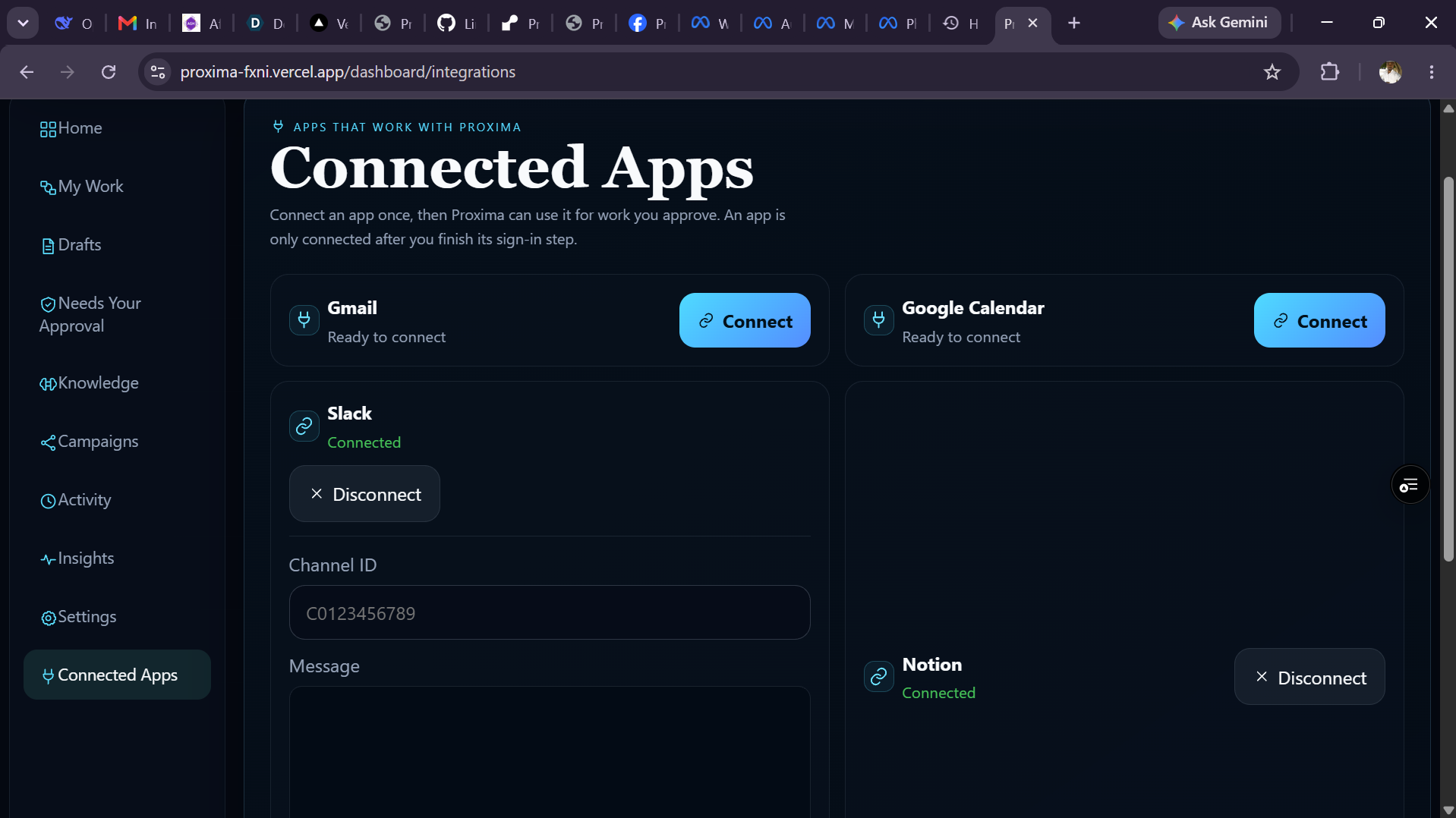
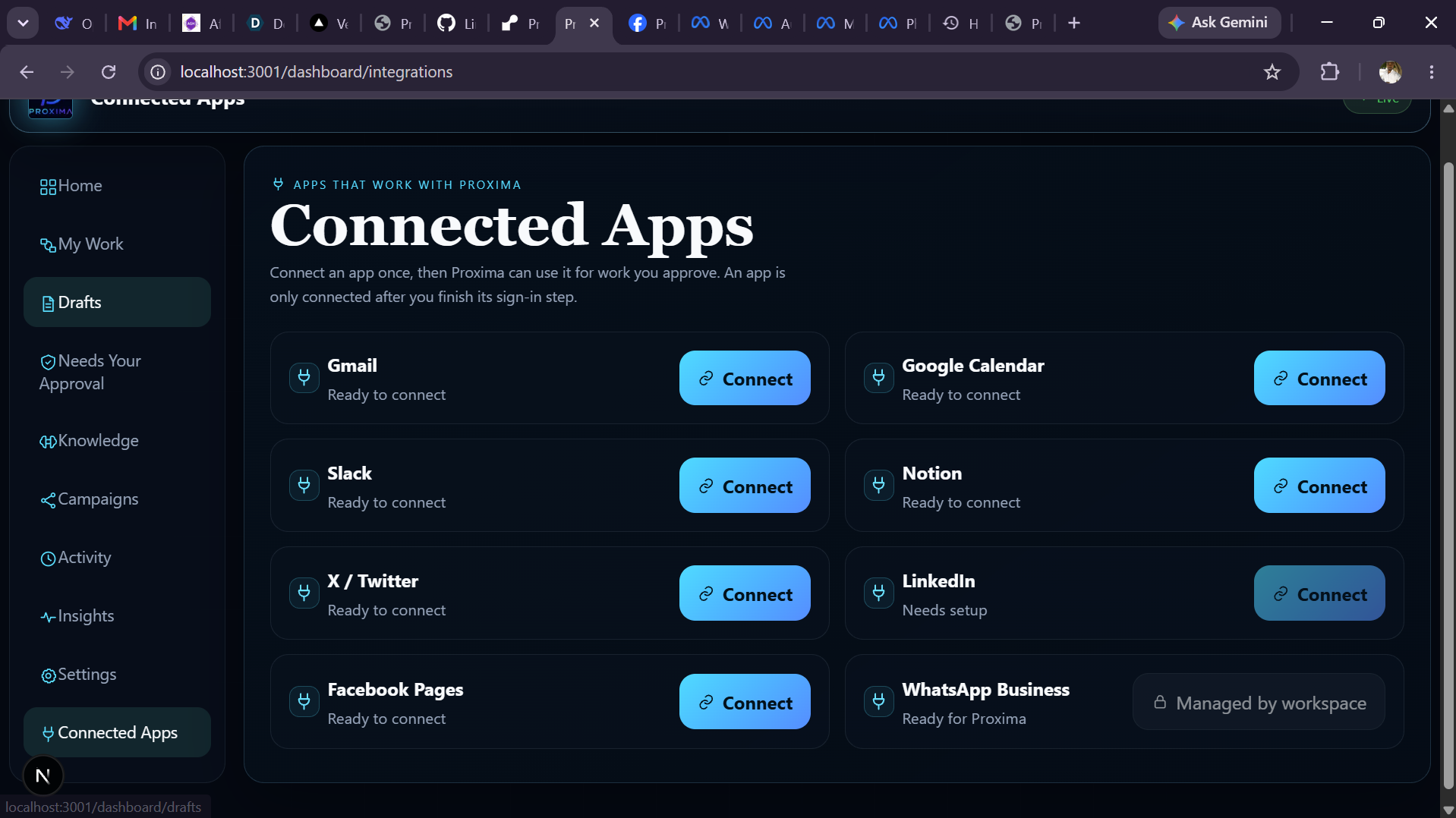
We connected the workspace to services such as Gmail, Google Calendar, Slack, Notion, X, LinkedIn, Facebook Pages, and WhatsApp Business through their supported authentication flows.
The drafting features use OpenAI models to turn a short request into a structured plan, working draft, research outline, or channel-specific social post. We designed the interface so users can always review and edit the result before it becomes an action.
Challenges we ran into
The hardest part was making connected services behave honestly.
Every provider has different permissions, callback rules, token lifetimes, account requirements, and publishing APIs. We had to handle cases where an account is connected but does not yet have permission to publish, where a Facebook Page ID is missing, or where a scheduled post cannot run because the hosting service is asleep.
Another challenge was keeping the experience simple while supporting different kinds of work. A research report, a meeting invitation, and a social campaign should not all feel like the same generic form.
Accomplishments that we're proud of
- Built a complete flow from a written goal to an editable work plan.
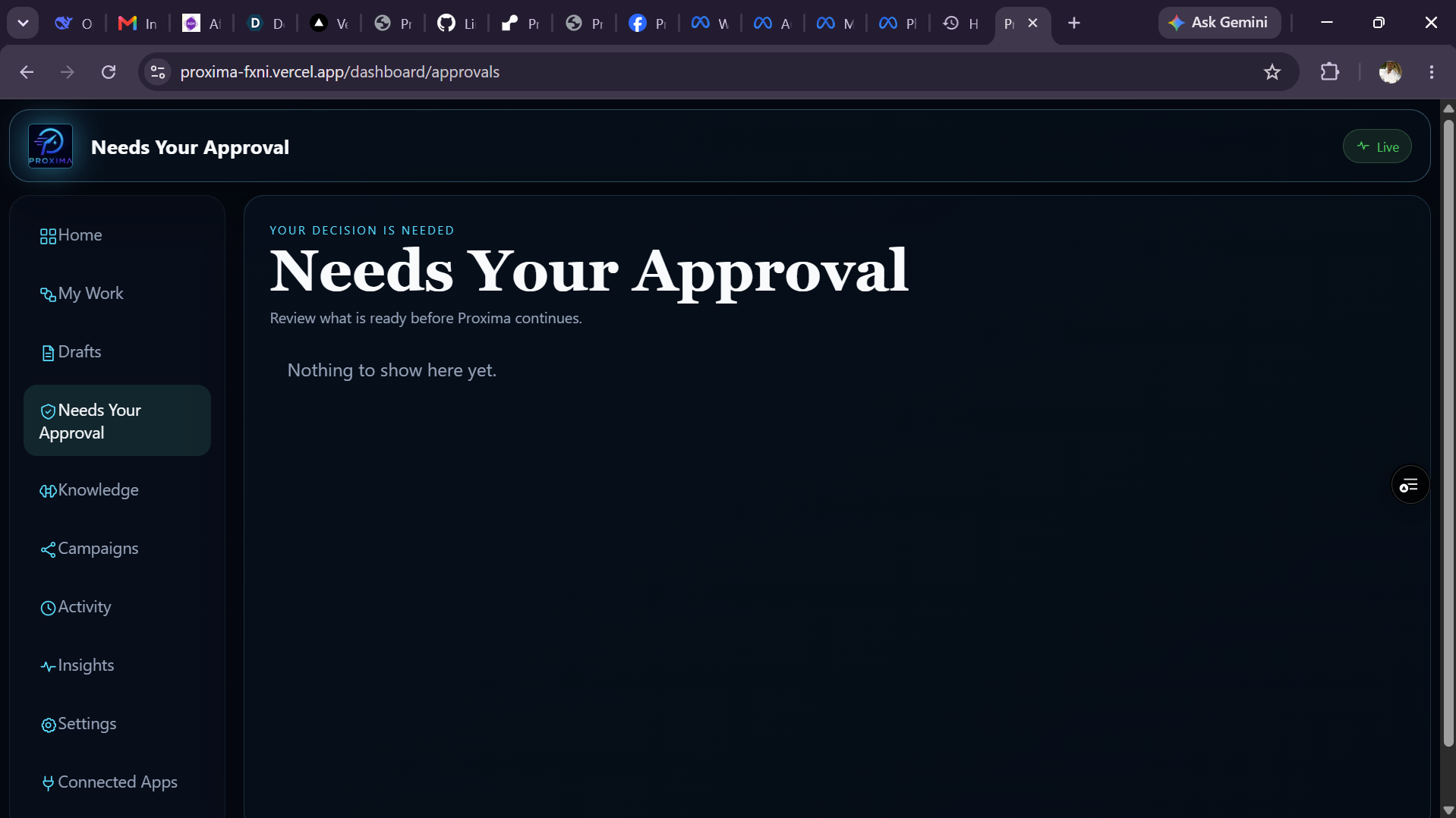
- Added a real approval system instead of treating approval as a visual label.
- Made campaign publishing show the actual result from each connected provider.
- Added recurring topic campaigns that can continue on a daily or weekly schedule until stopped.
- Kept drafts, approvals, activity, and connected accounts visible in one workspace.
- Made the product usable locally and deployable with a Next.js frontend and FastAPI backend.
What we learned
We learned that the useful part of automation is not removing the person from the process. It is reducing repetitive work while making the next decision obvious.
We also learned that integrations need clear status messages. A button should not say something was published if it was only saved for approval. Showing the real state of a task builds more trust than hiding provider errors.
What's next for Proxima OS
Next, we want to improve reliability for scheduled work with a dedicated always-on worker, add provider-specific image publishing, improve account naming when several accounts are connected, and make recurring campaigns more flexible with custom posting times and campaign limits.
We also want to add richer research outputs, better collaboration features, and clearer reporting so users can see what work was completed and what still needs their attention.
Built With
- codex
- docker
- fastapi
- gmail-api
- google-calendar
- gpt-5.6
- linkedin-api
- next.js
- notion-api
- oauth-2.0
- openai
- pinecone
- postgresql
- python
- react
- redis
- render
- slack-api
- supabase
- tailwind-css
- typescript
- vercel
- whatsapp-api

Log in or sign up for Devpost to join the conversation.