-
-
Logo and slogan
-
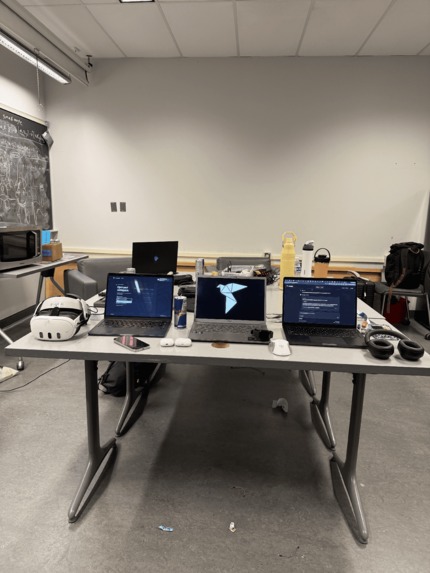
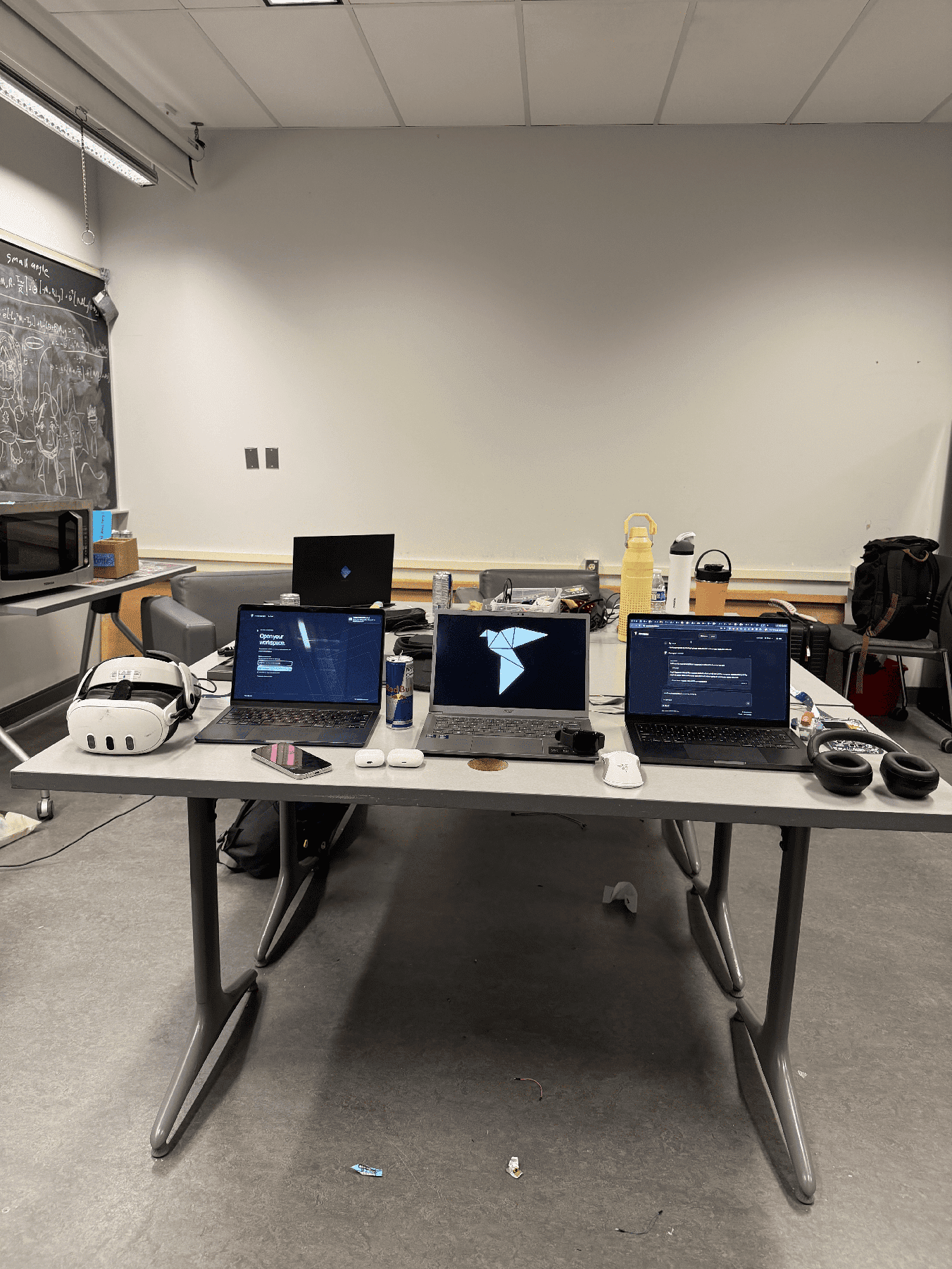
Landing page on left, logo middle, working superagent on the right, all three laptops have full access to the others, intuitive!
Inspiration
We love building with AI, but we kept finding ourselves doing the coordination. One conversation had the plan, another had the code, and another had useful research. We were constantly repeating instructions, copying context, and checking whether the work had actually finished.
That became even more frustrating when we stepped away from our computers. We wanted to keep work moving without reopening every conversation and explaining everything again.
We built Providence to bring those conversations and devices together through one assistant.
What it does
Providence lets you direct work across your connected computers through one superagent. It reads relevant context from the conversations you connect, delegates tasks to agents on the appropriate devices, and brings their progress, files, and results back into one place.
Each computer runs its own agent with access to that device’s available tools and permissions. The superagent coordinates the work: it can send independent tasks to different agents simultaneously or arrange dependent steps so the next agent receives the previous agent’s results.
For example, a Mac agent can build a webpage, a Windows agent can prepare its release summary, and another Mac agent can review the implementation and rerun its tests. You can follow the entire workflow from the main conversation while opening individual conversations whenever you need more detail.
The web interface is the central workspace. Apple Watch, iPhone, and Quest clients provide additional ways to interact with the same coordinator. Voice input and spoken replies let you direct work without typing.
How we built it
We built a TypeScript and Node.js coordinator, a React web interface, and WebSocket connections between the coordinator and device agents. OpenAI Codex powers the agents’ reasoning and execution tools. We also used Codex throughout development to write code, debug problems, review changes, and build automated tests.
The coordinator tracks conversations, tasks, dependencies, approvals, and results. When one task depends on another, it waits for that task to finish and passes fresh context into the next step. Agents can publish files back to the workspace, where their contents and revisions can be verified.
We built the Watch interface with SwiftUI, an iPhone app around the shared web workspace, and a Quest client using Three.js and WebXR. We integrated ElevenLabs for transcription and spoken responses.
Much of the engineering went into connecting these components reliably: preserving request identities, handling disconnects, preventing duplicate submissions, keeping permissions explicit, and distinguishing a completed assistant response from completed work.
Challenges we ran into
The hardest part was keeping the interface aligned with what was actually happening.
A superagent could finish replying while a worker was still running. A device could disconnect after receiving a request but before returning its result. An approval could be answered without the response reaching the coordinator. Retrying blindly could repeat an action that had already happened.
We had to make those uncertain states visible and preserve enough information to recover without pretending the work had succeeded or automatically doing it again.
Cross-device context was another challenge. Passing everything into every task creates noise and mixes unrelated conversations. We built explicit context transfers so an agent receives relevant information while the source conversations remain identifiable.
We also worked to keep the interface simple. The main conversation should be easy to follow, while individual tasks, permissions, transcripts, and files remain available when the user needs them.
Accomplishments that we’re proud of
We got requests from the web interface to perform real browser and native-app actions on a Mac and return the results.
In a test scenario, a Mac agent built a signup page, a Windows agent prepared its release summary, and a separate Mac agent reviewed the work and reran the tests. That demonstrated the workflow we wanted: different agents contributing to one task without the user manually carrying context between them.
In a team test, a typed Apple Watch request opened a page on the Mac and returned the result to the Watch. We also verified a browser voice request flowing through transcription, a real Mac action, and spoken output.
We brought the coordinator, web and Quest interfaces, Watch app, iPhone shell, and backend work into one repository. The combined source passed automated tests and builds, including Watch and iPhone simulator builds.
What we learned
An agent saying “done” is not enough. The application needs to know which device performed the work, what actually changed, and whether the result can be checked.
We learned that useful multi-agent software depends as much on coordination and recovery as it does on model capability. Context has to reach the right agent. Dependencies have to wait for real results. Permissions have to remain meaningful. Uncertain outcomes have to stay uncertain until there is evidence.
We also learned the value of a concrete workflow. Watching several agents contribute to one finished result explained Providence more clearly than any architecture diagram could.
What’s next for Providence
We want to make connecting a new device as simple as joining a conversation. We plan to improve onboarding, make relevant conversations easier to find, and give users clearer control over which context moves between agents.
We also want faster, more natural voice interactions and a more useful experience across Watch, iPhone, and Quest. For longer workflows, we plan to improve progress updates and make it easier to return to completed results without searching through individual chats.
Our goal is to make Providence useful throughout the day: one place to direct work, follow its progress, and receive results, whether we’re at a desk or away from our computers.
Built With
- cloudflare
- codex
- github
- nginx
- node.js
- openai
- react
- swift
- swiftui
- three.js
- typescript
- vite
- watchos
- websockets
- webxr


Log in or sign up for Devpost to join the conversation.