As a team comprised fully of CS students, we spend a lot of our time sitting behind a desk writing code for long hours of the day. As an unfortunate side effect of that, our posture has degraded over time leading to increased back pain.
What it does
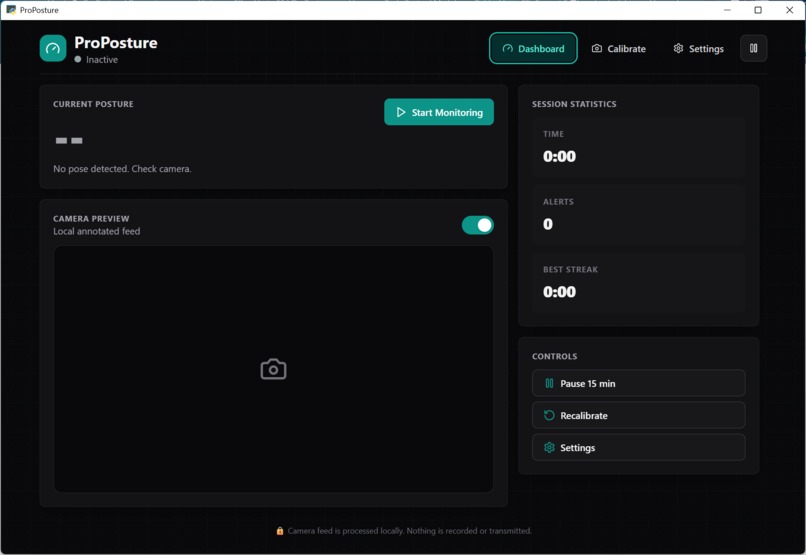
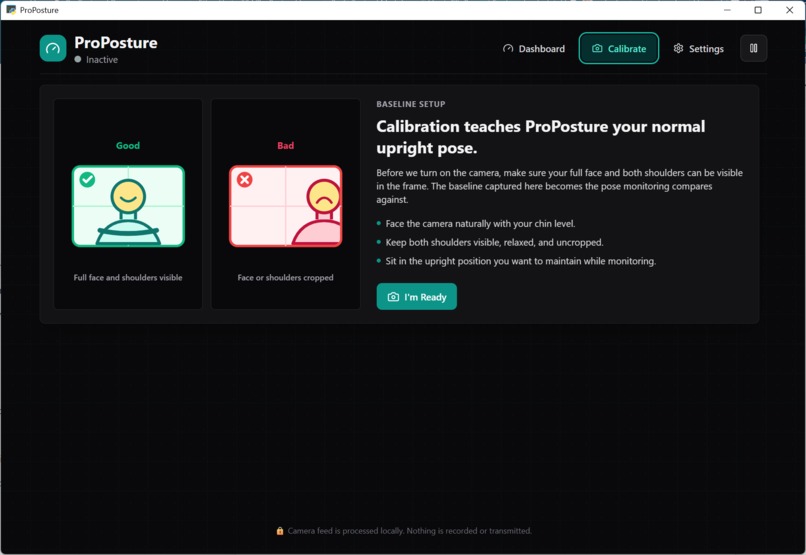
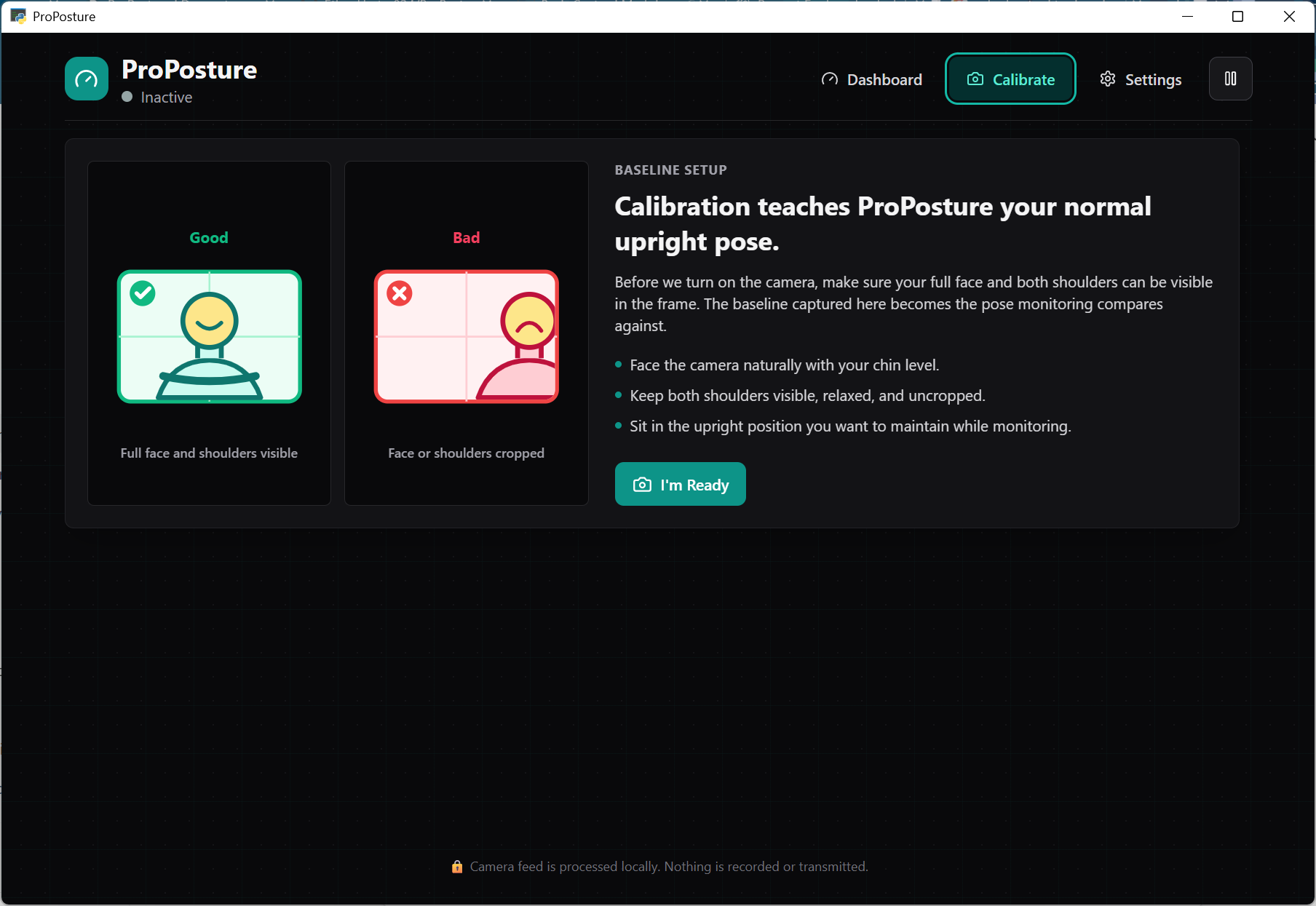
ProPosture is an application that regulates and checks your posture via video tracking. After a brief calibration, ProPosture runs in the background checking in on you while you work, giving audible tips on where to improve your posture.
How we built it
We built ProPosture using React, Vite, and Tailwind for the frontend, with Flask powering the backend API. MediaPipe and OpenCV handled posture detection and tracking, while PyTorch, Hugging Face, Google Gen AI, and VoxCPM2 were used to power customizable AI voice assistants and machine learning features. The desktop application was packaged using PyWebView and PyStray for both Windows and macOS support.
Challenges we ran into
Setting up the App and Server communication pipeline was challenging because the VoxCPM2 model takes some time to generate voice lines. Figuring out how to cache both incoming and outgoing audio files took some time to get right.
Generating voice lines quickly is hard to do without the right hardware. At first, the model was running on the CPU which took up to 20x longer to process and generate voice lines. Optimizing the server to utilize the GPU sped up waiting times although introduces the limitation of needing a server that has a dedicated CUDA capable GPU.
Accomplishments that we're proud of
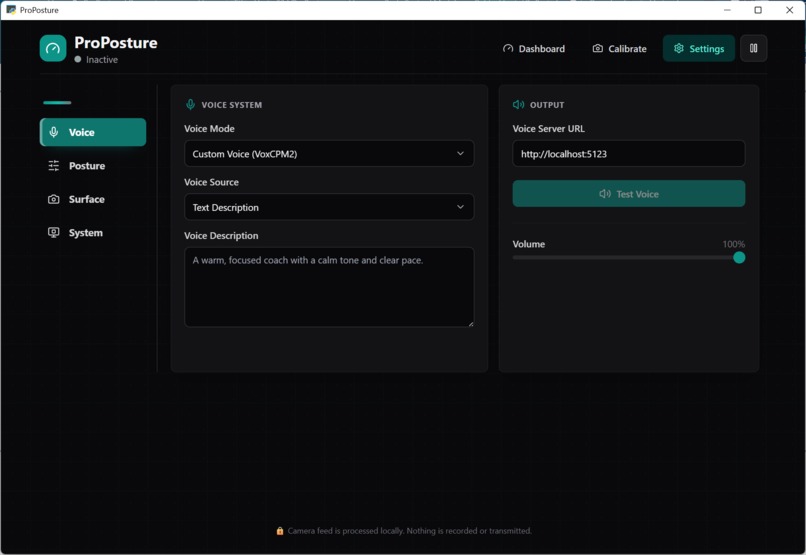
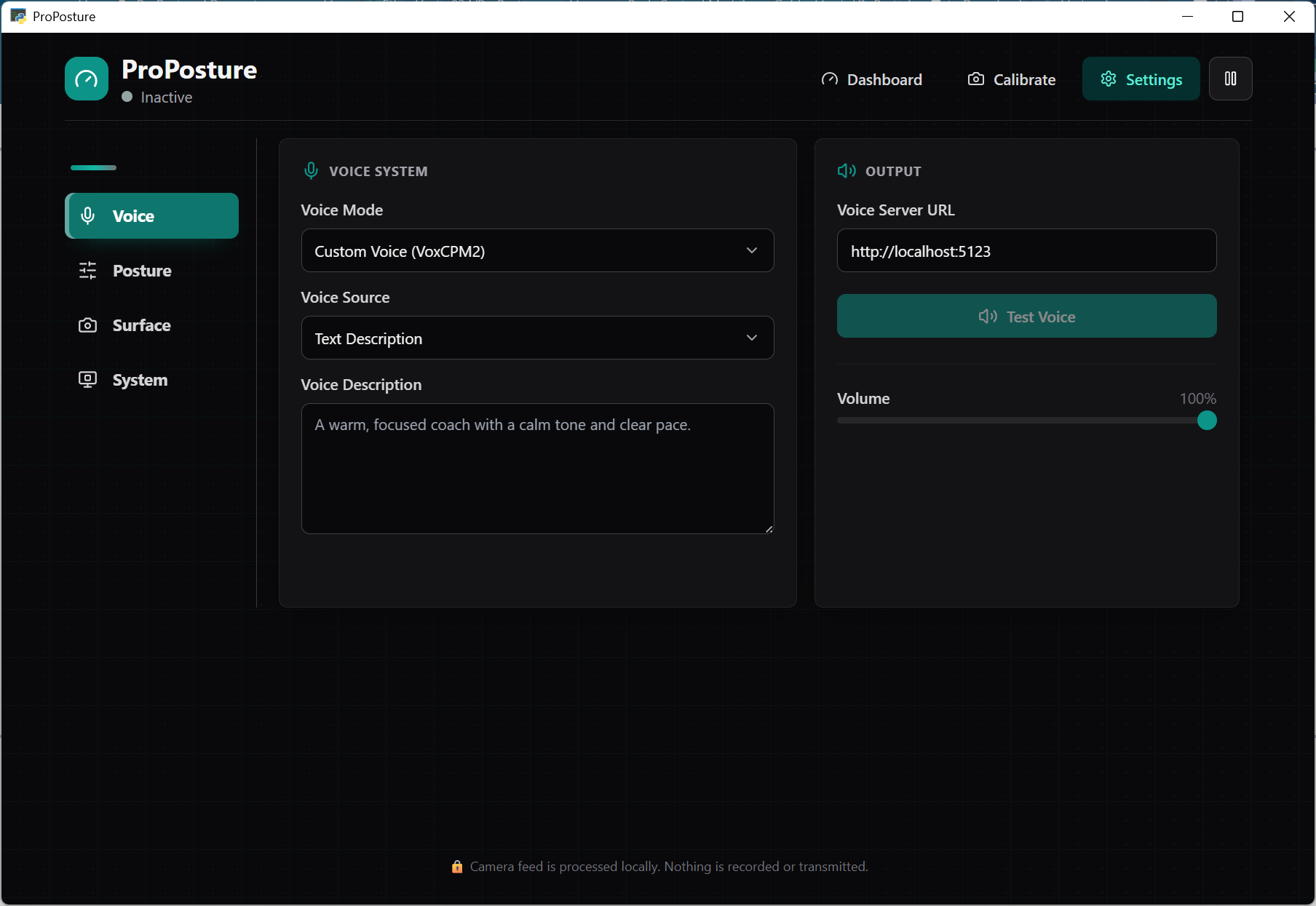
ProPosture features fully customizable AI voice bots via VoxCPM2. Simply enter the type of voice that you want, even a specific one, and a voice fit to your specifications will be generated and used to coach you on your posture.
This whole process involves the integration of three different models, VoxCMP2, MediaPipe, and Google Gen AI in order to deliver one cohesive experience for the user.
What we learned
To better fit the scope of ProPosture, we learned how to make an executable application in React rather than a website. This allows for ProPosture to work better in the background of your computer, which is where it will be running most of the time.
We also learned how much more efficient Gemini became when using structured JSON-based prompt engineering instead of only natural language prompts. Organizing requests into predictable JSON objects improved response consistency, reduced unnecessary output, and made backend integration a lot easier.
What's next for ProPosture
ProPosture's next step is getting a dedicated server with a GPU to run the models. This will heavily increase efficiency for the user when running the program. Adding more user friendly features can also help make the process of getting the voice and results you want even faster.


Log in or sign up for Devpost to join the conversation.