-
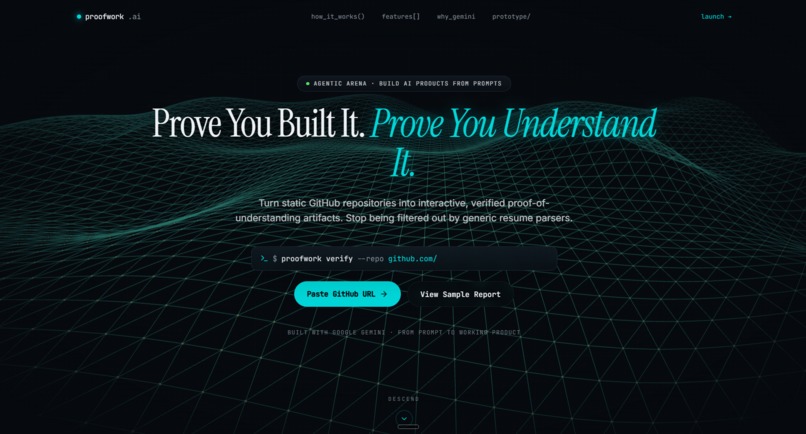
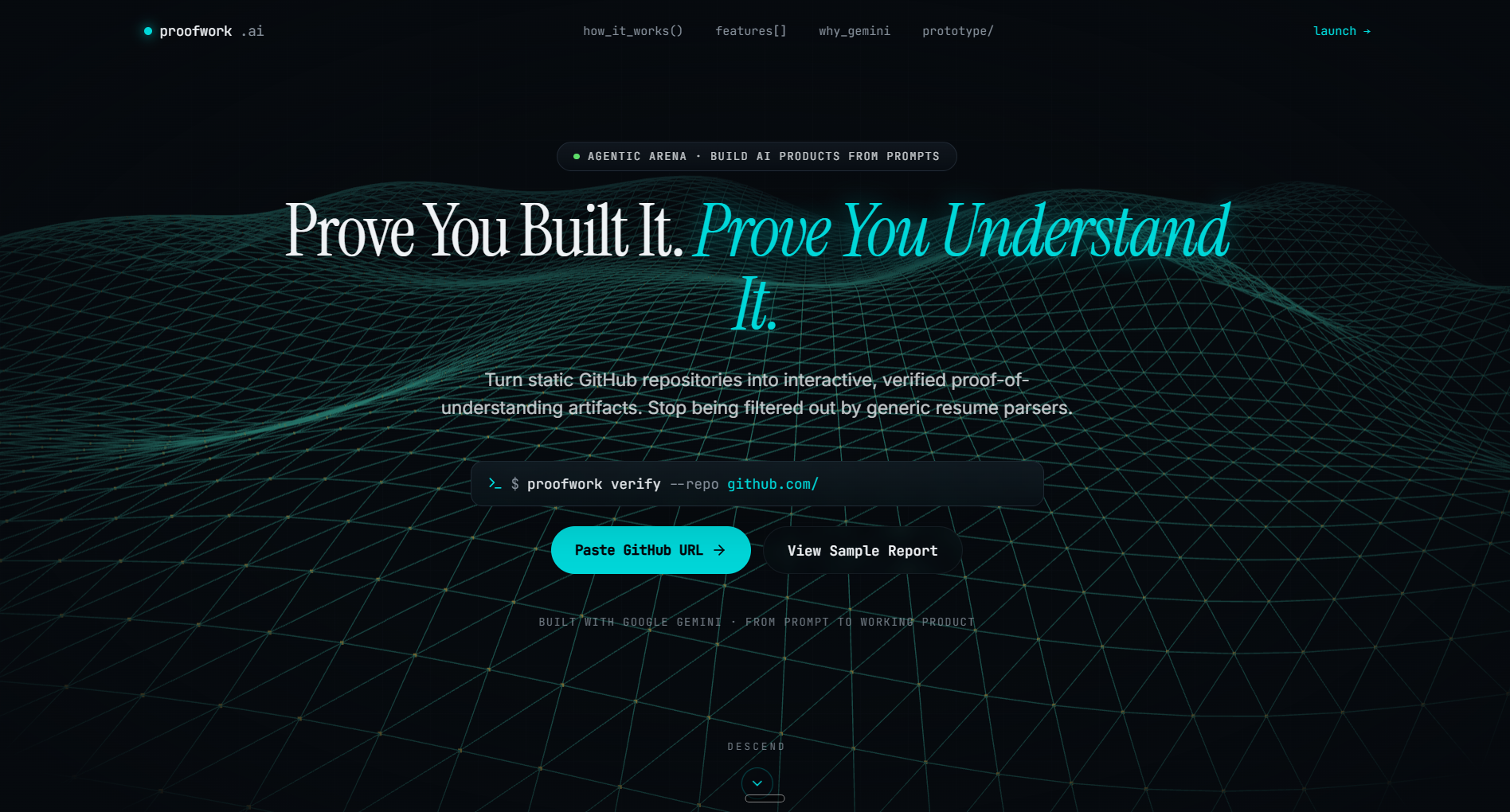
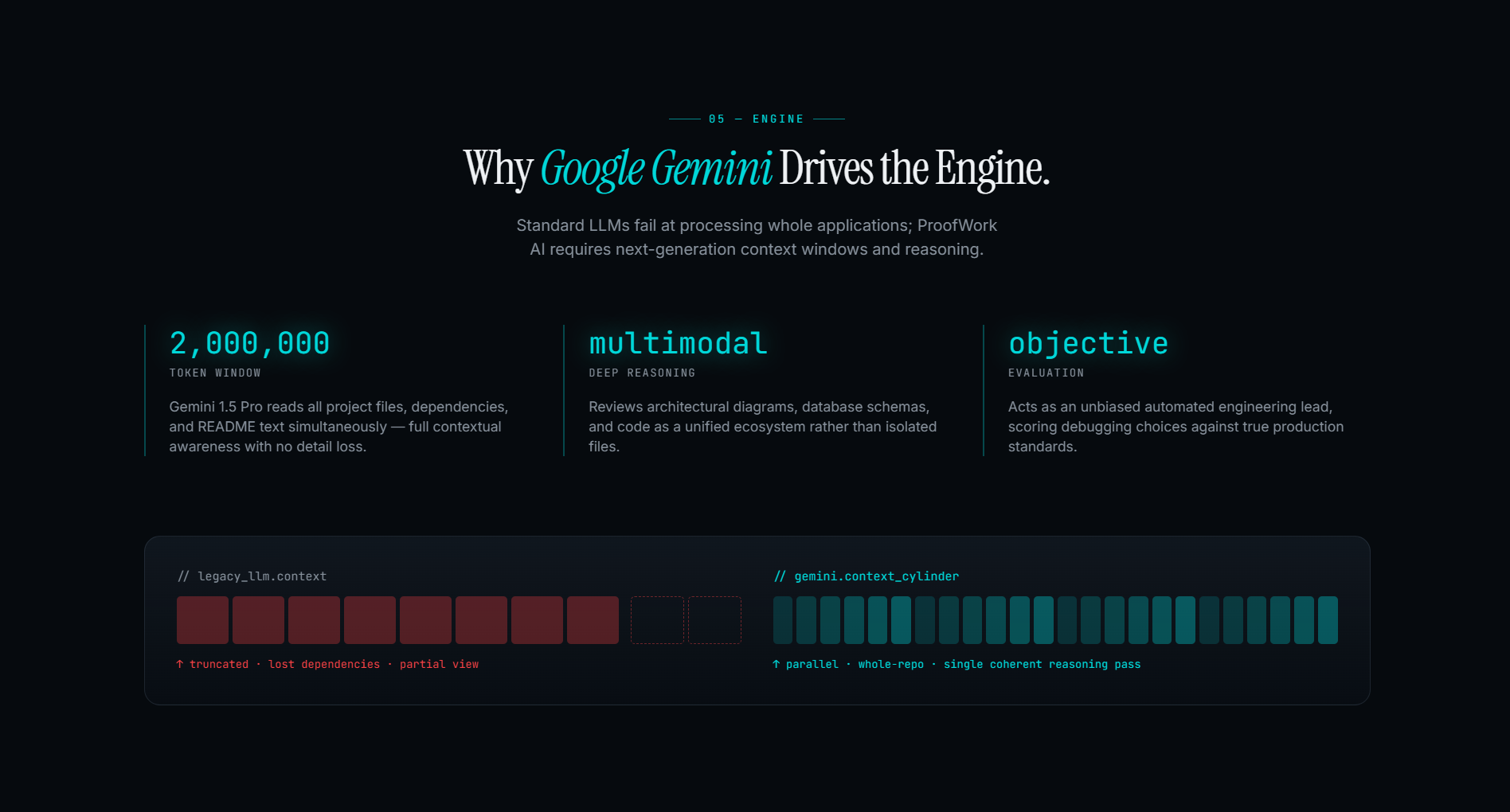
it is the main page view of the website like landing page
-
-
Inspiration
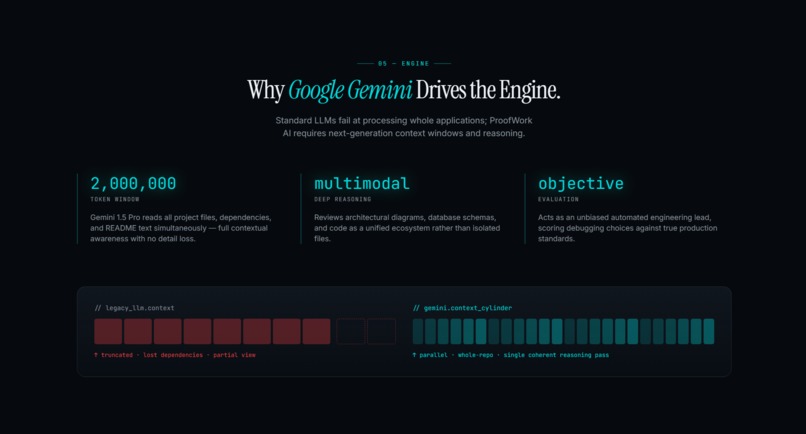
I wanted a simple but real way to show how powerful Google Gemini is when it is embedded inside a normal web app. Instead of just showing prompts in a console, I wanted a proof‑of‑work where anyone can open a URL, type something, and immediately feel how Gemini turns plain text into useful, context‑aware output. This mini project is my way of learning how to move from “playing with an AI model” to actually integrating it into a product.
What it does
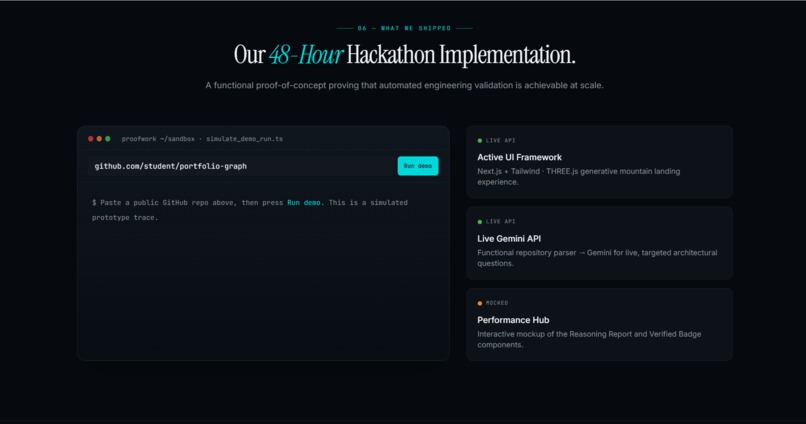
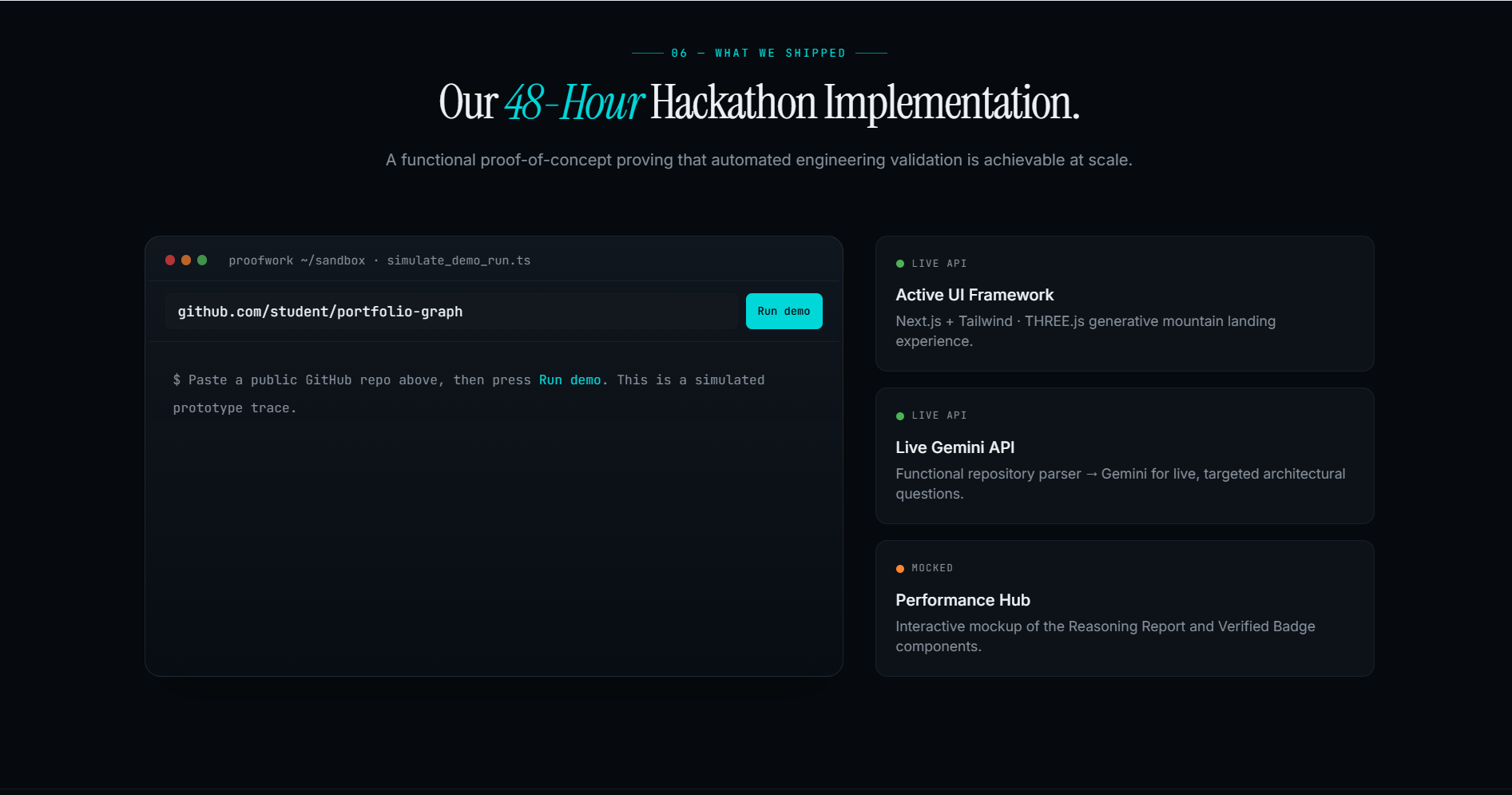
The app is a Gemini‑powered assistant built on Lovable. Users enter a prompt and the app sends it to Gemini, then returns a clean, formatted response. The core idea is to demonstrate how quickly you can turn Gemini into a working feature inside a web application, with a simple UI and minimal backend code.
How I built it
I used Lovable to scaffold the React/Next.js front‑end and basic routing.
I created a small API layer that calls the Gemini API using my key from Google AI Studio.
The app sends the user’s text prompt to Gemini and displays the response in a friendly UI.
I iterated on the system prompt to make responses more concise, clear, and helpful for typical use cases.
What I learned
How to connect a front‑end UI to the Gemini API and manage auth keys securely.
How small changes in prompts can strongly change Gemini’s behavior and tone.
How to use Lovable effectively to ship a working proof‑of‑work quickly instead of coding everything from scratch.
Challenges
Getting the API integration right inside the Lovable‑generated codebase.
Handling errors and timeouts from the AI calls so the UI doesn’t break.
Designing a prompt that works well for many different user requests, not just one narrow example.
Next steps
In the future, I want to extend this proof‑of‑work into a more focused tool (for example, a study helper or code review assistant) and add features like conversation history, user accounts, and role‑based prompts to make it feel more like a complete product.
Built With
- and
- gemini
- geminiapi
- lovable

Log in or sign up for Devpost to join the conversation.