-
-
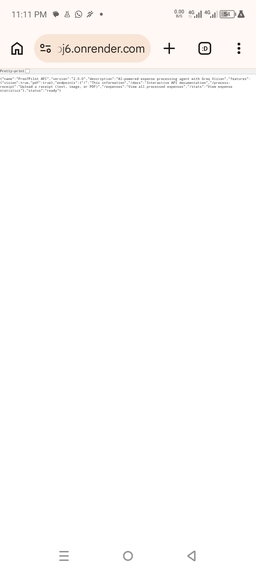
Render Health on Browser
-
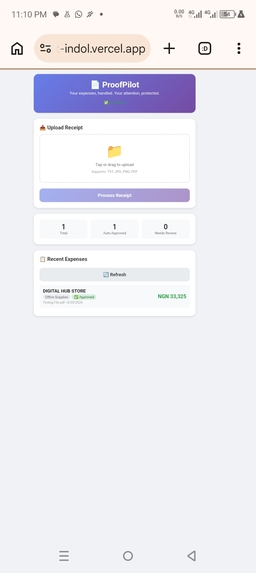
Vercel Dashboard
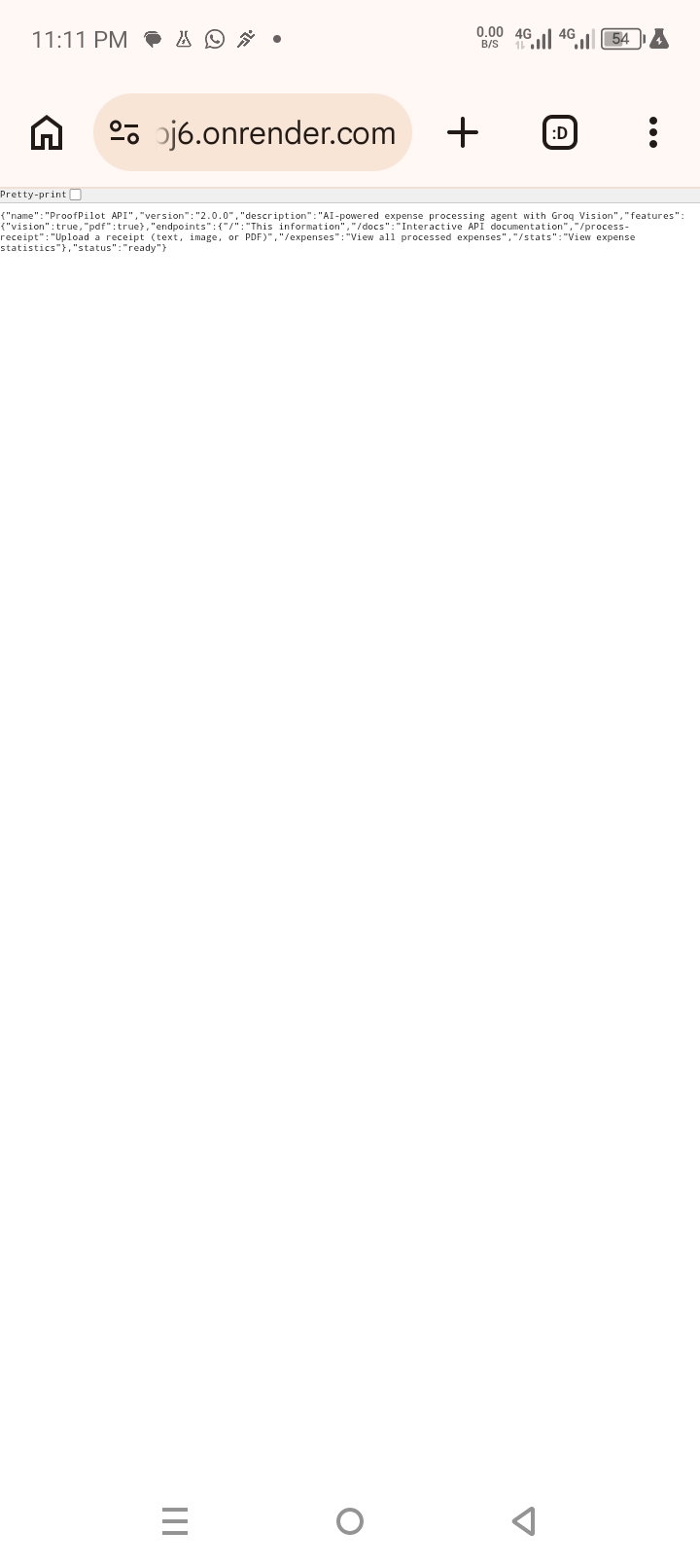
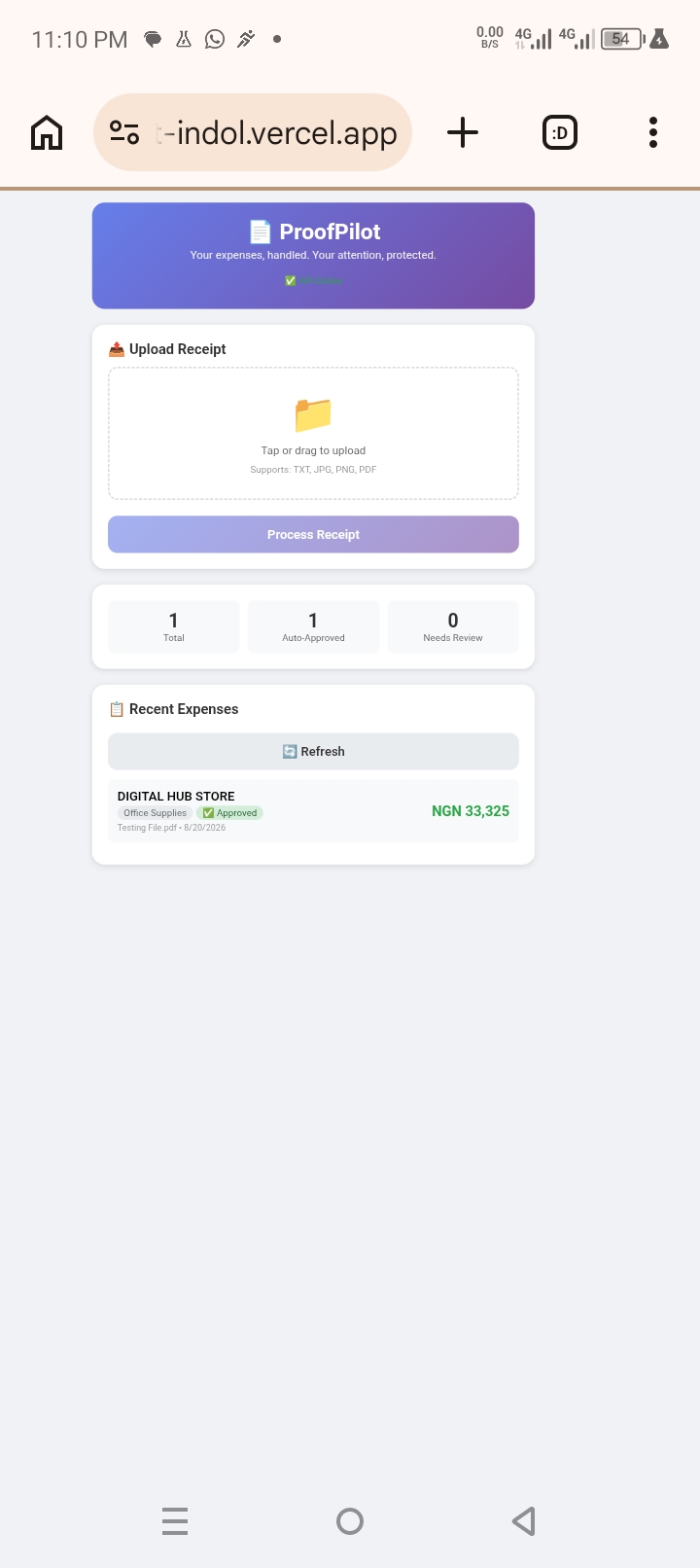
Inspiration
Every day, freelancers, small-business owners, and NGO staff lose hours to a mundane, repetitive task: manually entering receipts into spreadsheets. It's mind-numbing work that's also error-prone. The inspiration for ProofPilot came from watching someone spend 45 minutes every Friday typing receipt details from WhatsApp, email, and crumpled paper into an Excel sheet. This is a perfect job for an AI agent—it requires judgment, pattern recognition, and consistency, but doesn't need human creativity. ProofPilot automates this busywork so people can focus on the work that actually matters.
What it does
ProofPilot is an AI agent that processes receipts and expense evidence autonomously. You upload a receipt as a text file, image, or PDF, and the agent handles the rest:
- Extracts vendor, total amount, currency, and category
- Validates the extracted data for consistency
- Checks for duplicates to prevent double entries
- Decides automatically: if confidence is >80%, it auto-approves; if not, it flags the expense for human review
- Stores all expenses in a searchable database
- Provides real-time statistics and a clear dashboard The agent runs in the background and only surfaces when a human decision is actually needed. For the user, it's as simple as: upload a receipt → get a result. The agent handles everything else.
How we built it
Tech Stack:
- Agent Framework: Strands Agents SDK (Python) for building the core agent loop and tool-based decision making
- AI Models:Groq API with
openai/gpt-oss-120bfor text processing andqwen/qwen3.6-27b(vision) for images - Backend:FastAPI (Python) for the REST API endpoints
- Frontend: HTML, CSS, and vanilla JavaScript for a mobile-friendly web interface
- Database:SQLite for lightweight, file-based storage
- Deployment:Render (backend) and Vercel (frontend) Architecture Flow:
Architecture Flow: User Upload → FastAPI API → Strands Agent ↓ ┌────────────┼────────────┐ ↓ ↓ ↓ Extract Validate Duplicate Check ↓ ↓ ↓ └────────────┼────────────┘ ↓ Decision Engine ↓ ┌────────────┴────────────┐ ↓ ↓ Auto-Approved Needs Review ↓ ↓ SQLite Human Decision ↓ ↓ Dashboard SQLite
Key Implementation Details:
- The Strands Agent uses
pdfplumberto extract text from PDFs and Groq Vision to read text directly from images. - For images, the agent sends the base64-encoded image directly to Groq's
qwen/qwen3.6-27bvision model, which returns structured JSON. - The agent's confidence threshold is set to 80%—any expense above that is auto-approved, anything below triggers a human review.
- The frontend automatically detects whether it's running locally (
http://127.0.0.1:8000) or in production (https://proofpilot-bpj6.onrender.com), making testing and deployment seamless.
Challenges we ran into
- OCR on Render:Initially tried to use Tesseract for OCR, but Render's free tier didn't support installing system packages. Switched to Groq Vision, which processes images directly—no OCR library needed.
2.Groq Vision JSON Parsing:The
qwen/qwen3.6-27bmodel wraps its responses in<think>tags. Had to write a parser that strips these tags and extracts the JSON. - Memory Limits:The free Render instance has only 512MB RAM. Had to avoid heavy libraries like EasyOCR and OpenCV, and use lightweight alternatives.
- API Key Management:Accidentally exposed my Groq API key in a commit. Had to revoke it, create a new one, and use GitHub's secret scanning to prevent future leaks.
- Environment Variables on Render:The key wasn't being read correctly at first due to a typo in the variable name. Fixed by using
os.getenv("GROQ_API_KEY")and double-checking the Render Environment tab. - Building on Android:The entire project was built and deployed using only an Android phone with Termux, AIDE, and GitHub—no laptop or desktop IDE. This required extra care in managing dependencies and file paths.
Accomplishments that we're proud of
- End-to-end agent: Built a complete AI agent that processes receipts autonomously—not a mock or prototype.
- Multi-format support:The agent handles text, images, and PDFs in a single unified workflow. 3.Auto-approval logic: The agent makes real decisions based on confidence scores, only asking for human input when necessary.
- Live demo: Deployed and working at
https://proofpilot-indol.vercel.app—judges can test it right now. - Built on Android: Developed, tested, and deployed the entire project using only an Android phone and Termux.
- Strands SDK integration: Leveraged the Strands Agents SDK to build a production-ready agent with tools, validation, and decision-making.
What we learned
- Groq Vision is powerful: It can read text directly from images without needing separate OCR libraries, making it ideal for lightweight cloud deployments.
- Model choice matters:
openai/gpt-oss-120bis fast and accurate for structured text extraction, whileqwen/qwen3.6-27bhandles vision tasks well. 3.Environment variables are critical:Always test the API key in a local shell before deploying to cloud services. - Keep it lightweight: The free tier of Render has only 512MB RAM. Avoid heavy libraries like EasyOCR and OpenCV.
- Strands Agents SDK is flexible: It supports multiple model providers (including Groq), streaming, and tool-based workflows—all without locking you into a specific cloud vendor.
- Android is a viable development platform:With Termux, you can build, run, and deploy production-grade Python applications entirely from a phone.
What's next for ProofPilot
- Multi-currency support: Add automatic currency detection and conversion for international receipts.
- Email and WhatsApp integration:Allow users to forward receipts directly to a dedicated email address or WhatsApp number.
- Receipt splitting: Enable users to split a single receipt across multiple expense categories (e.g., a supermarket receipt that includes both office supplies and personal items). 4.Mobile app:Build a dedicated Android app using React Native or Flutter for a smoother mobile experience.
- Reports and exports:Generate monthly expense reports in PDF or CSV format for accounting purposes.
- Bank integration:Connect with bank APIs to automatically match receipts with bank statements.
- Strands Agent improvements:Add more sophisticated tools to the agent, such as an email tool to send approval requests, a Slack tool for notifications, and a calendar tool to track recurring expenses.

Log in or sign up for Devpost to join the conversation.