-
-
-
-
Landing Hero
-
-
Inspiration
In early 2024, a finance employee at the Hong Kong office of Arup, the British engineering firm behind the Sydney Opera House, received an email from the "UK office" asking for a secret transaction. He suspected it was phishing. Then he was invited to a video call with the company's chief financial officer and several colleagues. They looked and sounded exactly like the people he knew, so he set his doubts aside and made 15 transfers totalling HK$200 million, about US$25.6 million.
Every other person on that call was a deepfake.
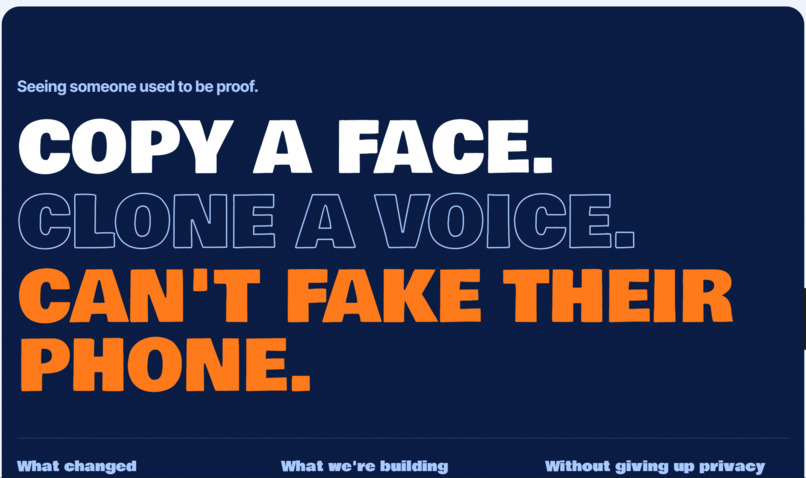
What struck us is that he did the "right" thing: he was suspicious, and he checked by looking at the people asking. For most of history, seeing someone's face and hearing their voice was proof. That stopped being true almost overnight, and voice clones and live deepfake video keep getting cheaper and more convincing.
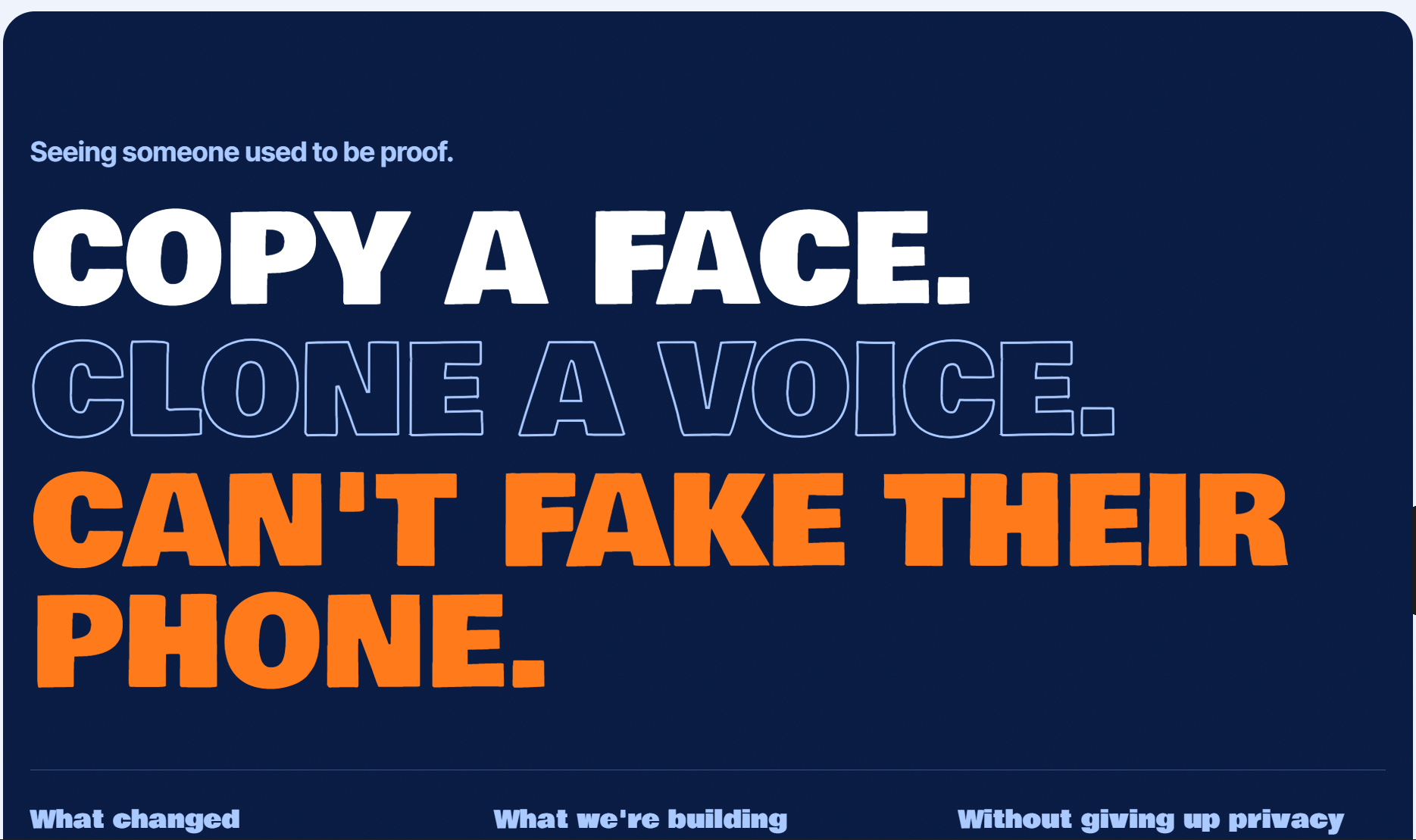
Every trust signal we rely on online was designed for a world where faking a person was hard. We wanted to design what replaces them, and to do it without asking people to hand their ID to every app they use. Our demo retells this story with fictional people, and shows the moment PROOFLINE would have stopped it.
What it does
PROOFLINE is a verify-once, prove-anywhere trust layer. You verify once on your own phone, and from then on any app, call or payment can ask PROOFLINE a simple question and get a plain-language answer.
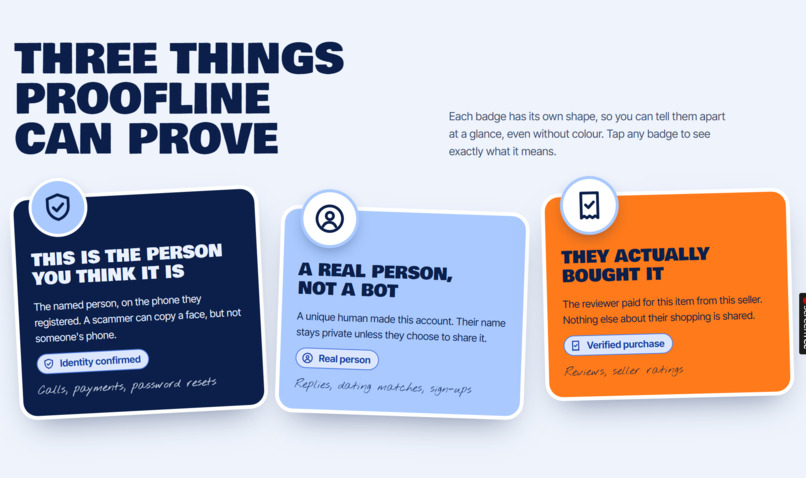
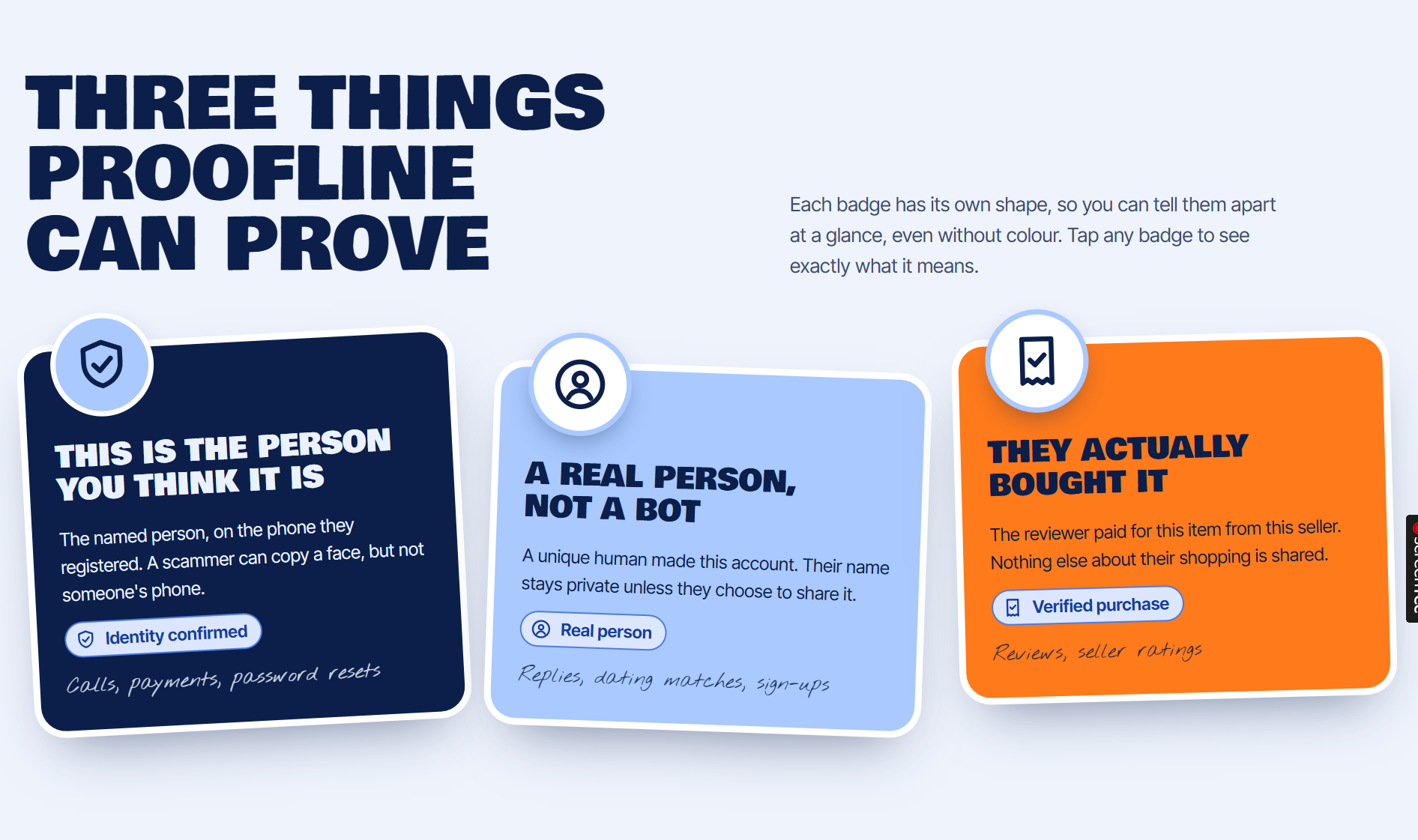
It proves three different things, each with its own badge, shape and wording, so you can tell them apart at a glance, even without colour:
- Identity confirmed: this is the named person, on the phone they registered. A deepfake can copy a face, but it can't copy someone's phone.
- Real person: a unique human made this account, not a bot. Their name stays private.
- Verified purchase: the reviewer actually bought the item.
Keeping the first two separate is the core idea. Deepfake scammers are real people, so a badge that only says "not a bot" would stay green while they talk to you.
The demo follows Amara, a finance officer at a Nairobi logistics firm, in five steps:
- She verifies once on her phone.
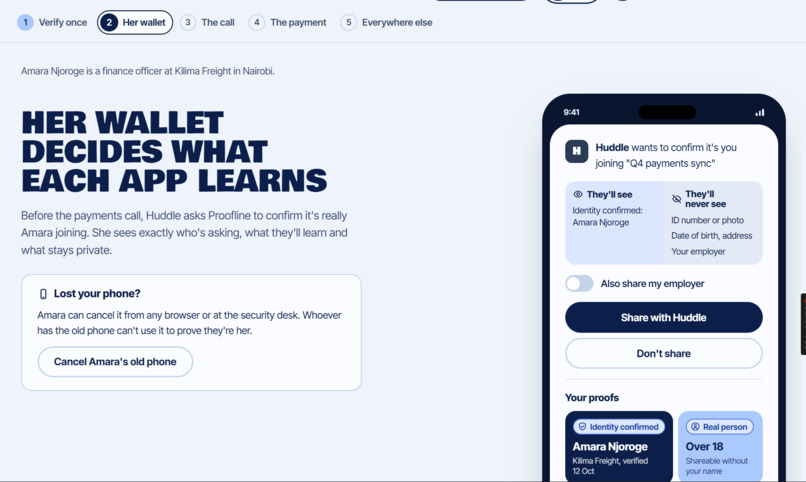
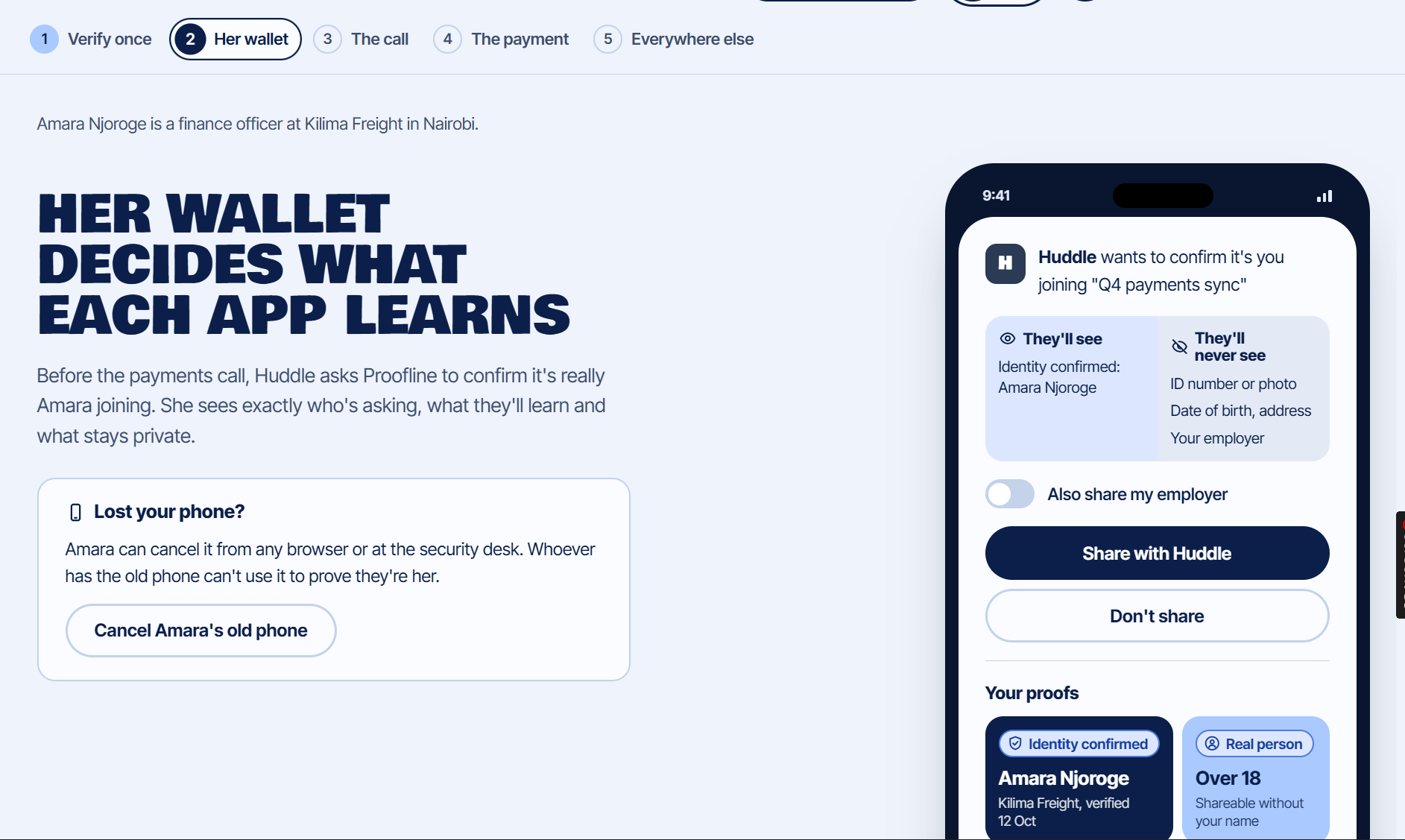
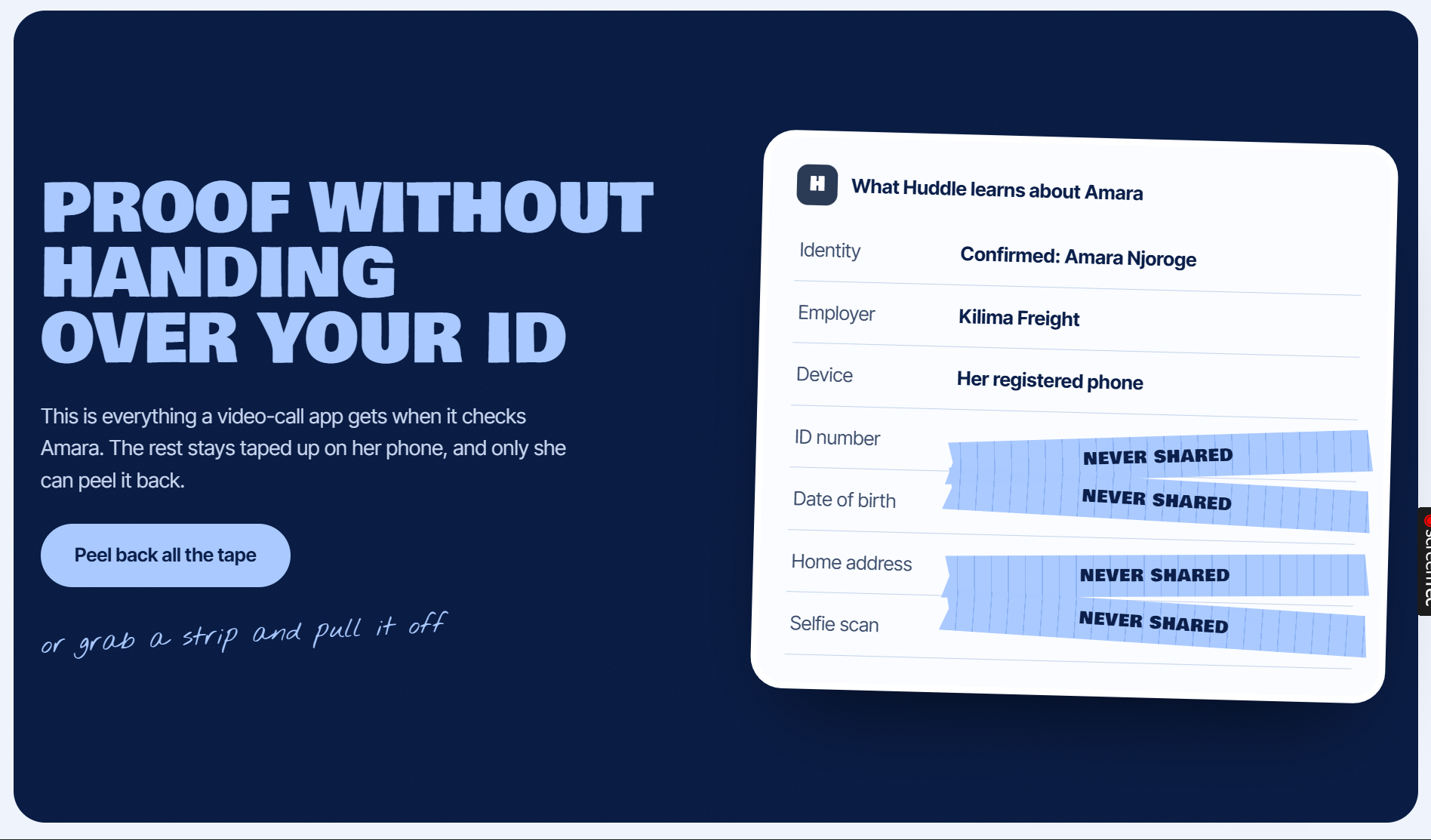
- A video-call app asks to confirm it's her. She sees what it will learn and what it will never see before she agrees.
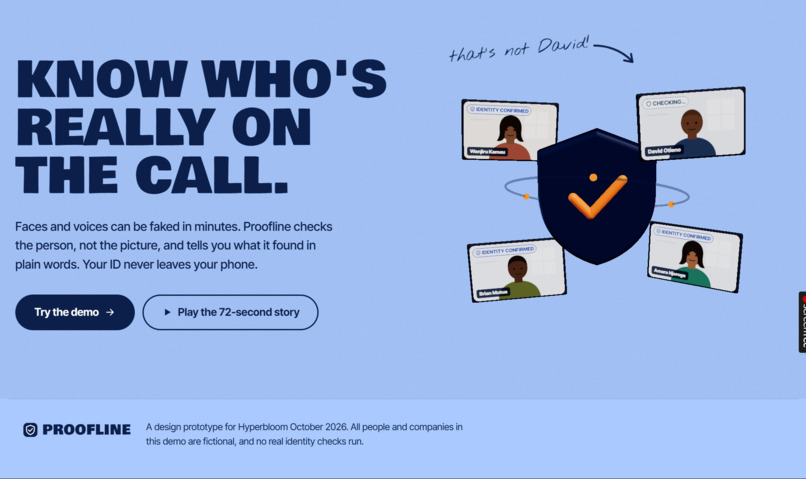
- On a payments call, her colleagues show "Identity confirmed". The "CFO" looks and sounds right, but shows "Can't confirm identity", because the call isn't coming from his registered phone.
- She's pushed to approve an urgent payment. PROOFLINE asks the real CFO on his own phone. He taps "No, I didn't ask for this", and no money moves.
- The same badges work everywhere else: bot-free replies, real dating matches, honest reviews.
It also handles the cases that matter in real life: asking a colleague to confirm from inside the call, a payment that stays on hold if nobody answers, cancelling a payment, cancelling a lost phone, and an in-person path for people without an ID to hand.
How we built it
PROOFLINE is a clickable front-end prototype built with React, TypeScript and Vite. All identity checks are scripted, and every person and company in the demo is fictional.
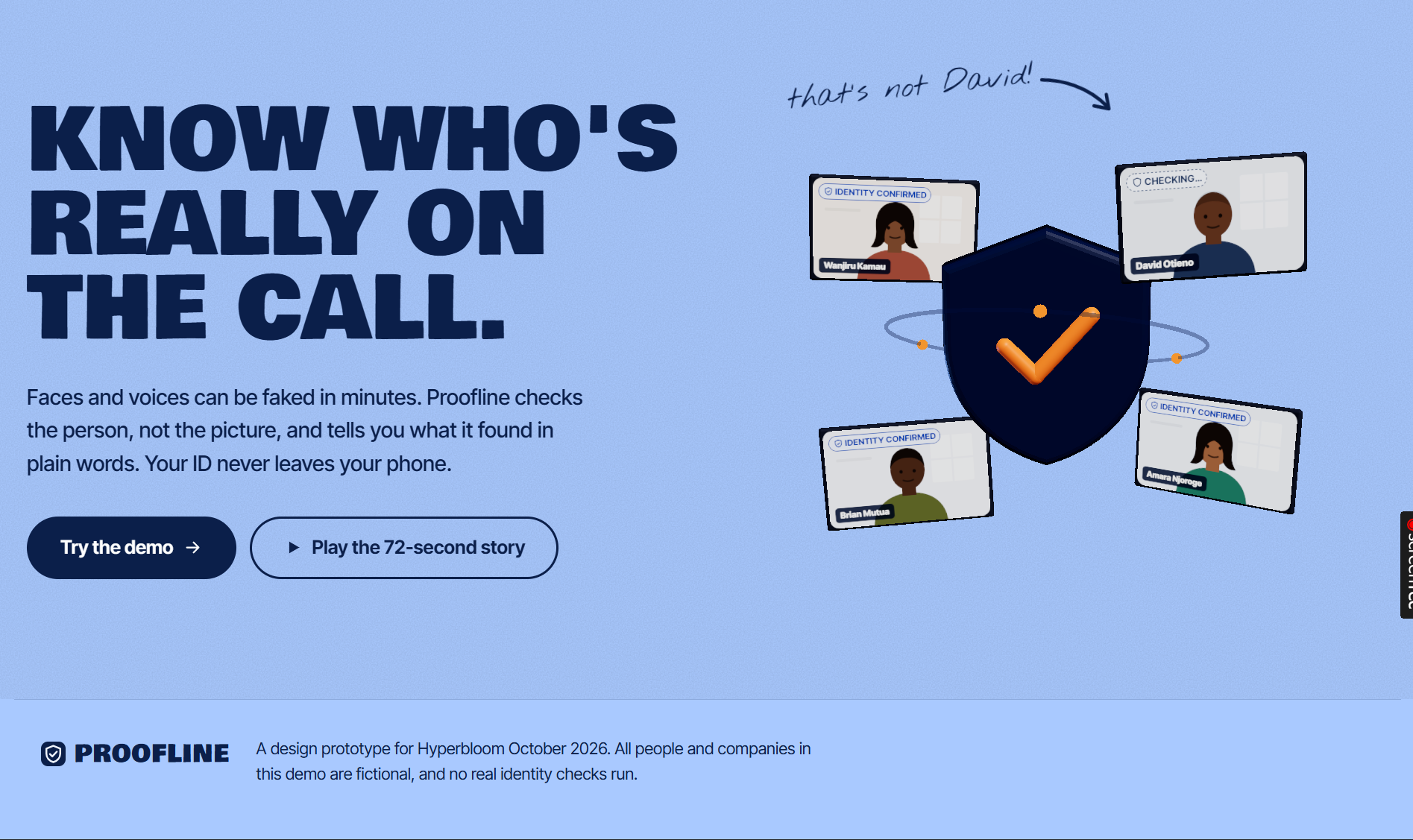
- 3D hero in three.js: a shield surrounded by floating call tiles. One tile flips to a warning, the only thing that moves on its own, so the motion tells the story. It follows your cursor and drops to a lighter mode on phones.
- GSAP for the intro and scroll-driven reveals.
- Type: Bowlby One for headlines, Inter Tight for text, and a handwritten face for notes.
- Palette: navy, sky blue and cobalt, with orange reserved for warnings. Every text and background pair passes WCAG AA contrast.
- Play the story: a 72-second guided tour that runs the whole demo on its own, with captions, pause and skip. It presses the real buttons, so judges see the actual interface rather than a video.
- Designer's notes: switch them on to see numbered pins explaining the UX decision behind each screen.
- Display settings (bigger text, high contrast, motion off) and an English / Kiswahili toggle on the key screens.
- We used AI-assisted tools during development, as the rules allow.
Challenges we ran into
- Making trust readable in two seconds. People under pressure don't read scores like "62% match". Every badge had to say what it proves in plain words, with a shape that carries the meaning on its own.
- A security hole in our own design. We first let verified colleagues vouch for people without ID. Then we realised one fake account that slipped through could vouch for the next, so we cut it and replaced it with a face-to-face ID check.
- Small screens. We tested every screen and state end to end at eight sizes, from 320px phones to 1440px laptops. That first pass found header overlaps, sideways scrolling and a payment confirmation hidden below the fold. We fixed all of them, so no screen scrolls sideways or cuts off text at any size.
- 3D without the wait. The 3D scene is heavy, so the page shows a still image instantly and fades the live scene in once it's ready. The demo pages never download it at all.
Accomplishments that we're proud of
- A complete story with no dead ends: every button does something, including the uncomfortable paths where nobody answers or a phone is lost.
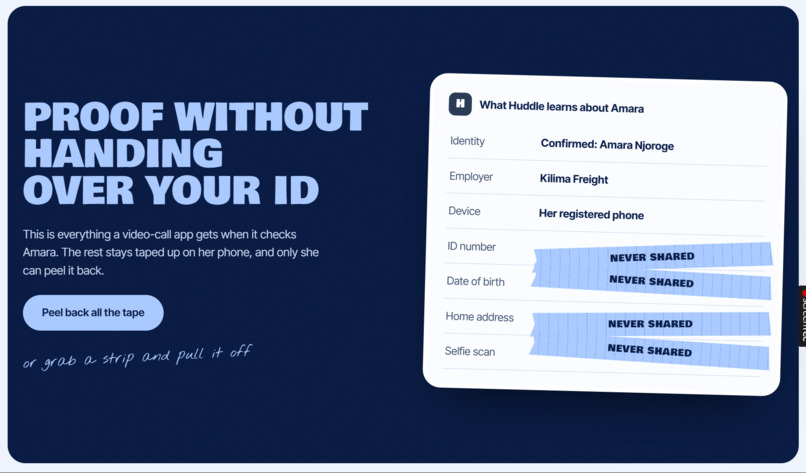
- Privacy you can see: the "what they'll see / what they'll never see" split on every request, and a tape-peel interaction that makes "never shared" tangible.
- Accessibility built in from the start: keyboard navigation, screen-reader labels on every badge, reduced-motion support, and status that never relies on colour alone.
- A guided tour that lets a judge experience the whole product in about a minute.
What we learned
- "Is this a real person?" and "Is this the right person?" are different questions, and mixing them up is exactly the gap deepfakes exploit.
- The safest default is the one that takes no effort: sharing extra details is off unless you switch it on, and if nobody answers, no money moves.
- Every "easy" recovery or fallback path, like vouching or a quick re-verify, is where attackers will aim, so those paths need the most care.
- Testing as a real user, screen by screen and state by state, finds problems that looking at a design never will.
What's next for PROOFLINE
- Real verification: credentials stored in the phone's secure chip (the same technology behind passkeys), and liveness checks that can detect deepfakes fed in through fake camera feeds.
- Harder abuse cases: detecting rented or sold verified accounts, and requiring Face ID or a PIN for every high-stakes approval to prevent tap-yes fatigue.
- A pilot with a finance team, starting with the narrowest high-value use: approving large payments.
- User research in Kenya and beyond, a full Kiswahili translation reviewed by native speakers, and an inclusive path for people with weak or no ID systems.
- Open standards, so any bank, app or video-call platform can ask PROOFLINE a question without sending anyone's data to us.
Built With
- css3
- fontsource
- github
- gsap
- html5
- javascript
- node.js
- npm
- playwright
- react
- three.js
- typescript
- vercel
- vite
- webgl


Log in or sign up for Devpost to join the conversation.