Inspiration
While writing online, whether drafting an email, texting a colleague, or publishing a blog post, we often wish for a quick second opinion. But usually, that means copying text somewhere else, waiting for results, and then pasting it all back. It is too much effort for a quick check.
Proofectly removes all that friction by letting you improve your writing right where you are, without ever leaving your current tab.
What it does
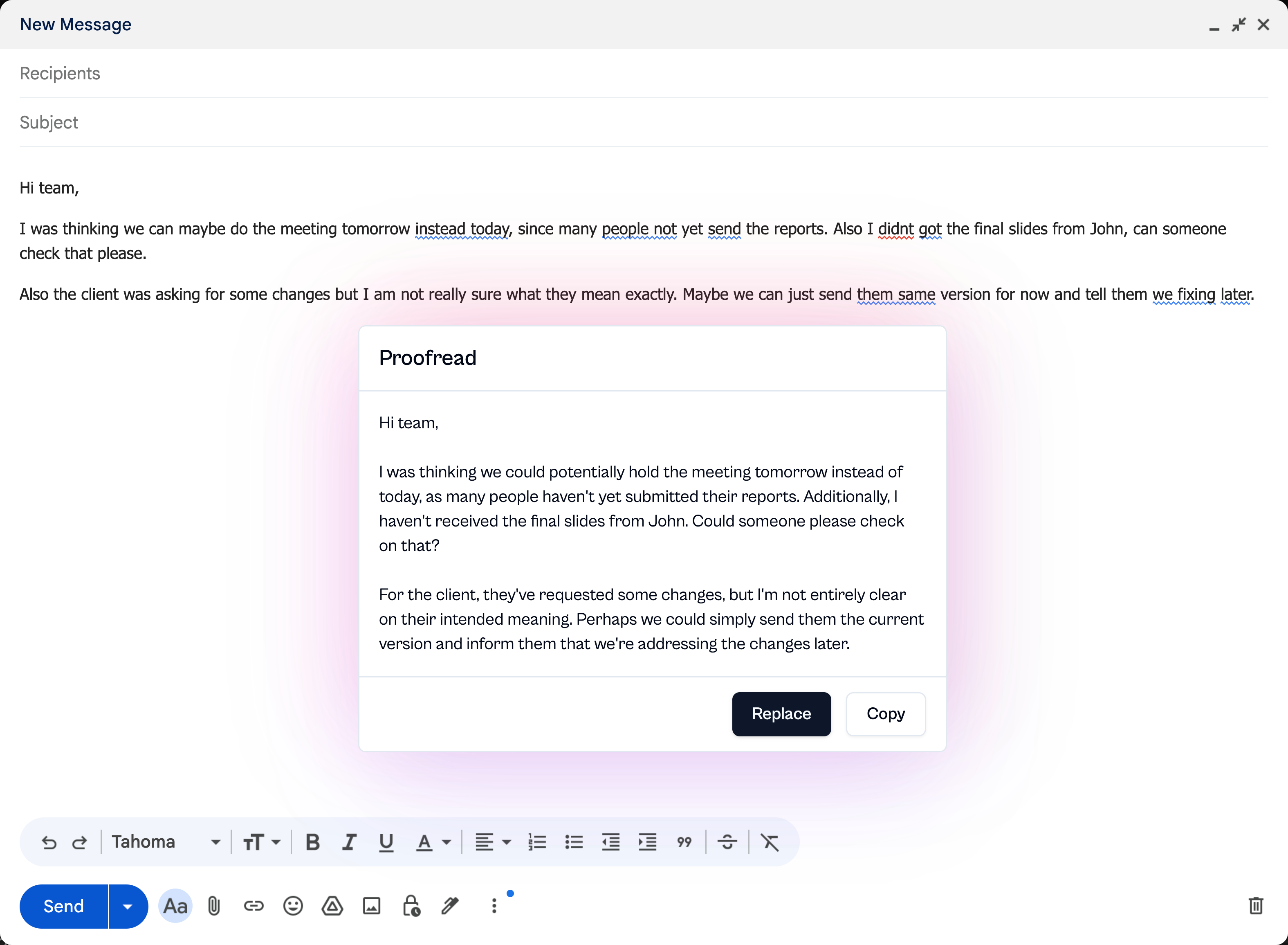
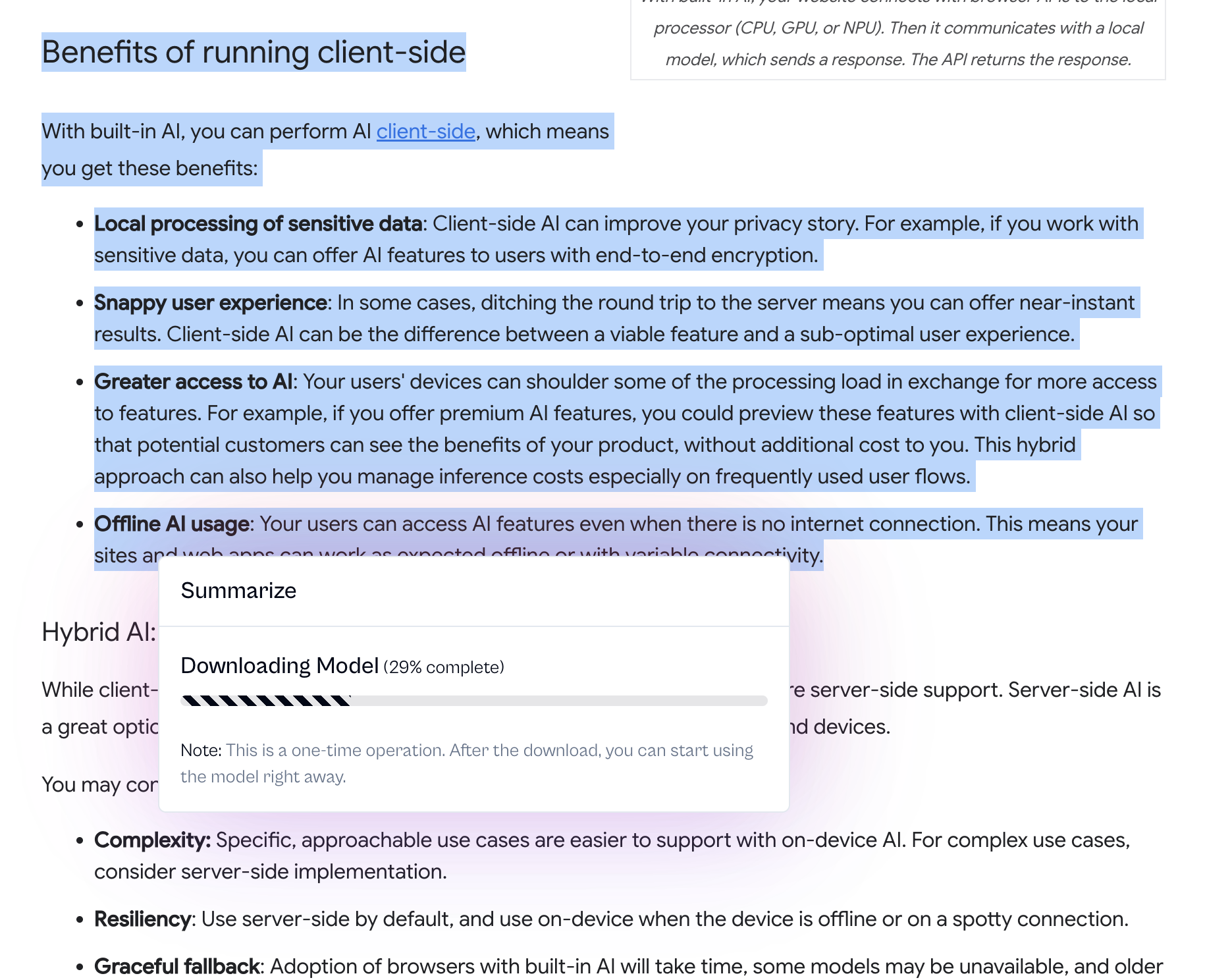
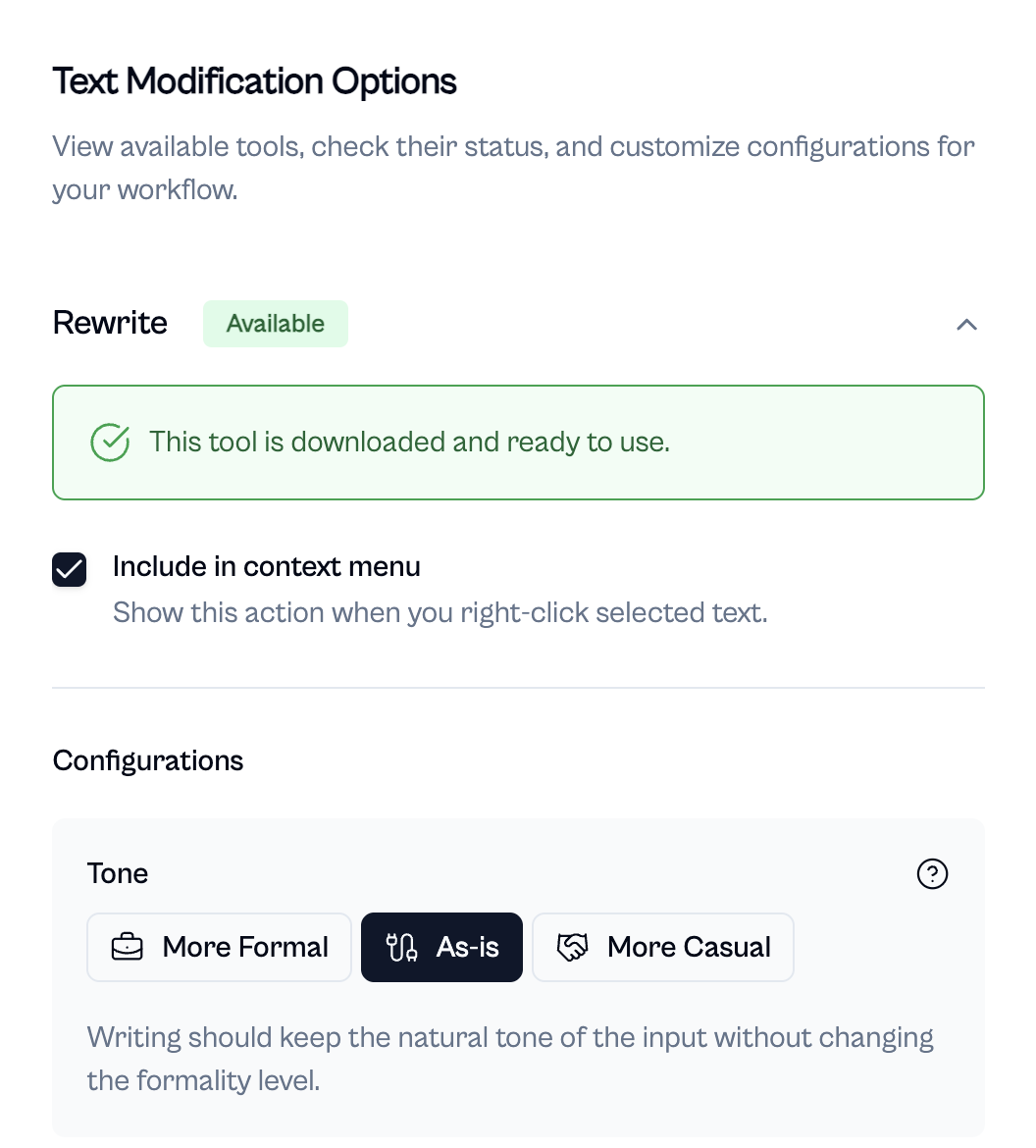
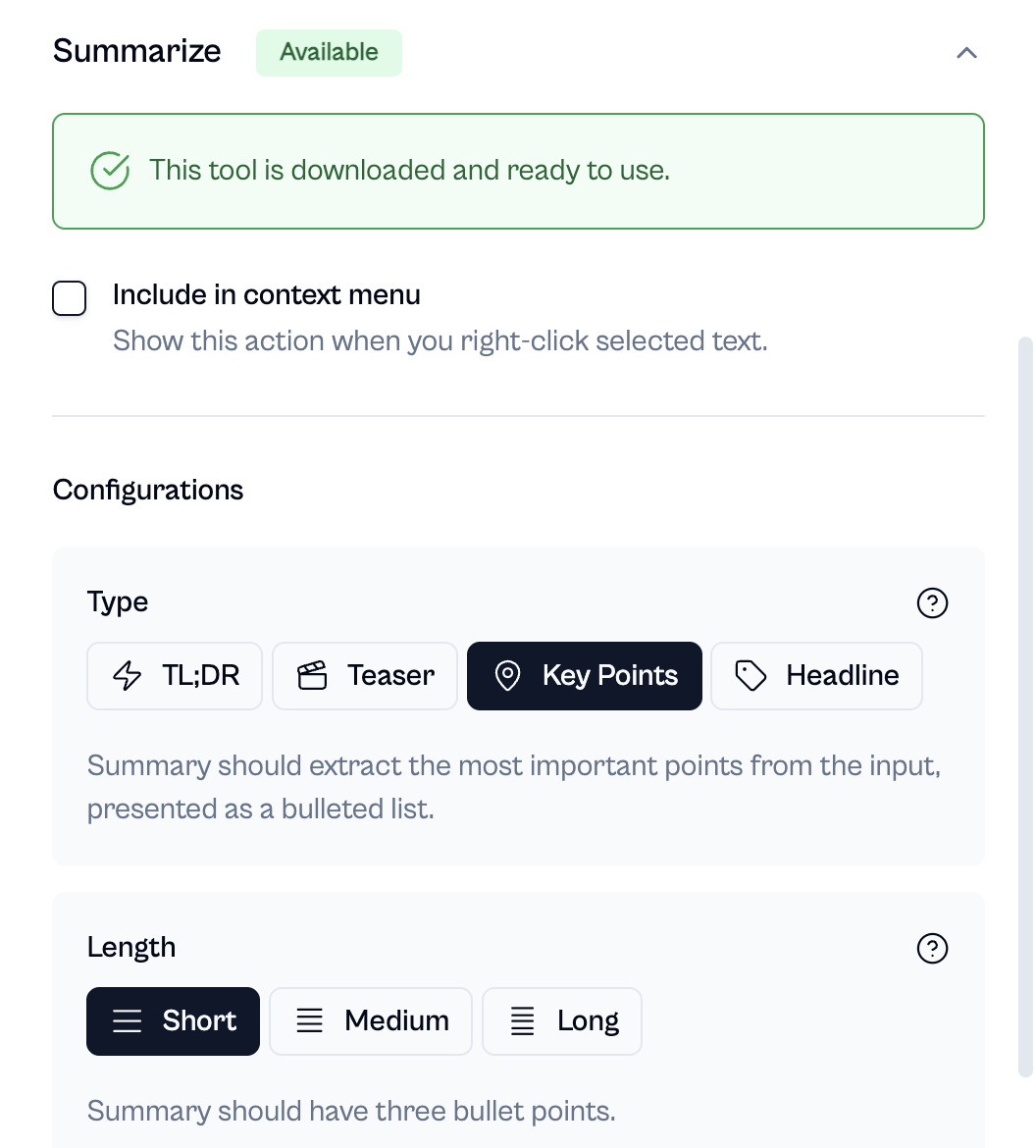
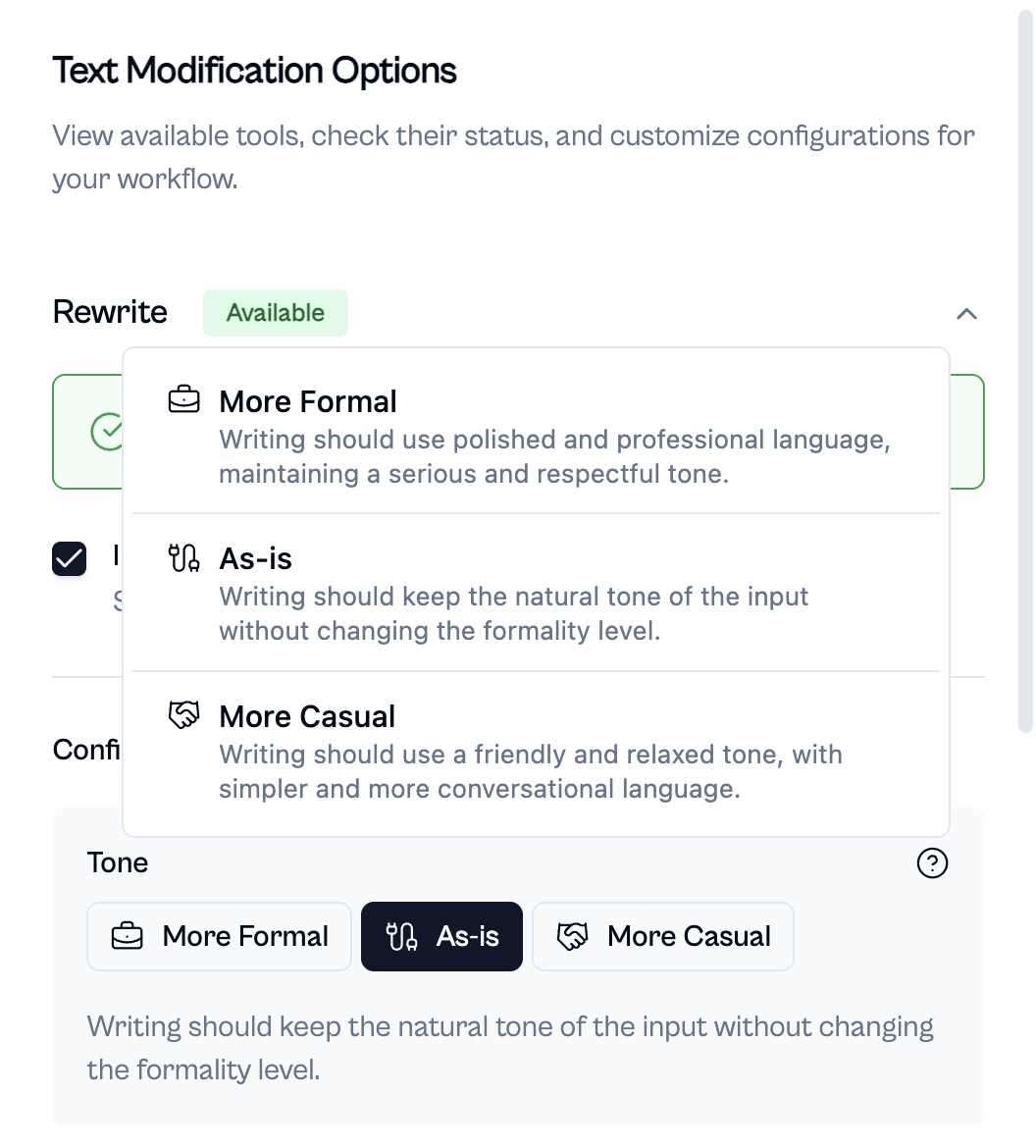
Proofectly lives in your browser’s context menu. You can simply select any text, right-click, and choose from Proofread, Rewrite, or Summarize.
In seconds, Proofectly shows you an AI-enhanced version of your text. With one click, you can replace the original text instantly.
No tab switching, no copy-paste chaos. It all happens seamlessly, in place.
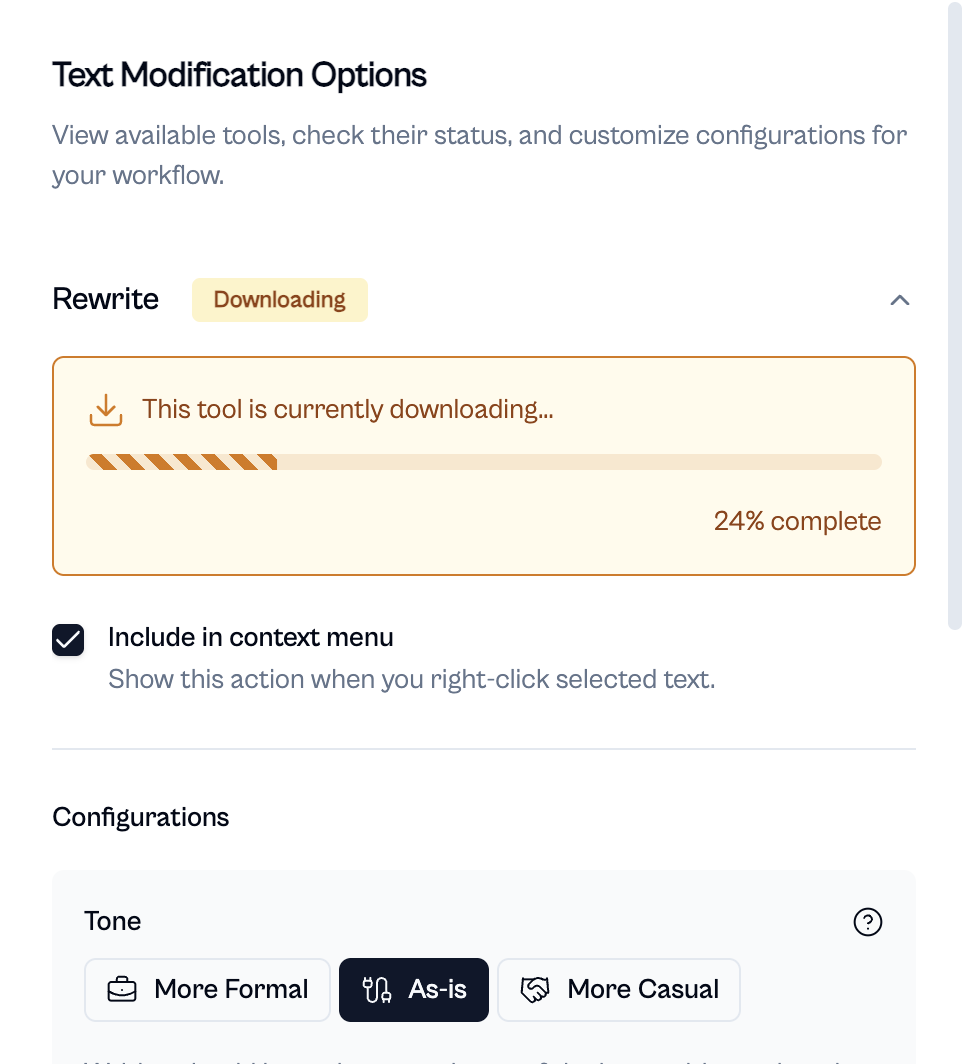
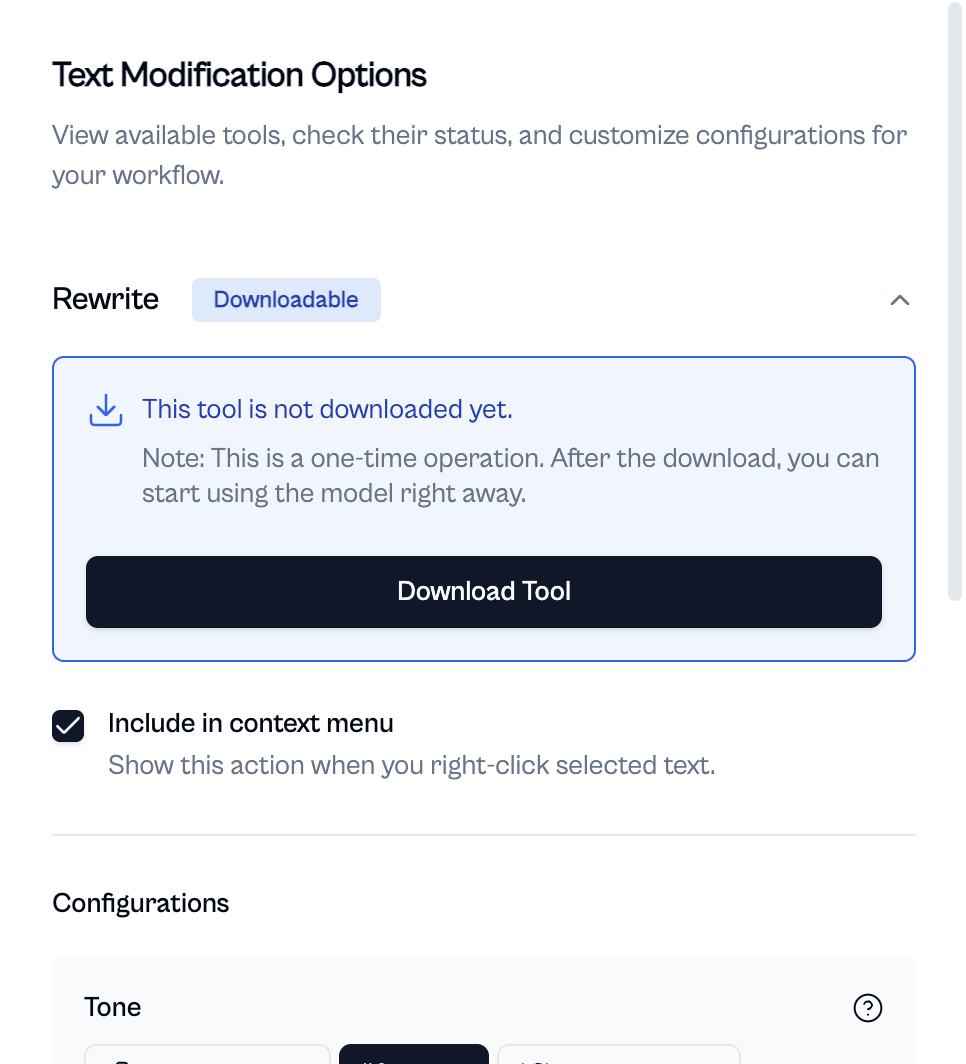
What makes Proofectly special is that it uses Chrome’s built-in AI APIs, which run entirely on your device. Your text never leaves your computer, making it private, secure, and ideal for sensitive writing such as business emails, legal drafts, or personal notes. And it also means there are no subscription charges, no usage caps, just pure AI assistance, right at your fingertips.
How we built it
Proofectly is built using Plasmo, React, TypeScript, Tailwind CSS, and Chrome’s built-in AI APIs.
Challenges we ran into
- Syncing logic between different extension contexts like the service worker, content script, and popup.
- Accurately replacing text across different editable elements such as
textarea,input, andcontenteditable. - Positioning the popover correctly to keep the UI consistent and intuitive.
Accomplishments that we're proud of
We built a tool that we genuinely find ourselves using every day.
What we learned
- How to work effectively with Chrome’s built-in AI APIs.
- The project also sparked several new ideas for tools that can leverage Chrome’s on-device AI ecosystem in creative ways.
What's next for Proofectly
- Ability to add custom tools like "Add emojis", "Make it funny", etc., which internally use the Rewriter API with the provided input as context.
- Show a diff view inside the popover for the Proofreader, so users can see the exact corrections Proofectly made.
- Add an option to view a full-page summary using recursive summarization.
- Enable live proofreading, grammar checks, and suggestions without requiring the user to explicitly invoke the tool.
Built With
- plasmo
- react
- tailwind
- typescript


Log in or sign up for Devpost to join the conversation.