-
-
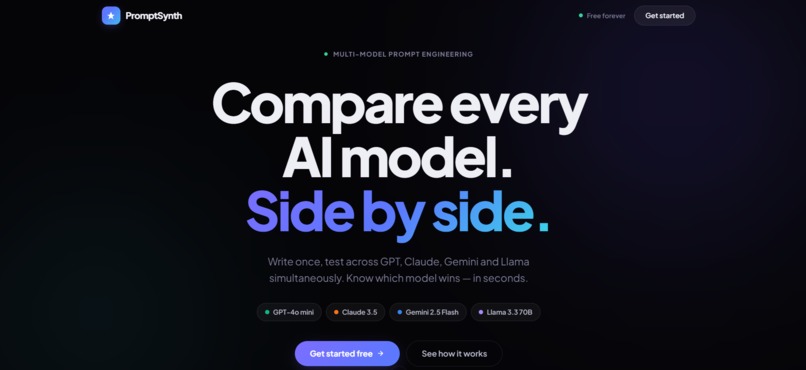
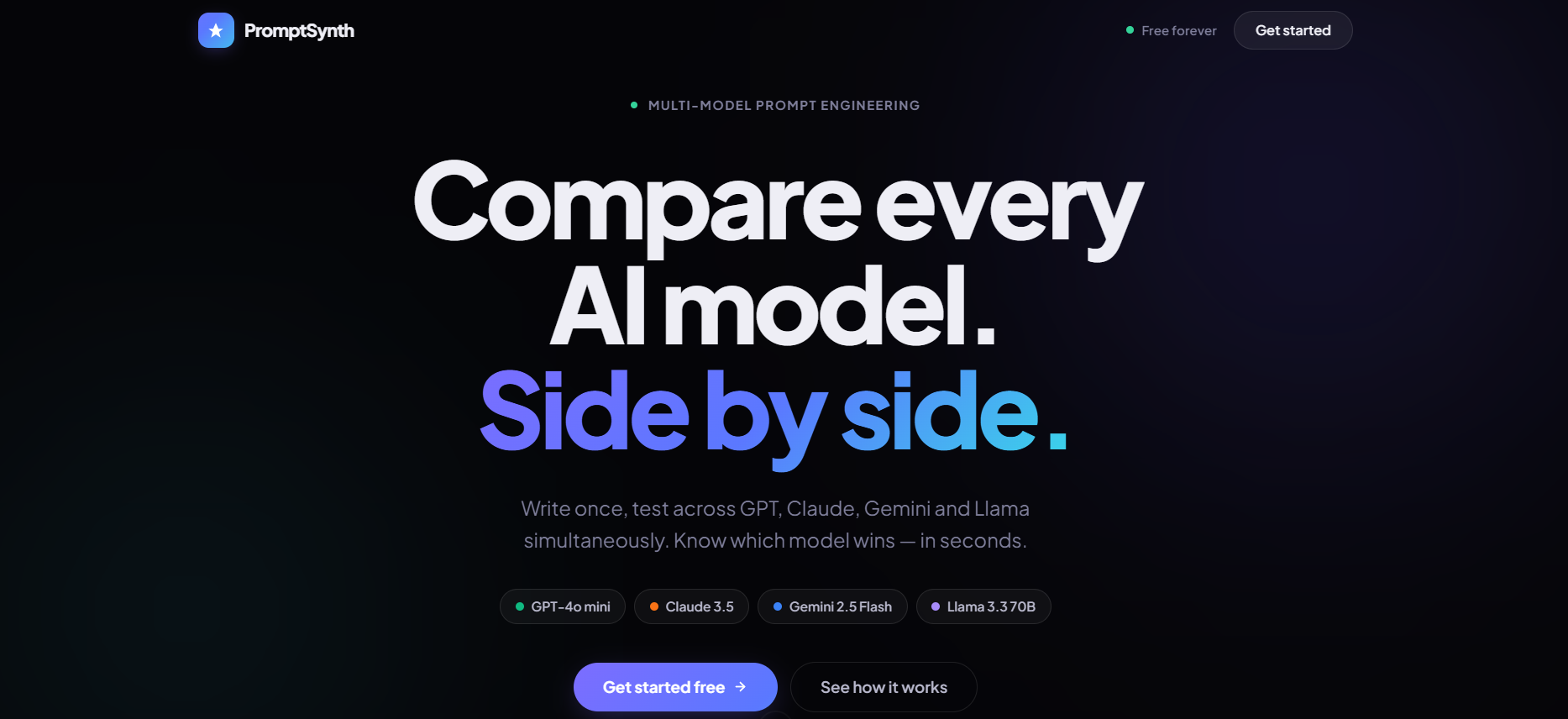
Landing Page
-
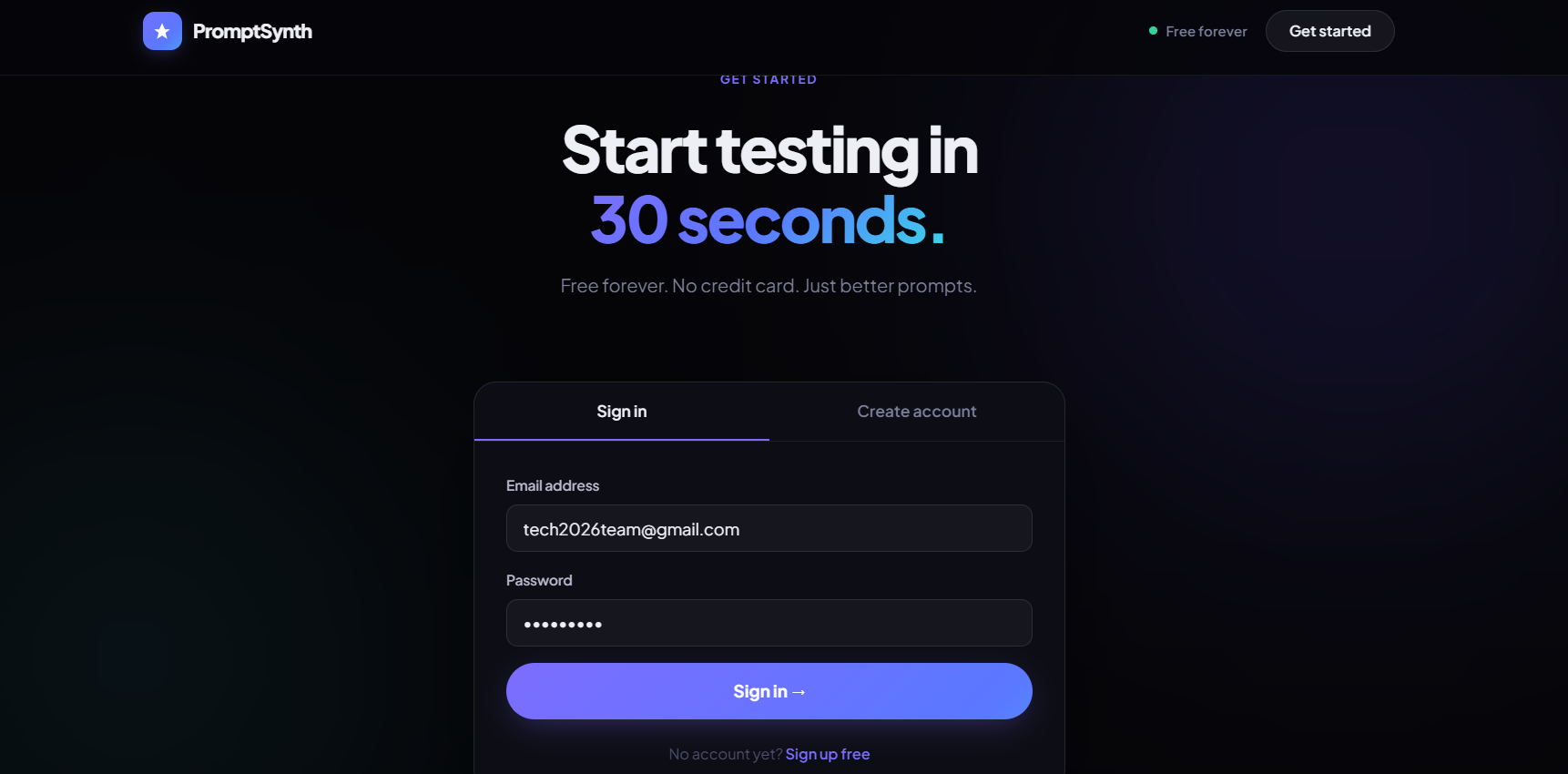
Sign in Page
-
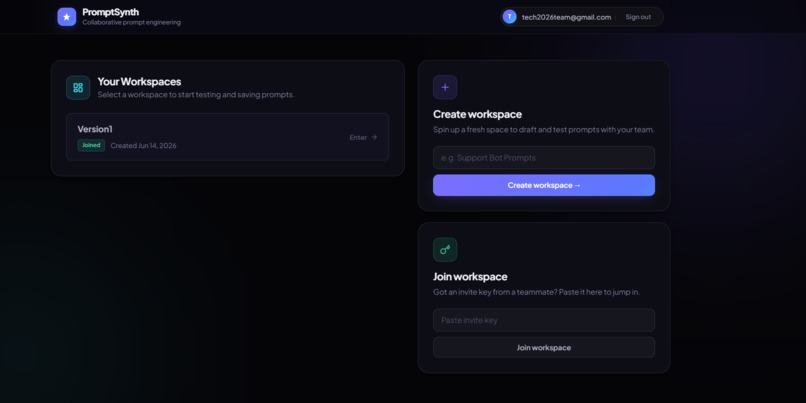
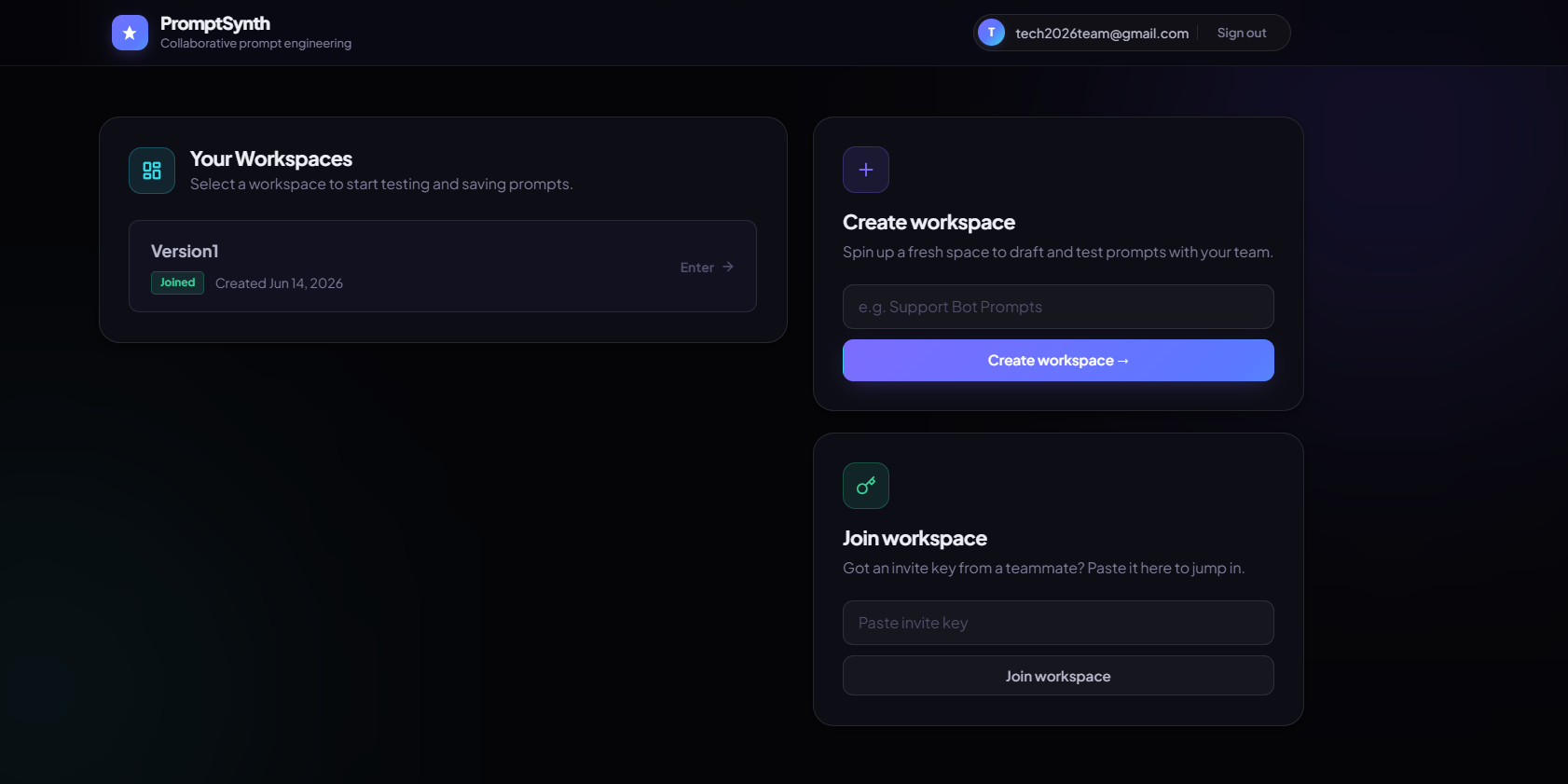
Create a workspace
-
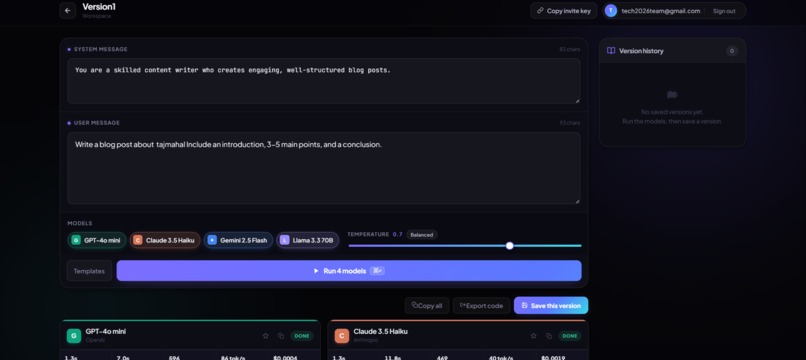
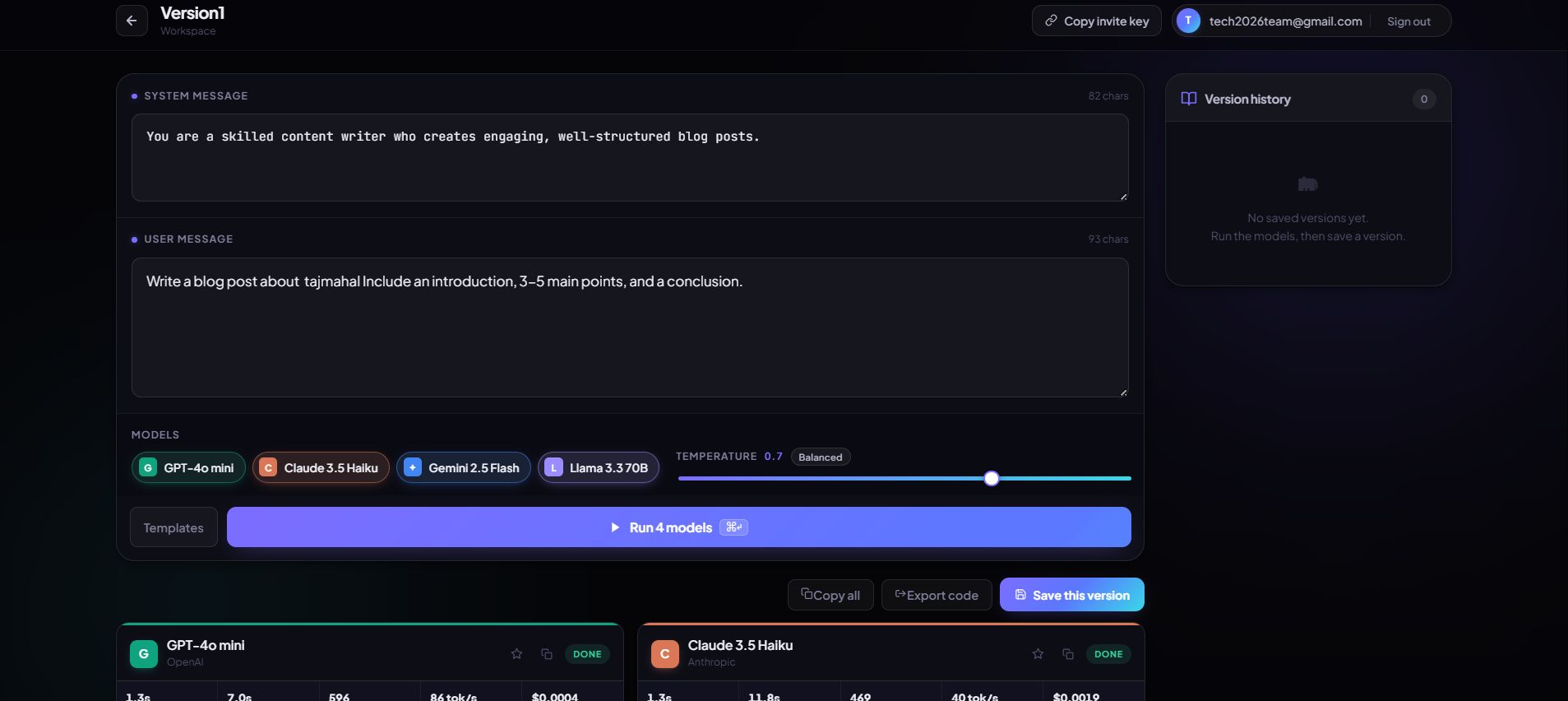
Workspace
-
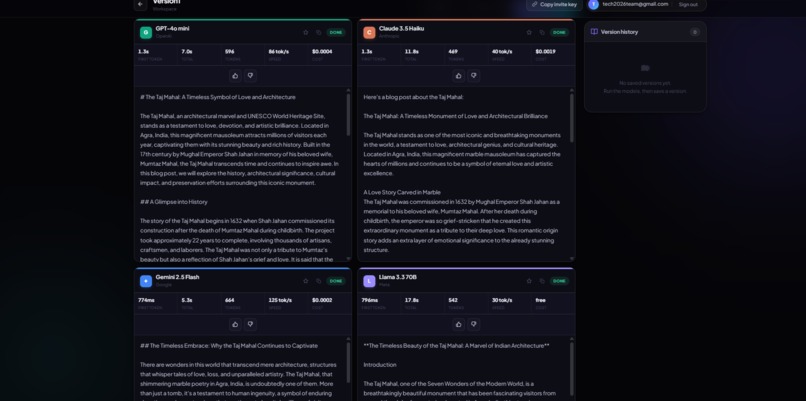
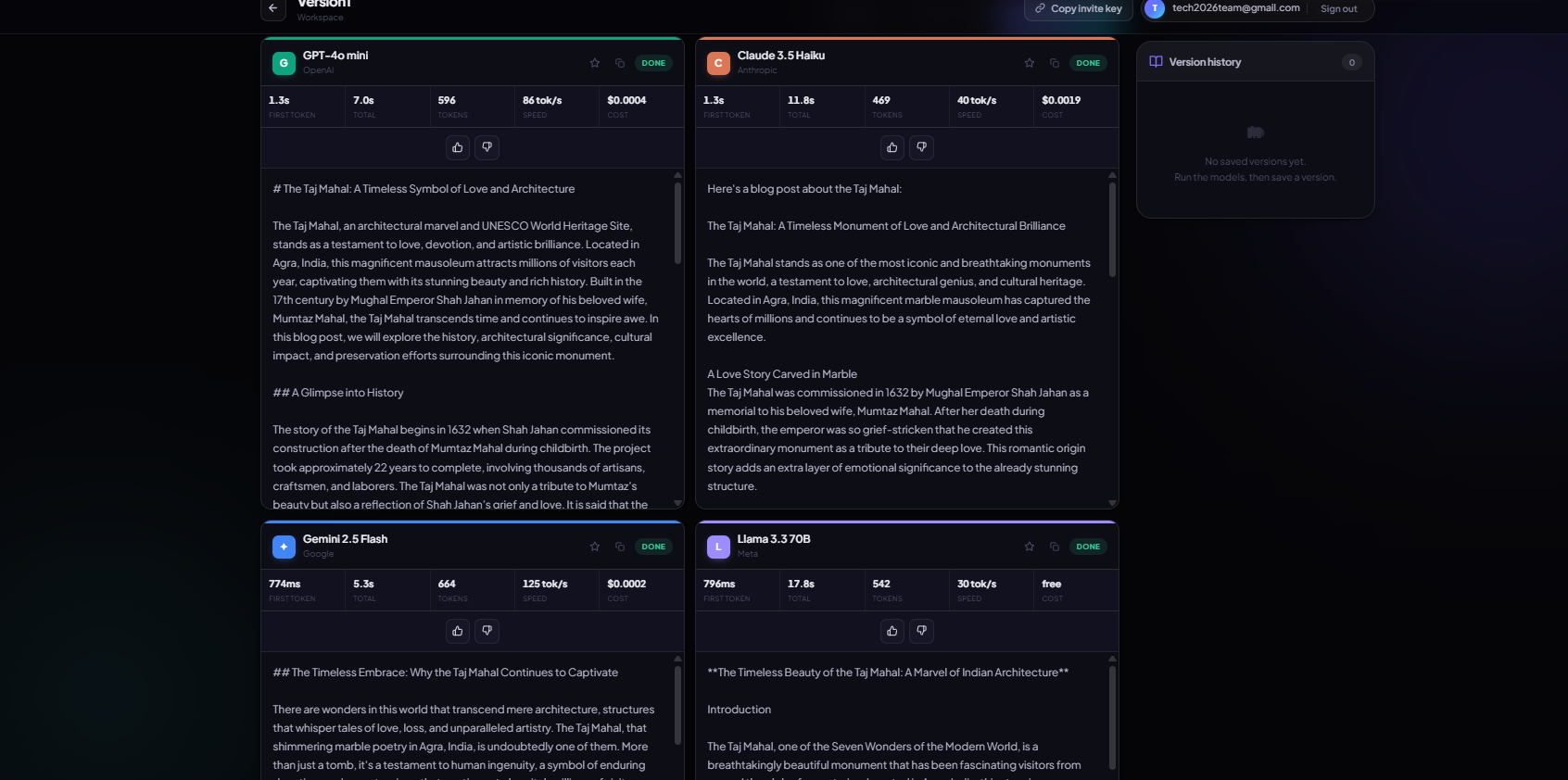
Model outputs
Inspiration
We've all been there: you craft the perfect prompt for GPT-4, then discover Claude handles it better — or you burn an afternoon (and real money) testing the same prompt across models by hand. There's no fast, honest way to compare AI models side by side.
Existing tools are solo playgrounds with no collaboration, run models sequentially so you wait four times over, or demand a separate subscription per provider. We wanted Figma for prompt engineering — real-time, collaborative, and producing code you can actually ship.
InsForge's unified AI gateway made it possible in days instead of months: a single SDK call reaches OpenAI, Anthropic, Google, and Meta. That insight became PromptSynth.
What it does
PromptSynth is a collaborative workspace for testing one prompt across four frontier models in parallel.
- Parallel streaming — Fire one prompt at GPT-4o mini, Claude 3.5 Haiku, Gemini 2.5 Flash, and Llama 3.3 at once. All four responses stream live, each with its own latency, token count, tokens/sec, and cost.
- Live collaboration — Prompts sync across your team as you type, powered by InsForge Realtime.
- Quality voting — Thumbs up/down on any output to track which models win over time.
- Version history — Every run is saved. Search, reload, and restore past versions.
- Export to code — One click generates working Python, JavaScript, or cURL.
- Cost tracking — Exact per-run cost from token usage, with free models handled gracefully.
- 8 prompt templates — Starters for code review, translation, debugging, summarization, and more.
- Team workspaces — Share an invite key; your teammate is in. No onboarding.
The workflow: Sign up → create a workspace → invite the team → write system + user messages → pick models and temperature → hit ⌘↵ → watch four models race → rate, save, and export.
How we built it
Stack: React 18 + TypeScript + Vite + React Router on the front end; 100% InsForge on the back end — no custom server, no API routes, no DevOps. Styling is hand-rolled CSS with design tokens, a glassmorphic dark theme, and a responsive grid.
InsForge modules used (4 of 6):
| Module | What we built on it |
|---|---|
| AI Gateway | Multi-model streaming via one OpenAI-compatible API |
| Database (Postgres) | Three tables: workspaces, prompt_versions, version_results |
| Realtime (Pub/Sub) | Live prompt syncing across teammates per workspace channel |
| Auth | Email/password signup, sessions, and user identity |
The magic — one function powers all four models:
const stream = await insforge.ai.chat.completions.create({
  model: model.gatewayModel, // openai/gpt-4o-mini | anthropic/claude-3.5-haiku | google/gemini-2.5-flash | meta-llama/llama-3.3-70b-instruct
  stream: true,
  temperature,
  messages: [
    { role: "system", content: systemPrompt },
    { role: "user", content: userPrompt },
  ],
});

for await (const chunk of stream) {
  const delta = chunk.choices[0]?.delta?.content ?? "";
  // append delta to this model's column and update metrics
}
No juggling four SDKs. No four API keys. One gateway call, billed in one place.
Implementation details:
- True concurrency —
Promise.all(models.map(runOne))launches all four streams at once; none waits on another. - Per-column updates — each model owns its own column state, so one model's incoming token never blocks or re-renders another's. Full text is accumulated in refs for instant save/export without re-reading the DOM.
- Live metrics — we capture first-token latency, total time, token count, tokens/sec, and cost per run.
- Realtime sync — editor changes broadcast to a
workspace:${id}:editorchannel; anisSyncingguard prevents echo loops. - Version control — runs persist to
prompt_versions+version_results. - Code export — generates Python (OpenAI SDK), JavaScript (OpenAI npm), and raw cURL.
Challenges we ran into
- Streaming four columns without echo or jank. Four simultaneous token streams plus a shared editor created feedback loops. We scoped each model to its own column state so updates stay independent, and accumulated full text in refs so saving/exporting never has to scrape the rendered DOM.
- Real-time collaboration edge cases. When two people type at once, whose change wins? Full operational transforms were overkill for a hackathon, so we used pub/sub with an
isSyncingref to break circular updates — simple, and correct for the common case. - Honest cost calculation. Models price input and output tokens differently, so we store
costPer1MInputandcostPer1MOutputper model and handle free tiers (Gemini Flash) explicitly. - Schema evolution. Quality voting arrived after launch, so we shipped a clean migration —
alter table version_results add column rating smallint check (rating in (-1, 1))— with a partial index and graceful handling ofnull(unrated) rows. - Responsive layout. Four columns don't fit a phone. We collapse from four-across on desktop, to a 2×2 grid on tablet, to a vertical stack on mobile.
Accomplishments that we're proud of
Technical
- Zero backend code — the entire app runs on InsForge. No Express, no routes, no infra.
- Four-way concurrent streaming — models race in parallel, not in sequence.
- Production-ready exports — the generated Python/JS/cURL actually runs against real APIs.
- Real-time collaboration — prompt edits propagate across teammates near-instantly.
- Per-run cost transparency — every comparison shows what it actually costs.
Design
- A glassmorphic dark theme that doesn't feel like a template.
- Smooth streaming with a typewriter cursor.
- Hover micro-interactions on stat cards, and a landing page with real polish.
Completeness — nine major features shipped in a hackathon window: multi-model streaming, live collaboration, version history, quality voting, code export, cost tracking, templates, team workspaces, and temperature control.
What we learned
- InsForge collapses integration work. We budgeted days for a custom multi-vendor wrapper;
insforge.ai.chat.completions.create()just worked across every provider. The unified interface erased most of the backend. - Real-time is hard — and worth it. Syncing state across users forces you to reason about races, latency, and conflicts. We learned to lean on eventual consistency rather than fight it.
- Cost visibility is a feature, not a nicety. A runaway test loop cost us real money during development; surfacing per-run cost up front became core to the product.
- Streaming wants the right state model. Naïvely re-rendering everything on each token is too expensive — scoping state per stream and keeping accumulators in refs kept the UI smooth.
- People want shippable code, not screenshots. "Export to code" drew the most engagement in early testing — users want to leave with something they can deploy.
What's next for PromptSynth
Near-term (next 2 weeks)
- Prompt chaining — feed one model's output into another's input.
- A/B diff view — split-screen comparison of two prompt versions.
- Custom models — let users add their own via API keys.
- Batch testing — upload a CSV, run many prompts, export results.
Medium-term (1–2 months)
- Analytics dashboard — model win rates, average cost, and latency trends.
- Prompt library — share winning prompts across workspaces.
- Role-based access — viewer vs. editor permissions.
- Webhooks — trigger prompts from CI/CD.
Long-term
- Annotate outputs to auto-generate fine-tuning data.
- AI-suggested prompt improvements based on past performance.
- On-prem InsForge + PromptSynth for enterprise compliance.
- A marketplace for high-performing prompt templates.
Technical hardening — WebSocket fallback for SSE-blocked networks, offline caching of recent runs, a light-theme toggle, and a full accessibility pass (screen-reader + keyboard nav).
PromptSynth shows that with the right foundation — InsForge — you can build a production-grade, collaborative AI app in days, not months.
Built With
- ai
- anthropic
- api
- auth
- claude
- css3
- database
- gateway
- gemini
- insforge
- llama
- meta
- openai
- postgresql
- react
- realtime
- router
- sdk
- typescript
- vite

Log in or sign up for Devpost to join the conversation.