-
-
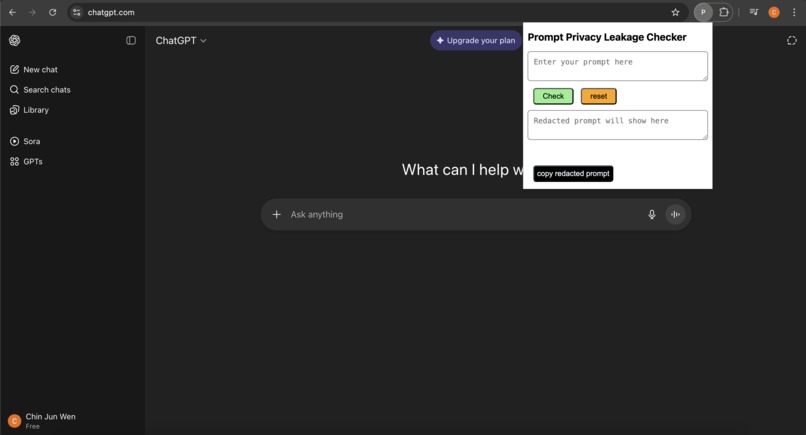
Using prompt privacy checker before inputting into ChatGPT prompt.
-
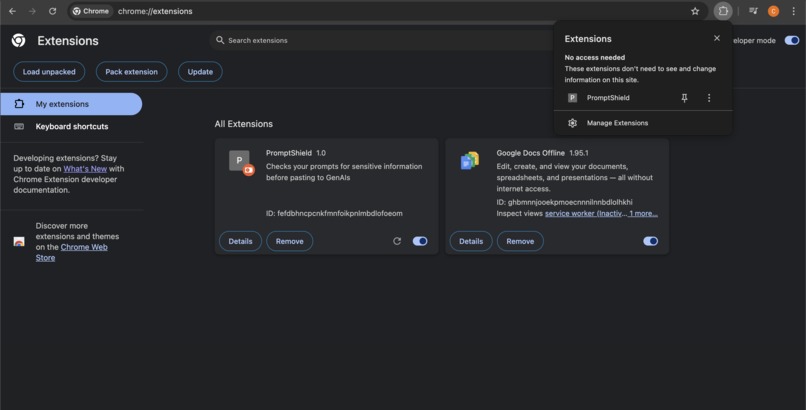
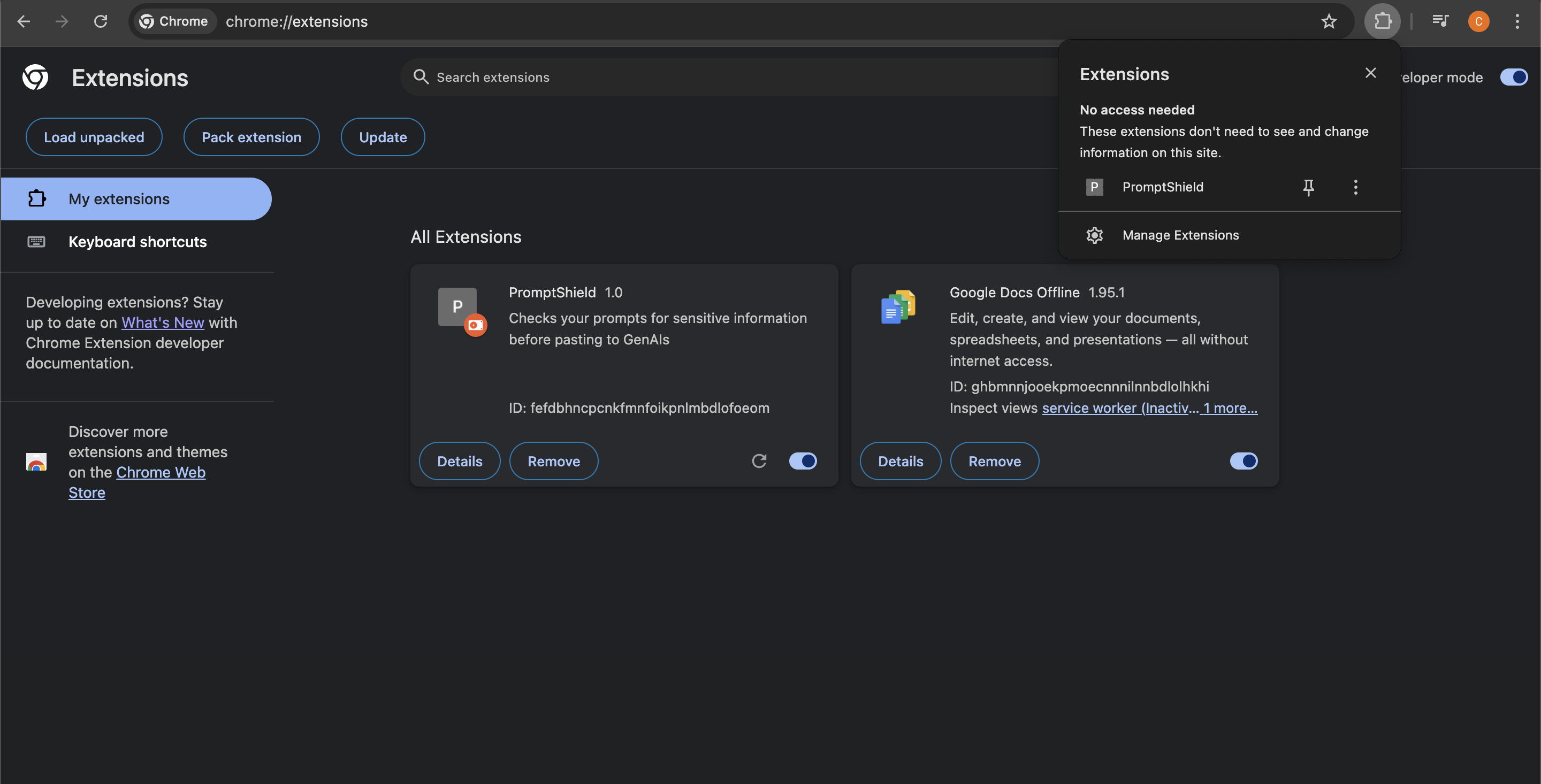
PromptShield chrome extension
Inspiration
Problem: Users of GenAI these days are hasty and don’t think twice before they input their prompts to feed into the LLMs. Sometimes the prompts contain sensitive information such as email or NRIC numbers posing as potential privacy leakage. The goal of this application is to catch these dangerous prompts before they make its way to the LLMs input by filtering the prompts for the users first.
What it does
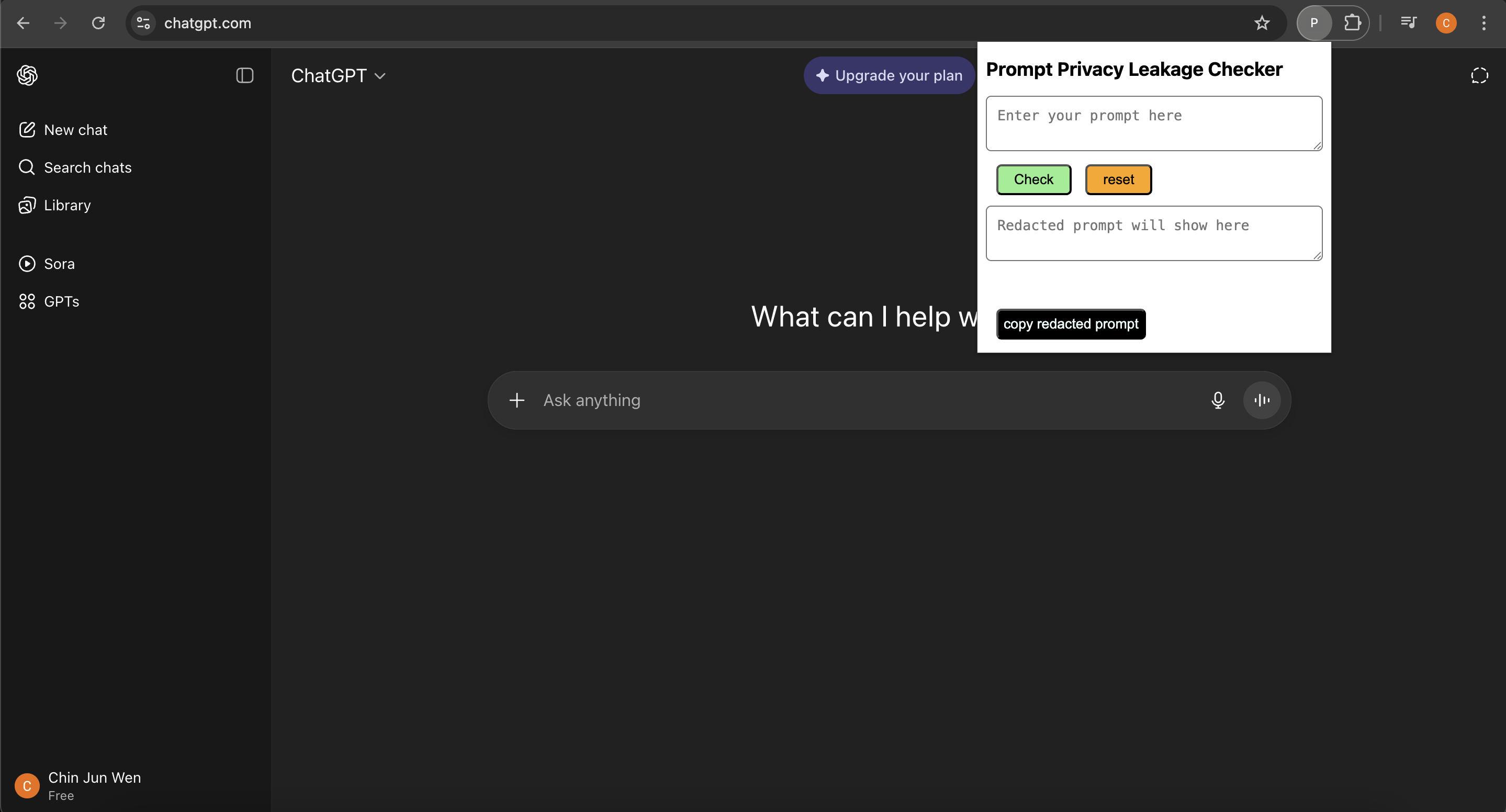
The application can be used in the chrome browser, users just need to click / tap on the chrome extension to open up the popup interface to filter their prompts before they paste it into ChatGPT.
How I built it
I used HTML, CSS, Javascript and Chrome Extension to help me build the application. Using chrome extension developer mode and manifest.json file to create a simple extension that will be used as a pop up for users to access PromptShield at any website (ChatGPT, other GenAIs etc.). Using Javascript to check user input and redact the sensitive information (NRIC, Phone Number, Email, Credit Card number) for the user and allow them to copy the filtered safe output and paste into ChatGPT to ensure they do not feed any personal identifying information (PII) into the language learning models (LLMs).
Challenges I ran into
I wanted a way for the user to use my application across multiple GenAI websites not only to one like ChatGPT so I thought of using chrome extension as my base. Main challenge was working with chrome extensions and how to display the popup menu for user since it was something new I had to deal with, I got around this by watching and learning from youtube tutorials on how to set up my own custom chrome extension.
Accomplishments that I am proud of
Im quite satisfied that I learned something new from this hackathon which is learning how to create my own chrome extension. There is definitely more to explore in terms of chrome extension APIs etc. This is my first hackathon so I am rather proud of what I managed to accomplish within a short span of 3-4 days.
What's next for PromptShield
Possible improvements I can think of:
- more robust PPI checks, more sensitive information to scan for etc.
- making use of AI to check for image / facial recognition so these information do not get fed into the LLM directly.
- perhaps some way where the chrome extension will constantly read user input in GenAI websites and detect them live as they are typing would make it more dynamic and user friendly.
- A button to toggle if the user wants the chrome extension to read their prompts. On = read and warn, Off = do nothing, monitor. -give suggestions to the user on how they can rephrase their prompts to avoid leaking sensitive information. (perhaps using AI)

Log in or sign up for Devpost to join the conversation.