-
-
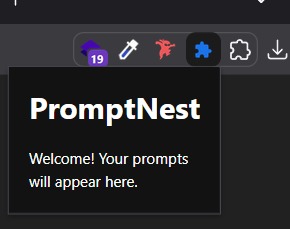
overview
-
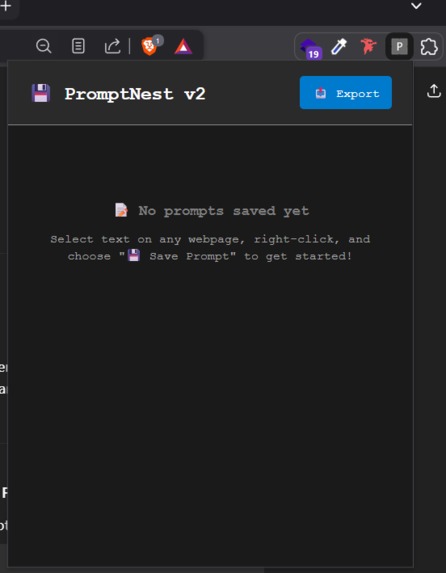
1
-
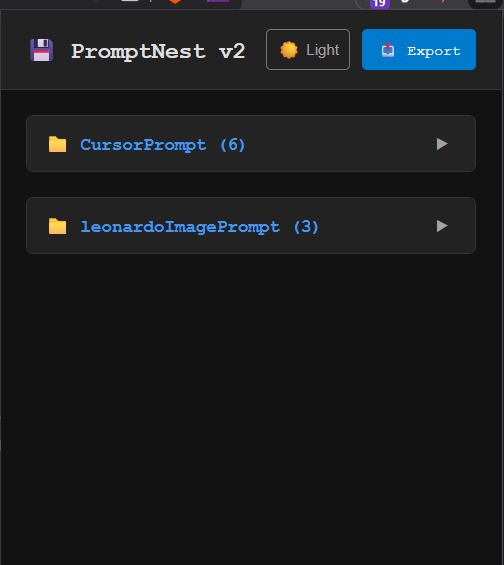
2
-
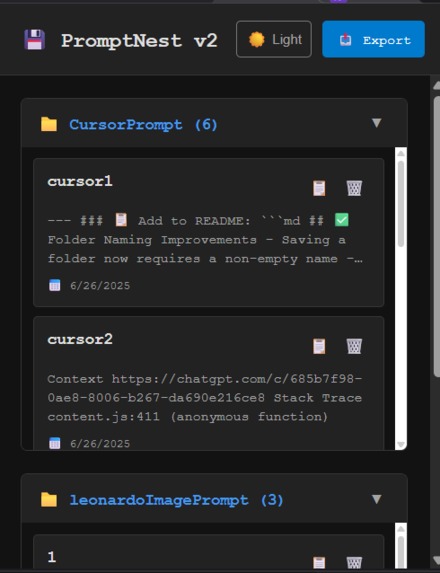
3
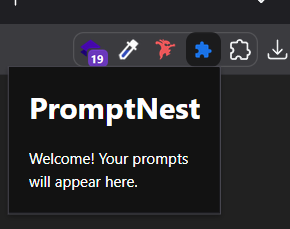
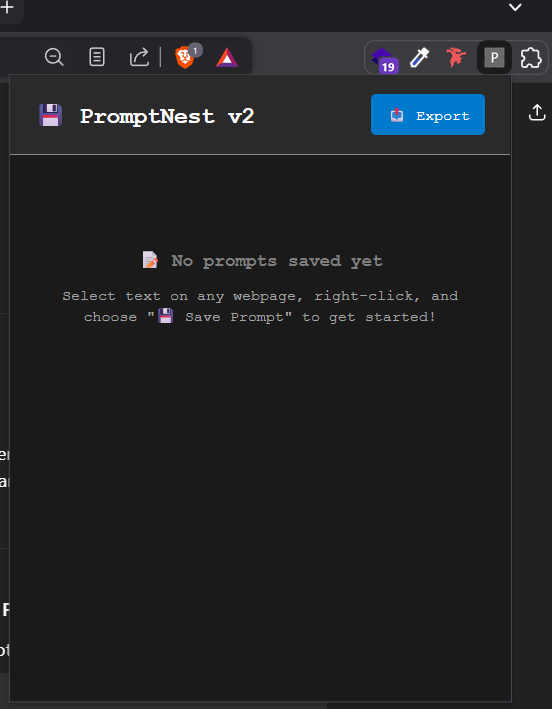
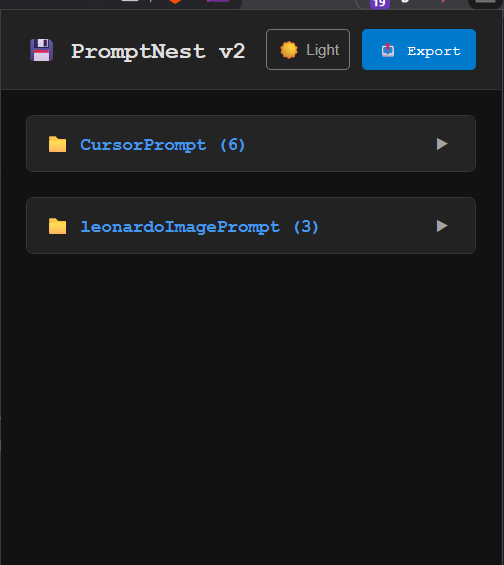
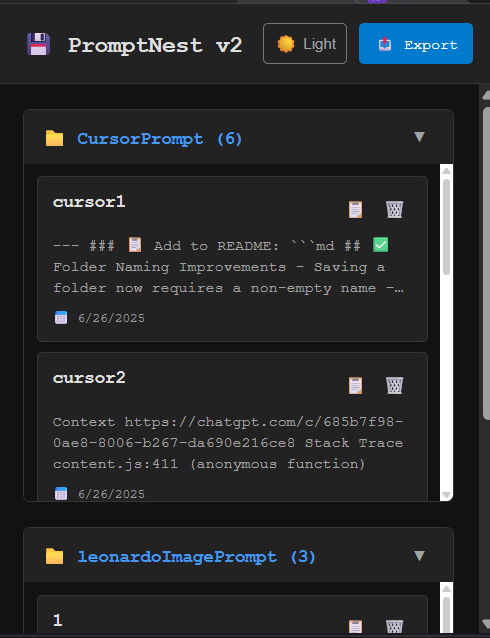
- As creators and AI builders, we constantly copy-paste prompts across tabs, lose them in Notion or Docs, or rewrite the same thing again and again. That’s broken UX.
We wanted to build the “bookmark bar for prompts” — one that lives inside your browser, works with a right-click, and saves prompts instantly in organized folders. No context-switching. No clutter.
- PromptNest v2 is a Chrome extension that lets users:
✅ Save selected text as prompts via right-click
📁 Organize them into folders/subfolders (like bookmarks)
💾 Store them locally with export/import functionality
🪟 Access a minimal dark-themed UI popup to manage them
🧠 Title and categorize each saved prompt
💡 Plan future use (e.g. “Figma Prompt”, “Research Mode”)
- Languages: JavaScript, HTML, CSS
Chrome Extension APIs: Context Menus, Storage, Message Passing
Storage: chrome.storage.local (no backend)
Dev tools: Cursor AI for building/debugging, VS Code, Figma for structure
Structure:
background.js: Handles context menu + message routing
content.js: Detects selected text
popup.html/js: UI to view, manage, organize prompts
- Challenges We Ran Into 🧨 Message passing errors: “Could not establish connection” between content → background
🧩 UI feedback gaps: Save action had no visible success state
🕳️ Local storage sync issues when importing/exporting
🧠 Overthinking folder logic — allowing nested folders needed mental re-mapping
- Accomplishments We’re Proud Of First fully working prompt-saver tool with native UX (no tab switching)
Minimal UI that feels light but functional
Real-time local save system with folder-based org
Built 90% solo using AI pair-dev + rapid iteration
Debugged multiple deep Chrome extension edge cases (without giving up 🔥)
- 📚 What We Learned How to build real Chrome extensions with modern APIs (Manifest V3)
How localStorage and message passing can break silently if timing is off
The value of designing flows BEFORE building — avoid rebuilding v3 later
The importance of clear user feedback in small tools
- 🔮 What's Next for PromptNest v2 ✅ Fix background messaging bug
✍️ Add in-modal feedback ("Saved in Figma folder ✅")
📦 Allow nested folders, favorites, and tag filtering
📥 Direct clipboard integration (auto-save copied prompts)
📊 Analytics: See which prompts are used most
🔐 Optional cloud sync (Supabase, Firebase, or local encrypted JSON)
Built With
- ai
- apis
- basic
- chrome
- cursor
- extension
- figma
- for
- html/css
- javascript
- prompting/debugging)
- rapid
- ui


Log in or sign up for Devpost to join the conversation.