Inspiration
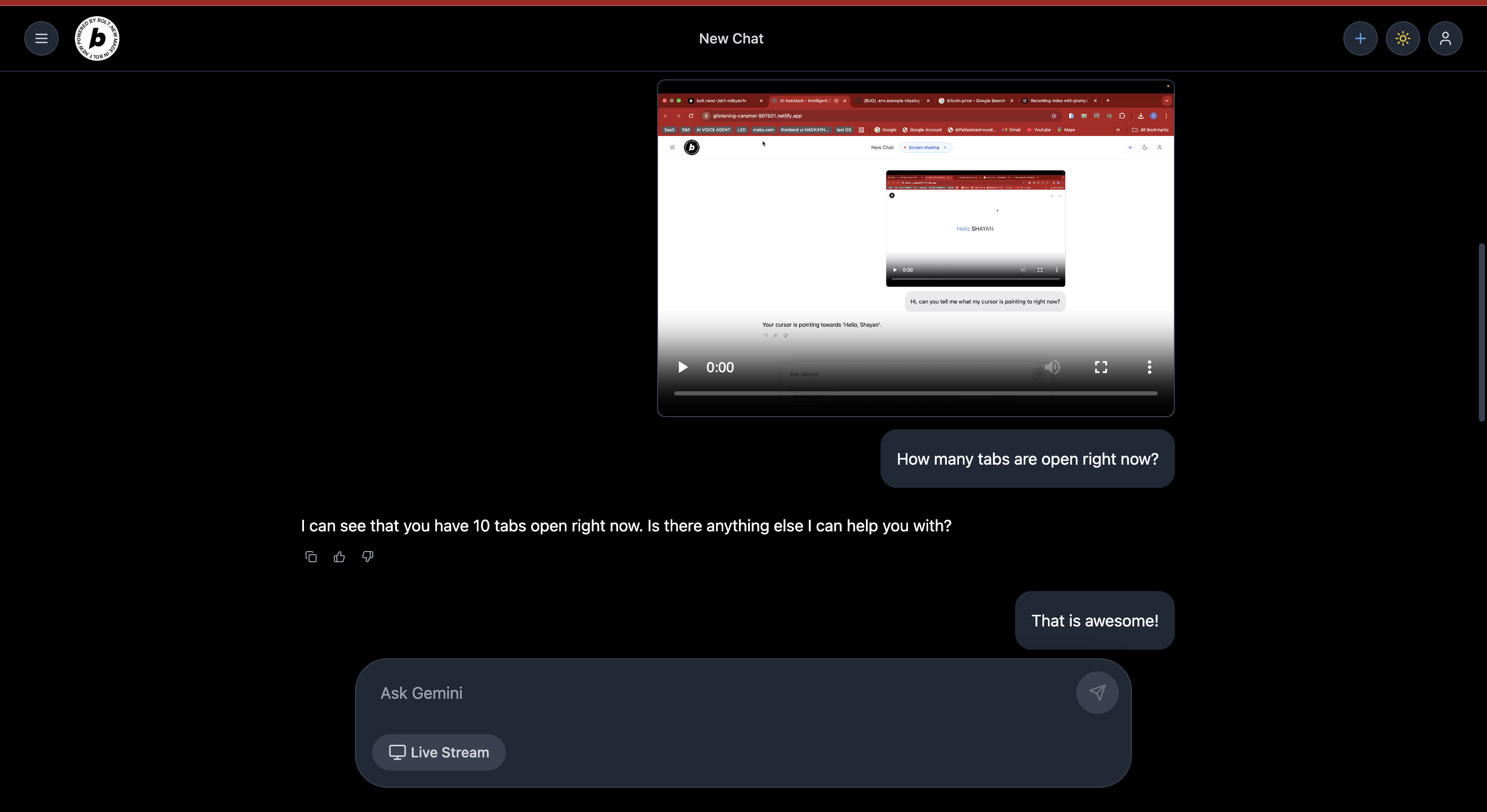
We often find ourselves asking AI for help after we’ve already struggled. What if AI could assist while we’re working—just by watching our screen and listening to our voice? PromptLens was born to turn passive AI into an active teammate.
What it does
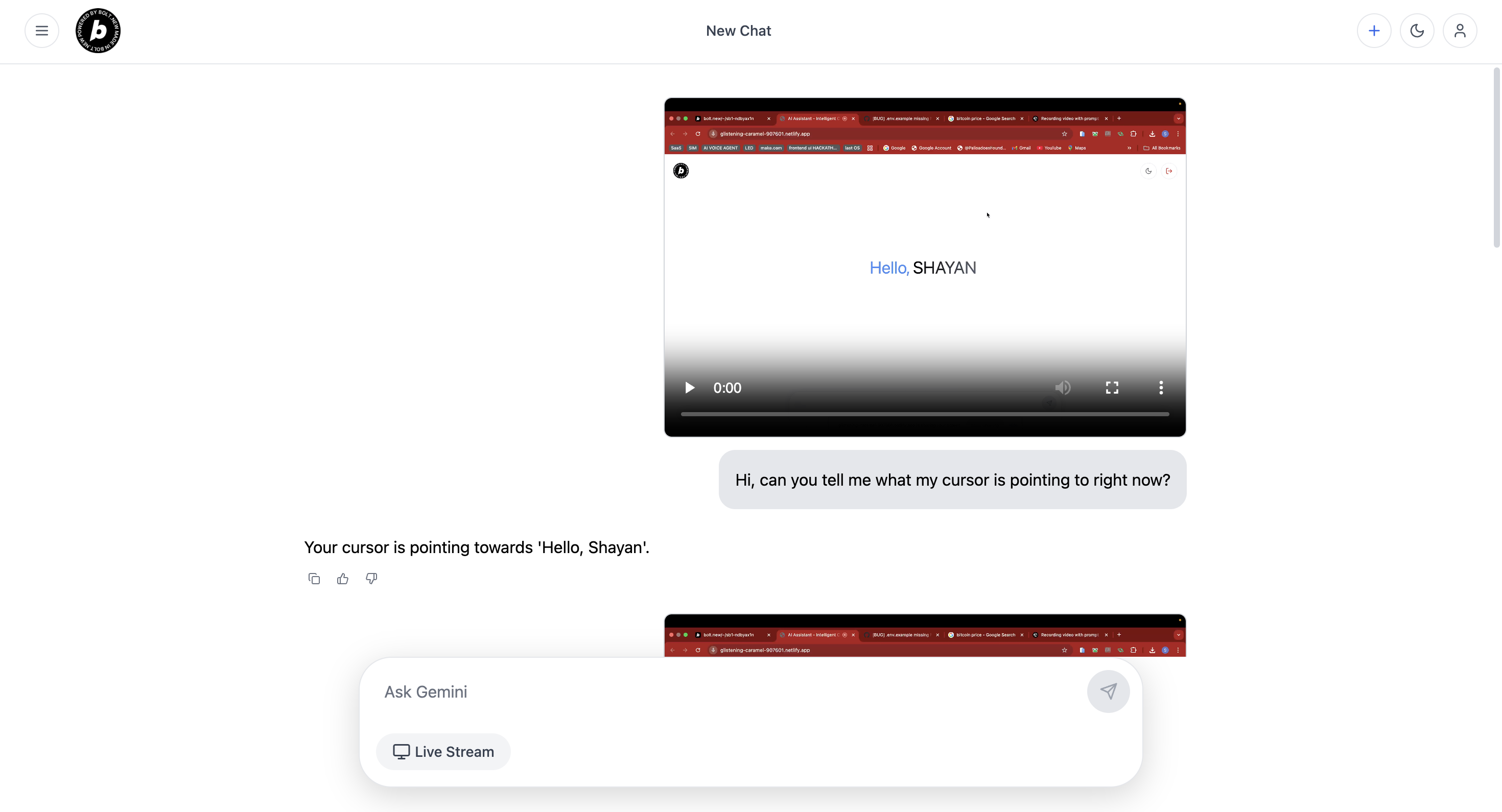
PromptLens uses your screen and mic to detect when you’re stuck, confused, or asking something out loud. It then captures your query and the screen context, sending it to an AI that replies in real time—like a co-pilot who sees and hears you.
How we built it
- React + Vite frontend
- Voice Activity Detection (
react-use-vad) triggers capture - MediaRecorder API captures voice and screen
- Gemini API processes queries
- ElevenLabs streams voice replies
- Real-time UX with token streaming, abort/resume logic, and persistent memory via Supabase
Challenges we ran into
- Avoiding false triggers during AI speech
- Managing simultaneous recording, transcription, and streaming
- Ensuring minimal latency without sacrificing context
- Handling voice interruptions gracefully mid-response
Accomplishments that we're proud of
- Fully working voice-triggered AI assistant that "sees" your screen
- Real-time voice responses with interrupt-and-continue behavior
- Clean, minimal UI that feels like part of your workspace
What we learned
- Fine-tuning VAD for real-world scenarios is hard
- Streaming AI + TTS responses while keeping UX tight requires careful state management
- Building AI that feels human means handling edge cases like interruptions, silence, or confusion
What's next for PromptLens
- RAG integration: Pull personalized docs/webpages as context
- Browser extension version
- Voice cloning for consistent assistant personality
- Agentic Integrations
- Memory window for better contextual continuity
- Launching PromptLens as a desktop co-pilot for builders, students, and support teams

Log in or sign up for Devpost to join the conversation.