Inspiration
Reading a script while filming yourself on a phone is awkward: you look away from the lens, lose your place, or re-record again and again. We wanted a free teleprompter that keeps the script right next to the camera.
What it does
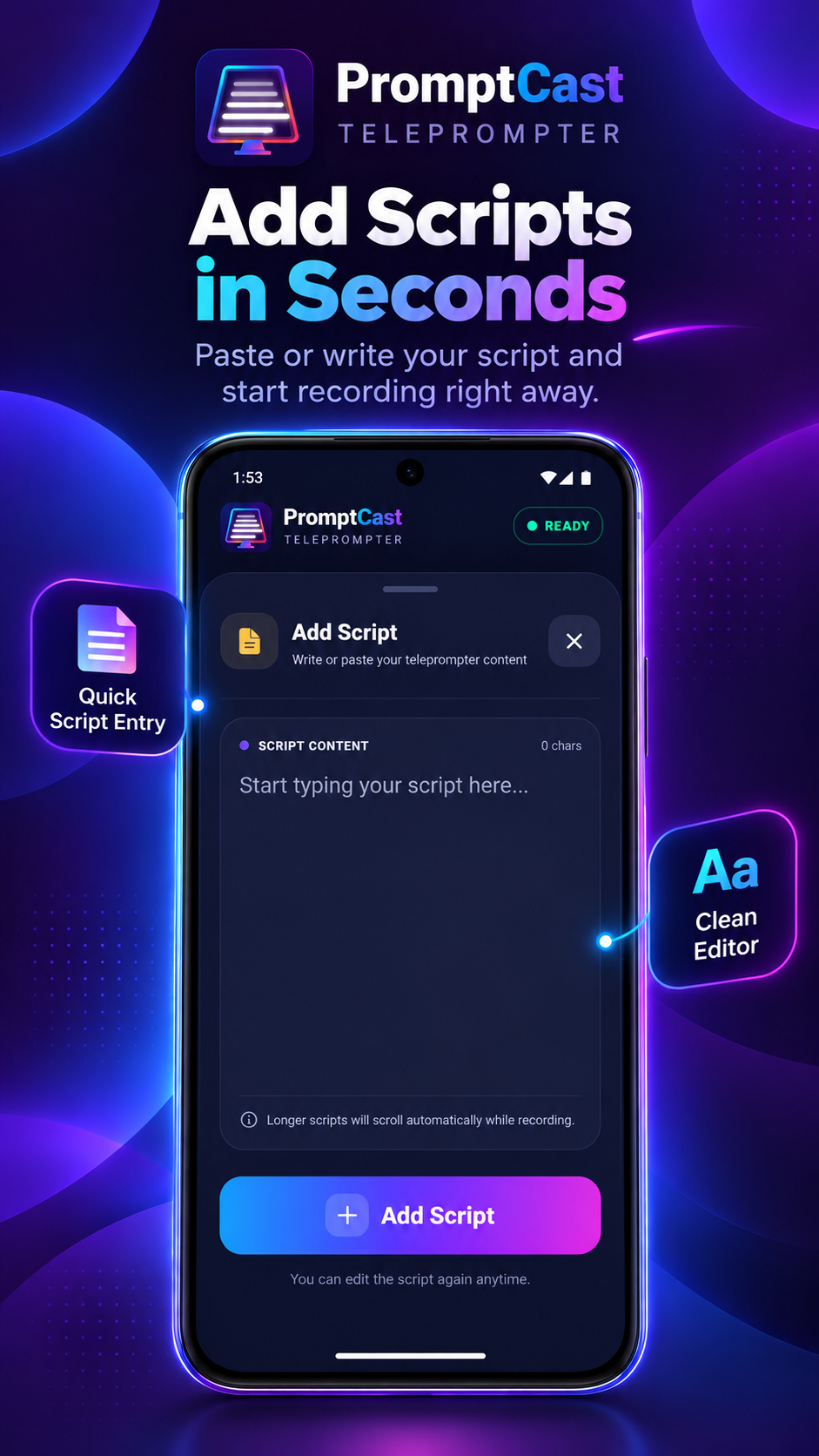
PromptCast turns an Android phone into a teleprompter. Paste or type your script, set the scroll speed and text size, and read it while recording video with the built-in camera mode. It suits YouTubers, presenters, teachers, sales teams and anyone filming talking-head videos, webinars or announcements.
- Smooth auto-scrolling with adjustable speed
- Adjustable text size
- Built-in video recording while the script scrolls
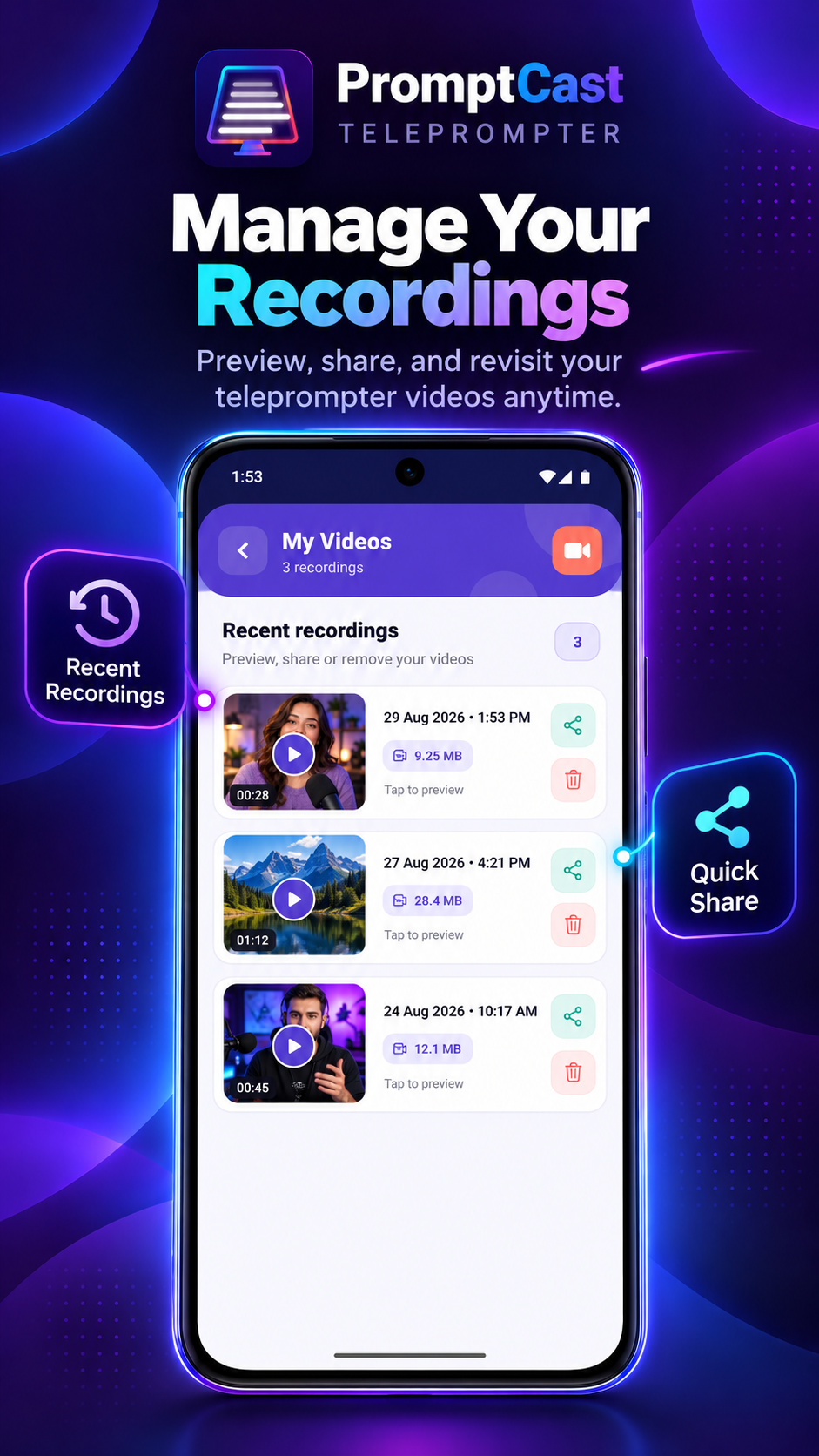
- Simple script management
- Free to download
Links
- App page: https://a2z.tools/mobile-app/promptcast-teleprompter
- Google Play: https://play.google.com/store/apps/details?id=a2z.teleprompter
- Web version: https://a2z.tools/teleprompter
PromptCast is part of A2Z Tools (https://a2z.tools), a free collection of 1,000+ online tools and apps by Reliable Software Technology, Bengaluru.
Built With
- android
- kotlin

Log in or sign up for Devpost to join the conversation.