-
-
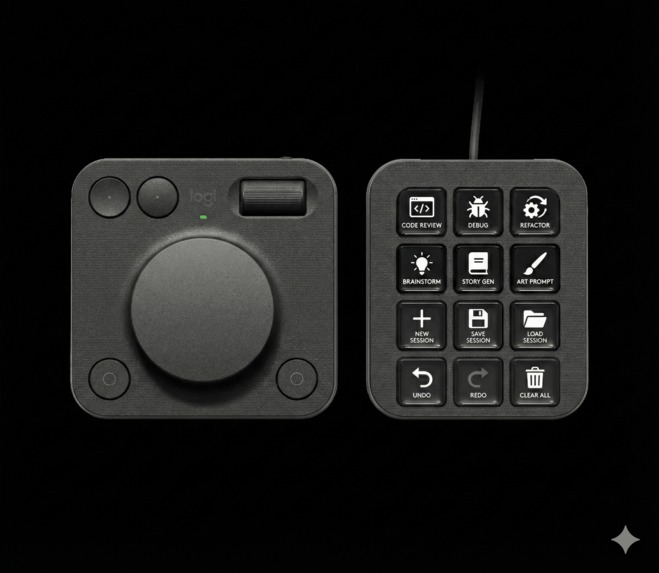
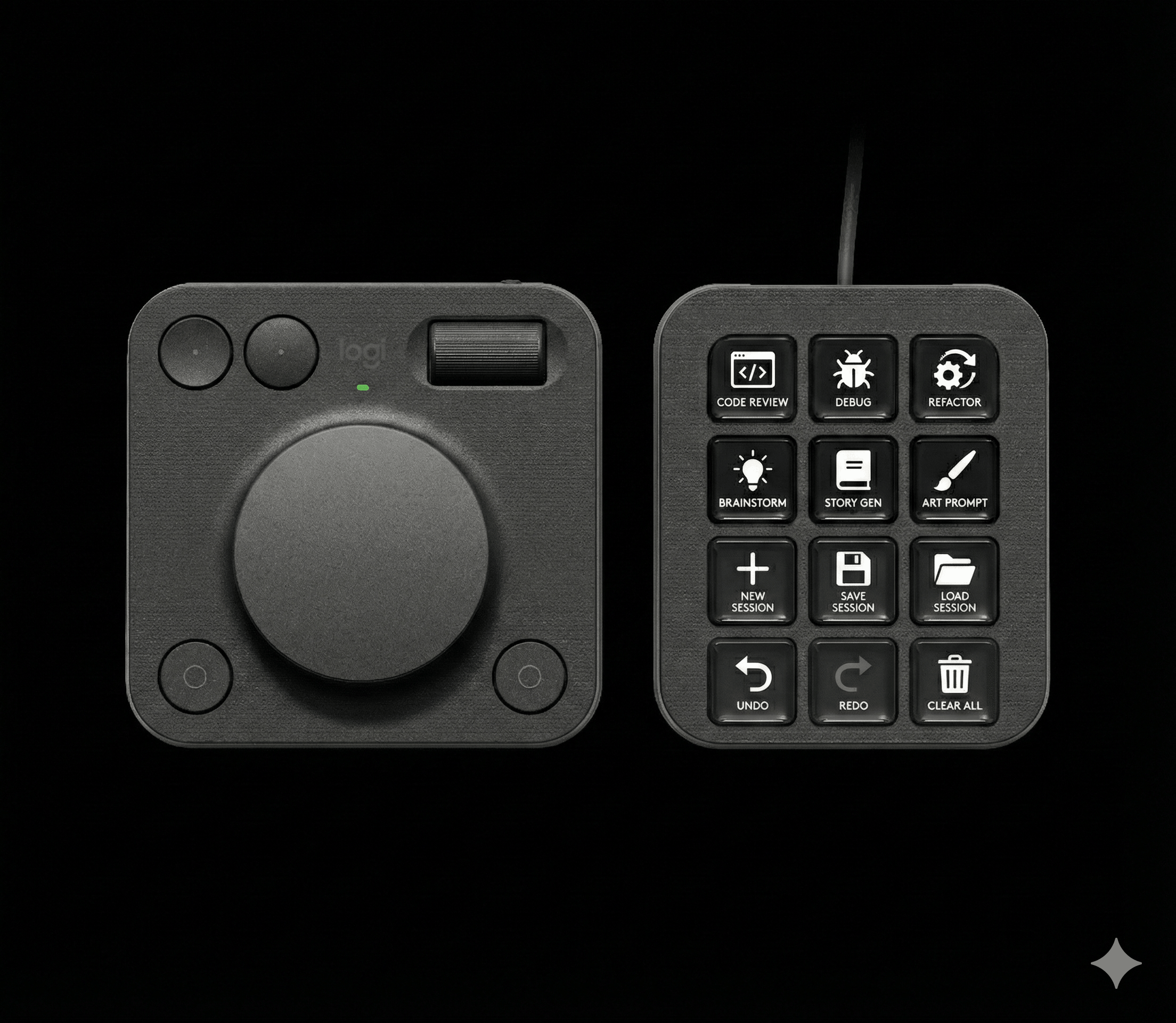
Mockup of a potential button layout to control your AI agent. Top has premade prompts. Bottom allows switching and manipulating sessions.
-
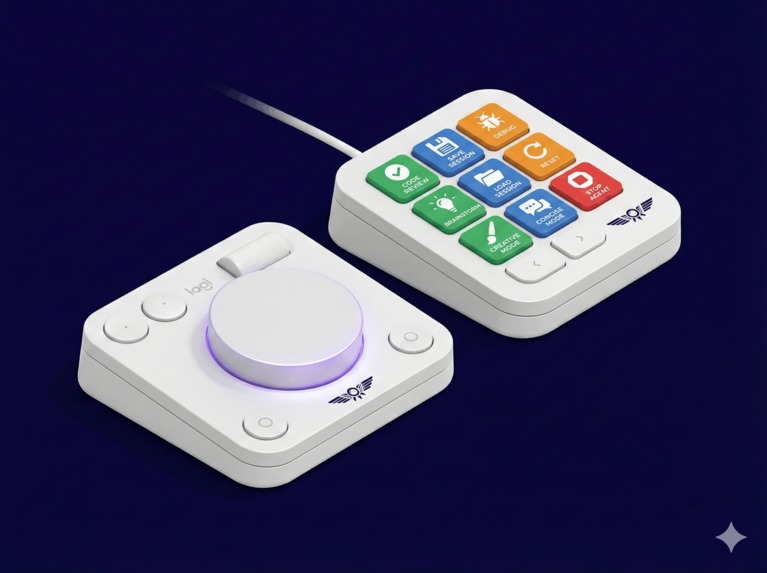
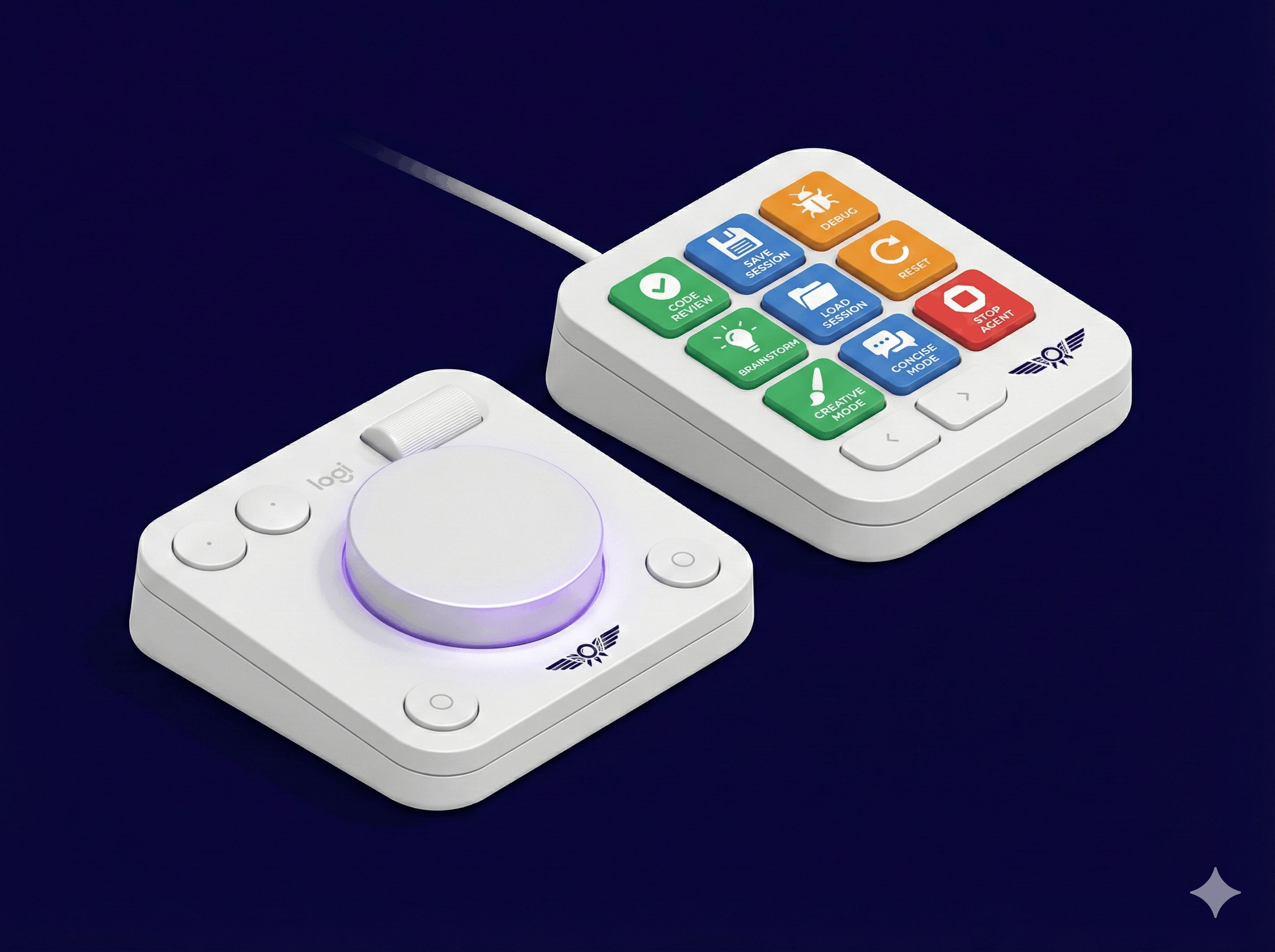
Concept render of what the buttons could look like when in use. Color indicates status of agent session and button allows a quick switch..
Prompt Pilot
🌟 Inspiration
Creatives and developers often juggle multiple AI tools, prompts, and workflows. Switching between them can be clunky and disruptive. The Logitech MX Creative Console, with its programmable dial and buttons, offers a unique opportunity to make AI interactions more intuitive and tactile. Prompt Pilot aims to turn this hardware into a physical AI co-pilot, making workflows feel as natural as adjusting a volume knob.
✨ What it does
Prompt Pilot will enable users to control AI interactions directly from their MX Creative Console:
- Switch between AI prompts (e.g., "Code Review," "Brainstorm," "Debug") by pressing the right button.
- Adjust AI response styles (e.g., creative, technical, concise) in real time with a turn of the dial.
- Manage sessions (save, load, or reset conversations) with button presses.
- Visual feedback via background color for active prompts, session status, or AI processing states.
The goal: reduce friction in AI workflows and keep the creative process flowing.
🛠️ How I intend to build it
- Hardware Integration: Use the Logitech SDK to map the console’s dial and buttons to custom actions, ensuring responsive input.
- AI Backend: Ideally, I want it to be provider agnostic, however I will probably start by focusing on just one. I have some previous experience with the Gemini API and services, so this will be the starting point.
- Prototyping: I haven't fully decided yet whether or not this would work through a browser plugin (using the chat version of the LLMs) or through the CLI versions (such as Claude code). CLI is probably the most flexible option, but many users might prefer to use their browser. I will try to build both to see what works best and feels most natural.
- Design: Focus on a minimalist UI/UX. Ideally no UI is needed besides the already existing LLM UIs, but if anything is needed, it will be abstract visuals inspired by aviation and technology.
🎯 What I hope to learn
- Hardware as a UX Layer: How physical controls (like shortcut buttons and dials) can enhance digital interactions and make them feel more intuitive.
- AI Collaboration: Designing for "flow", removing the need for searching options or previous conversations. Or completely forgetting about ongoing ones.
- Iterative Development: Combining scripting with SDK tools to quickly test and refine core interactions.
🚀 What could be next for Prompt Pilot
Here are some ideas of where to go from the initial prototype:
- Plugin Ecosystem: Explore ways for users to share custom prompt sets (e.g., "Designer Pack," "Developer Pack").
- Multi-AI Support: Investigate integration with as many AI platforms as possible. Potentially make it possible to seamlessly switch between them if one isn't working out for the user.
🆚Differences to AI Prompt Builder
One hour before the deadline, I noticed that there exists a Logi AI Prompt Builder. While there are similarities, the goal of Prompt Pilot is different:
- Tactile: using the MX Console gives you more direct options. Instead of opening a popup, you get results right away, just one button press.
- Information Radiator: the reactive buttons give an immediate feedback, but without interfering whatever is currently on screen. You can glance at them without being interrupted.
- Background Agents: multiple AI agents can be running for you in the background, no need to give them any attention while they are working or when you don't need them.
Built With
- logitech
- python
- typescript

Log in or sign up for Devpost to join the conversation.