-
-
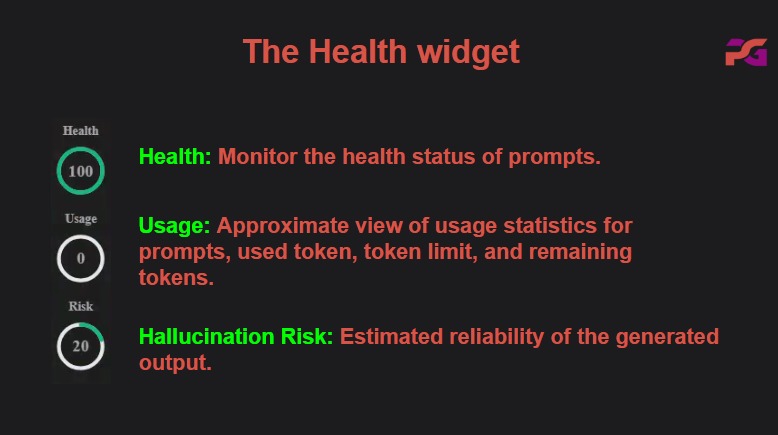
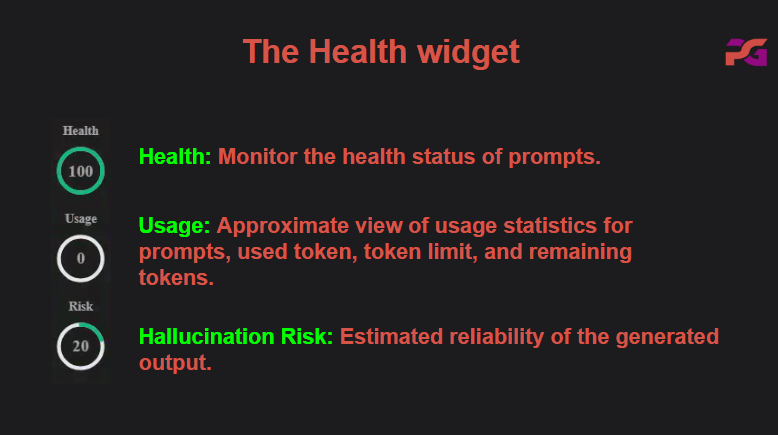
Prompt guide health widget
-
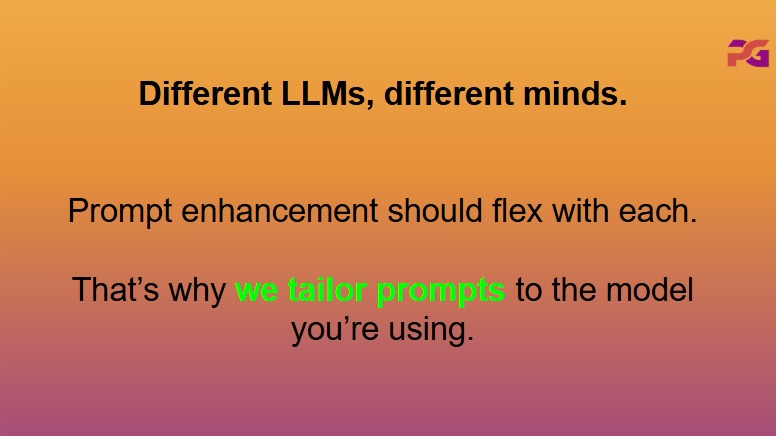
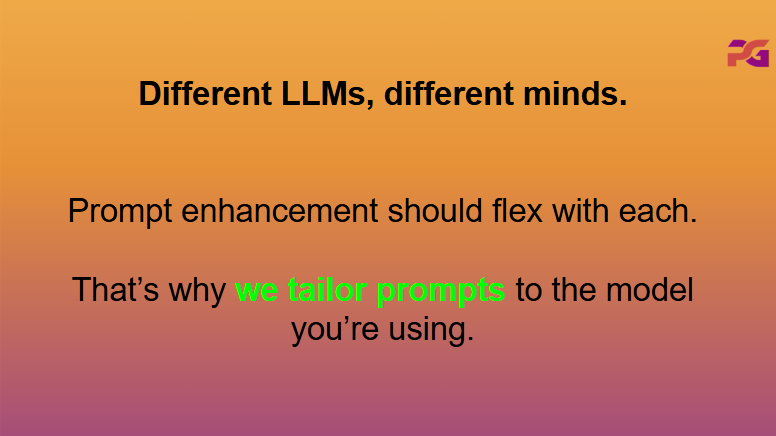
Enhance prompts tailored to the LLM
-
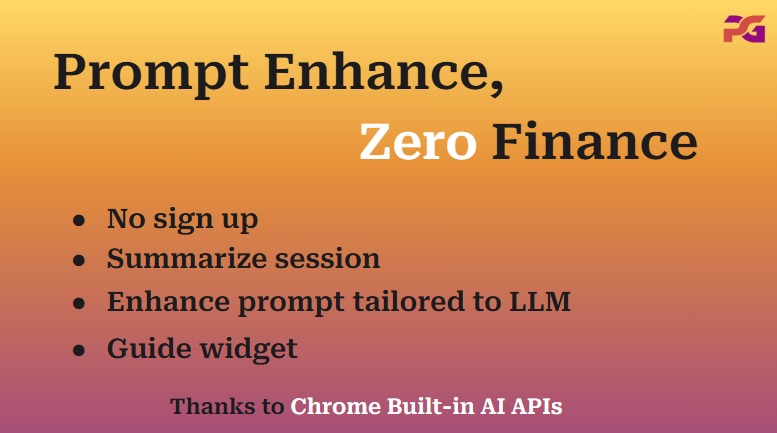
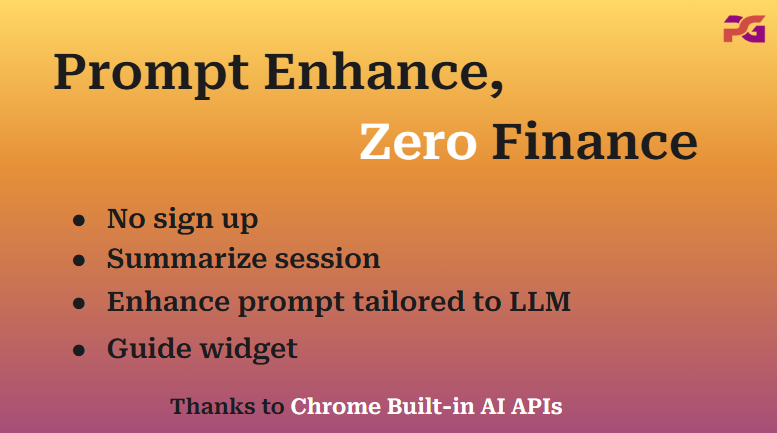
prompt guide features
-
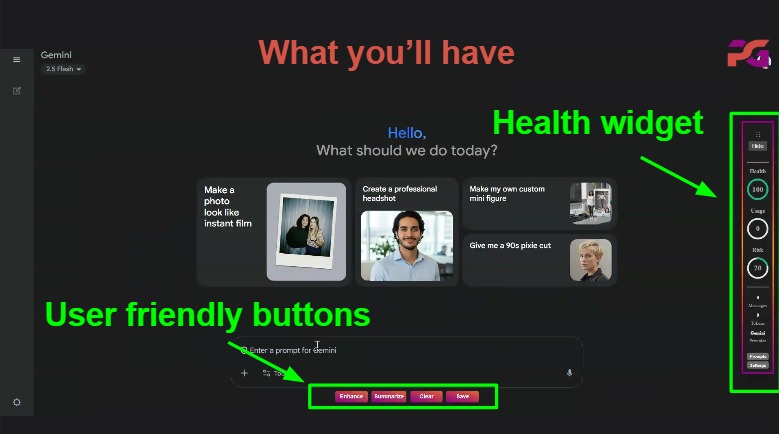
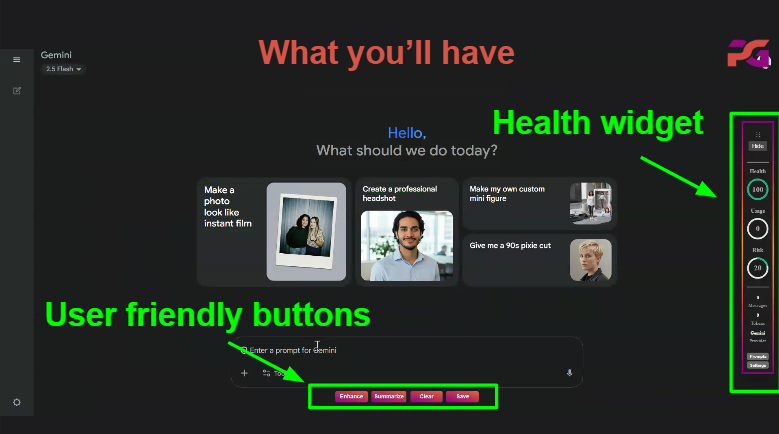
prompt guide interface
Inspiration
Interacting with AI chat platforms often feels inconsistent—vague prompts, unpredictable answers, hidden token limits, and unverified information. We built Prompt Guide to make every AI interaction transparent, reliable, and intelligent, powered by Chrome’s built-in on-device AI.
What it does
Prompt Guide injects a lightweight, elegant floating widget into major AI chat platforms (ChatGPT, Claude, Gemini, Perplexity, Copilot, DeepSeek, Poe, You.com, Mistral, HuggingFace Chat, Forefront). It provides:
- Real-time session health — Monitors session health in real time: latency, token usage vs. context window, error rate, and provider state
- Hallucination detection — Detects hallucination risk using multi‑layer checks: pattern heuristics, self‑consistency, and cross‑provider verification
- Prompt enhancement — automatic restructuring of casual text into structured, high-quality prompts with templates, before/after views, and quality scores.
- Local prompt management — All prompts saved on-device, searchable, and exportable.
- Smart provider handling — Uses Chrome’s built‑in AI (Prompt API + Summarizer API) when available; gracefully falls back to cloud providers
How we built it
Architecture: Chrome Manifest V3 extension with background service worker, content scripts to detect AI chat sites, popup/options UI, and draggable sidebar widget.
Core modules:
- health.js — latency/error/tokens tracking and health scoring.
- hallucination.js — pattern recognition, self-consistency checks, and cross-provider comparison.
- promptEnhancer.js — structured, provider-aware prompt transformation engine.
- tokenizer.js — provider-specific token estimation (32 K – 200 K context).
- providerManager.js — orchestrates Chrome built-in AI APIs with graceful fallbacks to Google, Anthropic, and OpenAI.
- platformSelectors.js, buttonInjector.js, messageTracker.js — ensure robust cross-site injection and state tracking.
Built-in AI integration:
- Prompt API: checks availability via LanguageModel.availability(), creates sessions with LanguageModel.create(), prompts with session.prompt() or streams using session.promptStreaming().
- Summarizer API: verified via Summarizer.availability(), created with Summarizer.create(), includes chunked summarization for long text.
Privacy & security: Local-first design with encrypted API-key storage via Chrome’s storage API. No telemetry, tracking, or external database.
Permissions: Minimal — only storage and activeTab. Limited content scripts to specific AI domains.
Challenges we ran into
Prompt format diversity: Each AI model interprets prompts differently (role-based, free-form, or structured). We built provider-aware templates to auto-adapt to each style.
Accurate token counting: Models have unique tokenization logic, especially for code or multilingual content. We implemented custom tokenizers per provider.
Hallucination detection: Balancing precision and speed while verifying across multiple providers required efficient caching and async coordination.
Cross-platform stability: Constant DOM changes in chat UIs demanded resilient selectors and fallback injection logic.
Hardware variance: Chrome built-in AI availability varies by device; handling readiness, downloads, and fallbacks was critical for a smooth experience.
Accomplishments that we're proud of
- Accurate token usage across providers with different context windows (32K–200K) and different tokenization behavior (code vs. natural language)
- Hallucination detection latency vs. usefulness: combining heuristics, self‑consistency, and optional cross‑provider checks without slowing the user down
- Cross‑platform UI injection: each site has unique, evolving DOMs; required resilient selectors and fallbacks
- Built‑in AI availability: device/storage prerequisites and model readiness required clear UX and automatic fallback
- UX scope: balancing a powerful toolkit with a calm, non‑intrusive default experience
What we learned
- Consistency and transparency transform how users trust AI systems.
- Provider-aware prompt design significantly boosts output quality.
- On-device AI (Gemini Nano) delivers both speed and privacy but requires adaptive fallback logic.
- Cross-platform injection is fragile — automated recovery and monitoring help maintain functionality.
- Simplicity matters: users prefer calm, minimalist UI even for complex analytics.
- Automated testing (41+ cases) ensures reliable cross-provider health tracking and hallucination heuristics.
What's next for Prompt Guide
- Multilingual UI and prompt‑enhancement support
- Team/enterprise mode: shared prompt libraries, role‑based views, usage analytics
- Stronger verification: knowledge‑graph lookups and citation recommendations
- Multimodal: image/audio inputs alongside text
- Deeper analytics/dashboard: session trends, prompt effectiveness, “best prompt” insights
- Chrome Web Store publishing and feedback loop (if not yet live)
- Browser‑agnostic ports (Edge, Brave; exploring Firefox)

Log in or sign up for Devpost to join the conversation.