Inspiration
Most AI image workflows collapse an entire creative project into one long prompt buried in chat. That makes the work difficult to inspect, refine, reuse, or hand off. References, constraints, visual direction, and prior results all become conversational context instead of durable project state.
I built Prompt Canvas to explore a different model: a shared visual workspace where the human directs the creative work and Codex executes it.
The brief, references, creative direction, results, and variations remain visible on a spatial canvas. The human can edit those elements directly, while Codex can read and update the same live project through WebMCP.
What it does
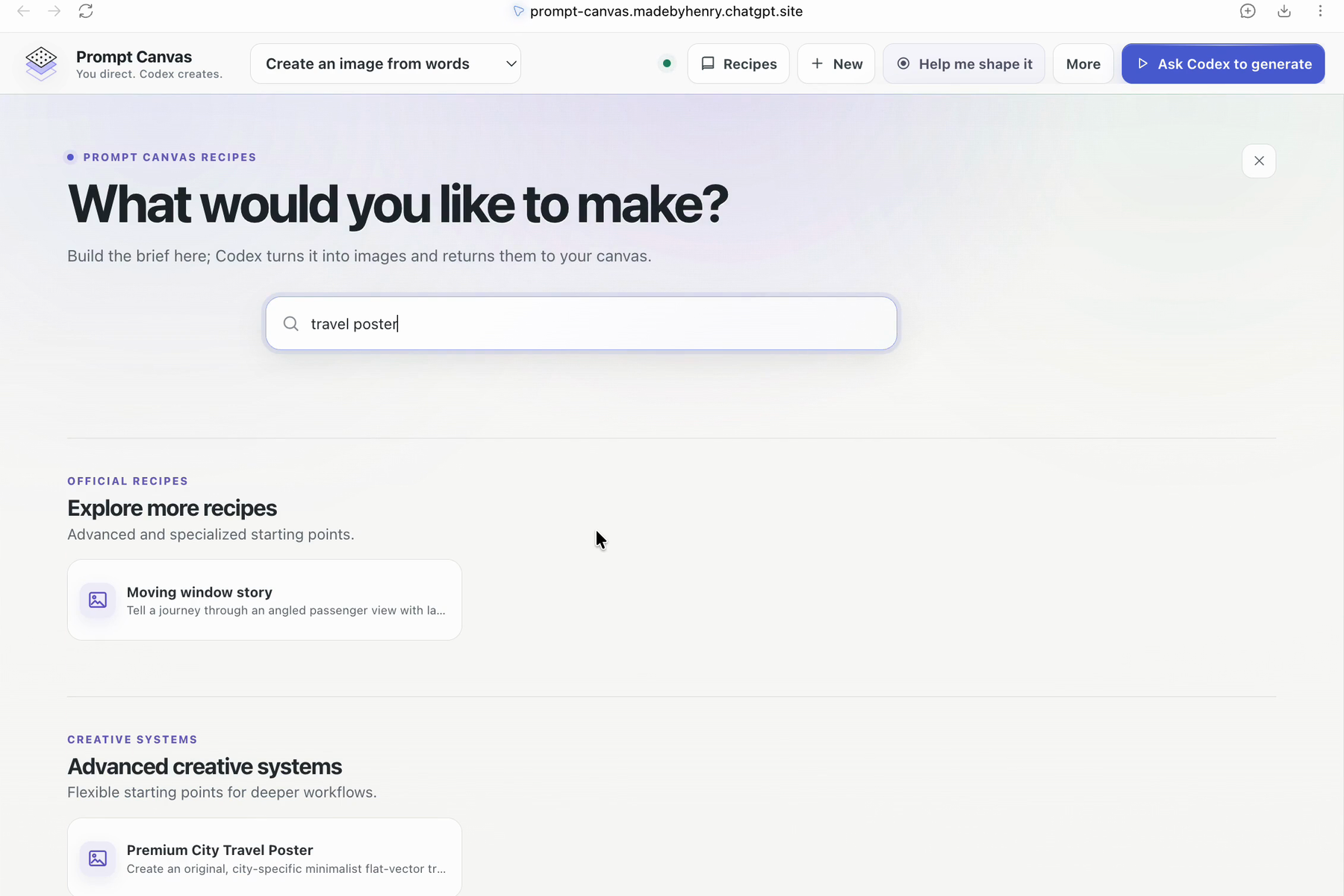
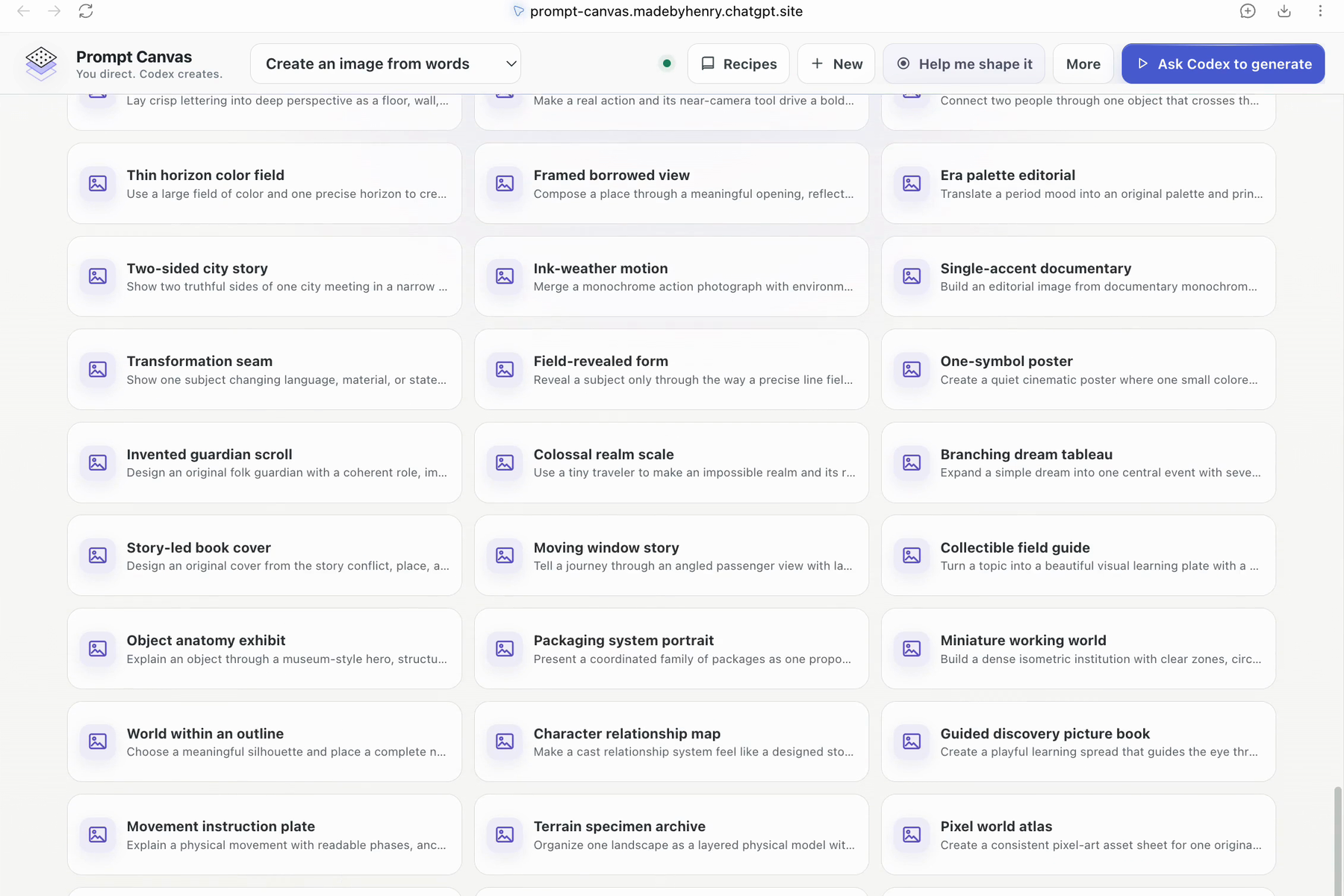
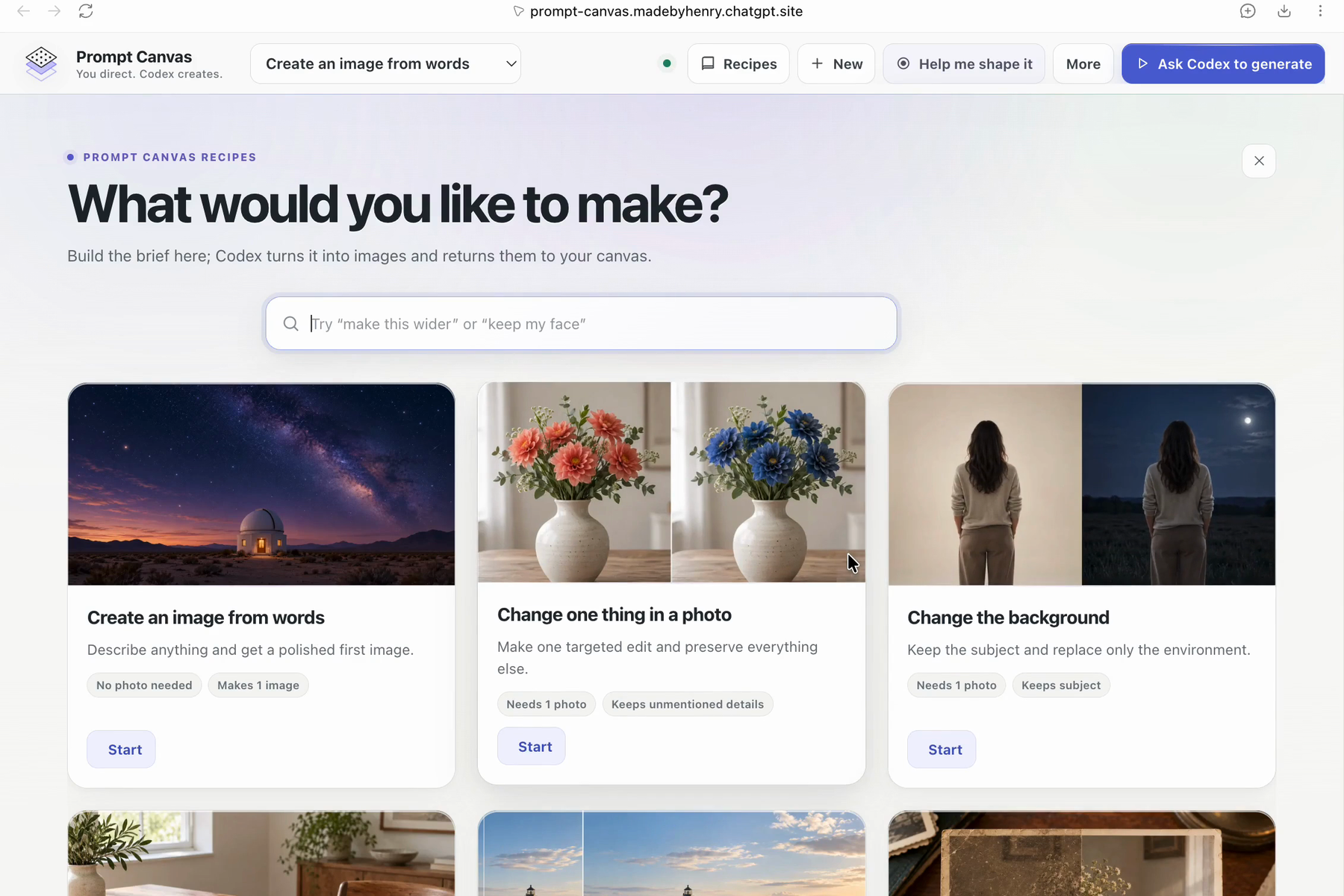
Prompt Canvas begins with a curated library of image-making recipes. These range from simple tasks—creating an image from words, changing a background, or removing an object—to more structured systems for posters, brand exploration, sequential storytelling, technical visuals, and reference-driven transformations.
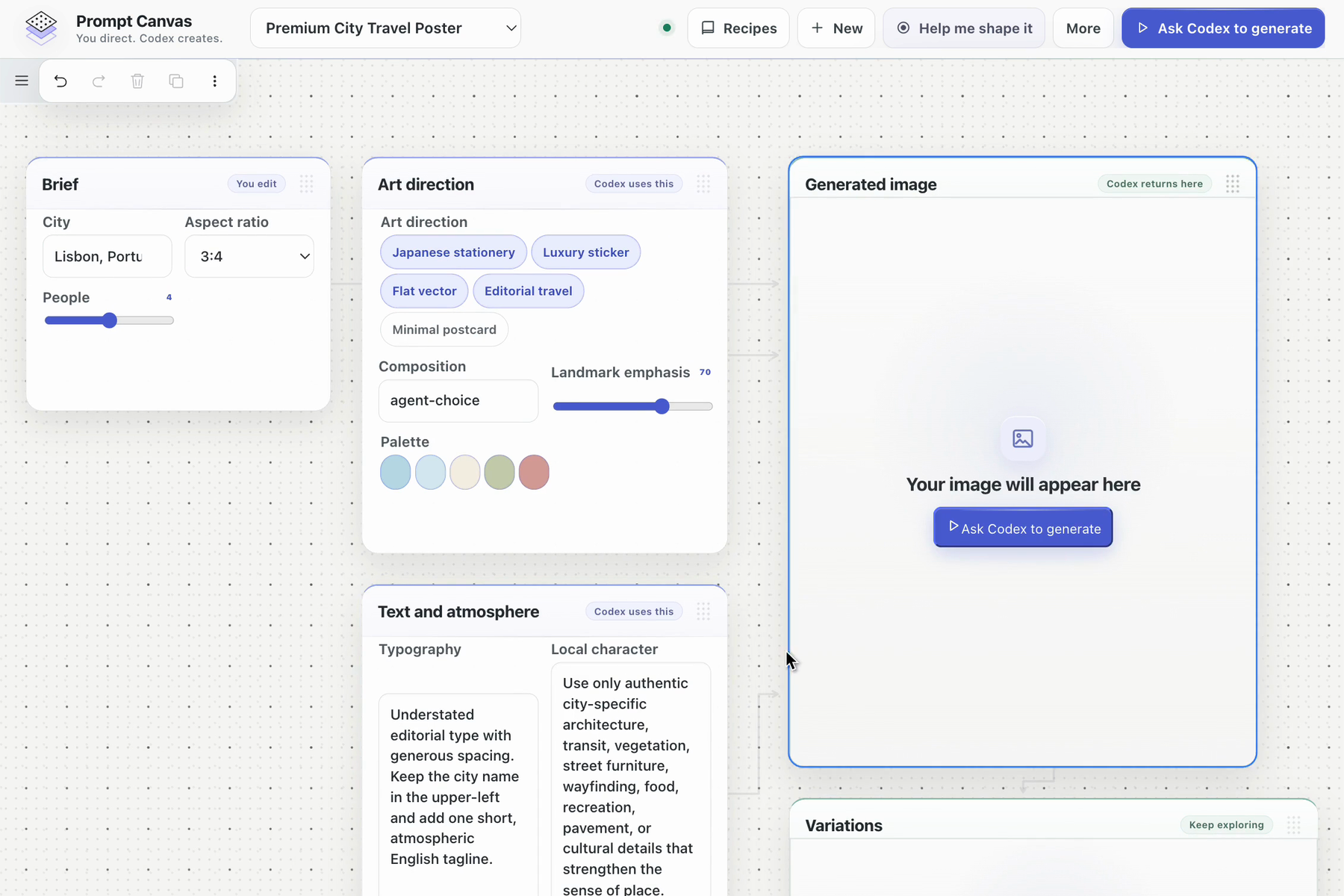
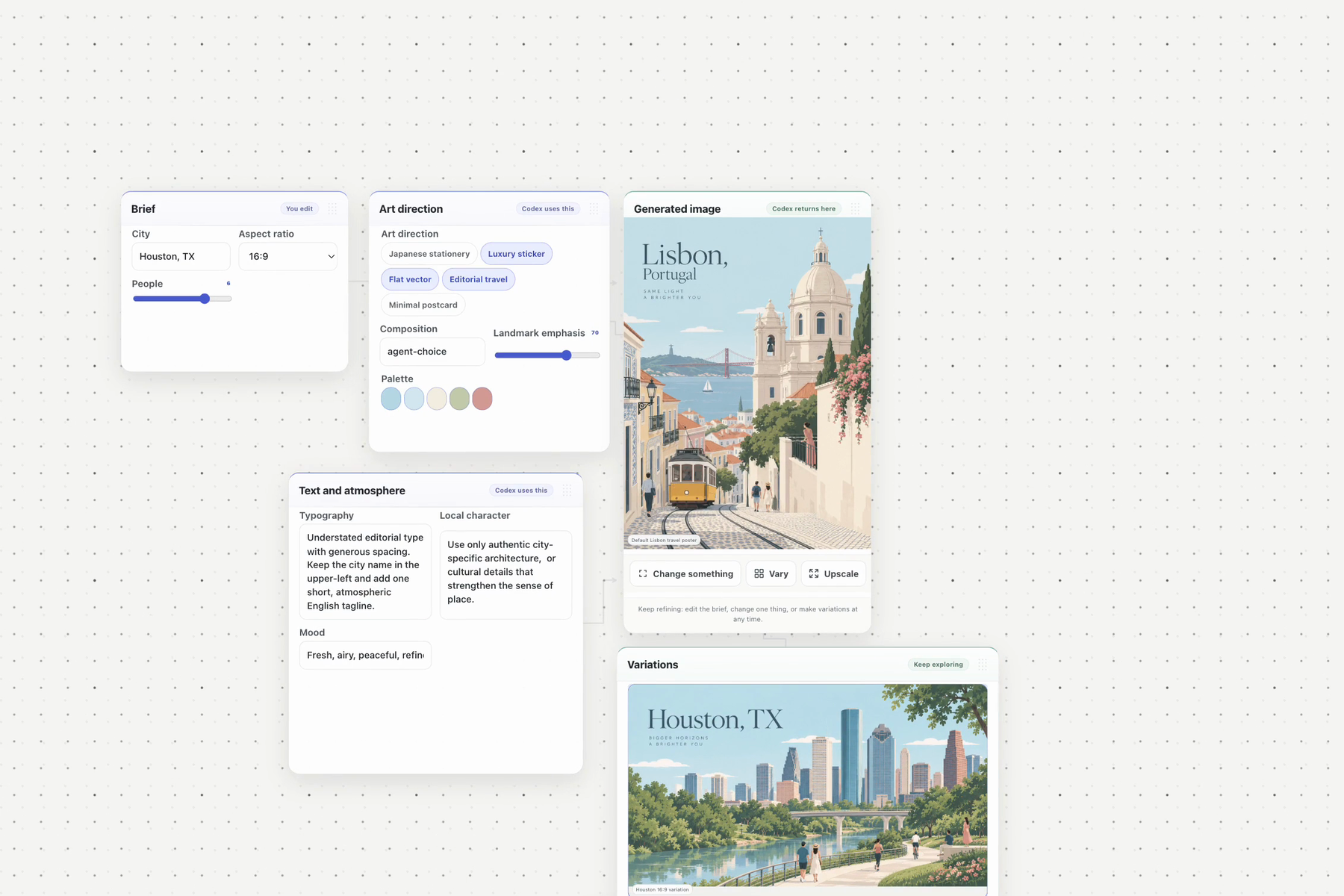
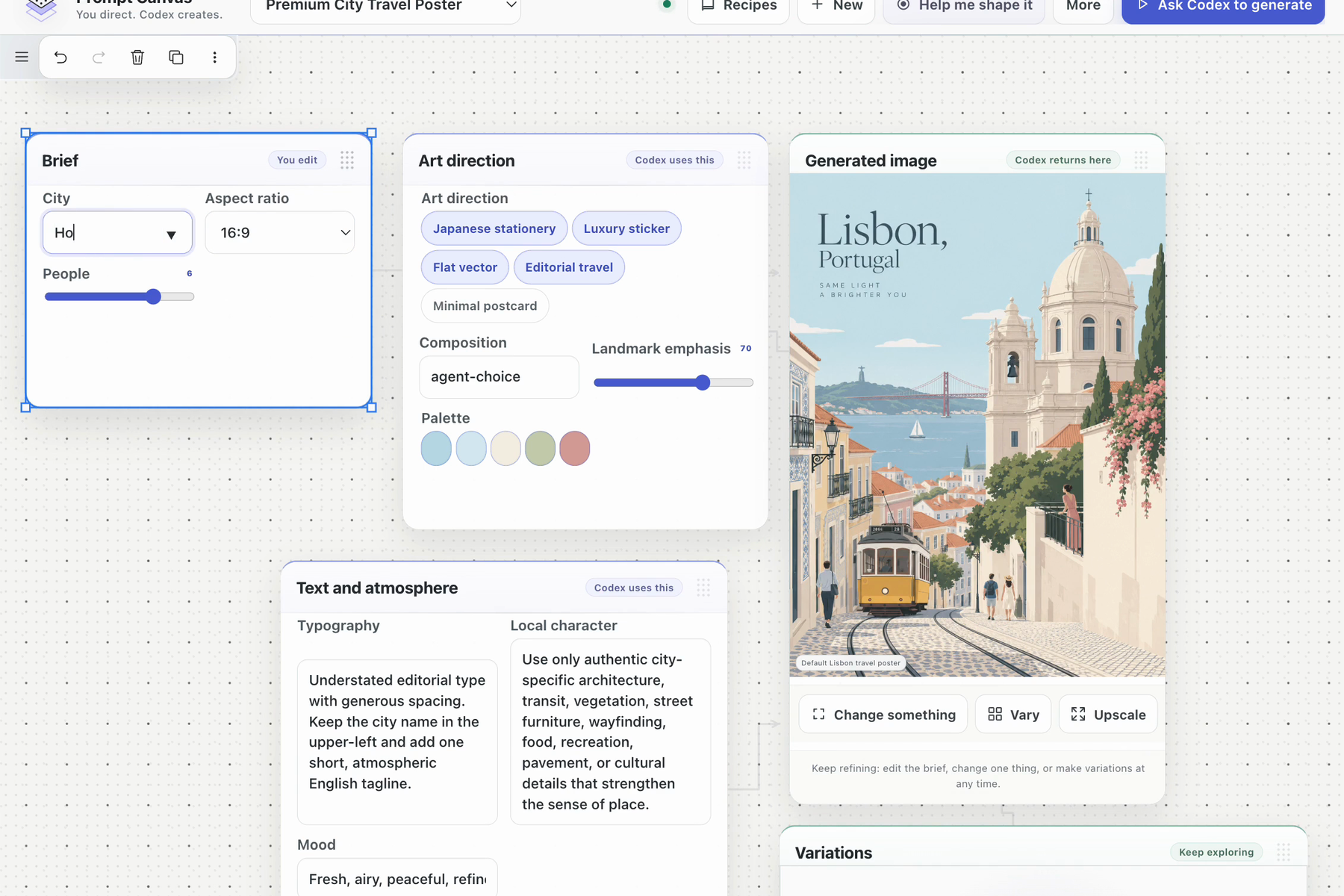
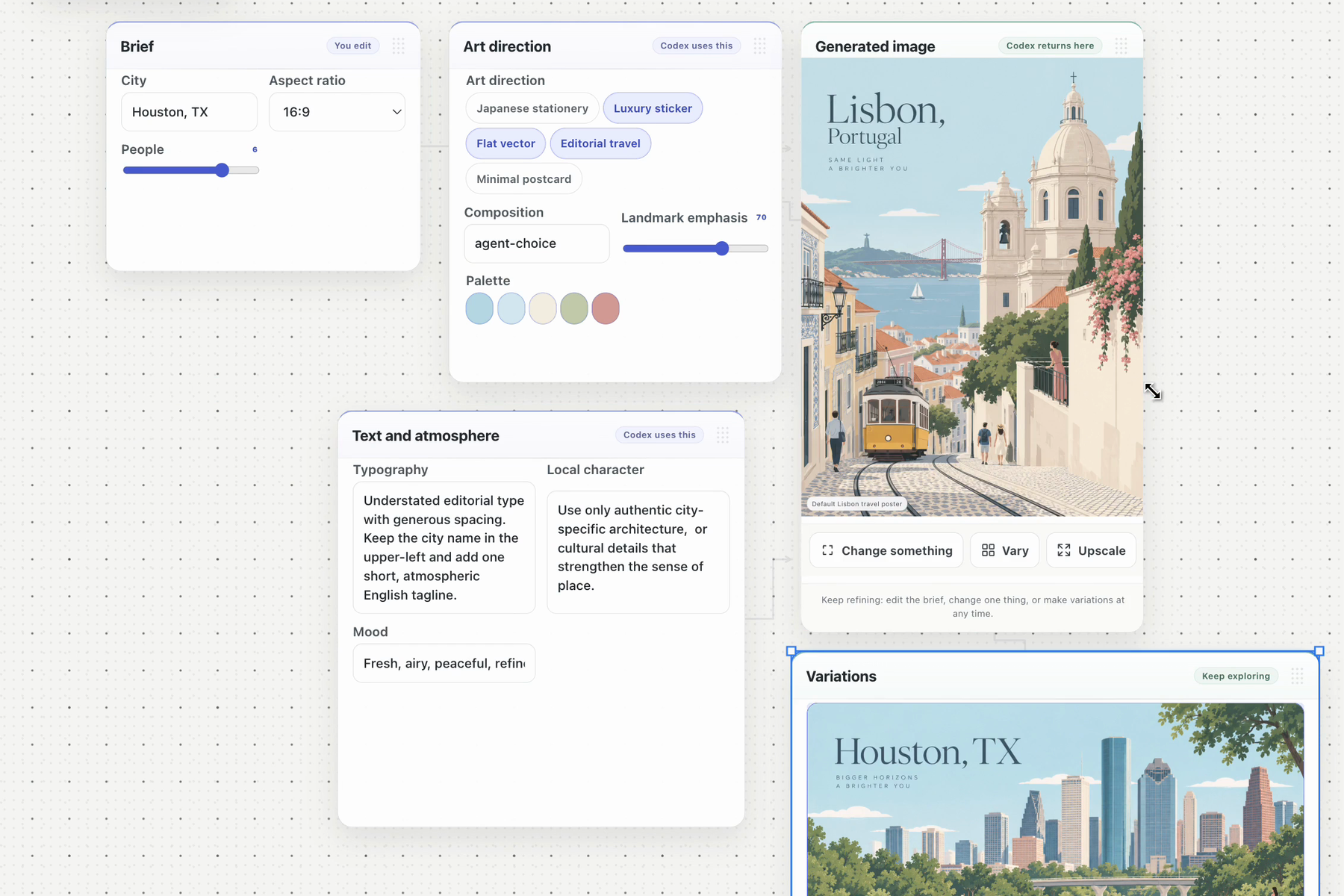
Starting a recipe creates a focused project on a tldraw canvas. Depending on the task, the project may include:
- a Brief describing the intended outcome;
- References with explicit roles and preservation requirements;
- a Direction surface for composition, style, format, and mood;
- a dominant Result area;
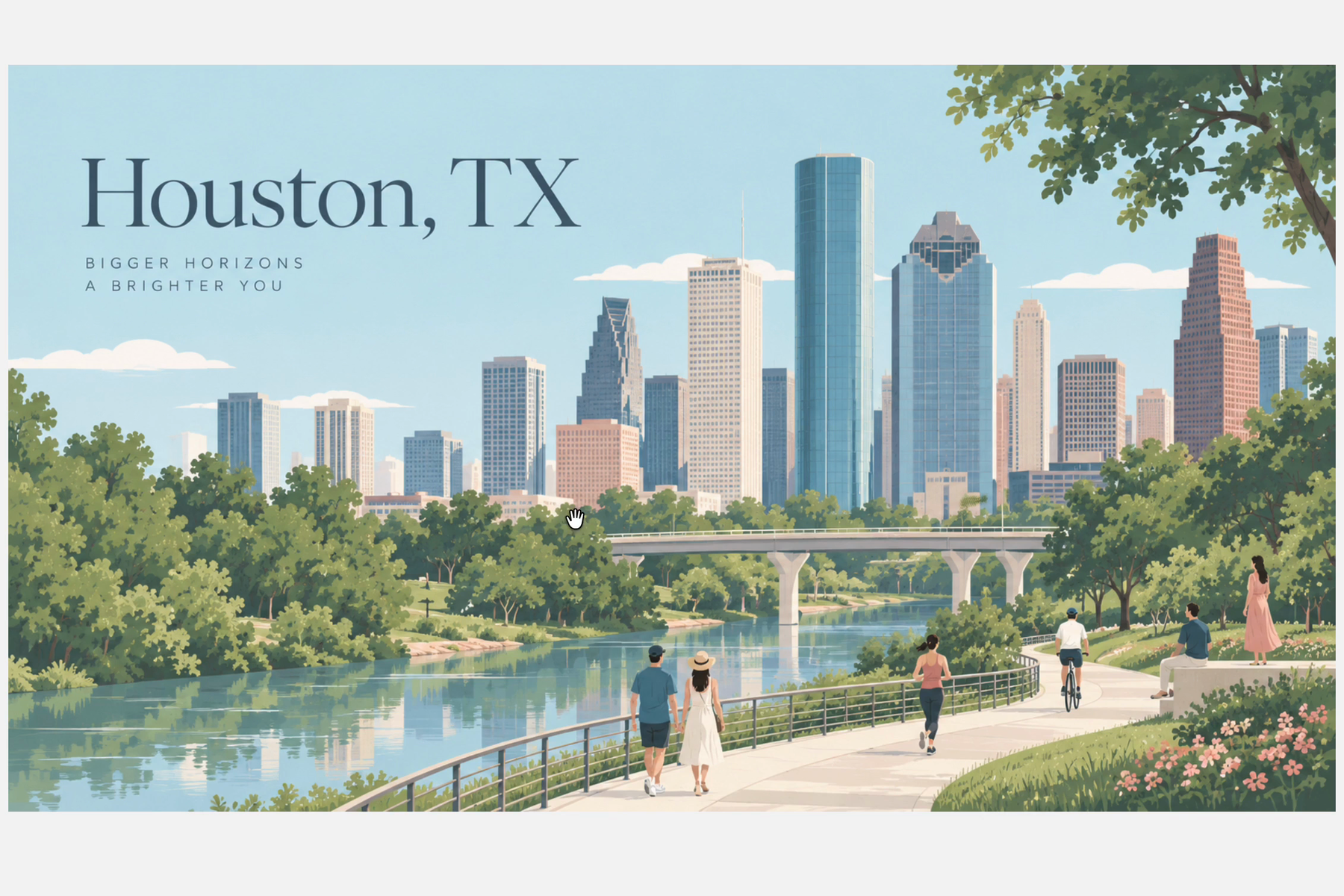
- Variations for continued exploration.
Users can shape the project manually or ask Codex to help. Through Prompt Canvas’s WebMCP Website Tools, Codex can search the official recipe library, retrieve an exact approved recipe version, create or update a project, inspect its current revision, prepare generation context, and return generated assets to the correct canvas output.
Image generation remains native to Codex. Prompt Canvas supplies the structured creative context and receives the result; it does not introduce a separate page-owned generation service.
The result is a single inspectable workspace where the human and agent operate on the same project rather than maintaining separate versions in chat and in the application.
How I built it
Prompt Canvas is a React and TypeScript application built on the tldraw SDK.
Recipes are schema-backed YAML documents that define prompts, controls, references, output slots, layout, preservation rules, and supported operations. The application compiles those recipes into custom tldraw panel shapes while retaining the full underlying recipe snapshot for the agent.
The official recipe library is curated and versioned. On the published ChatGPT Site, approved recipes are served from Cloudflare D1. User-created recipes remain local to the user’s browser and are never silently added to the official catalog.
Prompt Canvas exposes 11 semantic Website Tools through WebMCP. These tools cover recipe discovery, exact recipe retrieval, project creation and updates, project inspection, generation-context preparation, and generated-asset return.
The project also includes:
- immutable official recipe versions and content hashes;
- revision numbers and stale-write rejection;
- local project persistence;
- validated reference and generated-asset handling;
- explicit output-slot targeting;
- parent-child output lineage;
- undo and reload durability;
- deterministic catalog and browser tests.
Challenges
The largest design challenge was making the canvas feel like a creative workbench rather than a visual programming graph.
Early versions displayed nearly every prompt variable as a separate connected card. Although technically accurate, the interface visually resembled an automation workflow and gave configuration more importance than the image itself.
I simplified the interaction model around a smaller set of creative surfaces: Brief, References, Direction, Result, and Variations. Permanent dependency arrows were removed from the primary workflows, controls were grouped into meaningful decisions, and the Result became the visual center of the project.
A second challenge was explaining the collaboration boundary clearly. Clicking a button on the Site cannot itself perform native Codex image generation. The application therefore needed to communicate that the user shapes the project in Prompt Canvas, then asks Codex to act on its current state through WebMCP.
The final interface makes that division of labor visible from the first screen, previews the information Codex will use, and explains where the resulting image will return.
The third challenge was preserving trust across two interfaces. Codex must always act on the newest project revision, respect the selected recipe version, return assets to the intended output, and avoid overwriting newer human edits. Revision checks, exact recipe identity, validation, and output lineage were essential to making the workflow reliable.
What I learned
WebMCP is most powerful when it exposes an application’s real semantic actions rather than asking an agent to imitate mouse and keyboard behavior.
The agent does not need another copy of the user interface. It needs structured access to concepts such as “search recipes,” “inspect the active project,” “use the latest creative direction,” and “return this image to the primary result.”
I also learned that agent collaboration must be explained before the first handoff. Users should understand what they control, what Codex will use, what the agent is about to do, and what remains editable afterward.
What’s next
The next frontier is deeper support for multi-reference creative work: assigning separate images authority over identity, composition, palette, product geometry, or visual style.
I also plan to expand the curated recipe library, introduce reusable style and constraint kits, and develop richer result branching and comparison while keeping the workspace simple, inspectable, and local-first.
Built With
- actions
- chatgpt
- cloudflare
- codex
- css
- d1
- github
- html
- indexeddb
- json
- playwright
- react
- schema
- sites
- svg
- tldraw
- typescript
- vite
- webmcp
- yaml

Log in or sign up for Devpost to join the conversation.