-
-
Start Home Page of Promatheus
-
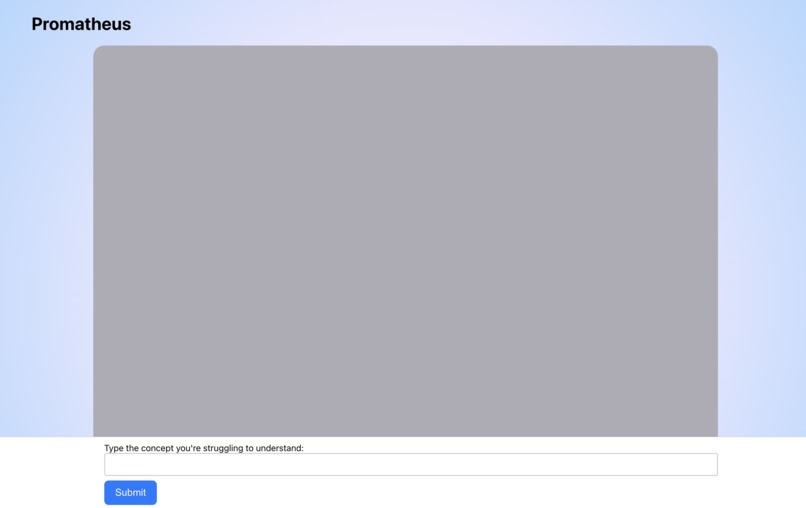
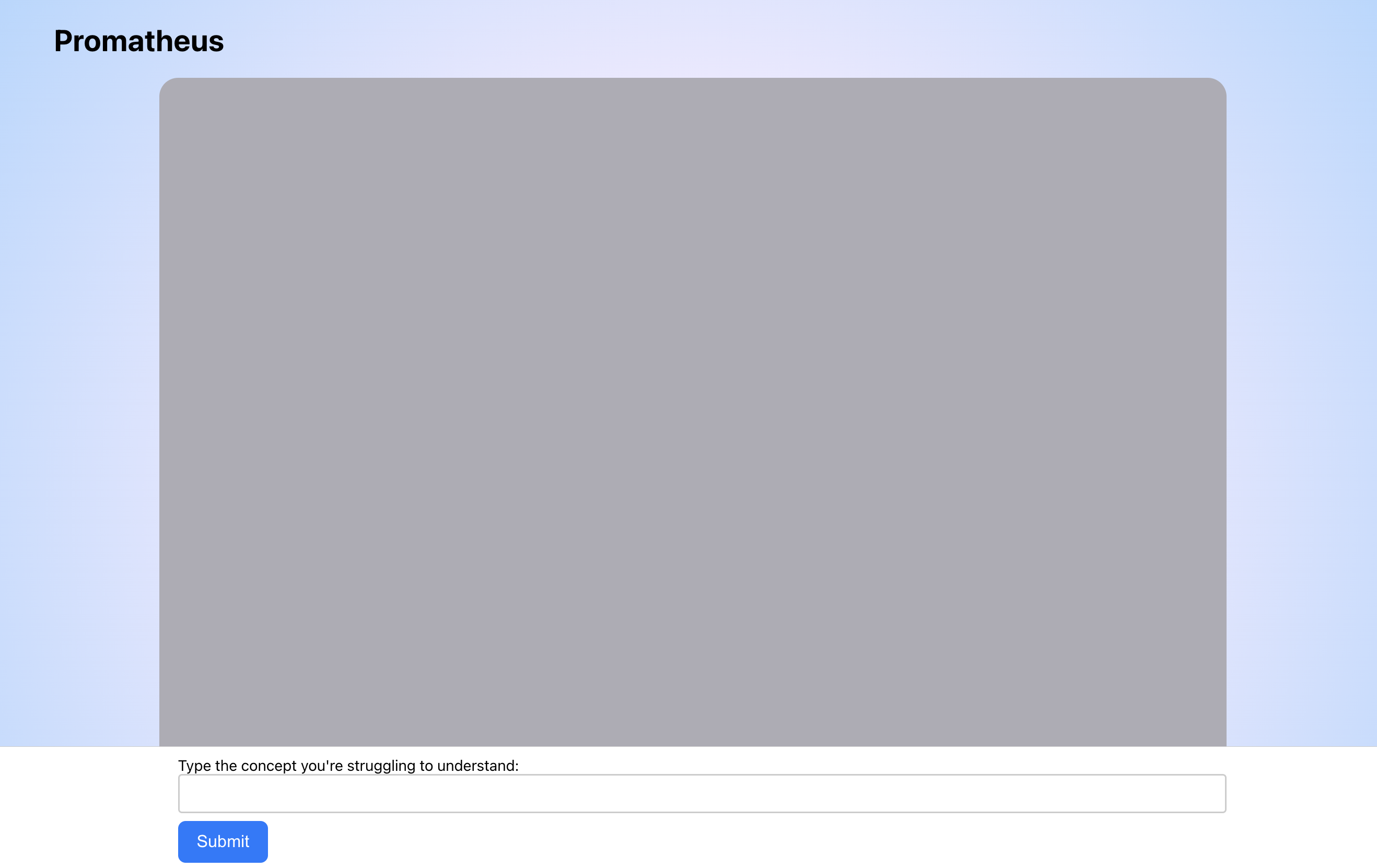
Main Page of Promatheus
-

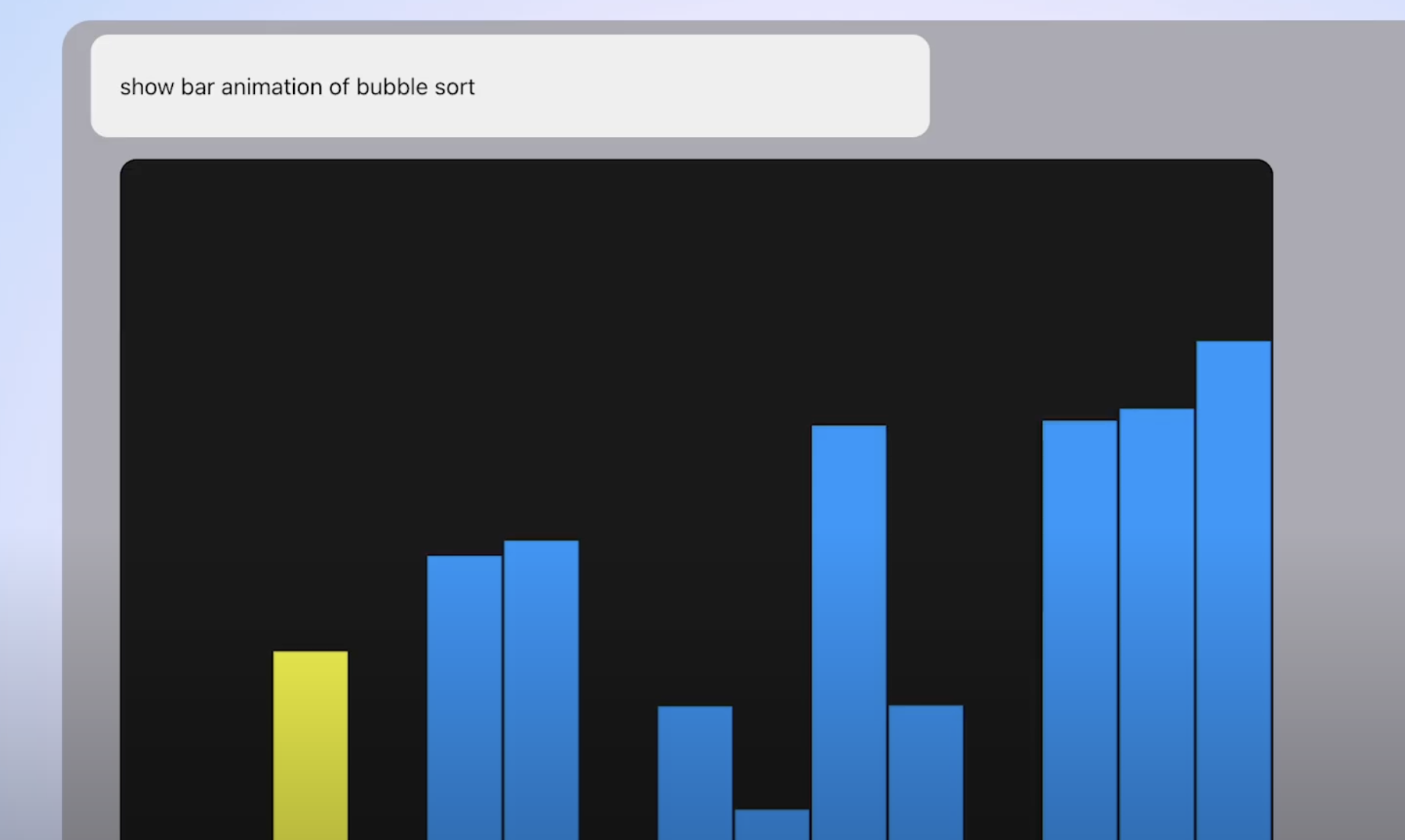
Bubble Sort Generated Animation
-
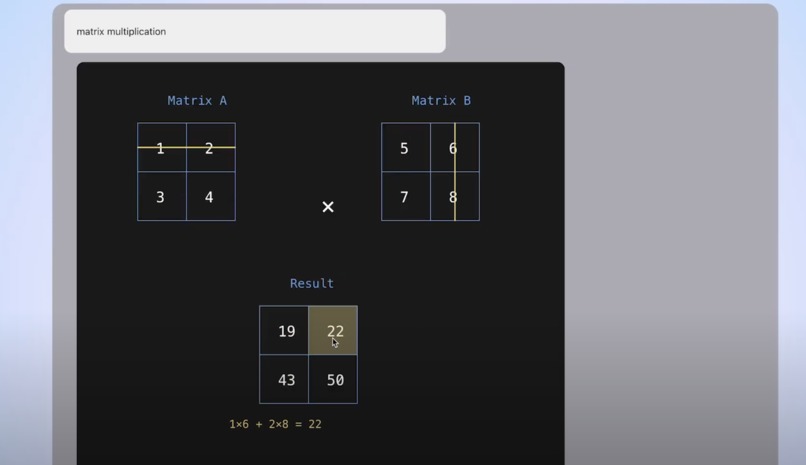
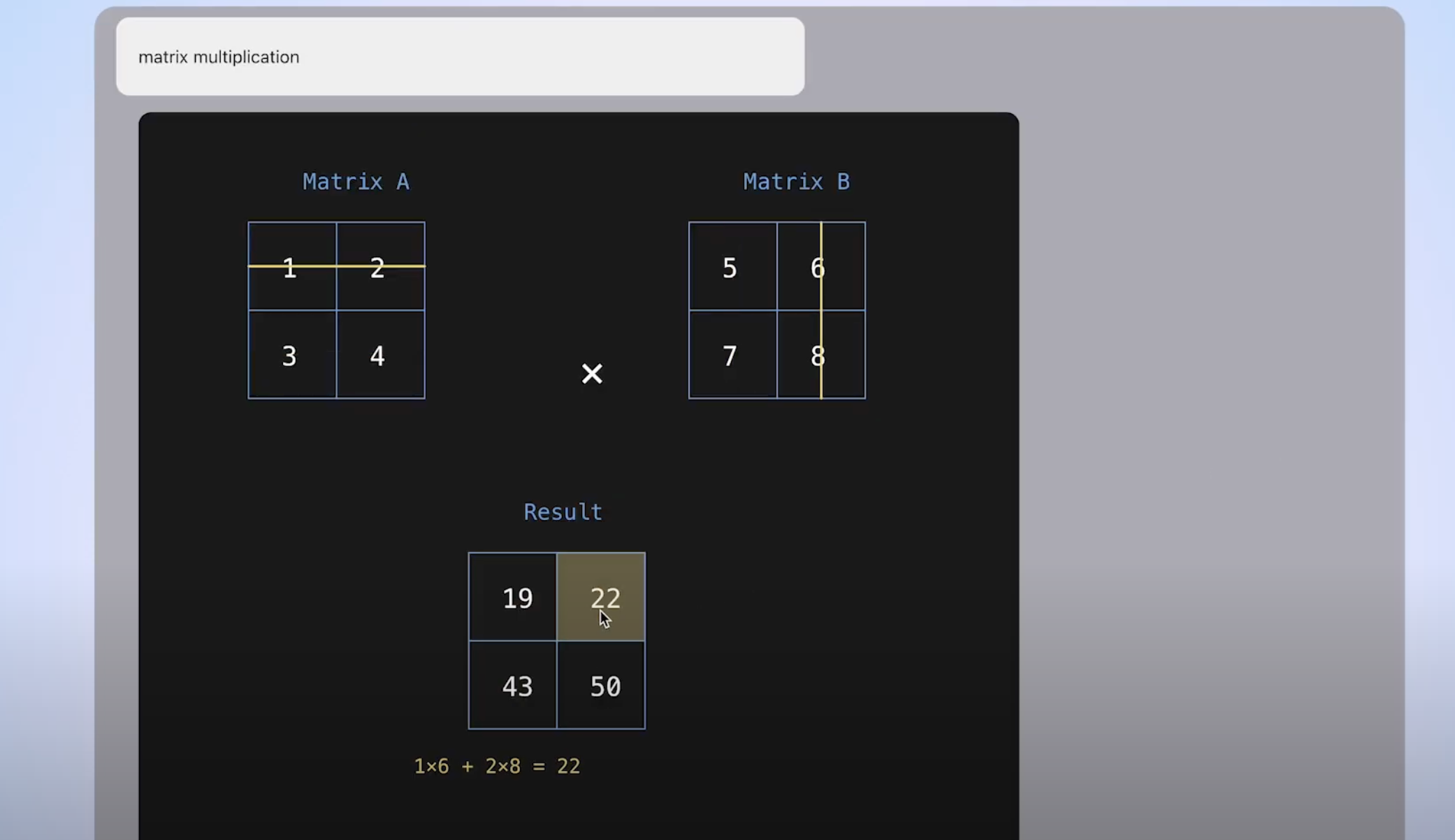
Matrix Multipliation Generated Interactive Visualization
-
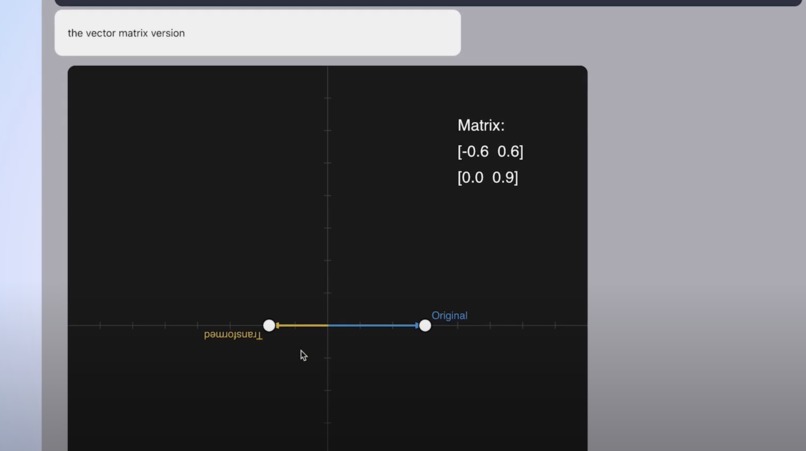
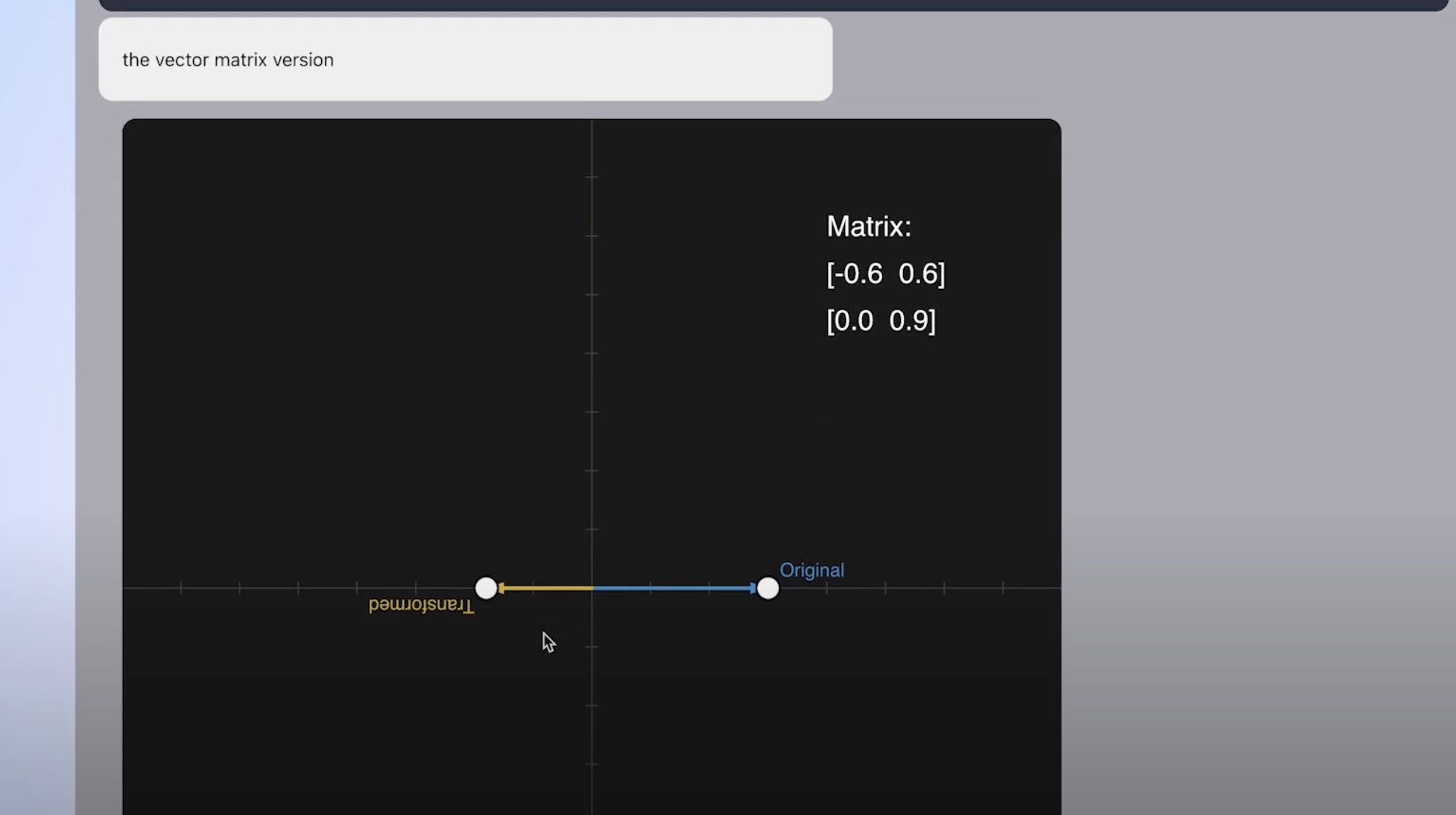
Generated Vector Matrix Multiplication Form
-
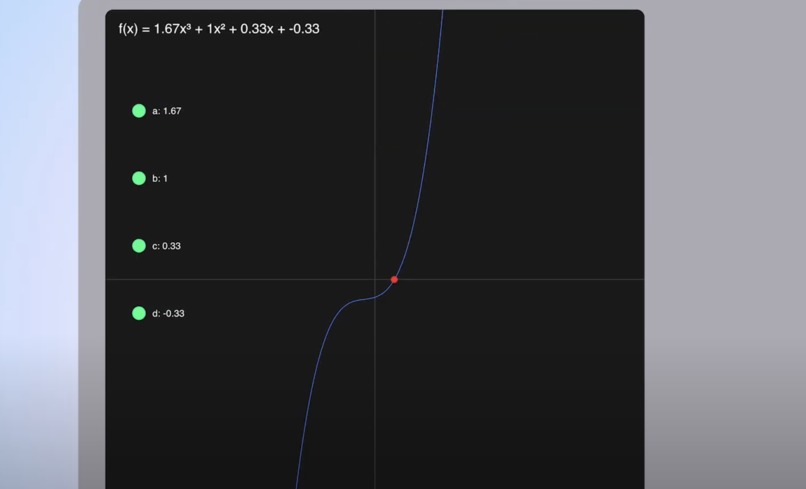
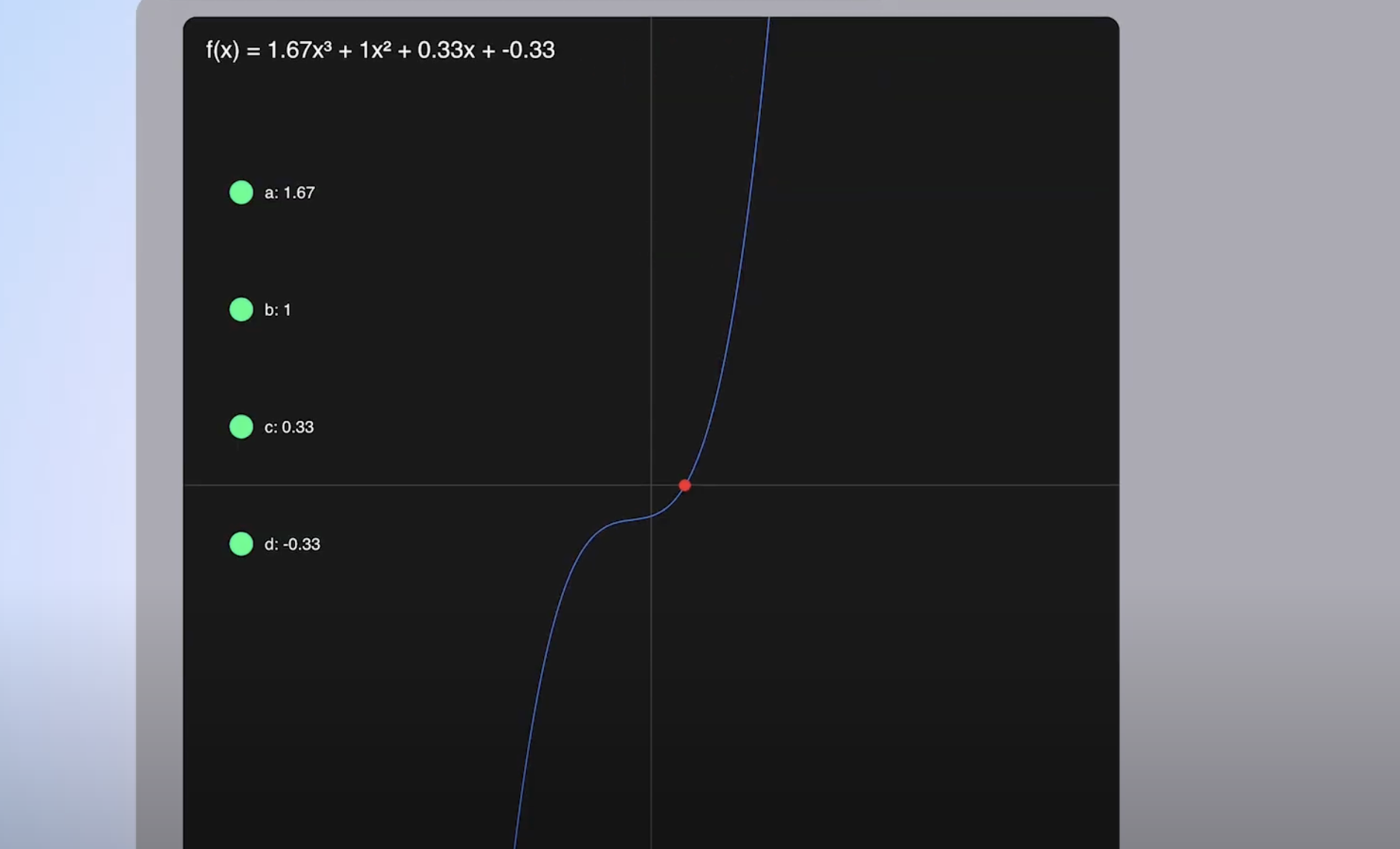
3rd Degree Polynomial Generated Interactive Visualization
Inspiration
Sometimes a visual medium makes it easier to learn math and computer science concepts. We thought of 3b1b animated videos and how easy it was to learn math concepts from him. We also found on the internet many p5.js examples displaying math concepts in a fun and interactive manner. Using these examples as inspiration, we strove to find a way to generate math and computer science interactive animated visualizations on demand.
What it does
Promatheus is a chat model that returns insightful interactive visualizations for the user to play around and understand. The user inputs the concept they don't understand, and sends it to our application. Promatheus pulls from previous data of coded visualizations and using reasoning, generates an animated or interactive visualization in code. Our application then reformats the code and displays it so the user can view and interact with it. The user can also continue the chat and add to the prompt or ask a new concept to Promatheus.
How we built it
Dataset
Our data comes in the form of jsonl format that has three components:
- The user prompt which consists of the question (ex. I don't understand how matrix multiplication works").
- The ideal code that generates a clear and interactive visualization for the user.
- the "Jeopardy" reasoning (pulled and credited from Deepseek).
Training
We used a method called few-shot prompting to improve the performance of DeepSeek R1 to generate code. This involved adding the data to the context window, and prompting the model with a precisely engineered custom prompt, which allowed us to steer the model towards a more desired result.
Frontend
We used a React frontend to fetch and visualize the outputs from Deepseek. Specifically, we first passed the output from DeepSeek through Gemini to refactor the code so we could display multiple visualizations as a "history" between the user and chatbot. Next we were able to visualize the code via the p5js library and display it to the user in an interactive form. Used GitHub Copilot for debugging and improving frontend.
Challenges we ran into
One of our challenges came in the form of fine-tuning the model. We had two options: train the model on our data to improve it for our purposes, or utilize few-shot prompting to guide the model in the right direction. Initially we settled on fine-tuning the model, which proved to be challenging for multiple reasons like time, resources, and data availability. As a result, we decided to switch to few-shot prompting. We also ran into consistency problems, mainly due to our custom prompt. This required many iterations of different changes to the prompt in order to end up with something that fit our needs and was able to perform the tasks it was requested.
Accomplishments that we're proud of
Although we faced a lot of barriers while making Promatheus, we are proud to have been able to make a platform for people of all ages and proficiency to learn new concepts and understand others better. We are also proud to have successfully integrated AI in a user-friendly that makes learning simple and accessible.
What we learned
Through first-hand experience, we learnt a lot about what goes into this process and the planning required for such a complex task, including data gathering, cleaning, and preparation, hyperparameter tuning, prompt engineering and evaluating model performance effectively. We also gained deep insight into the inner workings and training of LLMs during our extensive research.
What's next for Promatheus
Since we want Promatheus be as user-friendly as possible, we would want to integrate more features such as code-editing and increased interactivity to enhance the user experience and make learning more intuitive. We also want to improve Promatheus to be able to create explanatory videos to enhance the user experience and make learning more intuitive.


Log in or sign up for Devpost to join the conversation.