-
-
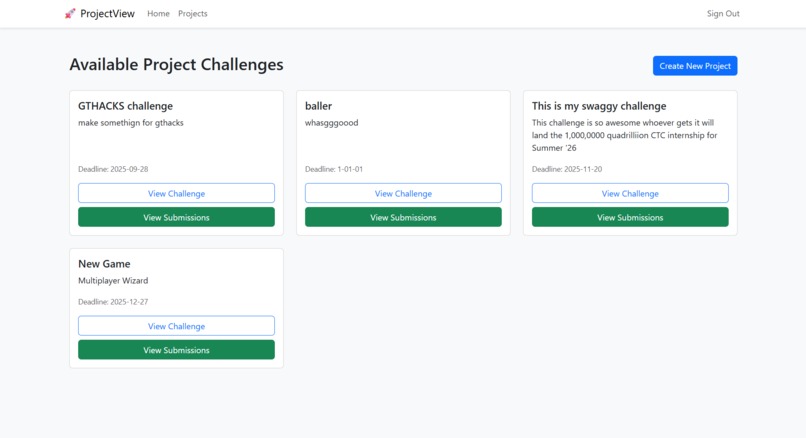
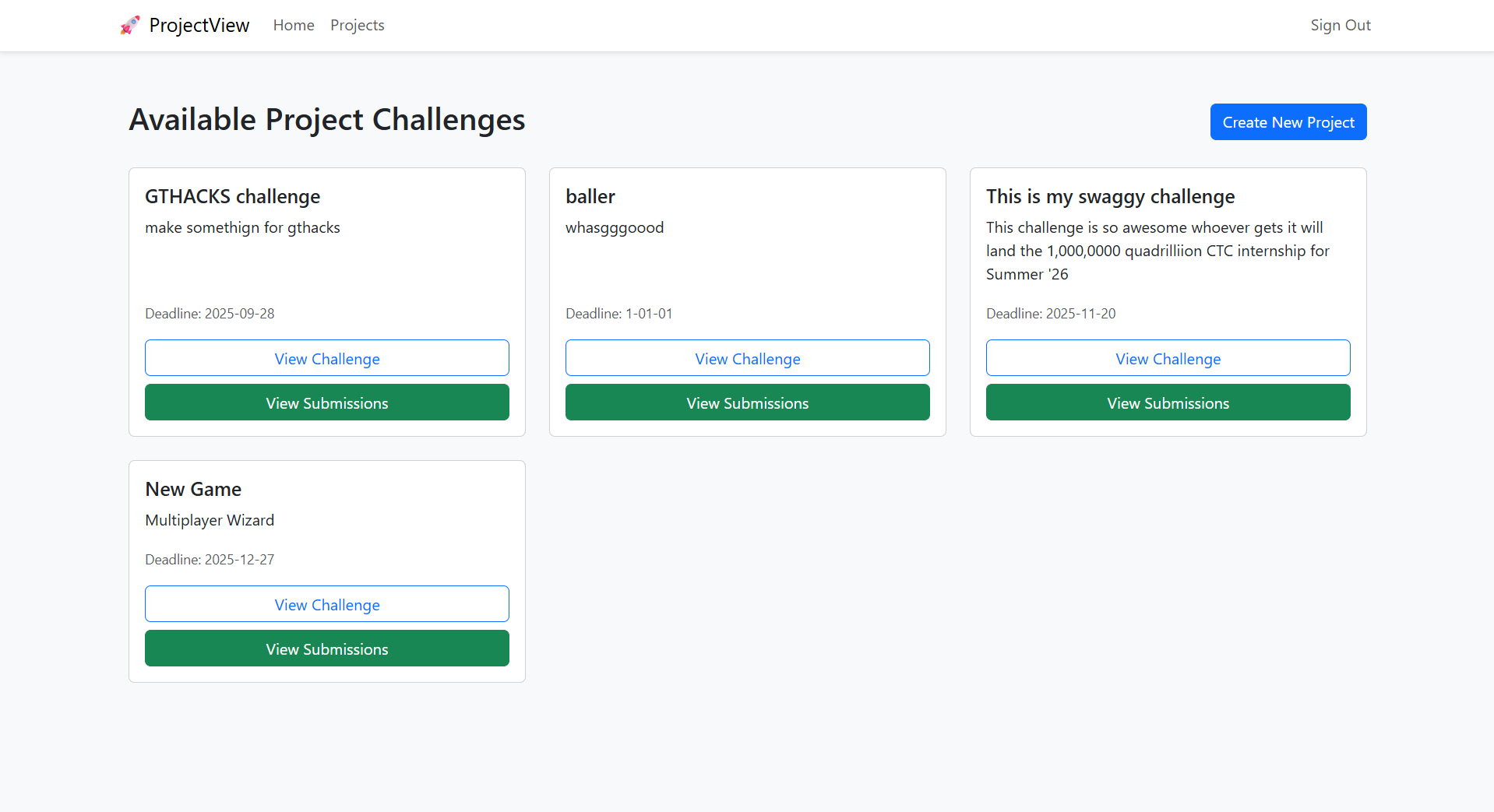
Projects View
-
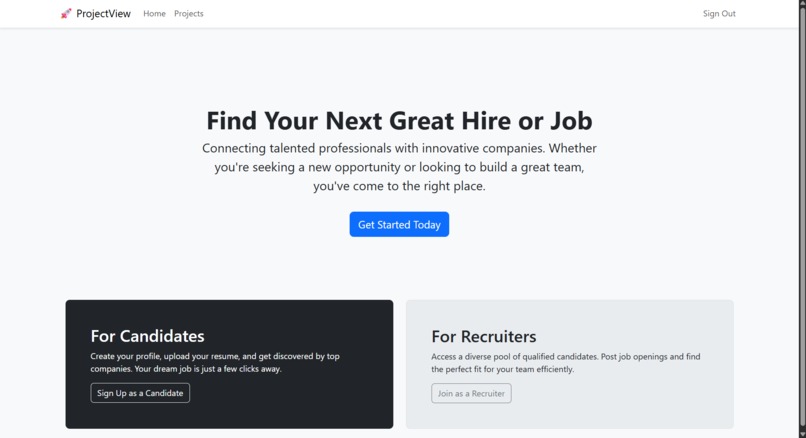
Home Page
-
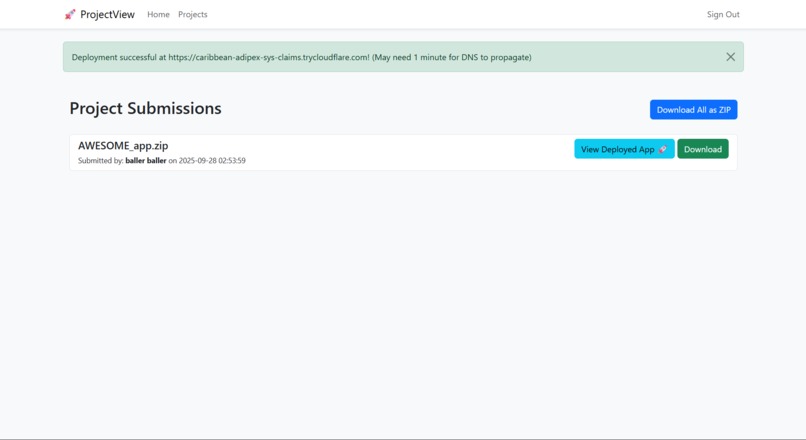
One-click Deploy
Inspiration
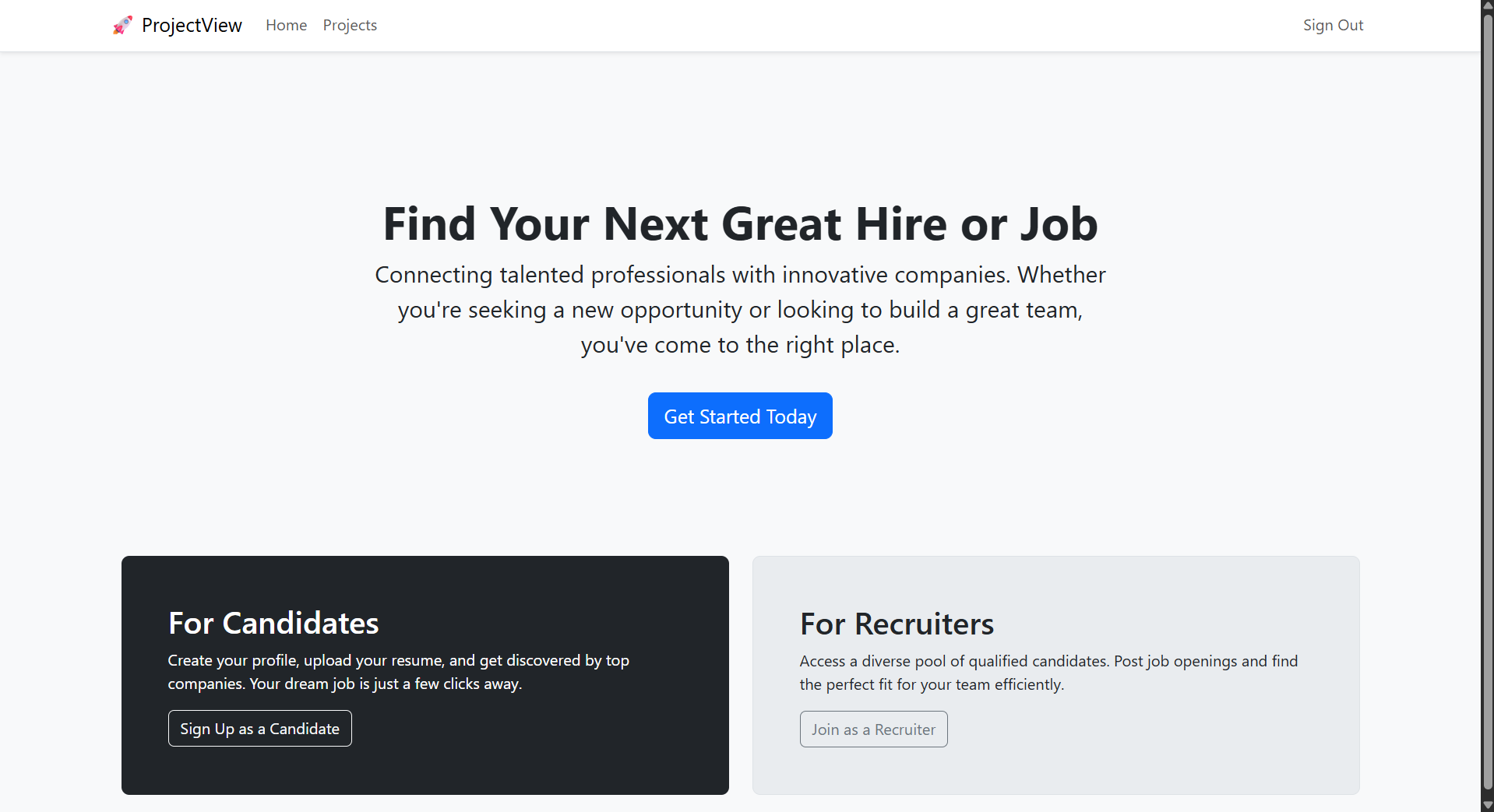
ProjectView is a full-stack web application designed to bridge the gap between tech recruiters and candidates by transforming the code submission and review process. After the advent of AI-based platforms like Cluely, traditional problem-based platforms like Leetcode do not effectively work anymore. To rememdy this, platform allows recruiters to post project-based challenges and enables candidates to submit their work securely with whatever nonhuman assistance they may desire.
What it does
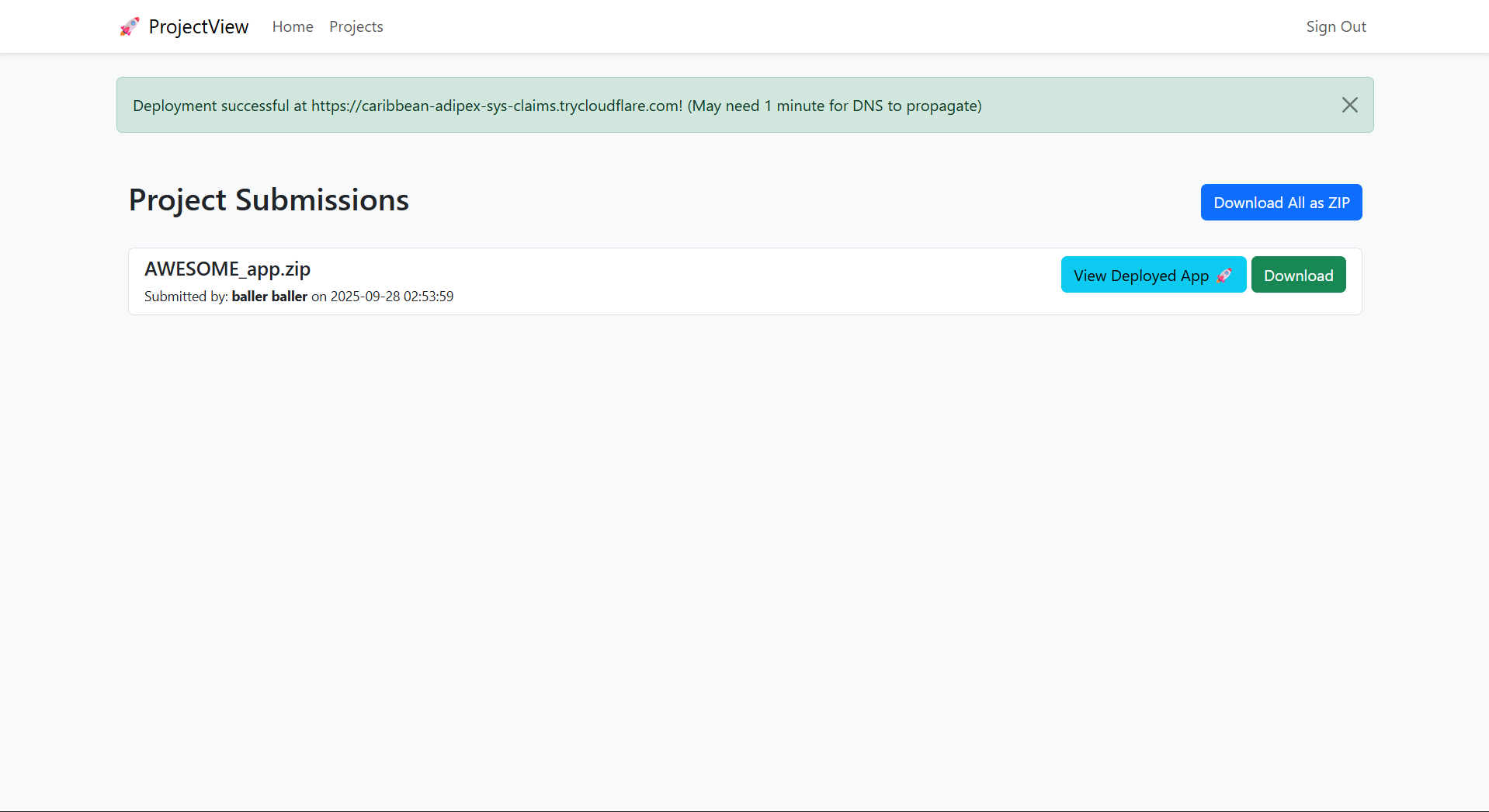
The standout feature of ProjectView is its one-click automated deployment system. This functionality streamlines the evaluation process by allowing recruiters to build and run a candidate's submitted code in a live, containerized environment instantly.
How we built it
Automated Deployment Workflow When a recruiter is ready to review a submission, they simply click a "Deploy & Run" button. This action triggers a sophisticated backend process that automates what is typically a manual and time-consuming task:
Backend Orchestration: The Django server receives the recruiter's request and verifies their permissions.
Secure Storage Reference: It constructs a secure Google Cloud Storage URI (gs://) that points directly to the candidate's zipped project file stored in a managed Firebase bucket.
External API Call: The server sends a POST request to a dedicated, external deployment service. The body of this request contains the gs:// URI of the project to be built.
Build & Deployment: The deployment service pulls the project files from the Storage bucket, builds a new Docker container from the code, and deploys it to a live, publicly accessible URL.
Instant Access: The service returns this unique public URL to the Django application, which seamlessly redirects the recruiter's browser through cloudflare tunnels.
This workflow transforms static code submissions into live, interactive applications, allowing recruiters to assess a candidate's work in a real-world environment without ever needing to clone a repository, install dependencies, or configure a local setup.
Challenges we ran into
Our decided workflow was to split the entire project into two separate pieces, first, the main website hosted using Django and using Firebase to store our data, and second, a Python API server that's able to build, run, and serve a Docker container through Cloudflare tunnels. This was great for getting work done, but it took quite a bit of cooperation and work to finally get those pieces working together at the end.
Accomplishments that we're proud of
We are quite of proud of the website's ability to have one-click deployment. It took quite a bit of work having the back end connected to the front end and having it all work with internal API calls to deliver a URL that showed the final deployed project.
What we learned
We learned a lot about our tech stack. Personally for me (Allistair) it was my first time using Firebase, so it was definitely a learning experience and I'll be sure to consider it for future projects. For Raghav, he learned a lot about Django and how it integrates with Firebase (more specifically the storage buckets).
What's next for ProjectView
We'd like add support for non-website applications with graphical interfaces (such as projects using JavaFX) as well as commandline applications. We'd also like to optimize our one-click deployment, since as it stands it takes quite a bit of time for DNS changes to propagate through Cloudflare tunnels and we'd like to make it faster. One idea would be to load it in beforehand.


Log in or sign up for Devpost to join the conversation.