-
-

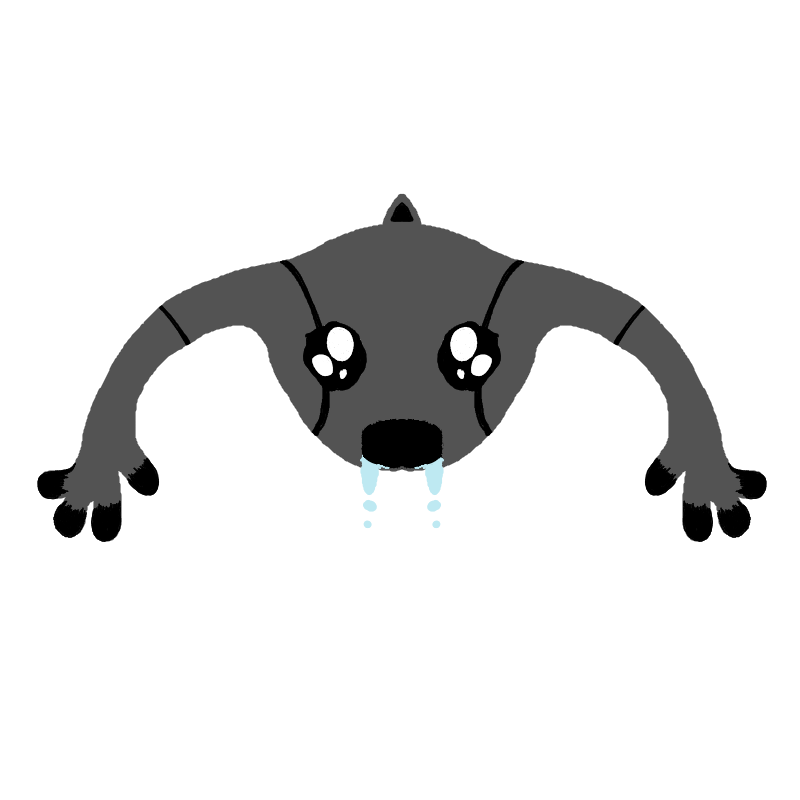
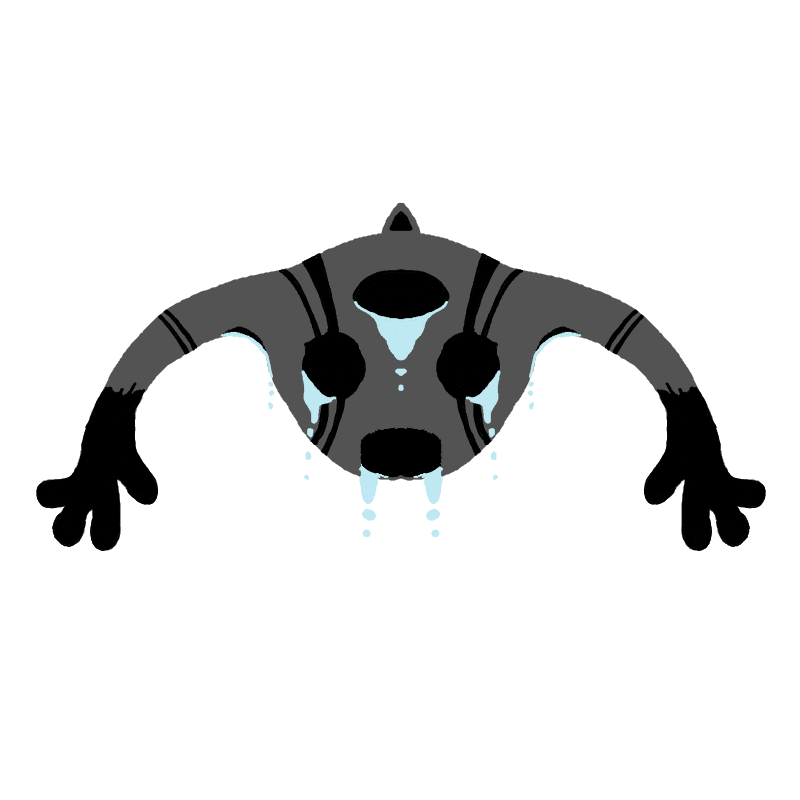
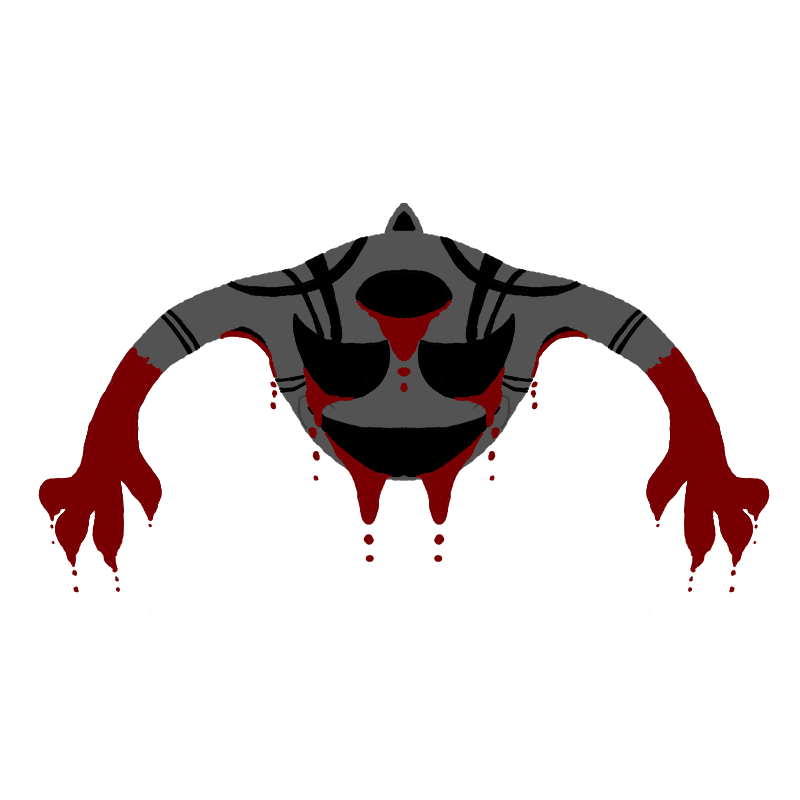
Monster Sprite (Innocent? Yeah, sure)
-
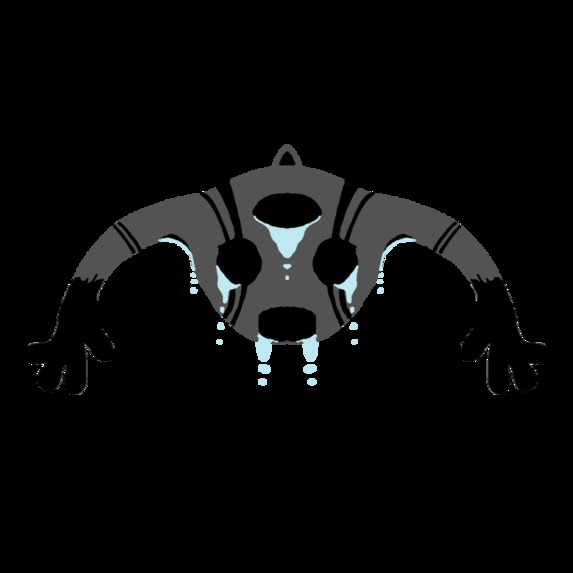
After your life
-
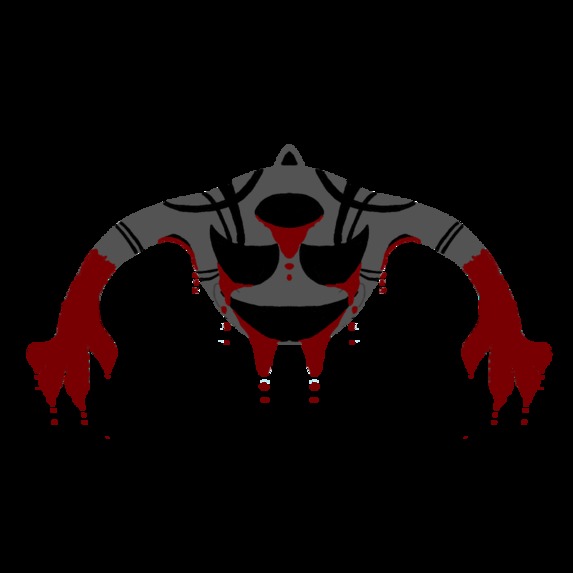
God, why?
-
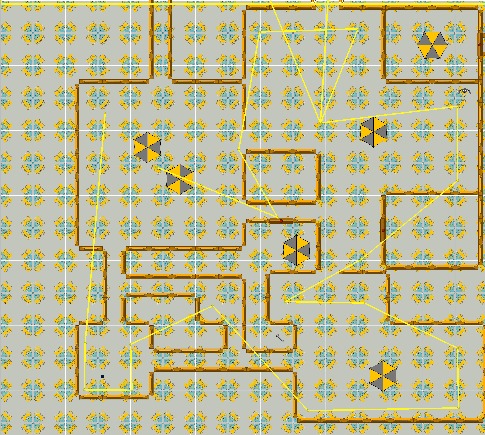
Section 1
-
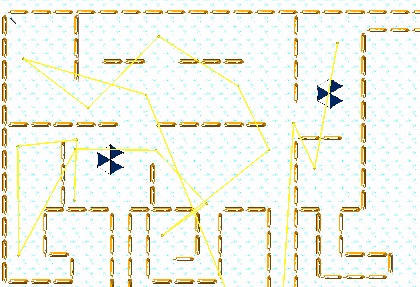
Section 2
-
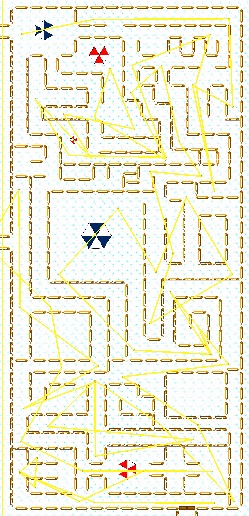
Section 3
-
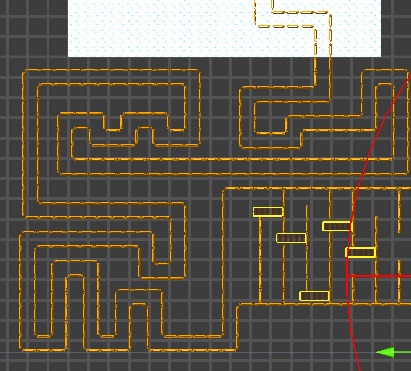
Section 4
-
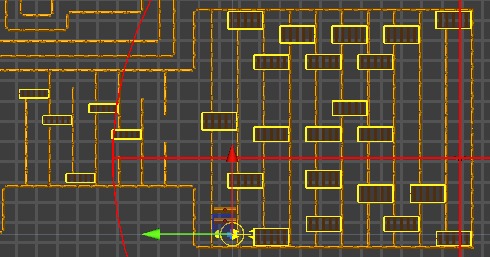
Section 5
Inspiration
Facility 13 was inspired by a 2D top-down multiplayer game called Mall Monster, which I played as a child. In Mall Monster, players had to survive in a mall while avoiding a monster. The game left a lasting impression on me, and I always remembered the thrill of being chased by the monster. Years later, I decided to create my own game based on a similar premise but with my own twist. Facility 13 kind of takes that childhood inspiration and turns it into a single-player survival horror experience (I hope it turns out to feel like one) where the player is trapped in a facility and must escape while being relentlessly chased by a much faster monster. The game focuses on hiding, strategy, and managing limited resources, with the player using their flashlight to navigate through dark environments. No weapons, only wits.
What it does
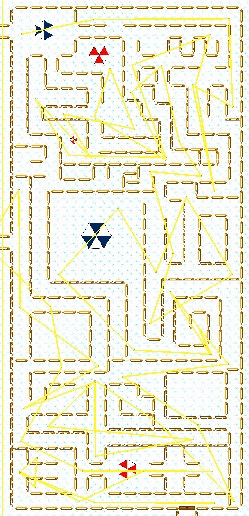
Facility 13 is a 2D survival horror game where players must escape a facility while being chased by a monster. The game starts with a top-down view, where players can move around, hide, and use their flashlight to explore dark environments. The monster’s behavior changes depending on the player’s actions. If the player sprints, the monster will relentlessly chase them. If the player hides in specific spots, the monster will search for them before returning to patrol. Later in the game, the perspective changes to a 2D platformer, where the player has to navigate obstacles while continuing to outrun the monster.
The game includes various items, such as stamina potions and flashbangs, which the player can use to survive longer or stop the monster temporarily. There are also keys that unlock doors, progressing the story and unlocking new sections.
How I built it
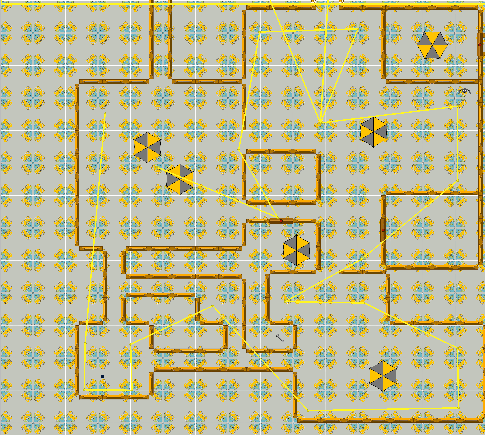
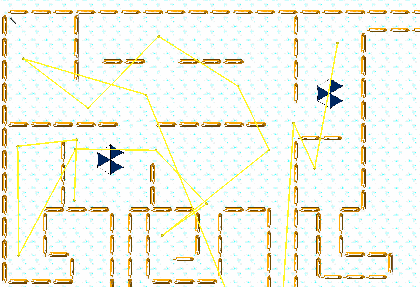
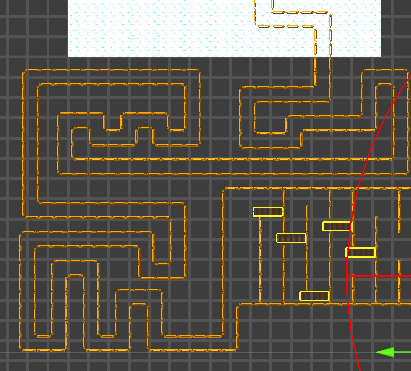
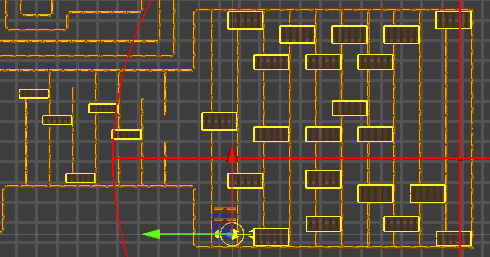
I built Facility 13 using Unity 6, focusing on 2D gameplay mechanics. Unity’s Tilemap system helped create detailed levels (floors and walls), and I used Unity’s built-in physics for the platformer sections. For the monster AI, I created a script with the help of Amazon Q, that allowed the monster to patrol, chase the player, and search for them when they hide. I used Unity’s UI toolkit to design the inventory system and upgrade mechanics for the player’s flashlight.
The transition between top-down and platformer views, I thought, would be one of the more complicated parts, but I was able to manage completing quite easily, as compared to some other things. I made it smooth by adjusting the camera and physics as the player progressed through the game. I also worked on creating dynamic lighting effects for the flashlight, making the environment feel more immersive and spooky.
Challenges I ran into
Balancing Difficulty: The pacing of the game and the monster’s movement speed needed to be perfectly balanced to keep the tension without making it frustrating. Testing and iterating to get the balance right was a lengthy process, but worth it in the end.
Figuring out how to change the behaviour of the monster from what is was in top-down section to what it was going to be in the platformer section: Oh boy, this was tough. I tried to somehow bring the same monster object to the new section, but I gave up ultimately. I decided to disable the monster (the navmesh agent) before the player enters the platformer section, and enabling a new monster (not a navmesh agent) after the player enters the platformer section. Not super proud of it, but I am super proud it.
Accomplishments that I am proud of
Definitely Figuring out how to change the behaviour of the monster from what is was in top-down section to what it was going to be in the platformer section. Other than this, I am also proud of the fact, and the same time, surprised that I could make all of these different sections - snow section, chase section, platformer section - work together.
What we learned
Frankly speaking, I am a beginner in Unity. I am not completely new to game development, but before this, I had only been following tutorials, and making simple Python games. This hackathon came into my life as a blessing. It pushed me to make my own game, and not just get stuck in the tutorial-hell cycle. I have learnt so many things about this engine, that I am sure no course or tutorial would have been able to teach me, at least not in such a small amount of time. But hey, I don't want to sound like I am trashing about YouTube tutorials and online courses. The inventory system that I have used in my game has been heavily inspired from a YouTube playlist on the same topic. They are definitely helpful, but in the end, practical experience triumphs.
What's next for ProjectM
I plan to continue refining Facility 13 by adding more unique sections to the game, such as new environmental challenges or monster types. I’d also like to work on the story, giving players more context and background to immerse them further into the world of Facility 13. Additionally, I’m considering adding a feature to allow the player to face the monster in different environments with varying difficulties. I also want to improve the visuals and sound design to make the game even more immersive. I’m also thinking about adding a scoring system based on how quickly the player escapes and how many resources they manage to use.
Built With
- amazon-web-services
- amazonq
- c#
- krita
- unity


Log in or sign up for Devpost to join the conversation.