-
-
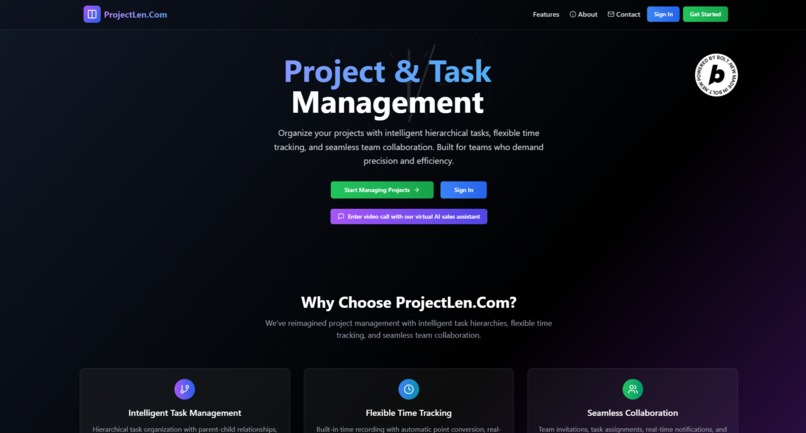
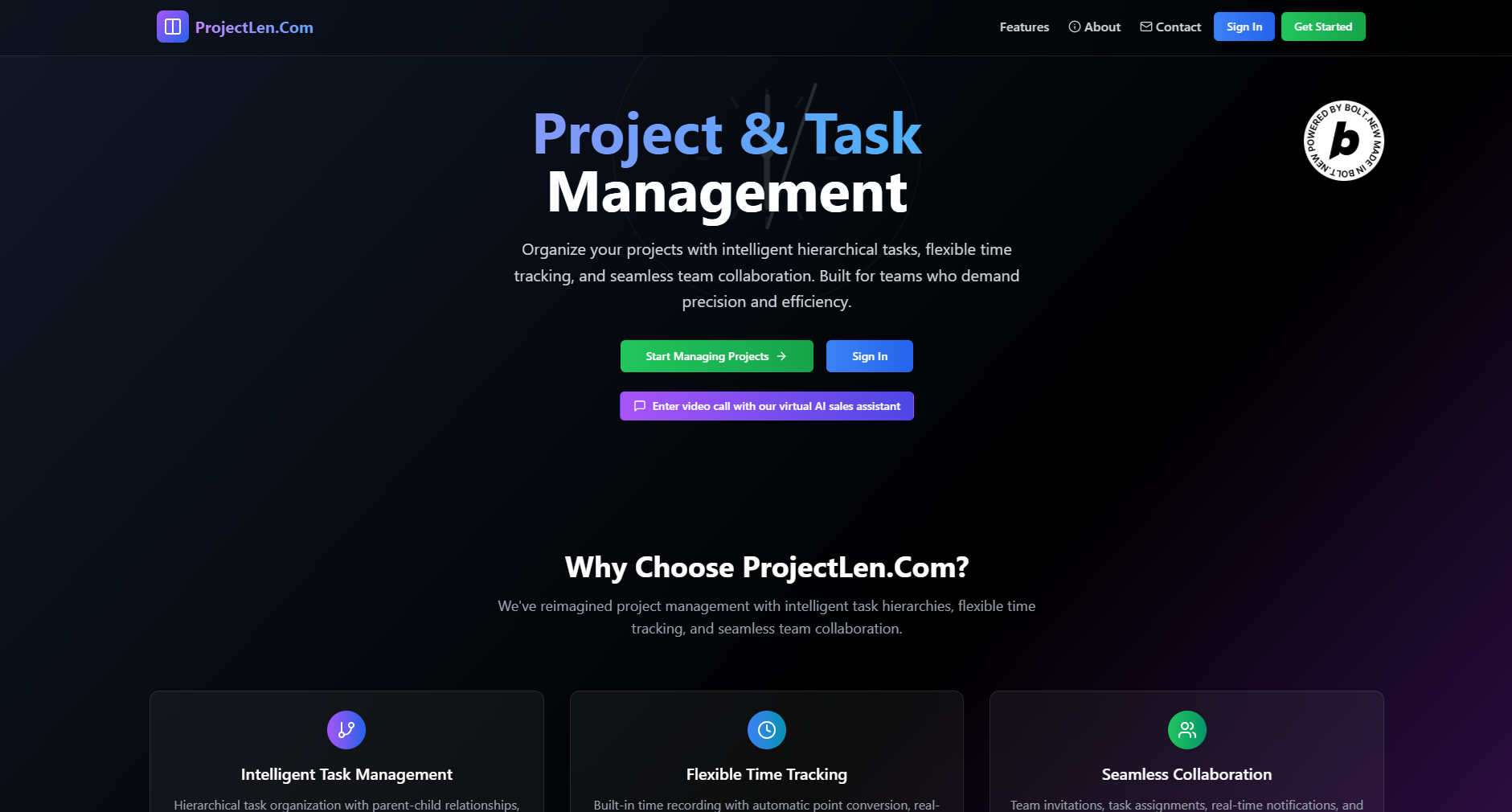
Home Page
-
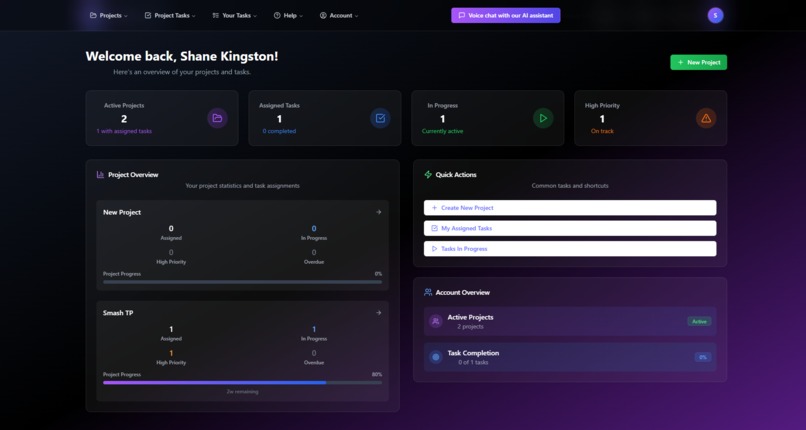
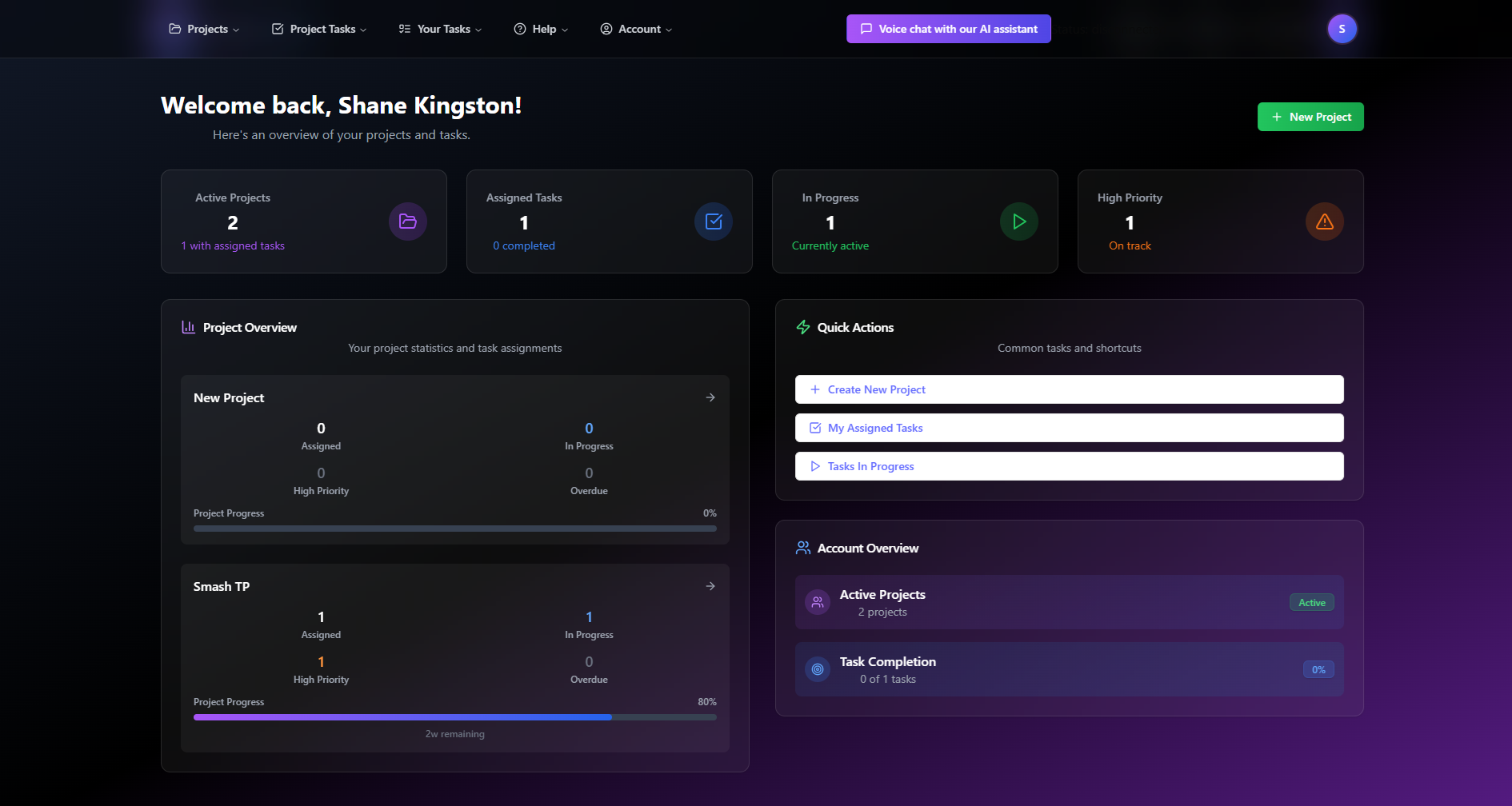
Dashboard
-
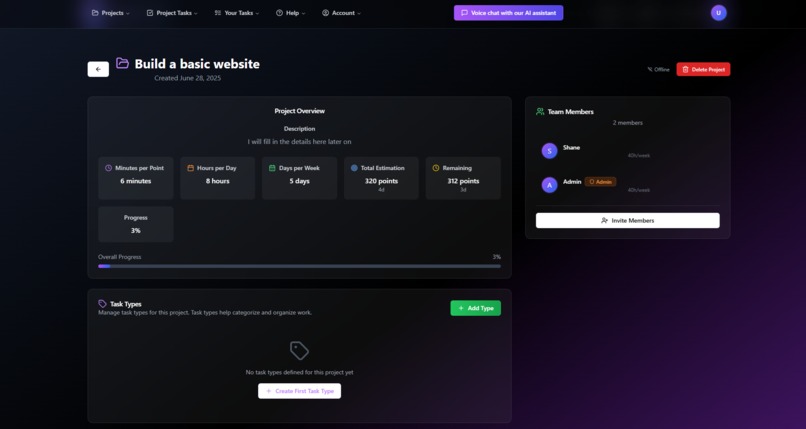
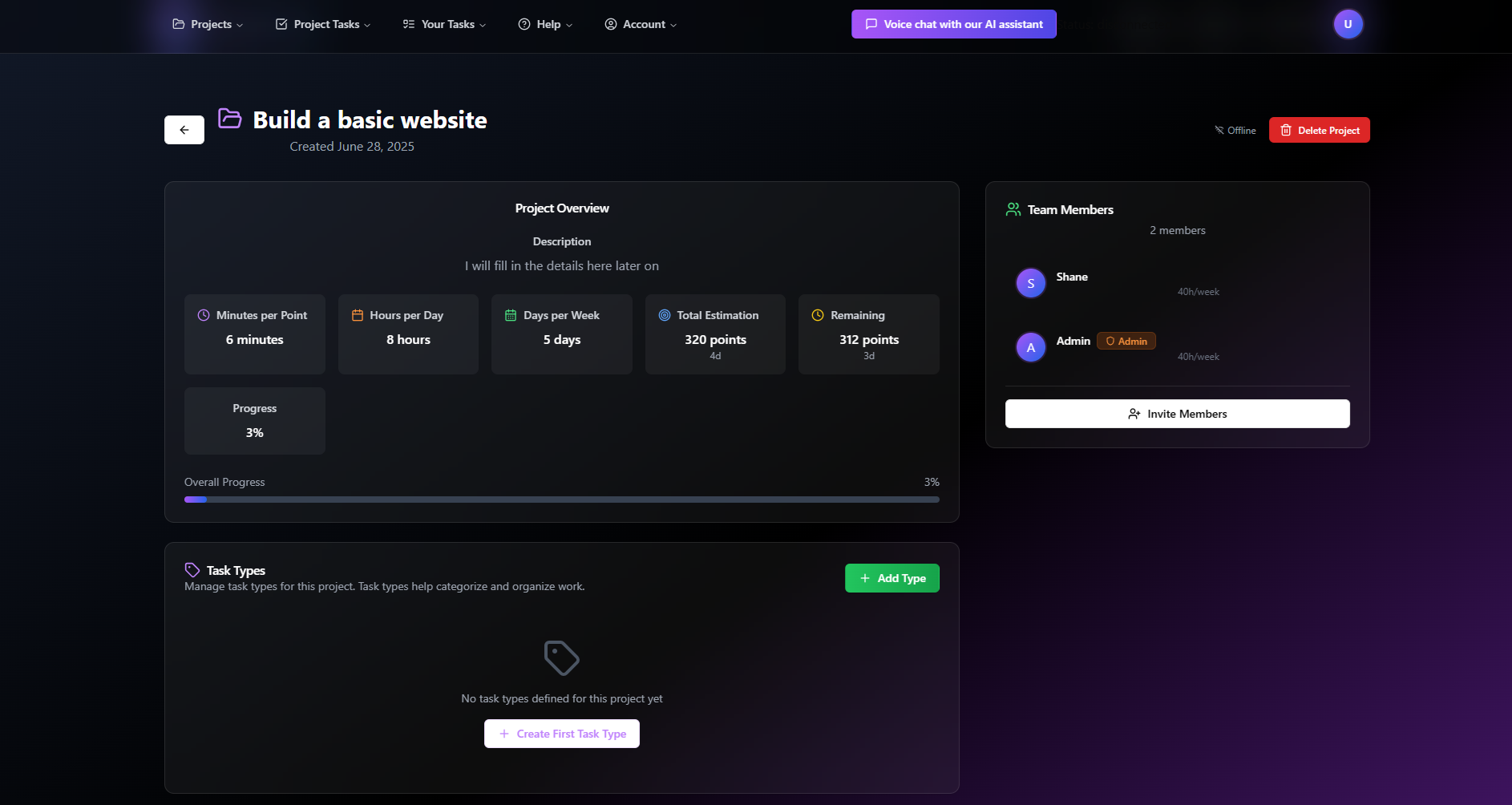
Project View
-
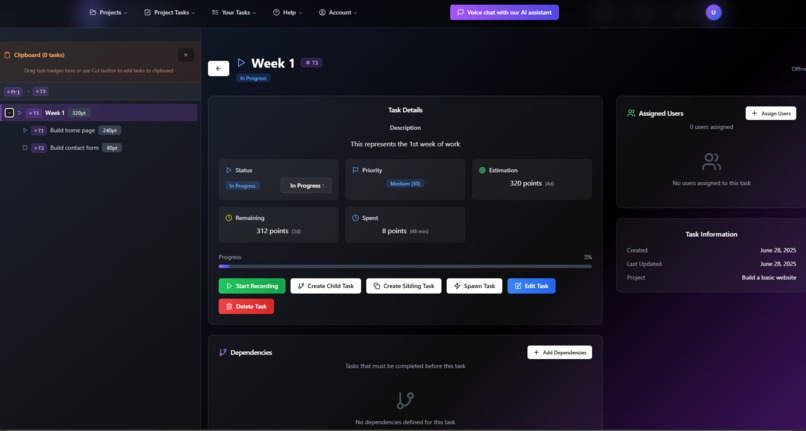
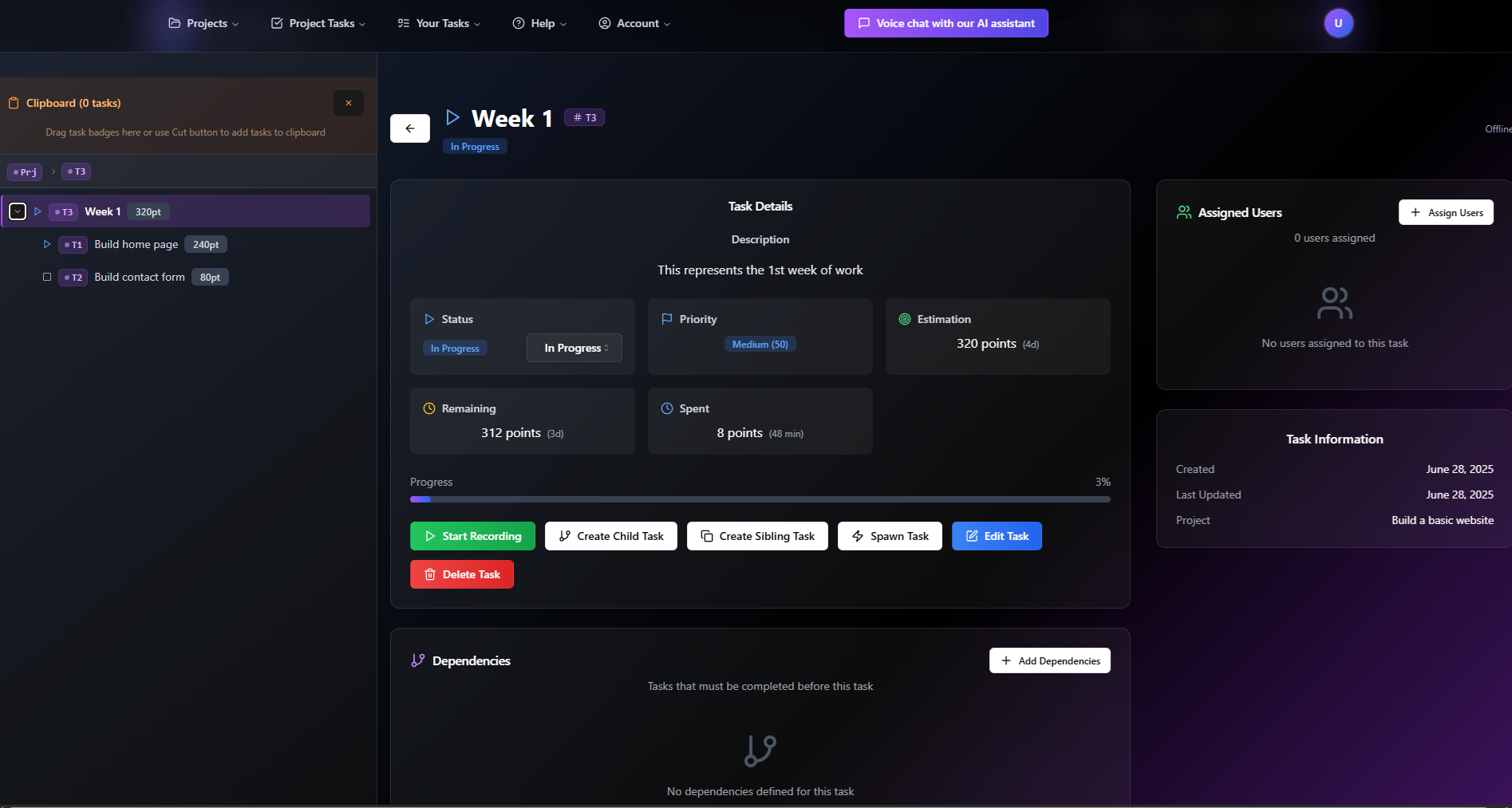
Task View
-
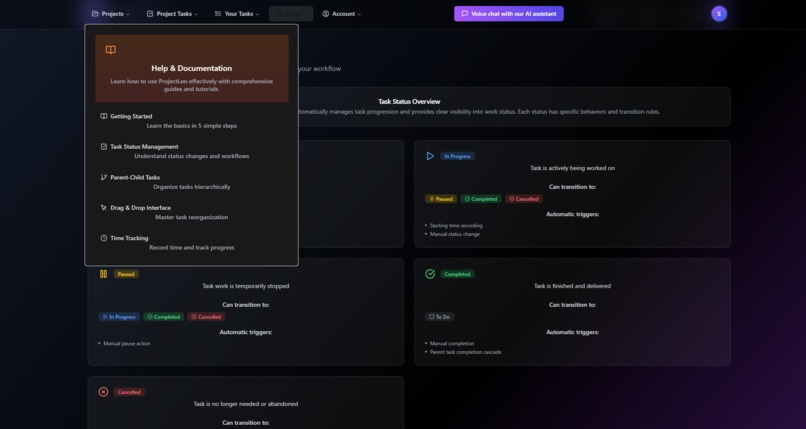
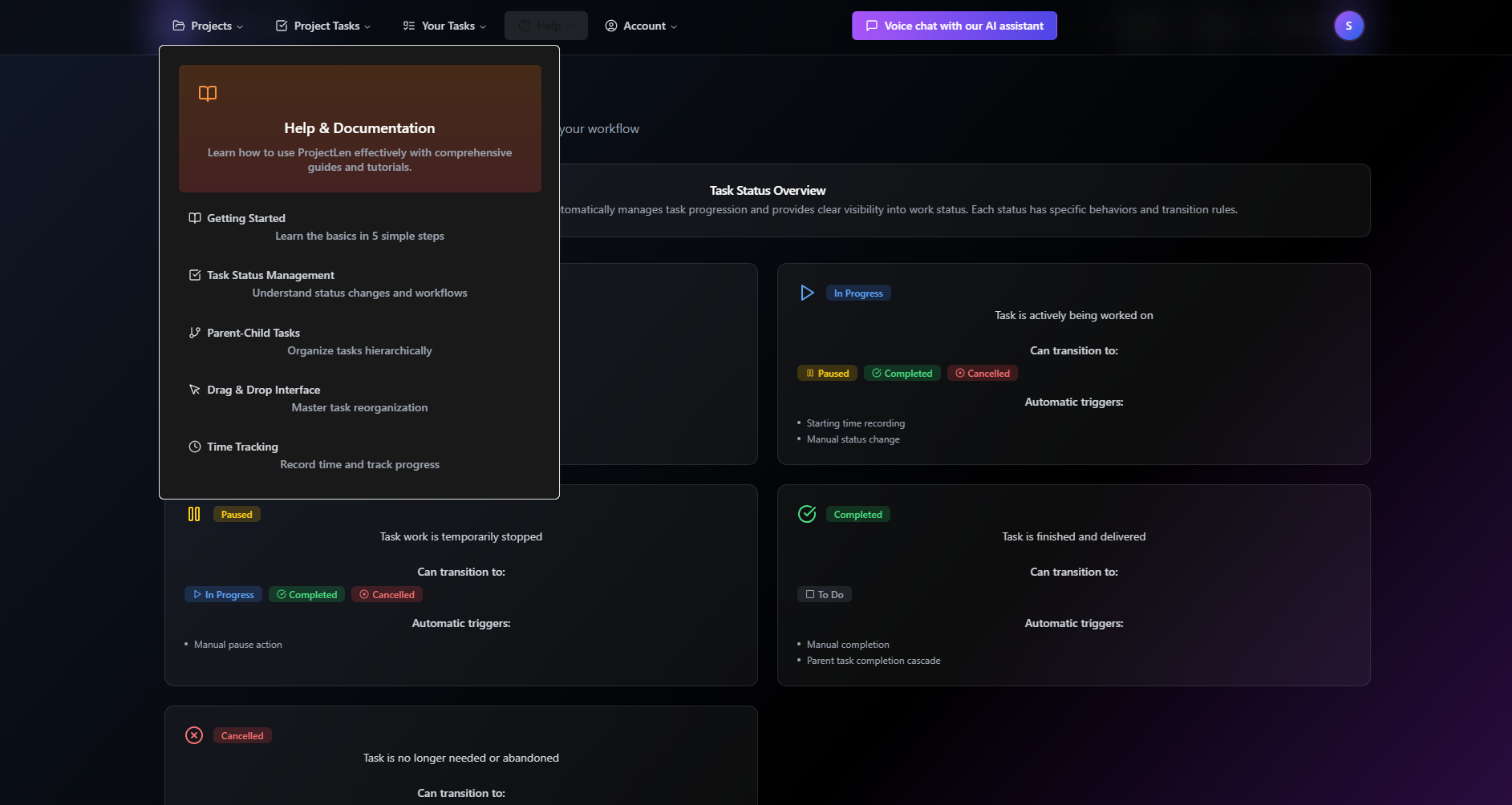
Help & Documentation
-
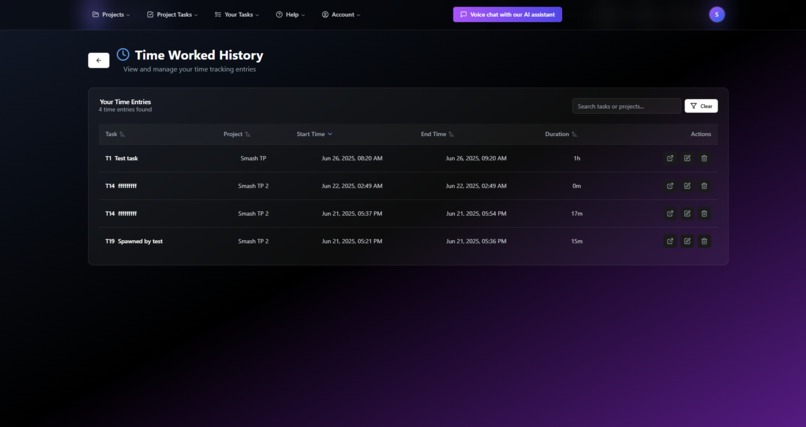
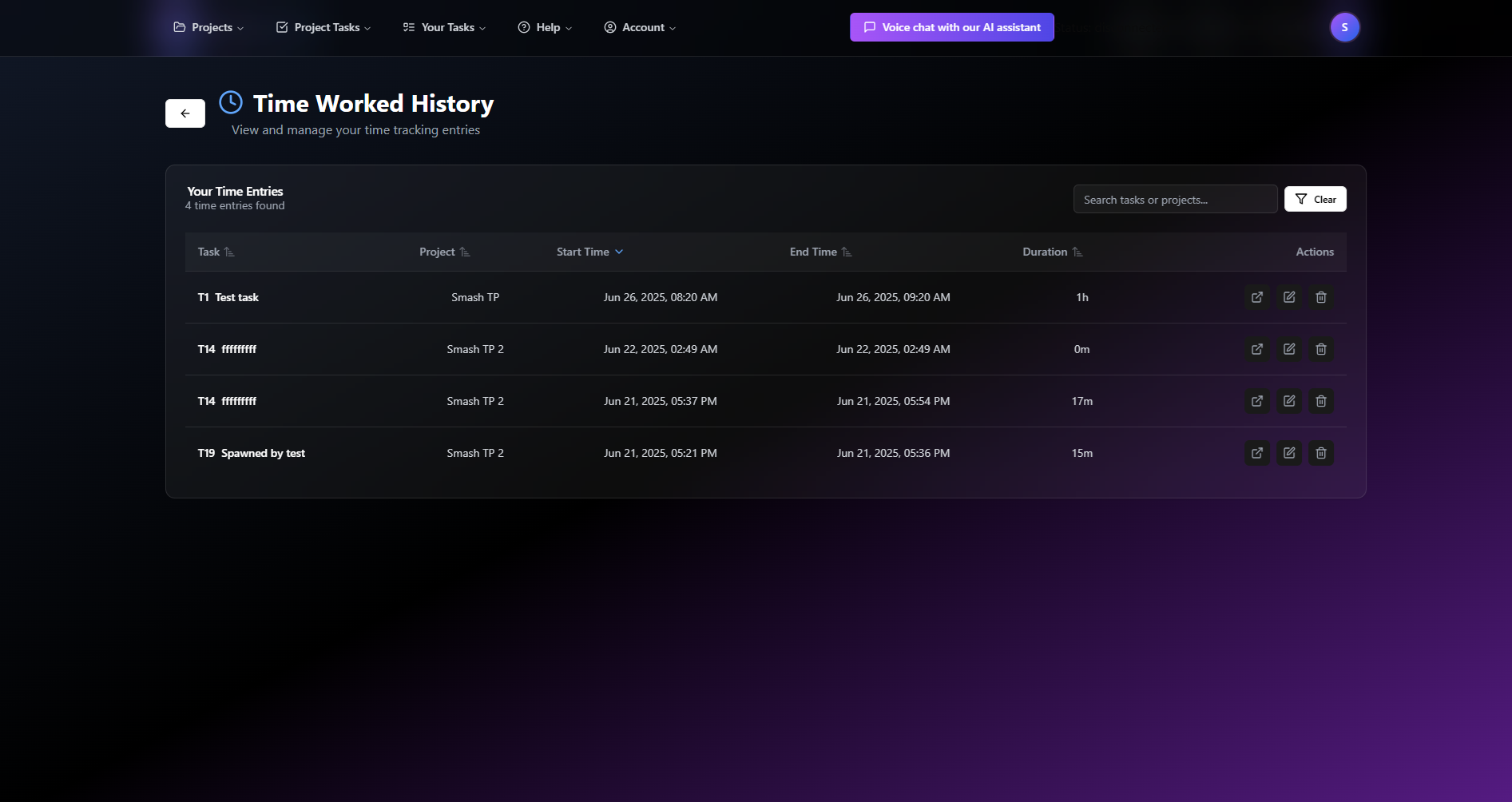
Work History
Inspiration
The idea behind creating a project management tool that allows you to easily split up tasks into many sub tasks in a tree like form, then have it automatically sum up the individual completion estimates up the chain, came from early on in my software development career. I remember working on such a web application, but I never completed it.
Accurate time estimation is always a common issue. With Agile software development methodologies, its common to estimate a feature using story points, which do not directly represent time, but a relative number that measures the whole effort required by a team to complete it. However, the rules state you can only estimate using Fibonacci numbers, such as 1, 2, 3, 5, 8, 13, 20, 40. The idea is the larger the task, the harder it is to estimate so its better to give a larger number.
Using Fibonacci numbers never really made sense to me, as it doesn't allow you to split up a large task into equal smaller tasks - eg. 13 split into two has to be an 8 and 5, you can't have two 6.5s. Also, while the points don't directly represent time, the 'velocity' (points completed / time) of each two-four week sprint of work is usually measured afterwards, in order to better estimate following sprints of work. So, in the end, there is a relationship between the points and time, so why not use this during the estimation and development?
My application allows you to split tasks up as much as you want and you have the choice of estimating tasks using either time (minutes, hours, days, or weeks) or points, with a direct conversion between the points and time. The project has a setting that specifies how many minutes there are per point.
The time remaining to complete the child tasks are bubbled up to the parent tasks and the project itself, keeping the totals up to date. Status changes on child tasks (eg. To Do -> In Progress) can also propagate up the chain to the parent tasks.
Moving forward to today, the real inspiration came from researching AI tools & discovering the World's Largest AI Hackathon. I thought, since I'm currently learning what modern AI can do, why don't I attempt to rebuild my original idea, with AI doing the bulk of the work and see what the end result is and how long it takes?
What it does
The ProjectLen.Com application allows you to create projects, create tasks, estimate those tasks, assign the tasks statuses and assign them to people. This is not a lot different to other tools already out there.
Where it does stand out however, is the ability to define the tasks in a tree like structure and have the system automatically keep track of the estimations and remaining time for the parent tasks based on the hierarchy of child tasks, as well as for the project as a whole. The status of the parent tasks are also automatically updated based on the status of their children.
Once you have a project and individual tasks defined, you can freely move them around in the tree structure to plan out the work. For example, you could create a "Week 1" parent task, then add a bunch of work related tasks underneath as children, until the total estimation has reached the equivalent of a weeks worth of work for your team. If the total is too much, simply move a task or two to a "Week 2" task.
The application also allows users to record time against an individual task. As time is recorded, the remaining time left on the task is automatically updated (based on the original estimation). The estimation or remaining time can also be manually adjusted in case there is additional work to do, or the work is slow going.
There are also other screens/functionality including: a dashboard shown when logging in, listing & filtering all tasks, tasks assigned to the user, assigned tasks over due, viewing/editing recorded times, assigning tasks to users, inviting users to projects, setting tasks as dependent on others and 'spawning' tasks from others (eg. defects).
There is also a (limited) ability for real time changes when working in a team. If one member is looking at a particular task while another member updates the task's description, status or estimations, those updates can appear in real time. To help prevent potential performance issues and increased costs, this has been limited to tasks associated with the current project and not all screens listen to the updates.
Challenges Completed
- Custom domain name - projectlen.com
- Netlify deploy challenge
- Supabase startup challenge
- Tavus video chat - The AI sales agent link on the home page
- ElevenLabs voice chat - The AI support voice chat link in the user area
How we built it
I built it piece by piece, using a similar process to how I would usually build software on my own. I started with coming up with a rough idea of what I wanted to build, then turned it into a database entity design.
After discussing my idea with an AI chat bot for a bit and researching what can be done with Bolt, I started to feed Bolt a sequence of instructions, one by one.
I first gave Bolt a brief description of my idea and what technologies I wanted to use & what I wanted it look like. Bolt surprisingly generated quite a good looking template for me to start with. I then gave it my database entity design & it went ahead and built that too, in the backend Supabase database.
After that, I basically gave instructions to build each individual screen, one by one, until I had it working the way I wanted. Bolt did a reasonable job of understanding what I wanted and automatically based the screens around the backend database model it had already created.
Challenges we ran into
While I tried to let Bolt do as much of the work as possible and it did a fairly good job, I did run into technical challenges which required manual investigation, a little research and manual fixes.
One of the challenges early on was an inability to insert, update or select data from particular database tables due to problems with the RLS policies that were generated, with cyclic references. In order to get around this, I actually had to go against the advice given by Bolt and fix them up myself.
Another issue I came across, which occurred many times towards the end, was Bolt would sometimes loose a previous feature while implementing a new one. I believe I had to tell it to re-implement the edit task functionality about four times. The delete project functionality had to be re-implemented as well.
Bolt would also continuously change things I wanted to keep the same, such as giving my buttons white text on a white background, or dark text on a dark background, after I had purposely made them visible.
Accomplishments that we're proud of
The real accomplishment I believe, which Bolt has made possible, is the ability to build the whole application in less than two weeks. While Bolt doesn't generate the same level of quality of code as a manual coder can (meaning the code would be harder to maintain and debug), it can definitely get things done a lot quicker.
What we learned
In such a small amount of time, I've gone from 100% against the use of AI in software development, to starting to use AI for everything. I recently wrote a post about this on Linked In. While I still value manual coding and I think having the coder more in control is often best, what this challenge has shown me is there is value in giving in to AI tools such as Bolt, and letting it do the bulk of the work. For quickly building out prototypes or small applications that will rarely need maintenance, there is probably no better way to do it.
Like in all new technologies though, there are limitations in how far it can go, plus frustrations when things don't go the way you intend, so finding the right balance is the key.
What's next for ProjectLen
The next step is gathering feedback from users to validate the core concept and identify the most valuable features to prioritize. There are a few features I had in mind which I didn't have time to implement, such as file uploads/downloads, scheduling and reporting (time worked vs estimated).
I plan to listen to the feedback received and add the most requested features before a full release, based on the feedback I receive.
I'm also exploring the idea of a companion mobile app that would complement the web application, allowing users to quickly update task status and log time on the go.
Built With
- bolt
- cloud-functions
- elevnlabs
- netlify
- react
- sentry
- supabase
- tavus
- voiceai

Log in or sign up for Devpost to join the conversation.