Inspiration
• Creating repositories on GitHub is a great way to share your code with others. However, displaying the hosted project from GitHub is not that efficient. Going through the readme file and search for the deployment URL is not a great experience every time.
What it does
How we built it
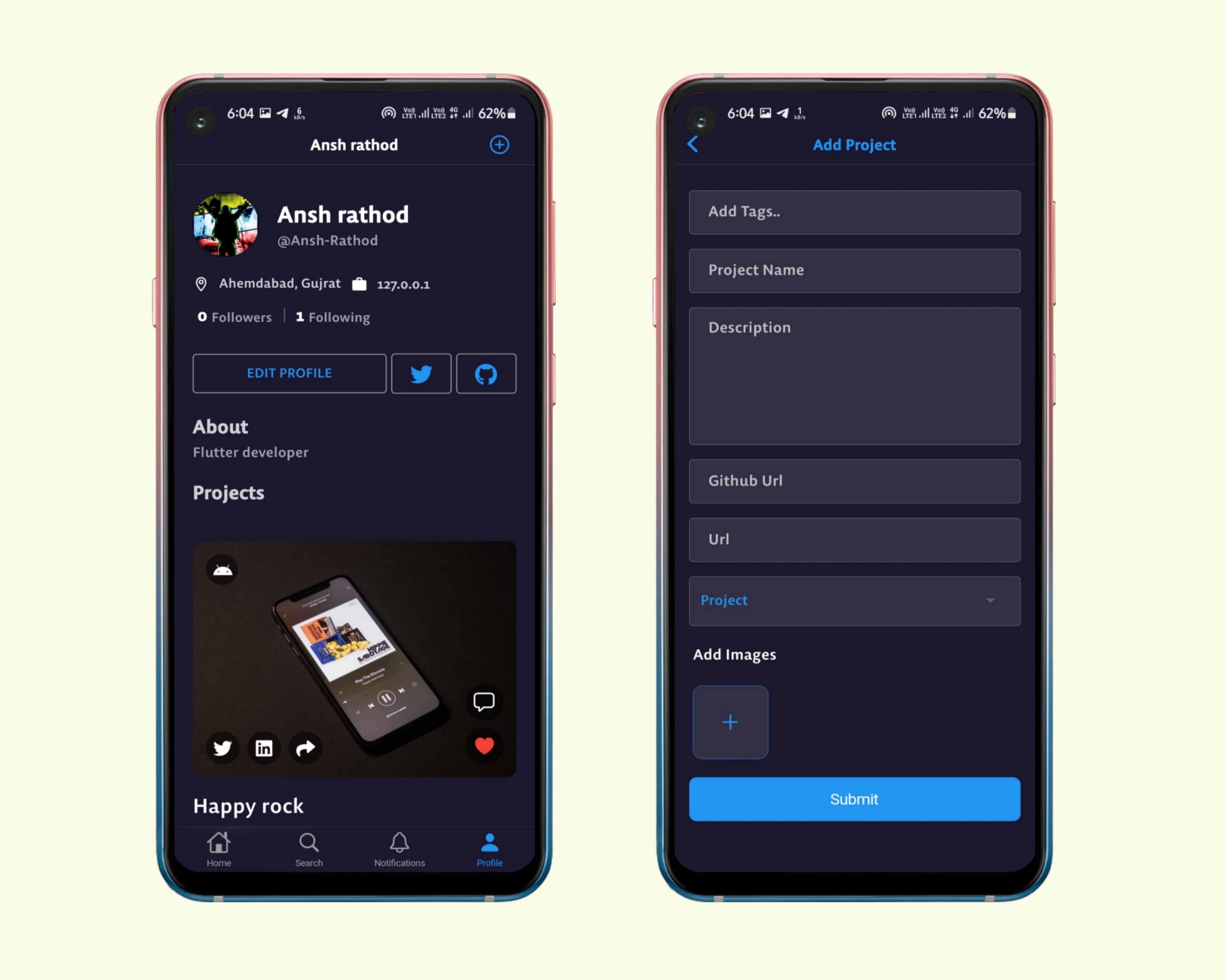
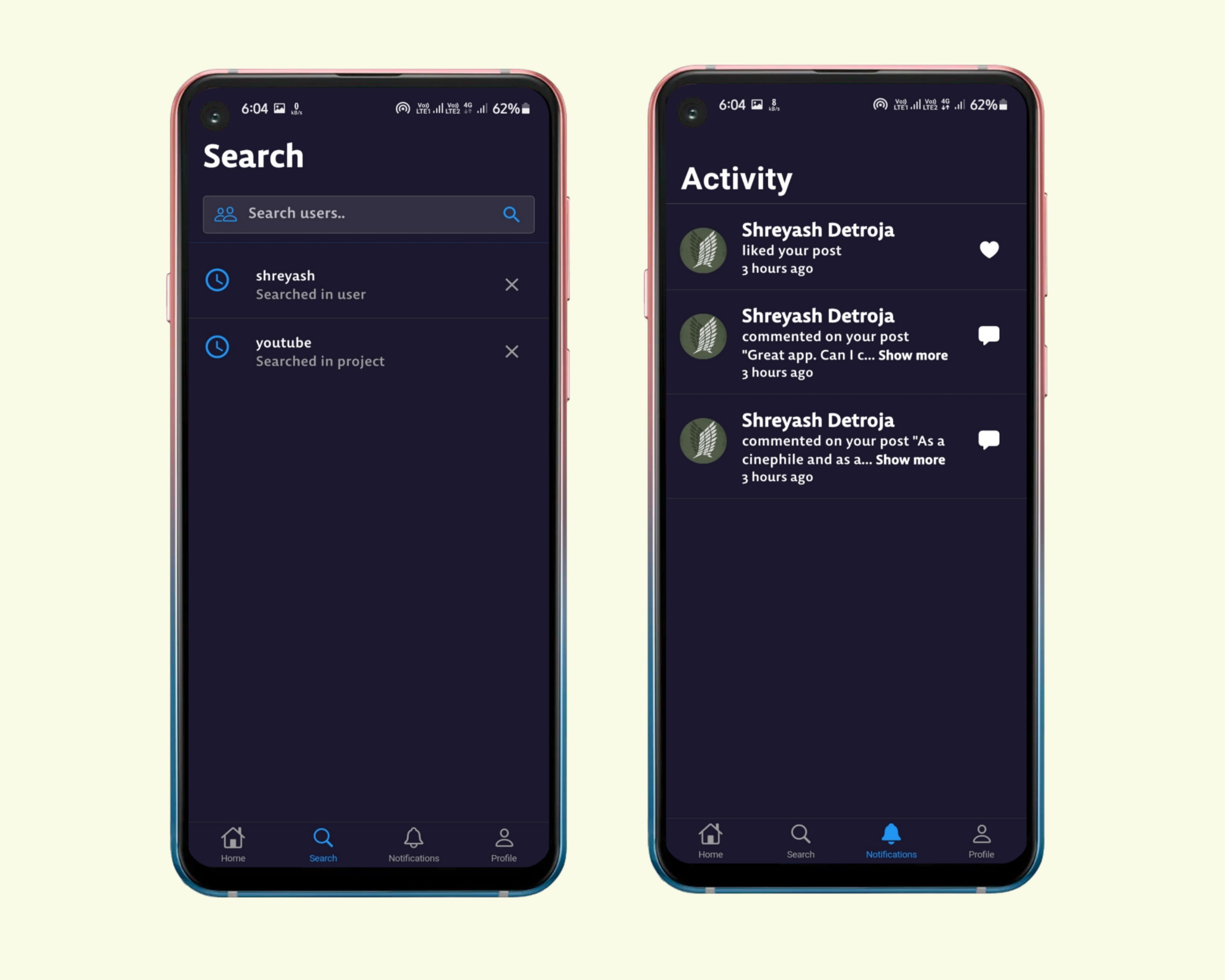
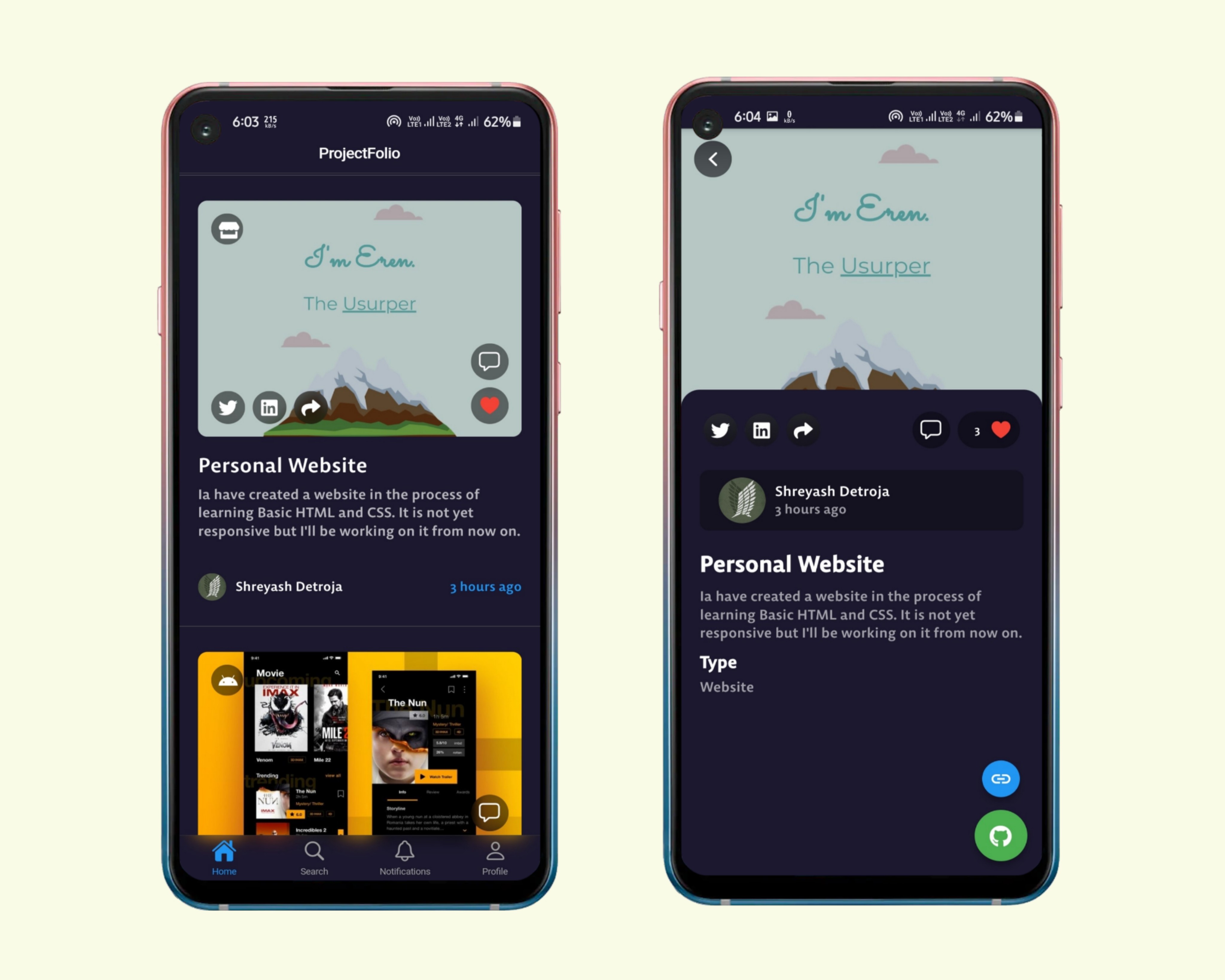
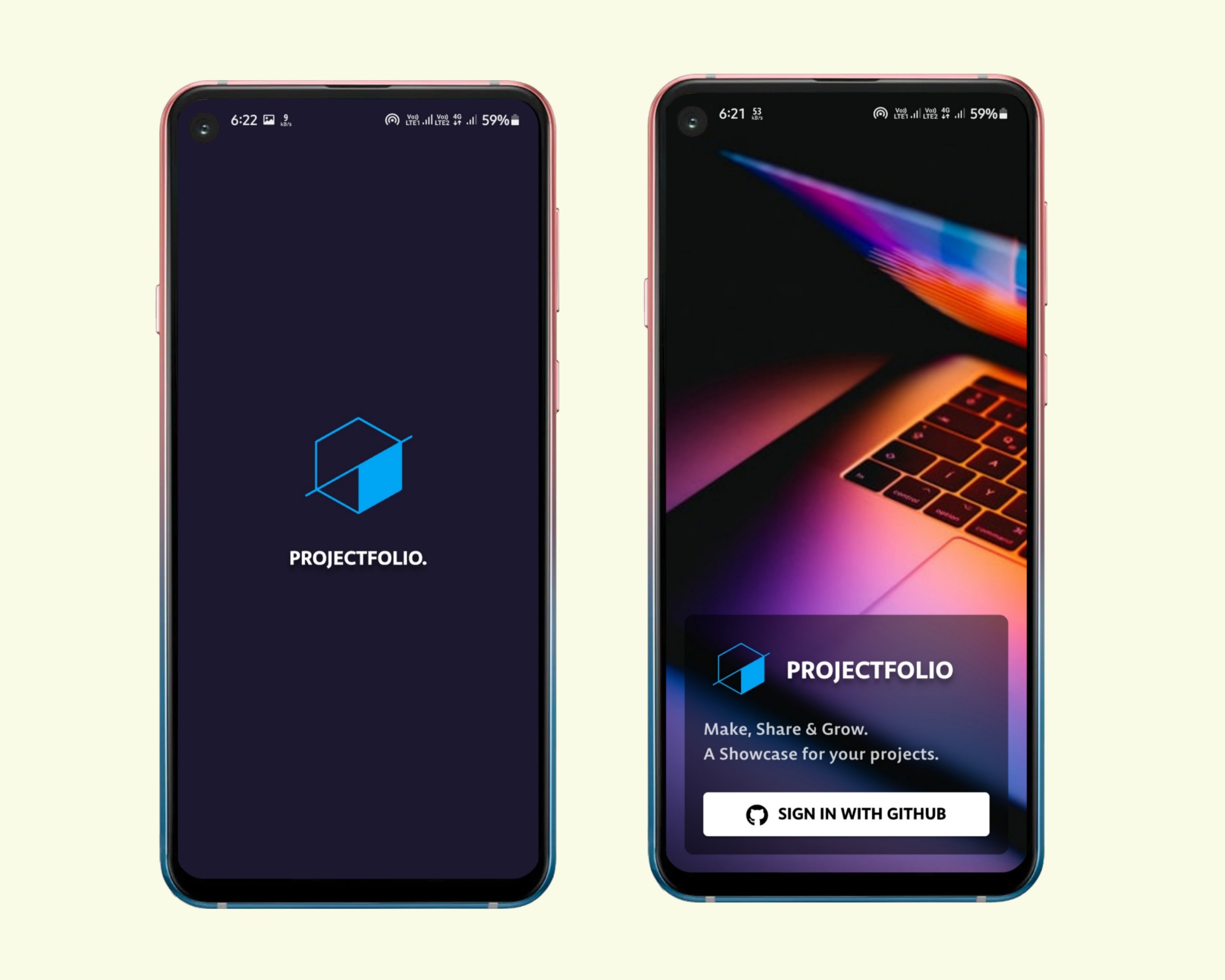
So, we have created Projectfolio, an app with social media experience where you can post your project with description, preview images and URLs to showcase them to other developers. A platform where you can directly show what your project is all about and how it looks. Create a profile by signing in through GitHub, connect with other developers by following them and stay updated with what projects the community is working on. Like and comment your views on any project you like, know more about the project owners and contact them by accessing their GitHub profile and Twitter handle from within the app. Share your own project previews with complete description, link to your GitHub repository and hosting platform, add images of your final work and category of your project.
• Using Projectfolio, it becomes easy to find projects to contribute or for inspiration as you get to see how the projects look and work.
Challenges we ran into
We ran into problems while building the whole app and we overcame those problems as a team and completed Projectfolio. Some of the problems we faced are:
• We were struggling to find the best way to authenticate our app with a GitHub login. We tried many packages like simple_auth, github_sign_in and superbase package directly but we don't want that user manually login into the app with id and password. Then we found an article on medium about GitHub login that uses url_launcher, uni_links and http package. In this method, the link will redirect you to the URL where the user can sign in to GitHub. Then getLinksStream(uni_links package inbuilt method) waits for the redirect. There you get a link with a code. This code is used to send a post request to Github. With the response, we were able to retrieve the user's data.
• We started building our frontend and backend app at the same time. So now whenever we update the backend repository, at that time we needed to release a new version to debug all problems in our frontend app which was very troublesome. Then we took a deep breath and completed the whole backend app on the first day and afterwards we started building the UI part in flutter app.
• At first, we were not able to add the function to add multiple images while posting your project on the app from profile section. But to make it work we had to add a new package in node.js which enabled us to complete the task.
• We also had a hard time in finding the right order to remove items from database tables to implement the delete post feature.
Accomplishments that we're proud of
What we learned
What's next for Projectfolio
We will add plenty of features to the app and some of the features are not implemented yet but we will try our best to keep up to date with the repository.

Log in or sign up for Devpost to join the conversation.