-
-
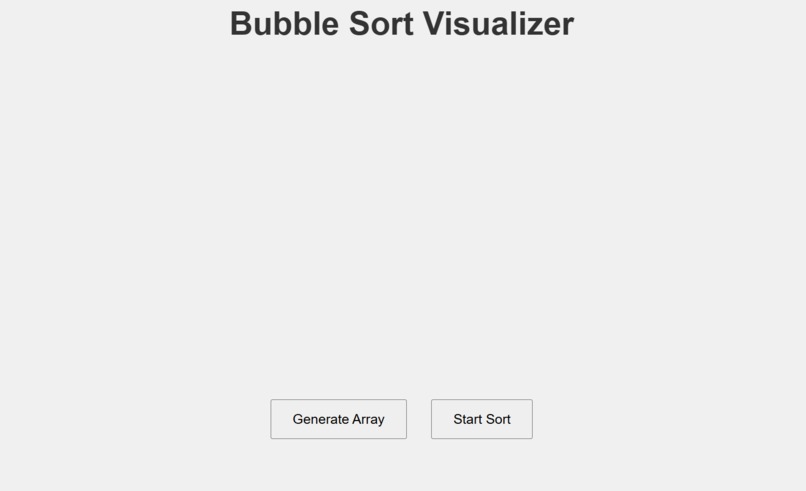
Homepage
-
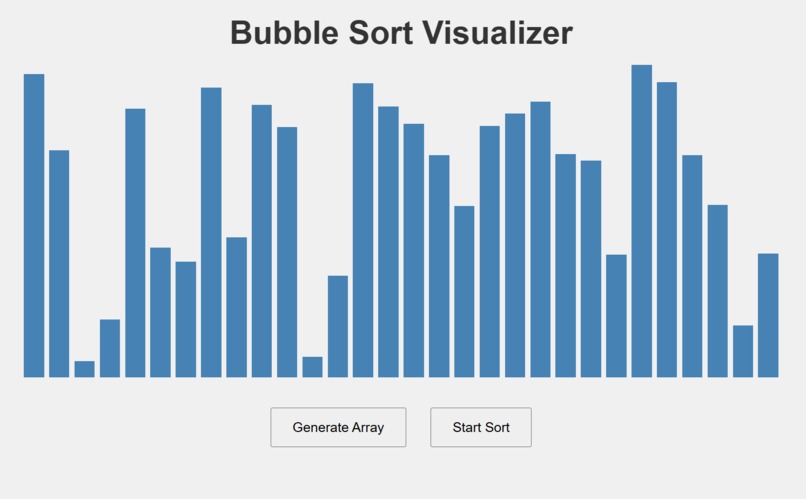
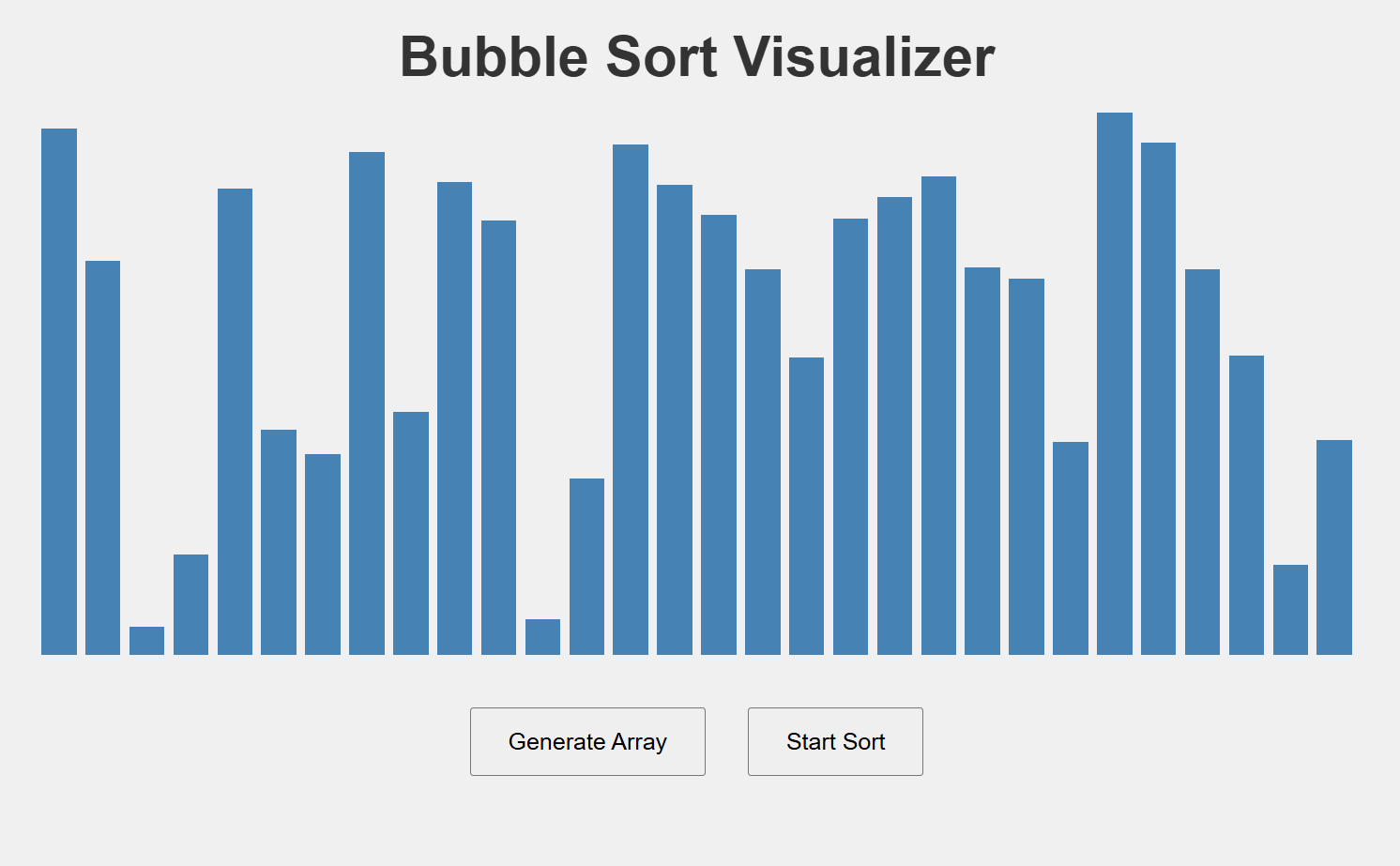
Initial state of the visualizer showing a randomly generated unsorted array.
-
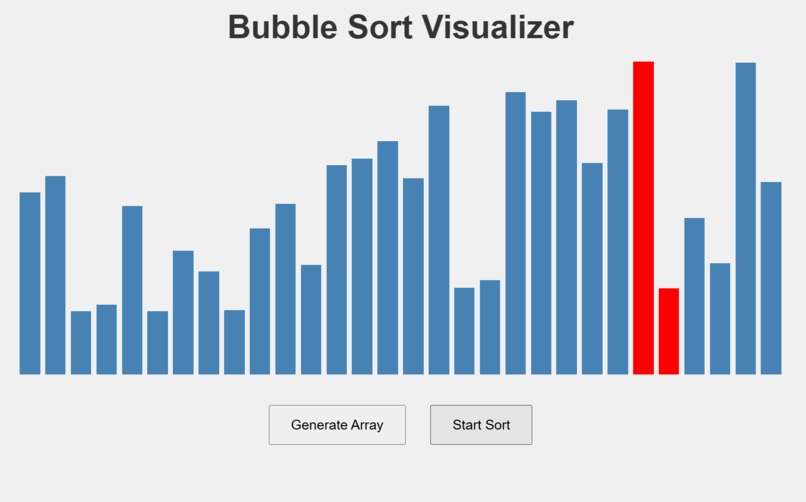
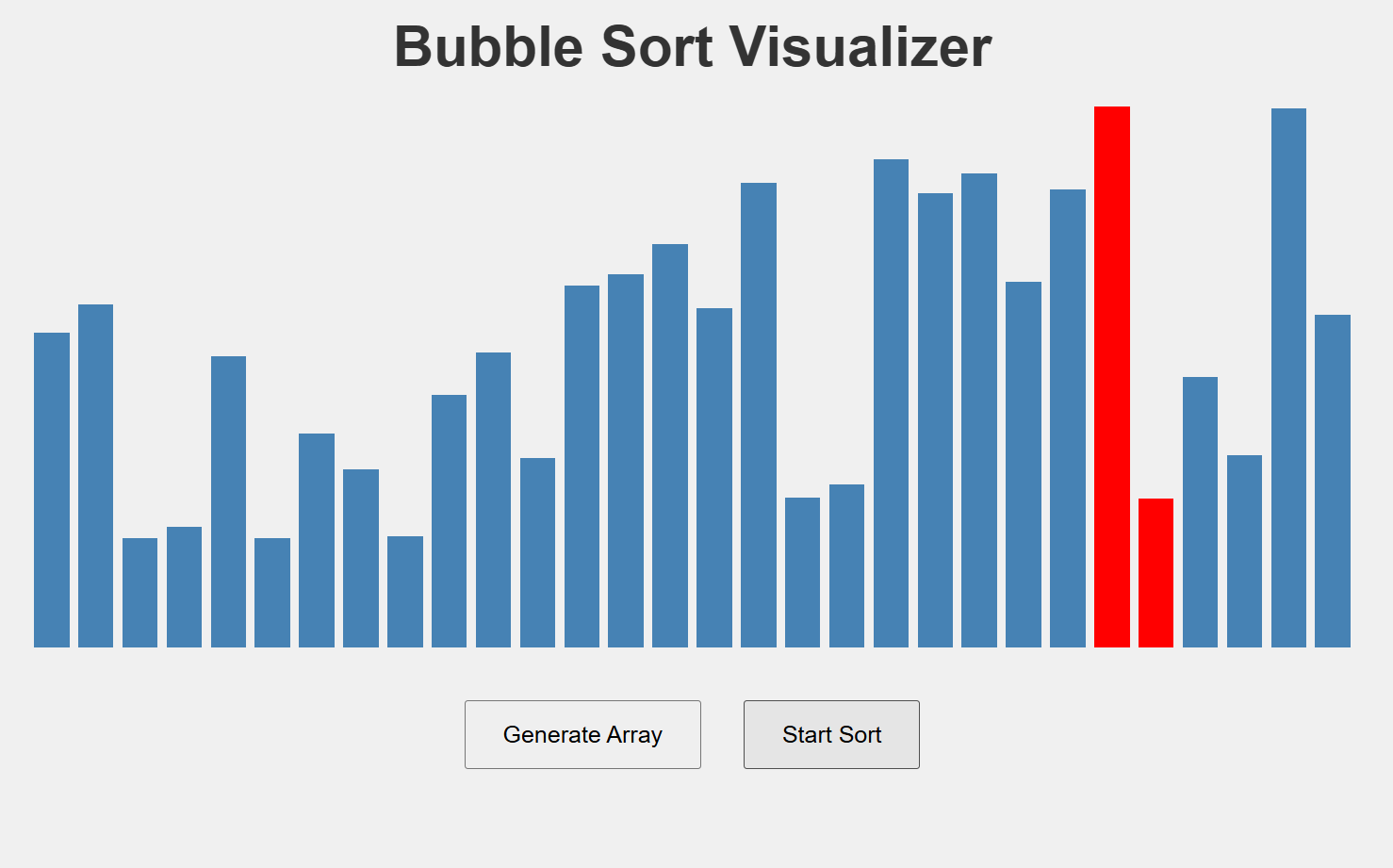
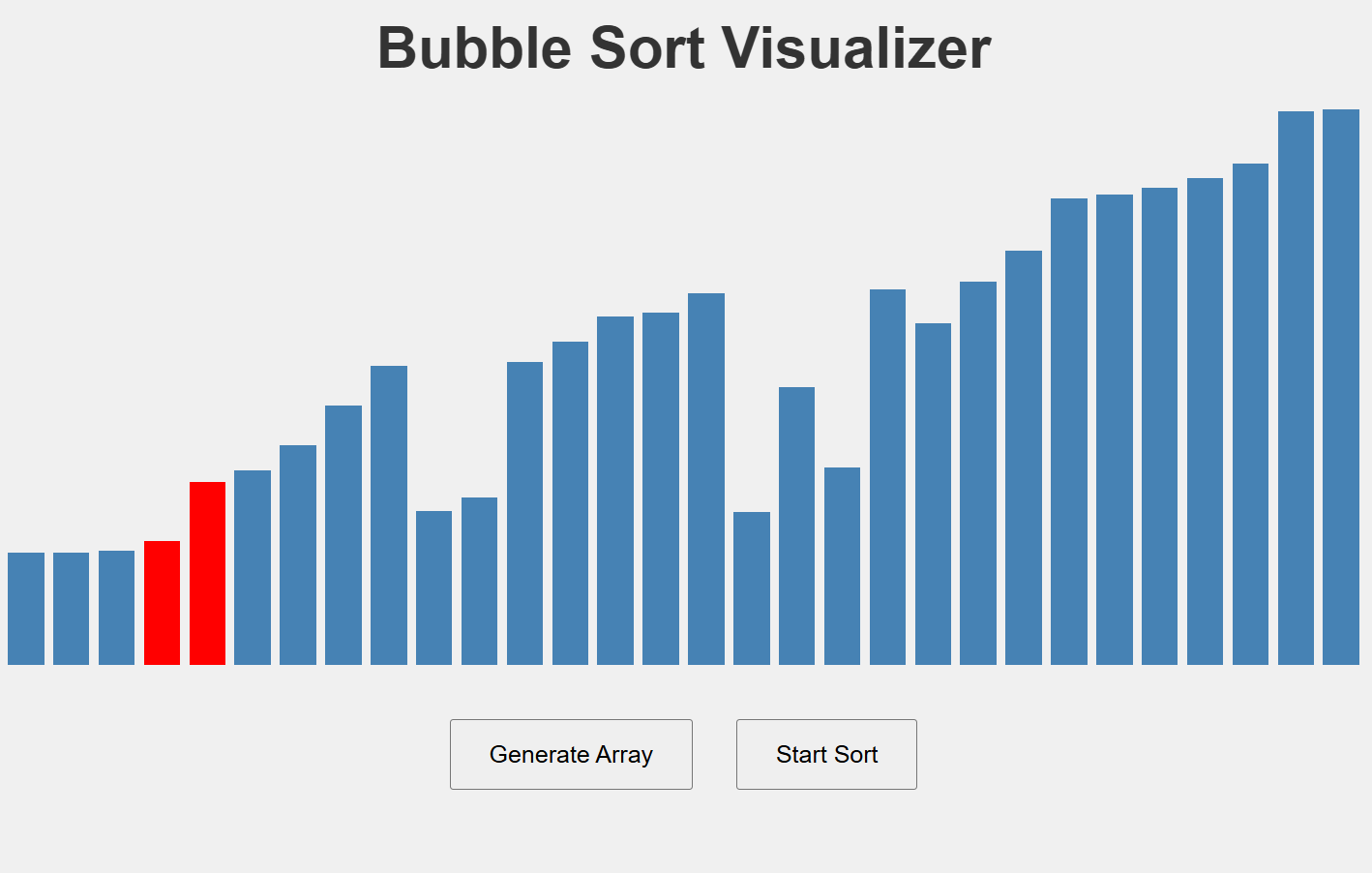
Bars being compared and highlighted during the Bubble Sort animation.
-
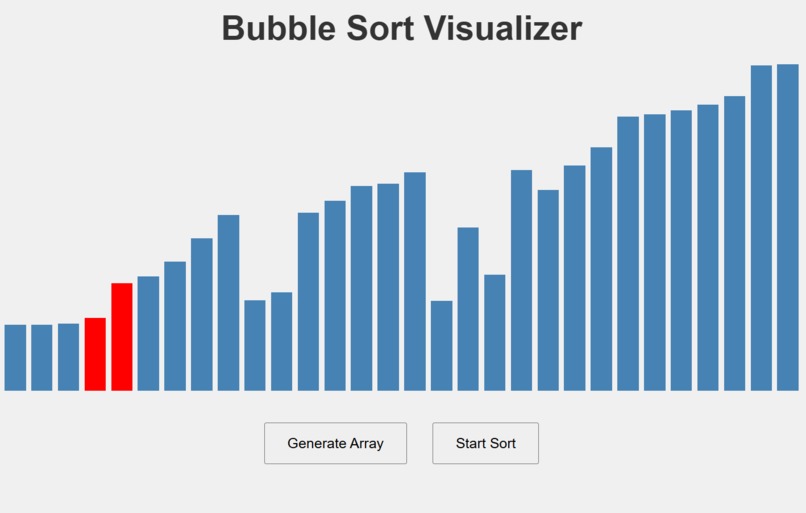
Live sorting animation showing real-time element swaps.
-
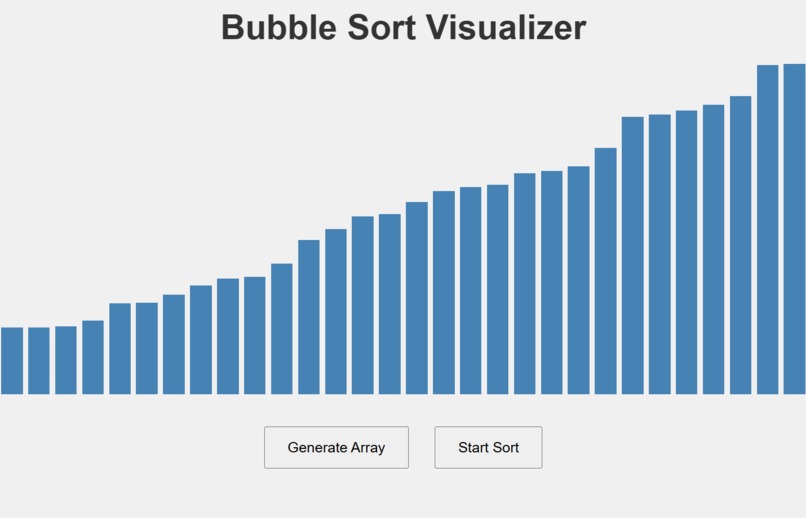
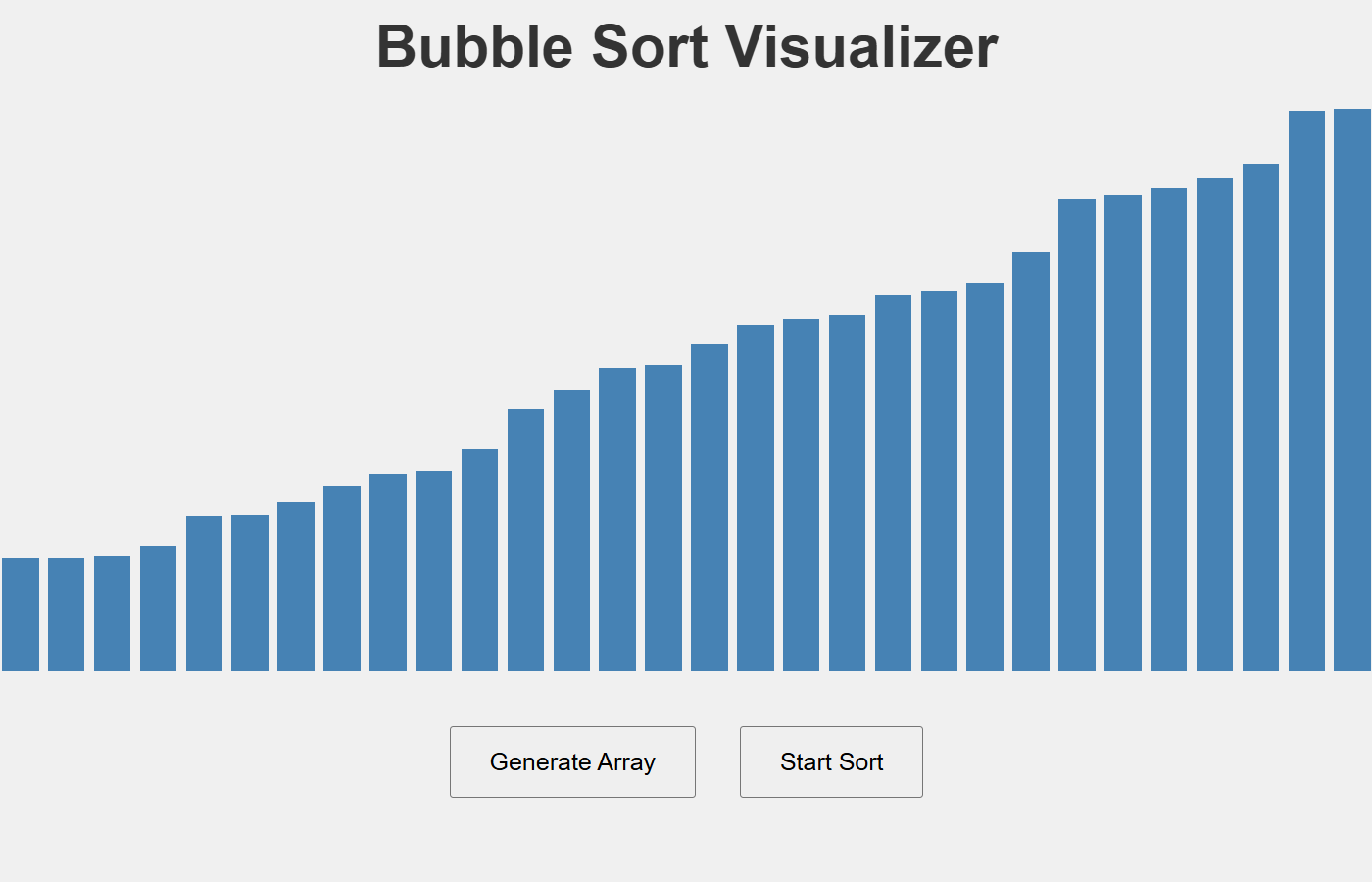
Final sorted array where all bars are arranged in increasing height.
Inspiration
While preparing for coding interviews, I realized that understanding the logic behind sorting algorithms is easier with visual feedback. I wanted to build a tool that makes abstract DSA concepts more tangible, especially for beginners or visual learners. That’s what inspired me to build DSA Visualizer — a simple, interactive way to see algorithms in action.
What it does
PROJECT_DSA_VISUALIZER is an interactive web-based tool that visually demonstrates how classic sorting algorithms work — starting with Bubble Sort. Users can generate a random array and watch the sorting process step-by-step, with real-time visual updates highlighting comparisons and swaps. It’s designed to help learners see the logic behind sorting algorithms and understand how elements are moved and sorted.
How we built it
We built this project using:
1.HTML to structure the web page
2.CSS (Flexbox) to layout the visual bars and handle styling

3.JavaScript to generate random arrays, perform sorting, and control animation

4.setTimeout() to create the sorting animation step-by-step
Each bar represents an element in the array, and the sorting algorithm operates on them visually by changing their height and color during swaps.
Challenges we ran into
Animating the sorting logic was harder than expected — we had to carefully use setTimeout() to delay steps and avoid blocking the UI.
Maintaining stable code while tracking indices, comparisons, and swaps visually was tricky.
Keeping the interface responsive on all screen sizes required tweaks to the layout and scaling logic.
Accomplishments that we're proud of
We successfully created a working visualization of Bubble Sort with animations and interactivity.
Built a fully browser-based tool with no backend, making it lightweight and shareable.
Learned to bridge DSA concepts and frontend design, which is valuable for both teaching and interviews.
What we learned
Gained a deeper understanding of Bubble Sort’s internal logic
Learned how to translate abstract algorithm steps into real-time visual output
Improved our grasp of timing functions and DOM manipulation
Practiced designing clean, user-friendly interfaces
What's next for PROJECT_DSA_VISUALIZER
Add support for more algorithms like:
Selection Sort

Insertion Sort

Merge Sort

Quick Sort
Allow user control over:
Array size

Animation speed

Algorithm selection
Deploy to GitHub Pages and make it open source for other learners
Improve accessibility and visual design for better user experience
Built With
- css
- dommanipulation
- html
- javascript
- settimeout

Log in or sign up for Devpost to join the conversation.