-
-
UI Design in Figma
-
Final Product
Inspiration
The inspiration for this app was partly my own experience with not drinking enough water and feeling the consequences. I wanted to have a concrete way to track my water intake and live an overall healthier lifestyle.
What it does
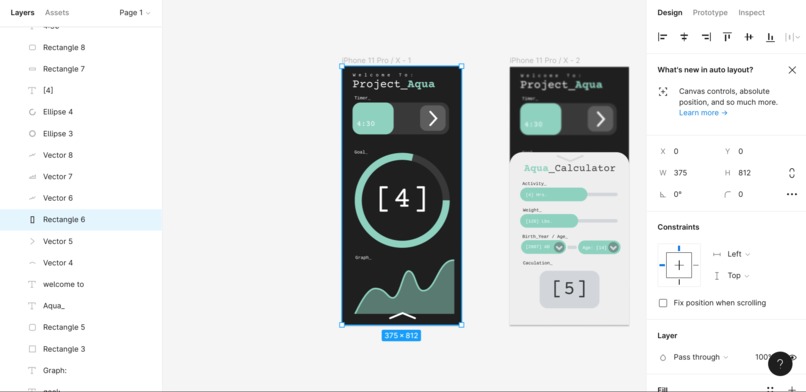
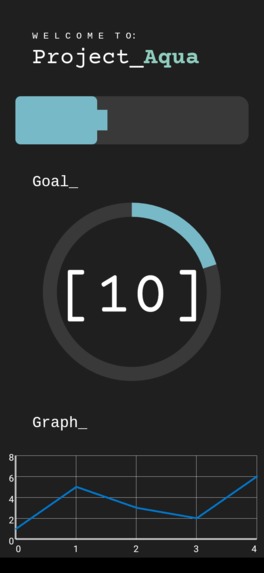
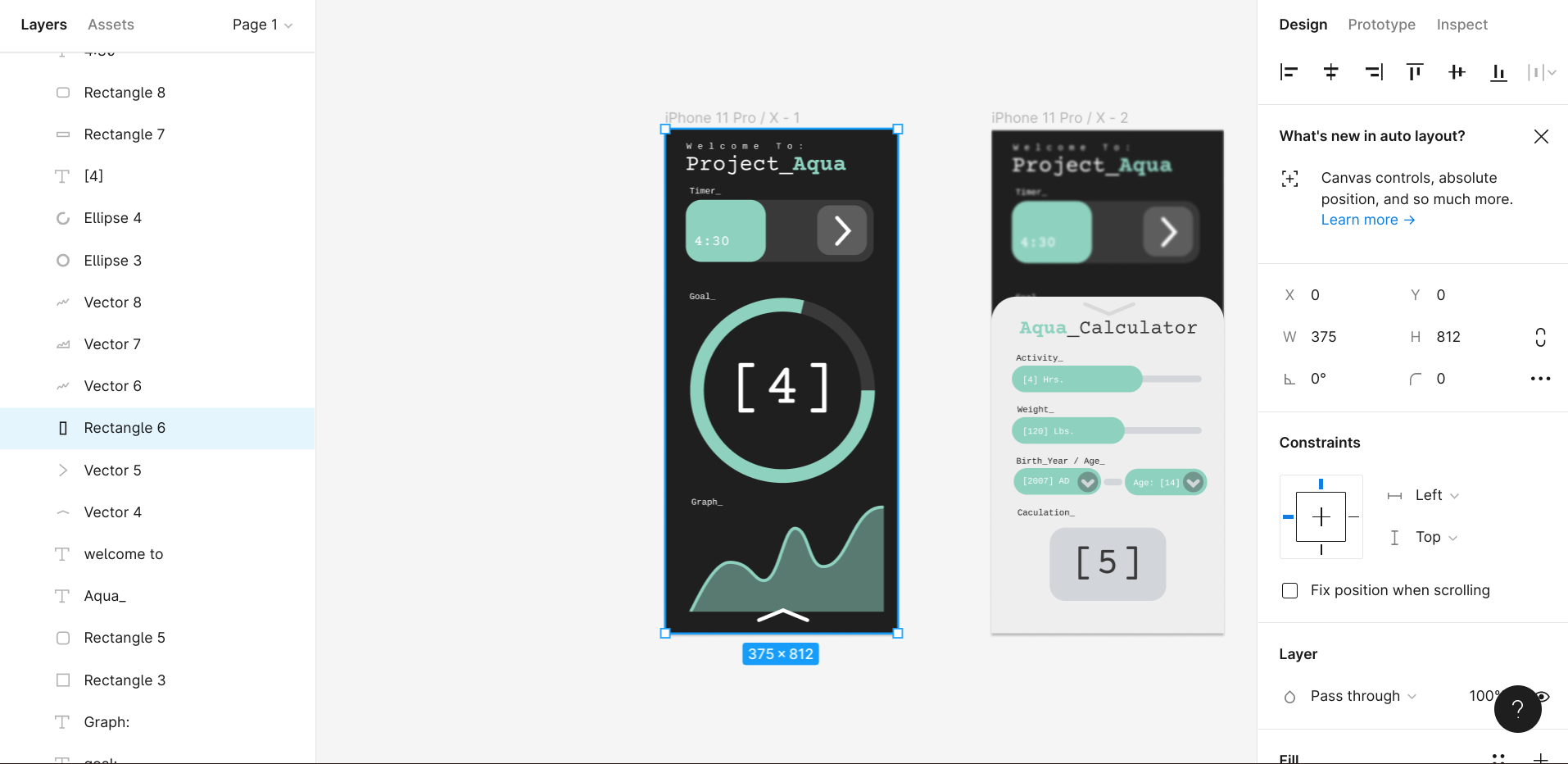
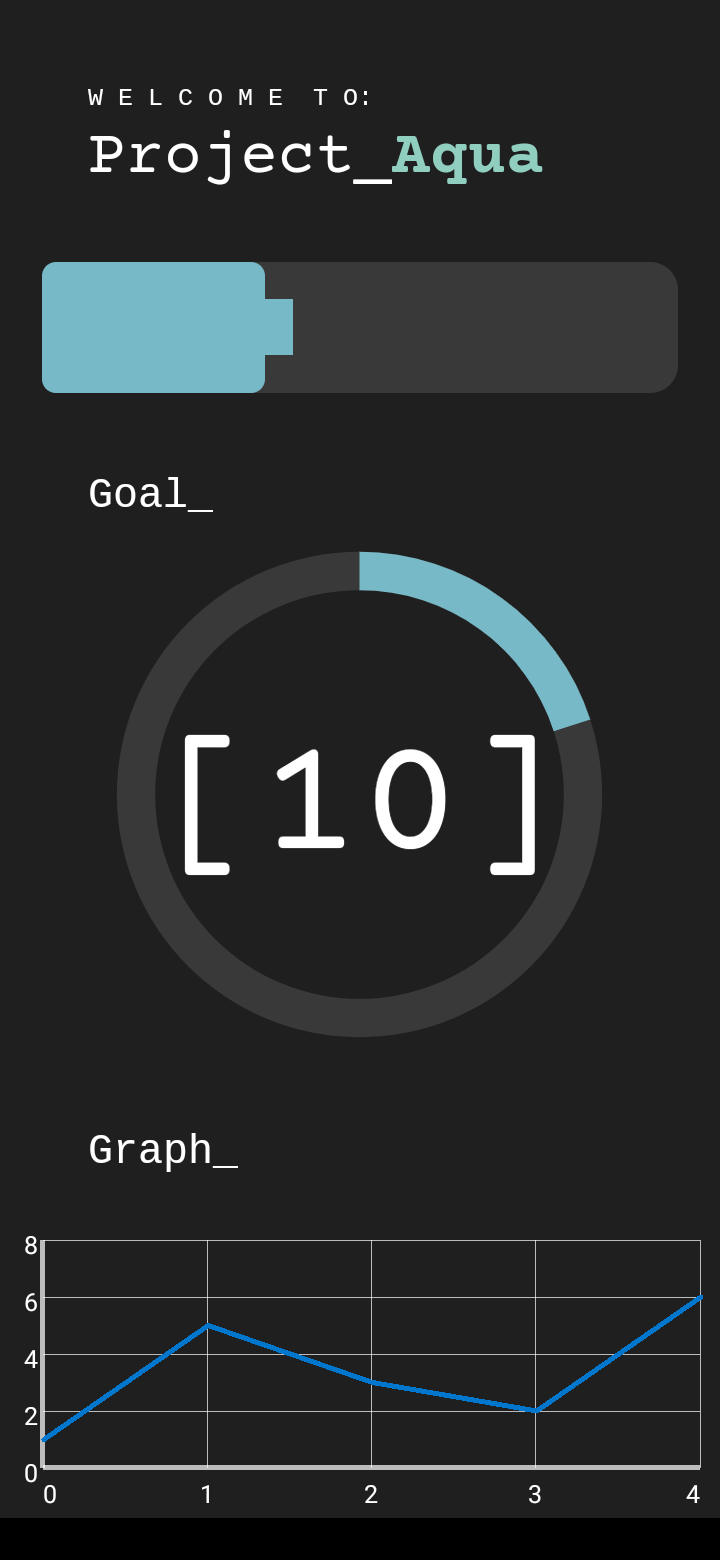
The app features a Cup Counter. Tapping it will add a cup to your daily goal. This goal can be calculated using the Cup Calculator, allowing each person to have their own goals based on their individual needs. You can see your water intake over the week in the Graph. An alarm will remind you to take a drink of water every set interval.
How we built it
I built this app in Android Studio, a free software used to develop android apps. I used XML for marking up the layout, and I used Java for the actual programming to make everything work behind the scenes.
Challenges we ran into
The biggest challenge I ran into was working with the many parts of Android Studio. Importing libraries, fonts, and custom drawables were the hardest parts of this project for me.
Accomplishments that we're proud of
I'm really proud of the app as a whole. Only a few weeks ago, I thought I would never be able to build a relatively ambitious project such as this. Though it may look simple, it really was a daunting task with many moving parts.
What we learned
I learned a lot about Android Studio and how to use it. I've only recently started using it, and there was a huge jump between my last project and this one. I learned how to more efficiently and more effectively build better apps.
What's next for Project_Aqua
Many of the features in this project weren't fully implemented due to the time limit. In the future, I want to fully build the app to match the initial blueprints. Eventually, I want to publish the app to the Play Store.


Log in or sign up for Devpost to join the conversation.