-
-
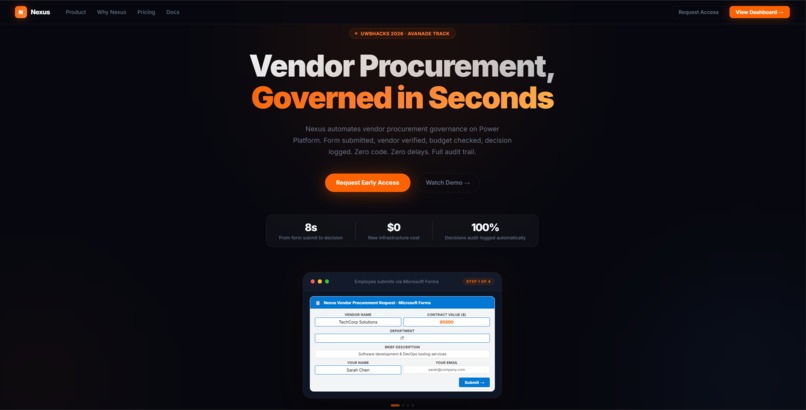
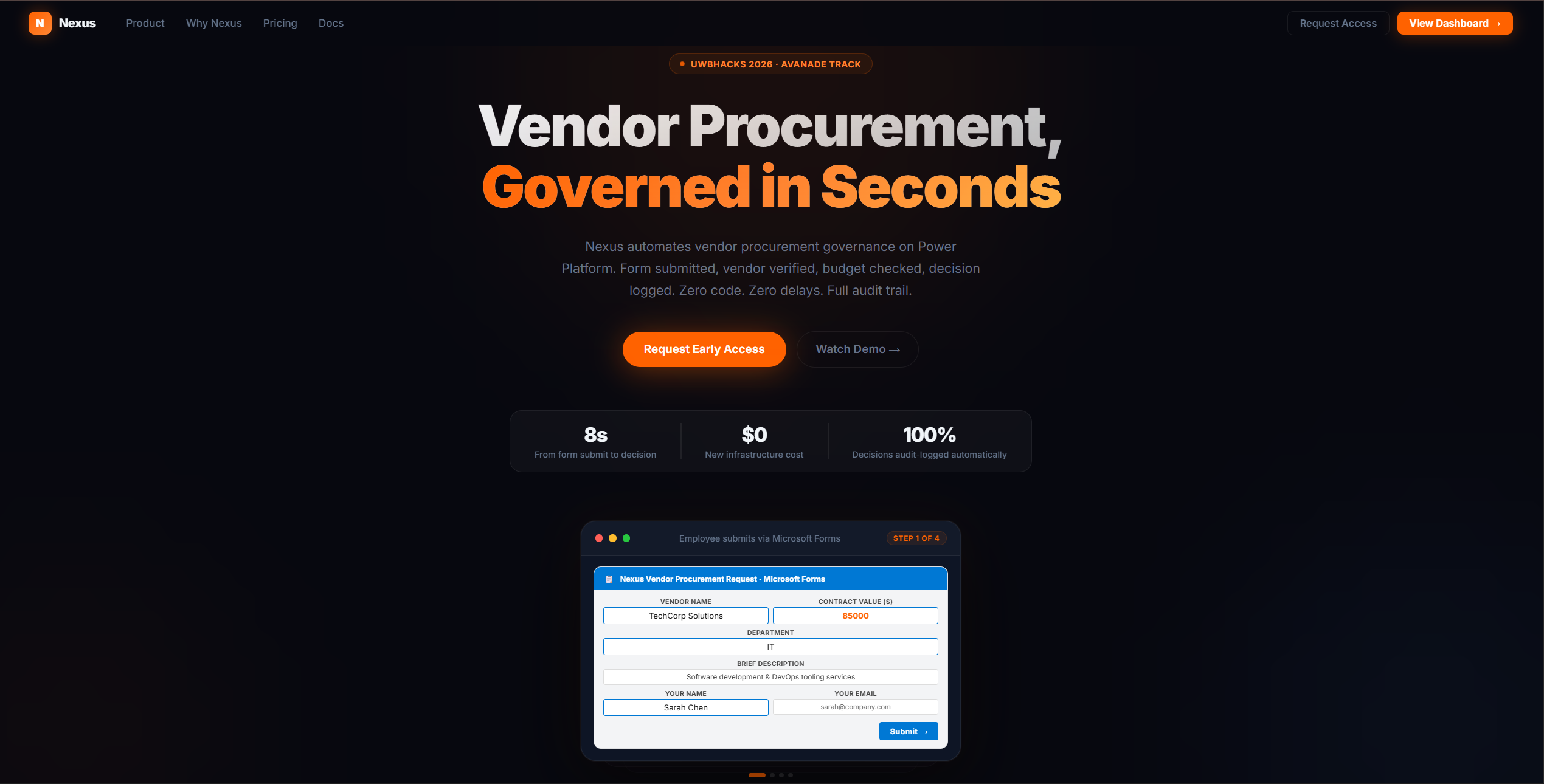
Landing Page
-
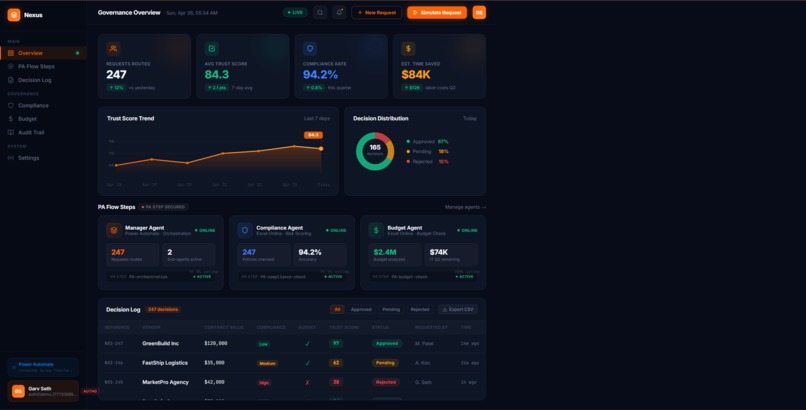
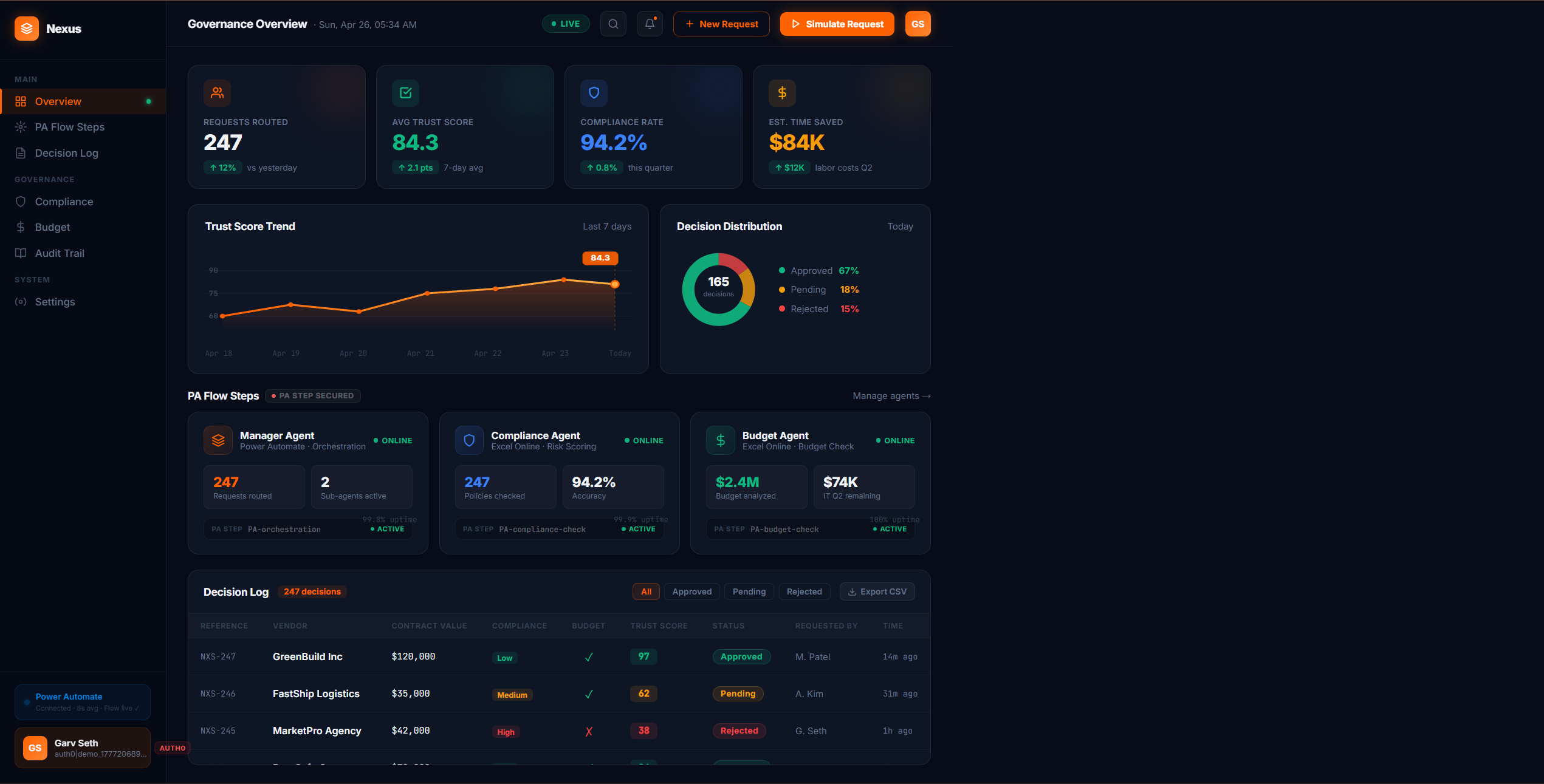
Nexus Dashboard
-
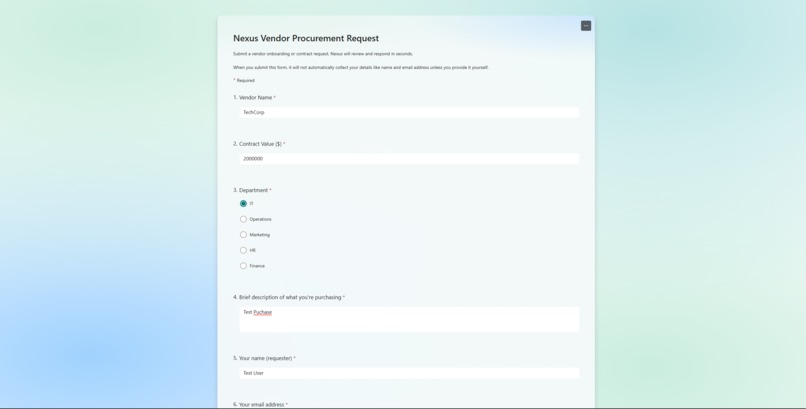
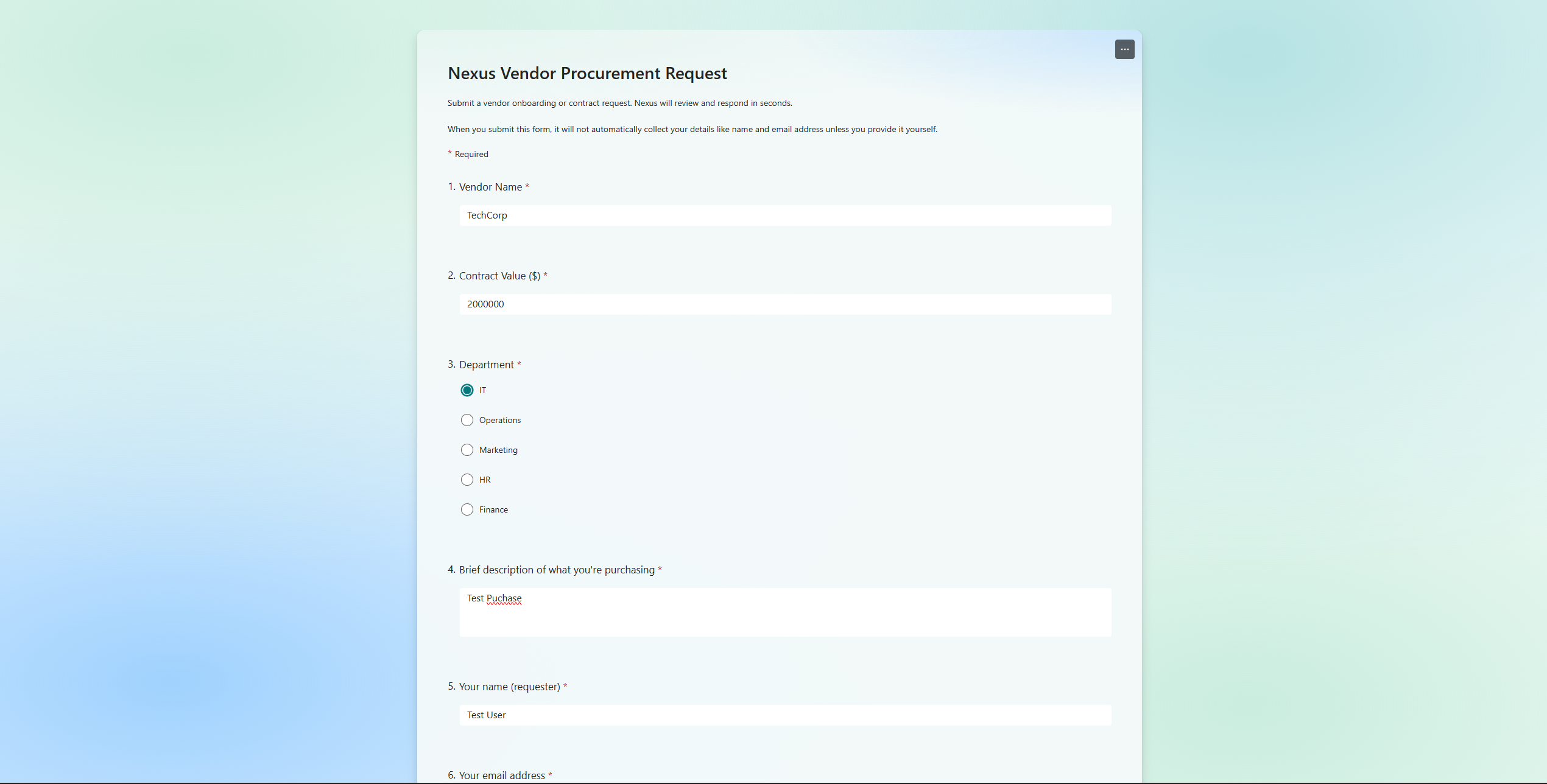
Form Intake
-
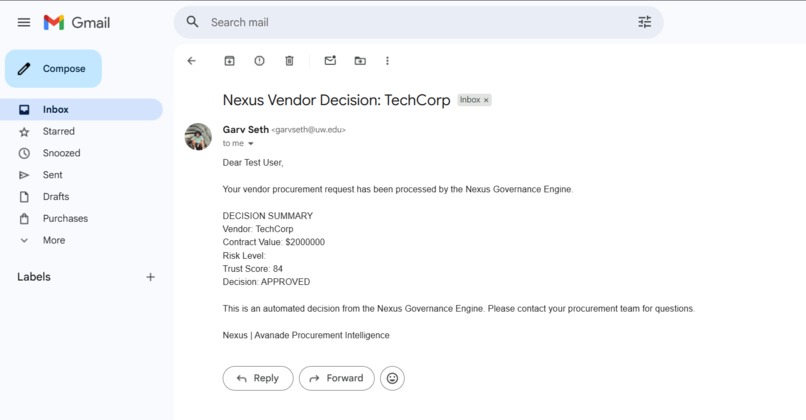
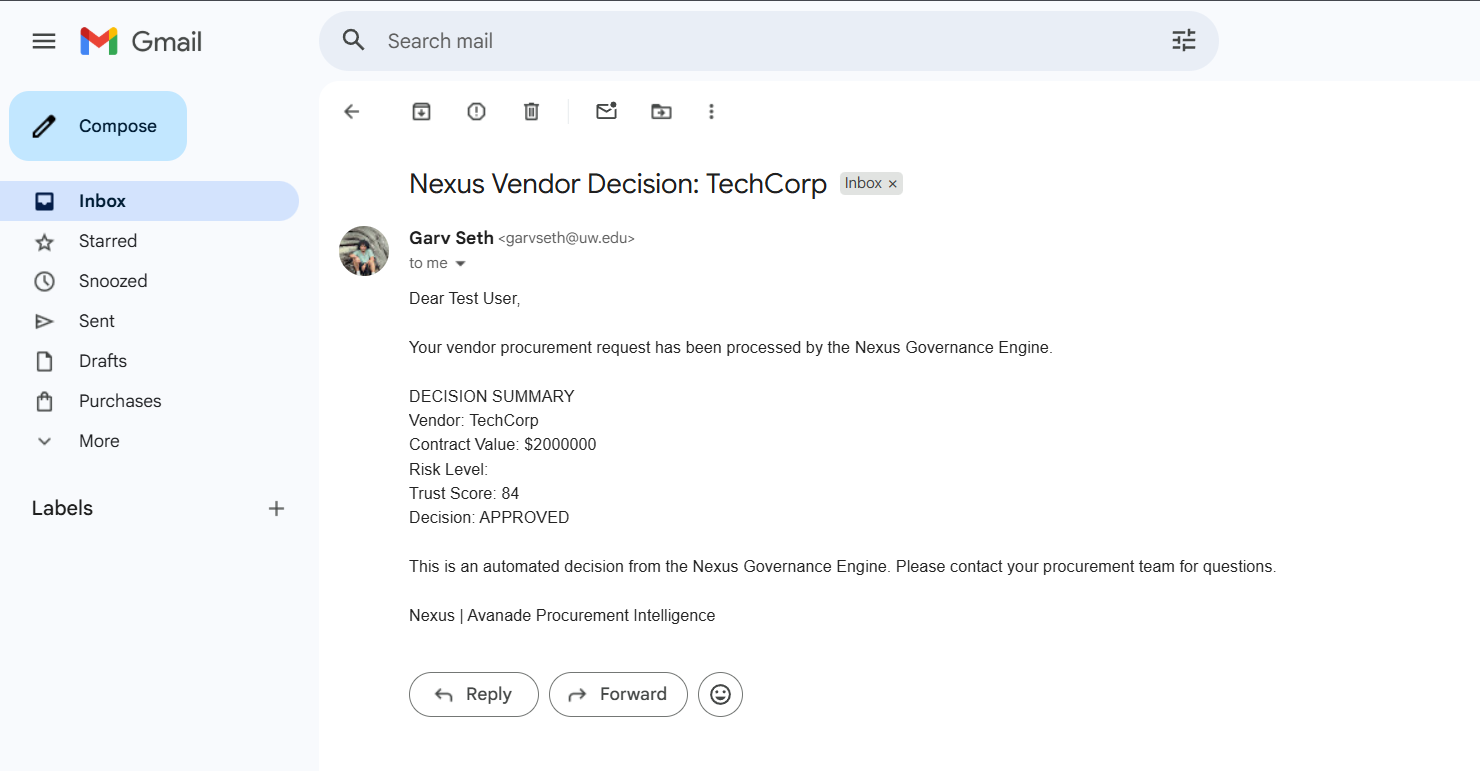
Decision Delivered
The Problem Is Personal
One of our teammates, Garv, is a vendor manager intern at Costco IT. He processes vendor approval requests. He has seen what a 3-day decision actually looks like in practice - a PDF emailed to a manager who is in a meeting, forwarded to procurement, bounced back for a missing SOC 2 attachment, re-submitted, and finally approved or rejected with no audit trail anyone can find six months later.
That is not a hypothetical. That is Tuesday.
So we built something to fix it.
What We Built
Nexus is a vendor procurement governance system built entirely on Microsoft Power Platform. No code, no custom APIs, no new infrastructure to procure (the irony would be too much).
A vendor request comes in through Microsoft Forms. Power Automate triggers immediately, checks the vendor against a database, validates the contract value against department budget thresholds, and computes a Trust Score:
$$\text{TrustScore} = (\text{ComplianceScore} \times 0.6) + (\text{BudgetScore} \times 0.4)$$
Where ComplianceScore accounts for risk flags and missing SOC 2 certification:
$$\text{ComplianceScore} = 100 - \text{RiskPenalty} - (10 \times \mathbb{1}[\text{no SOC 2}])$$
The result is a structured verdict. Auto-Approved for scores of 85 or above, Conditional for 60 to 84, Pending Review for 40 to 59, and Rejected below 40. The decision lands in the requestor's inbox and gets posted to Microsoft Teams. Every single outcome is logged to SharePoint with a timestamp, a score breakdown, and the full reasoning.
Average decision time is 9 seconds.
The system is live at beamish-hummingbird-7aa79d.netlify.app.
How We Built It
The whole thing runs in one Power Automate cloud flow. A form submission fires the trigger. Variables initialize. The flow checks the vendor against VendorDB.xlsx for known risk flags, then checks the contract value against DepartmentBudgets.xlsx. A Compose action runs the scoring formula. The result gets written to NexusDecisionLog.xlsx, a Teams card goes out to the governance channel, and an Outlook email delivers the formal decision to whoever submitted the request.
The frontend is a static site on Netlify. Auth0 gates access to the live dashboard.
Challenges
Power Automate's expression engine does not forgive mistakes. Getting the score composition right - especially for vendors with partial compliance data - meant running through a dozen flow versions. There is no debugger. You run it, it fails, you read the run history, you find the line that broke, and you fix it. Repeat.
The bigger challenge was restraint. Every hackathon pulls you toward adding AI everywhere. We did not. The governance logic in Nexus is deterministic and fully auditable by design. In a real enterprise, a procurement manager needs to explain every decision to a CFO. A black-box model does not survive that conversation. A formula does.
What We Learned
The best enterprise software feels obvious in hindsight. The hard part was not the technology. Power Automate handled that fine. The hard part was taking the informal judgment calls that procurement managers make every day, writing them down as explicit rules, and making the whole thing fast enough that nobody resists using it.
9 seconds versus 3 days. That gap is the product.
Built With
- auth0
- microsoft-office
- microsoft-powerautomate
- onedrive


Log in or sign up for Devpost to join the conversation.