Inspiration
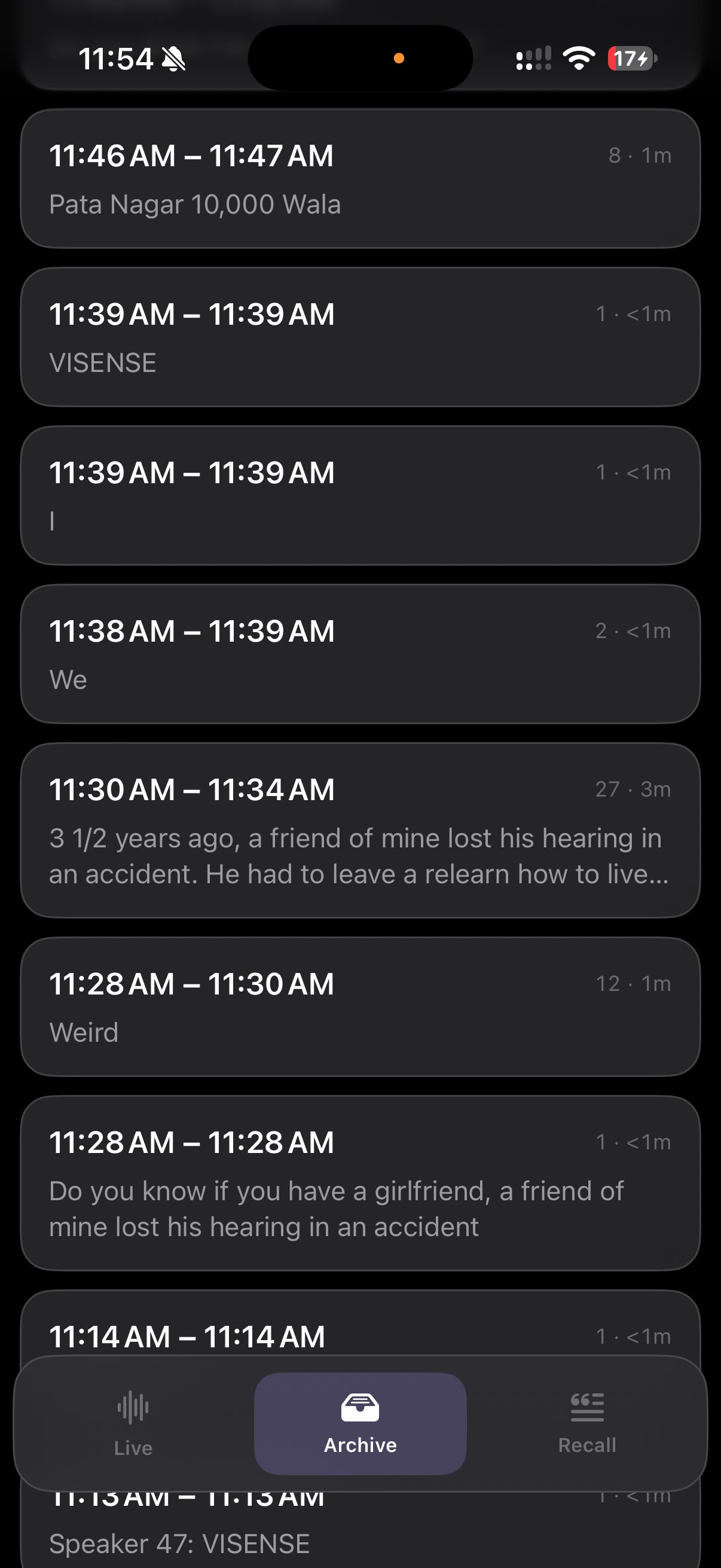
One of our team members, Adityan, has a friend who lost his hearing in an accident about three and a half years ago. He had to relearn how to get through everyday life. Conversations that used to be effortless turned into typing back and forth on a phone notepad, and in a group he was usually a few sentences behind or left out completely. We wanted to build something that lets him look at the person talking and still know what they're saying. That's what "Let's dig in" means to us: everyone gets to join the conversation.
What it does
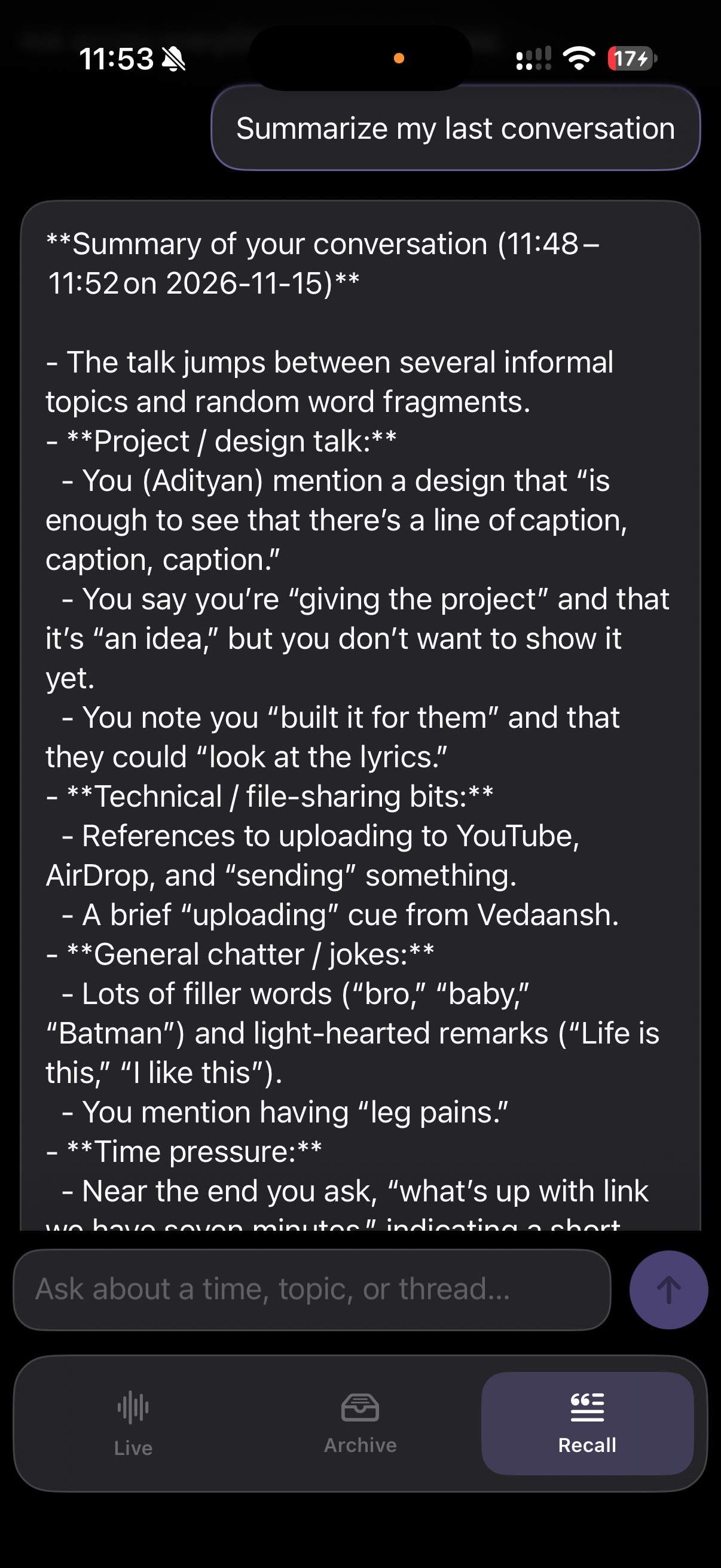
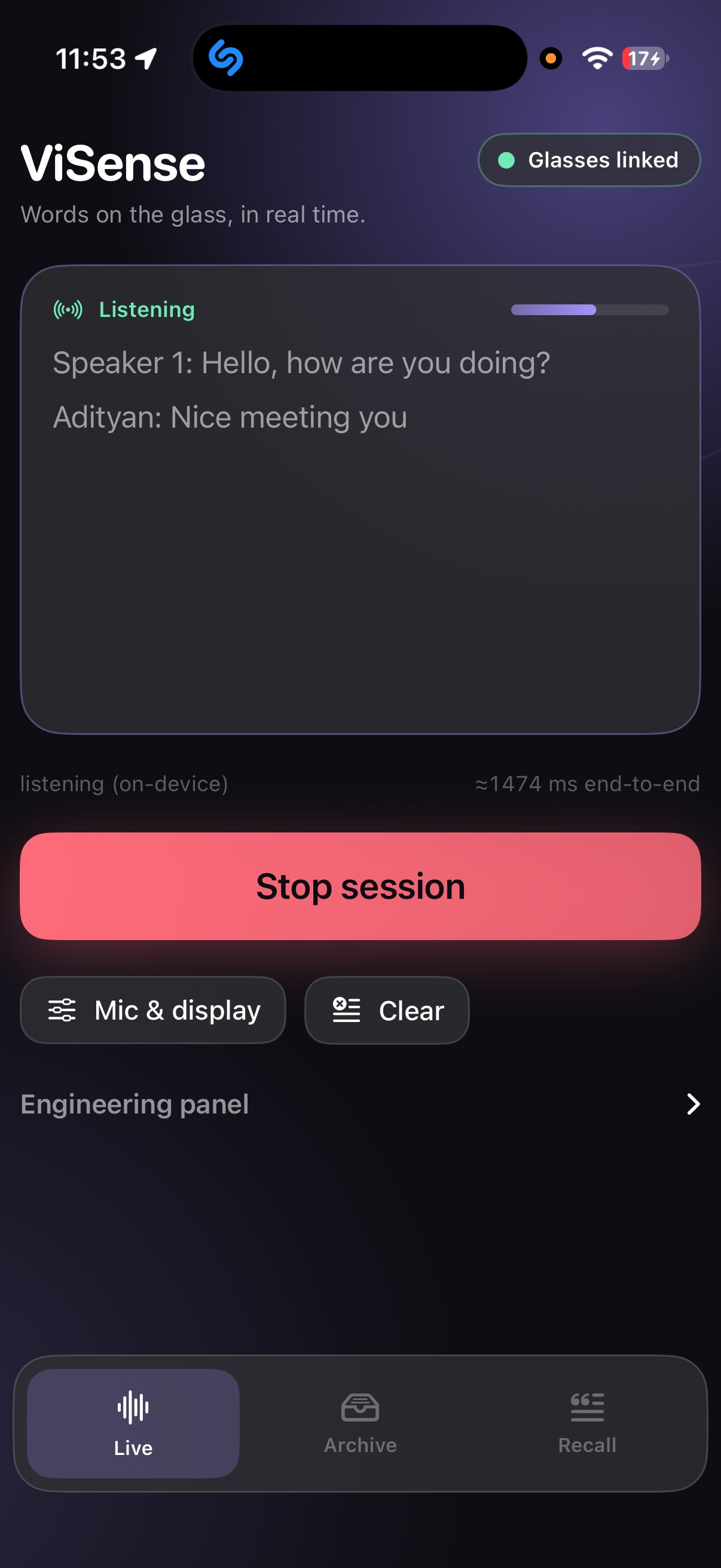
ViSense is a clip-on attachment for ordinary glasses that shows live captions in front of your eye. An iPhone app listens to the people around you, turns their speech into text in real time, and sends it over Bluetooth to the glasses. A small display, a mirror and a lens project the words onto a clear strip in front of the lens, so you read the captions while still looking at the person speaking. Every caption is also saved to Databricks, and a "Dig in" button shows a short AI recap of what you missed.
How we built it
- Hardware: a Seeed XIAO ESP32C3, a 0.96" OLED display, a mirror tile, a 150 mm lens and a clear acrylic strip, powered over USB.and an INMP441 microphone.
- Optics: the OLED shines down a tube, reflects off a mirror, passes through the lens and reflects off the acrylic strip into the eye. The lens makes the text appear about 30 cm away so it's comfortable to read.
- Housing: designed in code with CadQuery and 3D printed. We ray traced the light path against the 3D model before each print to check the whole screen was visible.
- Software: a SwiftUI iPhone app using Apple's speech recognition, sending text to the ESP32 over Bluetooth Low Energy. Firmware written for the ESP32 in [Arduino/PlatformIO].
- Databricks: captions stored in a Delta table, with a hosted model for recaps and a dashboard.
Challenges we ran into
- Focus. Our first version put the display 8 cm from the eye, which was too close to focus on. We had to learn enough optics to fix it.
- The wrong lens. Our first lens was too strong and only showed the middle of the screen. Simulating it showed we needed a much weaker one.
- Reflective film. The one-way mirror film we planned to use rippled and warped the text, so we switched to a mirror patch and reflected onto the bare acrylic].
- Size. We went through eight housing designs to get from a brick on the side of the head to something slim.
- Printing. Our print came back in white instead of black, which scatters light inside, so we blackened the inside by hand.
Accomplishments that we're proud of
- Readable live captions floating in front of a real pair of glasses, built from about $[XX] of parts.
- A full optical design, simulated and built, by a team with no optics background.
- It clips onto glasses you already own.
What we learned
- Basic optics: why distance matters for focus, how lenses and mirrors change an image, and why flat surfaces matter so much.
- How Bluetooth Low Energy works between a phone and a microcontroller.
- That simulating before printing saves days.
- That the hard part of assistive tech is comfort, not the demo.
What's next for Project ViSense
- Put it in the hands of Adityan's friend and other deaf and hard-of-hearing users, and redesign from their feedback.
- A smaller display and custom optics, so the whole unit hides inside the glasses arm.
- A battery, so there's no cable.
- A microphone on the glasses so the phone can stay in a pocket.
- Speaker labels, so you know who said what, and live translation.
